
ResourcesDWG symbol librariesISO 14084-2 power plant symbols
Pipe joints and fittings
ISO 14084-2 power plant symbols: Pipe joints and fittings: 39 ready-made AutoCAD blocks (DWG), free to download and use in your own projects, as a ZIP or one symbol at a time.
39 blocks for pipelines: reducers, flanges, blind flanges and end caps, compensators and hoses, restrictors and orifices, flow straighteners, silencers, viewing glasses and rupture discs, plus the marks for drains, vents, wall penetrations, insulation, jackets and tracing.
Version 1.0 · updated October 17, 2026
Using AutoCAD 2017 or an earlier version? Download the 2010 format
Free to use and modify in your own projects, including commercial ones. The ZIP holds one plain DWG file in AutoCAD 2018 format and a README; no add-in needed. Provided as is, without warranty.
Related symbol libraries
Works well with these tools
 Need to count these symbols across your drawings?Export every symbol and its attributes from a whole drawing set to Excel, edit the rows and write them back.See BlockSync
 Revised a symbol and need to know what changed?Compare two revisions of a drawing set block by block and get a report of what was added, removed or modified.See BlockCompare
 Which drawings use this symbol?Search blocks and text across hundreds of drawings at once, then jump straight to the match.See DwgSearch
All 39 symbols
39 of 39 symbols


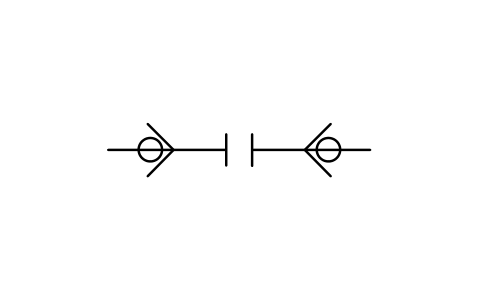
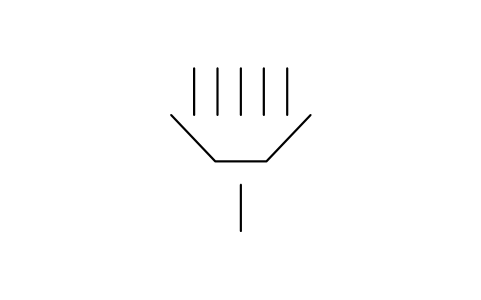
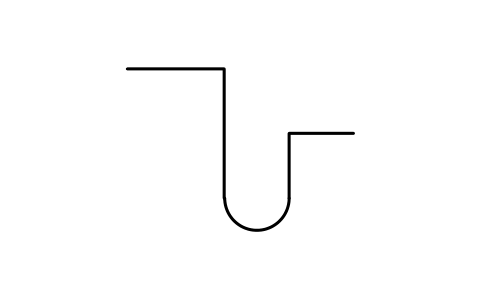
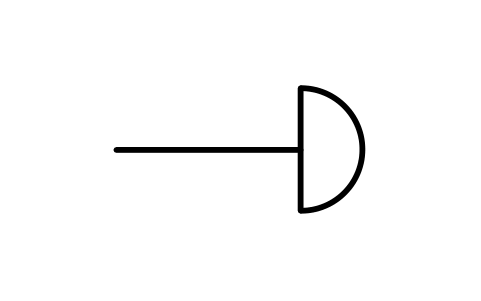
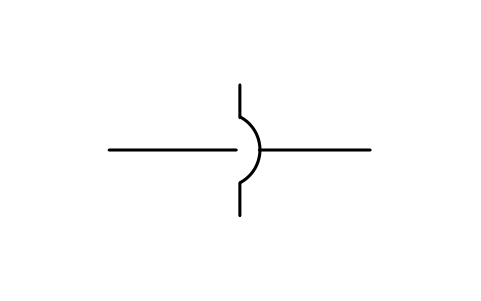
Quick coupling, self-closing, uncoupled
PPD_P033_QUICK_COUPLING_SHUTOFFAttributes
REMARKSSTD_CLAUSESTD_REFDESC




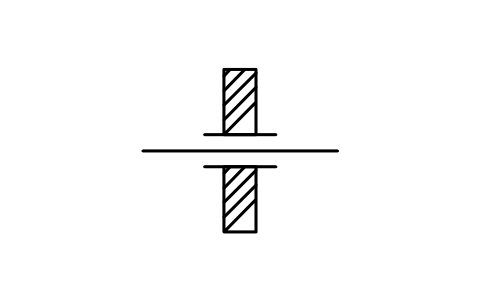

Penetration through wall, sealed
PPD_3002_WALL_PENETRATION_SEALEDAttributes
REMARKSSTD_CLAUSESTD_REFDESC
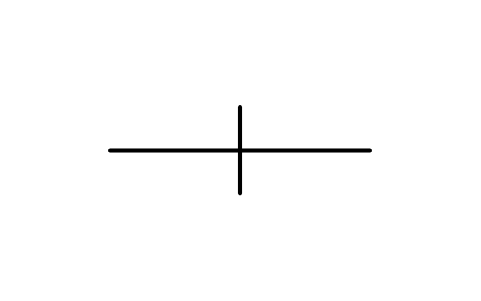




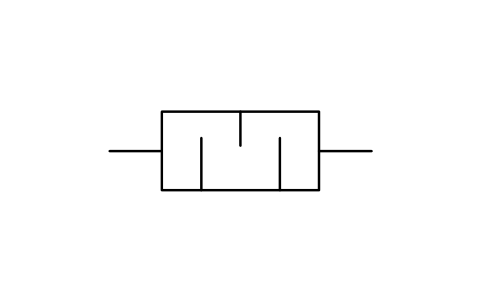
Orifice plate between flanges, form 2
PPD_P053_ORIFICE_PLATE_F2Attributes
REMARKSSTD_CLAUSESTD_REFDESC







Missing a symbol? Tell us which one.
Attributes for parts lists
Every block has a visible tag next to the symbol (for example B-101 for a boiler, ST-101 for a steam turbine, M-101 for a motor, G-101 for a generator). The data of your equipment list are invisible attributes such as SERVICE, POWER_MW, SPEED_RPM, INLET_PRESSURE_BAR, FUEL and MANUFACTURER. STD_CLAUSE and STD_REF hold the entry number and the registration number of the symbol in ISO 14084-2 (for example X6904), so you can find it in the standard.
Export the blocks of a process diagram to Excel with BlockSync to build an equipment list, check it against the drawing and write the corrections back in one run, with preview and backup.
How to use the library
- Unzip the file and open the DWG. Copy the symbols you need into your plan, or drag the blocks in from DesignCenter (ADCENTER).
- The symbols are drawn in millimetres on the 2.5 mm module of the standard and are 5 to 30 mm in size. Insert them at scale 1 and scale the block to the size of your diagram. A few very large symbols, such as the chimney and gas turbines, are reduced so that they stay a usable size.
- The connections are short lines or arrows where the standard draws them. Where the standard shows a * on a boiler, the type of the combustion or heating system is meant: place the matching symbol from the section on boilers next to it.
- A symbol that appears in two sections of the standard, such as the shaft, has the same block name in both sections, so the two DWG files can be used in one drawing.