
Free AutoCAD stadium seating symbols (DWG): seats, blocks, aisles, vomitories, sections, stand layouts
Stadium seating and stand layouts: 143 ready-made AutoCAD blocks (DWG), free to download and use in your own projects, as a ZIP or one symbol at a time.
143 blocks at real size in plan and section: fixed, premium, folding and bench seats, wheelchair and companion spaces, rows and blocks of 5 to 30 seats, curved blocks on arcs of 20 to 80 m, stair aisles, ramps, cross aisles, vomitories, tunnels and bleachers; hospitality boxes, suites and media positions; turnstiles, gates, queue lanes, kiosks, toilets and first aid; stand footprints, floodlights, video boards, team benches and technical areas; egress and safety marks; tier sections with rises of 200 to 400 mm, barriers, canopies and handrails; and stand layouts of 240 to 1600 seats.
Version 1.0 · updated October 30, 2026 · Check out what's changed
Using AutoCAD 2017 or an earlier version? Download the 2010 format
Copyright CADXChange. Use and modify the symbols freely in your own drawings and projects, including commercial ones; credit and a link are needed only when you publish them. Please do not redistribute or resell the library. Each ZIP holds one plain DWG file in AutoCAD 2018 format and a README; no add-in needed. Provided as is, without warranty. Library terms (CXL-1.0)
Related symbol libraries
All 143 symbols
143 of 143 symbols
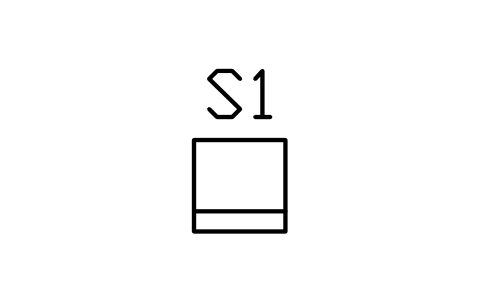
Seat, fixed, 500 x 500
STA_SEAT_FIXED_500Attributes
TAGSEAT_TYPEWIDTH_MMDEPTH_MMMATERIALCOLOURMANUFACTURERMODELQTYREMARKSDESC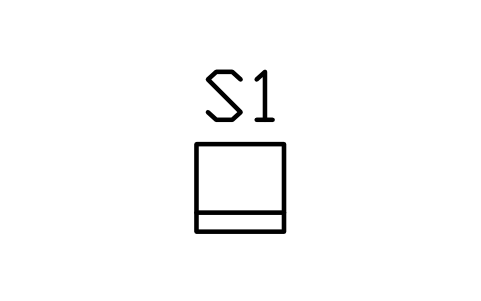
Seat, fixed, 450 x 450
STA_SEAT_FIXED_450Attributes
TAGSEAT_TYPEWIDTH_MMDEPTH_MMMATERIALCOLOURMANUFACTURERMODELQTYREMARKSDESC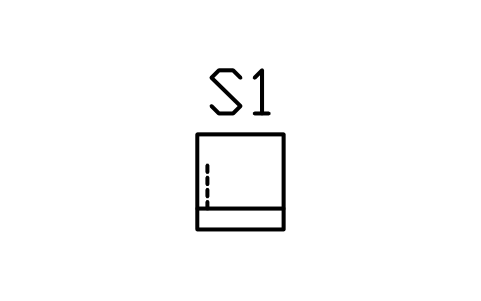
Seat, folding, 500 x 550
STA_SEAT_FOLDING_500Attributes
TAGSEAT_TYPEWIDTH_MMDEPTH_MMMATERIALCOLOURMANUFACTURERMODELQTYREMARKSDESC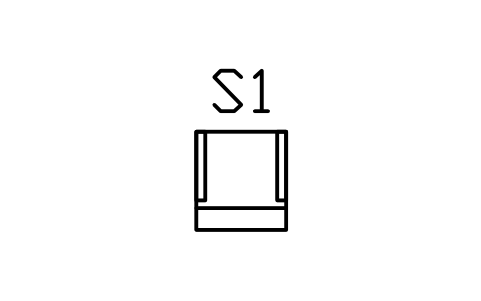
Seat, club, arm rests, 550
STA_SEAT_CLUB_550Attributes
TAGSEAT_TYPEWIDTH_MMDEPTH_MMMATERIALCOLOURMANUFACTURERMODELQTYREMARKSDESC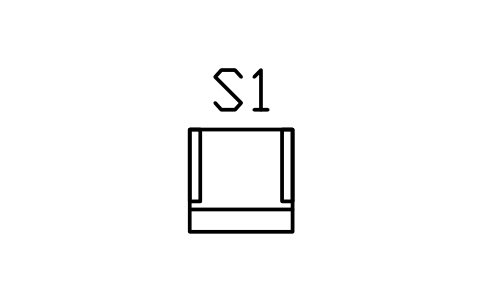
Seat, premium, arm rests, 650
STA_SEAT_PREMIUM_650Attributes
TAGSEAT_TYPEWIDTH_MMDEPTH_MMMATERIALCOLOURMANUFACTURERMODELQTYREMARKSDESC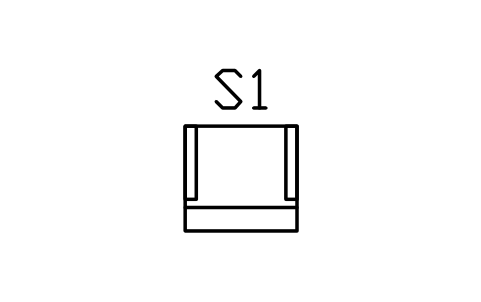
Seat, loge or box, 750
STA_SEAT_LOGE_750Attributes
TAGSEAT_TYPEWIDTH_MMDEPTH_MMMATERIALCOLOURMANUFACTURERMODELQTYREMARKSDESC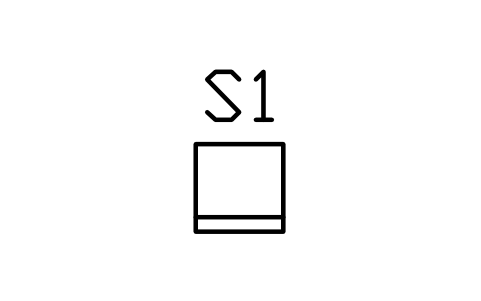
Bench place with back, 450
STA_SEAT_BENCH_450Attributes
TAGSEAT_TYPEWIDTH_MMDEPTH_MMMATERIALCOLOURMANUFACTURERMODELQTYREMARKSDESC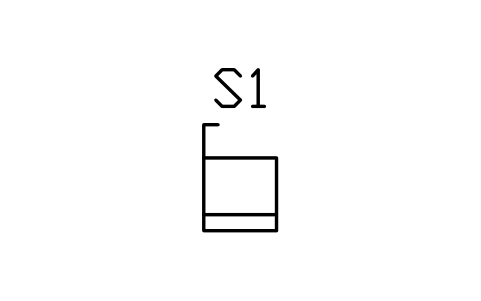
Seat, aisle end, 500 x 500
STA_SEAT_AISLEAttributes
TAGSEAT_TYPEWIDTH_MMDEPTH_MMMATERIALCOLOURMANUFACTURERMODELQTYREMARKSDESC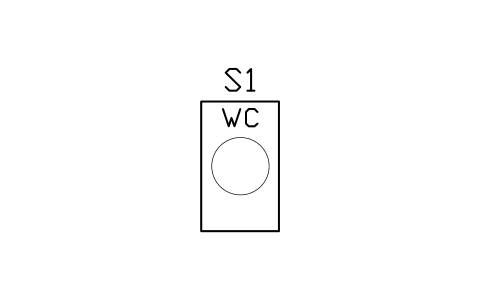
Wheelchair space, 900 x 1500
STA_SPACE_WHEELCHAIRAttributes
TAGSEAT_TYPEWIDTH_MMDEPTH_MMMATERIALCOLOURMANUFACTURERMODELQTYREMARKSDESC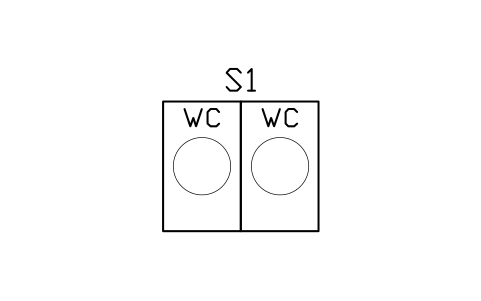
Wheelchair space, 1800 x 1500
STA_SPACE_WHEELCHAIR_PAIRAttributes
TAGSEAT_TYPEWIDTH_MMDEPTH_MMMATERIALCOLOURMANUFACTURERMODELQTYREMARKSDESC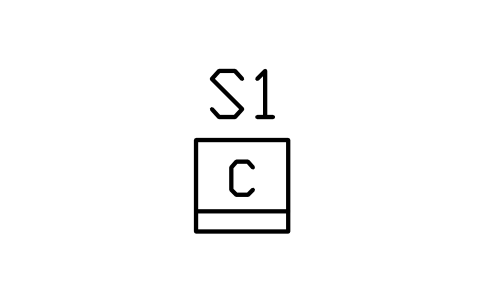
Companion seat beside space
STA_SPACE_COMPANIONAttributes
TAGSEAT_TYPEWIDTH_MMDEPTH_MMMATERIALCOLOURMANUFACTURERMODELQTYREMARKSDESC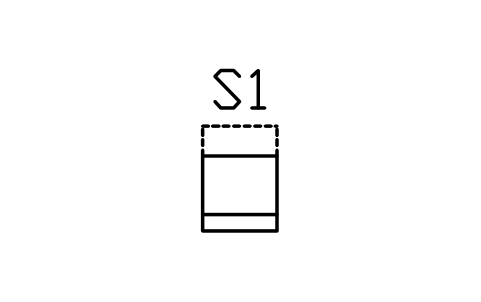
Ambulant seat, extra legroom
STA_SPACE_AMBULANTAttributes
TAGSEAT_TYPEWIDTH_MMDEPTH_MMMATERIALCOLOURMANUFACTURERMODELQTYREMARKSDESC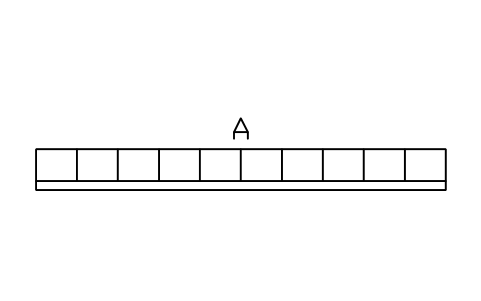
Seat row, 10 seats
STA_ROW_10Attributes
TAGBLOCK_TYPESECTORROWSSEATS_PER_ROWSEAT_COUNTSEAT_PITCH_MMROW_SPACING_MMSEAT_MODELMANUFACTURERREMARKSDESC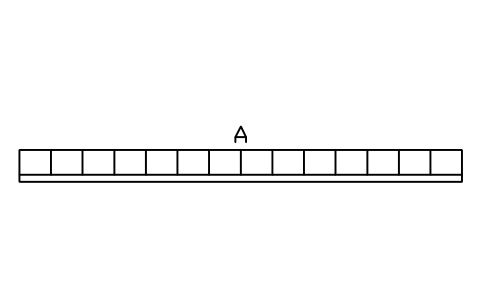
Seat row, 14 seats
STA_ROW_14Attributes
TAGBLOCK_TYPESECTORROWSSEATS_PER_ROWSEAT_COUNTSEAT_PITCH_MMROW_SPACING_MMSEAT_MODELMANUFACTURERREMARKSDESC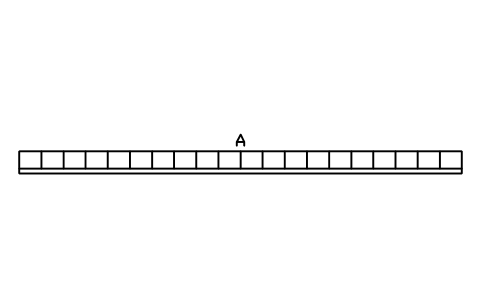
Seat row, 20 seats
STA_ROW_20Attributes
TAGBLOCK_TYPESECTORROWSSEATS_PER_ROWSEAT_COUNTSEAT_PITCH_MMROW_SPACING_MMSEAT_MODELMANUFACTURERREMARKSDESC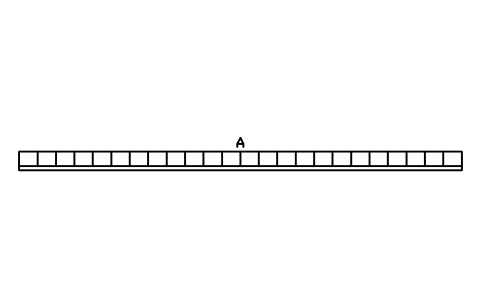
Seat row, 24 seats
STA_ROW_24Attributes
TAGBLOCK_TYPESECTORROWSSEATS_PER_ROWSEAT_COUNTSEAT_PITCH_MMROW_SPACING_MMSEAT_MODELMANUFACTURERREMARKSDESC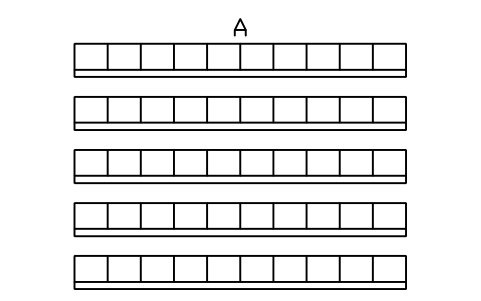
Seat block, 5 rows x 10
STA_BLOCK_5X10Attributes
TAGBLOCK_TYPESECTORROWSSEATS_PER_ROWSEAT_COUNTSEAT_PITCH_MMROW_SPACING_MMSEAT_MODELMANUFACTURERREMARKSDESC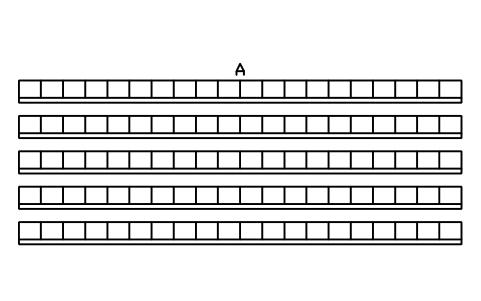
Seat block, 5 rows x 20
STA_BLOCK_5X20Attributes
TAGBLOCK_TYPESECTORROWSSEATS_PER_ROWSEAT_COUNTSEAT_PITCH_MMROW_SPACING_MMSEAT_MODELMANUFACTURERREMARKSDESC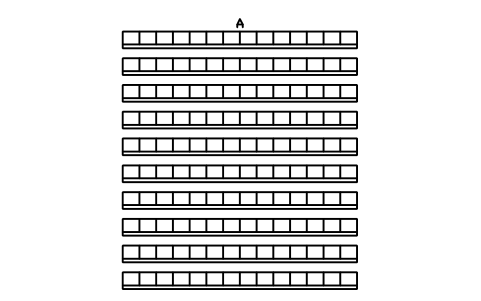
Seat block, 10 rows x 14
STA_BLOCK_10X14Attributes
TAGBLOCK_TYPESECTORROWSSEATS_PER_ROWSEAT_COUNTSEAT_PITCH_MMROW_SPACING_MMSEAT_MODELMANUFACTURERREMARKSDESC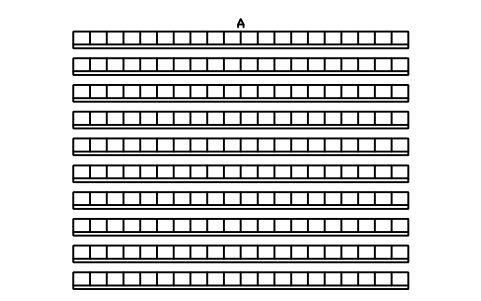
Seat block, 10 rows x 20
STA_BLOCK_10X20Attributes
TAGBLOCK_TYPESECTORROWSSEATS_PER_ROWSEAT_COUNTSEAT_PITCH_MMROW_SPACING_MMSEAT_MODELMANUFACTURERREMARKSDESC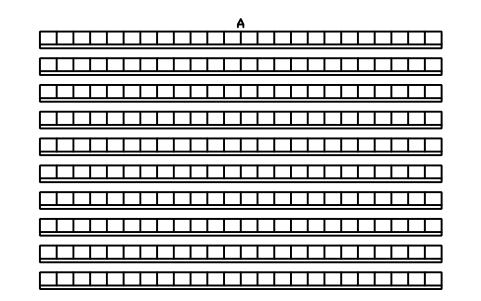
Seat block, 10 rows x 24
STA_BLOCK_10X24Attributes
TAGBLOCK_TYPESECTORROWSSEATS_PER_ROWSEAT_COUNTSEAT_PITCH_MMROW_SPACING_MMSEAT_MODELMANUFACTURERREMARKSDESC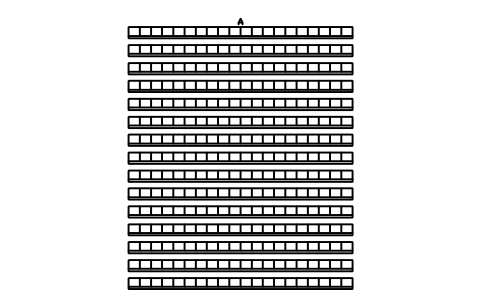
Seat block, 15 rows x 20
STA_BLOCK_15X20Attributes
TAGBLOCK_TYPESECTORROWSSEATS_PER_ROWSEAT_COUNTSEAT_PITCH_MMROW_SPACING_MMSEAT_MODELMANUFACTURERREMARKSDESC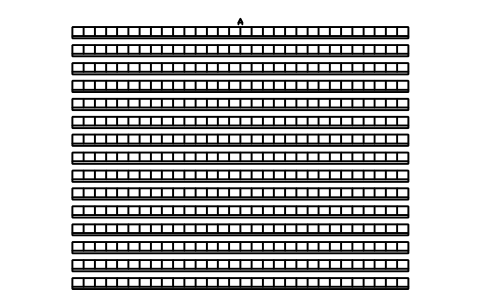
Seat block, 15 rows x 30
STA_BLOCK_15X30Attributes
TAGBLOCK_TYPESECTORROWSSEATS_PER_ROWSEAT_COUNTSEAT_PITCH_MMROW_SPACING_MMSEAT_MODELMANUFACTURERREMARKSDESC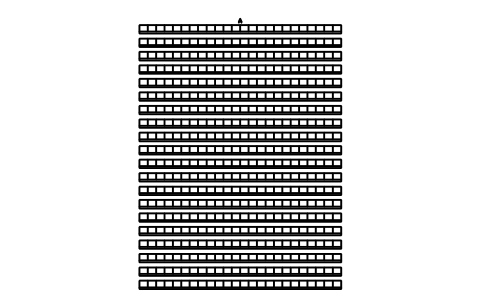
Seat block, 20 rows x 24
STA_BLOCK_20X24Attributes
TAGBLOCK_TYPESECTORROWSSEATS_PER_ROWSEAT_COUNTSEAT_PITCH_MMROW_SPACING_MMSEAT_MODELMANUFACTURERREMARKSDESC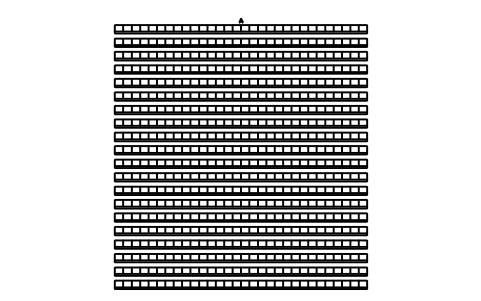
Seat block, 20 rows x 30
STA_BLOCK_20X30Attributes
TAGBLOCK_TYPESECTORROWSSEATS_PER_ROWSEAT_COUNTSEAT_PITCH_MMROW_SPACING_MMSEAT_MODELMANUFACTURERREMARKSDESC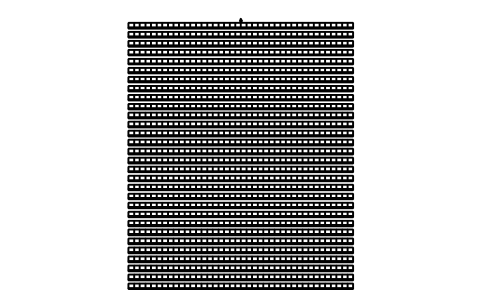
Seat block, 30 rows x 40
STA_BLOCK_30X40Attributes
TAGBLOCK_TYPESECTORROWSSEATS_PER_ROWSEAT_COUNTSEAT_PITCH_MMROW_SPACING_MMSEAT_MODELMANUFACTURERREMARKSDESC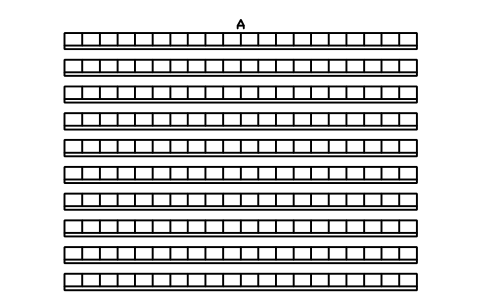
Seat block, 760 row, 10 x 20
STA_BLOCK_TIGHT_10X20Attributes
TAGBLOCK_TYPESECTORROWSSEATS_PER_ROWSEAT_COUNTSEAT_PITCH_MMROW_SPACING_MMSEAT_MODELMANUFACTURERREMARKSDESC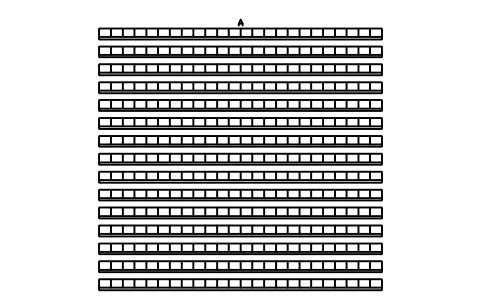
Seat block, 760 row, 15 x 24
STA_BLOCK_TIGHT_15X24Attributes
TAGBLOCK_TYPESECTORROWSSEATS_PER_ROWSEAT_COUNTSEAT_PITCH_MMROW_SPACING_MMSEAT_MODELMANUFACTURERREMARKSDESC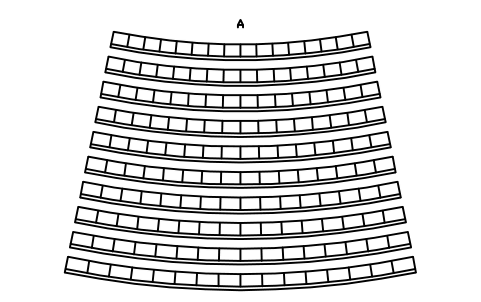
Curved block R20 m, 10 rows x 16
STA_CURVE_R20_10X16Attributes
TAGBLOCK_TYPESECTORROWSSEATS_PER_ROWSEAT_COUNTSEAT_PITCH_MMROW_SPACING_MMSEAT_MODELMANUFACTURERREMARKSDESC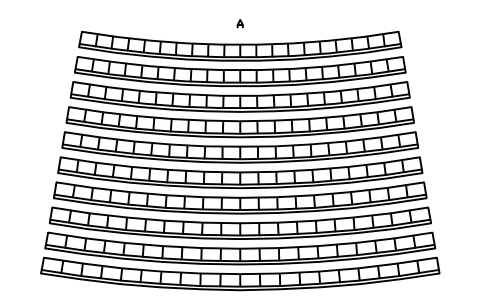
Curved block R30 m, 10 rows x 20
STA_CURVE_R30_10X20Attributes
TAGBLOCK_TYPESECTORROWSSEATS_PER_ROWSEAT_COUNTSEAT_PITCH_MMROW_SPACING_MMSEAT_MODELMANUFACTURERREMARKSDESC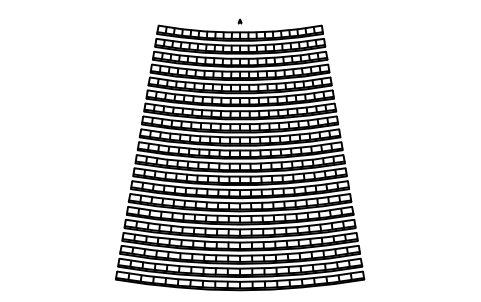
Curved block R30 m, 20 rows x 20
STA_CURVE_R30_20X20Attributes
TAGBLOCK_TYPESECTORROWSSEATS_PER_ROWSEAT_COUNTSEAT_PITCH_MMROW_SPACING_MMSEAT_MODELMANUFACTURERREMARKSDESC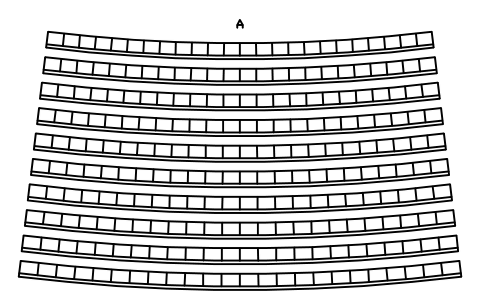
Curved block R50 m, 10 rows x 24
STA_CURVE_R50_10X24Attributes
TAGBLOCK_TYPESECTORROWSSEATS_PER_ROWSEAT_COUNTSEAT_PITCH_MMROW_SPACING_MMSEAT_MODELMANUFACTURERREMARKSDESC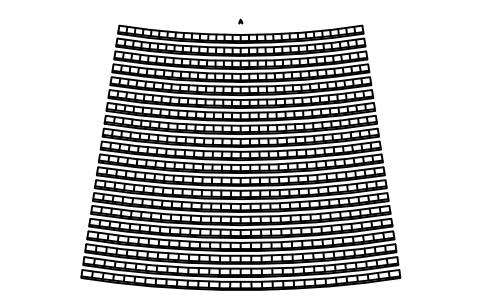
Curved block R50 m, 20 rows x 30
STA_CURVE_R50_20X30Attributes
TAGBLOCK_TYPESECTORROWSSEATS_PER_ROWSEAT_COUNTSEAT_PITCH_MMROW_SPACING_MMSEAT_MODELMANUFACTURERREMARKSDESC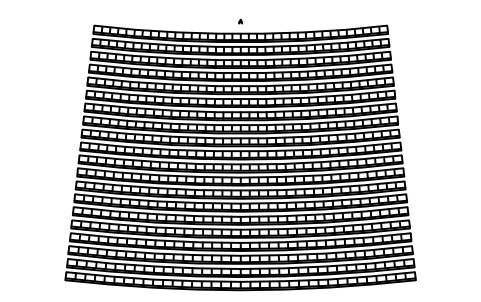
Curved block R80 m, 20 rows x 36
STA_CURVE_R80_20X36Attributes
TAGBLOCK_TYPESECTORROWSSEATS_PER_ROWSEAT_COUNTSEAT_PITCH_MMROW_SPACING_MMSEAT_MODELMANUFACTURERREMARKSDESC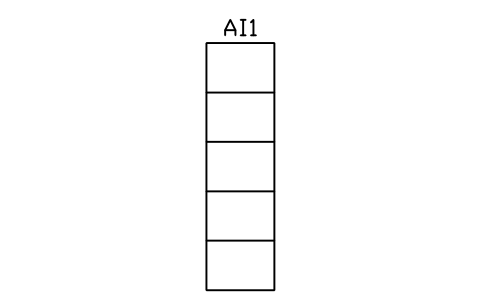
Stair aisle 1100, 5 rows
STA_AISLE_STAIR_5Attributes
TAGITEM_TYPESIZEMATERIALMANUFACTURERMODELQTYREMARKSDESC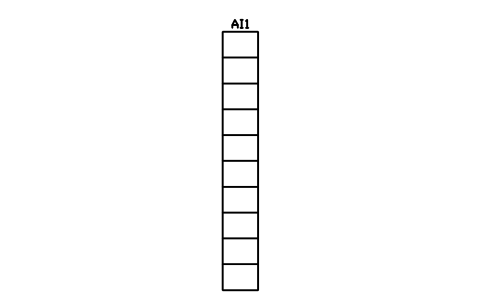
Stair aisle 1100, 10 rows
STA_AISLE_STAIR_10Attributes
TAGITEM_TYPESIZEMATERIALMANUFACTURERMODELQTYREMARKSDESC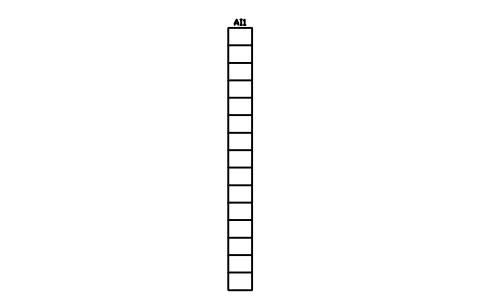
Stair aisle 1100, 15 rows
STA_AISLE_STAIR_15Attributes
TAGITEM_TYPESIZEMATERIALMANUFACTURERMODELQTYREMARKSDESC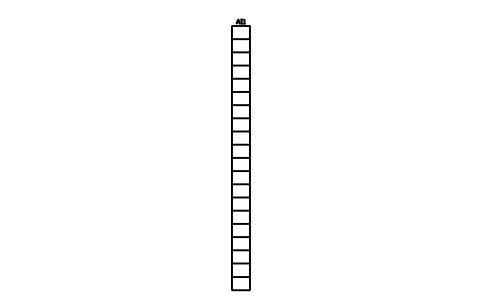
Stair aisle 1100, 20 rows
STA_AISLE_STAIR_20Attributes
TAGITEM_TYPESIZEMATERIALMANUFACTURERMODELQTYREMARKSDESC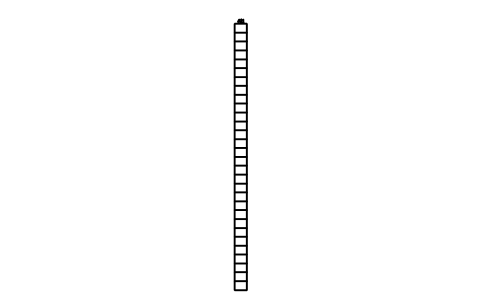
Stair aisle 1100, 30 rows
STA_AISLE_STAIR_30Attributes
TAGITEM_TYPESIZEMATERIALMANUFACTURERMODELQTYREMARKSDESC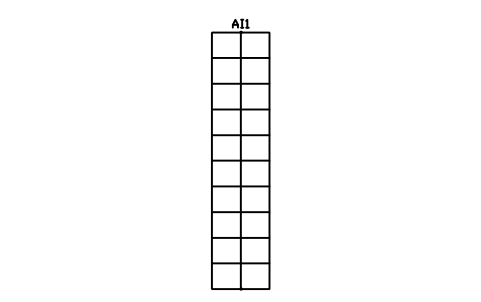
Stair aisle, centre rail, 10 rows
STA_AISLE_STAIR_RAIL_10Attributes
TAGITEM_TYPESIZEMATERIALMANUFACTURERMODELQTYREMARKSDESC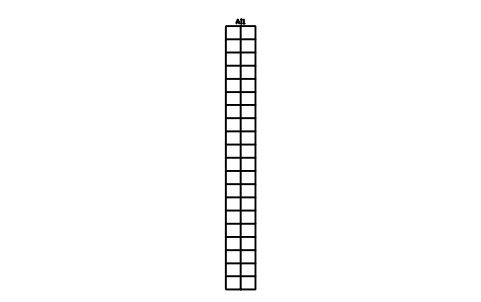
Stair aisle, centre rail, 20 rows
STA_AISLE_STAIR_RAIL_20Attributes
TAGITEM_TYPESIZEMATERIALMANUFACTURERMODELQTYREMARKSDESC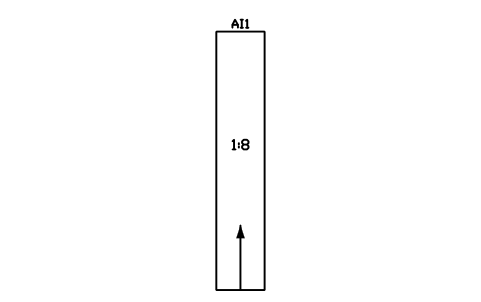
Ramp aisle, 1:8, 8000
STA_AISLE_RAMP_8Attributes
TAGITEM_TYPESIZEMATERIALMANUFACTURERMODELQTYREMARKSDESC
Cross aisle, 1500 wide, 6000
STA_AISLE_CROSS_1500Attributes
TAGITEM_TYPESIZEMATERIALMANUFACTURERMODELQTYREMARKSDESC
Cross aisle, 2400 wide, 6000
STA_AISLE_CROSS_2400Attributes
TAGITEM_TYPESIZEMATERIALMANUFACTURERMODELQTYREMARKSDESC
Stair landing, 1100 x 1100
STA_AISLE_LANDINGAttributes
TAGITEM_TYPESIZEMATERIALMANUFACTURERMODELQTYREMARKSDESC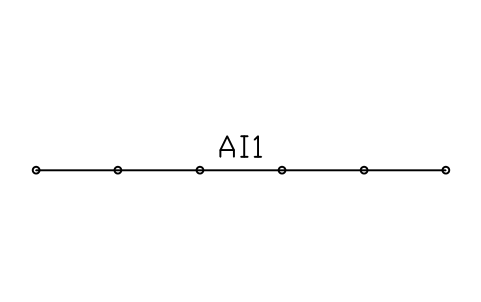
Aisle handrail, 1100 high, 5000
STA_AISLE_BARRIER_1100Attributes
TAGITEM_TYPESIZEMATERIALMANUFACTURERMODELQTYREMARKSDESC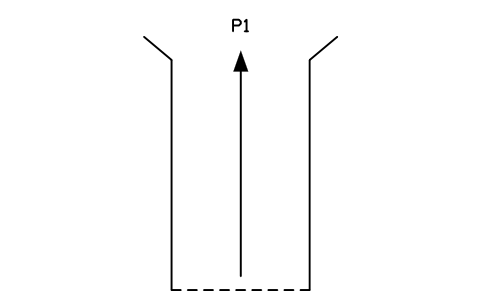
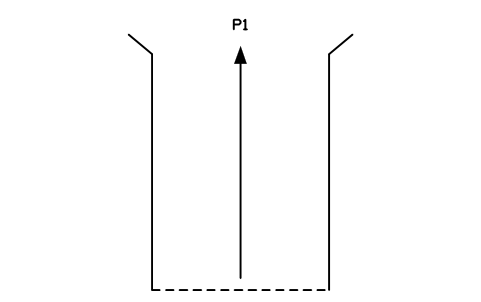
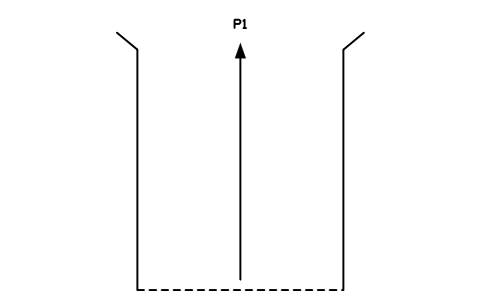
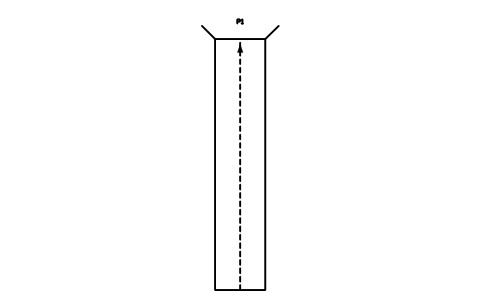
Players' tunnel, 3000 x 15000
STA_TUNNEL_PLAYERSAttributes
TAGITEM_TYPESIZEMATERIALMANUFACTURERMODELQTYREMARKSDESC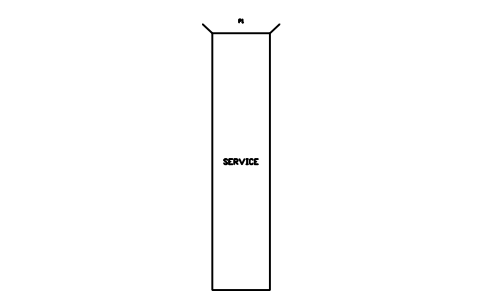
Service tunnel, 4500 x 20000
STA_TUNNEL_SERVICEAttributes
TAGITEM_TYPESIZEMATERIALMANUFACTURERMODELQTYREMARKSDESC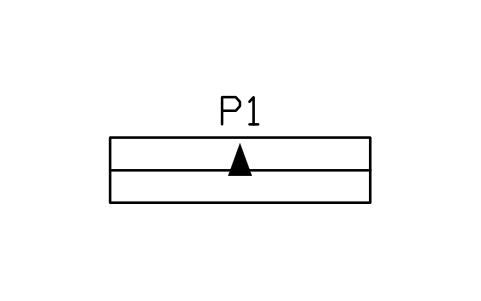
Portal entry to stand, 2400
STA_PORTAL_ENTRYAttributes
TAGITEM_TYPESIZEMATERIALMANUFACTURERMODELQTYREMARKSDESC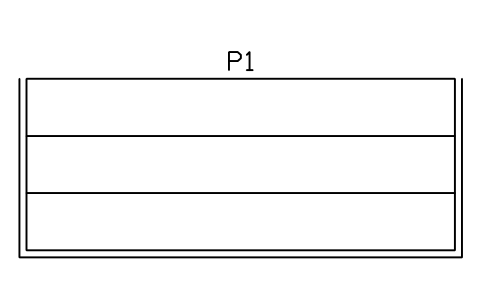
Bleacher, 3 rows x 6 m, rail
STA_BLEACHER_3X6Attributes
TAGITEM_TYPESIZEMATERIALMANUFACTURERMODELQTYREMARKSDESC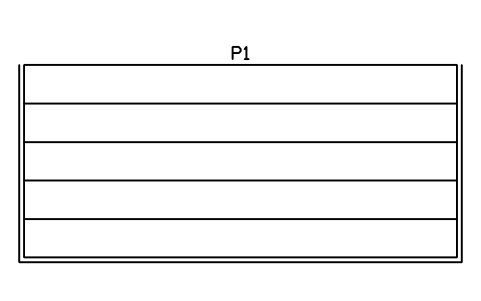
Bleacher, 5 rows x 9 m, rail
STA_BLEACHER_5X9Attributes
TAGITEM_TYPESIZEMATERIALMANUFACTURERMODELQTYREMARKSDESC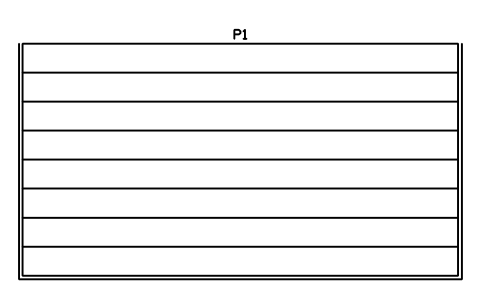
Bleacher, 8 rows x 12 m, rail
STA_BLEACHER_8X12Attributes
TAGITEM_TYPESIZEMATERIALMANUFACTURERMODELQTYREMARKSDESC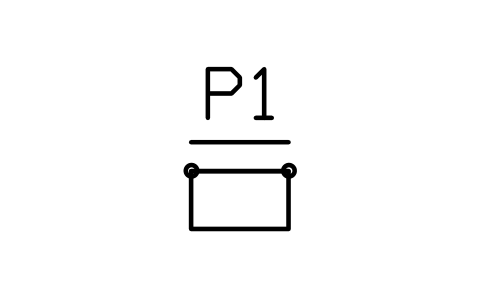
Safe-standing rail bay, 500
STA_STAND_RAIL_BAYAttributes
TAGITEM_TYPESIZEMATERIALMANUFACTURERMODELQTYREMARKSDESC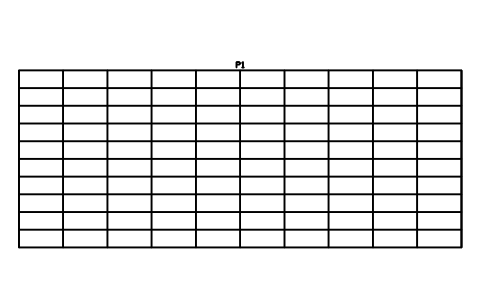
Terrace, 10 steps x 20 m
STA_STAND_TERRACE_20Attributes
TAGITEM_TYPESIZEMATERIALMANUFACTURERMODELQTYREMARKSDESC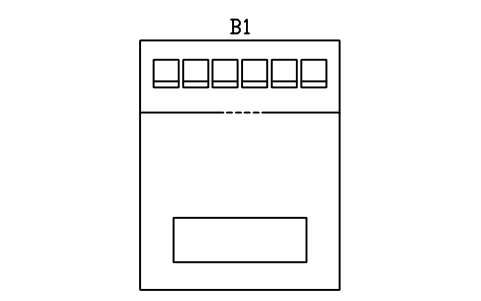
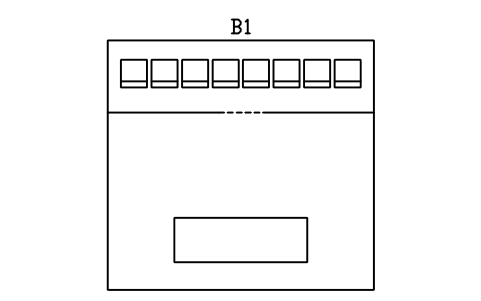
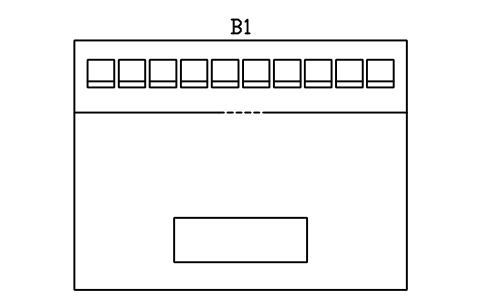
Hospitality box, 10 seats
STA_BOX_10Attributes
TAGITEM_TYPESIZEMATERIALMANUFACTURERMODELQTYREMARKSDESC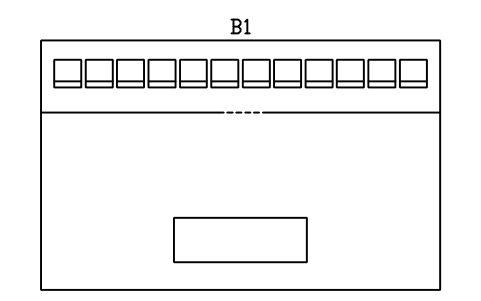
Hospitality box, 12 seats
STA_BOX_12Attributes
TAGITEM_TYPESIZEMATERIALMANUFACTURERMODELQTYREMARKSDESC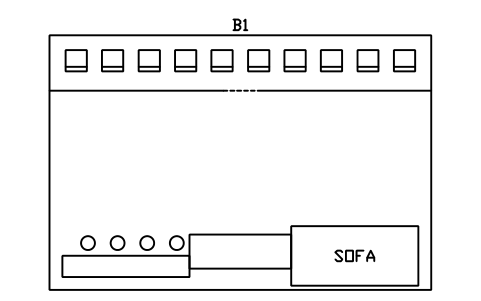
Executive suite, 20 seats
STA_SUITE_20Attributes
TAGITEM_TYPESIZEMATERIALMANUFACTURERMODELQTYREMARKSDESC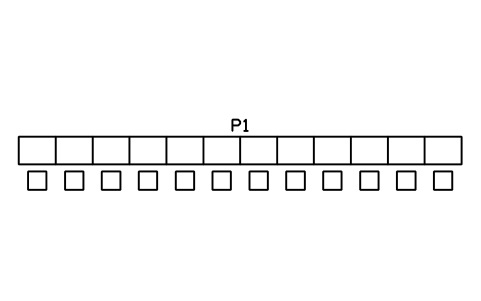
Media tribune, 12 positions
STA_PRESS_12Attributes
TAGITEM_TYPESIZEMATERIALMANUFACTURERMODELQTYREMARKSDESC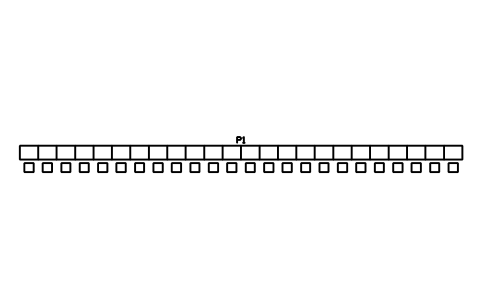
Media tribune, 24 positions
STA_PRESS_24Attributes
TAGITEM_TYPESIZEMATERIALMANUFACTURERMODELQTYREMARKSDESC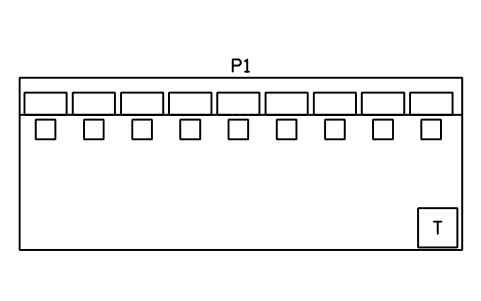
Press box room, 9000 x 3500
STA_PRESS_ROOMAttributes
TAGITEM_TYPESIZEMATERIALMANUFACTURERMODELQTYREMARKSDESC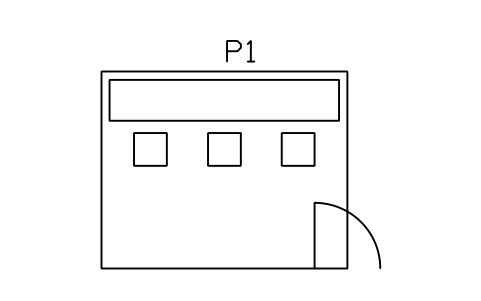
Commentary booth, 3 positions
STA_COMMENTARY_3Attributes
TAGITEM_TYPESIZEMATERIALMANUFACTURERMODELQTYREMARKSDESC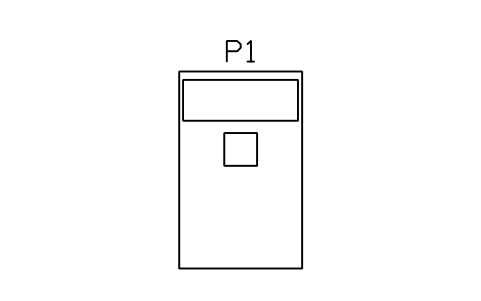
Commentary booth, 1 position
STA_COMMENTARY_1Attributes
TAGITEM_TYPESIZEMATERIALMANUFACTURERMODELQTYREMARKSDESC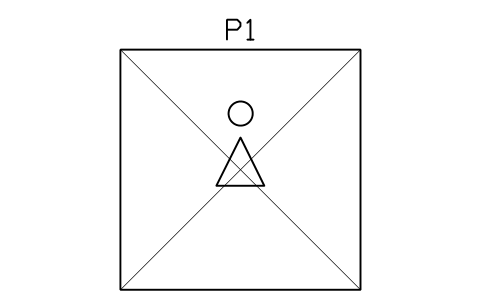
Camera platform, 3000 x 3000
STA_CAMERA_PLATFORM_3000Attributes
TAGITEM_TYPESIZEMATERIALMANUFACTURERMODELQTYREMARKSDESC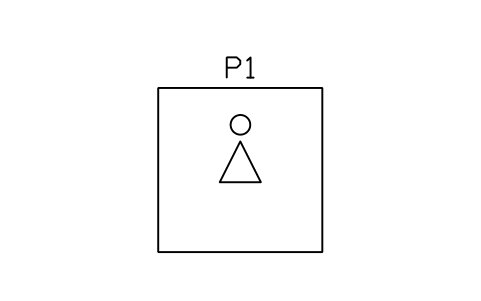
Camera platform, 2000 x 2000
STA_CAMERA_PLATFORM_2000Attributes
TAGITEM_TYPESIZEMATERIALMANUFACTURERMODELQTYREMARKSDESC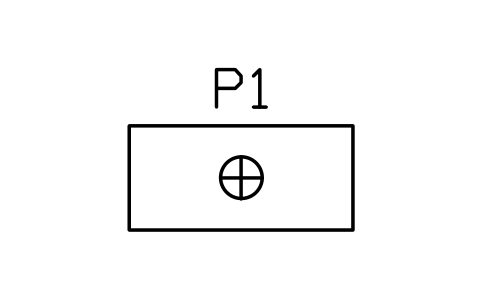
Photographer position, 1500
STA_PHOTO_POSITIONAttributes
TAGITEM_TYPESIZEMATERIALMANUFACTURERMODELQTYREMARKSDESC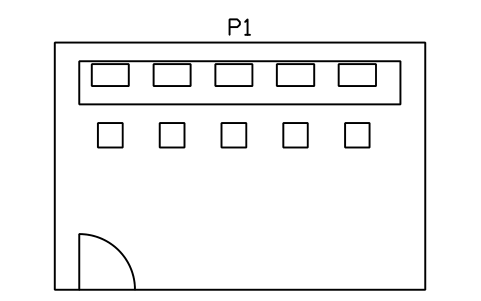
Event control room, 6000 x 4000
STA_CONTROL_ROOMAttributes
TAGITEM_TYPESIZEMATERIALMANUFACTURERMODELQTYREMARKSDESC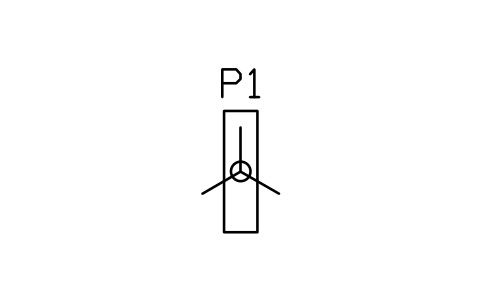
Turnstile bank, 1 lane
STA_TURNSTILES_1Attributes
TAGITEM_TYPESIZEMATERIALMANUFACTURERMODELQTYREMARKSDESC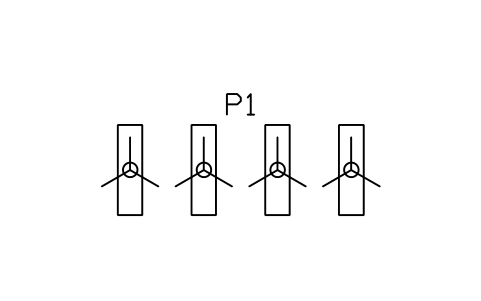
Turnstile bank, 4 lanes
STA_TURNSTILES_4Attributes
TAGITEM_TYPESIZEMATERIALMANUFACTURERMODELQTYREMARKSDESC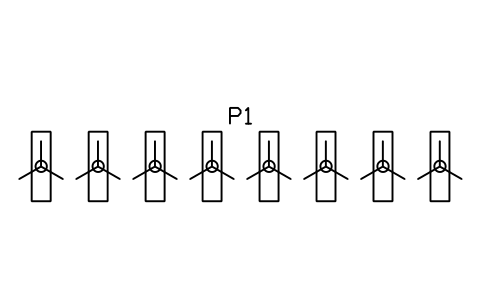
Turnstile bank, 8 lanes
STA_TURNSTILES_8Attributes
TAGITEM_TYPESIZEMATERIALMANUFACTURERMODELQTYREMARKSDESC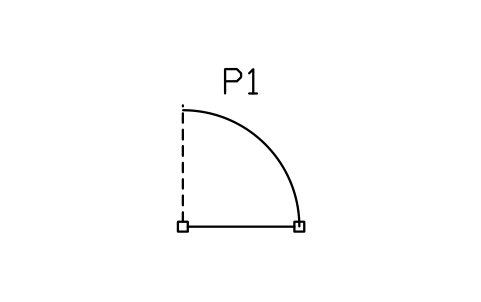
Accessible gate, 1200
STA_GATE_ACCESSIBLEAttributes
TAGITEM_TYPESIZEMATERIALMANUFACTURERMODELQTYREMARKSDESC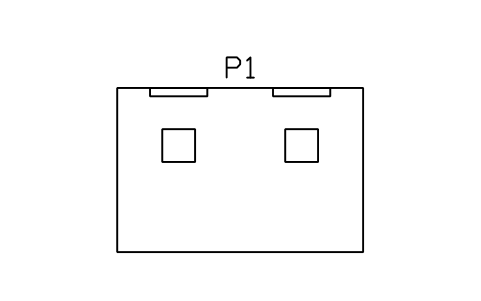
Ticket booth, 2 windows
STA_TICKET_WINDOW_2Attributes
TAGITEM_TYPESIZEMATERIALMANUFACTURERMODELQTYREMARKSDESC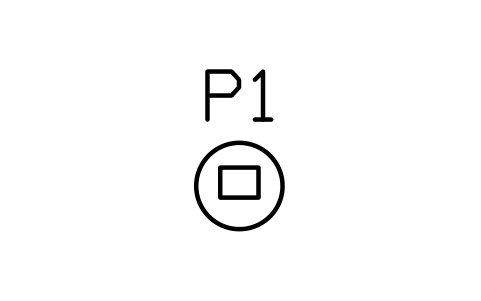
Ticket scanner stand
STA_SCANNER_STANDAttributes
TAGITEM_TYPESIZEMATERIALMANUFACTURERMODELQTYREMARKSDESC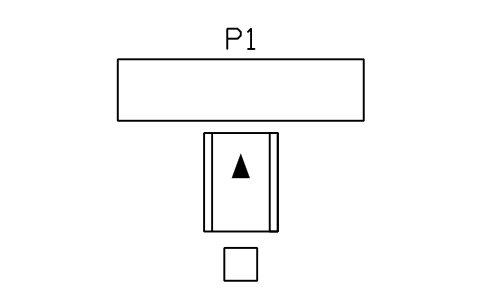
Security lane, arch and table
STA_SECURITY_LANEAttributes
TAGITEM_TYPESIZEMATERIALMANUFACTURERMODELQTYREMARKSDESC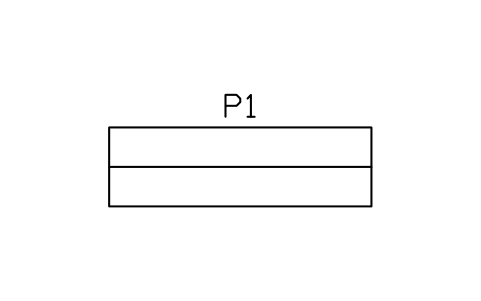
Bag check table, 3000
STA_BAG_CHECK_TABLEAttributes
TAGITEM_TYPESIZEMATERIALMANUFACTURERMODELQTYREMARKSDESC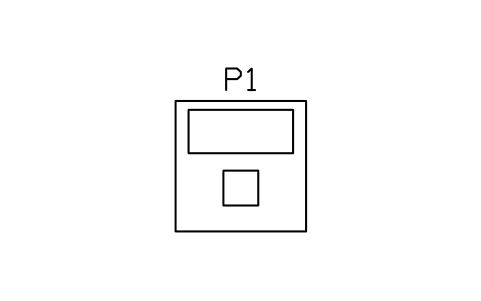
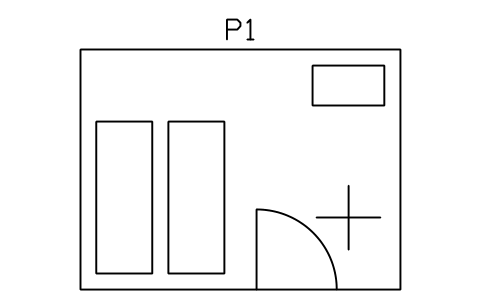
First aid room, 4000 x 3000
STA_FIRST_AID_ROOMAttributes
TAGITEM_TYPESIZEMATERIALMANUFACTURERMODELQTYREMARKSDESC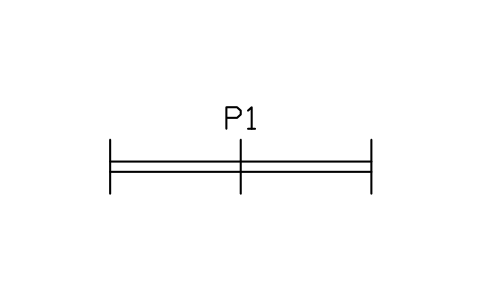
Crowd barrier, 3000
STA_CROWD_BARRIER_3000Attributes
TAGITEM_TYPESIZEMATERIALMANUFACTURERMODELQTYREMARKSDESC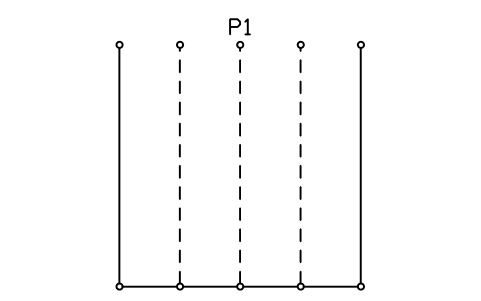
Queue lanes, 4 lanes
STA_QUEUE_LANES_4Attributes
TAGITEM_TYPESIZEMATERIALMANUFACTURERMODELQTYREMARKSDESC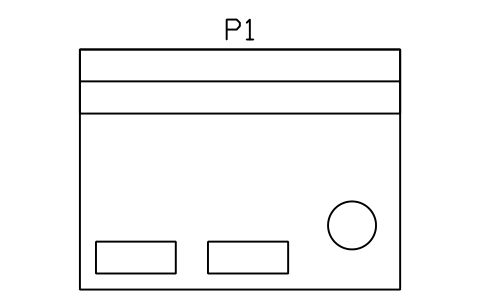
Concession stand, 4000 x 3000
STA_CONCESSION_4X3Attributes
TAGITEM_TYPESIZEMATERIALMANUFACTURERMODELQTYREMARKSDESC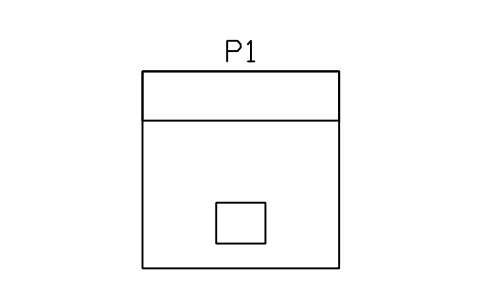
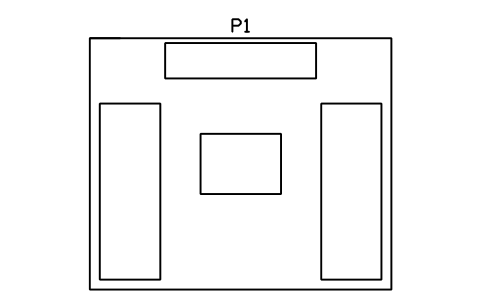
Merchandise shop, 6000 x 5000
STA_MERCH_SHOP_6X5Attributes
TAGITEM_TYPESIZEMATERIALMANUFACTURERMODELQTYREMARKSDESC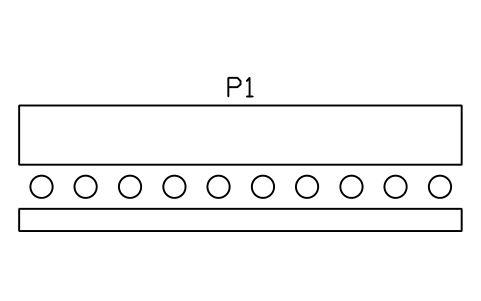
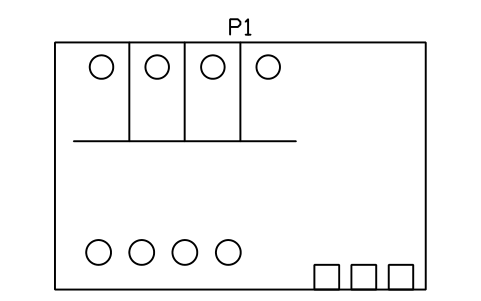
Toilets, men, 6000 x 4000
STA_WC_MEN_6X4Attributes
TAGITEM_TYPESIZEMATERIALMANUFACTURERMODELQTYREMARKSDESC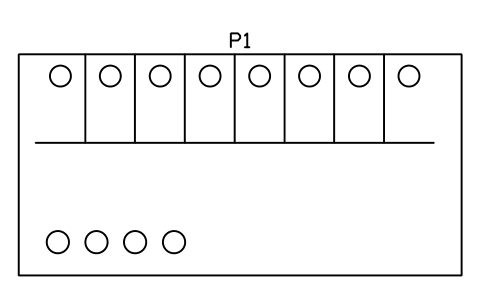
Toilets, women, 8000 x 4000
STA_WC_WOMEN_8X4Attributes
TAGITEM_TYPESIZEMATERIALMANUFACTURERMODELQTYREMARKSDESC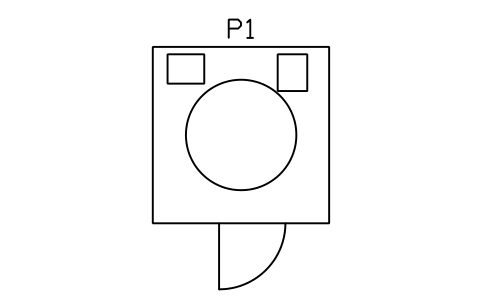
Accessible toilet, 2400 x 2400
STA_WC_ACCESSIBLEAttributes
TAGITEM_TYPESIZEMATERIALMANUFACTURERMODELQTYREMARKSDESC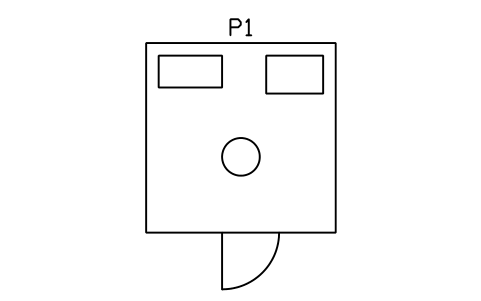
Family room, 3000 x 3000
STA_FAMILY_ROOMAttributes
TAGITEM_TYPESIZEMATERIALMANUFACTURERMODELQTYREMARKSDESC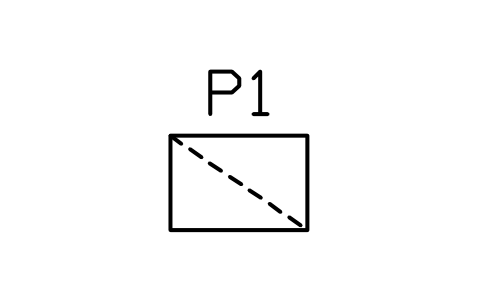
Baby changing shelf, 800
STA_BABY_CHANGEAttributes
TAGITEM_TYPESIZEMATERIALMANUFACTURERMODELQTYREMARKSDESC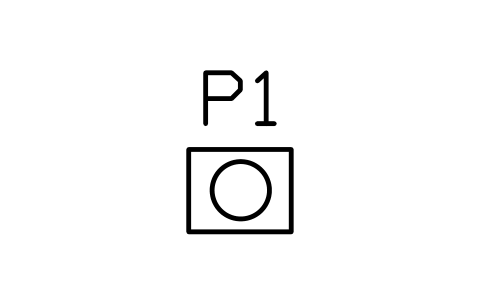
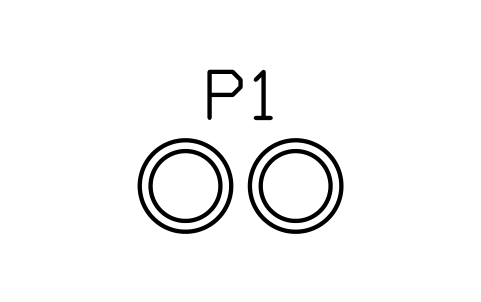
Waste and recycling bins, pair
STA_BIN_PAIRAttributes
TAGITEM_TYPESIZEMATERIALMANUFACTURERMODELQTYREMARKSDESC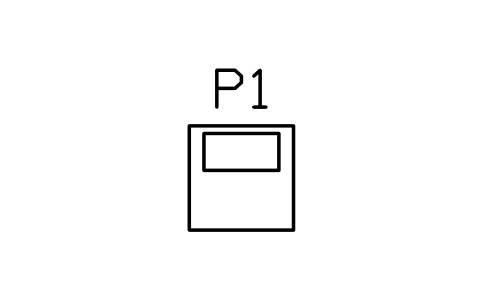
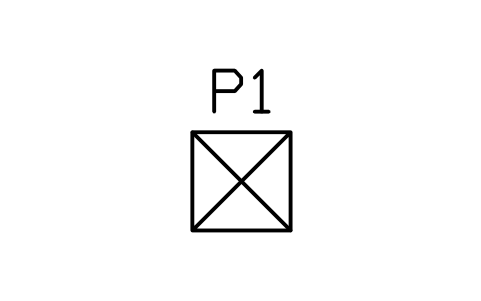
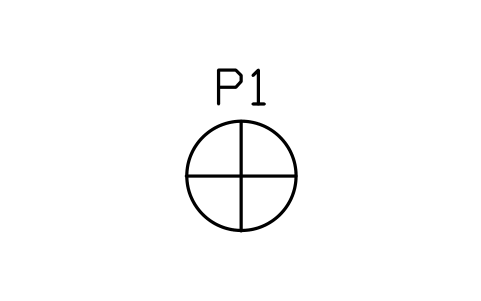
Column, round, 800
STA_COLUMN_ROUND_800Attributes
TAGITEM_TYPESIZEMATERIALMANUFACTURERMODELQTYREMARKSDESC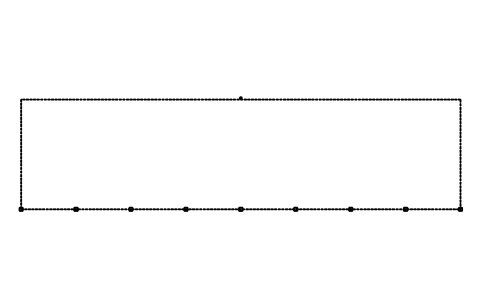
Roof canopy outline, 80 x 20 m
STA_ROOF_CANOPY_80X20Attributes
TAGITEM_TYPESIZEMATERIALMANUFACTURERMODELQTYREMARKSDESC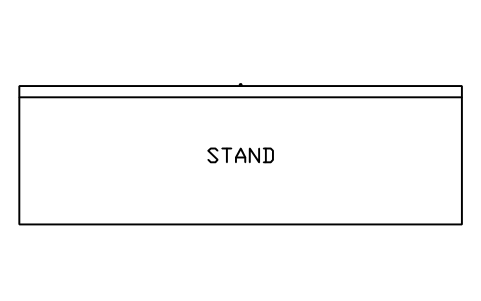
Stand footprint, 80 x 25 m
STA_STAND_OUTLINE_80X25Attributes
TAGITEM_TYPESIZEMATERIALMANUFACTURERMODELQTYREMARKSDESC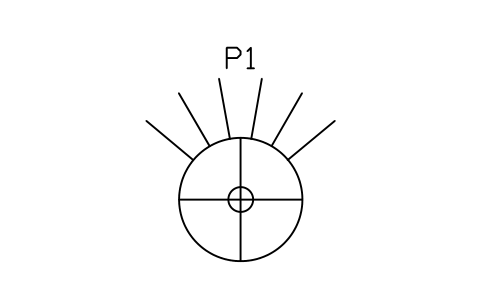
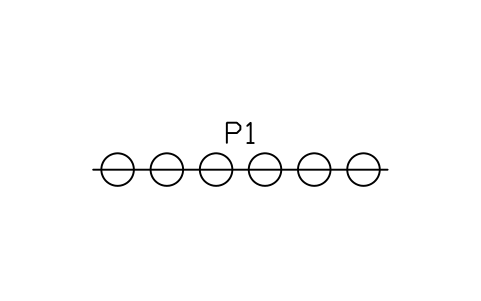
Roof floodlight bank, 6 lamps
STA_FLOODLIGHT_BANK_6Attributes
TAGITEM_TYPESIZEMATERIALMANUFACTURERMODELQTYREMARKSDESC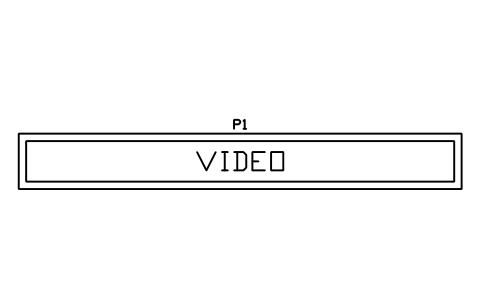
Video board, 12000 x 1500
STA_SCOREBOARD_12Attributes
TAGITEM_TYPESIZEMATERIALMANUFACTURERMODELQTYREMARKSDESC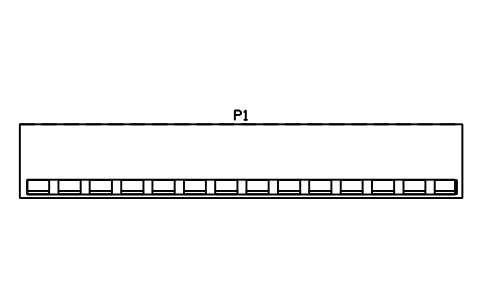
Team bench, covered, 12000
STA_TEAM_BENCH_12Attributes
TAGITEM_TYPESIZEMATERIALMANUFACTURERMODELQTYREMARKSDESC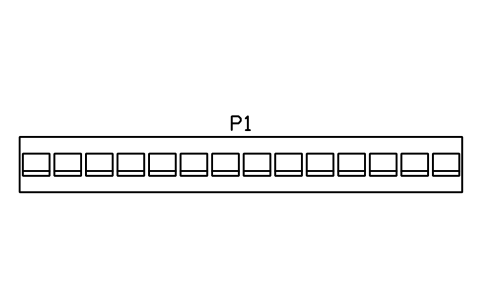
Substitutes bench, 14 seats
STA_SUBS_BENCH_14Attributes
TAGITEM_TYPESIZEMATERIALMANUFACTURERMODELQTYREMARKSDESC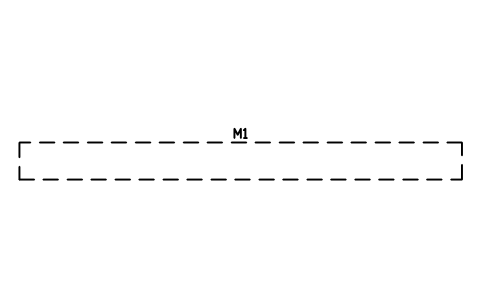
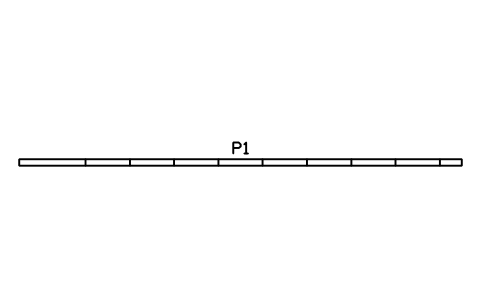
Advertising boards, 10000
STA_PERIMETER_BOARDS_10Attributes
TAGITEM_TYPESIZEMATERIALMANUFACTURERMODELQTYREMARKSDESC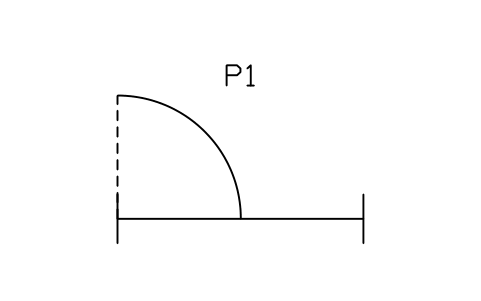
Pitch-side gate, 3000
STA_PITCH_GATE_3000Attributes
TAGITEM_TYPESIZEMATERIALMANUFACTURERMODELQTYREMARKSDESC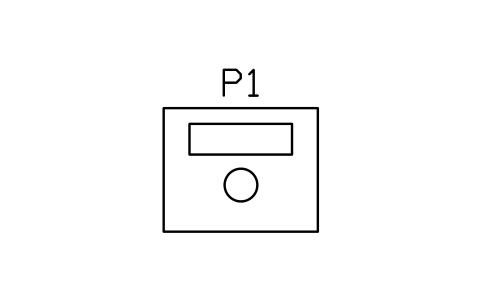
Review monitor booth
STA_VAR_MONITORAttributes
TAGITEM_TYPESIZEMATERIALMANUFACTURERMODELQTYREMARKSDESC
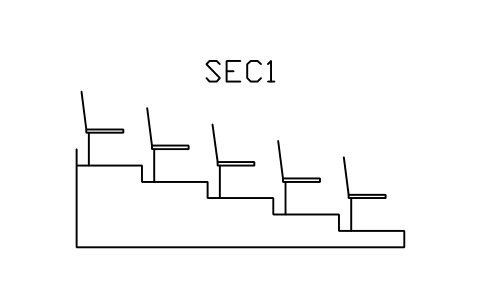
Tier section, rise 200, going 800, 5 rows
STA_SEC_R200_G800Attributes
TAGSECTION_TYPEROWSRISE_MMGOING_MMREMARKSDESC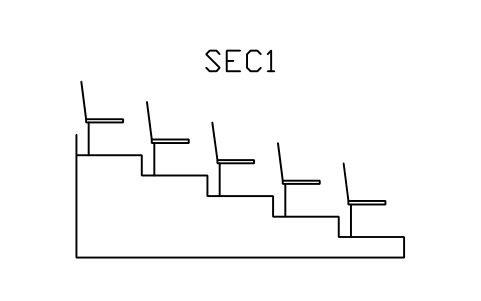
Tier section, rise 250, going 800, 5 rows
STA_SEC_R250_G800Attributes
TAGSECTION_TYPEROWSRISE_MMGOING_MMREMARKSDESC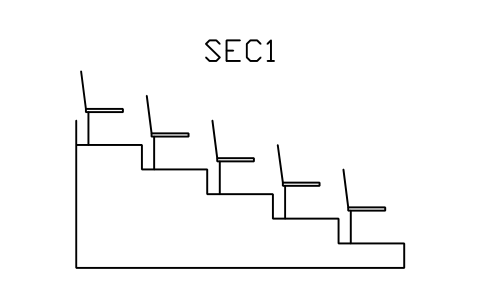
Tier section, rise 300, going 800, 5 rows
STA_SEC_R300_G800Attributes
TAGSECTION_TYPEROWSRISE_MMGOING_MMREMARKSDESC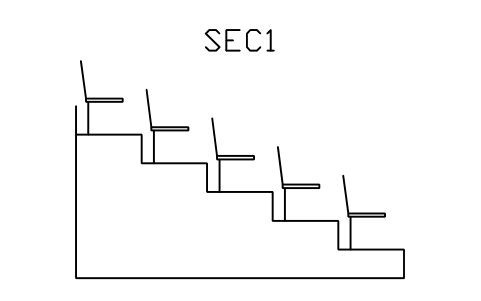
Tier section, rise 350, going 800, 5 rows
STA_SEC_R350_G800Attributes
TAGSECTION_TYPEROWSRISE_MMGOING_MMREMARKSDESC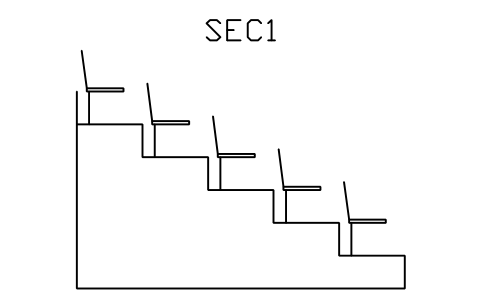
Tier section, rise 400, going 800, 5 rows
STA_SEC_R400_G800Attributes
TAGSECTION_TYPEROWSRISE_MMGOING_MMREMARKSDESC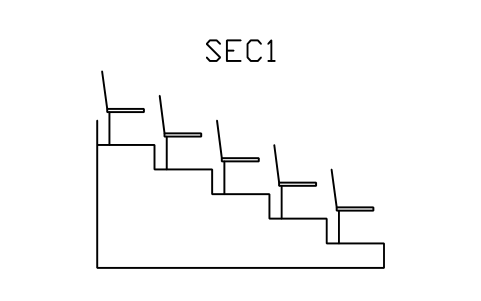
Tier section, rise 300, going 700, 5 rows
STA_SEC_R300_G700Attributes
TAGSECTION_TYPEROWSRISE_MMGOING_MMREMARKSDESC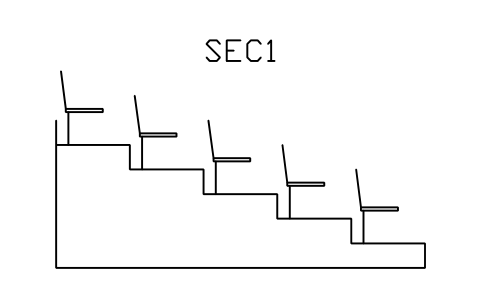
Tier section, rise 300, going 900, 5 rows
STA_SEC_R300_G900Attributes
TAGSECTION_TYPEROWSRISE_MMGOING_MMREMARKSDESC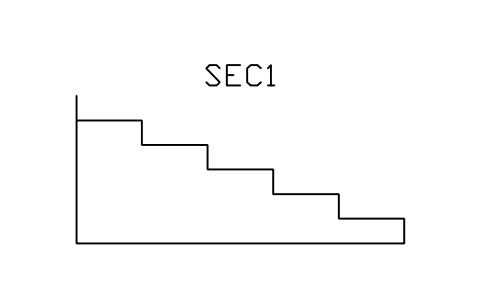
Tier section, rise 300, going 800, no seats
STA_SEC_R300_G800_PLAINAttributes
TAGSECTION_TYPEROWSRISE_MMGOING_MMREMARKSDESC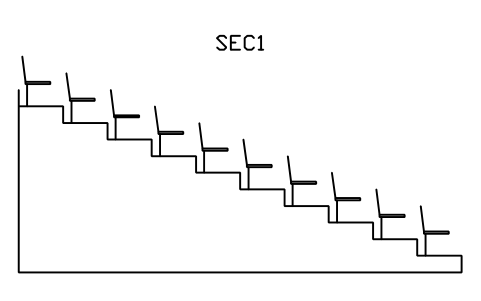
Tier section, rise 300, going 800, 10 rows
STA_SEC_R300_G800_10Attributes
TAGSECTION_TYPEROWSRISE_MMGOING_MMREMARKSDESC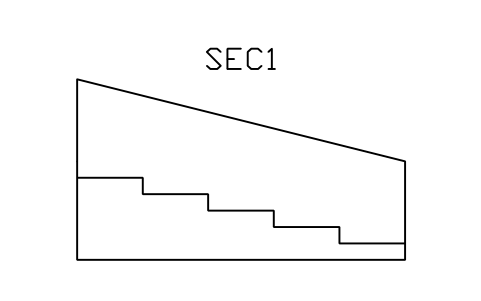
Aisle stair section, rise 200, going 800
STA_SEC_AISLE_R200Attributes
TAGSECTION_TYPEROWSRISE_MMGOING_MMREMARKSDESC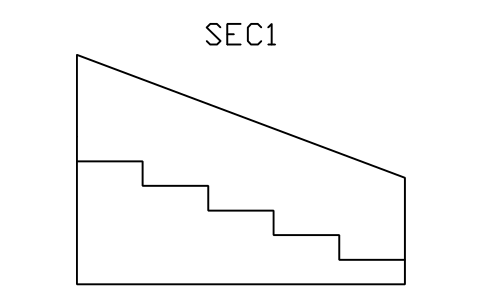
Aisle stair section, rise 300, going 800
STA_SEC_AISLE_R300Attributes
TAGSECTION_TYPEROWSRISE_MMGOING_MMREMARKSDESC
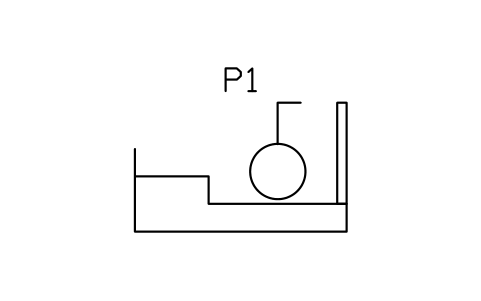
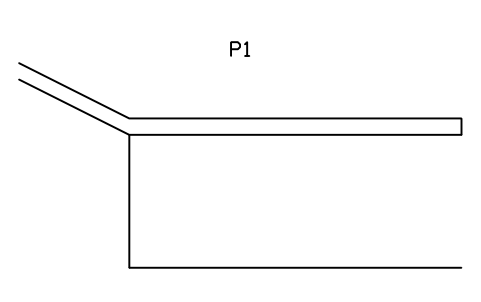
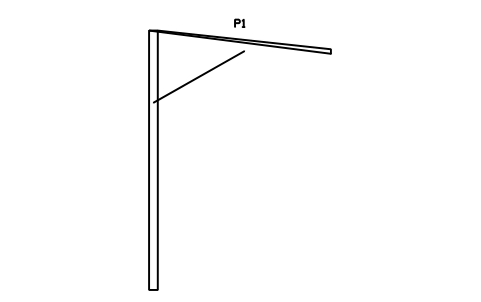
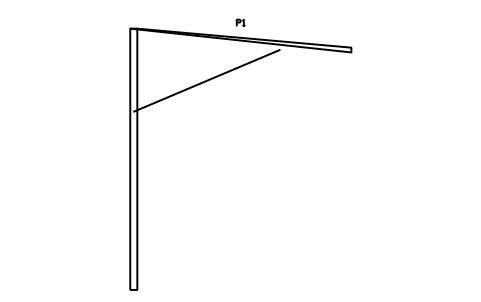
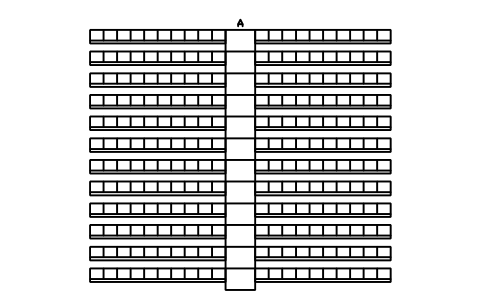
Stand layout, 240 seats, 12 rows
STA_LAYOUT_240Attributes
TAGLAYOUT_TYPESECTORROWSSEATS_PER_BLOCKBLOCKSSEAT_COUNTREMARKSDESC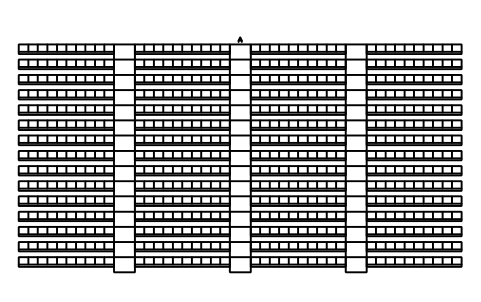
Stand layout, 600 seats, 15 rows
STA_LAYOUT_600Attributes
TAGLAYOUT_TYPESECTORROWSSEATS_PER_BLOCKBLOCKSSEAT_COUNTREMARKSDESC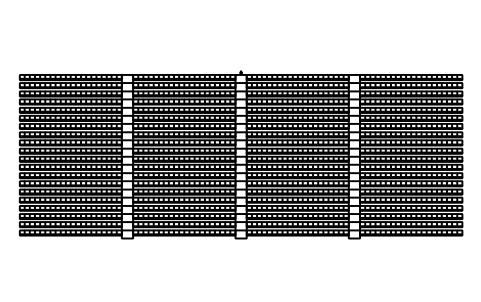
Stand layout, 1600 seats, 20 rows
STA_LAYOUT_1600Attributes
TAGLAYOUT_TYPESECTORROWSSEATS_PER_BLOCKBLOCKSSEAT_COUNTREMARKSDESC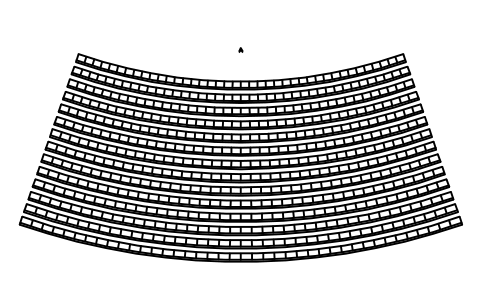
Curved stand, 560 seats, radius 30000
STA_LAYOUT_CURVED_R30Attributes
TAGLAYOUT_TYPESECTORROWSSEATS_PER_BLOCKBLOCKSSEAT_COUNTREMARKSDESC
Missing a symbol? Tell us which one.
Attributes for parts lists
Every block carries a tag you can number and invisible attributes for the schedule. A seat holds SEAT_TYPE, WIDTH_MM, DEPTH_MM, MATERIAL, COLOUR, MANUFACTURER and MODEL; a seat block holds BLOCK_TYPE, SECTOR, ROWS, SEATS_PER_ROW, SEAT_COUNT, SEAT_PITCH_MM and ROW_SPACING_MM; a section holds SECTION_TYPE, ROWS, RISE_MM and GOING_MM.
How to use the library
- Unzip the file and open the DWG. Copy the symbols you need into your plan, or drag the blocks in from DesignCenter (ADCENTER).
- The blocks are drawn at real size in millimetres, 1 drawing unit = 1 mm, so a seat block of 10 rows by 20 seats is 10000 units wide on the stand plan. The planning values are a seat pitch of 500, a row spacing of 800 (760 for the tight blocks), a stair aisle of 1100 and a wheelchair space of 900 x 1500.
- In plan, the spectators face +Y: the pitch, court or stage is towards +Y and the rows rise towards -Y. A seat is centred on its middle; a block starts at the middle of the front edge of its front row, so you place it where the first row meets the pitch. A curved block has the centre of its arcs on the pitch side; set the radius from the pitch with the block you pick.
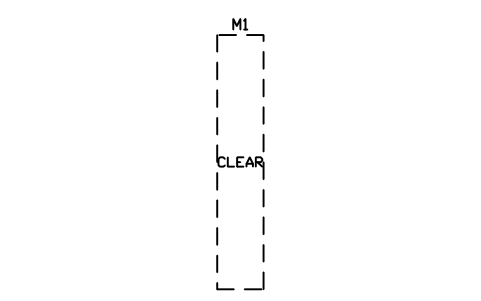
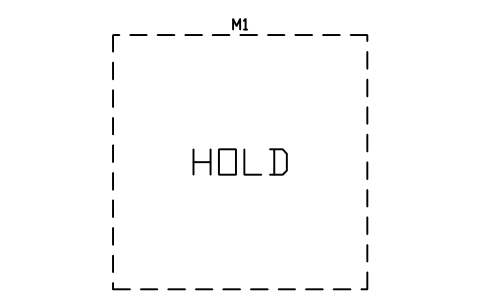
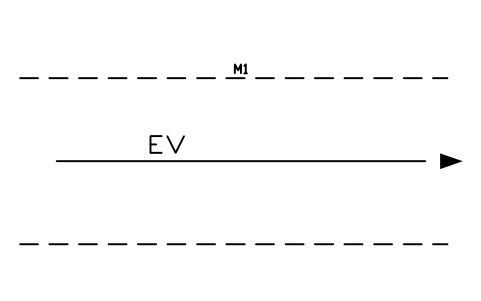
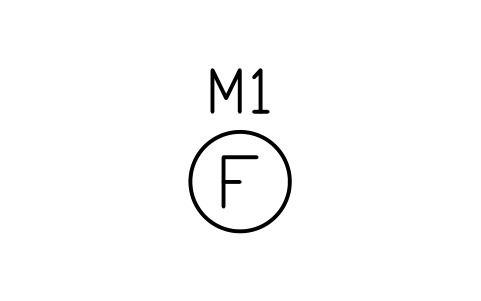
- Sections are drawn in elevation with the pitch towards +X, the tiers rising towards -X and the origin at the front edge of the first tread at floor level. The marker blocks (egress routes, clear width and holding zones, assembly points and safety marks) carry no product attributes.
About the drawings
There is no standard for the symbols of stadium seating drawings. The blocks follow the common conventions of the trade: a seat as a pan and a back, a row as a continuous strip with its seat divisions, curved blocks on arcs, stair aisles with one tread per row, vomitories as openings in the stand with their walls and a doorway mark.
The blocks are our own drawings, not copies, and the library is not certified. The sizes are common planning values; capacities, sight lines, stair widths and egress widths depend on your local authority and the rules of the sport, so size and check every part against them and the design of your engineer or architect.
What changed in each version
Version 1.0 · October 30, 2026
New symbols (143)
Seat, fixed, 500 x 500 · Seat, fixed, 450 x 450 · Seat, folding, 500 x 550 · Seat, club, arm rests, 550 · Seat, premium, arm rests, 650 · Seat, loge or box, 750 · Bench place with back, 450 · Seat, aisle end, 500 x 500 · Wheelchair space, 900 x 1500 · Wheelchair space, 1800 x 1500 · Companion seat beside space · Ambulant seat, extra legroom · Seat row, 10 seats · Seat row, 14 seats · Seat row, 20 seats · Seat row, 24 seats · Seat block, 5 rows x 10 · Seat block, 5 rows x 20 · Seat block, 10 rows x 14 · Seat block, 10 rows x 20 · Seat block, 10 rows x 24 · Seat block, 15 rows x 20 · Seat block, 15 rows x 30 · Seat block, 20 rows x 24 · Seat block, 20 rows x 30 · Seat block, 30 rows x 40 · Seat block, 760 row, 10 x 20 · Seat block, 760 row, 15 x 24 · Curved block R20 m, 10 rows x 16 · Curved block R30 m, 10 rows x 20 · Curved block R30 m, 20 rows x 20 · Curved block R50 m, 10 rows x 24 · Curved block R50 m, 20 rows x 30 · Curved block R80 m, 20 rows x 36 · Stair aisle 1100, 5 rows · Stair aisle 1100, 10 rows · Stair aisle 1100, 15 rows · Stair aisle 1100, 20 rows · Stair aisle 1100, 30 rows · Stair aisle, centre rail, 10 rows · 103 more
Frequently asked questions
- Which seat and row sizes do the blocks use?
- A seat pitch of 500 mm and a row spacing of 800 mm, with a tight 760 mm row spacing on two blocks; seats of 500 x 500 and 450 x 450, folding, club, premium, loge and bench seats; stair aisles of 1100 mm; wheelchair spaces of 900 x 1500 and 1800 x 1500 with a companion seat. The size is in the attributes of each block.
- Do the blocks guarantee sight lines or egress compliance?
- No. They are drawing parts. Sight lines, rise and going, stair widths, capacities and the time to leave the stand are set by the rules that apply to your project; the tier sections show five rises from 200 to 400 mm so you can draw the profile you have calculated.
- Can I use the symbols in commercial projects?
- Yes. They are free to use and modify in your own projects, including commercial ones. They are provided as is, without warranty. Please do not redistribute or resell the library; see the library terms.
- How do I build a whole stand?
- Place a tier section for the profile, then in plan the seat blocks and stair aisles from the front row backwards, the vomitories and cross aisles, and the boxes and facilities. The four stand layouts of 240, 560, 600 and 1600 seats show the arrangement as a starting point.
- Can I change a symbol or add attributes?
- Yes. Open the DWG, edit a block with BEDIT to change it or add attributes, and save. To update drawings that already contain the block, run ATTSYNC or replace the block. Make a backup first: attribute values can be lost if ATTSYNC is used carelessly.
- Where do I find a ready-made set of these symbols for AutoCAD?
- AutoCAD itself ships only a small set of sample blocks, so a full symbol set has to come from a library. Download the ZIP on this page and open the DWG: every symbol is a block. Insert one with INSERT (Blocks palette, Libraries tab, then pick the DWG) or drag it from DesignCenter (ADCENTER). You can also download a single symbol on its own.