KaynaklarCommon electrical symbols (IEC 60617)
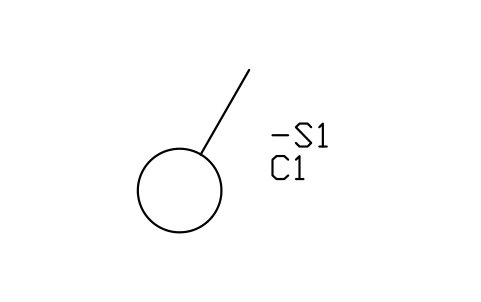
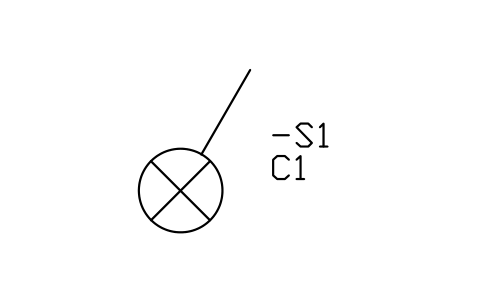
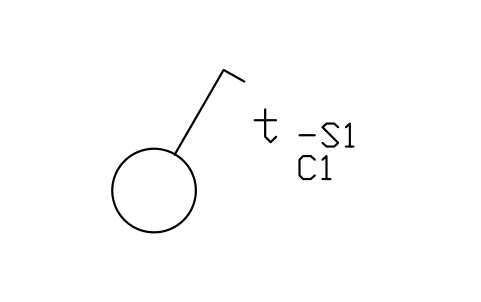
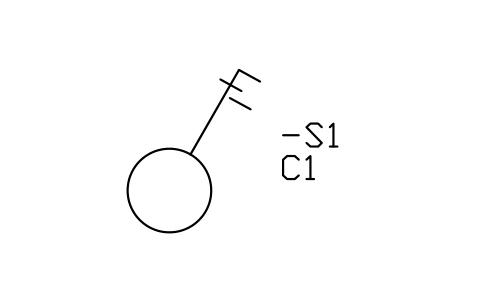
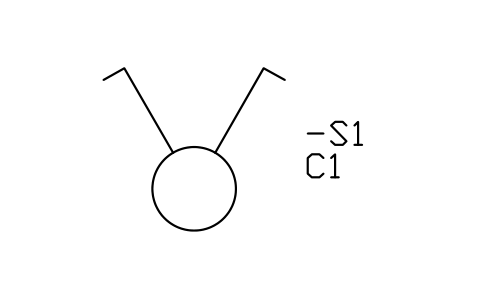
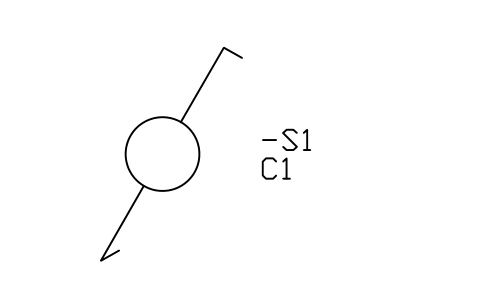
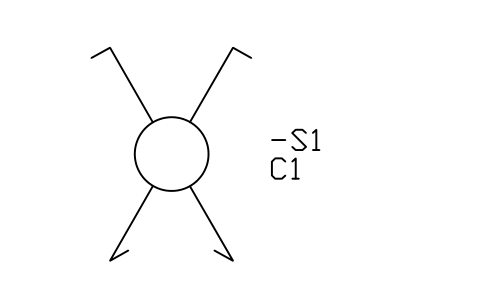
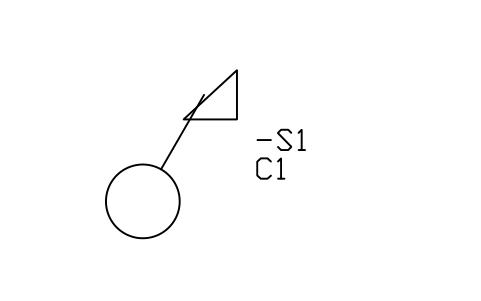
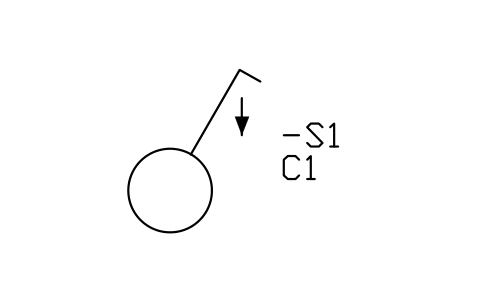
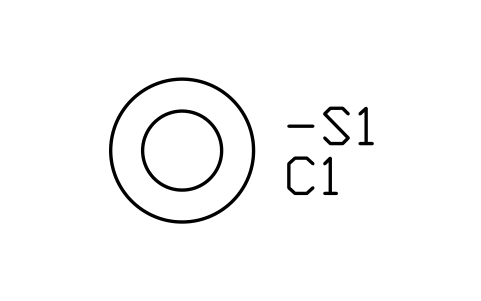
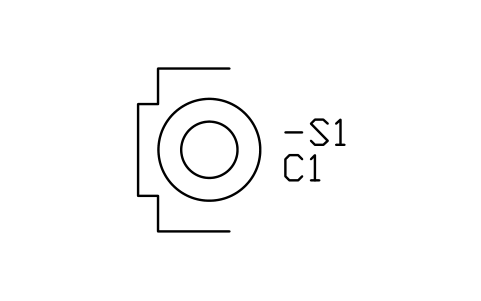
Push-button with indicator lamp symbol (DWG block)
Push-button with indicator lamp is a ready-to-use AutoCAD block named IEC_PUSH_BUTTON_LAMP in the Common electrical symbols (IEC 60617), group “Switches and push-buttons”. It carries 11 attributes, 2 of them visible, so it works in equipment lists and BlockSync exports.
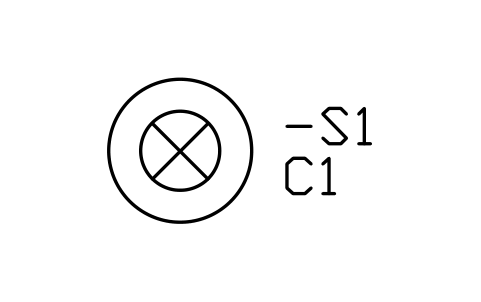
Block details
| Block name | IEC_PUSH_BUTTON_LAMP |
|---|---|
| Library | Common electrical symbols (IEC 60617) |
| Group | Switches and push-buttons |
| Standard | IEC 60617 |
| Attributes | 11 attributes, 2 visible |
Attributes
Visible on the drawing: TAG, CIRCUIT.
Hidden, they carry the data for schedules: RATING_A, IP_RATING, MOUNT_HEIGHT_MM, MANUFACTURER, MODEL, REMARKS, MANUFACTURER, PART_NO, DESC.
Export the attributes of every copy in a drawing to Excel with BlockSync, check them and write the corrections back in one run.
How to use it
- Download the ZIP and unzip it. It holds one DWG with the block IEC_PUSH_BUTTON_LAMP.
- Open the DWG and copy the block into your drawing, or insert it from the DWG with INSERT.
- Double-click a copy to fill in the tag and the other attributes.
The symbol is our own drawing after the common form of IEC 60617, not a certified copy. The library page explains how the symbols relate to the standard.
Names in other languages
The same symbol under its name in the other site languages.
- İngilizce
- Push-button with indicator lamp
- Basitleştirilmiş Çince
- 带指示灯按钮
- Geleneksel Çince
- 附指示燈按鈕
- Japonca
- 表示灯付き押しボタン
- Korece
- 표시등 부착 푸시버튼
- Almanca
- Taster mit Kontrollleuchte
- Fransızca
- Bouton-poussoir avec voyant
- İtalyanca
- Pulsante con spia luminosa
- İspanyolca
- Pulsador con piloto luminoso