
KaynaklarDWG sembol kütüphaneleriO-rings, ISO 3601
Cross-section 5.33 mm
O-rings, ISO 3601: Cross-section 5.33 mm: 86 ready-made AutoCAD blocks (DWG), free to download and use in your own projects, as a ZIP or one symbol at a time.
86 O-rings of 5.33 mm cross-section, size codes 309 to 395.
Version 1.0 · updated 17 Ekim 2026
Using AutoCAD 2017 or an earlier version? Download the 2010 format
Free to use and modify in your own projects, including commercial ones. The ZIP holds one plain DWG file in AutoCAD 2018 format and a README; no add-in needed. Provided as is, without warranty.
Related symbol libraries
Bu araçlarla iyi çalışır
 Bu sembolleri çizimlerinizde saymanız mı gerekiyor?Bir çizim setindeki tüm sembolleri ve özniteliklerini Excel'e aktarın, satırları düzenleyin ve geri yazın.BlockSync aracını gör
 Bu sembolleri 30 çizime mi koyacaksınız?Değişen bir sembolü, her dosyayı açmadan, tüm çizimlerde tek seferde değiştirin.BlockCopy aracını gör
 Bu sembolü hangi çizimler kullanıyor?Yüzlerce çizimde blokları ve metinleri aynı anda arayın, sonra doğrudan eşleşmeye gidin.DwgSearch aracını gör
All 86 symbols
86 sembolün 86 tanesi
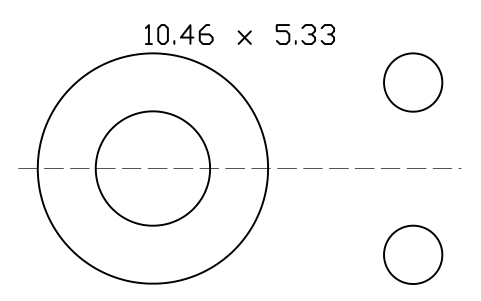
O-ring 10.46 x 5.33
ORG_309Öznitelikler
DESIGNATIONSIZE_CODEID_MMCS_MMSTANDARDMATERIALHARDNESS_IRHDPART_NOMANUFACTURERQTYREMARKSDESC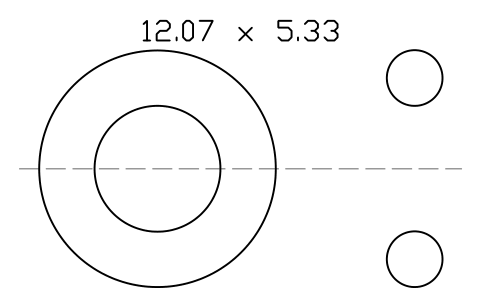
O-ring 12.07 x 5.33
ORG_310Öznitelikler
DESIGNATIONSIZE_CODEID_MMCS_MMSTANDARDMATERIALHARDNESS_IRHDPART_NOMANUFACTURERQTYREMARKSDESC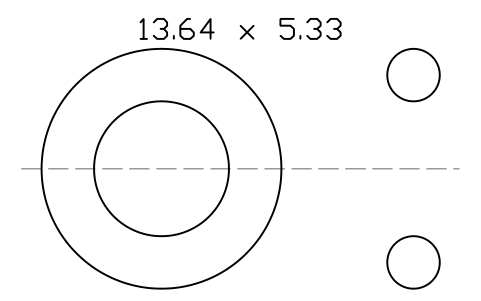
O-ring 13.64 x 5.33
ORG_311Öznitelikler
DESIGNATIONSIZE_CODEID_MMCS_MMSTANDARDMATERIALHARDNESS_IRHDPART_NOMANUFACTURERQTYREMARKSDESC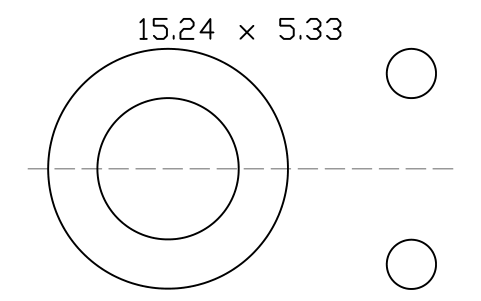
O-ring 15.24 x 5.33
ORG_312Öznitelikler
DESIGNATIONSIZE_CODEID_MMCS_MMSTANDARDMATERIALHARDNESS_IRHDPART_NOMANUFACTURERQTYREMARKSDESC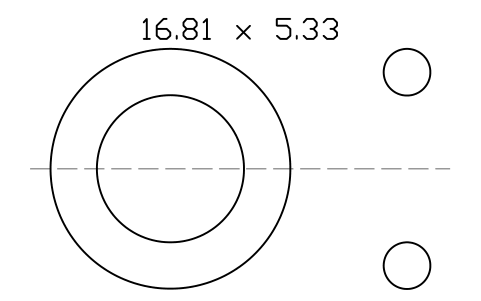
O-ring 16.81 x 5.33
ORG_313Öznitelikler
DESIGNATIONSIZE_CODEID_MMCS_MMSTANDARDMATERIALHARDNESS_IRHDPART_NOMANUFACTURERQTYREMARKSDESC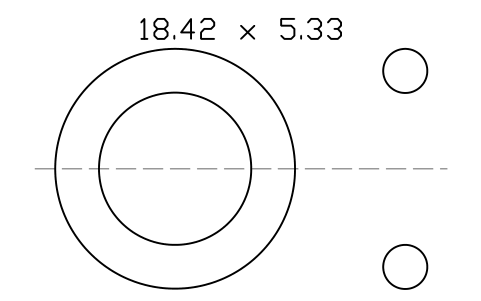
O-ring 18.42 x 5.33
ORG_314Öznitelikler
DESIGNATIONSIZE_CODEID_MMCS_MMSTANDARDMATERIALHARDNESS_IRHDPART_NOMANUFACTURERQTYREMARKSDESC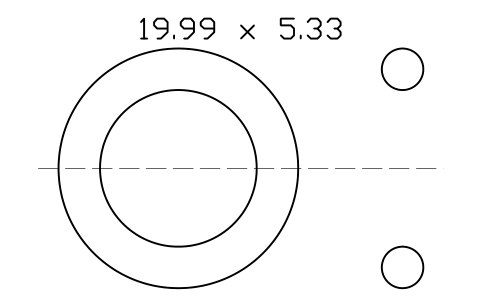
O-ring 19.99 x 5.33
ORG_315Öznitelikler
DESIGNATIONSIZE_CODEID_MMCS_MMSTANDARDMATERIALHARDNESS_IRHDPART_NOMANUFACTURERQTYREMARKSDESC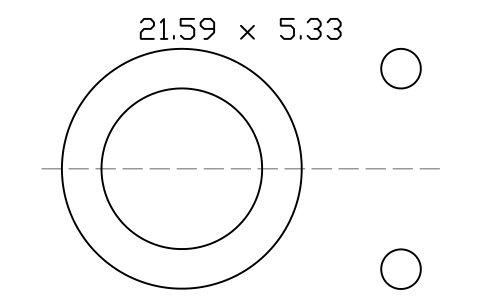
O-ring 21.59 x 5.33
ORG_316Öznitelikler
DESIGNATIONSIZE_CODEID_MMCS_MMSTANDARDMATERIALHARDNESS_IRHDPART_NOMANUFACTURERQTYREMARKSDESC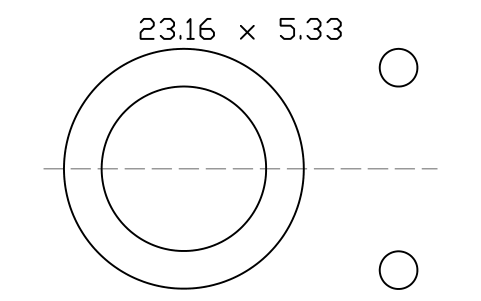
O-ring 23.16 x 5.33
ORG_317Öznitelikler
DESIGNATIONSIZE_CODEID_MMCS_MMSTANDARDMATERIALHARDNESS_IRHDPART_NOMANUFACTURERQTYREMARKSDESC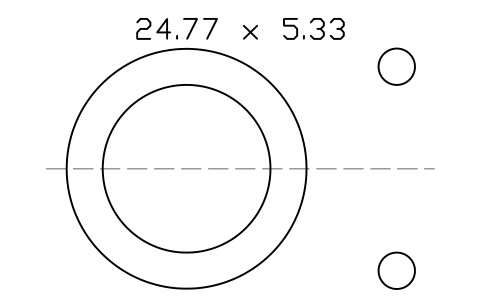
O-ring 24.77 x 5.33
ORG_318Öznitelikler
DESIGNATIONSIZE_CODEID_MMCS_MMSTANDARDMATERIALHARDNESS_IRHDPART_NOMANUFACTURERQTYREMARKSDESC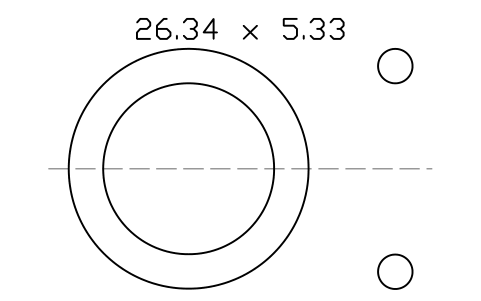
O-ring 26.34 x 5.33
ORG_319Öznitelikler
DESIGNATIONSIZE_CODEID_MMCS_MMSTANDARDMATERIALHARDNESS_IRHDPART_NOMANUFACTURERQTYREMARKSDESC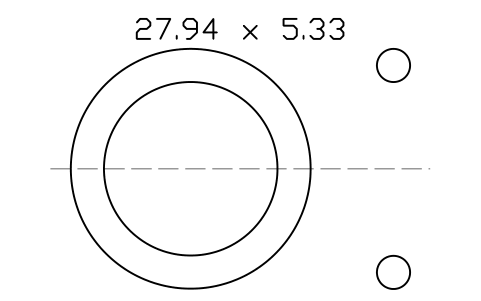
O-ring 27.94 x 5.33
ORG_320Öznitelikler
DESIGNATIONSIZE_CODEID_MMCS_MMSTANDARDMATERIALHARDNESS_IRHDPART_NOMANUFACTURERQTYREMARKSDESC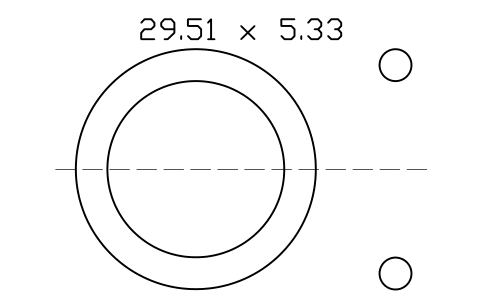
O-ring 29.51 x 5.33
ORG_321Öznitelikler
DESIGNATIONSIZE_CODEID_MMCS_MMSTANDARDMATERIALHARDNESS_IRHDPART_NOMANUFACTURERQTYREMARKSDESC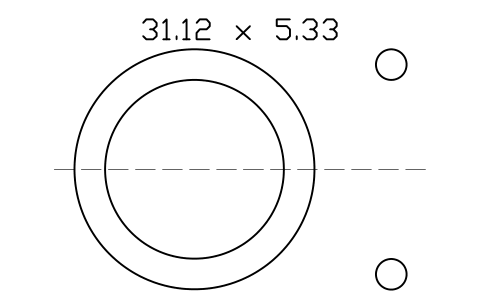
O-ring 31.12 x 5.33
ORG_322Öznitelikler
DESIGNATIONSIZE_CODEID_MMCS_MMSTANDARDMATERIALHARDNESS_IRHDPART_NOMANUFACTURERQTYREMARKSDESC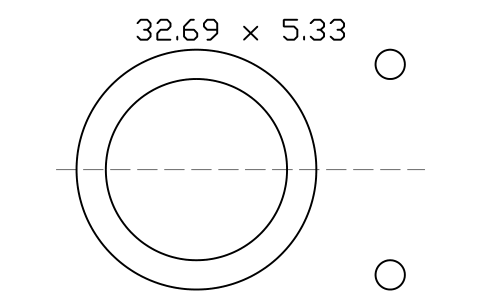
O-ring 32.69 x 5.33
ORG_323Öznitelikler
DESIGNATIONSIZE_CODEID_MMCS_MMSTANDARDMATERIALHARDNESS_IRHDPART_NOMANUFACTURERQTYREMARKSDESC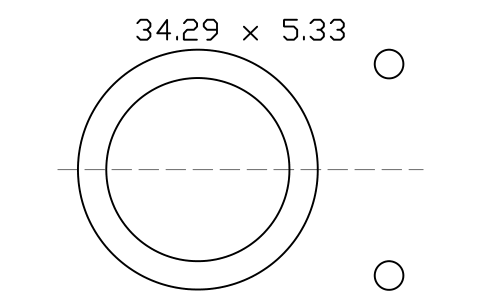
O-ring 34.29 x 5.33
ORG_324Öznitelikler
DESIGNATIONSIZE_CODEID_MMCS_MMSTANDARDMATERIALHARDNESS_IRHDPART_NOMANUFACTURERQTYREMARKSDESC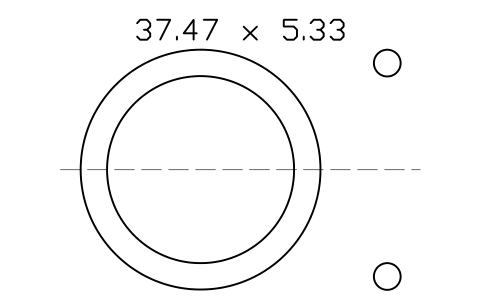
O-ring 37.47 x 5.33
ORG_325Öznitelikler
DESIGNATIONSIZE_CODEID_MMCS_MMSTANDARDMATERIALHARDNESS_IRHDPART_NOMANUFACTURERQTYREMARKSDESC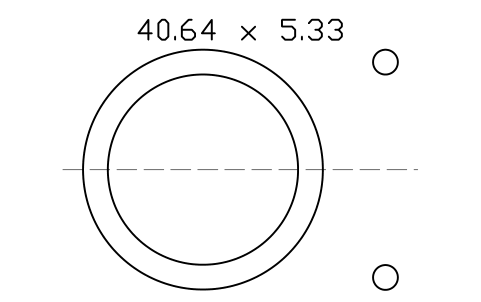
O-ring 40.64 x 5.33
ORG_326Öznitelikler
DESIGNATIONSIZE_CODEID_MMCS_MMSTANDARDMATERIALHARDNESS_IRHDPART_NOMANUFACTURERQTYREMARKSDESC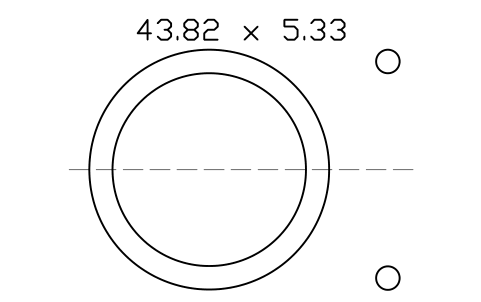
O-ring 43.82 x 5.33
ORG_327Öznitelikler
DESIGNATIONSIZE_CODEID_MMCS_MMSTANDARDMATERIALHARDNESS_IRHDPART_NOMANUFACTURERQTYREMARKSDESC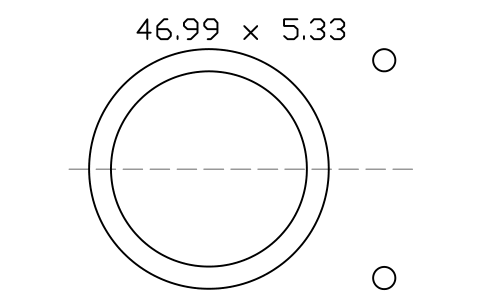
O-ring 46.99 x 5.33
ORG_328Öznitelikler
DESIGNATIONSIZE_CODEID_MMCS_MMSTANDARDMATERIALHARDNESS_IRHDPART_NOMANUFACTURERQTYREMARKSDESC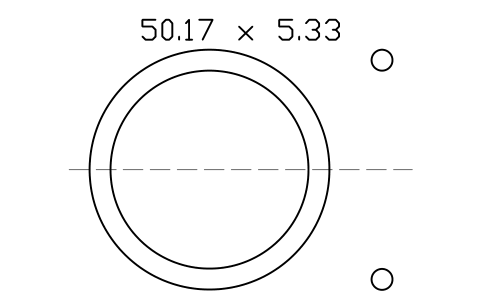
O-ring 50.17 x 5.33
ORG_329Öznitelikler
DESIGNATIONSIZE_CODEID_MMCS_MMSTANDARDMATERIALHARDNESS_IRHDPART_NOMANUFACTURERQTYREMARKSDESC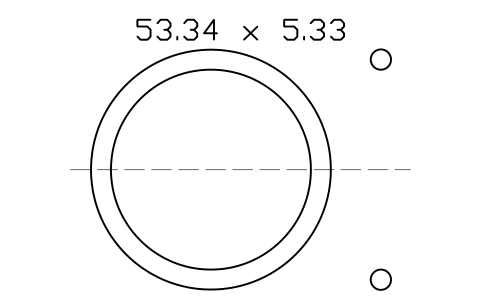
O-ring 53.34 x 5.33
ORG_330Öznitelikler
DESIGNATIONSIZE_CODEID_MMCS_MMSTANDARDMATERIALHARDNESS_IRHDPART_NOMANUFACTURERQTYREMARKSDESC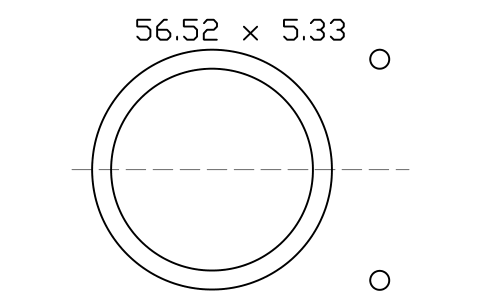
O-ring 56.52 x 5.33
ORG_331Öznitelikler
DESIGNATIONSIZE_CODEID_MMCS_MMSTANDARDMATERIALHARDNESS_IRHDPART_NOMANUFACTURERQTYREMARKSDESC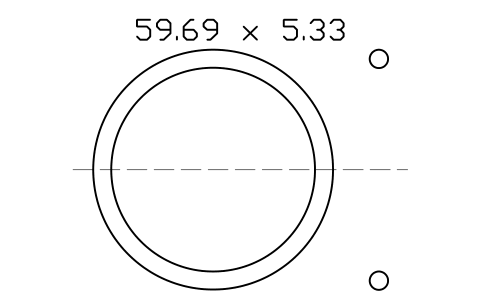
O-ring 59.69 x 5.33
ORG_332Öznitelikler
DESIGNATIONSIZE_CODEID_MMCS_MMSTANDARDMATERIALHARDNESS_IRHDPART_NOMANUFACTURERQTYREMARKSDESC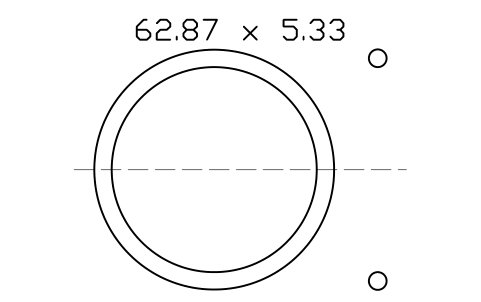
O-ring 62.87 x 5.33
ORG_333Öznitelikler
DESIGNATIONSIZE_CODEID_MMCS_MMSTANDARDMATERIALHARDNESS_IRHDPART_NOMANUFACTURERQTYREMARKSDESC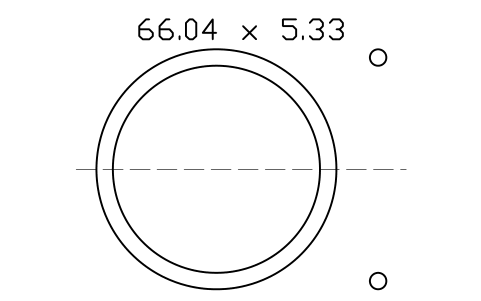
O-ring 66.04 x 5.33
ORG_334Öznitelikler
DESIGNATIONSIZE_CODEID_MMCS_MMSTANDARDMATERIALHARDNESS_IRHDPART_NOMANUFACTURERQTYREMARKSDESC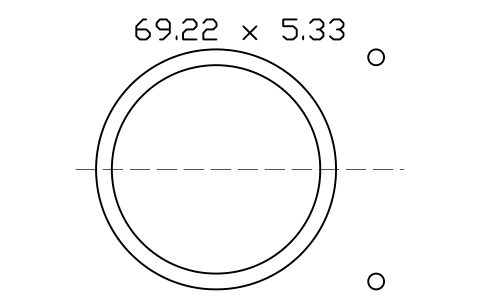
O-ring 69.22 x 5.33
ORG_335Öznitelikler
DESIGNATIONSIZE_CODEID_MMCS_MMSTANDARDMATERIALHARDNESS_IRHDPART_NOMANUFACTURERQTYREMARKSDESC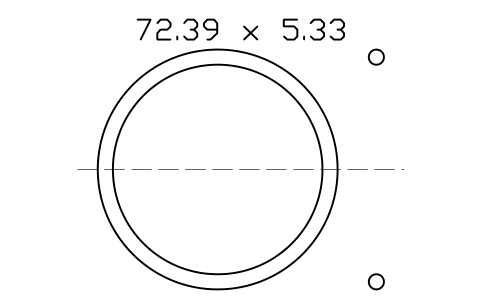
O-ring 72.39 x 5.33
ORG_336Öznitelikler
DESIGNATIONSIZE_CODEID_MMCS_MMSTANDARDMATERIALHARDNESS_IRHDPART_NOMANUFACTURERQTYREMARKSDESC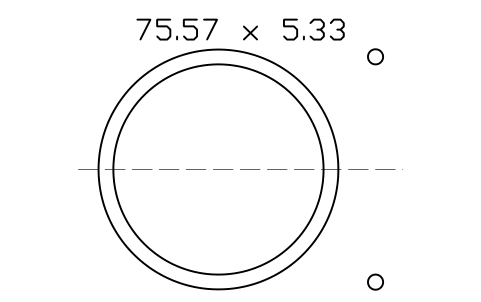
O-ring 75.57 x 5.33
ORG_337Öznitelikler
DESIGNATIONSIZE_CODEID_MMCS_MMSTANDARDMATERIALHARDNESS_IRHDPART_NOMANUFACTURERQTYREMARKSDESC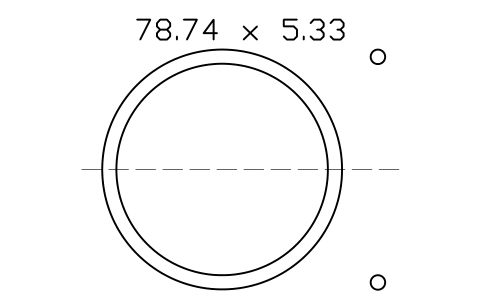
O-ring 78.74 x 5.33
ORG_338Öznitelikler
DESIGNATIONSIZE_CODEID_MMCS_MMSTANDARDMATERIALHARDNESS_IRHDPART_NOMANUFACTURERQTYREMARKSDESC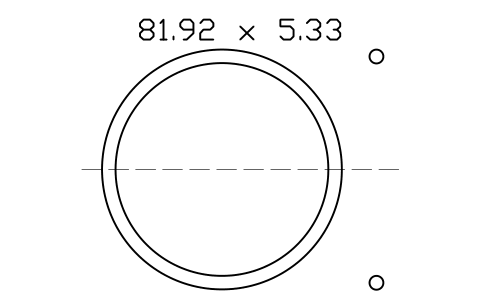
O-ring 81.92 x 5.33
ORG_339Öznitelikler
DESIGNATIONSIZE_CODEID_MMCS_MMSTANDARDMATERIALHARDNESS_IRHDPART_NOMANUFACTURERQTYREMARKSDESC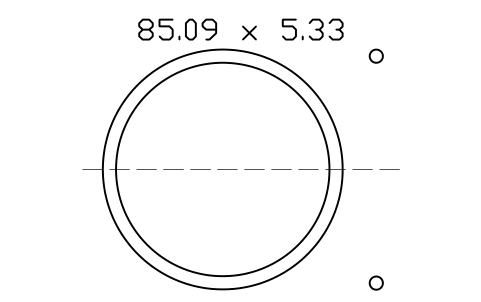
O-ring 85.09 x 5.33
ORG_340Öznitelikler
DESIGNATIONSIZE_CODEID_MMCS_MMSTANDARDMATERIALHARDNESS_IRHDPART_NOMANUFACTURERQTYREMARKSDESC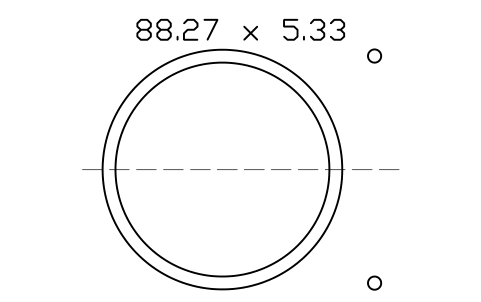
O-ring 88.27 x 5.33
ORG_341Öznitelikler
DESIGNATIONSIZE_CODEID_MMCS_MMSTANDARDMATERIALHARDNESS_IRHDPART_NOMANUFACTURERQTYREMARKSDESC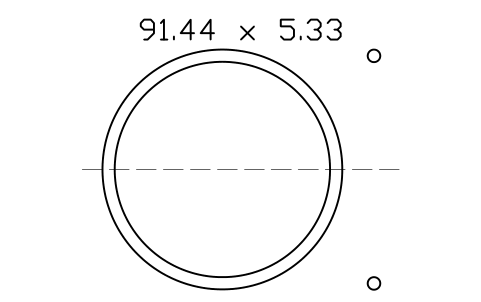
O-ring 91.44 x 5.33
ORG_342Öznitelikler
DESIGNATIONSIZE_CODEID_MMCS_MMSTANDARDMATERIALHARDNESS_IRHDPART_NOMANUFACTURERQTYREMARKSDESC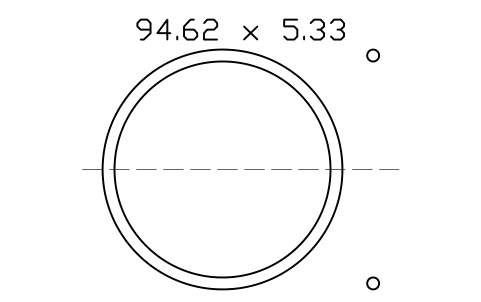
O-ring 94.62 x 5.33
ORG_343Öznitelikler
DESIGNATIONSIZE_CODEID_MMCS_MMSTANDARDMATERIALHARDNESS_IRHDPART_NOMANUFACTURERQTYREMARKSDESC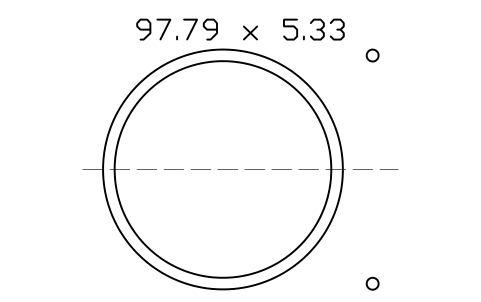
O-ring 97.79 x 5.33
ORG_344Öznitelikler
DESIGNATIONSIZE_CODEID_MMCS_MMSTANDARDMATERIALHARDNESS_IRHDPART_NOMANUFACTURERQTYREMARKSDESC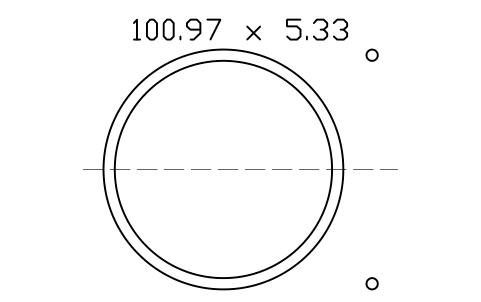
O-ring 100.97 x 5.33
ORG_345Öznitelikler
DESIGNATIONSIZE_CODEID_MMCS_MMSTANDARDMATERIALHARDNESS_IRHDPART_NOMANUFACTURERQTYREMARKSDESC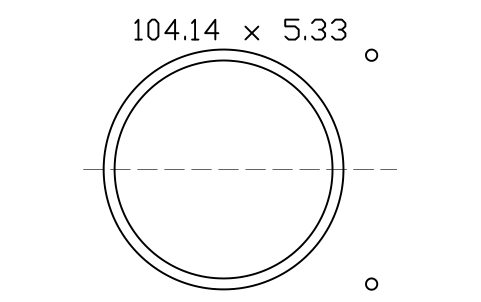
O-ring 104.14 x 5.33
ORG_346Öznitelikler
DESIGNATIONSIZE_CODEID_MMCS_MMSTANDARDMATERIALHARDNESS_IRHDPART_NOMANUFACTURERQTYREMARKSDESC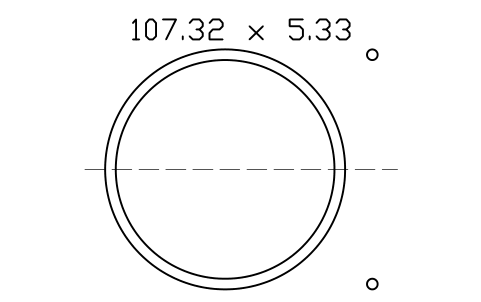
O-ring 107.32 x 5.33
ORG_347Öznitelikler
DESIGNATIONSIZE_CODEID_MMCS_MMSTANDARDMATERIALHARDNESS_IRHDPART_NOMANUFACTURERQTYREMARKSDESC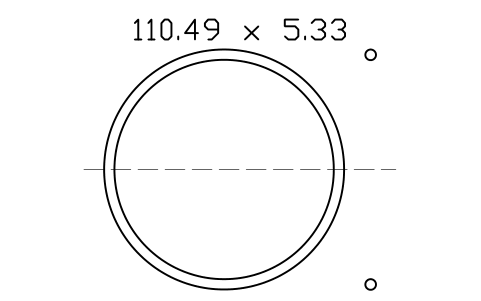
O-ring 110.49 x 5.33
ORG_348Öznitelikler
DESIGNATIONSIZE_CODEID_MMCS_MMSTANDARDMATERIALHARDNESS_IRHDPART_NOMANUFACTURERQTYREMARKSDESC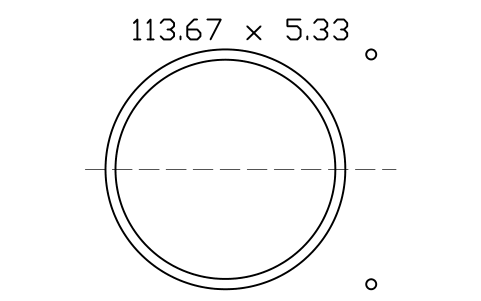
O-ring 113.67 x 5.33
ORG_349Öznitelikler
DESIGNATIONSIZE_CODEID_MMCS_MMSTANDARDMATERIALHARDNESS_IRHDPART_NOMANUFACTURERQTYREMARKSDESC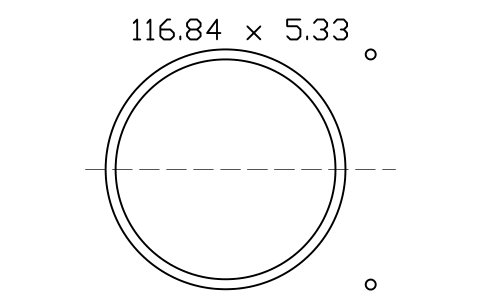
O-ring 116.84 x 5.33
ORG_350Öznitelikler
DESIGNATIONSIZE_CODEID_MMCS_MMSTANDARDMATERIALHARDNESS_IRHDPART_NOMANUFACTURERQTYREMARKSDESC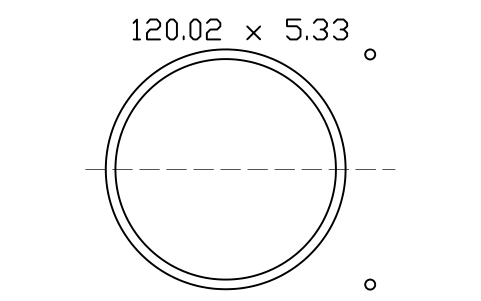
O-ring 120.02 x 5.33
ORG_351Öznitelikler
DESIGNATIONSIZE_CODEID_MMCS_MMSTANDARDMATERIALHARDNESS_IRHDPART_NOMANUFACTURERQTYREMARKSDESC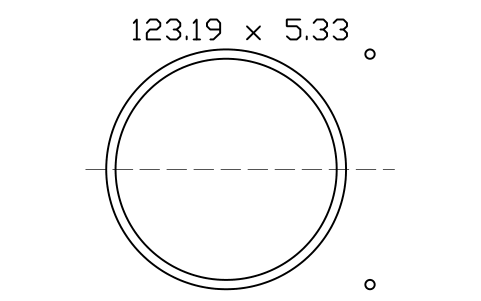
O-ring 123.19 x 5.33
ORG_352Öznitelikler
DESIGNATIONSIZE_CODEID_MMCS_MMSTANDARDMATERIALHARDNESS_IRHDPART_NOMANUFACTURERQTYREMARKSDESC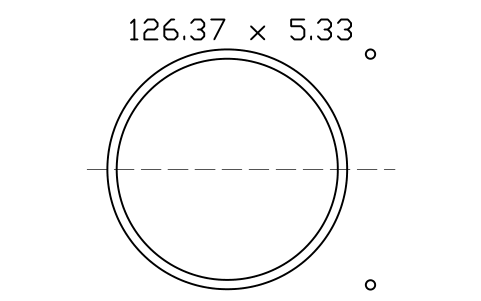
O-ring 126.37 x 5.33
ORG_353Öznitelikler
DESIGNATIONSIZE_CODEID_MMCS_MMSTANDARDMATERIALHARDNESS_IRHDPART_NOMANUFACTURERQTYREMARKSDESC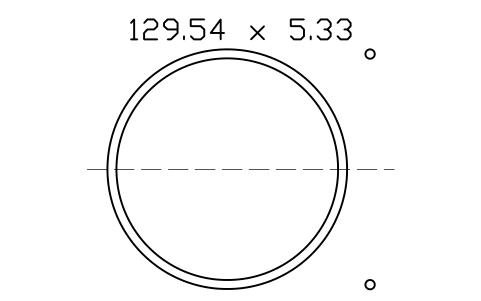
O-ring 129.54 x 5.33
ORG_354Öznitelikler
DESIGNATIONSIZE_CODEID_MMCS_MMSTANDARDMATERIALHARDNESS_IRHDPART_NOMANUFACTURERQTYREMARKSDESC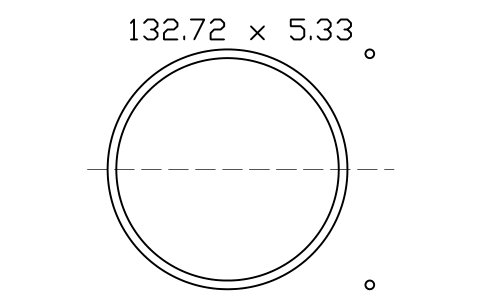
O-ring 132.72 x 5.33
ORG_355Öznitelikler
DESIGNATIONSIZE_CODEID_MMCS_MMSTANDARDMATERIALHARDNESS_IRHDPART_NOMANUFACTURERQTYREMARKSDESC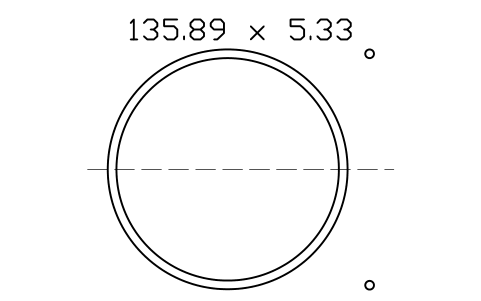
O-ring 135.89 x 5.33
ORG_356Öznitelikler
DESIGNATIONSIZE_CODEID_MMCS_MMSTANDARDMATERIALHARDNESS_IRHDPART_NOMANUFACTURERQTYREMARKSDESC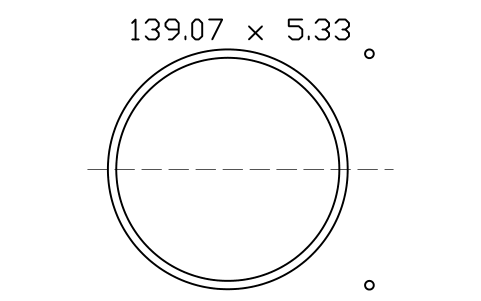
O-ring 139.07 x 5.33
ORG_357Öznitelikler
DESIGNATIONSIZE_CODEID_MMCS_MMSTANDARDMATERIALHARDNESS_IRHDPART_NOMANUFACTURERQTYREMARKSDESC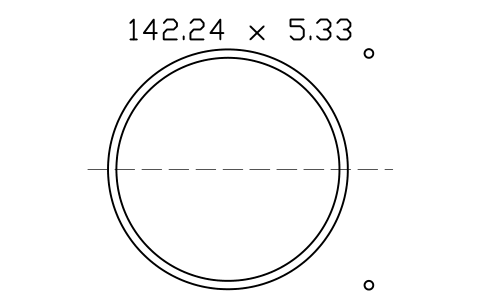
O-ring 142.24 x 5.33
ORG_358Öznitelikler
DESIGNATIONSIZE_CODEID_MMCS_MMSTANDARDMATERIALHARDNESS_IRHDPART_NOMANUFACTURERQTYREMARKSDESC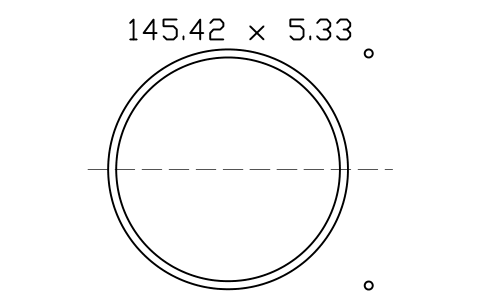
O-ring 145.42 x 5.33
ORG_359Öznitelikler
DESIGNATIONSIZE_CODEID_MMCS_MMSTANDARDMATERIALHARDNESS_IRHDPART_NOMANUFACTURERQTYREMARKSDESC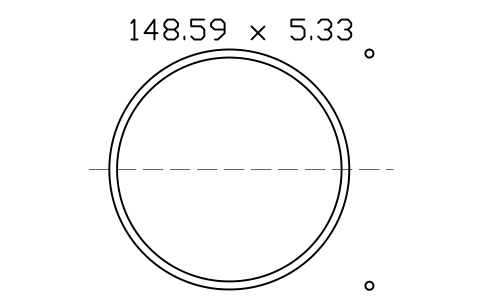
O-ring 148.59 x 5.33
ORG_360Öznitelikler
DESIGNATIONSIZE_CODEID_MMCS_MMSTANDARDMATERIALHARDNESS_IRHDPART_NOMANUFACTURERQTYREMARKSDESC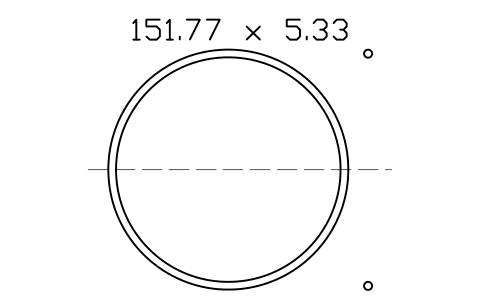
O-ring 151.77 x 5.33
ORG_361Öznitelikler
DESIGNATIONSIZE_CODEID_MMCS_MMSTANDARDMATERIALHARDNESS_IRHDPART_NOMANUFACTURERQTYREMARKSDESC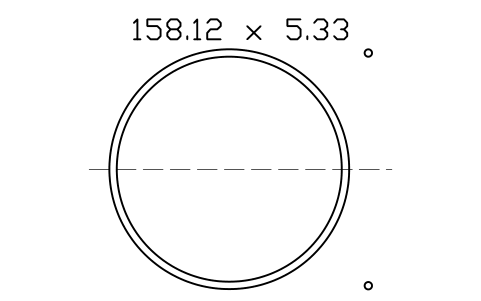
O-ring 158.12 x 5.33
ORG_362Öznitelikler
DESIGNATIONSIZE_CODEID_MMCS_MMSTANDARDMATERIALHARDNESS_IRHDPART_NOMANUFACTURERQTYREMARKSDESC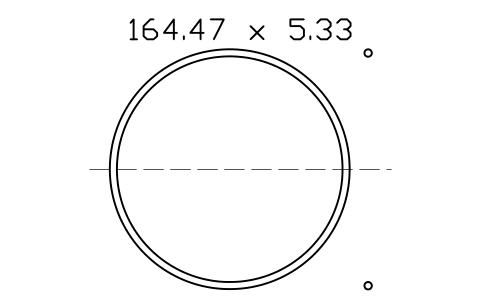
O-ring 164.47 x 5.33
ORG_363Öznitelikler
DESIGNATIONSIZE_CODEID_MMCS_MMSTANDARDMATERIALHARDNESS_IRHDPART_NOMANUFACTURERQTYREMARKSDESC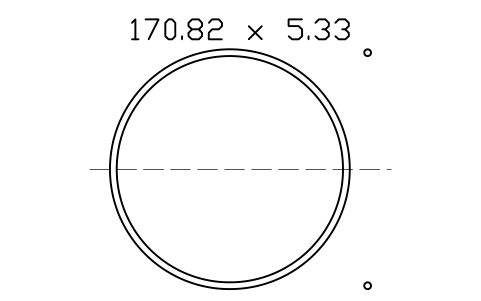
O-ring 170.82 x 5.33
ORG_364Öznitelikler
DESIGNATIONSIZE_CODEID_MMCS_MMSTANDARDMATERIALHARDNESS_IRHDPART_NOMANUFACTURERQTYREMARKSDESC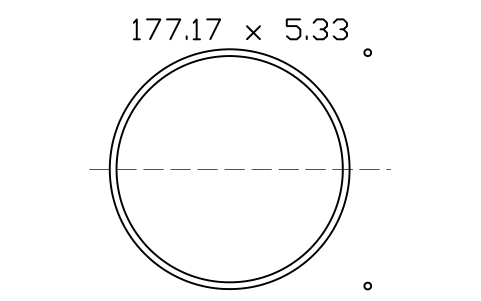
O-ring 177.17 x 5.33
ORG_365Öznitelikler
DESIGNATIONSIZE_CODEID_MMCS_MMSTANDARDMATERIALHARDNESS_IRHDPART_NOMANUFACTURERQTYREMARKSDESC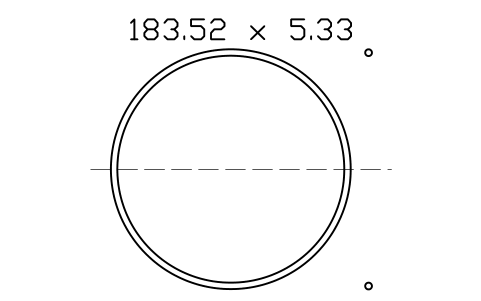
O-ring 183.52 x 5.33
ORG_366Öznitelikler
DESIGNATIONSIZE_CODEID_MMCS_MMSTANDARDMATERIALHARDNESS_IRHDPART_NOMANUFACTURERQTYREMARKSDESC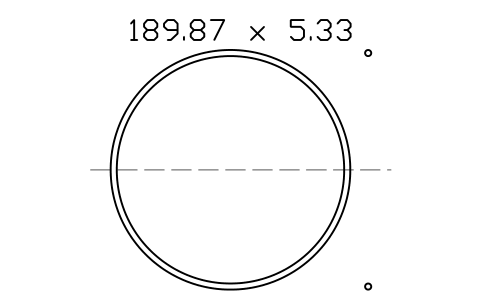
O-ring 189.87 x 5.33
ORG_367Öznitelikler
DESIGNATIONSIZE_CODEID_MMCS_MMSTANDARDMATERIALHARDNESS_IRHDPART_NOMANUFACTURERQTYREMARKSDESC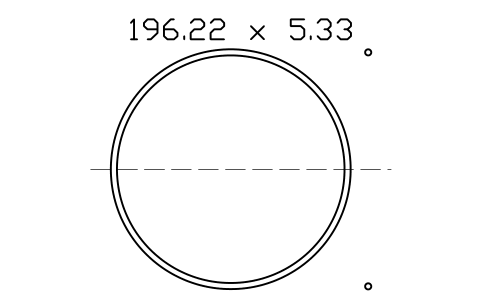
O-ring 196.22 x 5.33
ORG_368Öznitelikler
DESIGNATIONSIZE_CODEID_MMCS_MMSTANDARDMATERIALHARDNESS_IRHDPART_NOMANUFACTURERQTYREMARKSDESC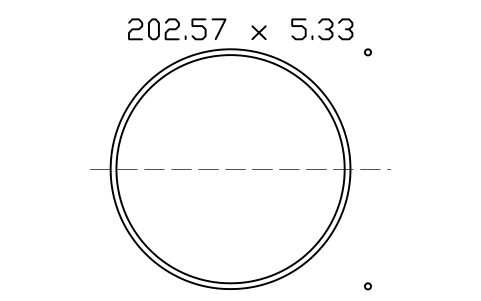
O-ring 202.57 x 5.33
ORG_369Öznitelikler
DESIGNATIONSIZE_CODEID_MMCS_MMSTANDARDMATERIALHARDNESS_IRHDPART_NOMANUFACTURERQTYREMARKSDESC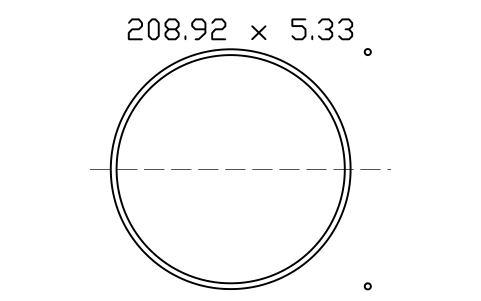
O-ring 208.92 x 5.33
ORG_370Öznitelikler
DESIGNATIONSIZE_CODEID_MMCS_MMSTANDARDMATERIALHARDNESS_IRHDPART_NOMANUFACTURERQTYREMARKSDESC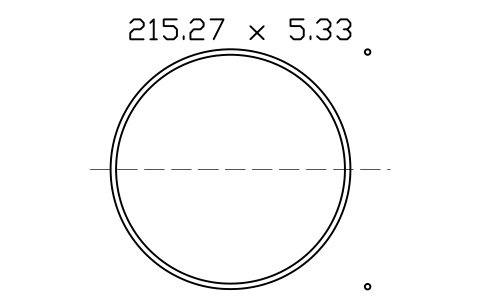
O-ring 215.27 x 5.33
ORG_371Öznitelikler
DESIGNATIONSIZE_CODEID_MMCS_MMSTANDARDMATERIALHARDNESS_IRHDPART_NOMANUFACTURERQTYREMARKSDESC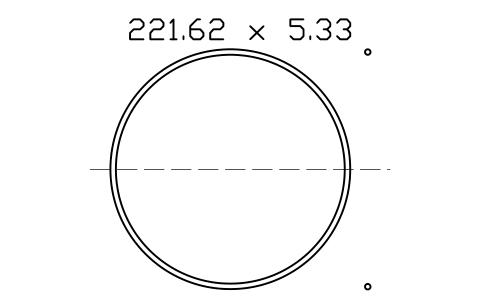
O-ring 221.62 x 5.33
ORG_372Öznitelikler
DESIGNATIONSIZE_CODEID_MMCS_MMSTANDARDMATERIALHARDNESS_IRHDPART_NOMANUFACTURERQTYREMARKSDESC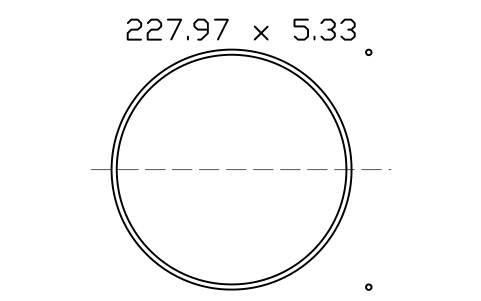
O-ring 227.97 x 5.33
ORG_373Öznitelikler
DESIGNATIONSIZE_CODEID_MMCS_MMSTANDARDMATERIALHARDNESS_IRHDPART_NOMANUFACTURERQTYREMARKSDESC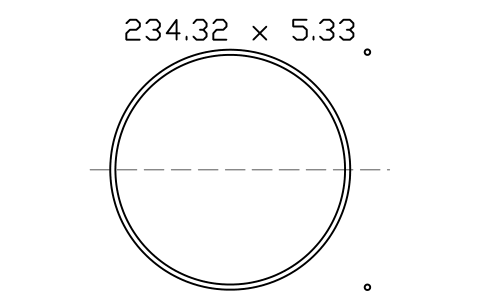
O-ring 234.32 x 5.33
ORG_374Öznitelikler
DESIGNATIONSIZE_CODEID_MMCS_MMSTANDARDMATERIALHARDNESS_IRHDPART_NOMANUFACTURERQTYREMARKSDESC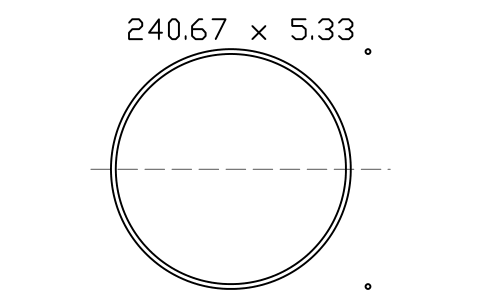
O-ring 240.67 x 5.33
ORG_375Öznitelikler
DESIGNATIONSIZE_CODEID_MMCS_MMSTANDARDMATERIALHARDNESS_IRHDPART_NOMANUFACTURERQTYREMARKSDESC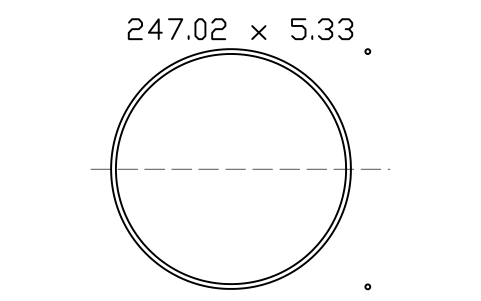
O-ring 247.02 x 5.33
ORG_376Öznitelikler
DESIGNATIONSIZE_CODEID_MMCS_MMSTANDARDMATERIALHARDNESS_IRHDPART_NOMANUFACTURERQTYREMARKSDESC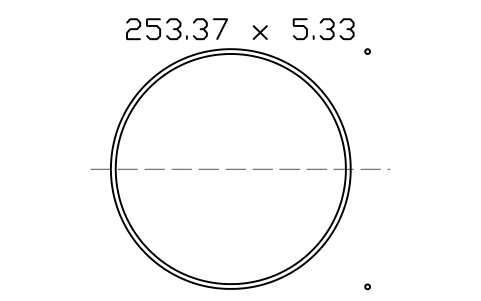
O-ring 253.37 x 5.33
ORG_377Öznitelikler
DESIGNATIONSIZE_CODEID_MMCS_MMSTANDARDMATERIALHARDNESS_IRHDPART_NOMANUFACTURERQTYREMARKSDESC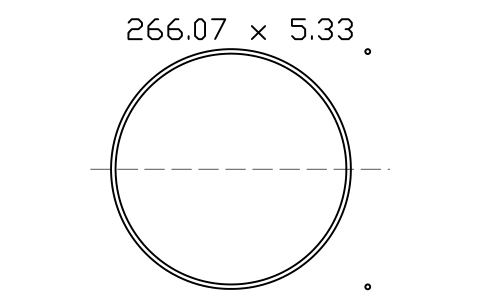
O-ring 266.07 x 5.33
ORG_378Öznitelikler
DESIGNATIONSIZE_CODEID_MMCS_MMSTANDARDMATERIALHARDNESS_IRHDPART_NOMANUFACTURERQTYREMARKSDESC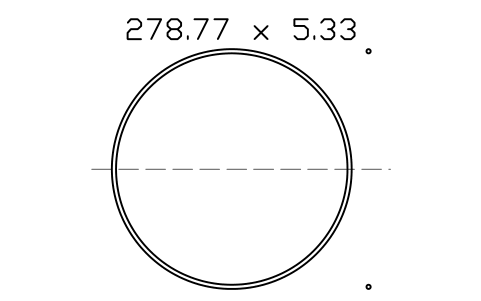
O-ring 278.77 x 5.33
ORG_379Öznitelikler
DESIGNATIONSIZE_CODEID_MMCS_MMSTANDARDMATERIALHARDNESS_IRHDPART_NOMANUFACTURERQTYREMARKSDESC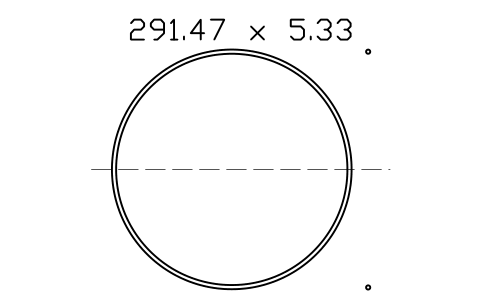
O-ring 291.47 x 5.33
ORG_380Öznitelikler
DESIGNATIONSIZE_CODEID_MMCS_MMSTANDARDMATERIALHARDNESS_IRHDPART_NOMANUFACTURERQTYREMARKSDESC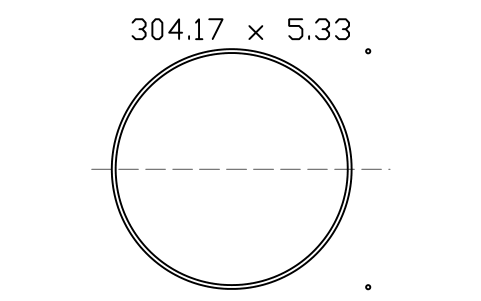
O-ring 304.17 x 5.33
ORG_381Öznitelikler
DESIGNATIONSIZE_CODEID_MMCS_MMSTANDARDMATERIALHARDNESS_IRHDPART_NOMANUFACTURERQTYREMARKSDESC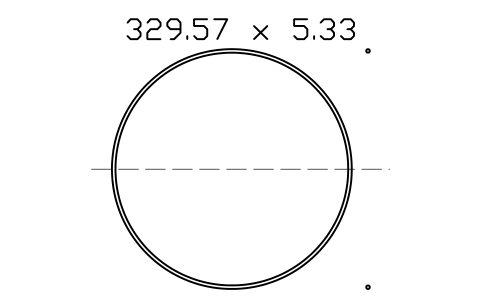
O-ring 329.57 x 5.33
ORG_382Öznitelikler
DESIGNATIONSIZE_CODEID_MMCS_MMSTANDARDMATERIALHARDNESS_IRHDPART_NOMANUFACTURERQTYREMARKSDESC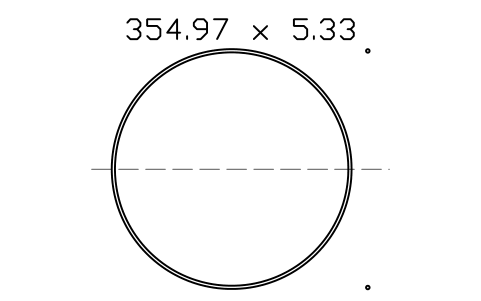
O-ring 354.97 x 5.33
ORG_383Öznitelikler
DESIGNATIONSIZE_CODEID_MMCS_MMSTANDARDMATERIALHARDNESS_IRHDPART_NOMANUFACTURERQTYREMARKSDESC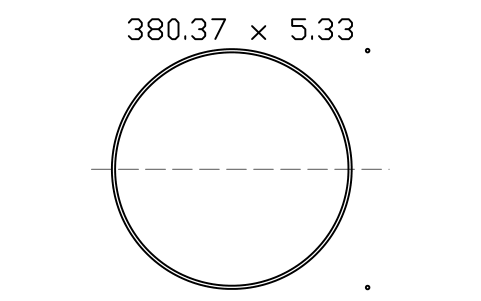
O-ring 380.37 x 5.33
ORG_384Öznitelikler
DESIGNATIONSIZE_CODEID_MMCS_MMSTANDARDMATERIALHARDNESS_IRHDPART_NOMANUFACTURERQTYREMARKSDESC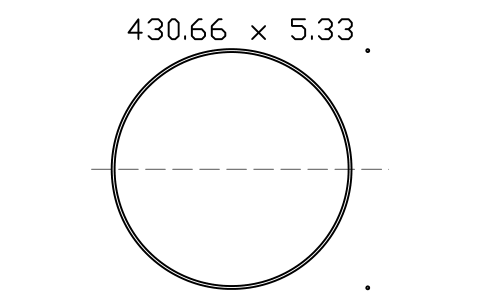
O-ring 430.66 x 5.33
ORG_386Öznitelikler
DESIGNATIONSIZE_CODEID_MMCS_MMSTANDARDMATERIALHARDNESS_IRHDPART_NOMANUFACTURERQTYREMARKSDESC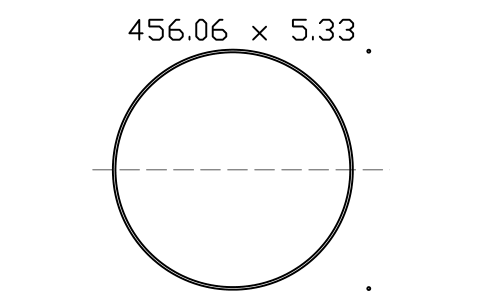
O-ring 456.06 x 5.33
ORG_387Öznitelikler
DESIGNATIONSIZE_CODEID_MMCS_MMSTANDARDMATERIALHARDNESS_IRHDPART_NOMANUFACTURERQTYREMARKSDESC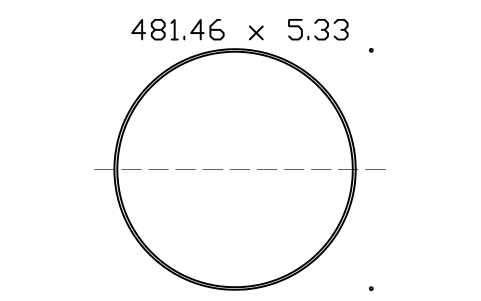
O-ring 481.46 x 5.33
ORG_388Öznitelikler
DESIGNATIONSIZE_CODEID_MMCS_MMSTANDARDMATERIALHARDNESS_IRHDPART_NOMANUFACTURERQTYREMARKSDESC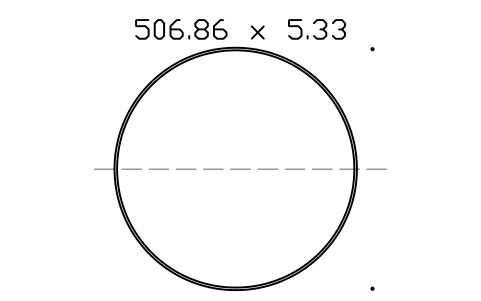
O-ring 506.86 x 5.33
ORG_389Öznitelikler
DESIGNATIONSIZE_CODEID_MMCS_MMSTANDARDMATERIALHARDNESS_IRHDPART_NOMANUFACTURERQTYREMARKSDESC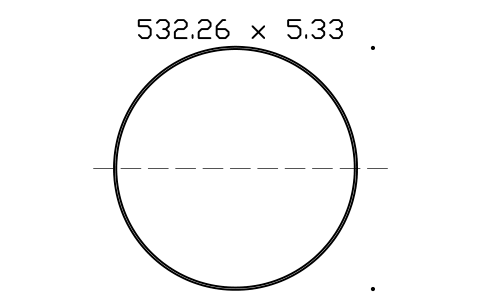
O-ring 532.26 x 5.33
ORG_390Öznitelikler
DESIGNATIONSIZE_CODEID_MMCS_MMSTANDARDMATERIALHARDNESS_IRHDPART_NOMANUFACTURERQTYREMARKSDESC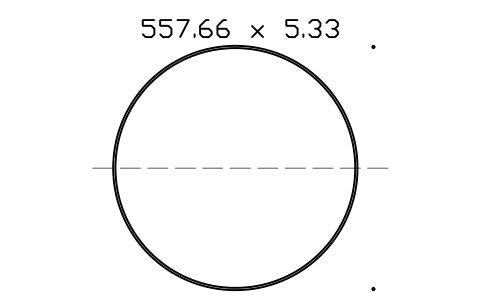
O-ring 557.66 x 5.33
ORG_391Öznitelikler
DESIGNATIONSIZE_CODEID_MMCS_MMSTANDARDMATERIALHARDNESS_IRHDPART_NOMANUFACTURERQTYREMARKSDESC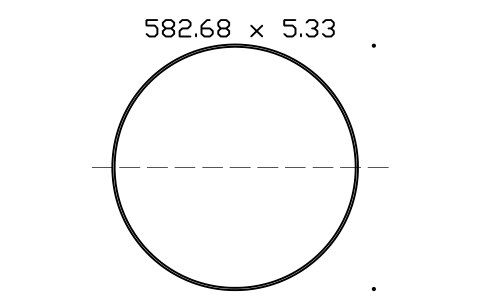
O-ring 582.68 x 5.33
ORG_392Öznitelikler
DESIGNATIONSIZE_CODEID_MMCS_MMSTANDARDMATERIALHARDNESS_IRHDPART_NOMANUFACTURERQTYREMARKSDESC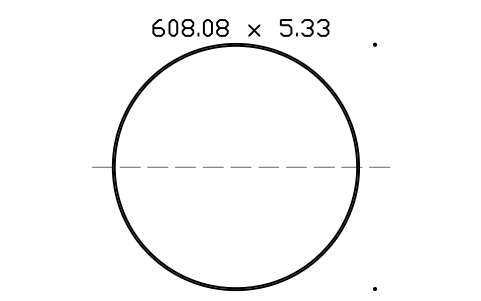
O-ring 608.08 x 5.33
ORG_393Öznitelikler
DESIGNATIONSIZE_CODEID_MMCS_MMSTANDARDMATERIALHARDNESS_IRHDPART_NOMANUFACTURERQTYREMARKSDESC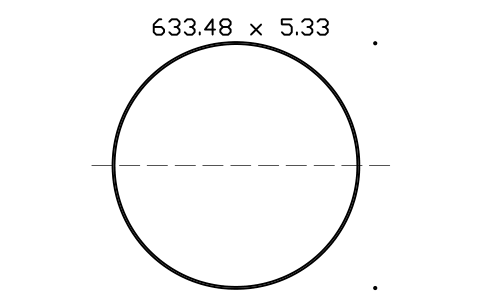
O-ring 633.48 x 5.33
ORG_394Öznitelikler
DESIGNATIONSIZE_CODEID_MMCS_MMSTANDARDMATERIALHARDNESS_IRHDPART_NOMANUFACTURERQTYREMARKSDESC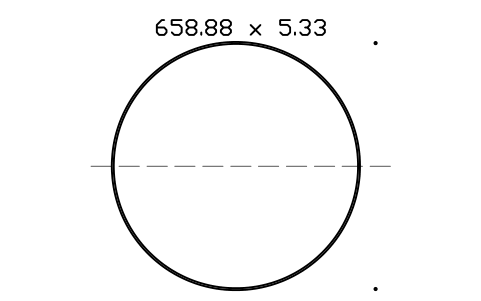
O-ring 658.88 x 5.33
ORG_395Öznitelikler
DESIGNATIONSIZE_CODEID_MMCS_MMSTANDARDMATERIALHARDNESS_IRHDPART_NOMANUFACTURERQTYREMARKSDESC
Bir sembol mü eksik? Hangisi olduğunu bize yazın.
Attributes for parts lists
Each block has the designation as a visible attribute (for example O-ring 29.87 x 3.53). The invisible attributes are SIZE_CODE, ID_MM, CS_MM, STANDARD, MATERIAL, HARDNESS_IRHD, PART_NO, MANUFACTURER, QTY and REMARKS. The size code, inside diameter and cross-section are already filled in; set the material and hardness to what you order.
Export the O-rings of an assembly drawing to Excel with BlockSync to get a parts list with size, material and quantity, and write corrections back in one run, with preview and backup.
How to use the library
- Unzip the file and open the DWG. Copy the symbols you need into your plan, or drag the blocks in from DesignCenter (ADCENTER).
- The rings are drawn at real size, 1 drawing unit = 1 mm: the inside circle is the inside diameter and the outside circle is the inside diameter plus twice the cross-section. Insert them at scale 1. Small rings are drawn small; the catalog sheet enlarges them only so that you can see them.
- The insertion point is the centre of the ring. The end view is on the left and the cut cross-section, two circles of the cross-section diameter above and below the centre line, is on the right, so you can use the same block in a plan view and in a section view. Explode the block and keep the view you need.
- The five libraries differ only by cross-section, so take the library of the cross-section you need and look up the size by its code or by its inside diameter. The block name is ORG_ followed by the size code, for example ORG_210.