
Free AutoCAD electrical symbols, ANSI/IEEE 315 style (DWG): contacts, pushbuttons, coils, breakers, transformers, motors
Electrical symbols, ANSI/IEEE 315 style: 79 ready-made AutoCAD blocks (DWG), free to download and use in your own projects, as a ZIP or one symbol at a time.
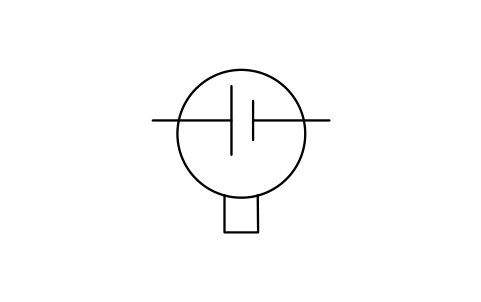
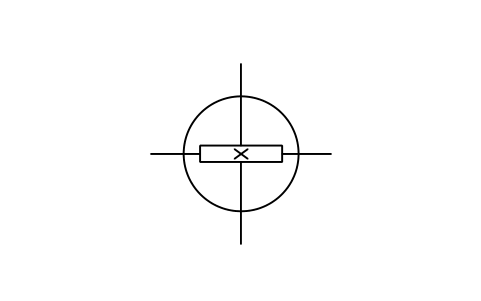
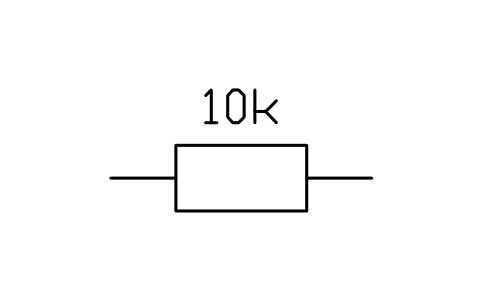
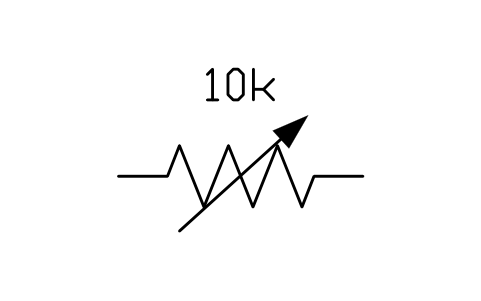
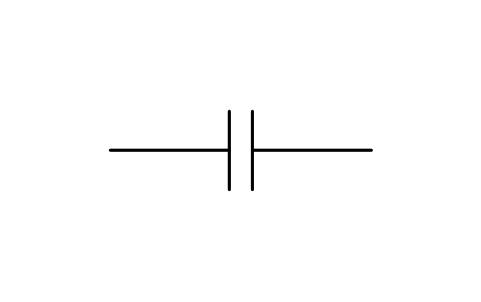
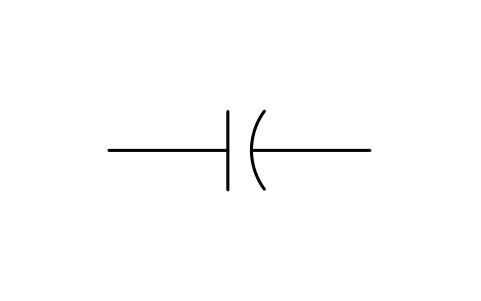
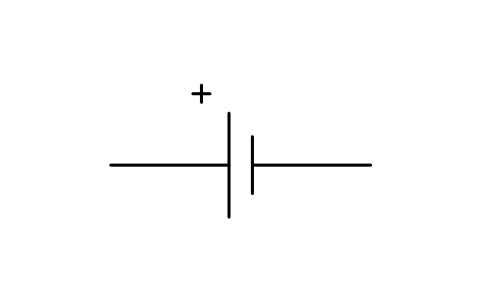
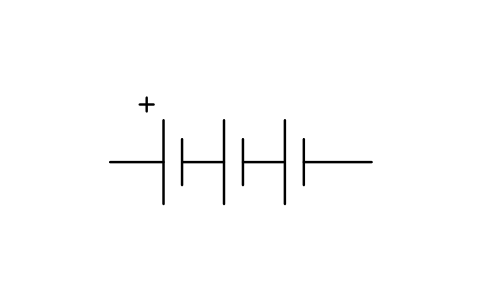
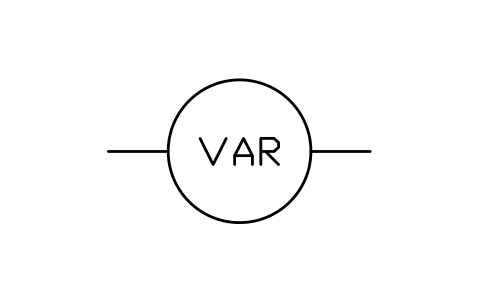
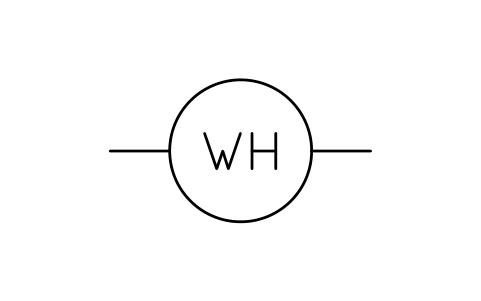
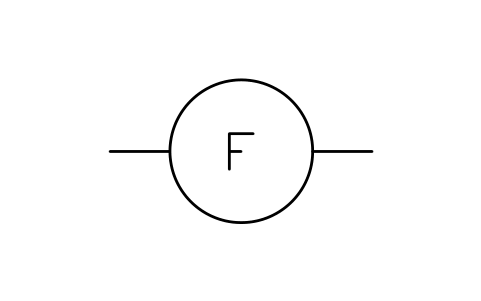
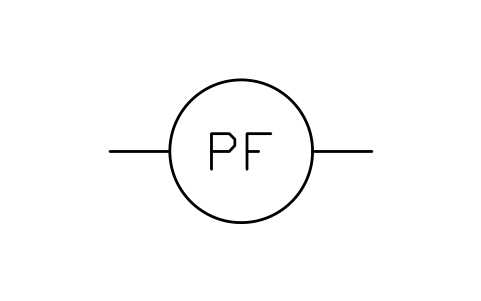
79 electrical symbols as ready-to-use AutoCAD blocks in the US style of IEEE Std 315 (ANSI Y32.2): normally open and closed contacts, also with time delay, pushbuttons, blade and selector switches, flow, level, pressure and temperature switches, limit switches, operating coils, contactors, fuses, circuit breakers, grounds, transformers, motors and generators, resistors, capacitors, batteries, meters, lamps and the circle of a protective device number. The device tag, ratings and part numbers sit in attributes, so a control or one-line diagram can be read straight into a device list.
Free library: version 1.0, updated October 17, 2026 · Pro library: version 1.0, updated November 7, 2026
ANSI/IEEE 315 Pro: 385 more symbols
Beyond the 79 free symbols above, Pro adds five more sections of the standard as AutoCAD blocks: qualifying symbols, fundamental items, transmission path, terminals and connectors, and semiconductor devices. One licence covers every section, and the free library stays free.
Two ways to get Pro
Pro library
$49
- DWG files with all 385 Pro symbols, one ZIP per section
- Plain DWG files, no add-in needed
- Includes the 79 symbols of the free library as a DWG
Pro palette for AutoCAD
$59
- Everything in the library: the DWG files of every Pro section are included
- A palette inside AutoCAD: search by name in 9 languages and place a symbol with one click
- All 464 symbols; 12 of them work for free, so you can try before you buy
- AutoCAD 2021 to 2027 on Windows
What's inside this Pro library
| Section | Symbols | What it covers | File in your download |
|---|---|---|---|
| Qualifying symbols | 78 | Adjustability and variability, Special properties and radiation, Physical state and test points, Polarity and direction of flow, Kind of current, Phase connection symbols, Envelopes, shields and indicators | IEEE315-Pro-01-Qualifying-Symbols.zip |
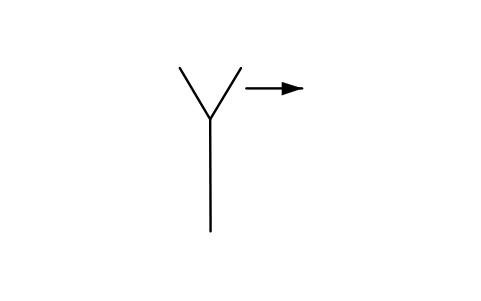
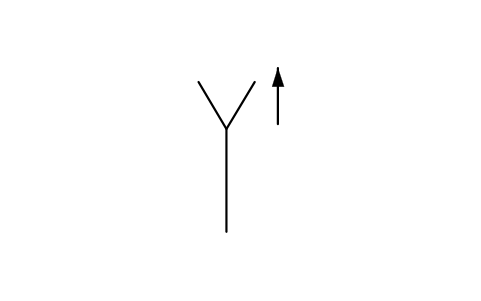
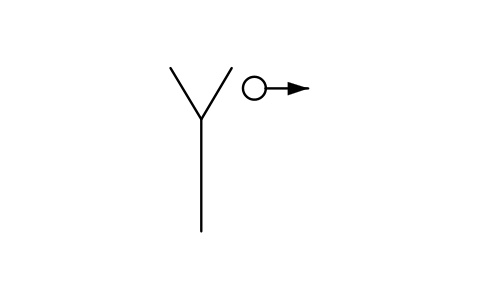
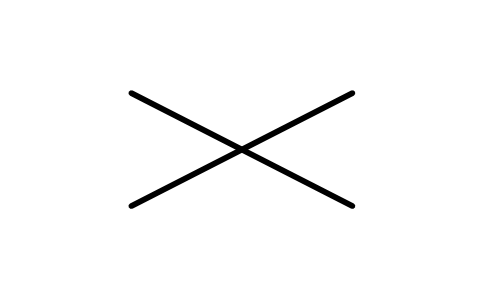
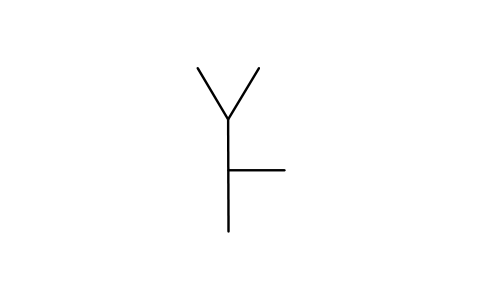
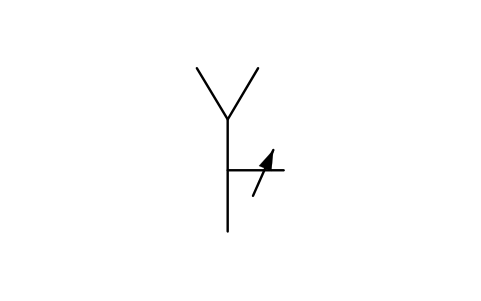
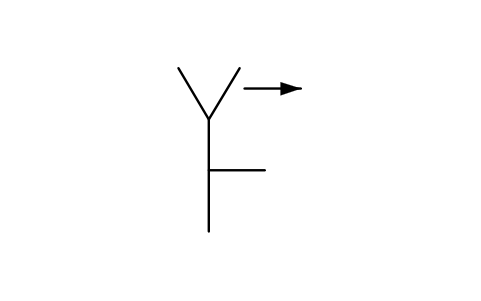
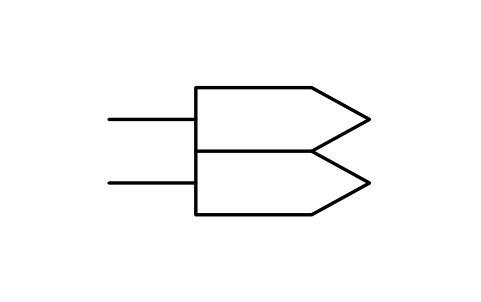
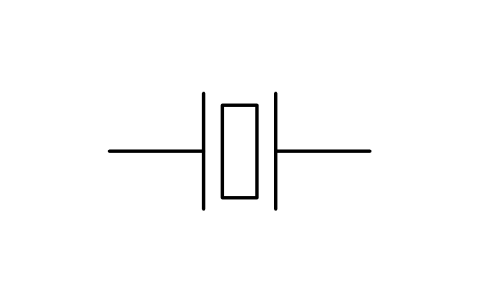
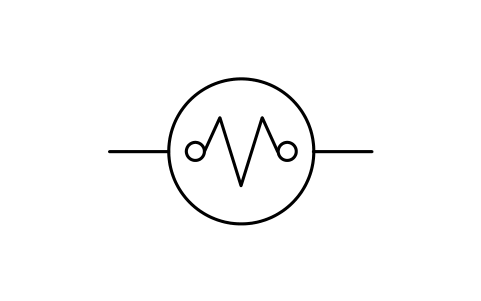
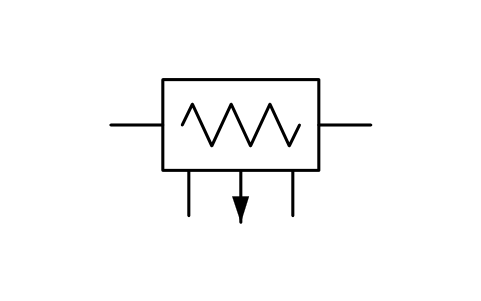
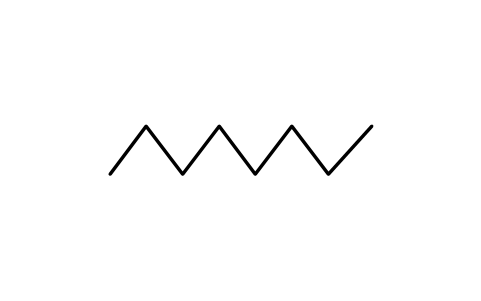
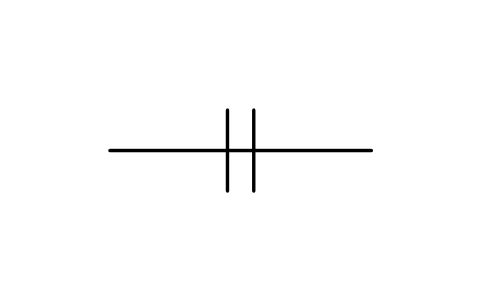
| Fundamental items | 95 | Resistors, Thermistors and varistors, Capacitors, Antennas, Antenna qualifiers and applications, Attenuators and batteries, Delay lines, oscillator, magnet, heads and crystal, Squibs, thermocouples and thermal elements | IEEE315-Pro-02-Fundamental-Items.zip |
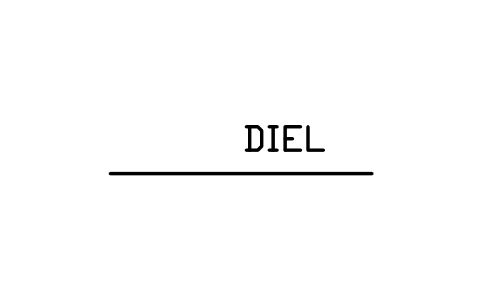
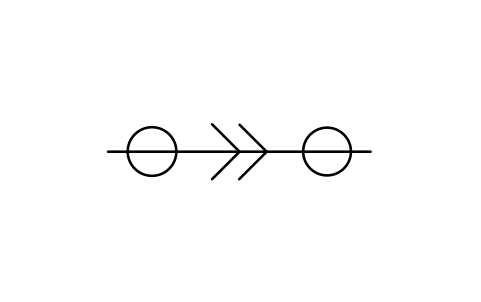
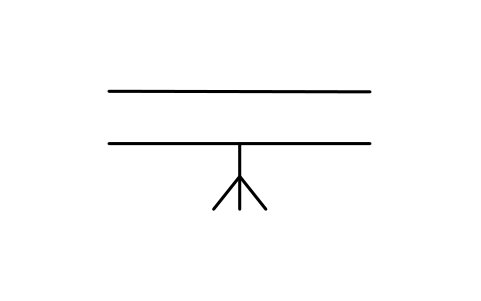
| Transmission path | 67 | Conductors and paths, Associated conductors and cables, Distribution and transmission lines, Waveguides, terminations and returns | IEEE315-Pro-03-Transmission-Path.zip |
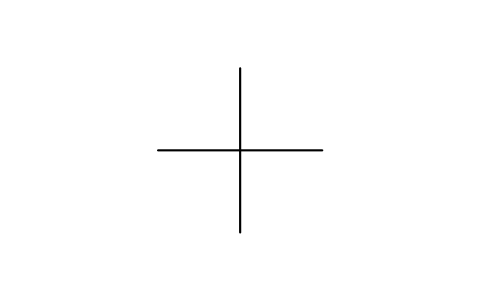
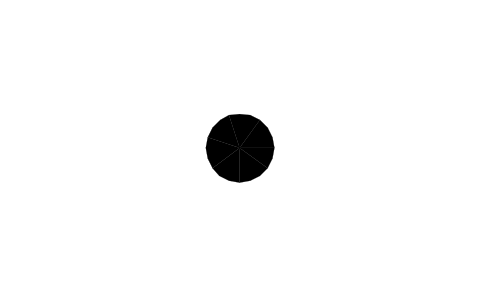
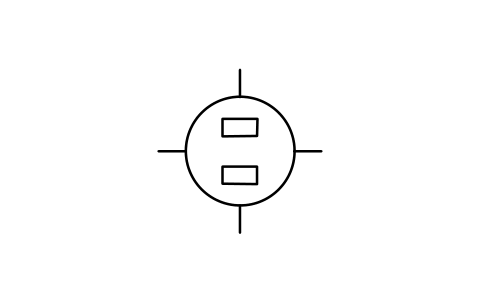
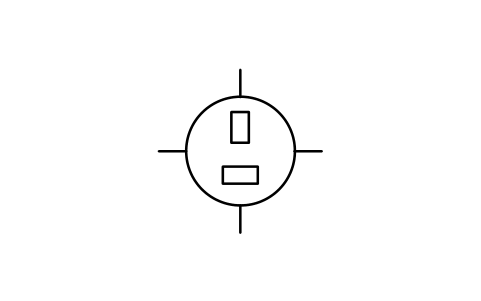
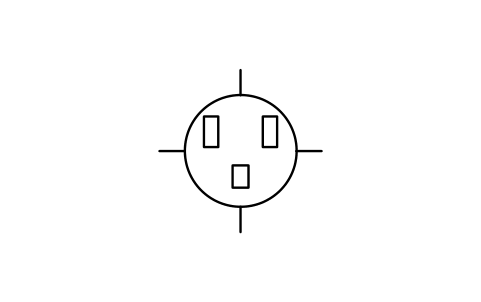
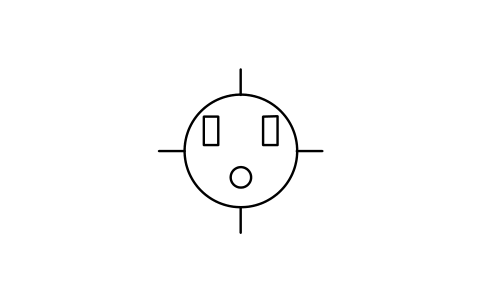
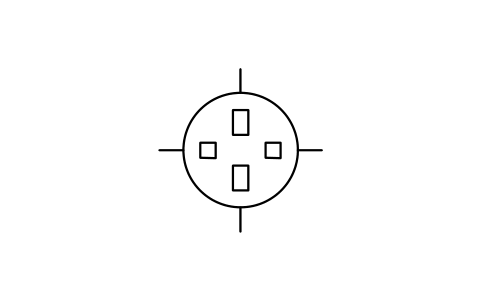
| Terminals and connectors | 38 | Terminals and device bases, Connector contacts and jacks, Power-supply connector faces, Coaxial and waveguide connectors | IEEE315-Pro-05-Terminals-Connectors.zip |
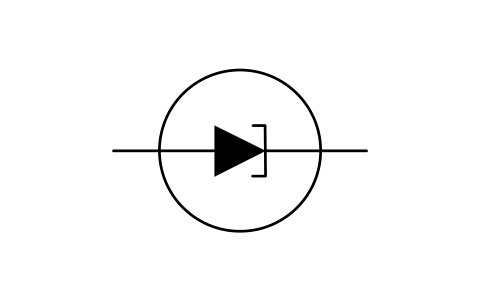
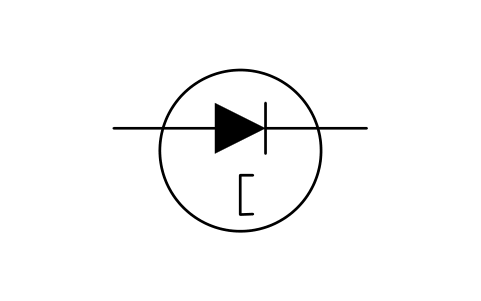
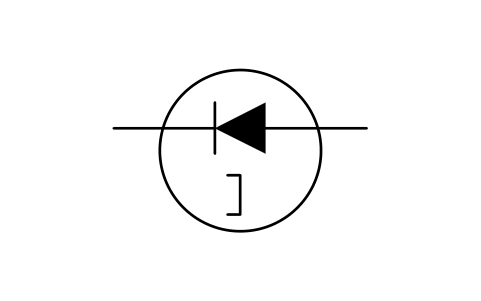
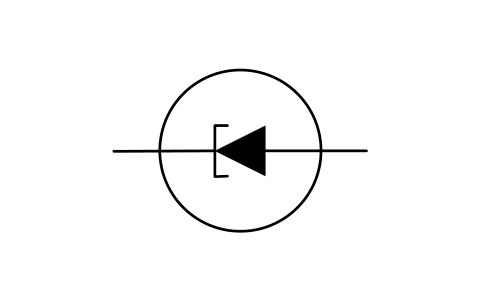
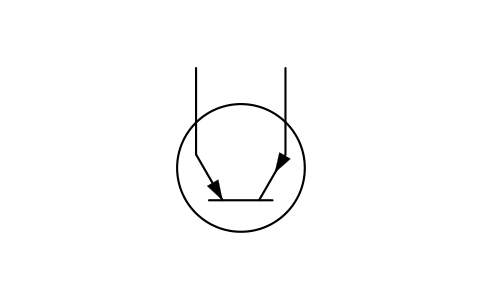
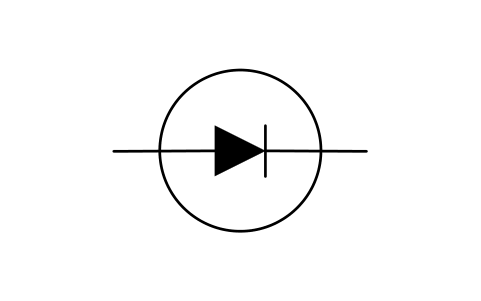
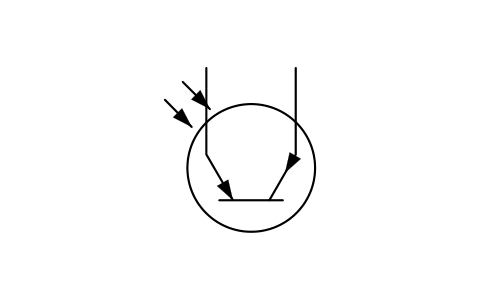
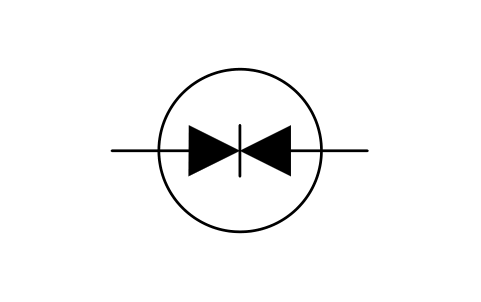
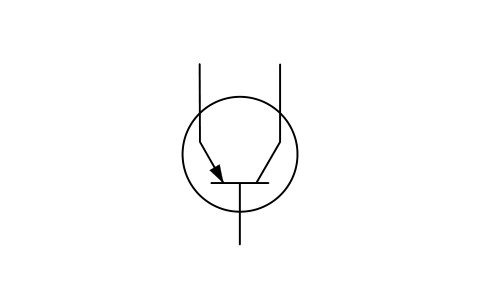
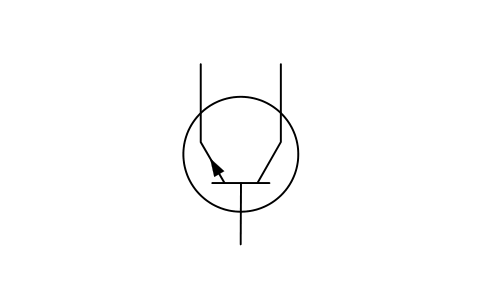
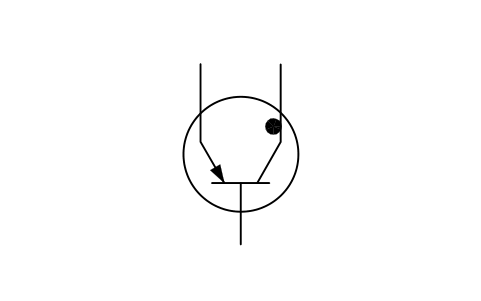
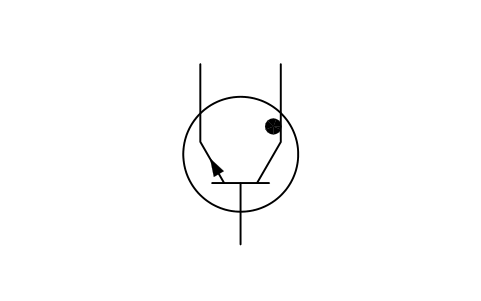
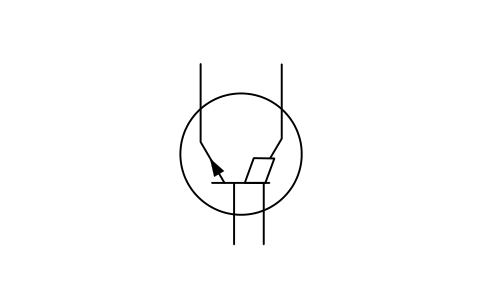
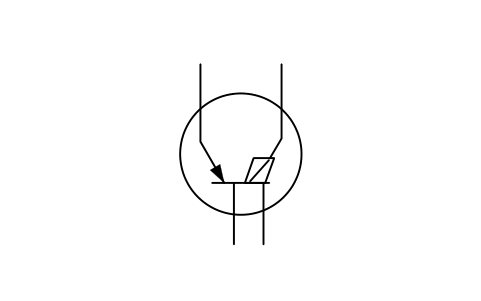
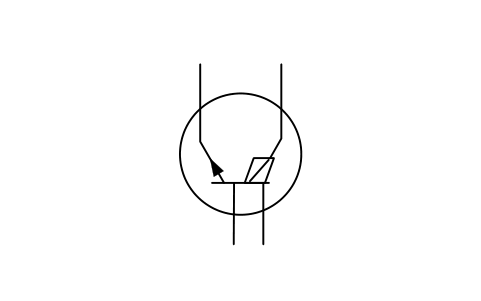
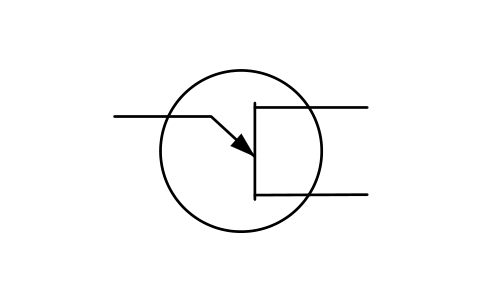
| Semiconductor devices | 107 | Element symbols and marks, Diodes, Bipolar and unijunction transistors, Field-effect transistors, Thyristors, Photo, thermal and Hall devices | IEEE315-Pro-08-Semiconductor-Devices.zip |
| Total | 385 | ||
- Every symbol is an AutoCAD block, drawn in millimetres at 1:1 and named IEEE_GROUP_NAME; insert it at scale 1.
- Each block has two invisible attributes, DESC (the symbol name) and REMARKS (free text). All geometry is on layer SYMBOL.
- Each DWG has a CATALOG layout with all its symbols on one sheet, ready to plot to PDF, and a README.txt lists every block.
- Plain DWG files in AutoCAD 2018 format, plus a second ZIP per section in AutoCAD 2010 format. No add-in is needed.
- The 79 symbols of the free library come in the same download as their own DWG, so you have the whole set in one place.
Pro library licence
$49
For one person
- Pay once
- Includes the free IEEE 315 library
What you get
- All 385 symbols of the sections on this page, as AutoCAD blocks in DWG files
- The free IEEE 315 library with its 79 symbols, in the same download
- Every section as a ZIP in AutoCAD 2018 format and in AutoCAD 2010 format
- Sections added later come with the same purchase
- The free IEEE 315 library stays free and unchanged.
- A perpetual licence: pay once, keep the files.
Free · 79 symbols
Qualifying symbols · 78
Fundamental items · 95
Transmission path · 67
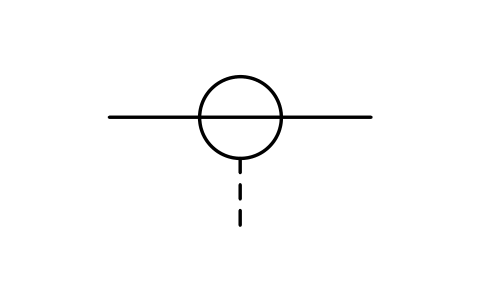
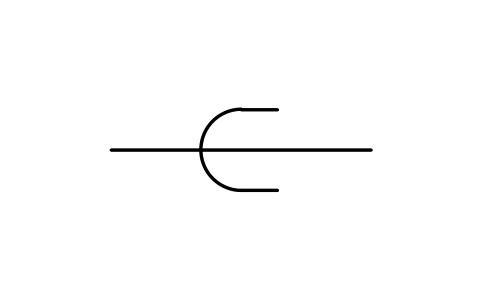
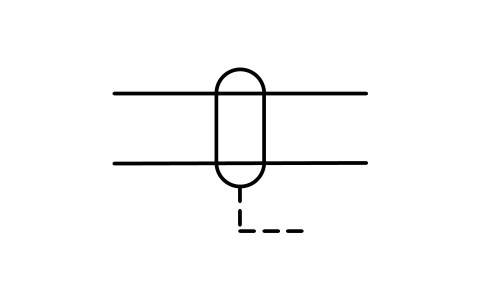
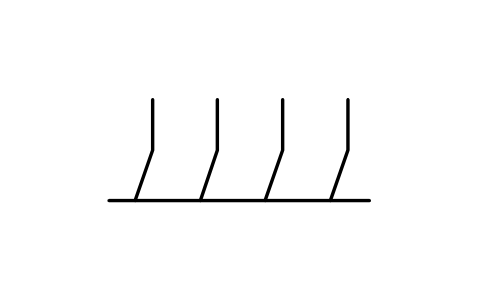
Terminals and connectors · 38
Semiconductor devices · 107
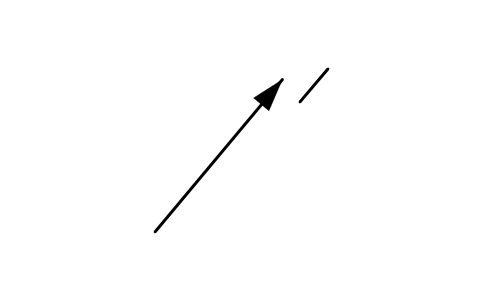
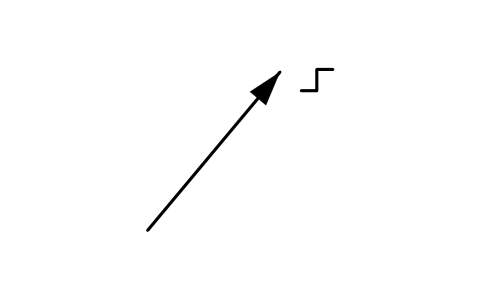
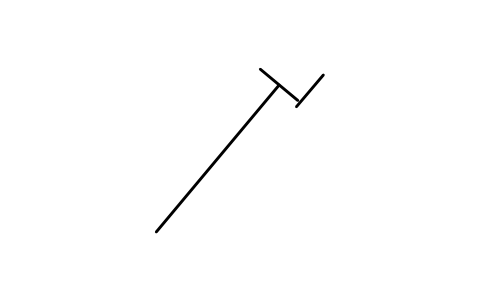
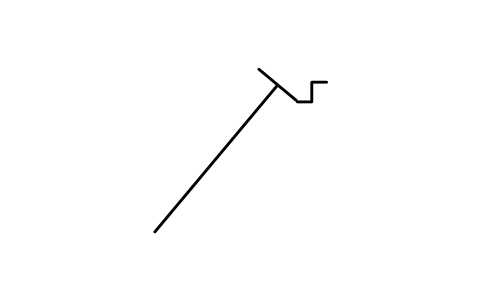
Qualifying symbols 78
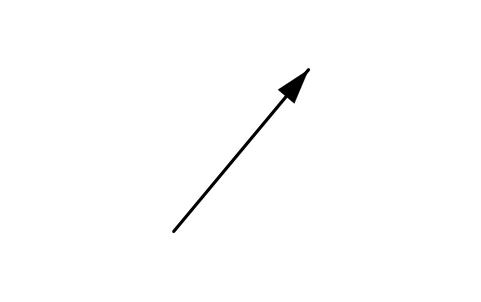
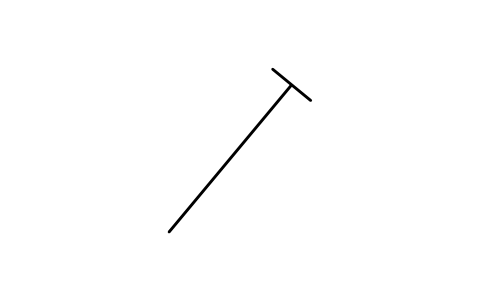
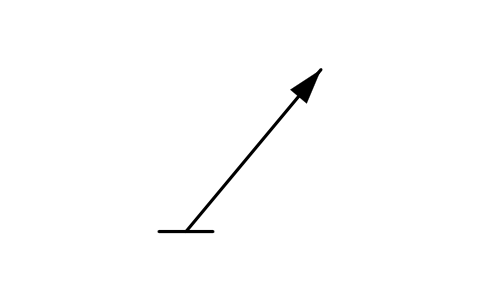
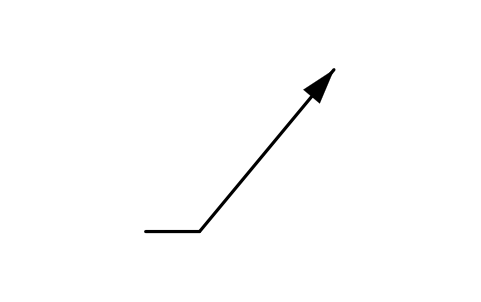
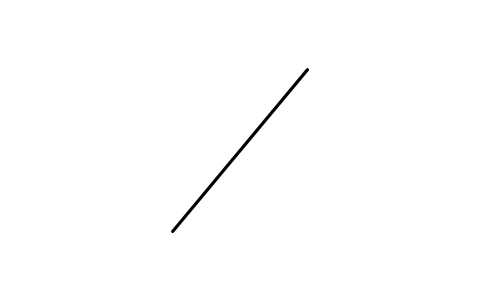
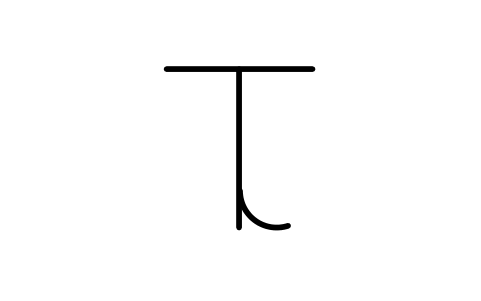
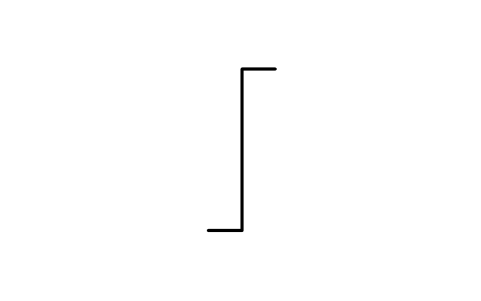
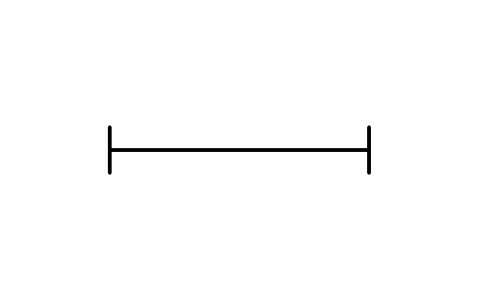
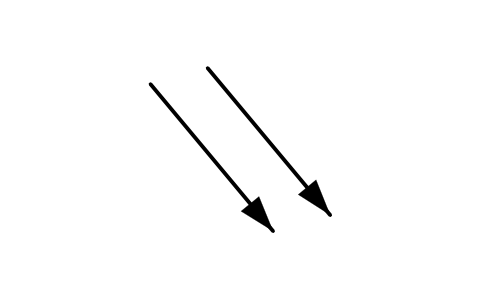
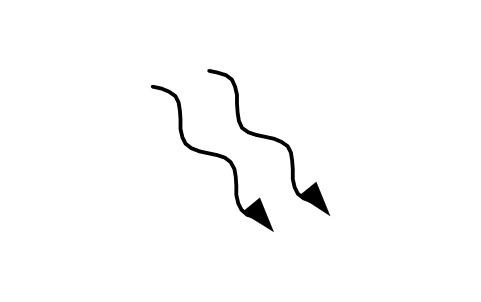
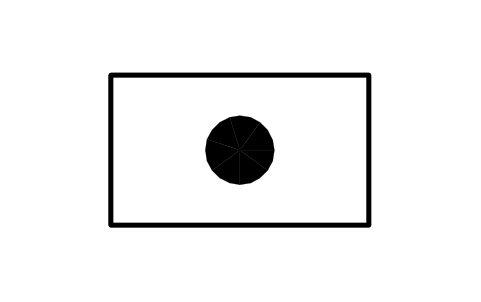
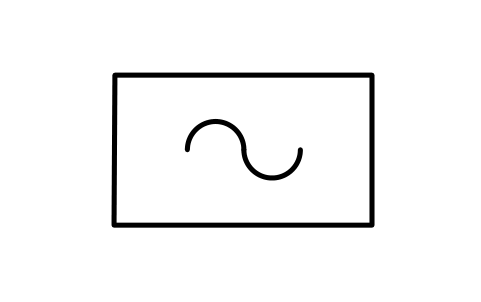
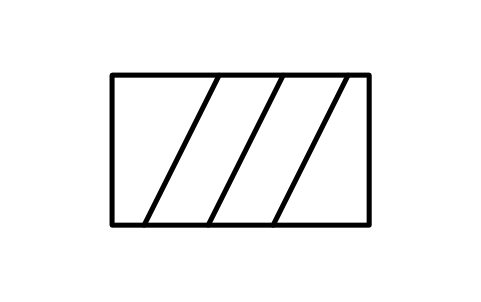
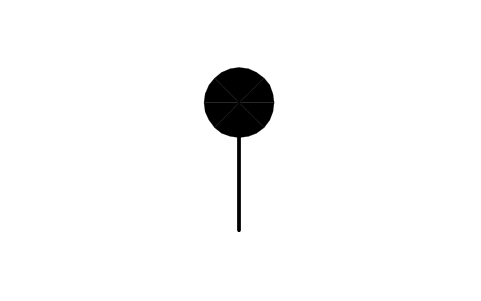
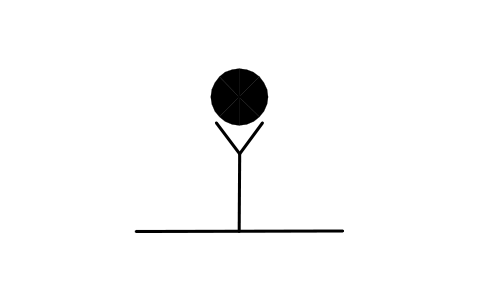
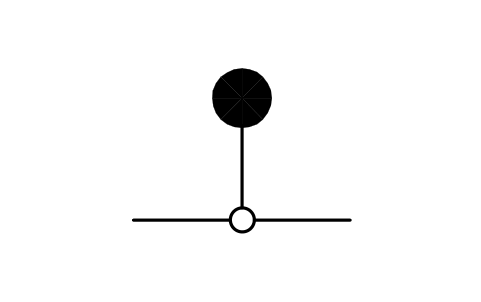
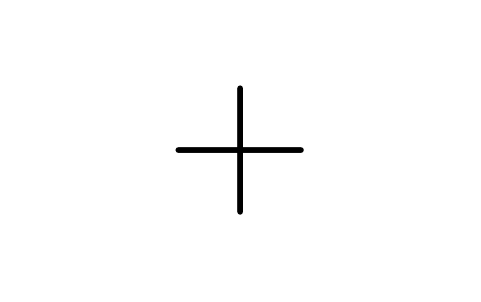
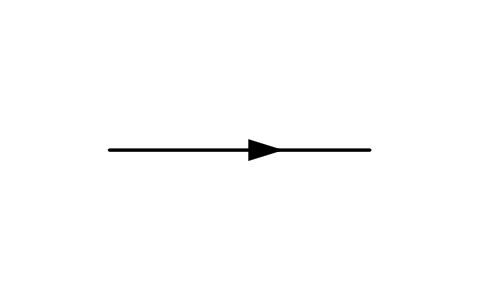
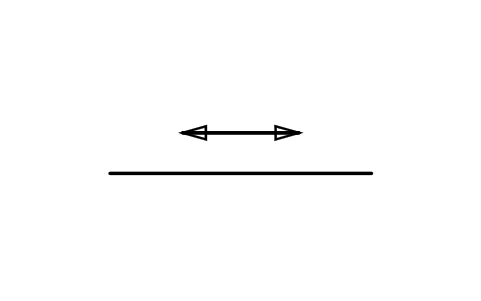
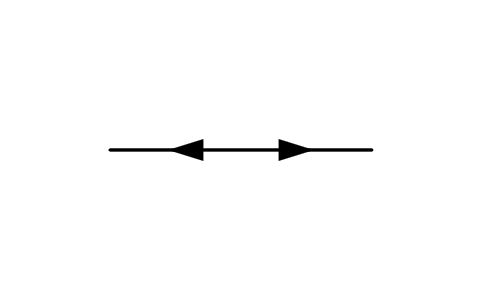
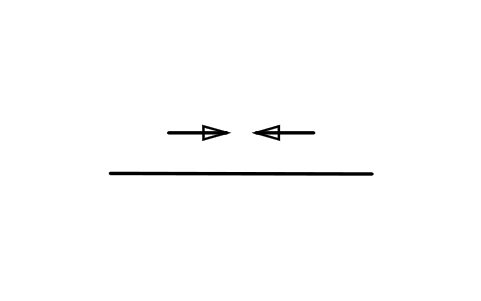
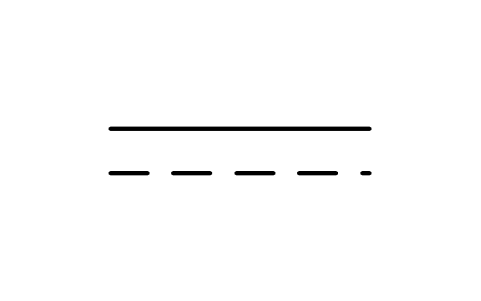
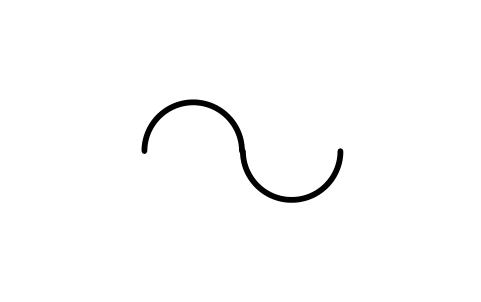
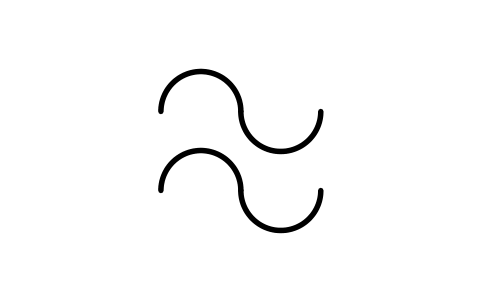
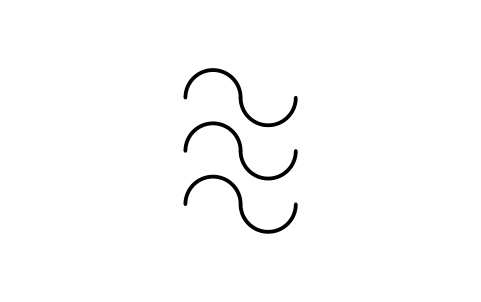
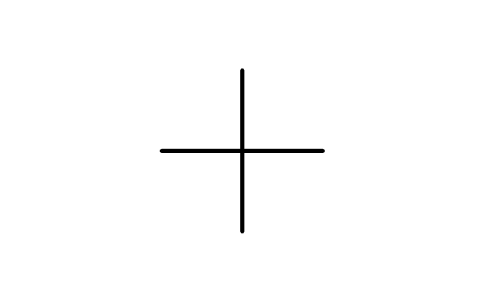
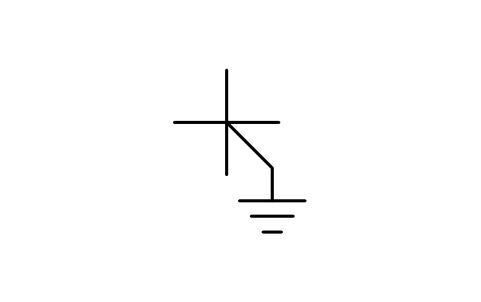
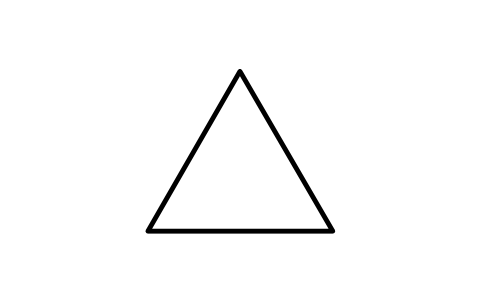
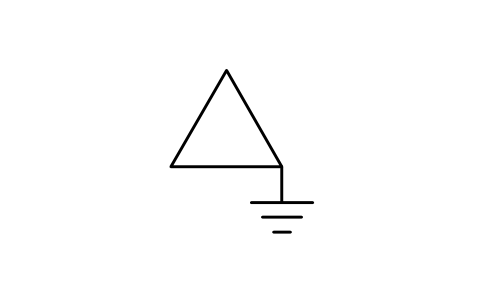
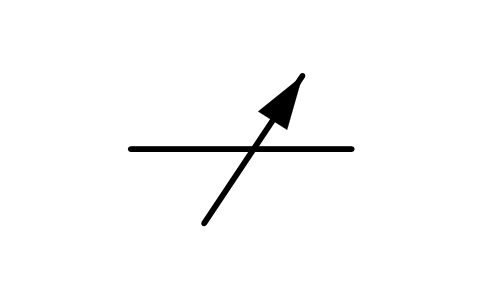
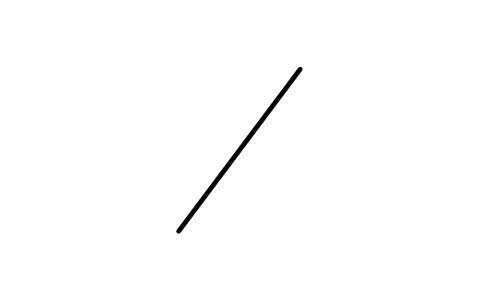
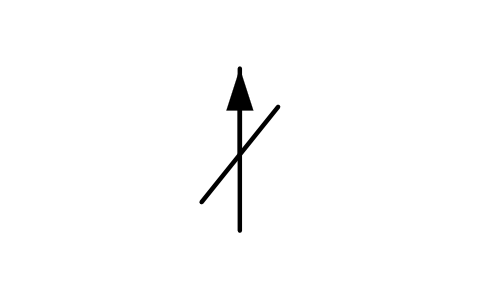
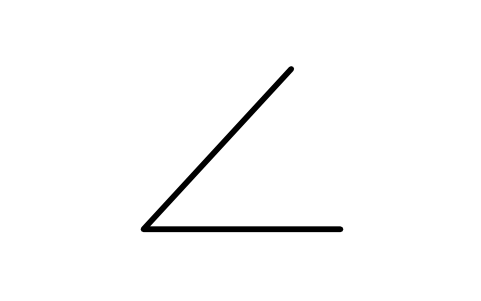
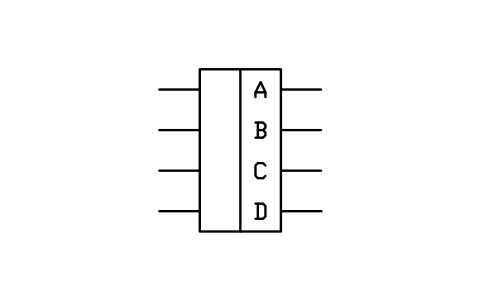
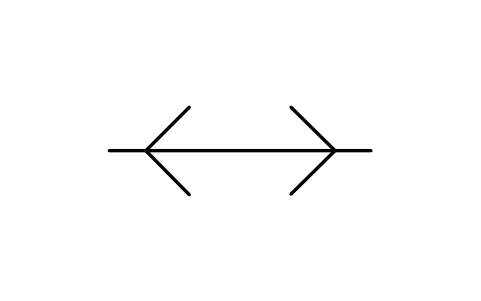
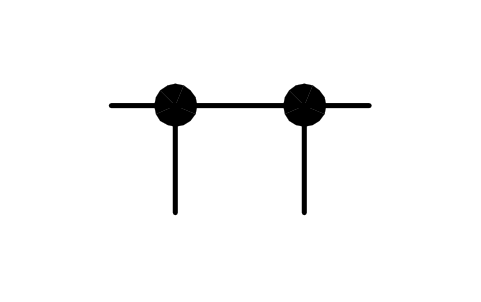
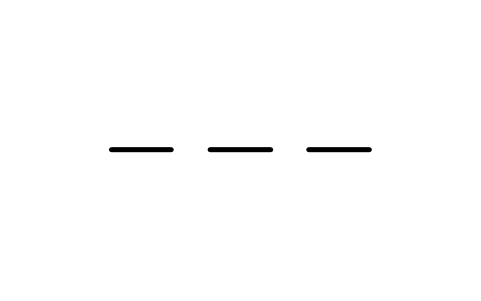
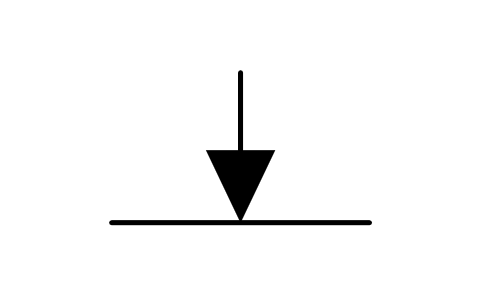
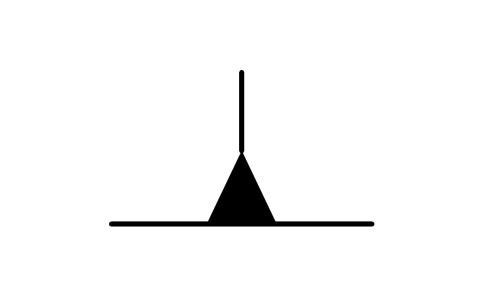
78 blocks for the marks that go beside another symbol: adjustability and variability, special properties, radiation, physical state and test points, polarity and direction of flow, kind of current, phase connections, envelopes and shields.
78 of 78 symbols
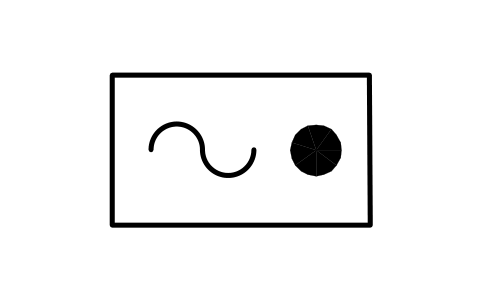
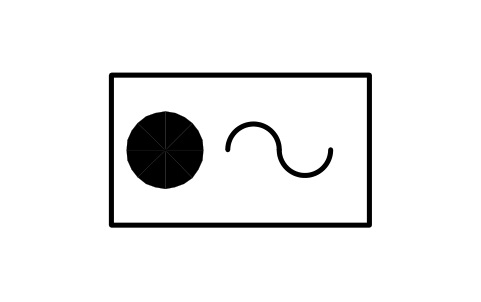
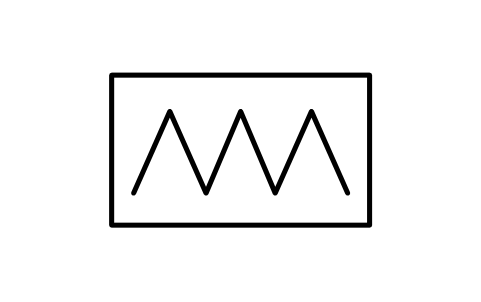
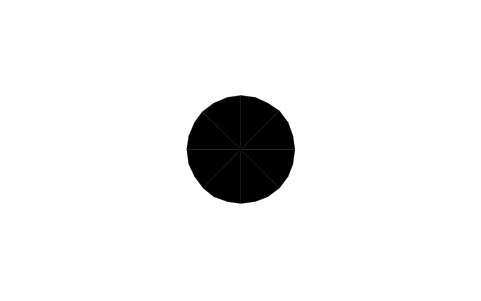

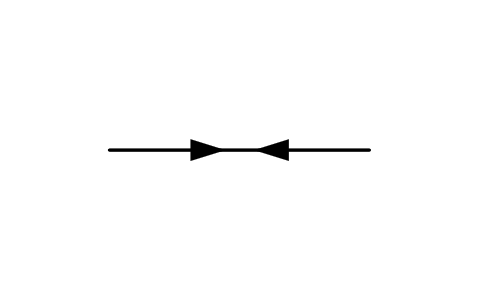
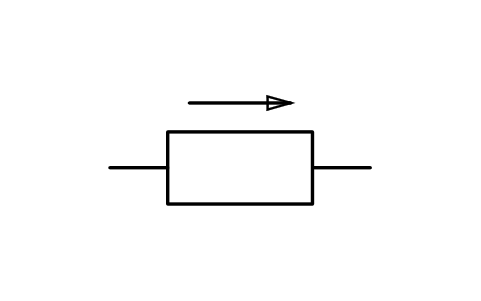
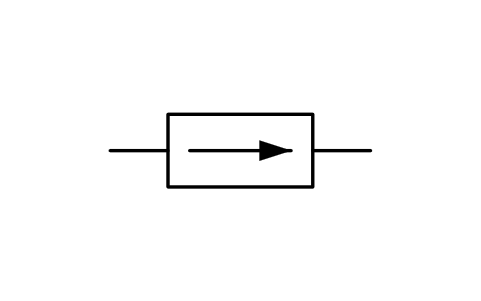
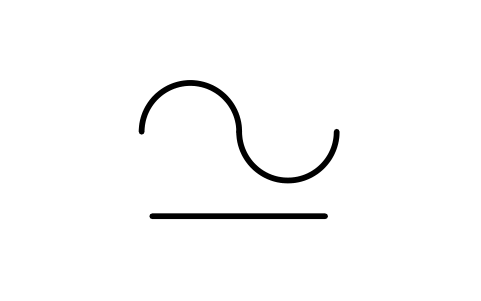
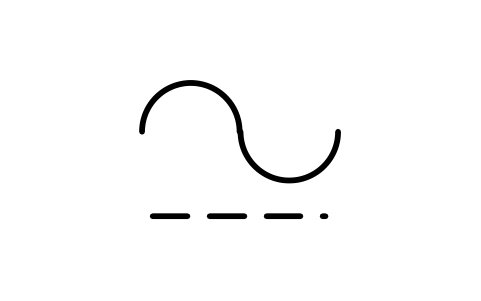
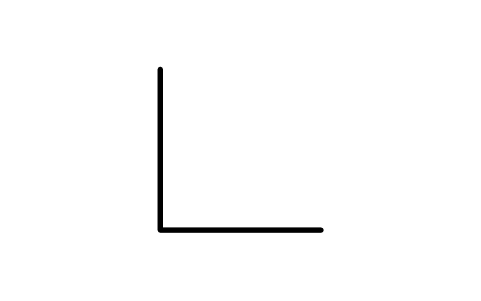
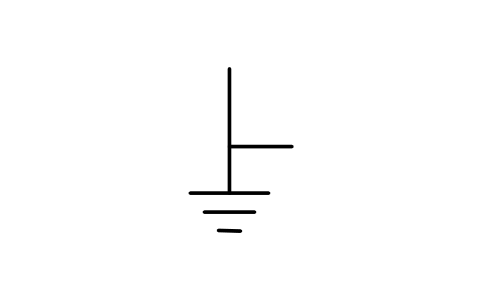
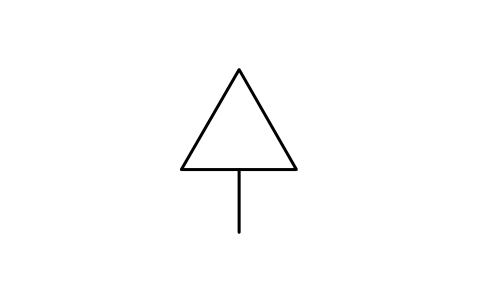
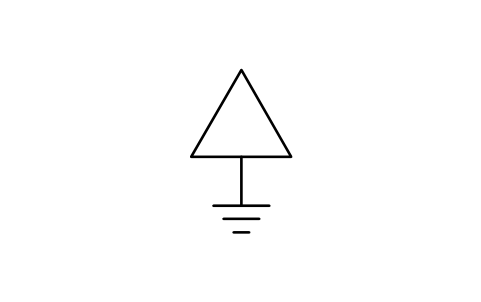
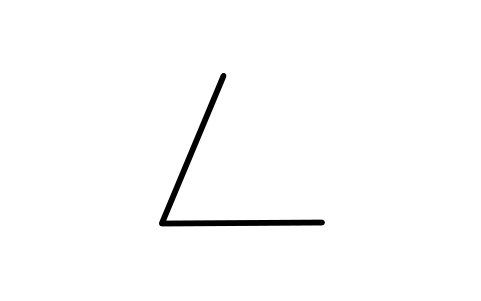
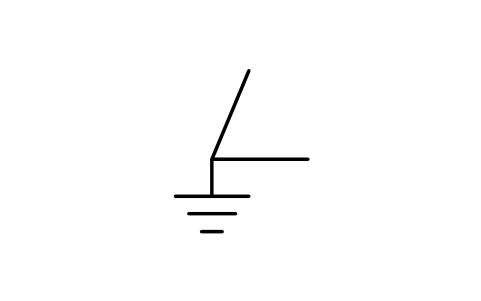
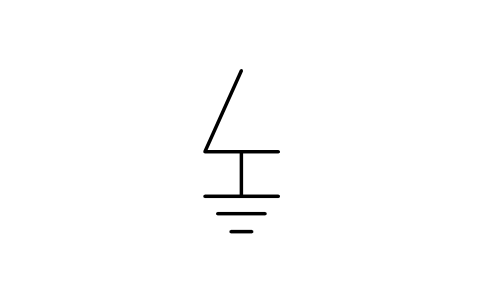
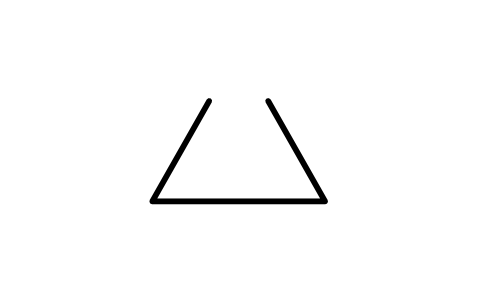
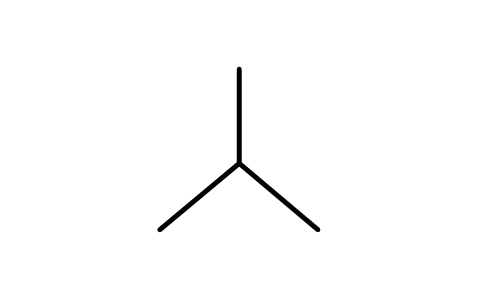
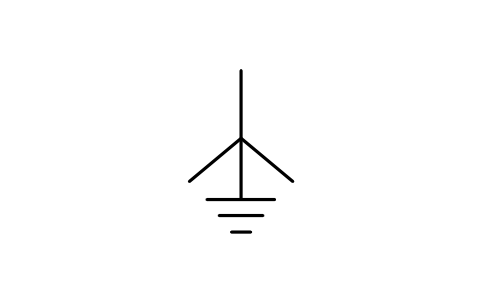
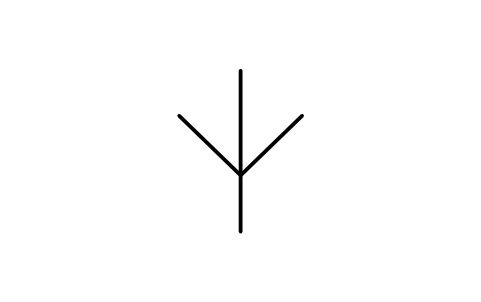
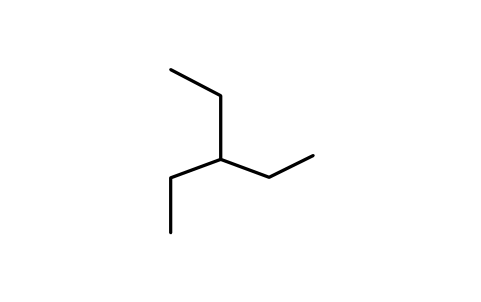
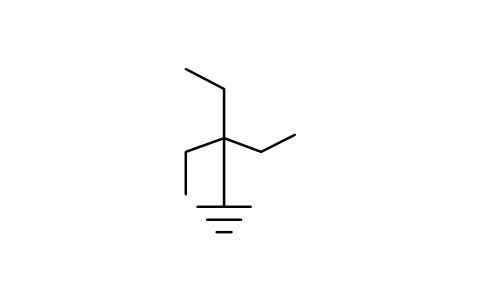
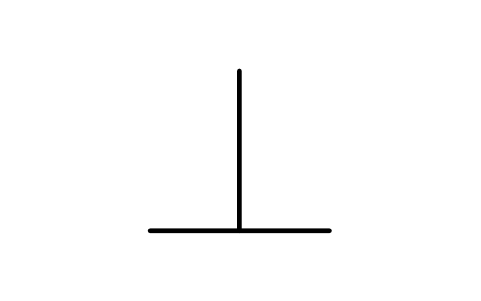

Fundamental items 95
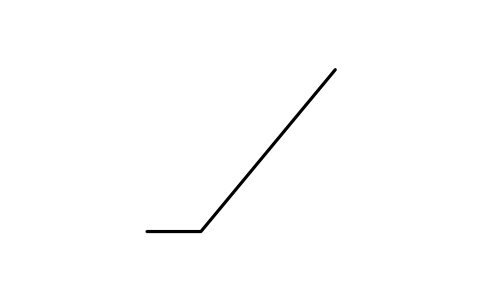
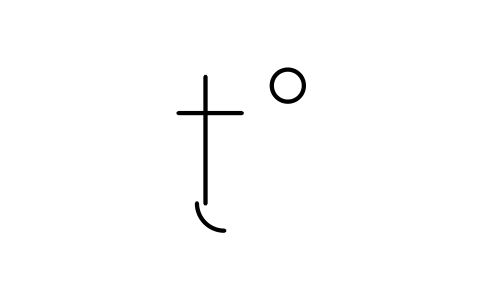
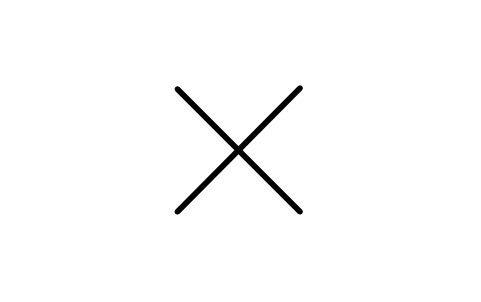
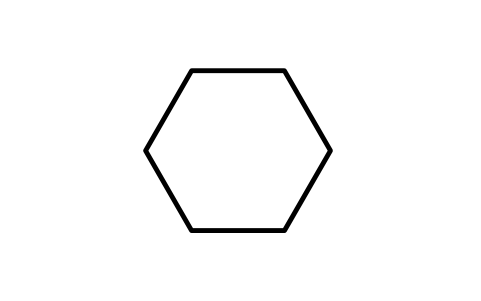
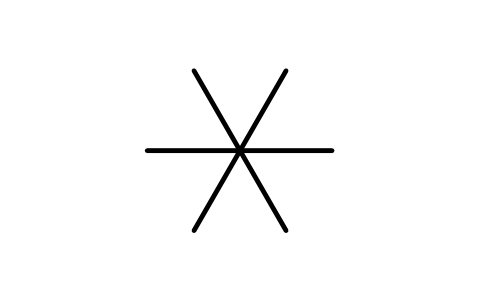
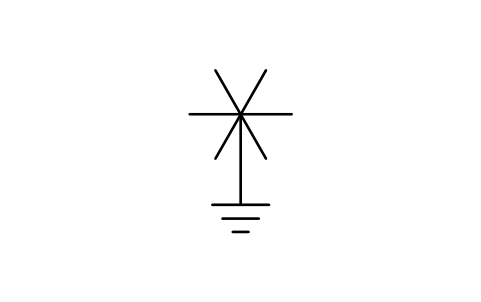
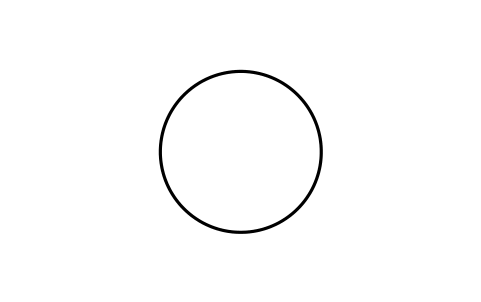
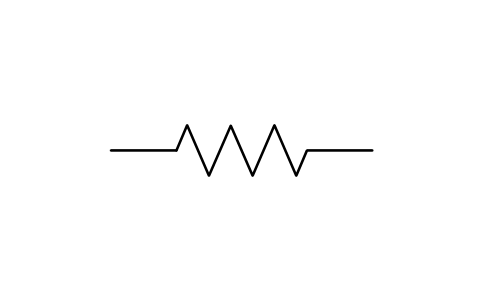
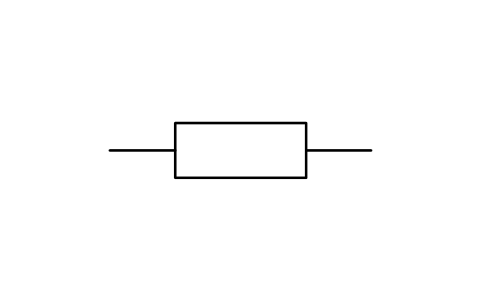
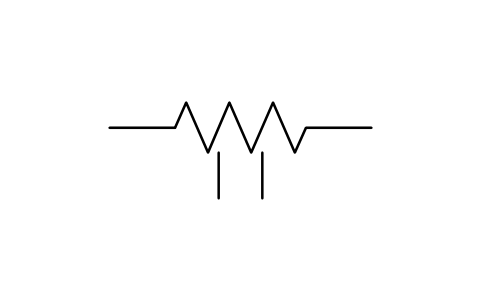
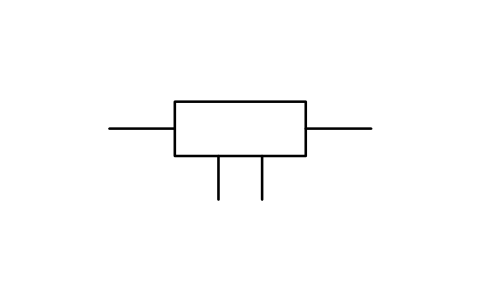
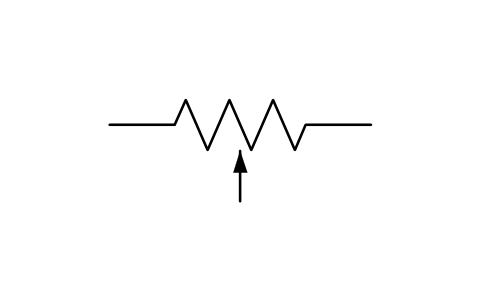
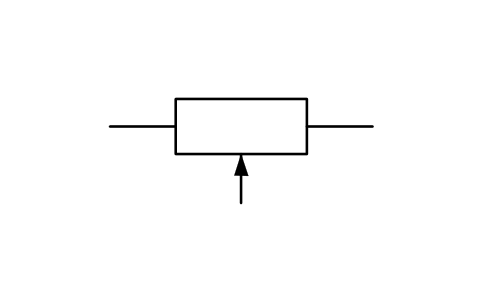
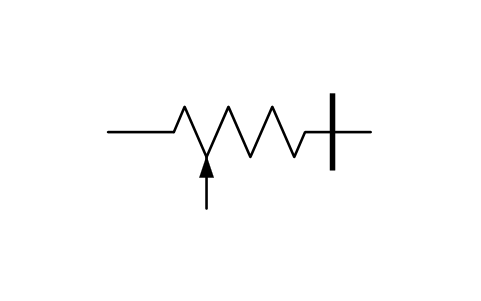
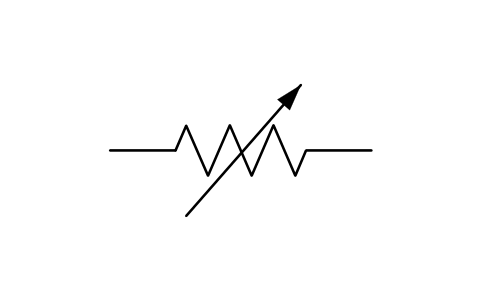
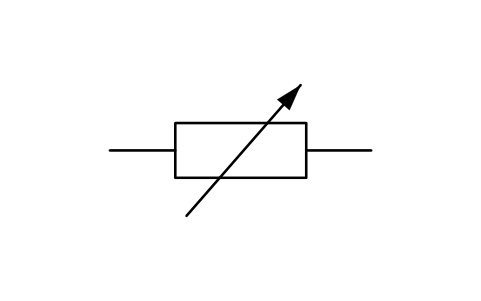
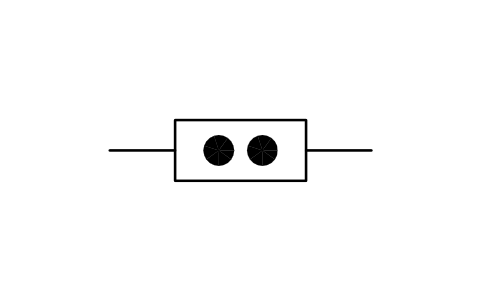
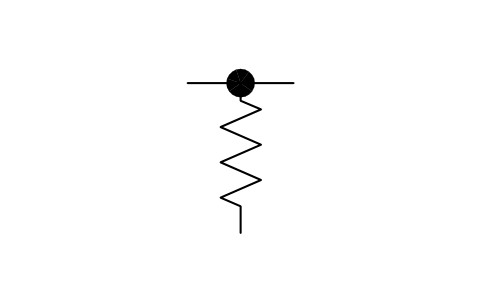
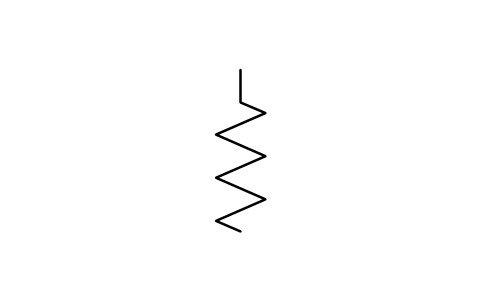
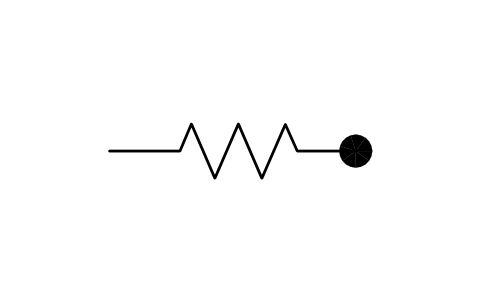
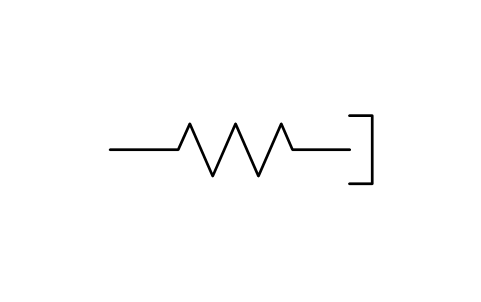
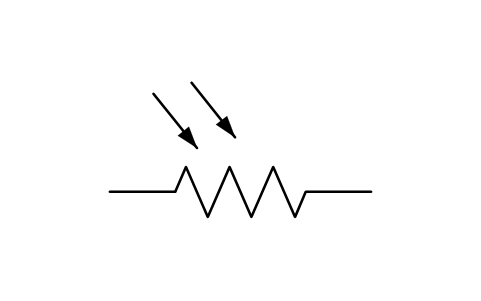
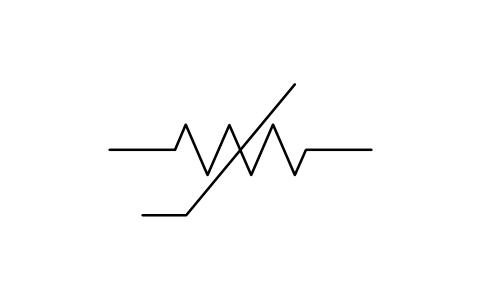
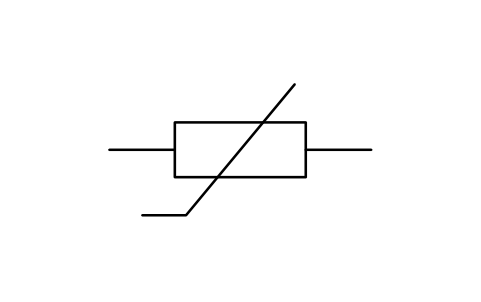
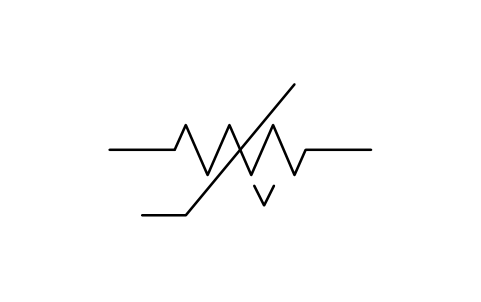
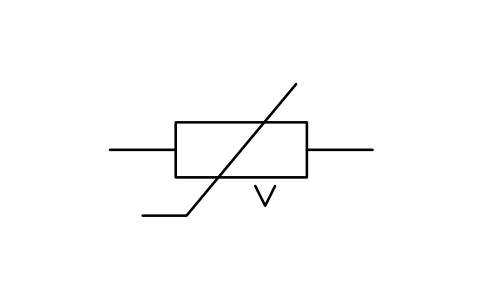
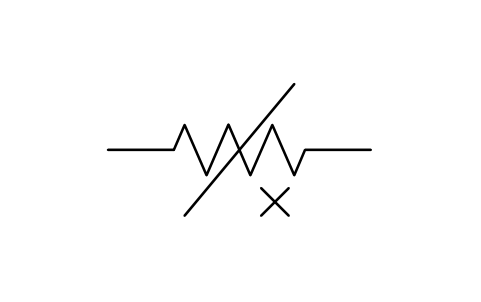
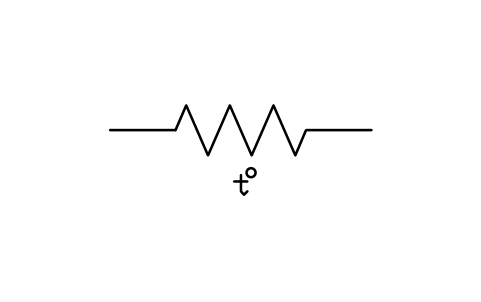
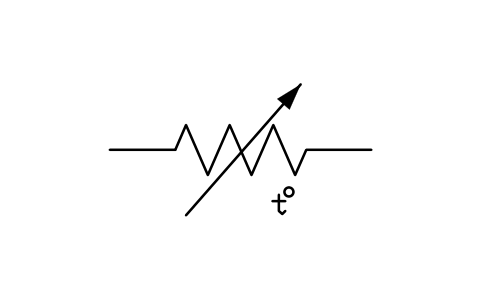
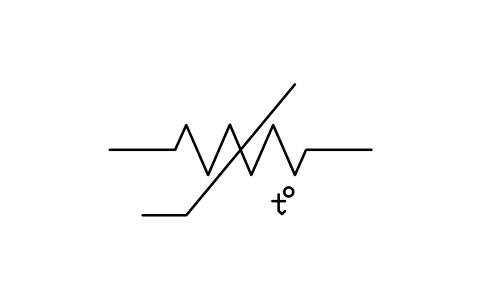
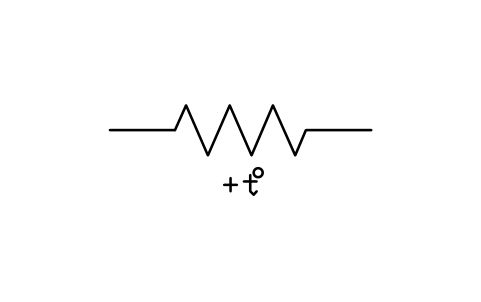
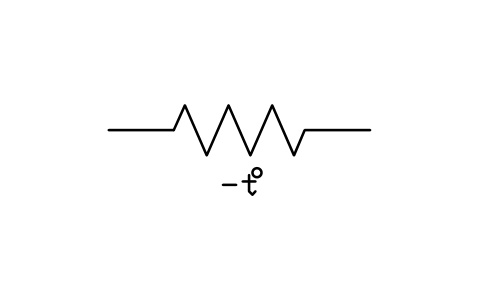
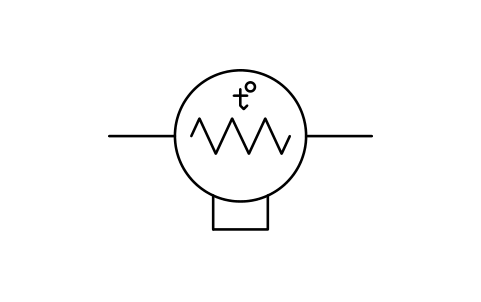
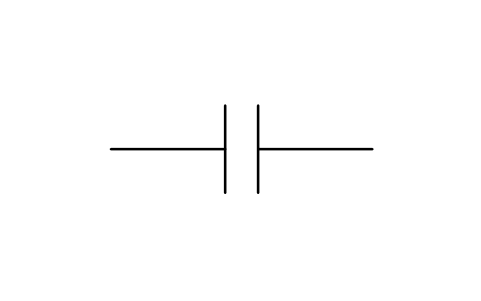
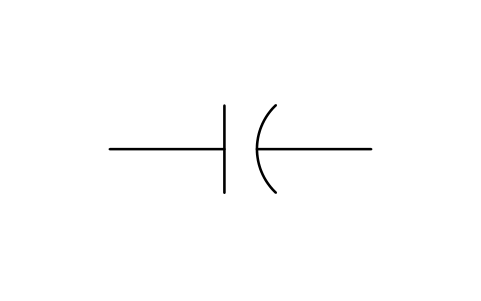
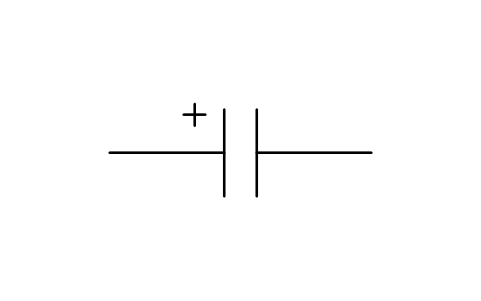
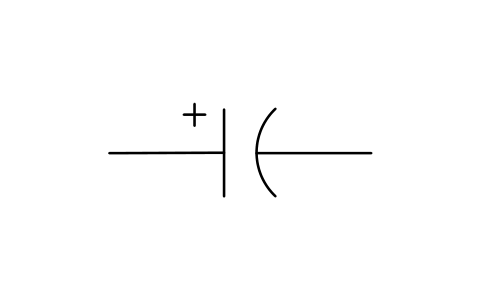
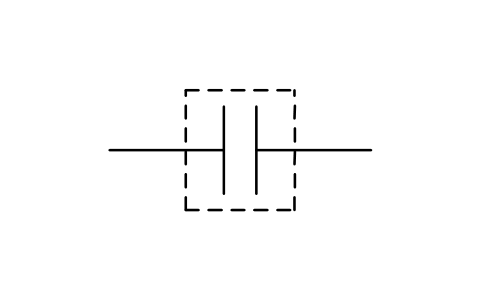
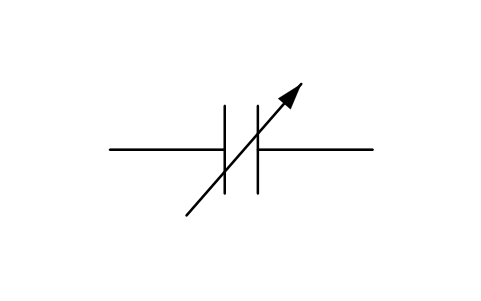
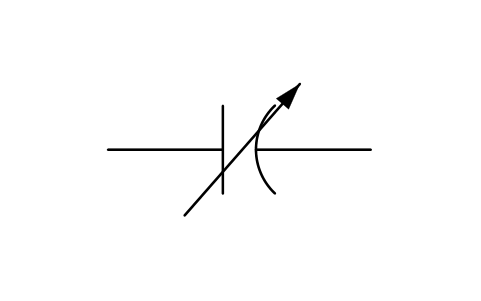
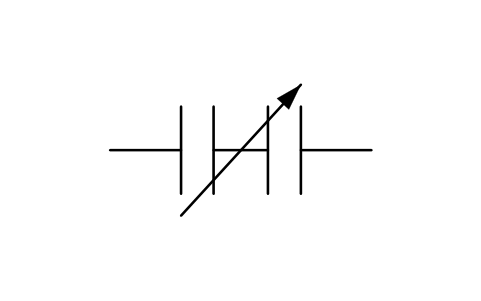
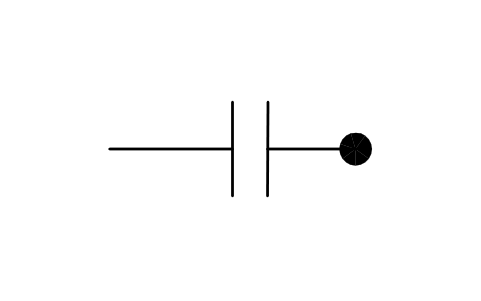
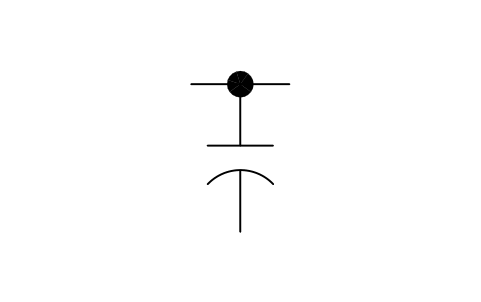
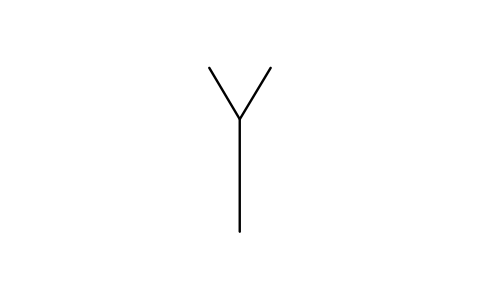
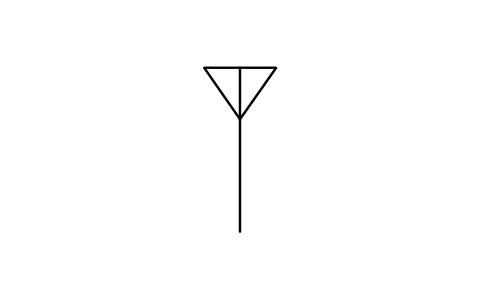
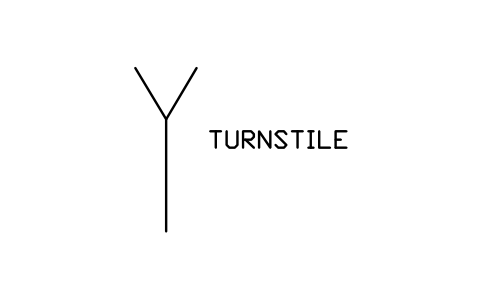
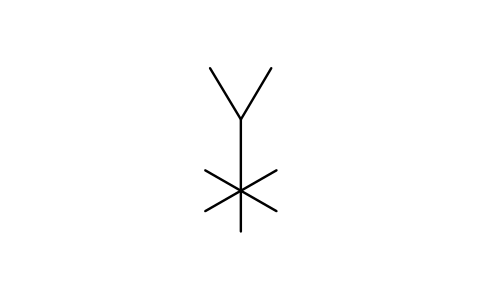
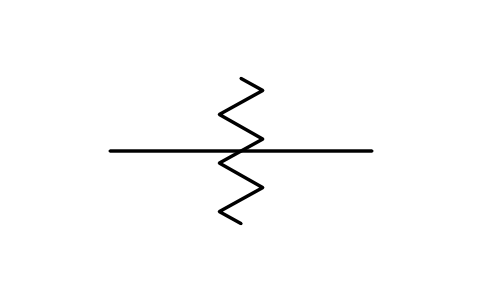
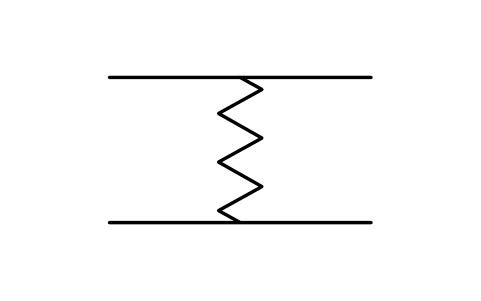
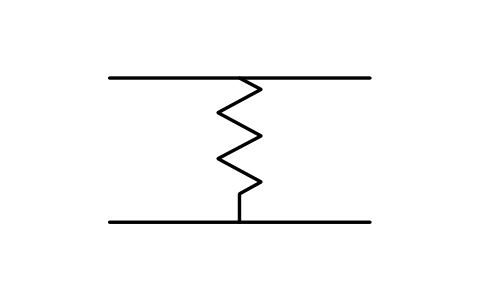
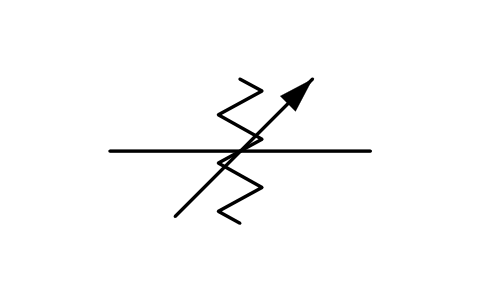
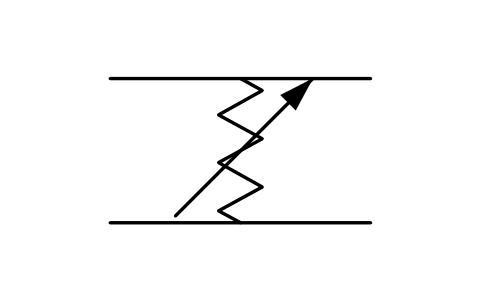
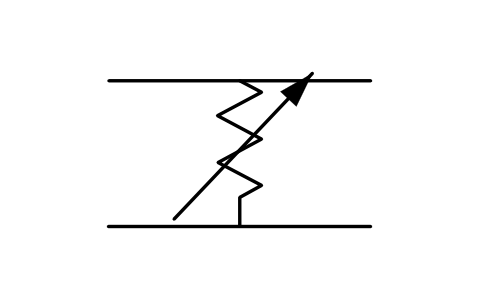
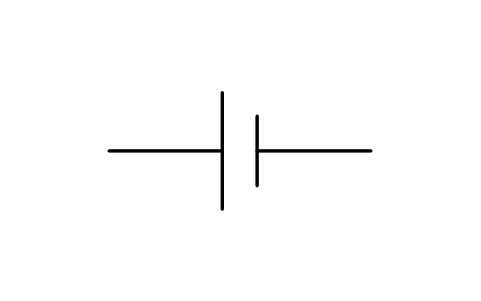
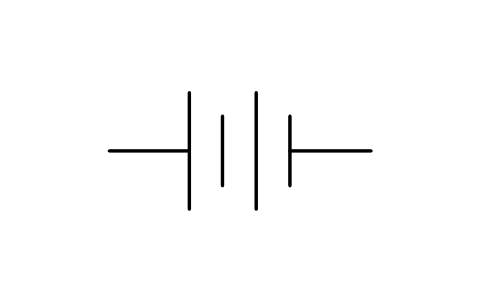
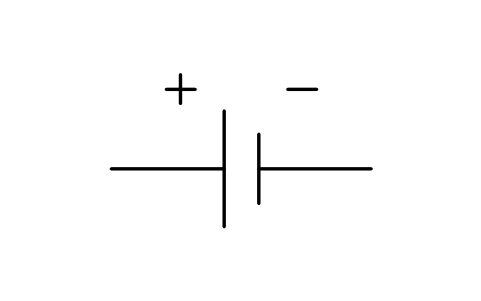
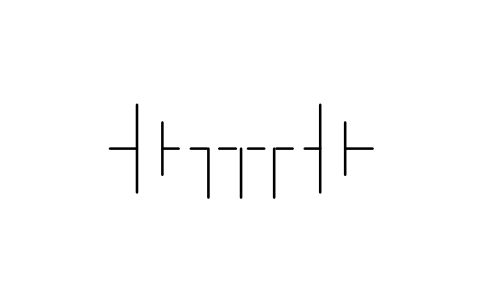
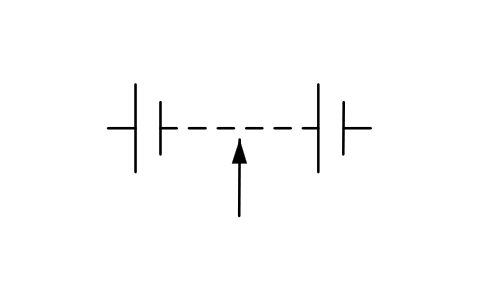
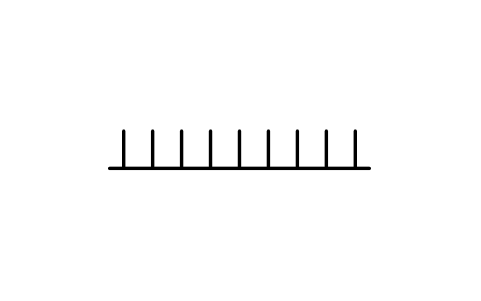
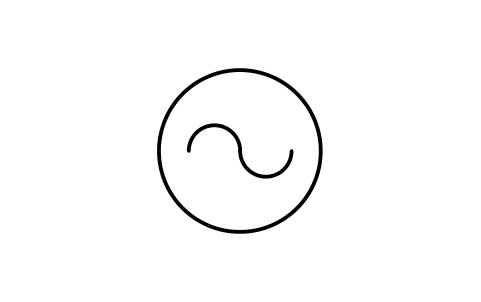
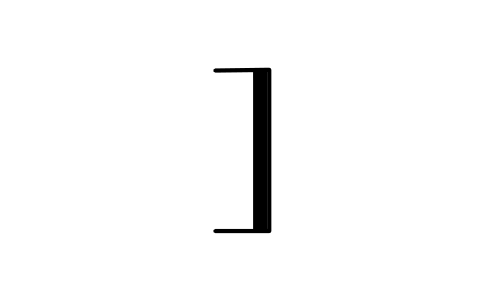
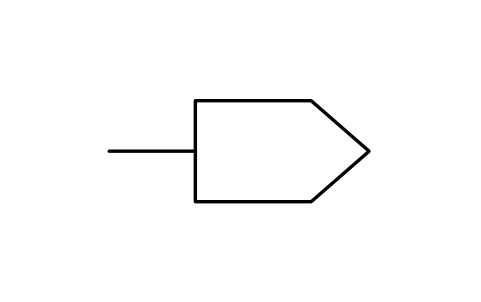
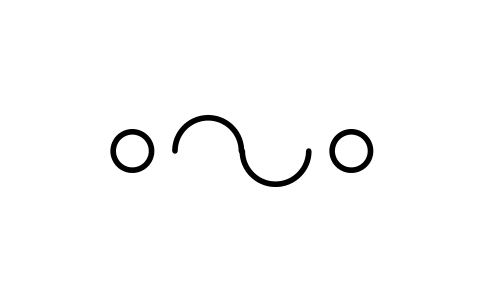
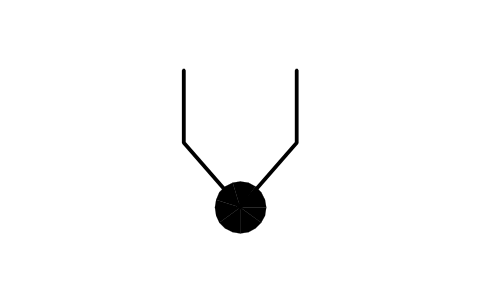
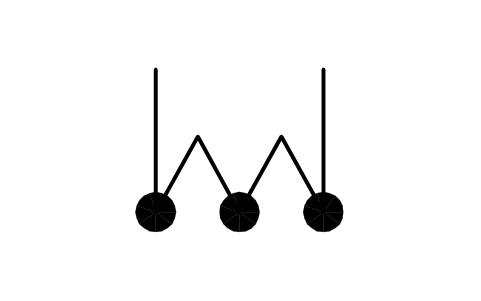
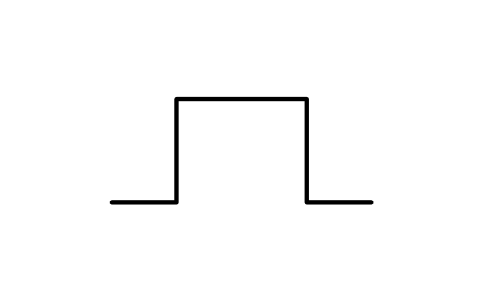
95 blocks for the basic parts: resistors, thermistors and varistors, capacitors, antennas and their qualifiers, attenuators and batteries, delay lines, crystals, magnets and heads, thermocouples and thermal elements.
95 of 95 symbols
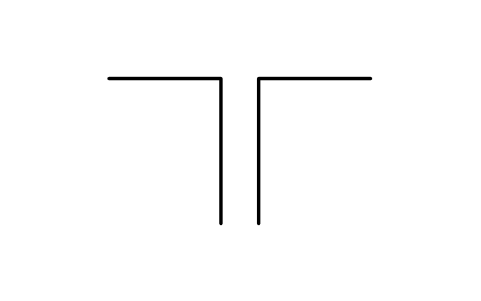
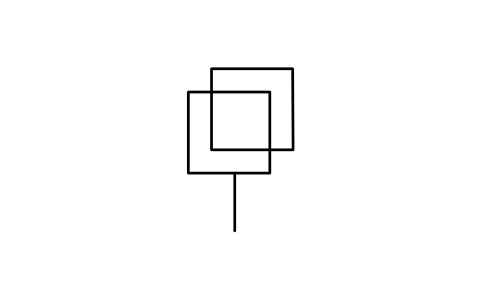
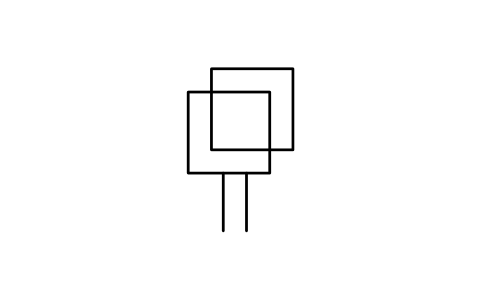
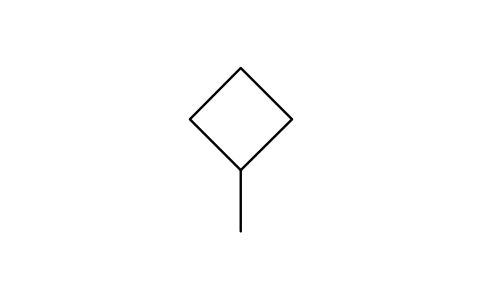
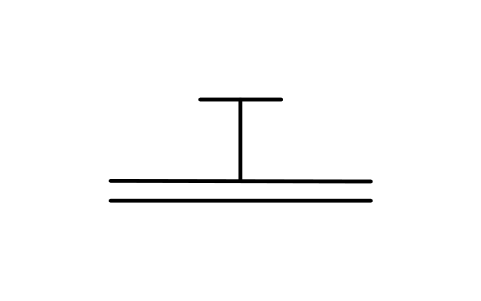
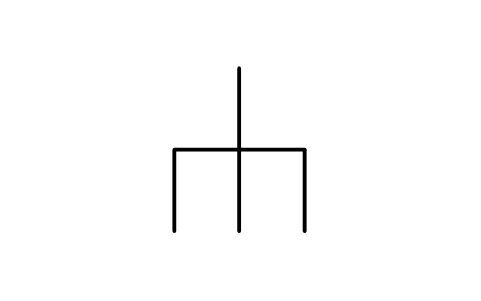
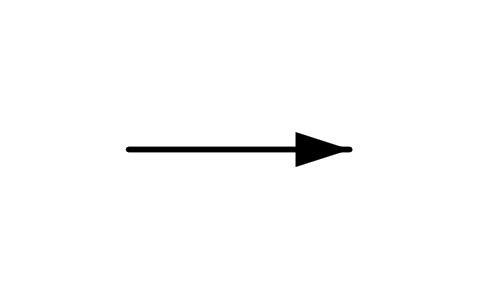
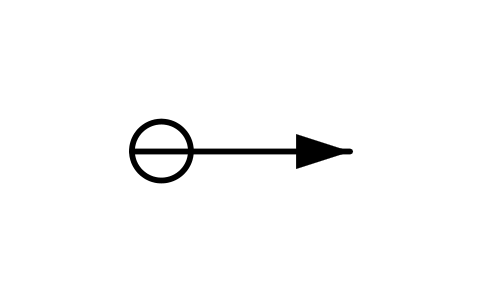
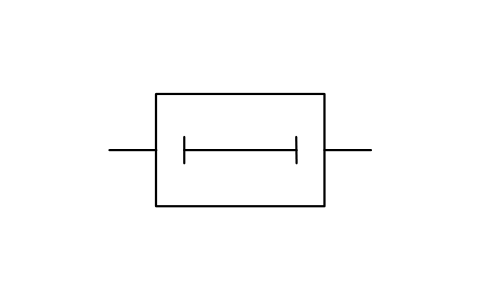
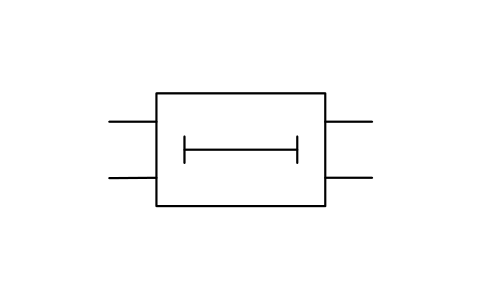
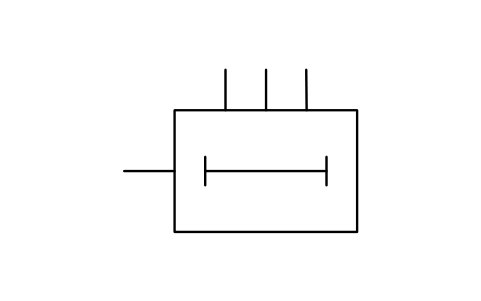
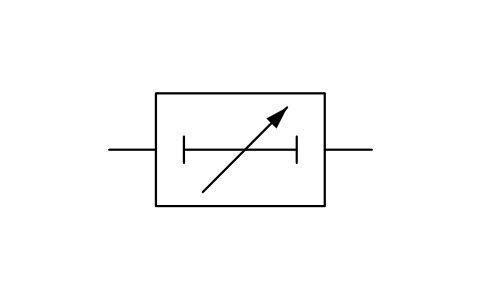
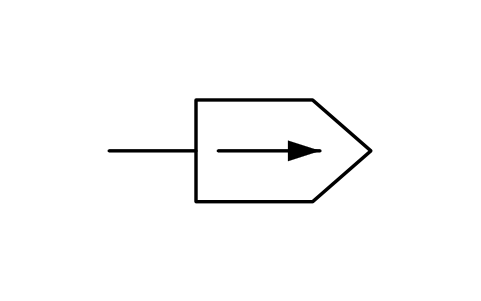
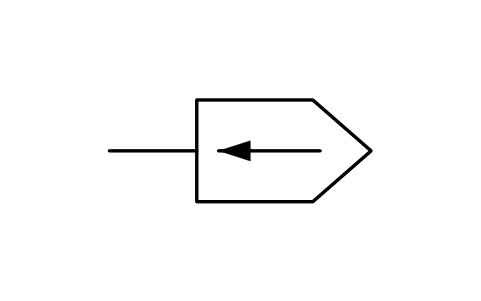
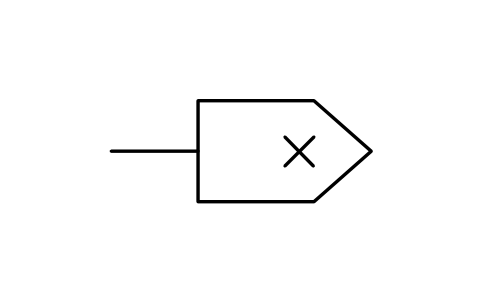
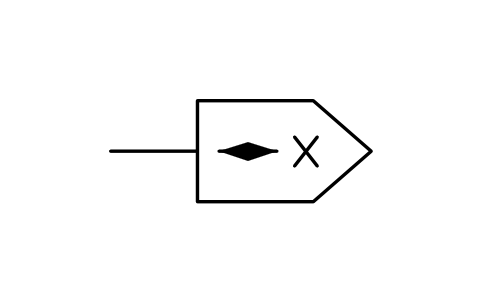
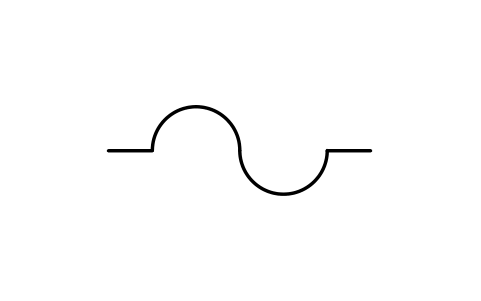
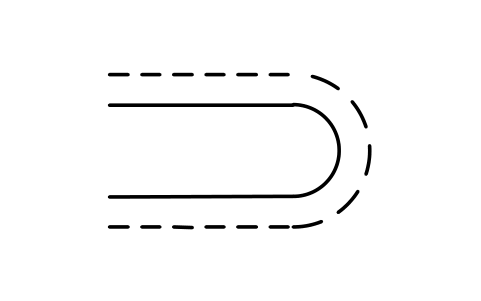
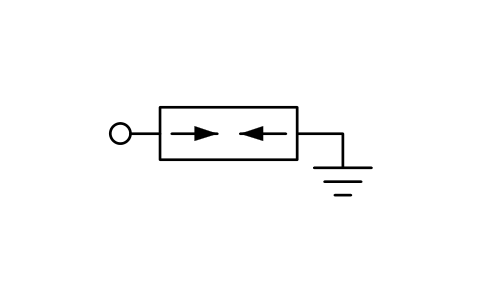
Transmission path 67
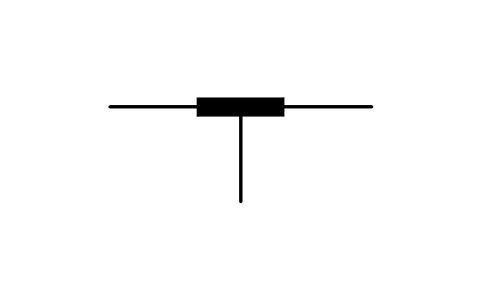
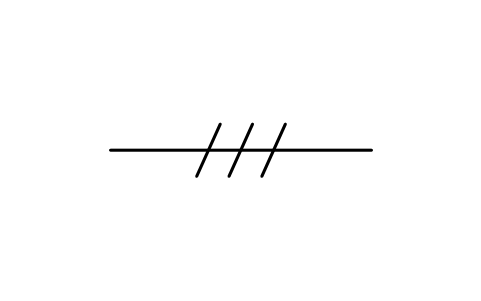
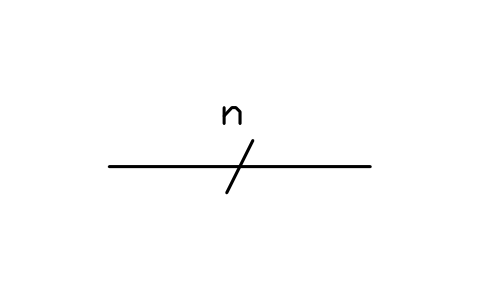
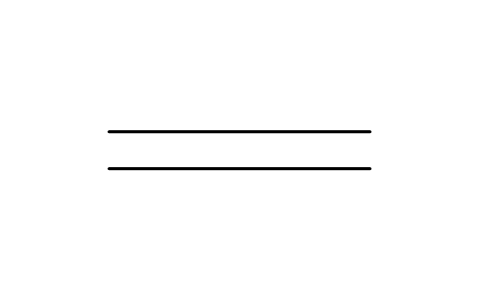
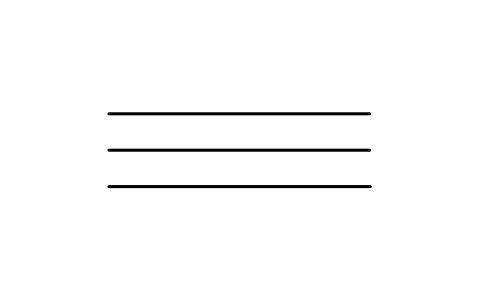
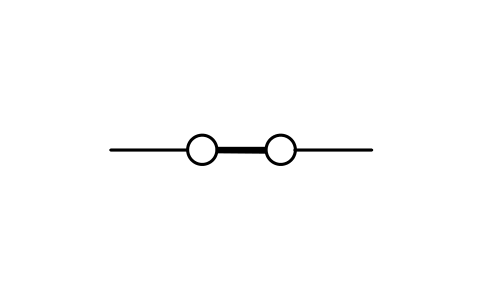
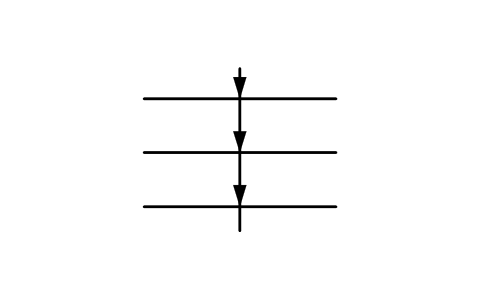
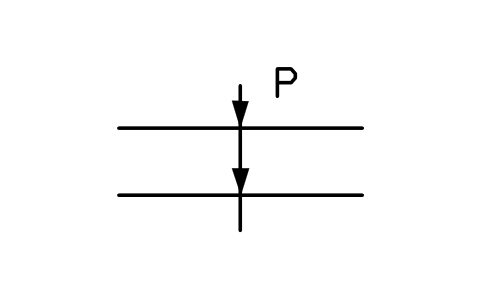
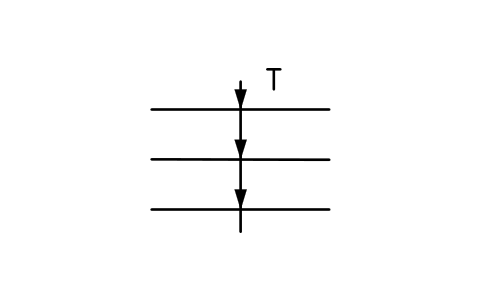
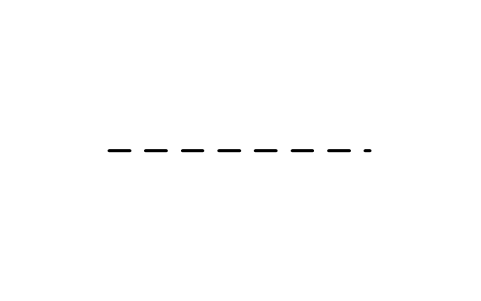
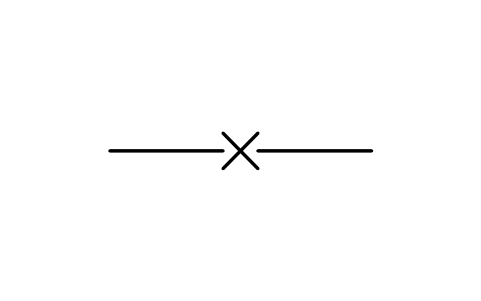
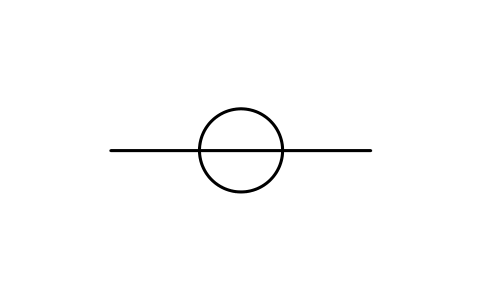
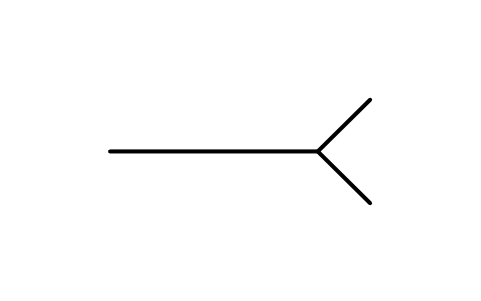
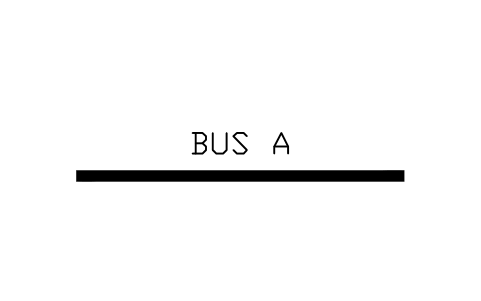
67 blocks for conductors and paths: conductors, buses and cables, associated conductors, distribution and transmission lines, waveguides, terminations and returns.
67 of 67 symbols
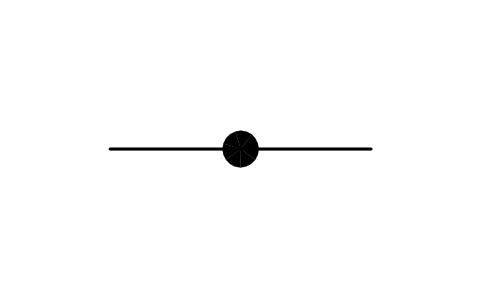
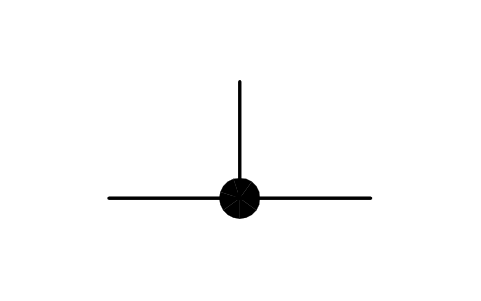
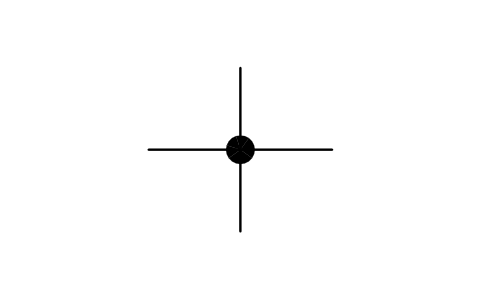
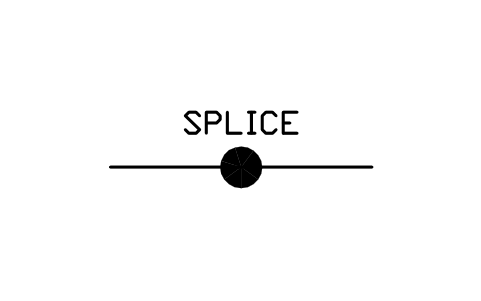
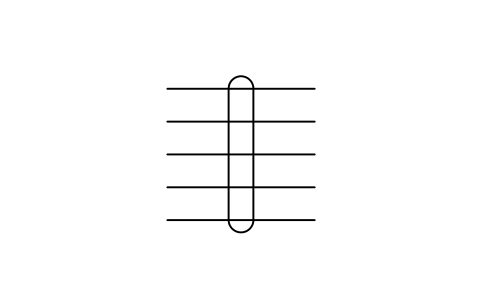
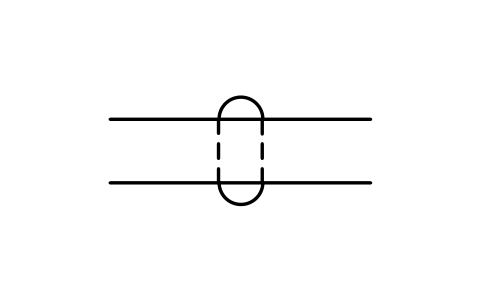
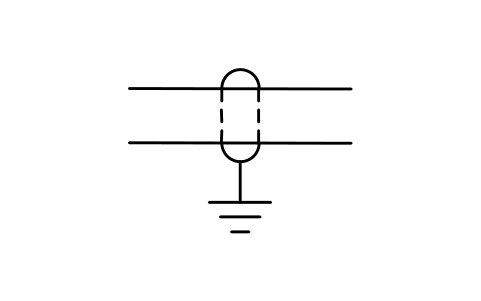
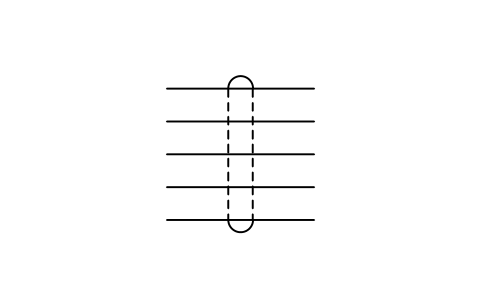
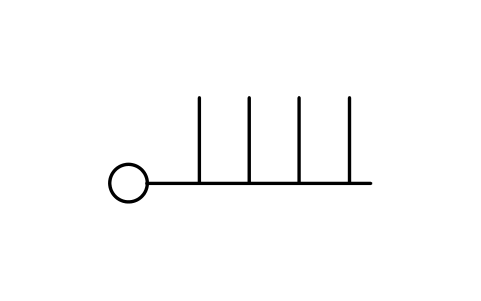
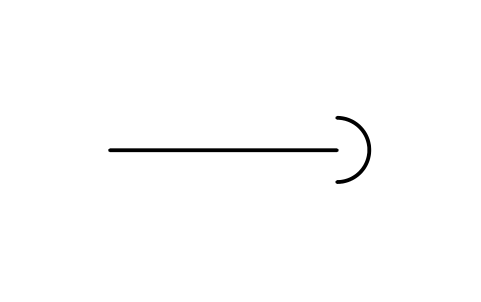
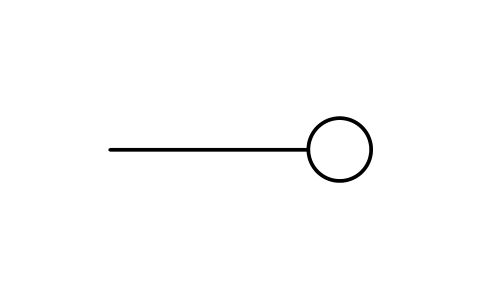
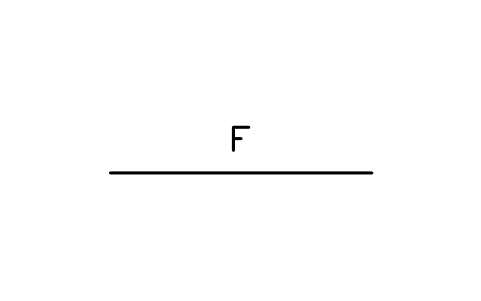
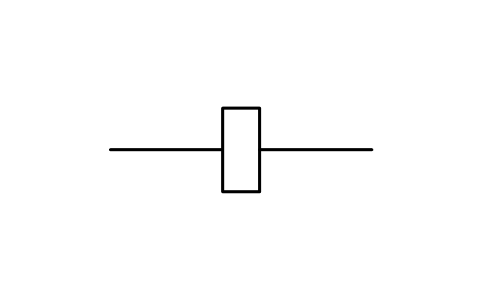
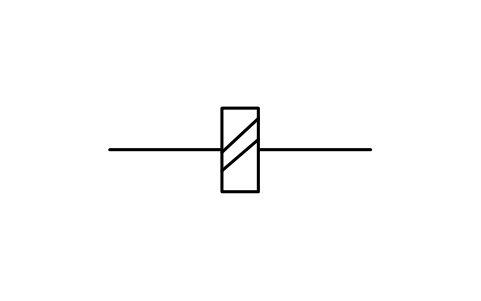
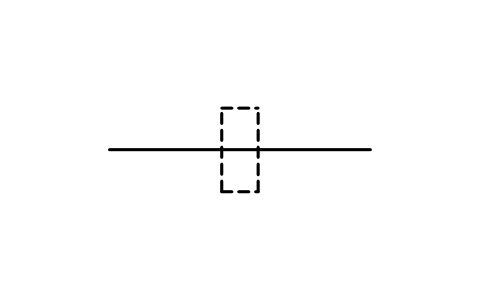
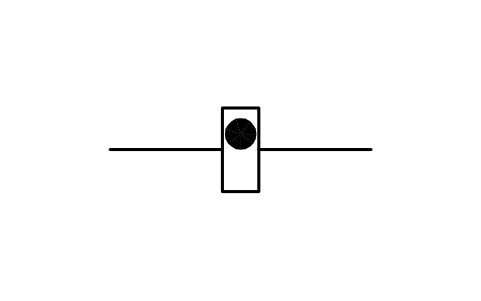
Terminals and connectors 38
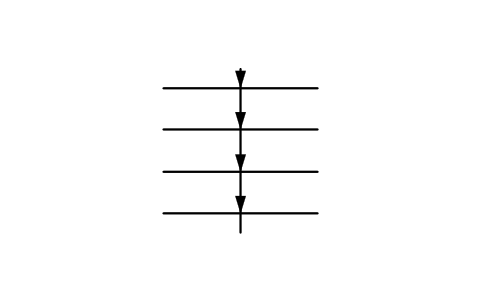
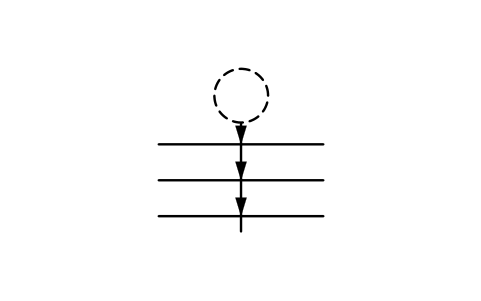
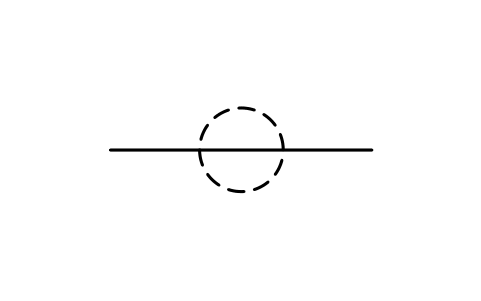
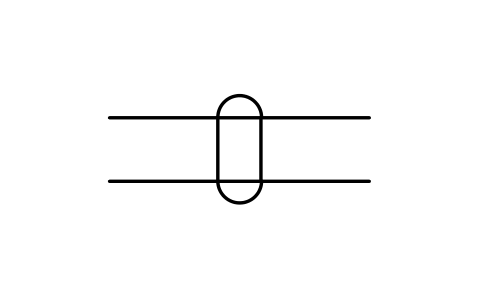
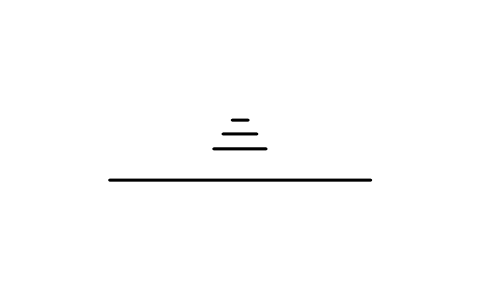
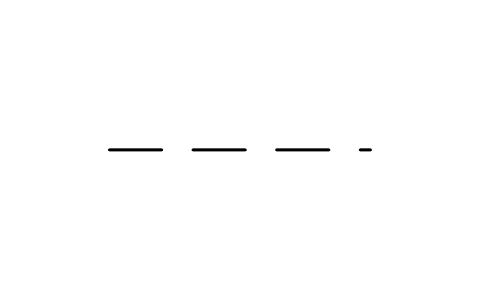
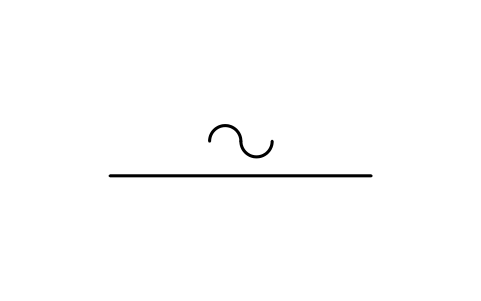
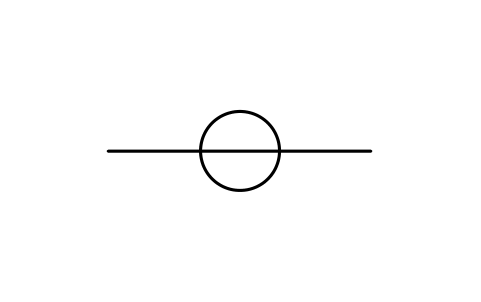
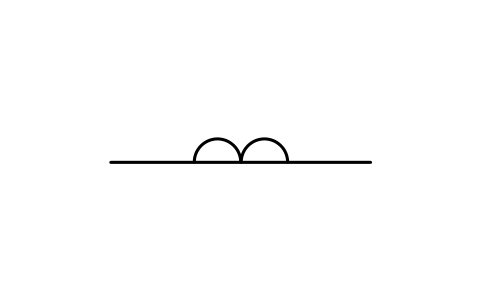
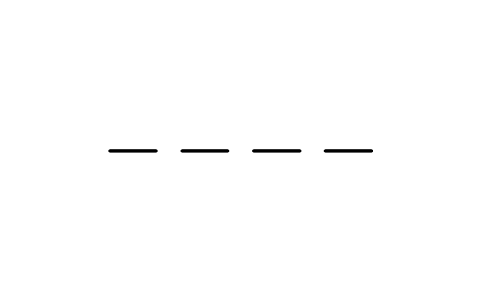
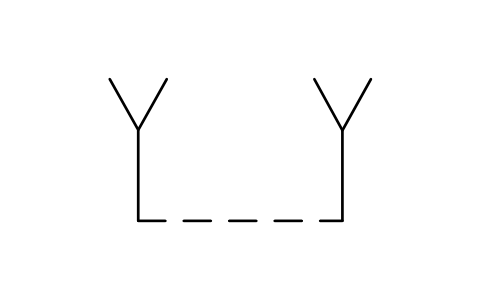
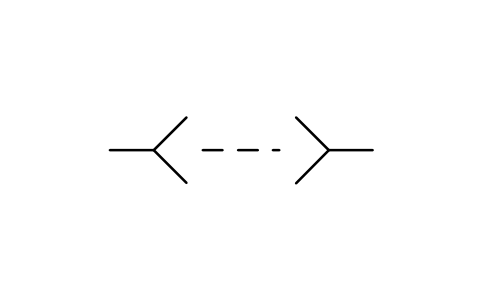
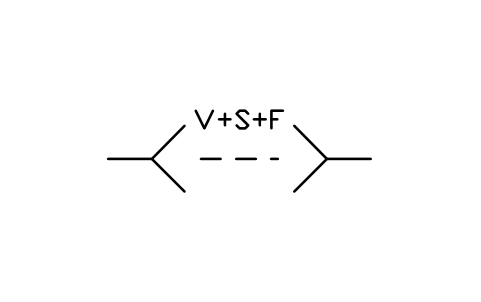
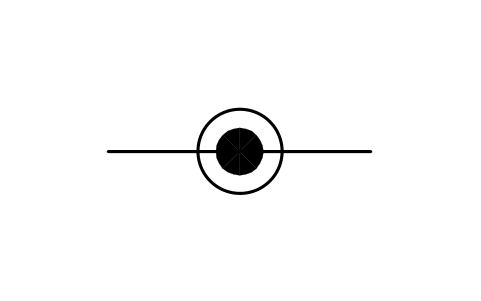
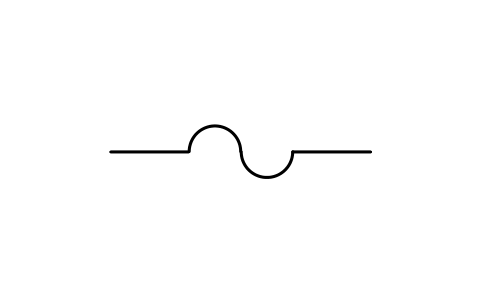
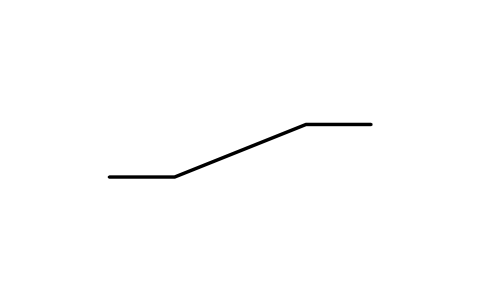
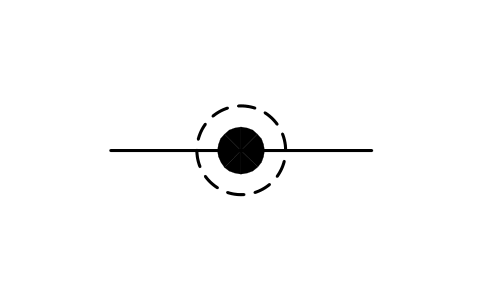
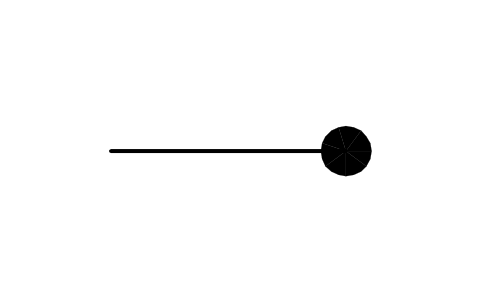
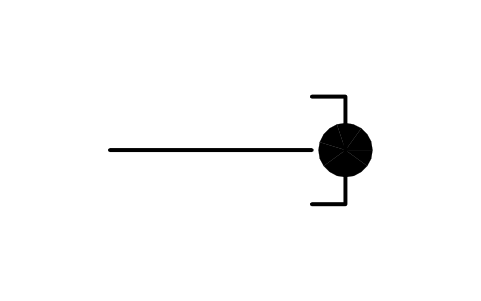
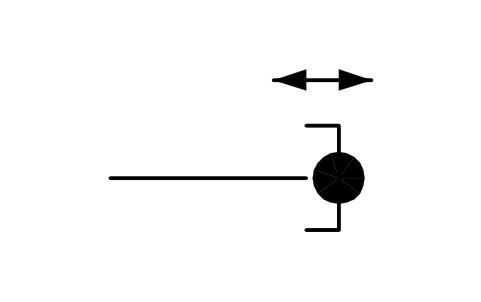
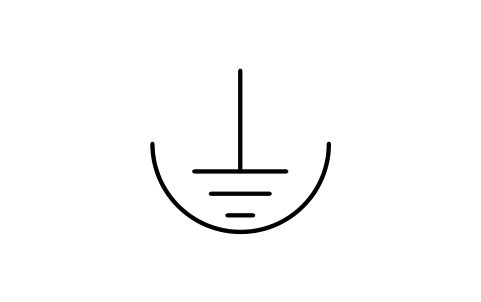
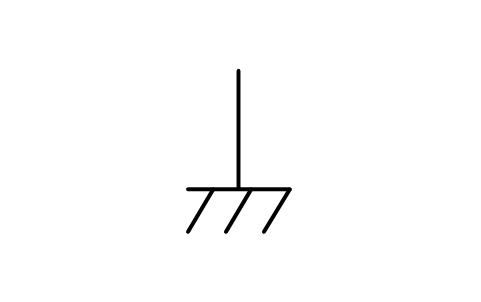
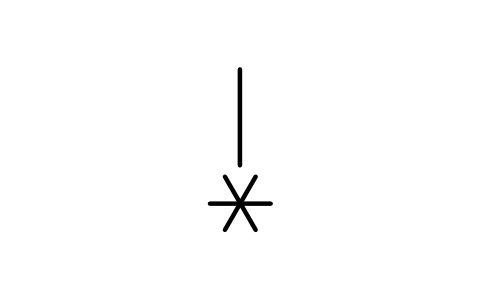
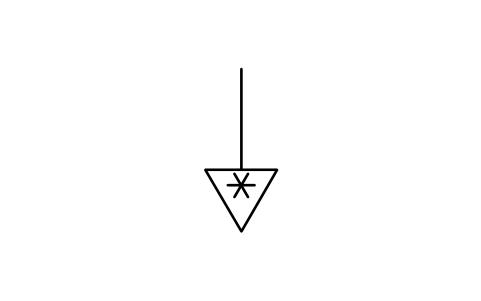
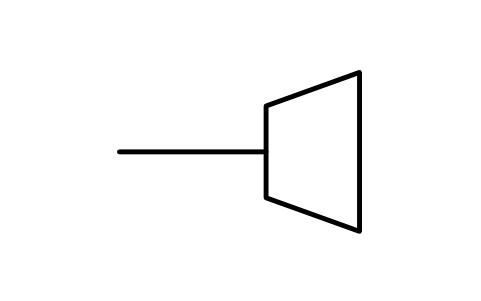
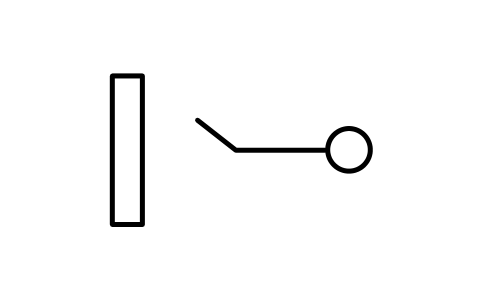
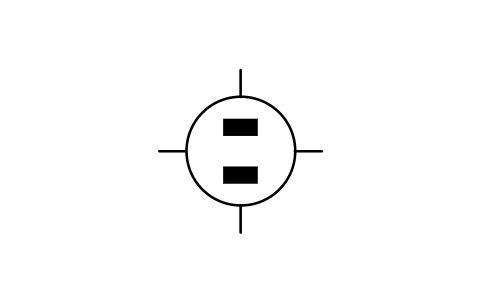
38 blocks for connections: terminals and terminal boards, device bases, cable terminations, connector contacts and jacks, power-supply connector faces, coaxial and waveguide connectors.
38 of 38 symbols

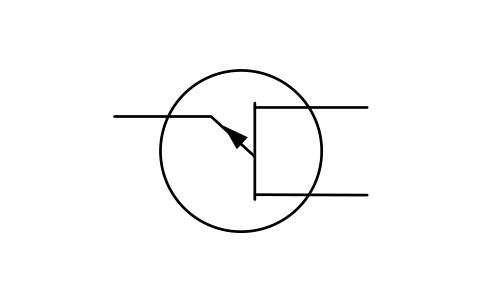
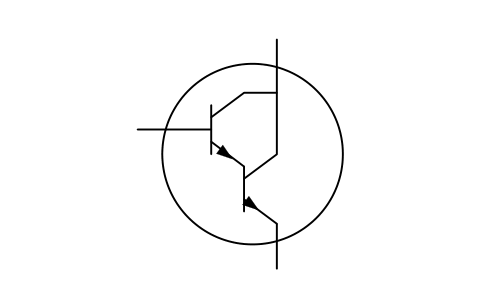
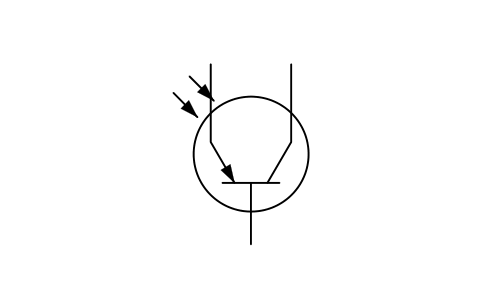
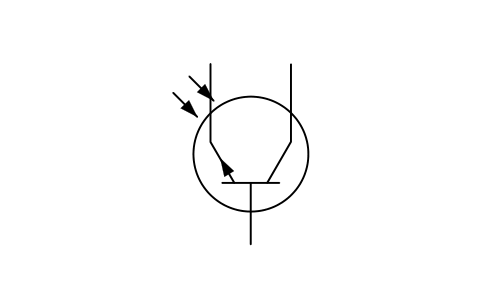
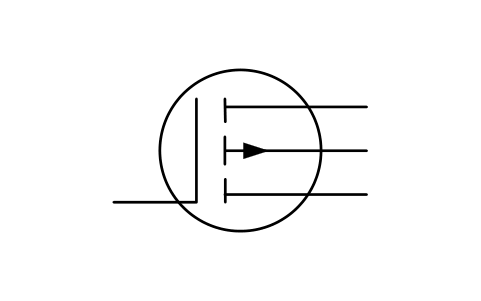
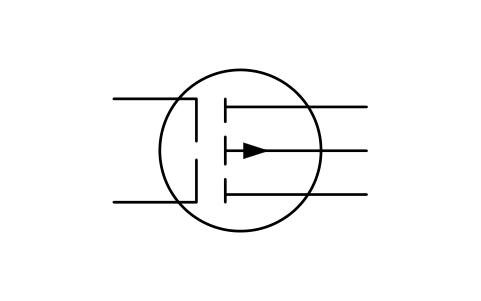
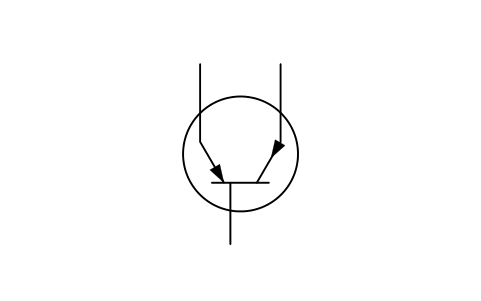
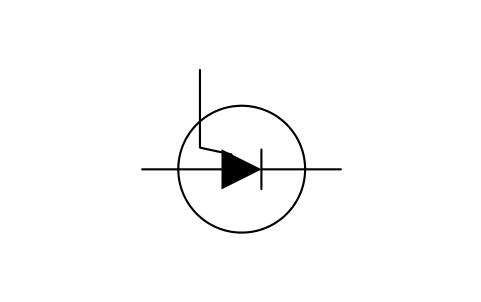
Semiconductor devices 107
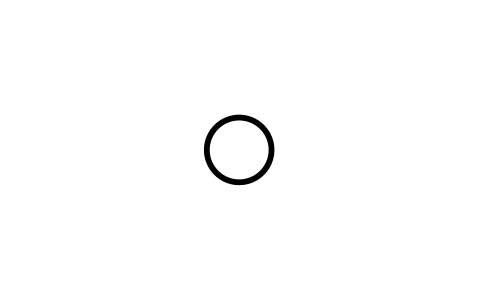
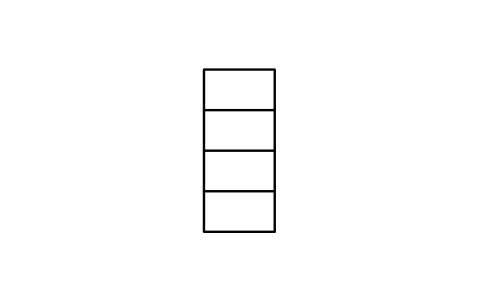
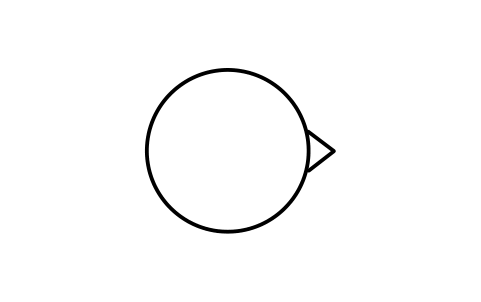
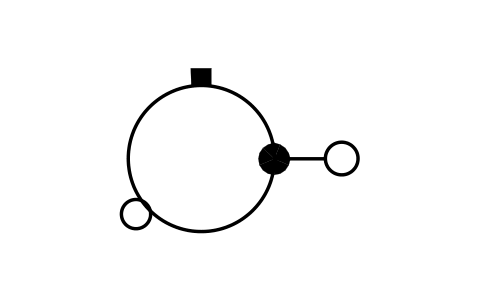
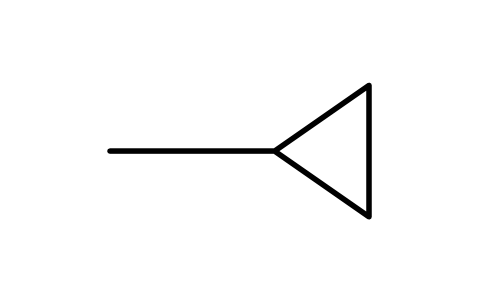
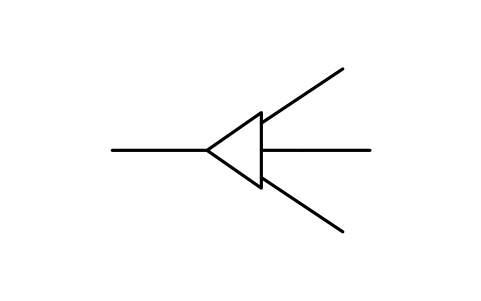
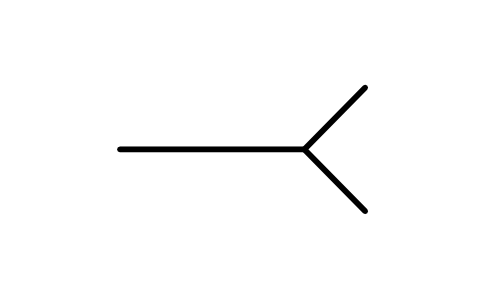
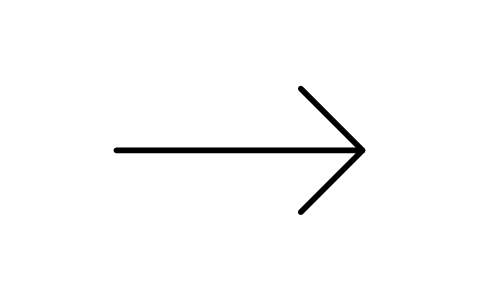
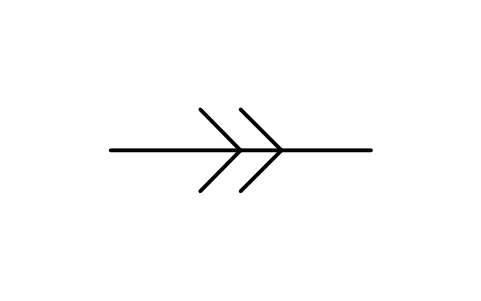
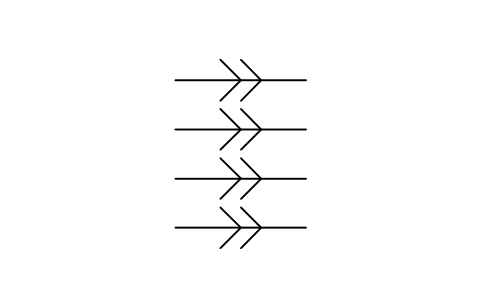
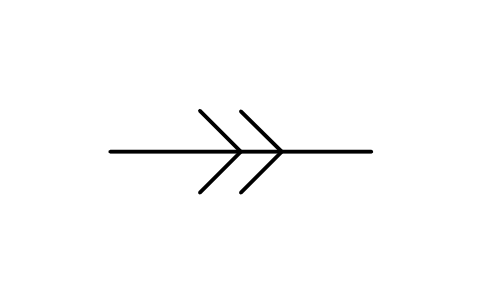
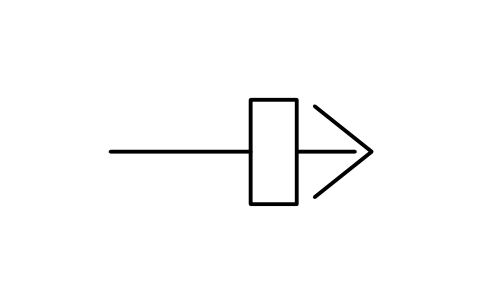
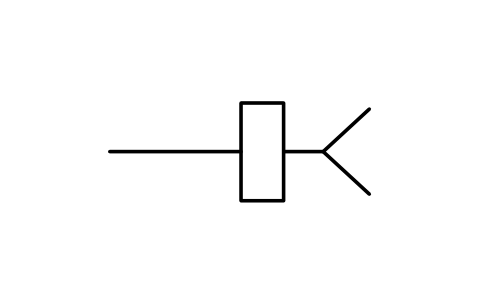
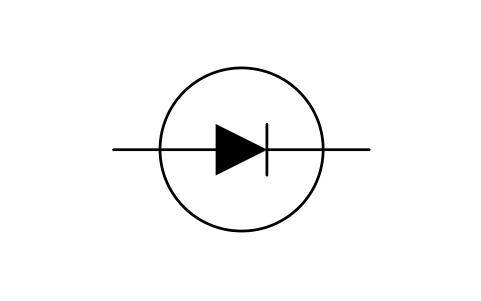
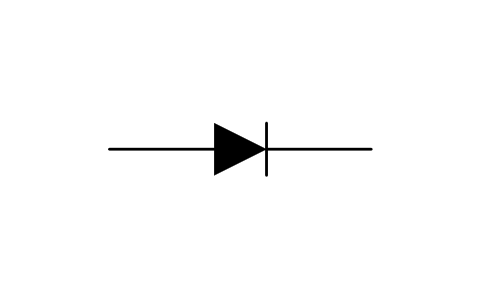
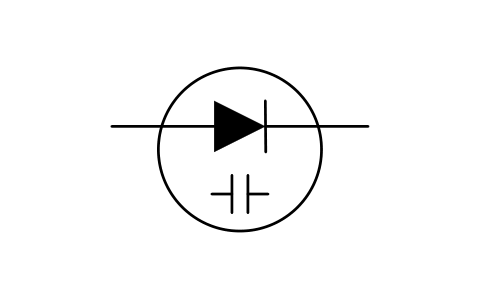
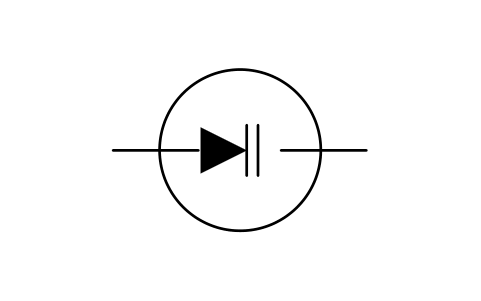
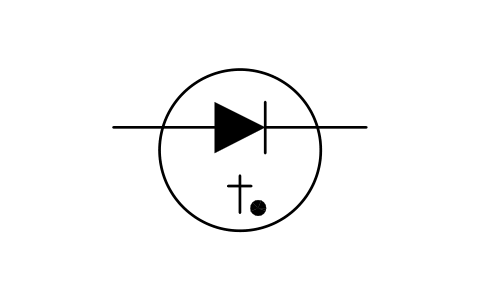
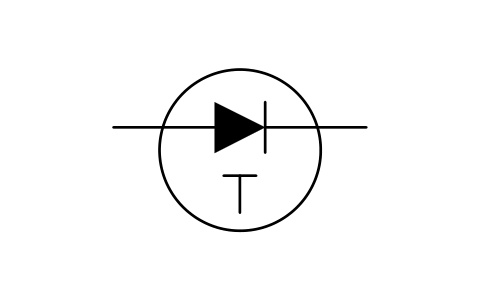
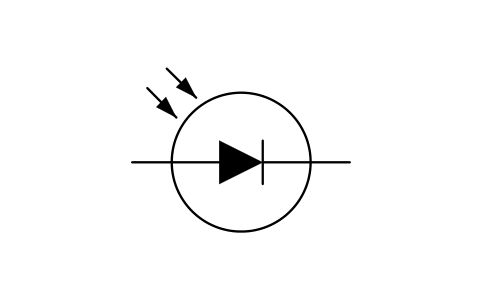
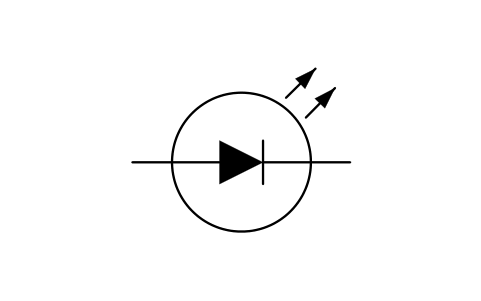
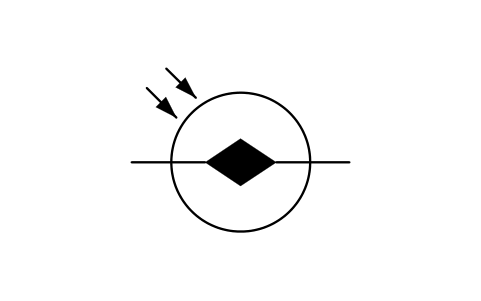
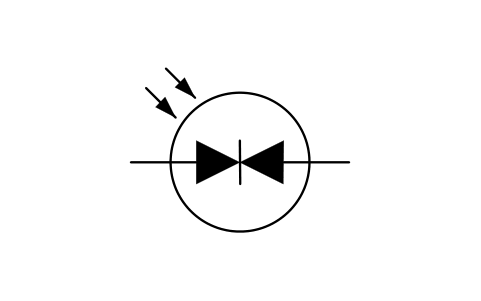
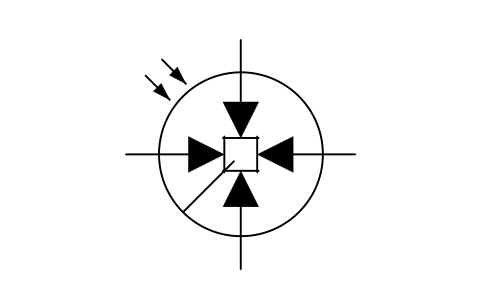
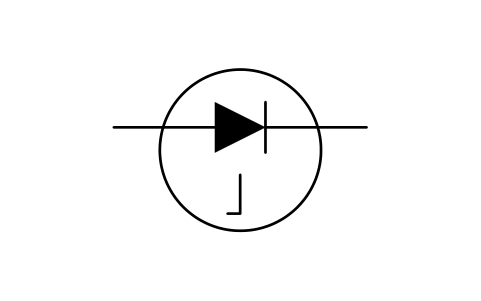
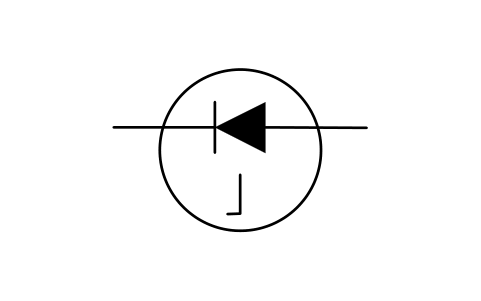
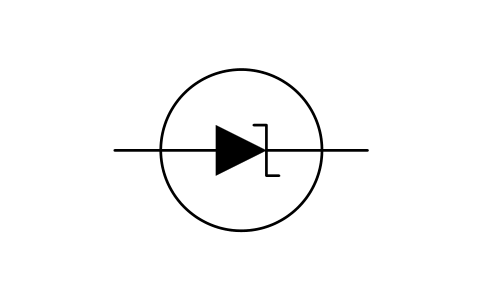
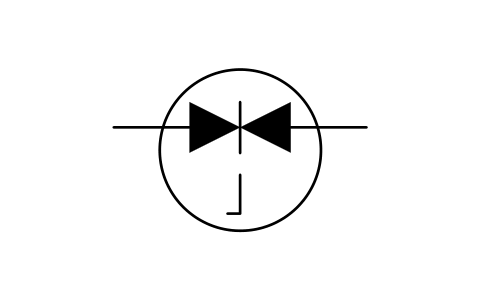
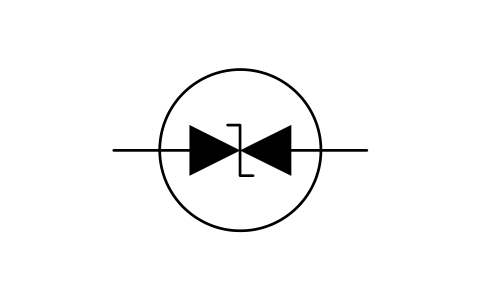
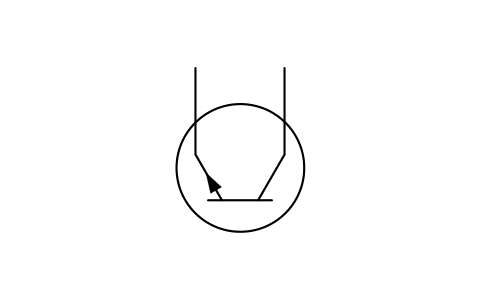
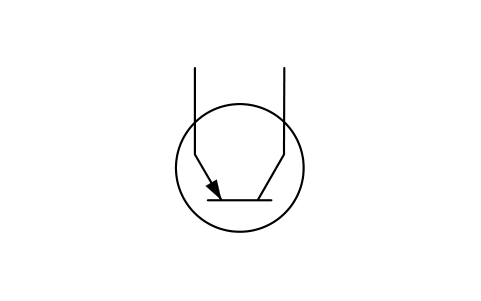
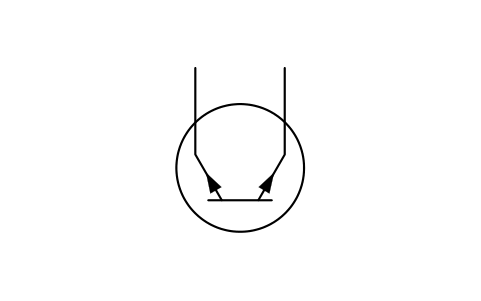
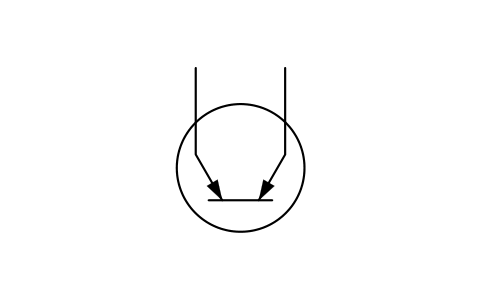
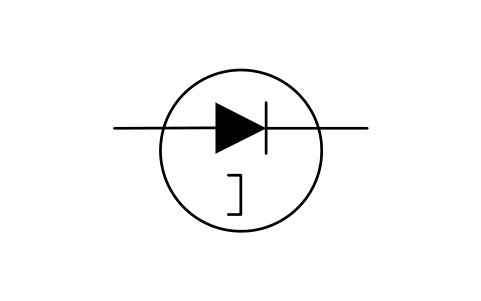
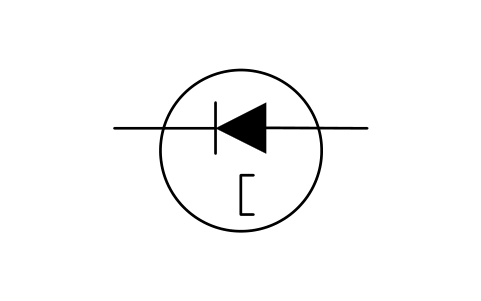
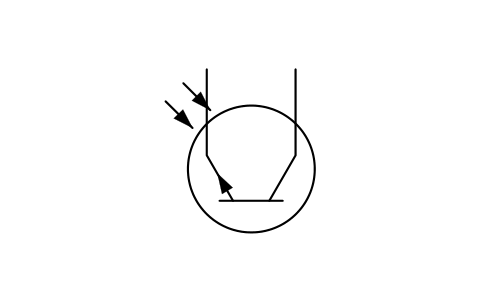
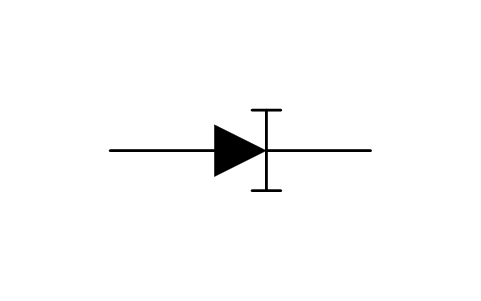
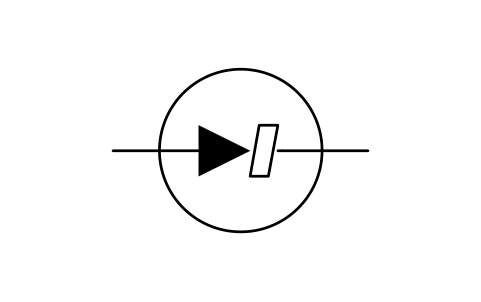
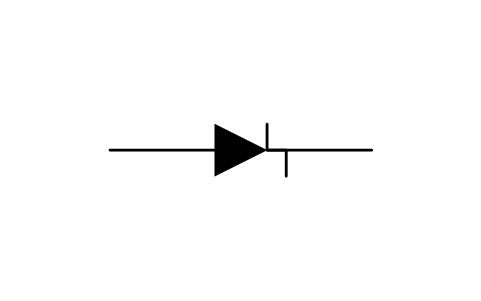
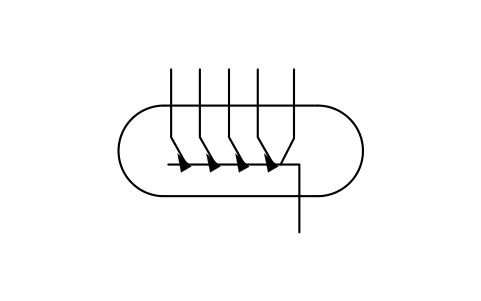
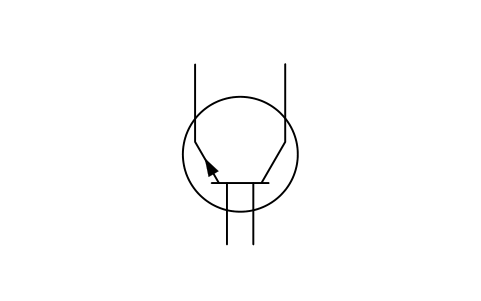
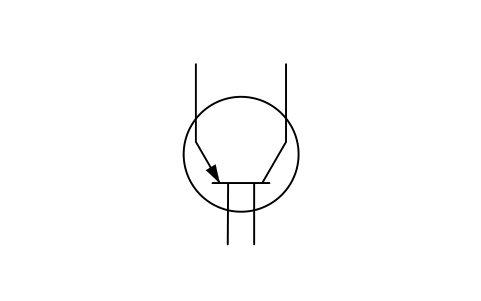
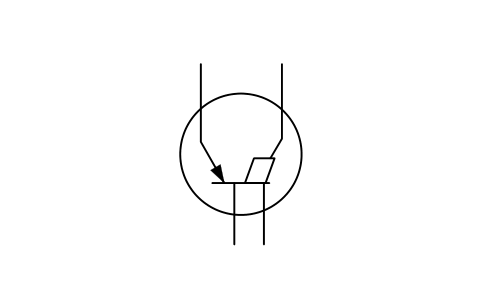
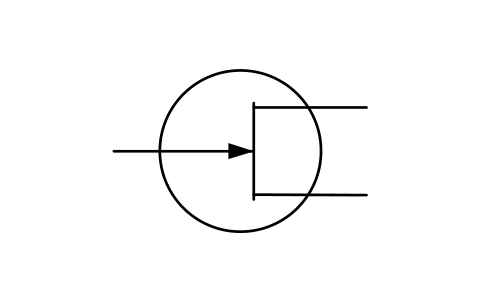
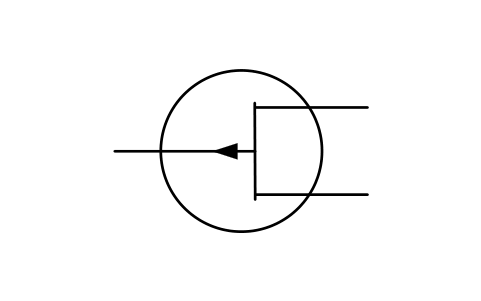
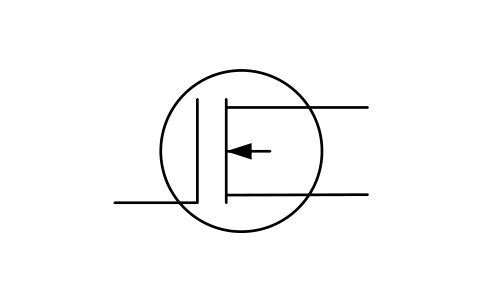
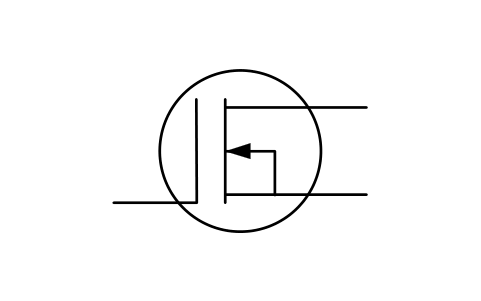
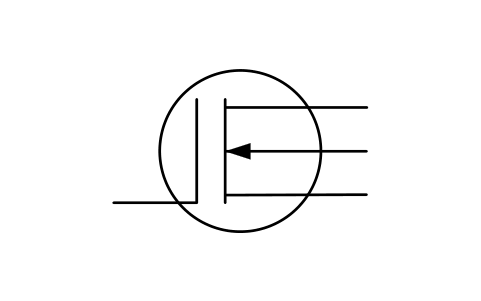
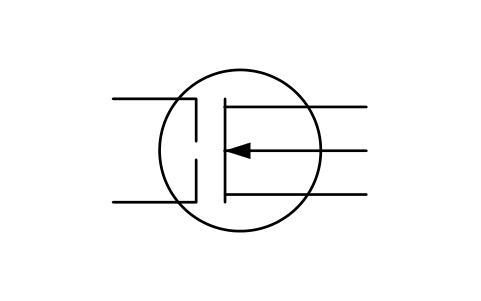
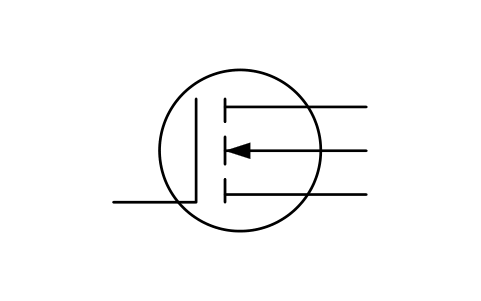
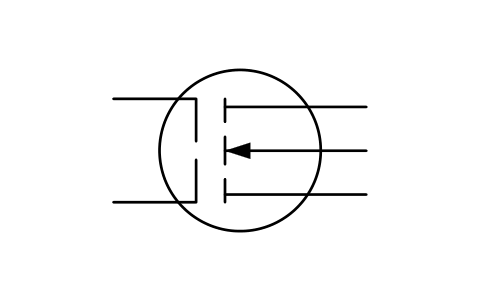
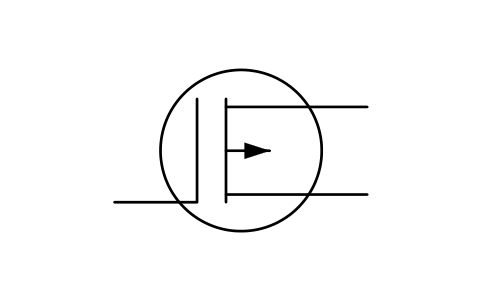
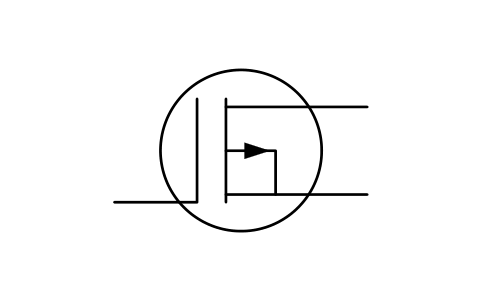
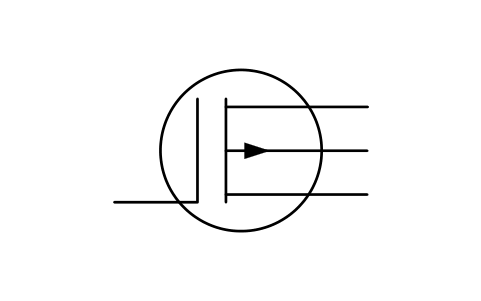
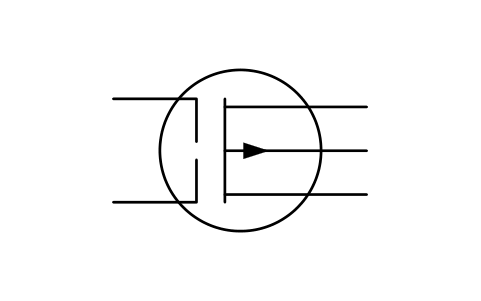
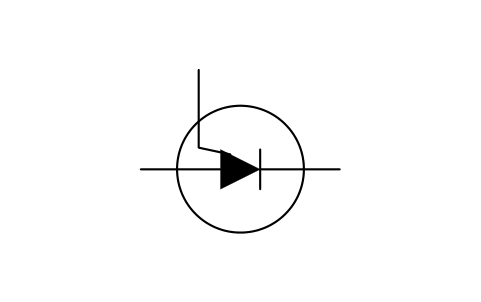
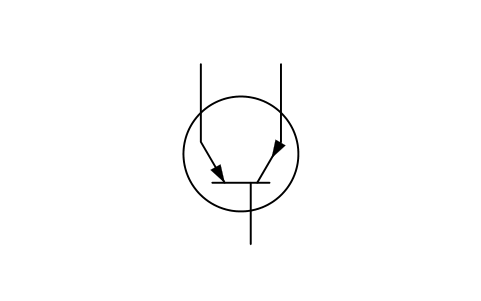
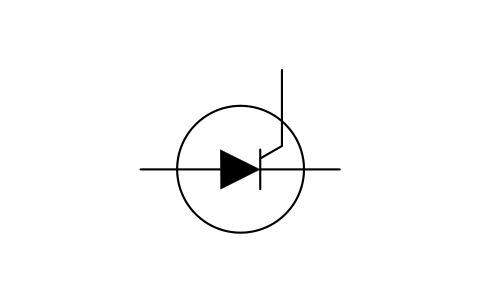
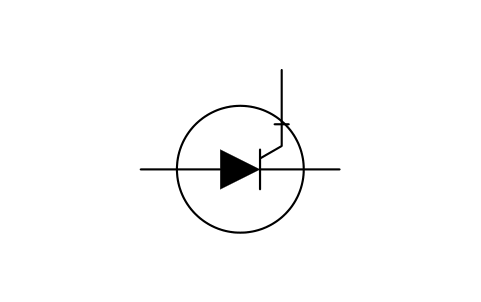
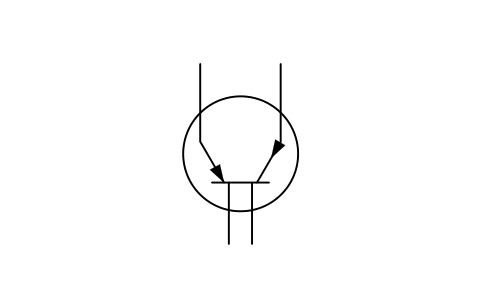
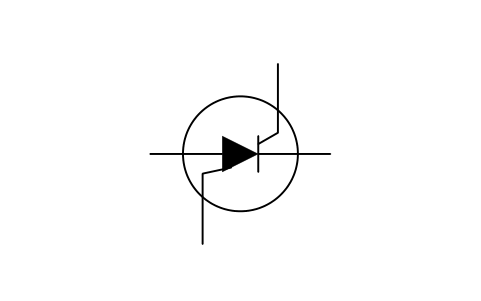
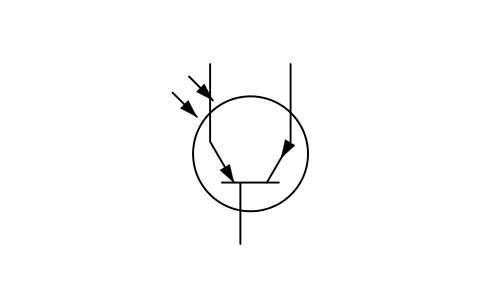
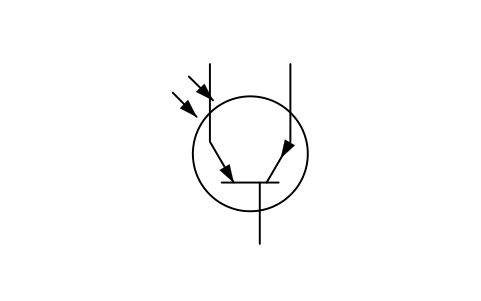
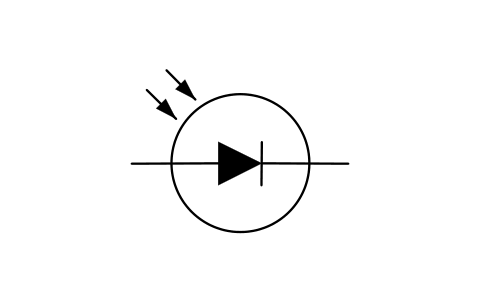
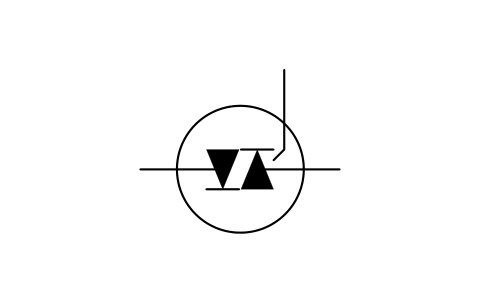
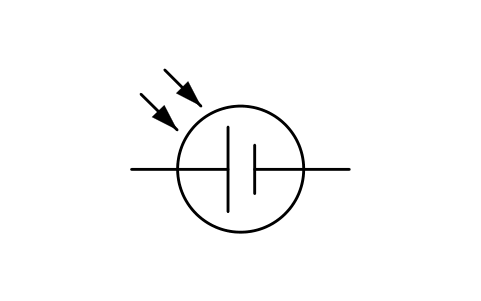
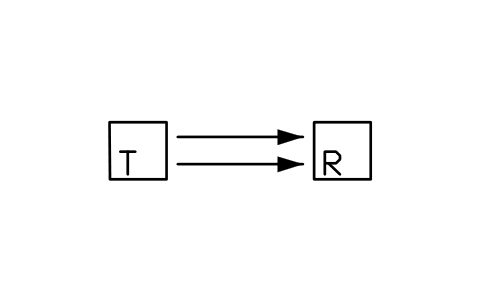
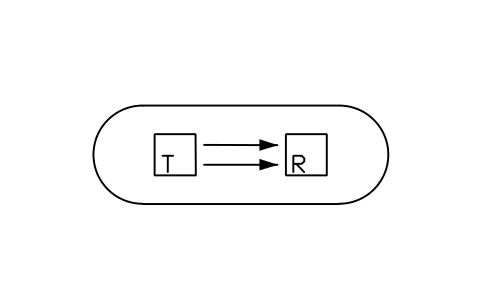
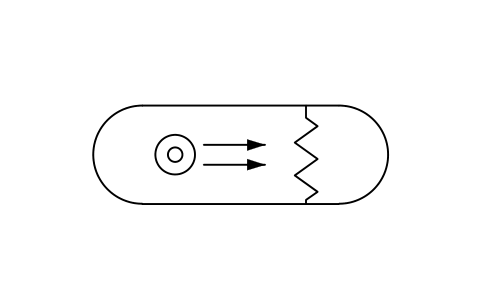
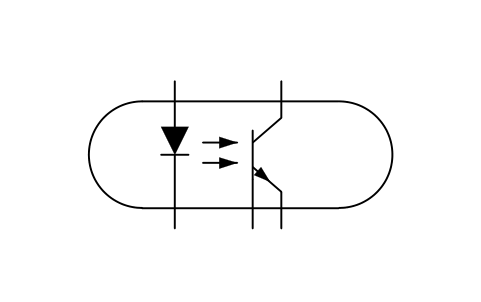
107 blocks for semiconductors: element symbols, diodes of every kind, bipolar and unijunction transistors, field-effect transistors, thyristors and triacs, photovoltaic cells, Hall elements and photon-coupled isolators.
107 of 107 symbols
Using AutoCAD 2017 or an earlier version? Download the 2010 format
Copyright CADXChange. Use and modify the symbols freely in your own drawings and projects, including commercial ones; credit and a link are needed only when you publish them. Please do not redistribute or resell the library. Each ZIP holds one plain DWG file in AutoCAD 2018 format and a README; no add-in needed. Provided as is, without warranty. Library terms (CXL-1.0)
All 79 symbols
79 of 79 symbols
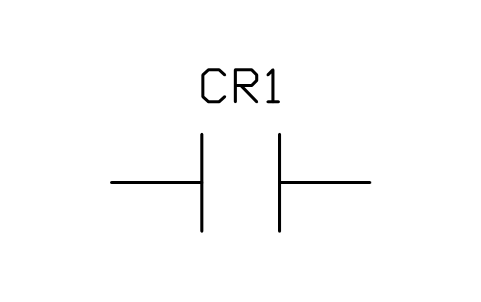
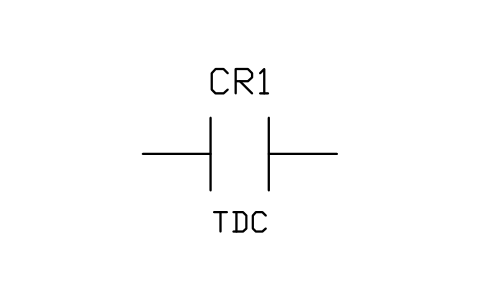
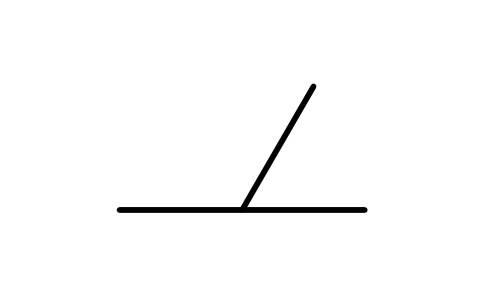
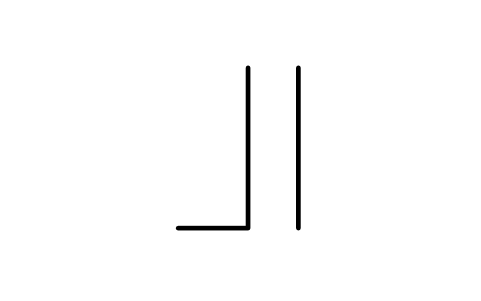
Contact, normally open, time delay closing (TDC)
IEEE_CONTACT_NO_TDCAttributes
DEVICERATINGPART_NOMANUFACTURERREMARKSDESC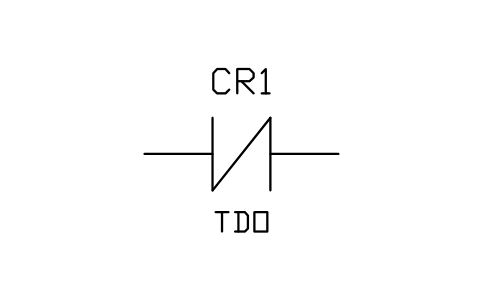
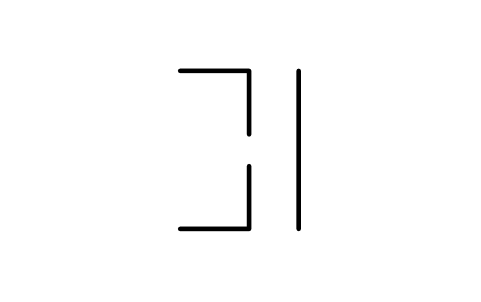
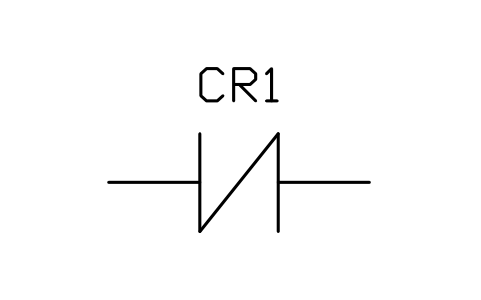
Contact, normally closed, time delay opening (TDO)
IEEE_CONTACT_NC_TDOAttributes
DEVICERATINGPART_NOMANUFACTURERREMARKSDESC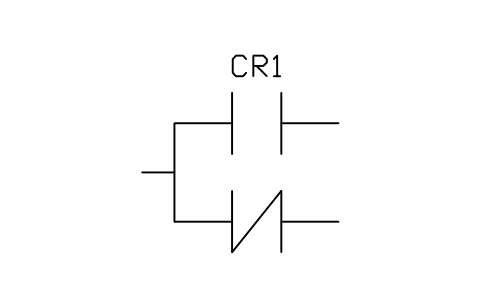
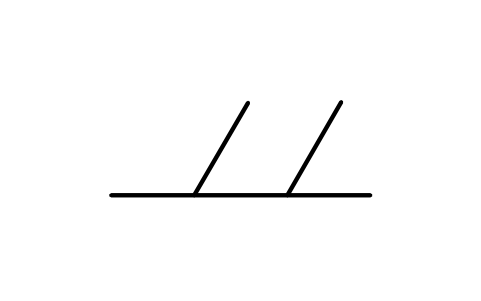
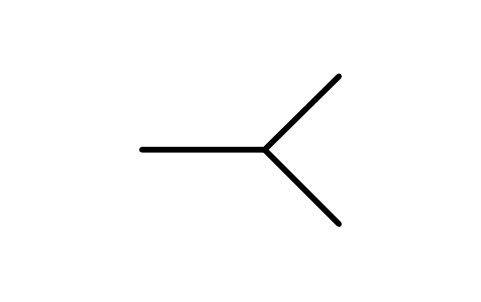
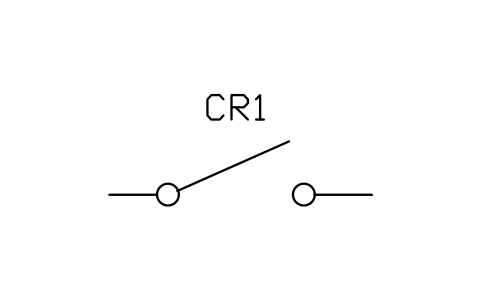
Contact, transfer (one open, one closed)
IEEE_CONTACT_TRANSFERAttributes
DEVICERATINGPART_NOMANUFACTURERREMARKSDESC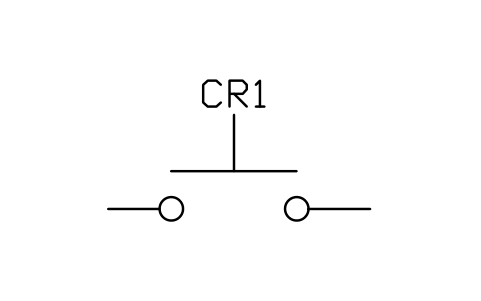
Pushbutton, circuit closing (normally open)
IEEE_PB_NOAttributes
DEVICERATINGPART_NOMANUFACTURERREMARKSDESC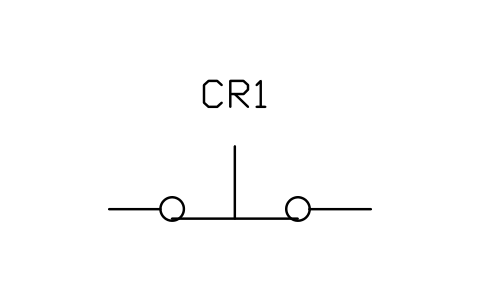
Pushbutton, circuit opening (normally closed)
IEEE_PB_NCAttributes
DEVICERATINGPART_NOMANUFACTURERREMARKSDESC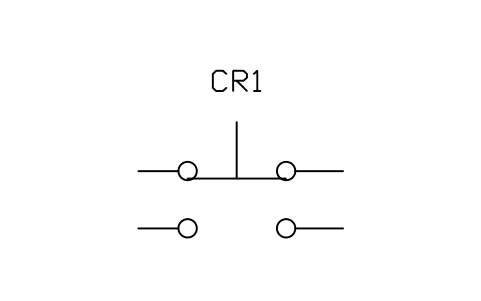
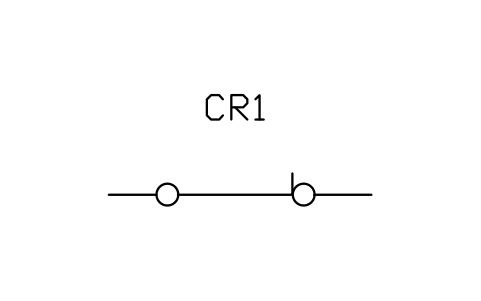
Switch, single throw, closed
IEEE_SWITCH_SPST_CLOSEDAttributes
DEVICERATINGPART_NOMANUFACTURERREMARKSDESC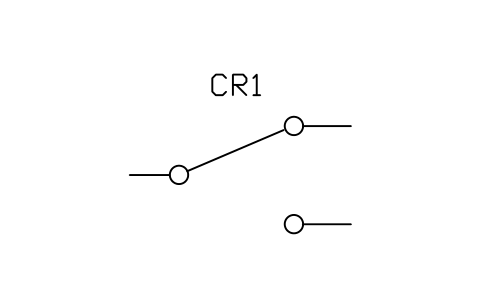
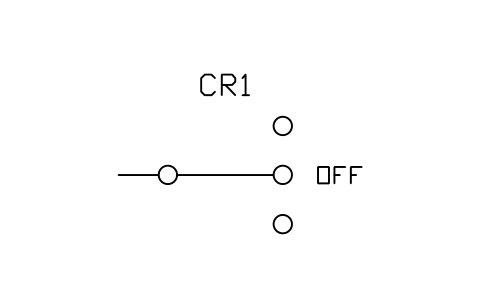
Switch, three-position with OFF
IEEE_SWITCH_3POS_OFFAttributes
DEVICERATINGPART_NOMANUFACTURERREMARKSDESC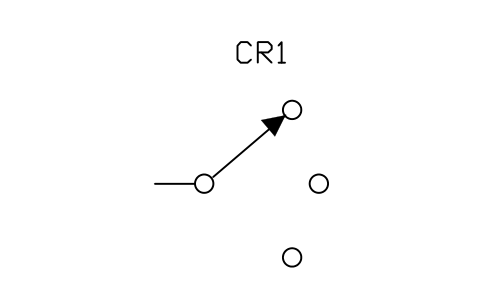
Selector switch, three positions
IEEE_SELECTOR_3POSAttributes
DEVICERATINGPART_NOMANUFACTURERREMARKSDESC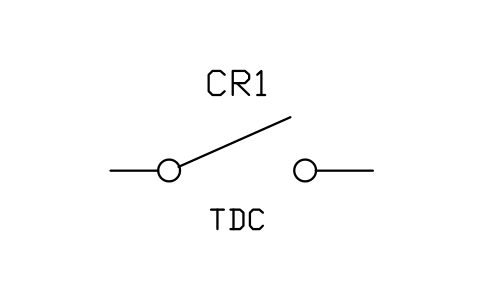
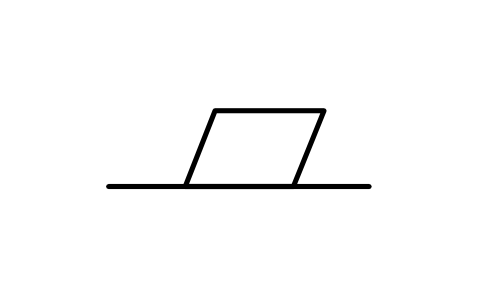
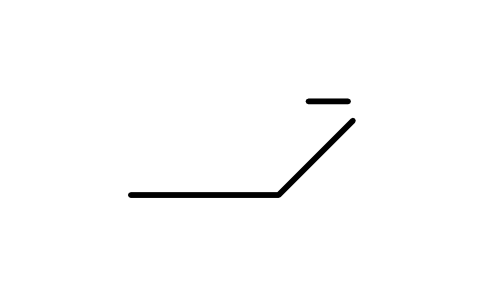
Switch, open, time delay closing (TDC)
IEEE_SWITCH_OPEN_TDCAttributes
DEVICERATINGPART_NOMANUFACTURERREMARKSDESC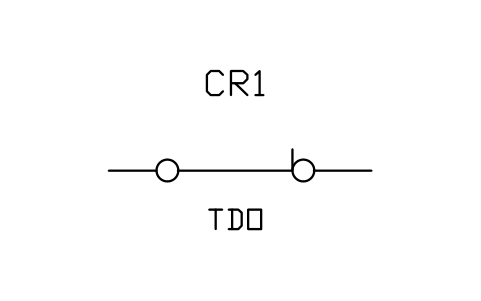
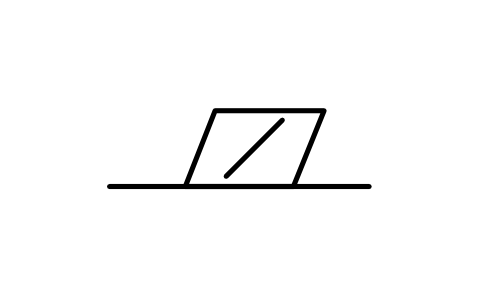
Switch, closed, time delay opening (TDO)
IEEE_SWITCH_CLOSED_TDOAttributes
DEVICERATINGPART_NOMANUFACTURERREMARKSDESC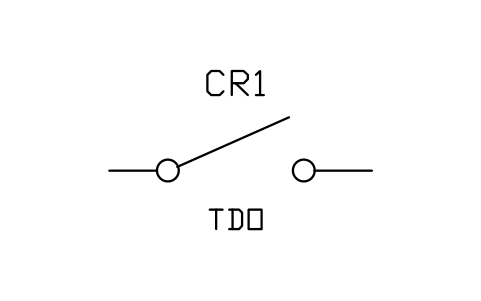
Switch, open, time delay opening (TDO)
IEEE_SWITCH_OPEN_TDOAttributes
DEVICERATINGPART_NOMANUFACTURERREMARKSDESC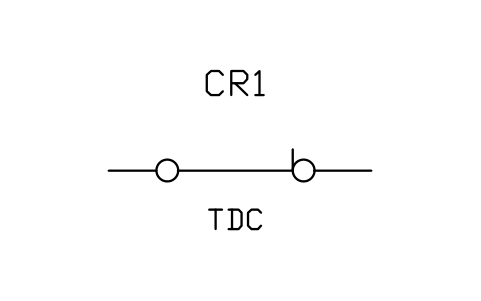
Switch, closed, time delay closing (TDC)
IEEE_SWITCH_CLOSED_TDCAttributes
DEVICERATINGPART_NOMANUFACTURERREMARKSDESC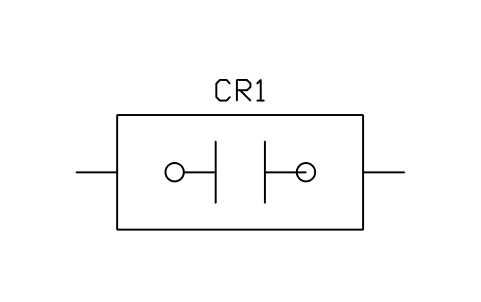
Limit switch, circuit closing (normally open)
IEEE_LIMIT_NOAttributes
DEVICERATINGPART_NOMANUFACTURERREMARKSDESC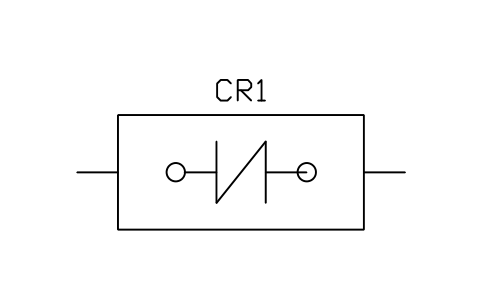
Limit switch, circuit opening (normally closed)
IEEE_LIMIT_NCAttributes
DEVICERATINGPART_NOMANUFACTURERREMARKSDESC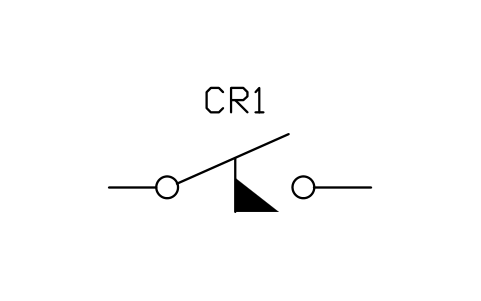
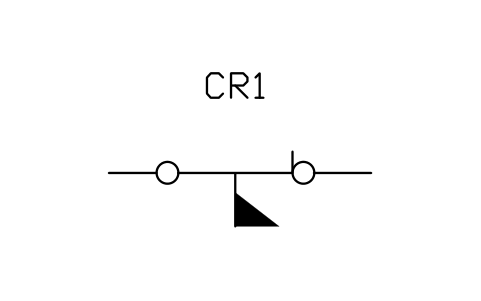
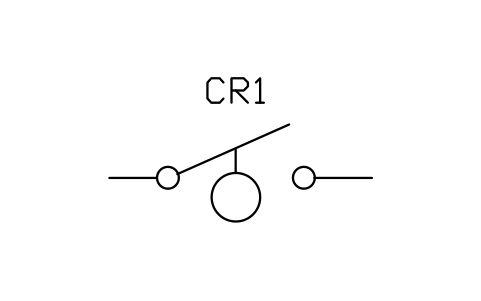
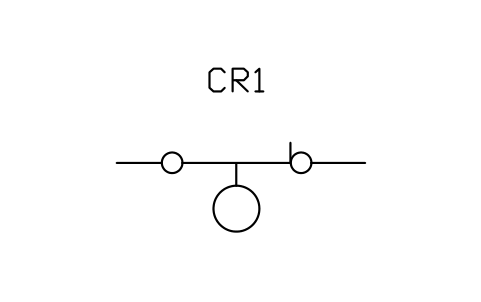
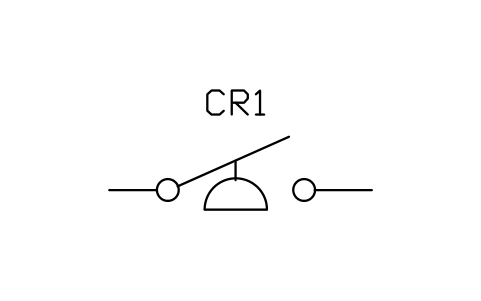
Pressure or vacuum switch, closes on rise
IEEE_PRESSURE_CLOSESAttributes
DEVICERATINGPART_NOMANUFACTURERREMARKSDESC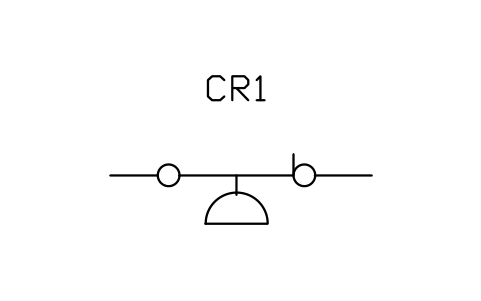
Pressure or vacuum switch, opens on rise
IEEE_PRESSURE_OPENSAttributes
DEVICERATINGPART_NOMANUFACTURERREMARKSDESC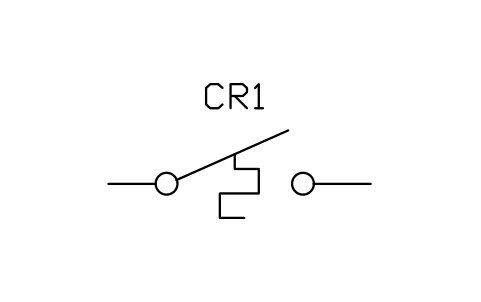
Temperature switch, closes on rise
IEEE_TEMP_CLOSESAttributes
DEVICERATINGPART_NOMANUFACTURERREMARKSDESC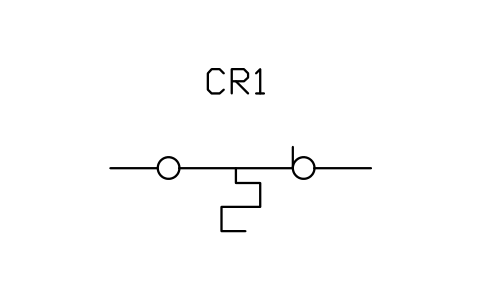
Temperature switch, opens on rise
IEEE_TEMP_OPENSAttributes
DEVICERATINGPART_NOMANUFACTURERREMARKSDESC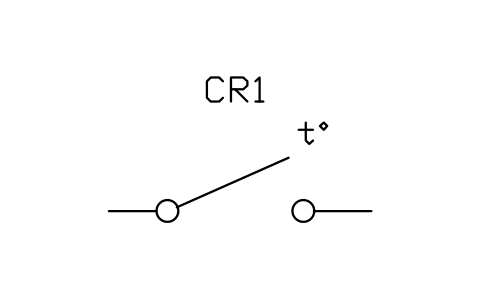
Thermostat, closes on rising temperature
IEEE_THERMOSTAT_CLOSESAttributes
DEVICERATINGPART_NOMANUFACTURERREMARKSDESC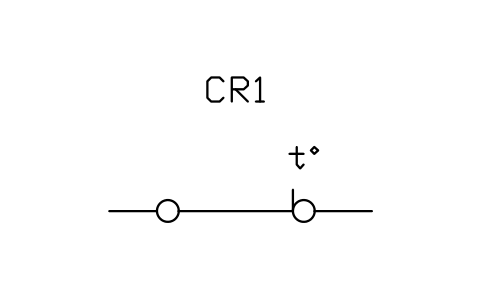
Thermostat, opens on rising temperature
IEEE_THERMOSTAT_OPENSAttributes
DEVICERATINGPART_NOMANUFACTURERREMARKSDESC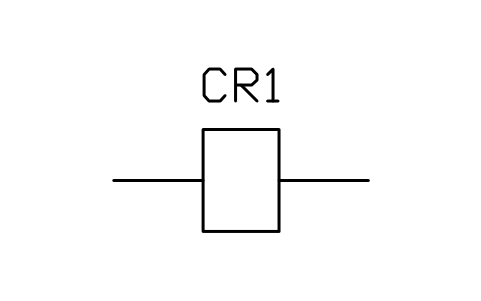
Operating coil, circle with designation
IEEE_COIL_CIRCLEAttributes
DESIGNATIONVOLTAGEPART_NOMANUFACTURERREMARKSDESC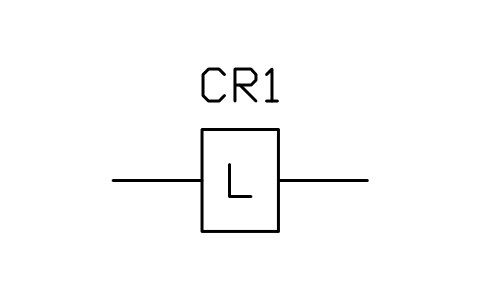
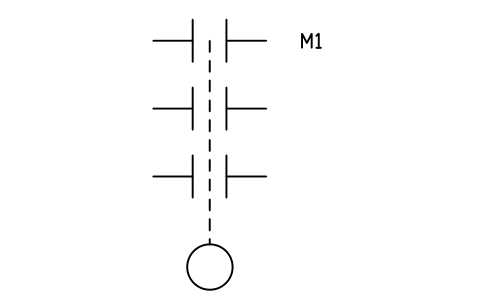
Contactor, three poles with operating coil
IEEE_CONTACTOR_3PAttributes
DEVICERATINGPART_NOMANUFACTURERREMARKSDESC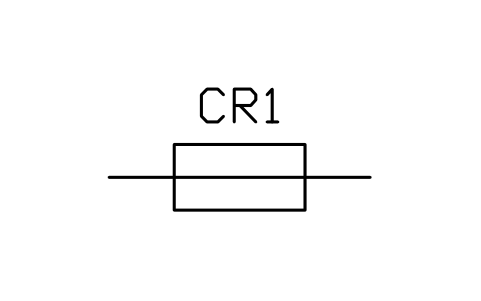
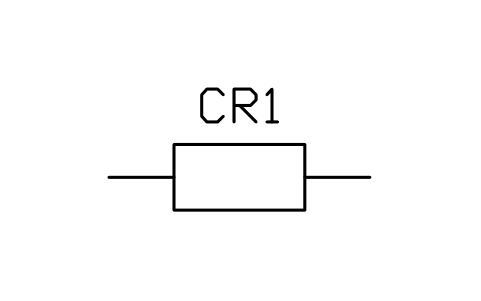
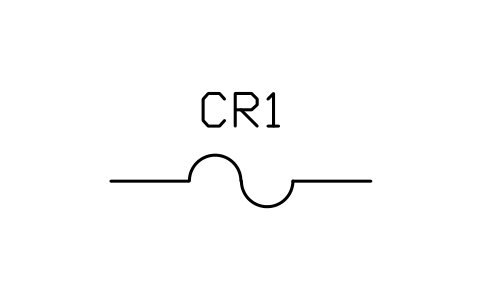
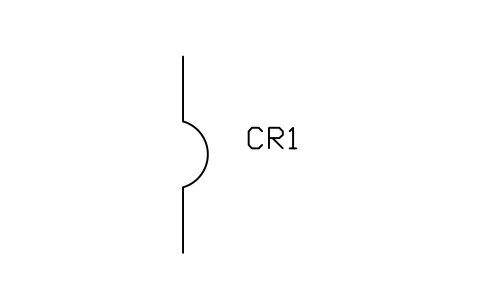
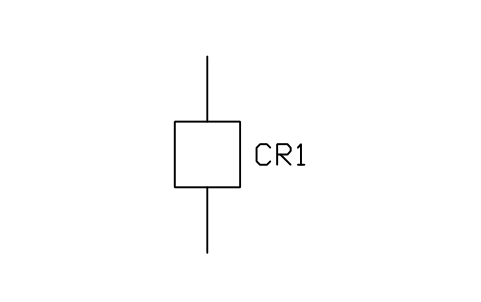
Circuit breaker, single pole (one-line)
IEEE_BREAKER_1PAttributes
DEVICERATINGPART_NOMANUFACTURERREMARKSDESC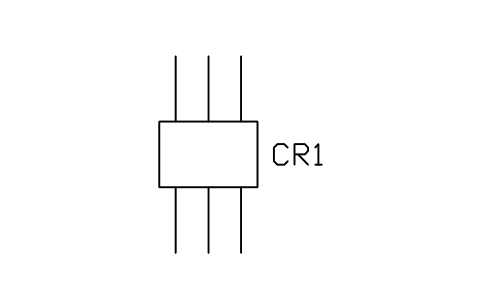
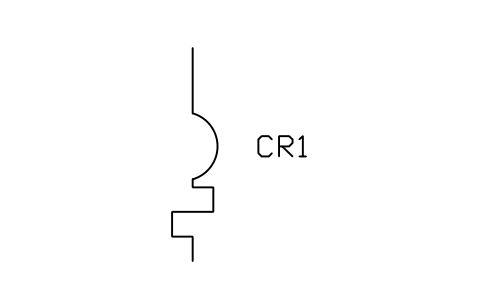
Circuit breaker with thermal overload device
IEEE_BREAKER_THERMALAttributes
DEVICERATINGPART_NOMANUFACTURERREMARKSDESC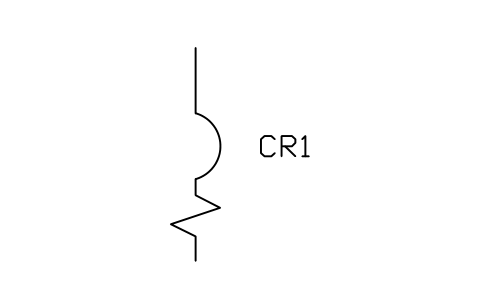
Circuit breaker with magnetic overload device
IEEE_BREAKER_MAGNETICAttributes
DEVICERATINGPART_NOMANUFACTURERREMARKSDESC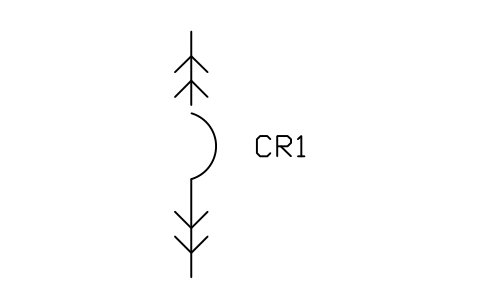
Circuit breaker, drawout type
IEEE_BREAKER_DRAWOUTAttributes
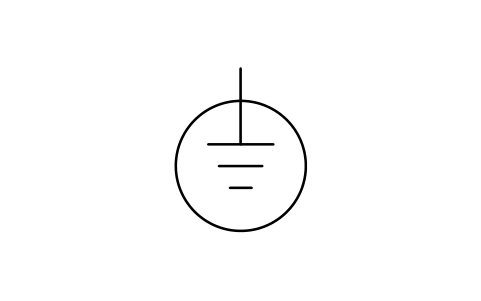
DEVICERATINGPART_NOMANUFACTURERREMARKSDESC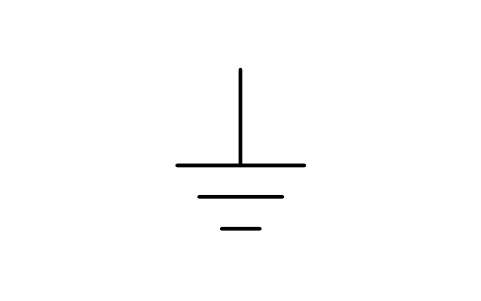
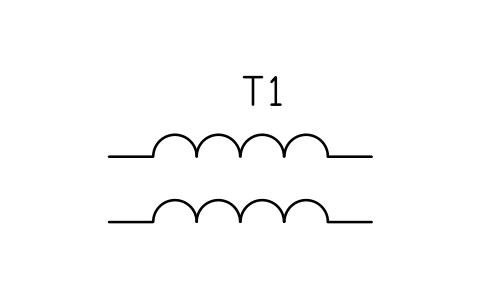
Transformer, two windings (coil form)
IEEE_TRANSFORMER_COILSAttributes
DEVICERATINGVOLTAGE_PRIMARYVOLTAGE_SECONDARYIMPEDANCEPART_NOMANUFACTURERREMARKSDESC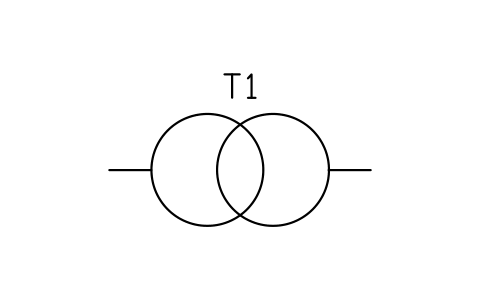
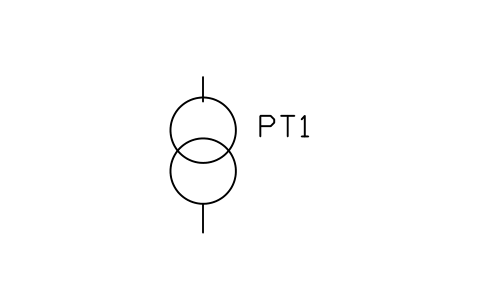
Transformer, two windings (circle form)
IEEE_TRANSFORMER_CIRCLESAttributes
DEVICERATINGVOLTAGE_PRIMARYVOLTAGE_SECONDARYIMPEDANCEPART_NOMANUFACTURERREMARKSDESC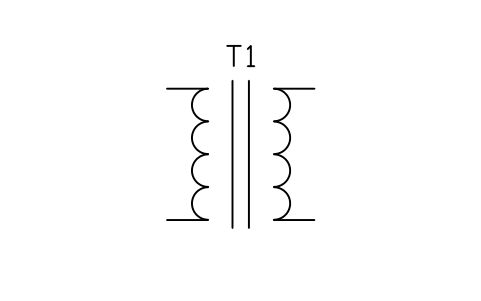
Transformer with magnetic core
IEEE_TRANSFORMER_COREAttributes
DEVICERATINGVOLTAGE_PRIMARYVOLTAGE_SECONDARYIMPEDANCEPART_NOMANUFACTURERREMARKSDESC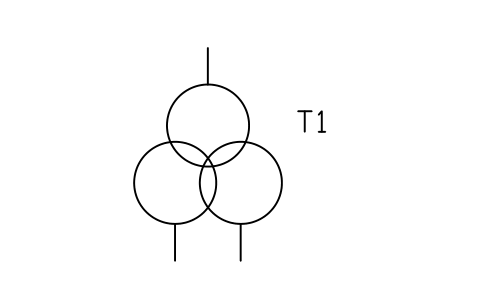
Transformer, three windings (circle form)
IEEE_TRANSFORMER_3WAttributes
DEVICERATINGVOLTAGE_PRIMARYVOLTAGE_SECONDARYIMPEDANCEPART_NOMANUFACTURERREMARKSDESC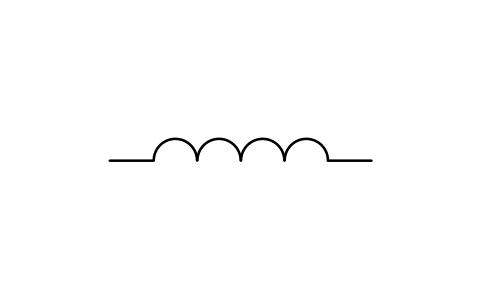
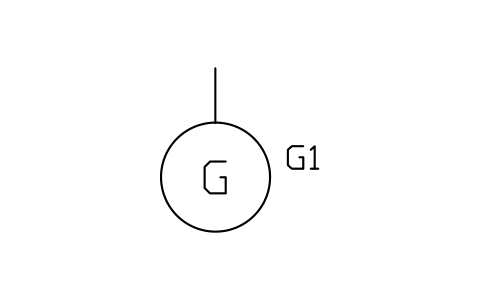
Generator, general
IEEE_GENERATORAttributes
DEVICERATINGVOLTAGEPHASESSPEED_RPMPART_NOMANUFACTURERREMARKSDESC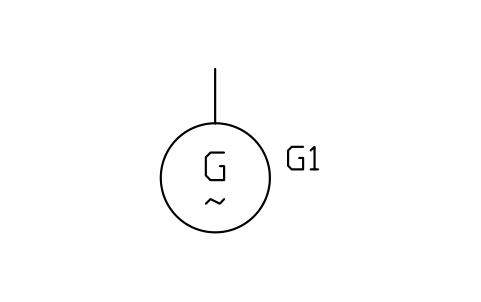
Generator, alternating current
IEEE_GENERATOR_ACAttributes
DEVICERATINGVOLTAGEPHASESSPEED_RPMPART_NOMANUFACTURERREMARKSDESC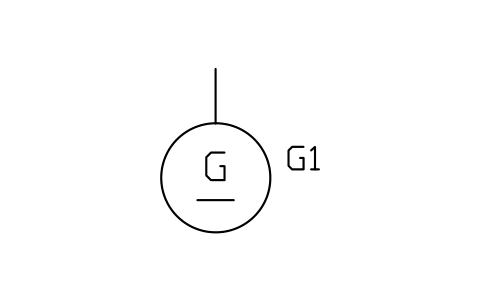
Generator, direct current
IEEE_GENERATOR_DCAttributes
DEVICERATINGVOLTAGEPHASESSPEED_RPMPART_NOMANUFACTURERREMARKSDESC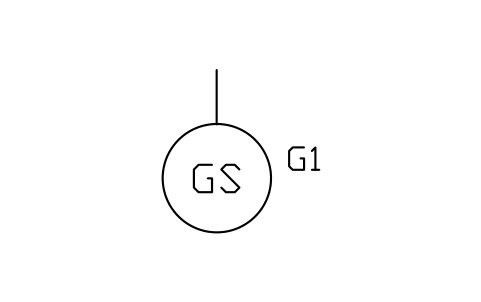
Generator, synchronous
IEEE_GENERATOR_SYNCAttributes
DEVICERATINGVOLTAGEPHASESSPEED_RPMPART_NOMANUFACTURERREMARKSDESC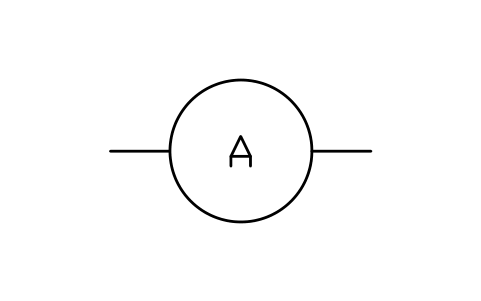
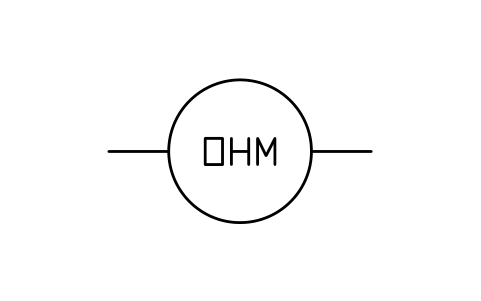
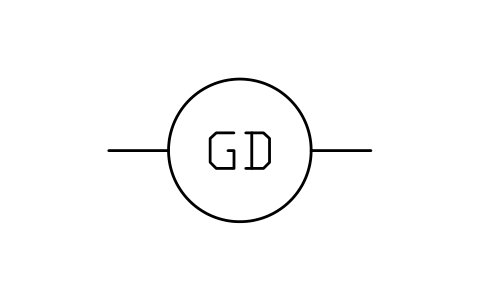
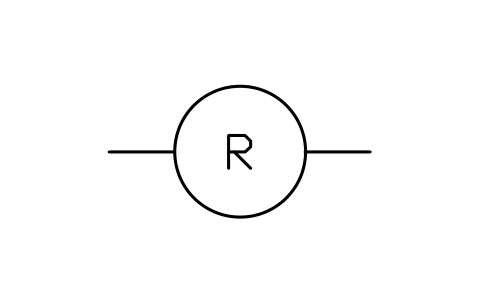
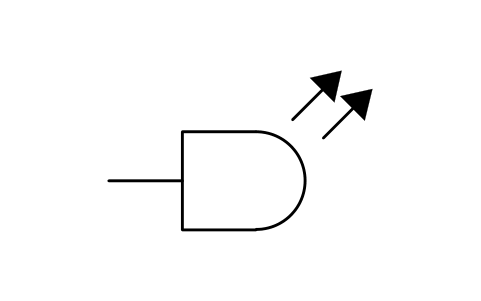
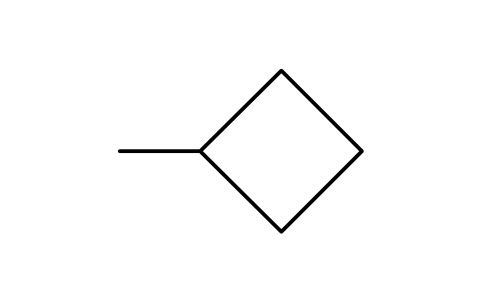
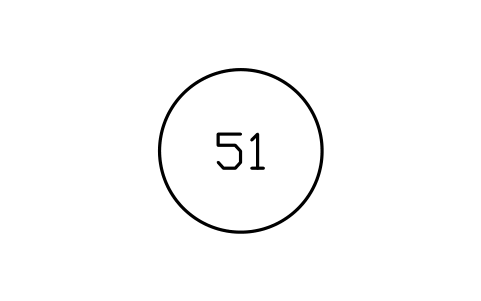
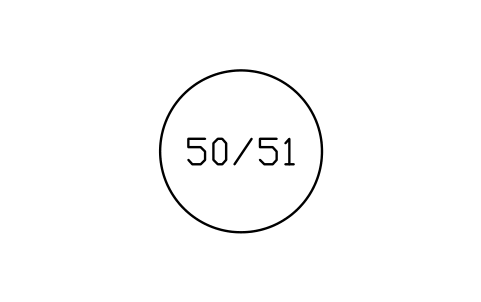
Protective device numbers, circle with two functions
IEEE_DEVICE_NUMBER_DUALAttributes
FUNCTIONDESCRIPTIONSETTINGREMARKSDESC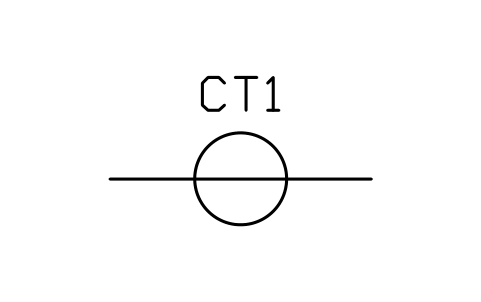
IEC 60617 and ANSI/IEEE 315 side by side: compare the two symbol sets and see which one to use.
Related symbol libraries
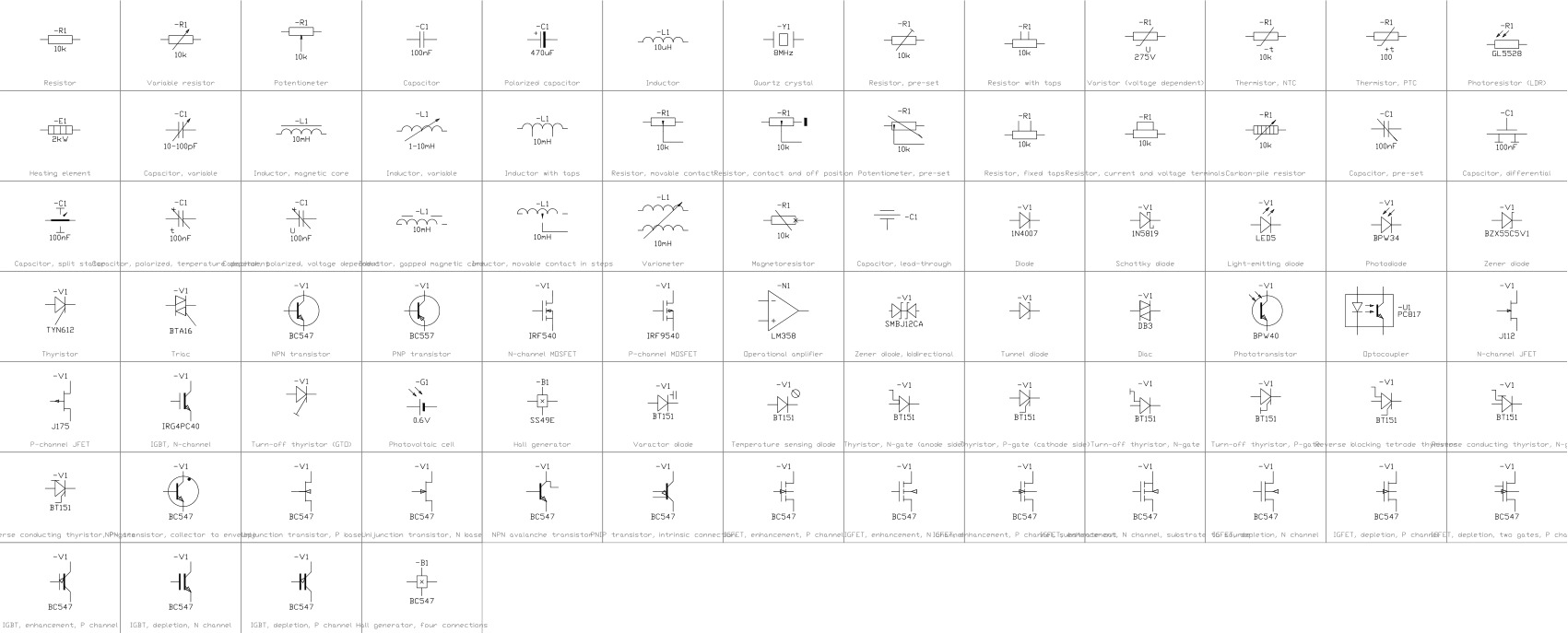 Common electrical symbols (IEC 60617)496 symbols
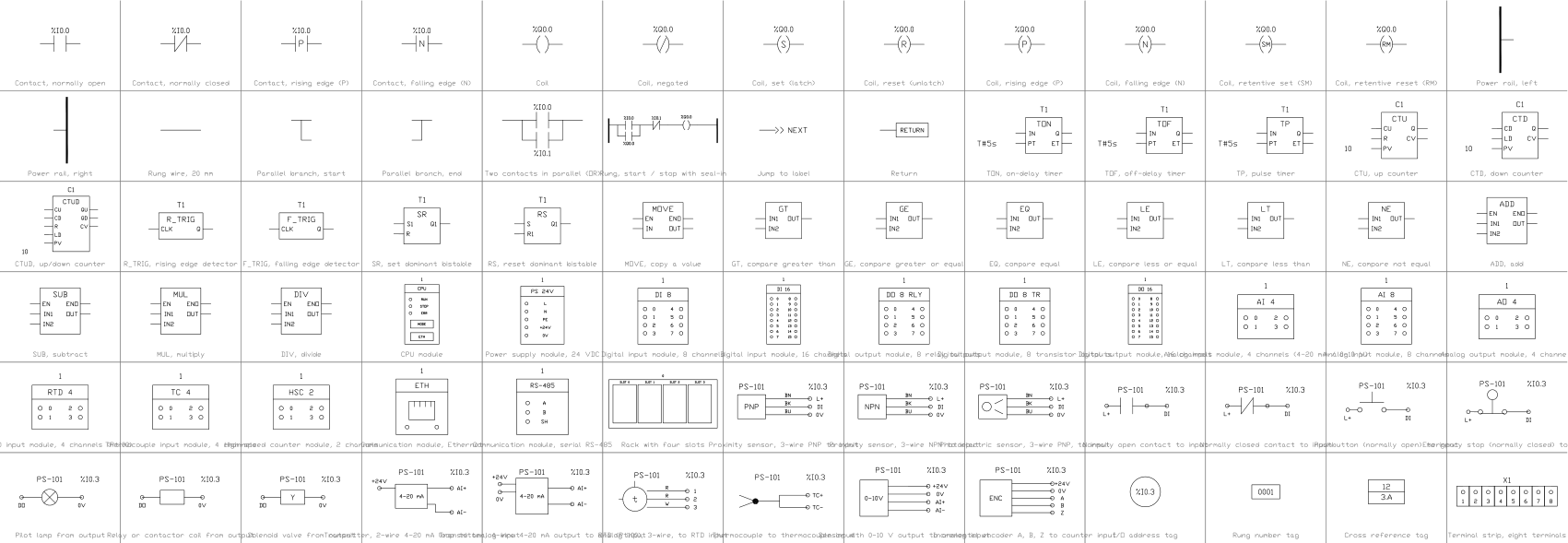 PLC ladder logic and I/O symbols78 symbols
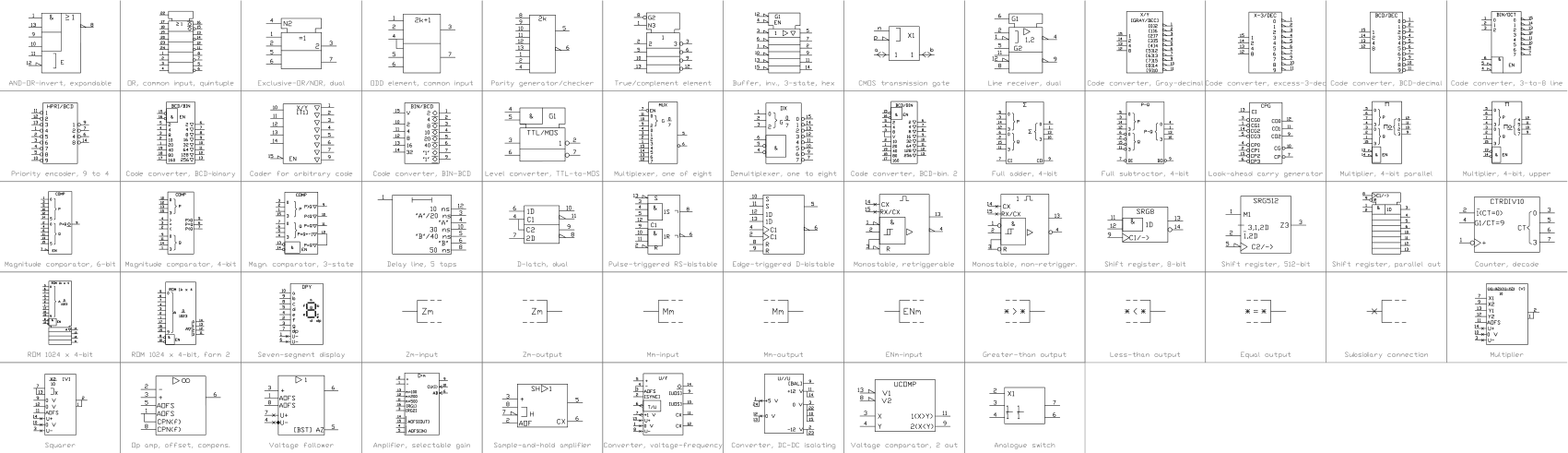 Multiplexers, adders, decoders, counters (IEC 60617)61 symbols
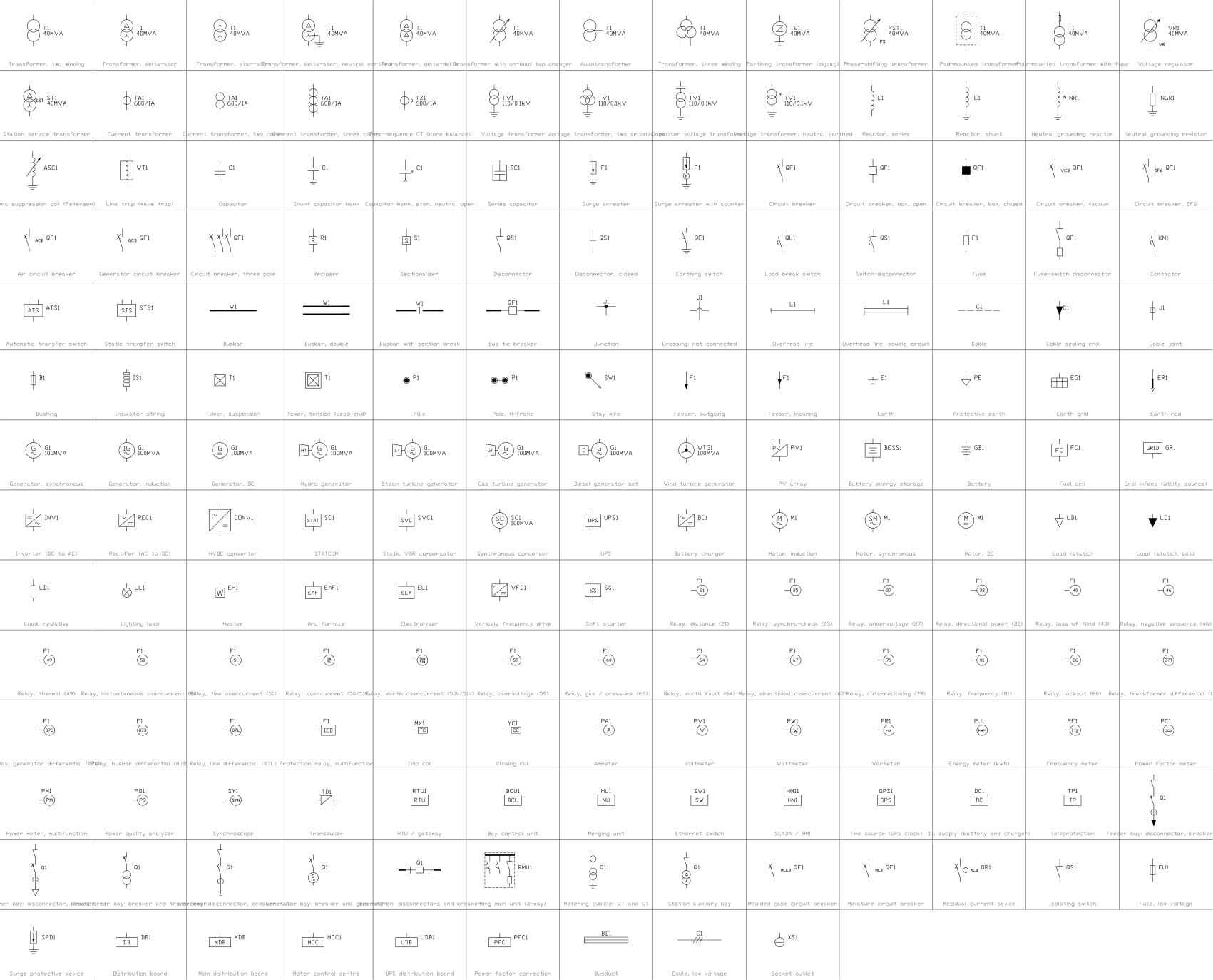 Power system single-line symbols (IEC 60617)307 symbols
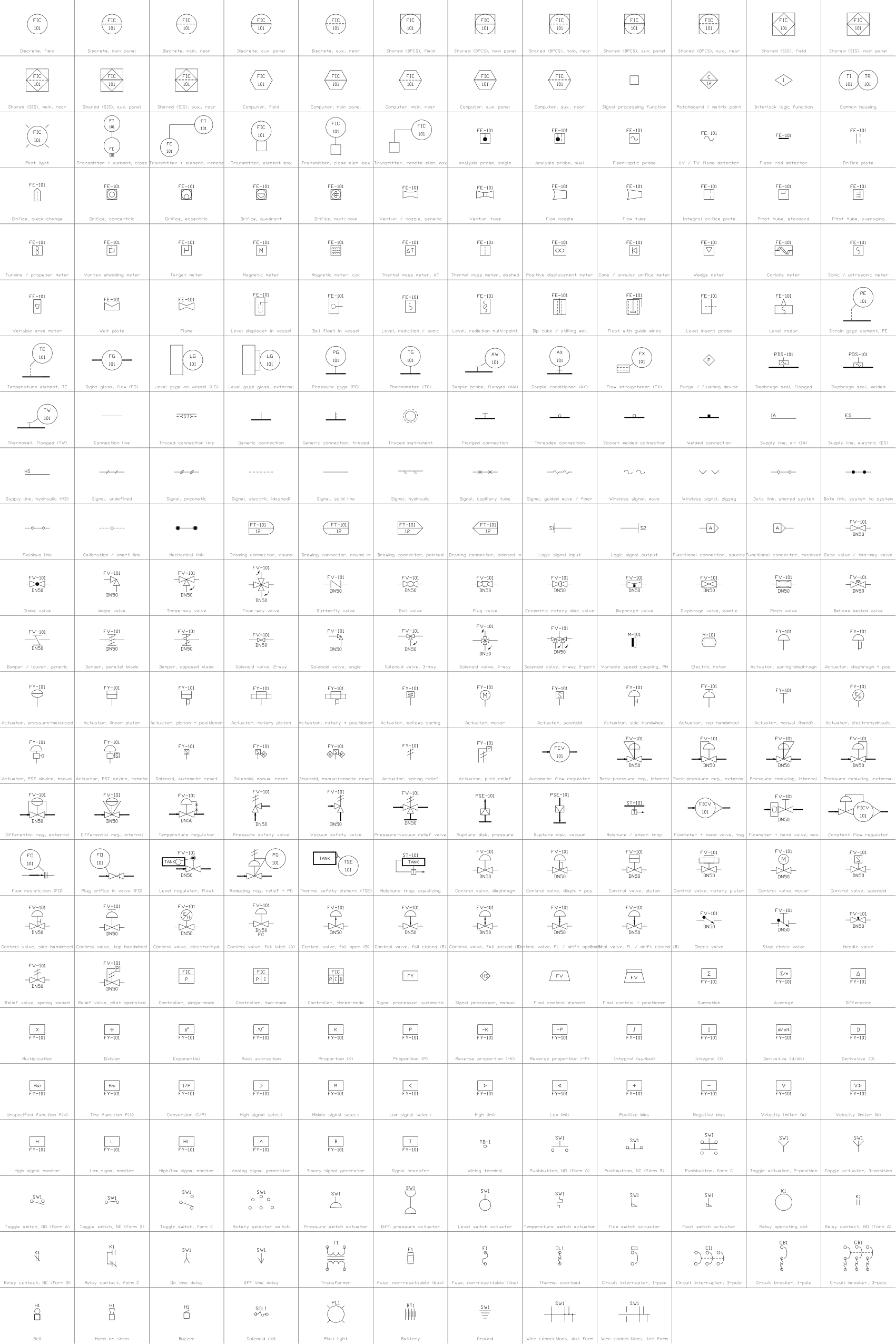 Instrumentation symbols (ISA 5.1 style)285 symbols
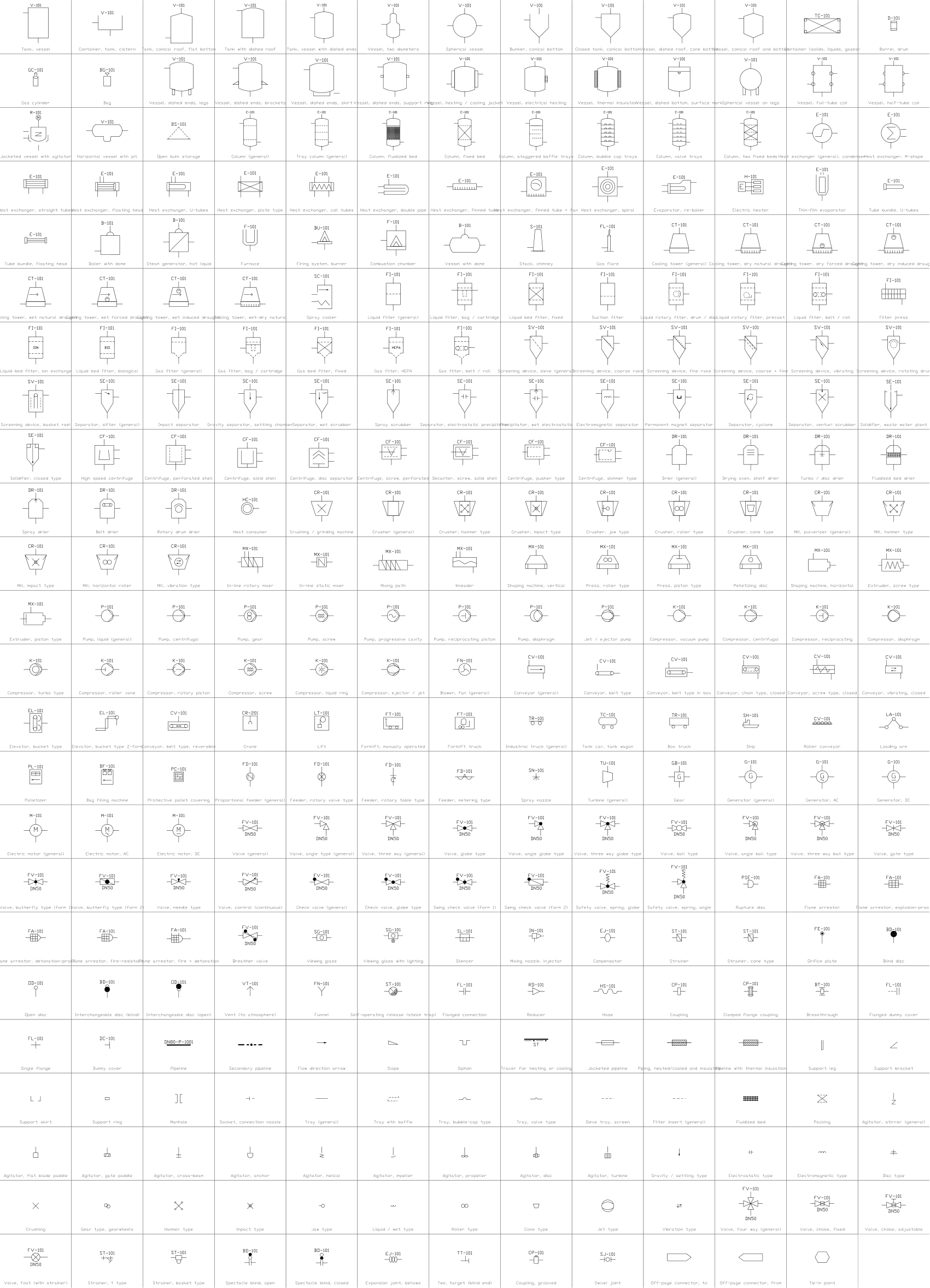 P&ID equipment and piping (ISO 10628-2 style)311 symbols
Missing a symbol? Tell us which one.
Attributes for parts lists
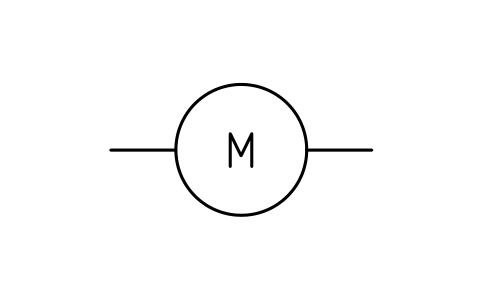
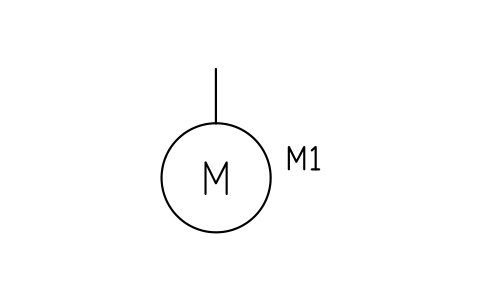
Every symbol has a visible DEVICE attribute for its designation (for example CR1 for a relay, FS-101 for a flow switch, M1 for a motor), shown next to the symbol; coils, pilot lights and device number circles show it inside the circle. Ratings, voltages, part numbers and manufacturer are invisible attributes: RATING, VOLTAGE, PART_NO and MANUFACTURER; transformers also carry the primary and secondary voltage and the impedance.
How to use the library
- Unzip the file and open the DWG. Copy the symbols you need into your plan, or drag the blocks in from DesignCenter (ADCENTER).
- The blocks are drawn at plotted size in millimetres (text 2.5 mm). Insert them at scale 1 in a layout, or at the scale of your drawing in model space.
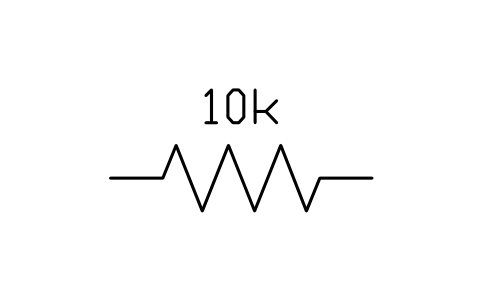
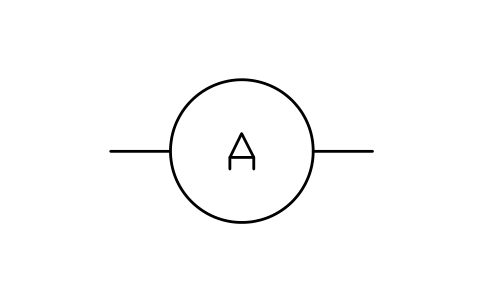
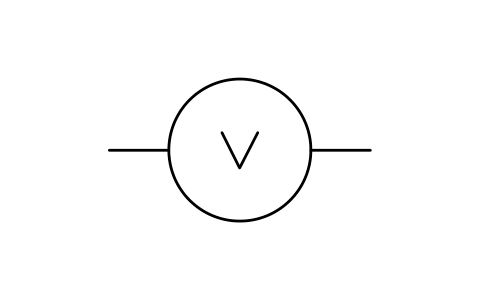
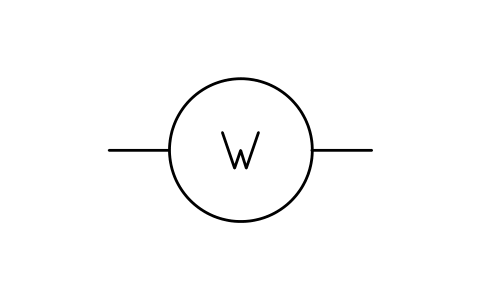
- Contacts, switches, coils and passive parts sit on a horizontal wire 20 mm long, so they chain without gaps; the insertion point is the left end. Breakers, fuses and grounds hang from their top terminal. Motors, generators and meters are inserted at the centre of the circle.
- Double-click a block (or run EATTEDIT) to enter the designation and the ratings. The process-actuated switches show the contact state at a rising value: an open blade means it closes on rise, a closed blade means it opens on rise.
About IEEE 315 and what we claim
IEEE Std 315-1975 (ANSI Y32.2-1975), Graphic Symbols for Electrical and Electronics Diagrams, is the US standard for these symbols. It shows several forms for most items, so two drawings that both follow the standard can still look different.
The symbols are our own drawings after the symbol tables of the standard, not copies, and the library is not certified against it. The pilot light and the protective device number circles follow common US practice rather than a table of 315. Check your company or client standard before you rely on a shape.
Frequently asked questions
- Do these symbols follow ANSI/IEEE 315?
- They are drawn after its symbol tables, using one form for each item, but the library is not certified. The standard allows several forms for most items, so check which one your client requires.
- Are these IEC or ANSI symbols?
- They are in the US style of IEEE Std 315, also published as ANSI Y32.2: parallel-line contacts, circles for motors and so on. For the European style see our IEC 60617 library.
- Can I use the symbols in commercial projects?
- Yes. They are free to use and modify in your own projects, including commercial ones. They are provided as is, without warranty. Please do not redistribute or resell the library; see the library terms.
- Can I change a symbol or add attributes?
- Yes. Open the DWG, edit a block with BEDIT to change it or add attributes, and save. To update drawings that already contain the block, run ATTSYNC or replace the block. Make a backup first: attribute values can be lost if ATTSYNC is used carelessly.
- Where do I find a ready-made set of these symbols for AutoCAD?
- AutoCAD itself ships only a small set of sample blocks, so a full symbol set has to come from a library. Download the ZIP on this page and open the DWG: every symbol is a block. Insert one with INSERT (Blocks palette, Libraries tab, then pick the DWG) or drag it from DesignCenter (ADCENTER). You can also download a single symbol on its own.