
Free AutoCAD entourage blocks (DWG): people, vehicles, trees and street furniture
Entourage symbols: 71 ready-made AutoCAD blocks (DWG). A starter pack of 24 symbols is free; the Standard edition is $19.
Free starter pack: 24 symbols
The most-used symbols of this library, as AutoCAD blocks in one DWG. Free for everyone, for any project.
 Person, man standing, 1750
 Car, sedan, side view
 Tree, deciduous, round, 8000
 Street lamp, single arm, 6000
 Person, woman standing, 1650
 Car, hatchback, side view
 Tree, deciduous, round, 6000
 Street lamp, double arm, 6000
 Person, man in long coat
 Car, estate, side view
 Tree, deciduous, round, 4000
 High mast with floodlights
 Person, woman in long coat
 Car, coupe, side view
 Tree, deciduous, oval, 7000
 Bollard light, 900
 Person, child standing, 1100
 Car, pickup truck, side view
 Tree, deciduous, wide, 6000
 Bench, front view
 Person, elderly with stick
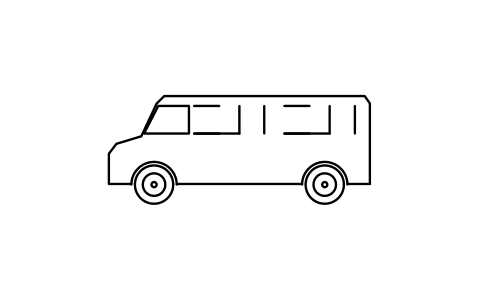
 Van, panel van, side view
 Tree, bare, winter
 Bench, side view
Standard: 71 symbols
All 71 symbols of the Standard edition in one download, ready to insert in AutoCAD. Pay once and keep the files.
Free starter pack
$0For everyone, for any project
- 24 symbols
- No sign-in
- One DWG
Library licence
$19
For one person
Education: free
- Pay once
Student or teacher?
Free for one year with your school e-mail address. Renew it with the same address.
Sign in with your school e-mail address, we check it, and the licence is added to your account.
Available soonEducation licences are for study and teaching, valid for one year, and renewed with your school e-mail address.
What each version contains
The symbols by group, and how many of each group every version holds.
| Content | Free | Standard |
|---|---|---|
| All symbols | 24 | 71 |
| Added by this version | — | +47 |
| People | 6 | 15 |
| Vehicles | 6 | 14 |
| Trees and plants | 6 | 27 |
| Street furniture | 6 | 15 |
The free pack is a hand-picked selection. Standard is one purchase and gives you every symbol as DWG files.
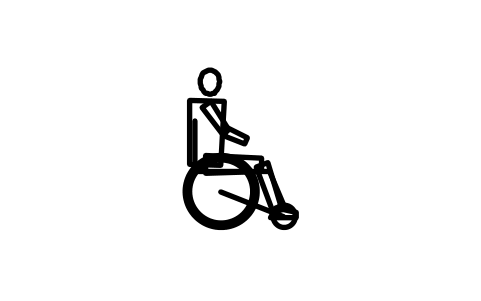
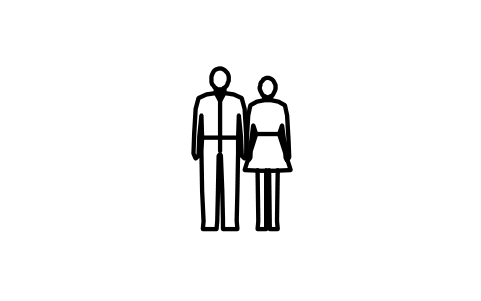
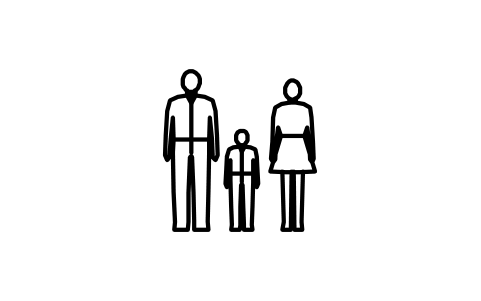
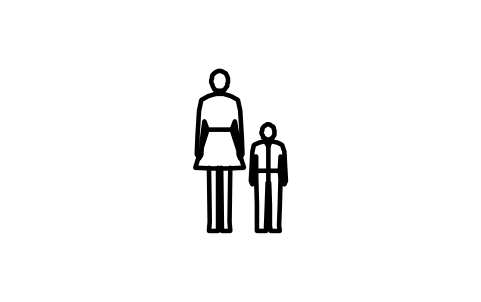
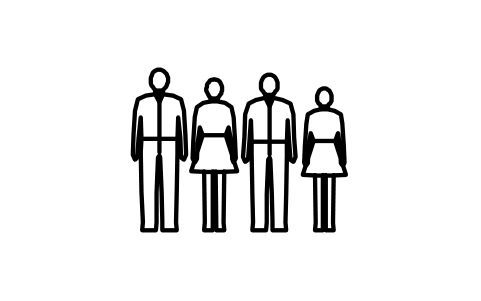
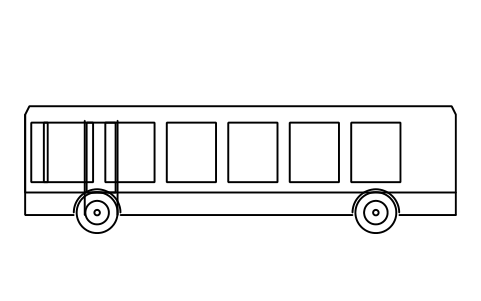
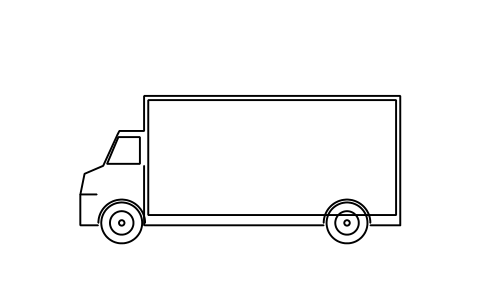
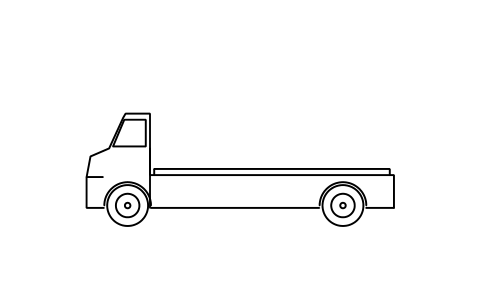
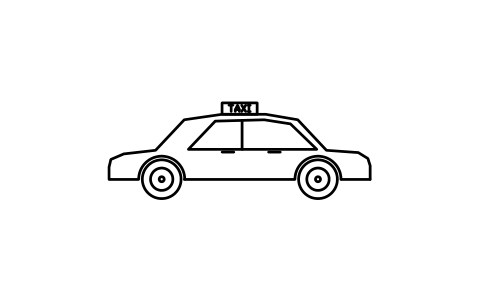
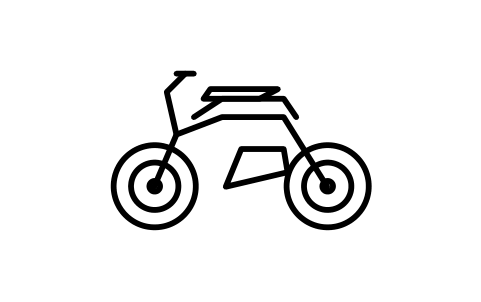
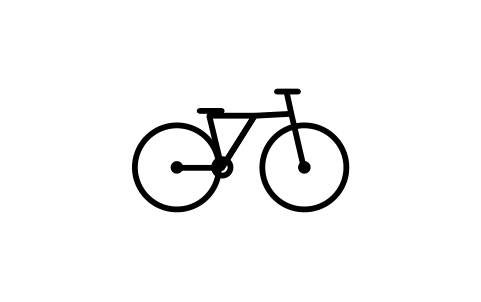
71 entourage blocks for AutoCAD in elevation at real size in millimetres: standing, seated and wheelchair figures, couples and families, cars, pickups, vans, buses, trucks, taxis, motorcycles and bicycles in side view, deciduous trees, conifers, palms, shrubs, hedges, potted plants and cacti, street lamps, benches, litter bins, bus shelters, road signs, fences, railings and bicycle racks.
Version 1.0 · updated October 17, 2026
All 71 symbols
71 of 71 symbols
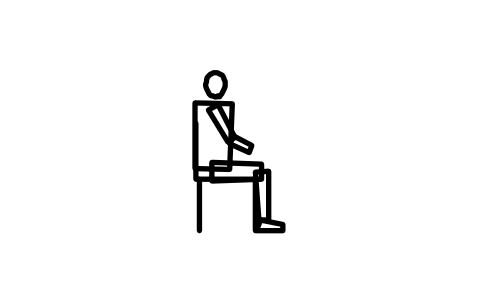
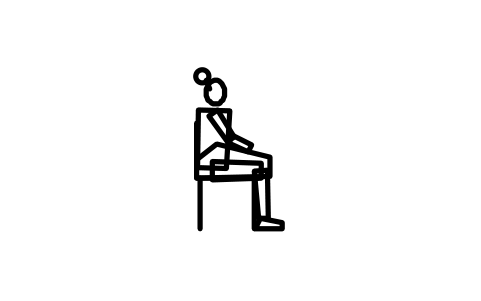
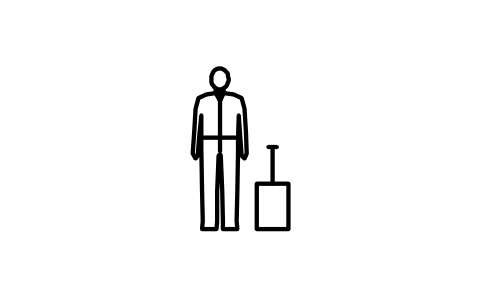
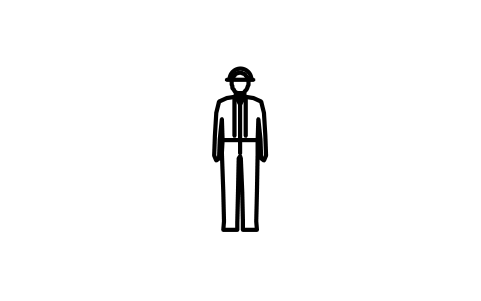
Tree, deciduous, round, 8000
ENT_TREE_DECIDUOUS_8MAttributes
TAGBOTANICAL_NAMECOMMON_NAMEHEIGHT_MSPREAD_MTRUNK_DIAMETER_MMSTATUSQTYREMARKSDESCTree, deciduous, round, 6000
ENT_TREE_DECIDUOUS_6MAttributes
TAGBOTANICAL_NAMECOMMON_NAMEHEIGHT_MSPREAD_MTRUNK_DIAMETER_MMSTATUSQTYREMARKSDESCTree, deciduous, round, 4000
ENT_TREE_DECIDUOUS_4MAttributes
TAGBOTANICAL_NAMECOMMON_NAMEHEIGHT_MSPREAD_MTRUNK_DIAMETER_MMSTATUSQTYREMARKSDESCTree, deciduous, oval, 7000
ENT_TREE_OVALAttributes
TAGBOTANICAL_NAMECOMMON_NAMEHEIGHT_MSPREAD_MTRUNK_DIAMETER_MMSTATUSQTYREMARKSDESCTree, deciduous, wide, 6000
ENT_TREE_SPREADINGAttributes
TAGBOTANICAL_NAMECOMMON_NAMEHEIGHT_MSPREAD_MTRUNK_DIAMETER_MMSTATUSQTYREMARKSDESCTree, bare, winter
ENT_TREE_BAREAttributes
TAGBOTANICAL_NAMECOMMON_NAMEHEIGHT_MSPREAD_MTRUNK_DIAMETER_MMSTATUSQTYREMARKSDESC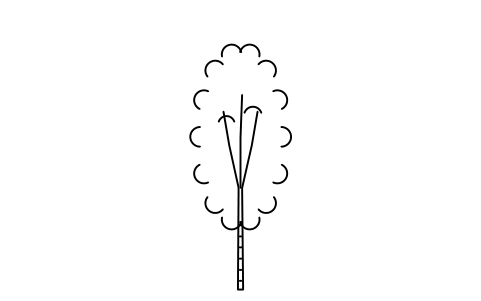
Tree, birch, slim, 7000
ENT_TREE_BIRCHAttributes
TAGBOTANICAL_NAMECOMMON_NAMEHEIGHT_MSPREAD_MTRUNK_DIAMETER_MMSTATUSQTYREMARKSDESC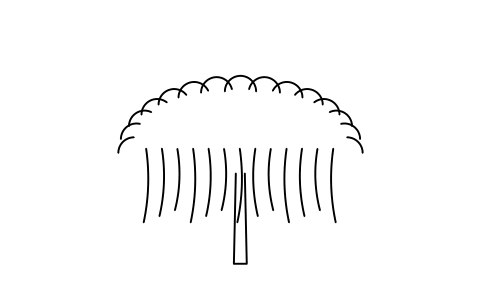
Tree, willow, weeping
ENT_TREE_WILLOWAttributes
TAGBOTANICAL_NAMECOMMON_NAMEHEIGHT_MSPREAD_MTRUNK_DIAMETER_MMSTATUSQTYREMARKSDESC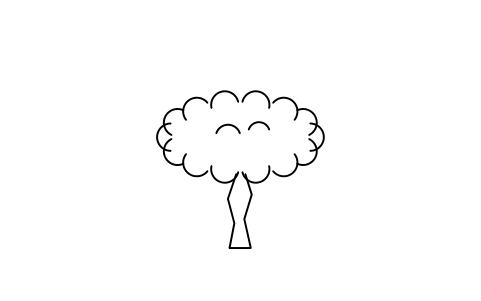
Tree, olive
ENT_TREE_OLIVEAttributes
TAGBOTANICAL_NAMECOMMON_NAMEHEIGHT_MSPREAD_MTRUNK_DIAMETER_MMSTATUSQTYREMARKSDESC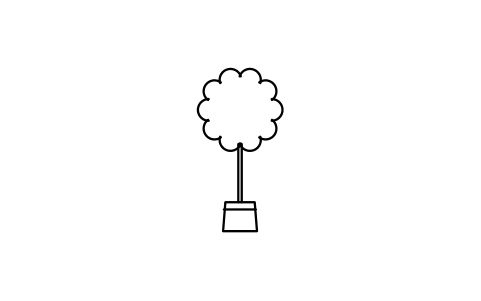
Tree, topiary ball in pot
ENT_TREE_LOLLIPOPAttributes
TAGBOTANICAL_NAMECOMMON_NAMEHEIGHT_MSPREAD_MTRUNK_DIAMETER_MMSTATUSQTYREMARKSDESC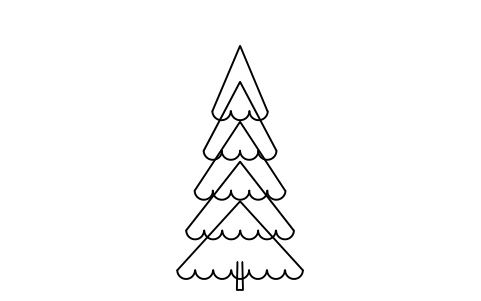
Tree, spruce, 7000
ENT_CONIFER_SPRUCEAttributes
TAGBOTANICAL_NAMECOMMON_NAMEHEIGHT_MSPREAD_MTRUNK_DIAMETER_MMSTATUSQTYREMARKSDESC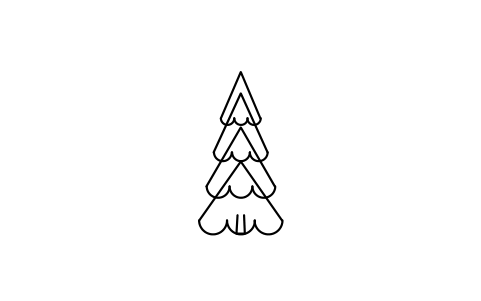
Tree, spruce, 3500
ENT_CONIFER_SPRUCE_SMALLAttributes
TAGBOTANICAL_NAMECOMMON_NAMEHEIGHT_MSPREAD_MTRUNK_DIAMETER_MMSTATUSQTYREMARKSDESC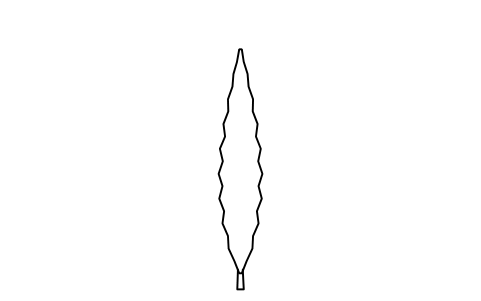
Tree, cypress, columnar, 6000
ENT_CONIFER_CYPRESSAttributes
TAGBOTANICAL_NAMECOMMON_NAMEHEIGHT_MSPREAD_MTRUNK_DIAMETER_MMSTATUSQTYREMARKSDESC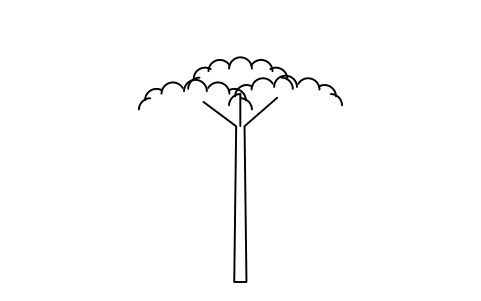
Tree, pine, umbrella crown
ENT_CONIFER_PINEAttributes
TAGBOTANICAL_NAMECOMMON_NAMEHEIGHT_MSPREAD_MTRUNK_DIAMETER_MMSTATUSQTYREMARKSDESC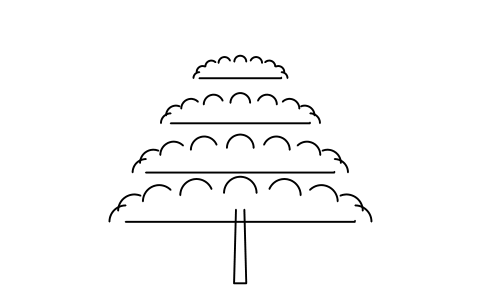
Tree, cedar, layered, 6000
ENT_CONIFER_CEDARAttributes
TAGBOTANICAL_NAMECOMMON_NAMEHEIGHT_MSPREAD_MTRUNK_DIAMETER_MMSTATUSQTYREMARKSDESC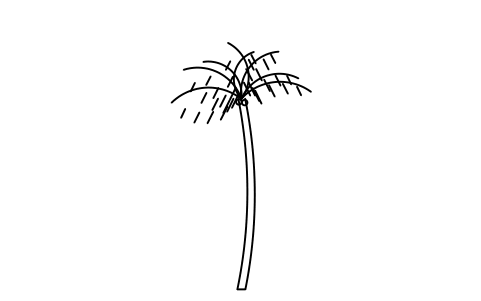
Palm, coconut, 7000
ENT_PALM_COCONUTAttributes
TAGBOTANICAL_NAMECOMMON_NAMEHEIGHT_MSPREAD_MTRUNK_DIAMETER_MMSTATUSQTYREMARKSDESC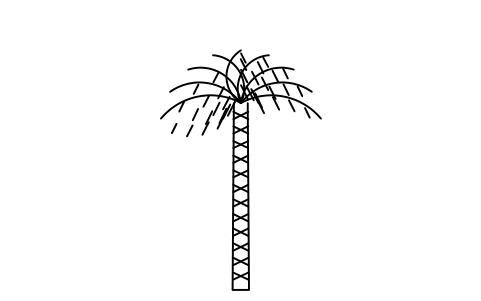
Palm, date palm, 6000
ENT_PALM_DATEAttributes
TAGBOTANICAL_NAMECOMMON_NAMEHEIGHT_MSPREAD_MTRUNK_DIAMETER_MMSTATUSQTYREMARKSDESC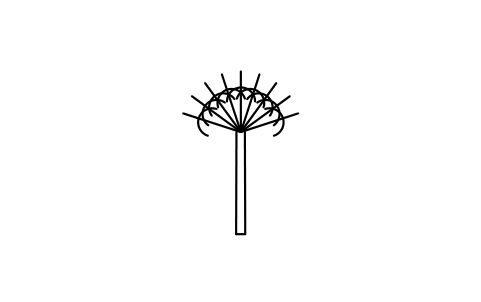
Palm, fan palm, 3500
ENT_PALM_FANAttributes
TAGBOTANICAL_NAMECOMMON_NAMEHEIGHT_MSPREAD_MTRUNK_DIAMETER_MMSTATUSQTYREMARKSDESC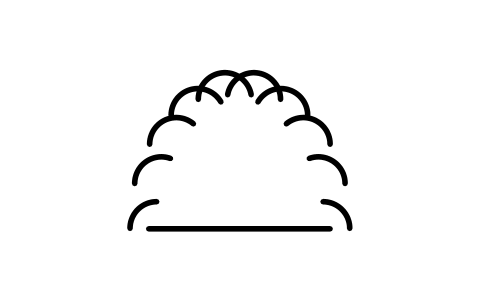
Shrub, round, 1200
ENT_SHRUB_ROUNDAttributes
TAGBOTANICAL_NAMECOMMON_NAMEHEIGHT_MSPREAD_MTRUNK_DIAMETER_MMSTATUSQTYREMARKSDESC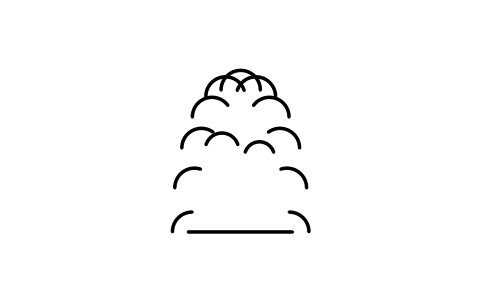
Shrub, tall, 2000
ENT_SHRUB_TALLAttributes
TAGBOTANICAL_NAMECOMMON_NAMEHEIGHT_MSPREAD_MTRUNK_DIAMETER_MMSTATUSQTYREMARKSDESC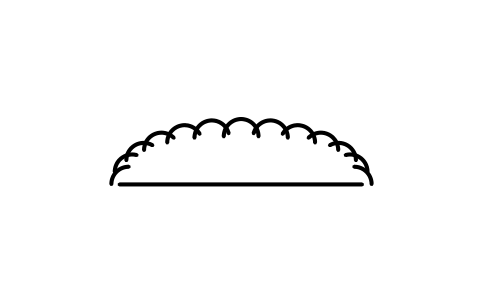
Shrub, low and wide, 600
ENT_SHRUB_LOWAttributes
TAGBOTANICAL_NAMECOMMON_NAMEHEIGHT_MSPREAD_MTRUNK_DIAMETER_MMSTATUSQTYREMARKSDESC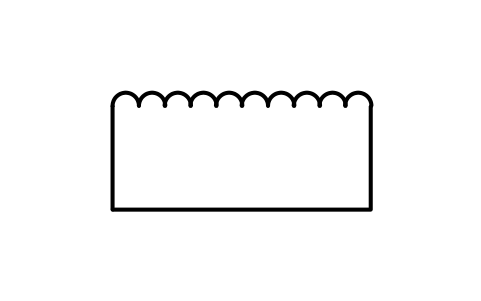
Hedge, clipped, 3000 long
ENT_HEDGEAttributes
TAGBOTANICAL_NAMECOMMON_NAMEHEIGHT_MSPREAD_MTRUNK_DIAMETER_MMSTATUSQTYREMARKSDESC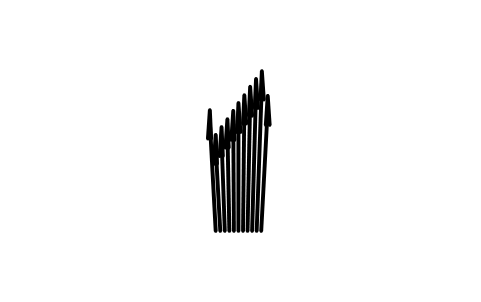
Reeds, 1800
ENT_REEDSAttributes
TAGBOTANICAL_NAMECOMMON_NAMEHEIGHT_MSPREAD_MTRUNK_DIAMETER_MMSTATUSQTYREMARKSDESC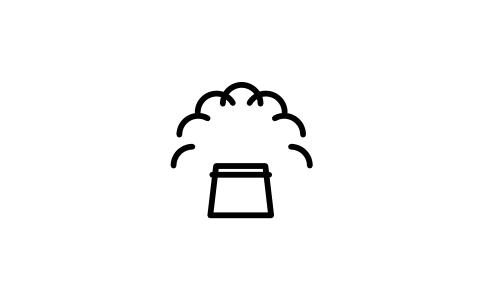
Plant in pot, 900
ENT_POT_PLANTAttributes
TAGBOTANICAL_NAMECOMMON_NAMEHEIGHT_MSPREAD_MTRUNK_DIAMETER_MMSTATUSQTYREMARKSDESC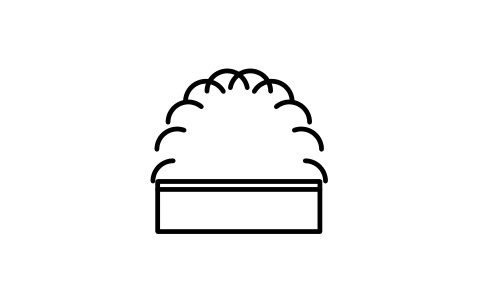
Planter box with shrub
ENT_PLANTER_SHRUBAttributes
TAGBOTANICAL_NAMECOMMON_NAMEHEIGHT_MSPREAD_MTRUNK_DIAMETER_MMSTATUSQTYREMARKSDESC
Cactus, saguaro, 2000
ENT_CACTUSAttributes
TAGBOTANICAL_NAMECOMMON_NAMEHEIGHT_MSPREAD_MTRUNK_DIAMETER_MMSTATUSQTYREMARKSDESC
Rose bush, 1000
ENT_ROSE_BUSHAttributes
TAGBOTANICAL_NAMECOMMON_NAMEHEIGHT_MSPREAD_MTRUNK_DIAMETER_MMSTATUSQTYREMARKSDESC
Copyright CADXChange. Use and modify the symbols freely in your own drawings and projects, including commercial ones; credit and a link are needed only when you publish them. Please do not redistribute or resell the library. Each ZIP holds one plain DWG file in AutoCAD 2018 format and a README; no add-in needed. Provided as is, without warranty. Library terms (CXL-1.0)
Related symbol libraries

Missing a symbol? Tell us which one.
Attributes for parts lists
Every block has a visible tag (P01 for a person, V01 for a vehicle, T01 for a tree, S01 for street furniture and smaller plants). The data you put on a schedule are invisible attributes: DESCRIPTION, SIZE, QTY and REMARKS, and for trees and plants also BOTANICAL_NAME, COMMON_NAME, HEIGHT_M, SPREAD_M, TRUNK_DIAMETER_MM and STATUS.
How to use the library
- Unzip the file and open the DWG. Copy the symbols you need into your plan, or drag the blocks in from DesignCenter (ADCENTER).
- Insert the blocks at scale 1 in model space; they are drawn at real size in millimetres. The catalog in the file shows them at 1:200, so the tallest trees and the bus fit in a cell.
- Each figure stands on the ground line: the insertion point is the centre of the foot, the wheels or the trunk. Cars face left. Use MIRROR for the other direction, and scale the block a little to vary a row of trees or people.
- The symbols are line work without fills and sit on the layer SYMBOL, so they take the colour you give the layer. Double-click a block (or run EATTEDIT) to fill in the tag and the schedule data.
About the drawing conventions
There is no standard for entourage: people, cars and trees are scale figures, and every office draws them in its own way.
These symbols are our own simple line drawings, not portraits of any make or species, and the library is not certified against any standard. Adjust the blocks to the look of your drawings.
Frequently asked questions
- Which makes and models are the cars?
- None in particular. The cars are generic body shapes (sedan, hatchback, estate, coupe, pickup and so on) at typical sizes, so they work in any project without looking like a specific brand.
- Which units are the blocks in?
- Millimetres, at real size. Insert them at scale 1 in a model space that is in millimetres; if your drawing is in metres or inches, scale the blocks on insertion (0.001 or 0.03937).
- Can I use the symbols in commercial projects?
- Yes. They are free to use and modify in your own projects, including commercial ones. They are provided as is, without warranty. Please do not redistribute or resell the library; see the library terms.
- Can I change a symbol or add attributes?
- Yes. Open the DWG, edit a block with BEDIT to change it or add attributes, and save. To update drawings that already contain the block, run ATTSYNC or replace the block. Make a backup first: attribute values can be lost if ATTSYNC is used carelessly.
- Where do I find a ready-made set of these symbols for AutoCAD?
- AutoCAD itself ships only a small set of sample blocks, so a full symbol set has to come from a library. Download the ZIP on this page and open the DWG: every symbol is a block. Insert one with INSERT (Blocks palette, Libraries tab, then pick the DWG) or drag it from DesignCenter (ADCENTER). You can also download a single symbol on its own.