
KaynaklarDWG sembol kütüphaneleri
Free PLC ladder logic symbols for AutoCAD (DWG): contacts, coils, timers, counters, I/O modules
PLC ladder logic and I/O symbols: 78 ready-made AutoCAD blocks (DWG), free to download and use in your own projects, as a ZIP or one symbol at a time.
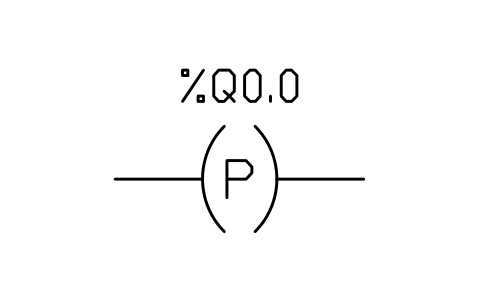
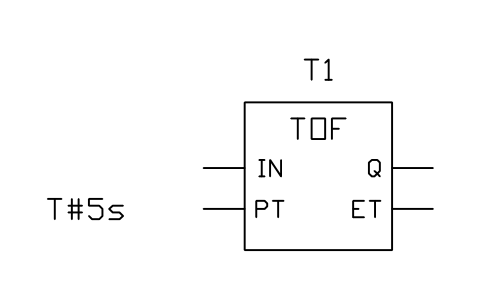
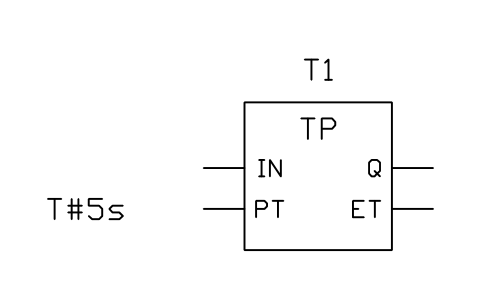
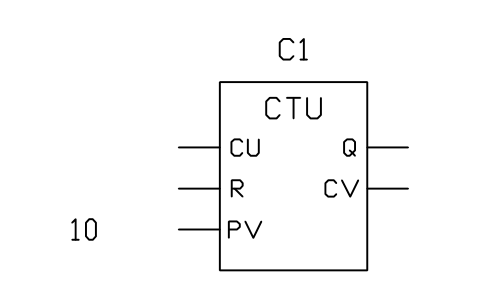
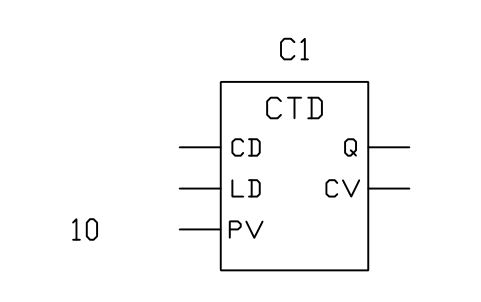
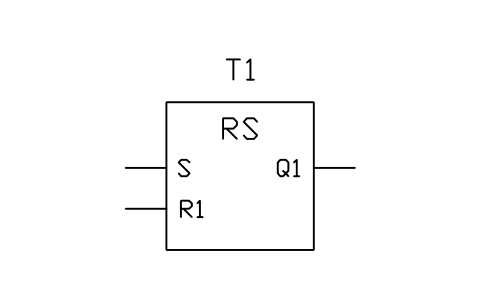
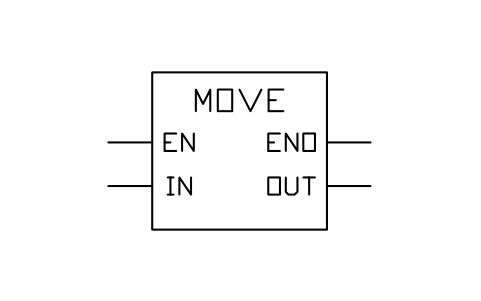
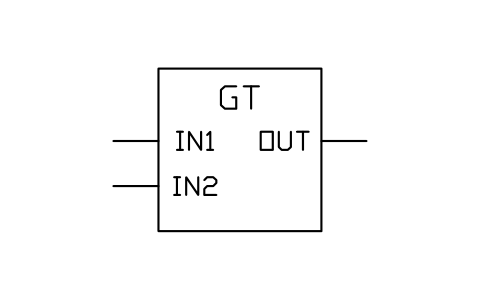
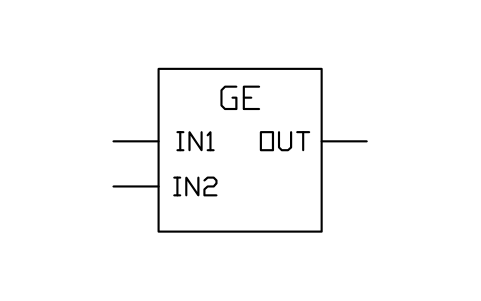
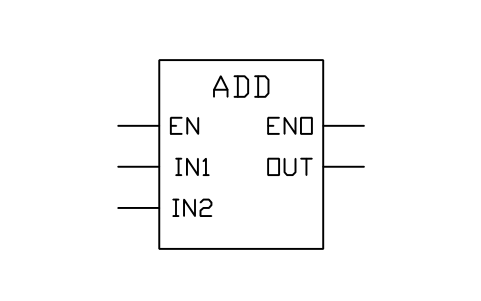
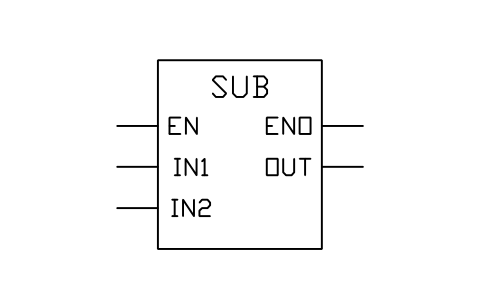
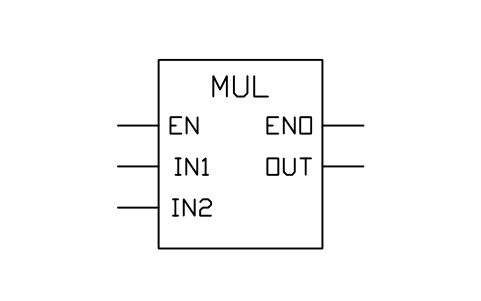
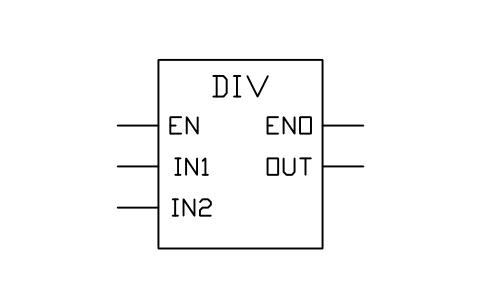
78 PLC symbols as ready-to-use AutoCAD blocks: ladder contacts and coils (normally open and closed, rising and falling edge, set and reset), power rails and rung examples, the standard function blocks (TON, TOF, TP, CTU, CTD, CTUD, edge detectors, bistables, comparison and arithmetic), PLC rack, power supply, CPU and I/O modules (digital, analog, RTD, thermocouple, high-speed counter, communication), and typical field wiring: 3-wire PNP and NPN sensors, switches, lamps, coils, solenoids, 2-wire and 4-wire 4-20 mA transmitters, RTD, thermocouple, 0-10 V and encoders. Variables, addresses, slots and tags are attributes, so I/O lists can be read straight from the drawings.
Version 1.0 · updated 17 Ekim 2026
Using AutoCAD 2017 or an earlier version? Download the 2010 format
Free to use and modify in your own projects, including commercial ones. The ZIP holds one plain DWG file in AutoCAD 2018 format and a README; no add-in needed. Provided as is, without warranty.
Related symbol libraries
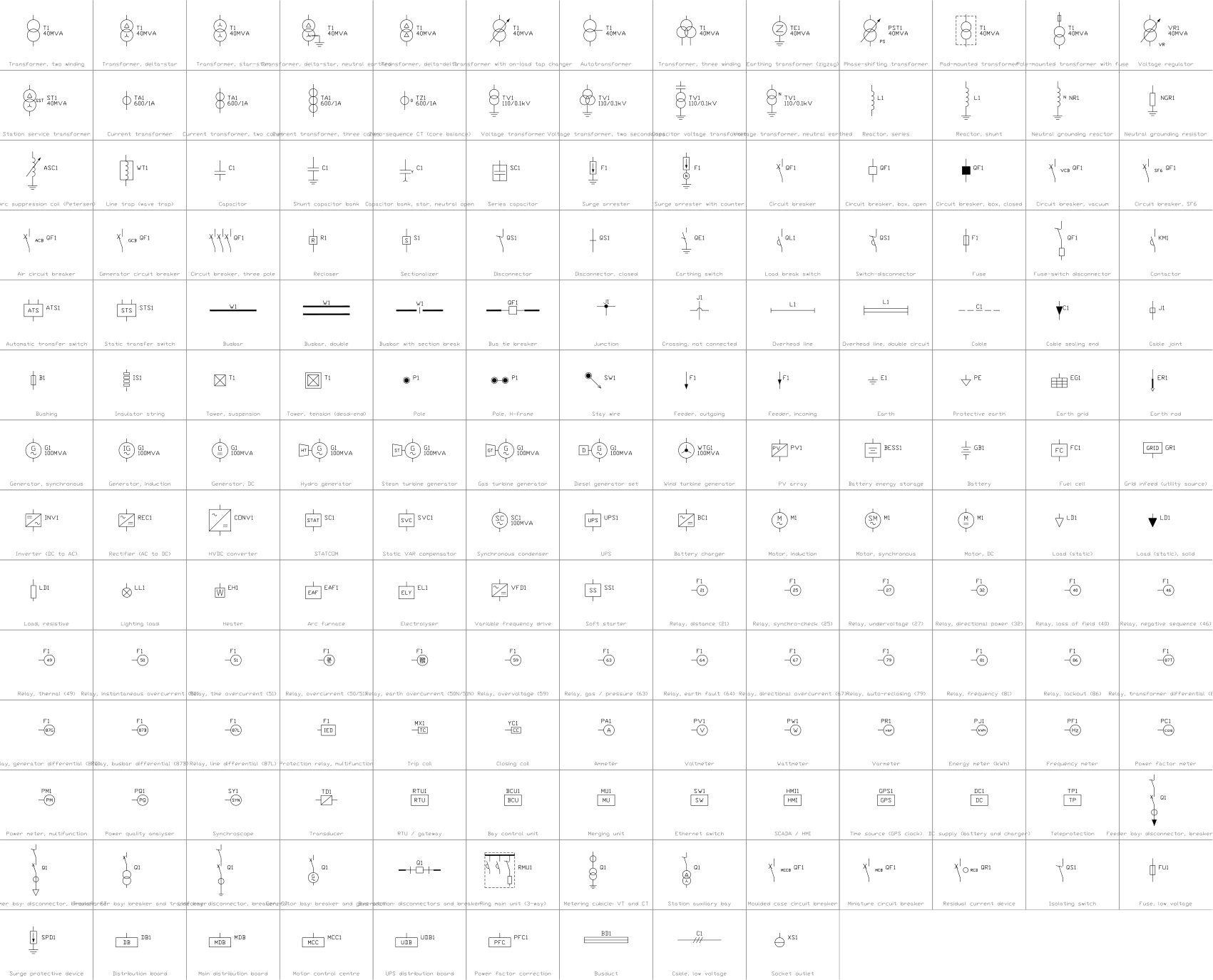
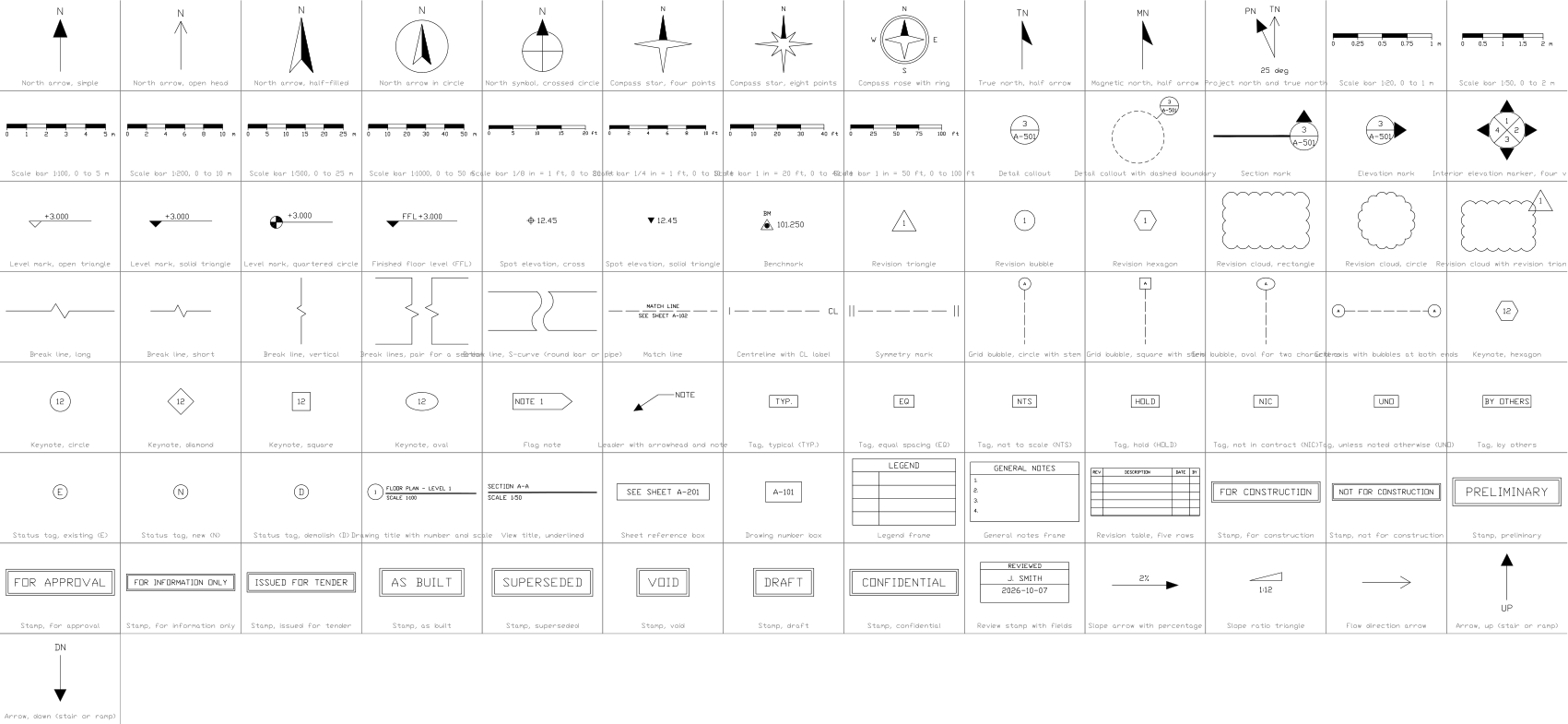
Bu araçlarla iyi çalışır
 Bu sembolleri çizimlerinizde saymanız mı gerekiyor?Bir çizim setindeki tüm sembolleri ve özniteliklerini Excel'e aktarın, satırları düzenleyin ve geri yazın.BlockSync aracını gör
 Bir sembolü revize ettiniz, neyin değiştiğini mi bilmek istiyorsunuz?Bir çizim setinin iki revizyonunu blok blok karşılaştırın; neyin eklendiğini, kaldırıldığını ya da değiştirildiğini gösteren bir rapor alın.BlockCompare aracını gör
 Bu sembolü hangi çizimler kullanıyor?Yüzlerce çizimde blokları ve metinleri aynı anda arayın, sonra doğrudan eşleşmeye gidin.DwgSearch aracını gör
All 78 symbols
78 sembolün 78 tanesi
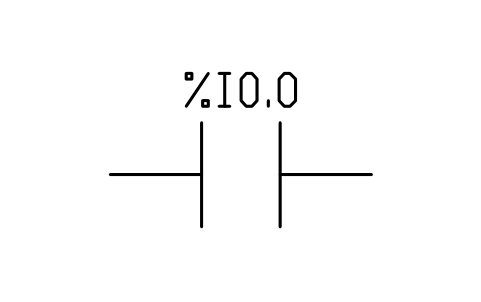
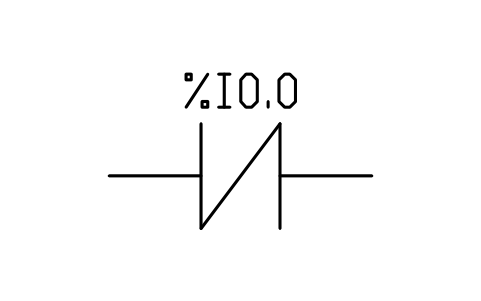
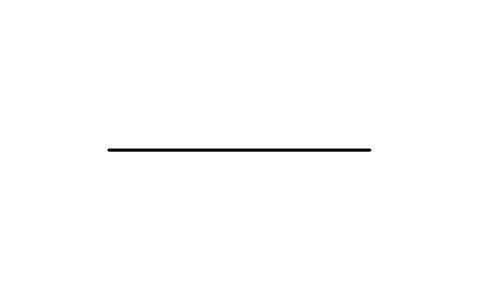
Contact, normally closed
PLC_LD_CONTACT_NCÖznitelikler
TAGVARCOMMENTADDRESSREMARKSDESC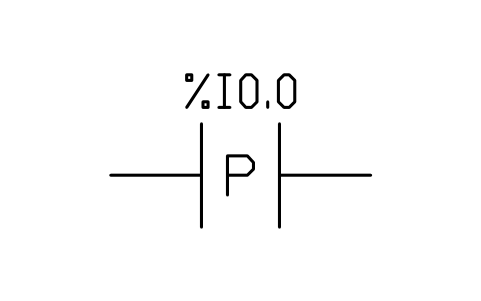
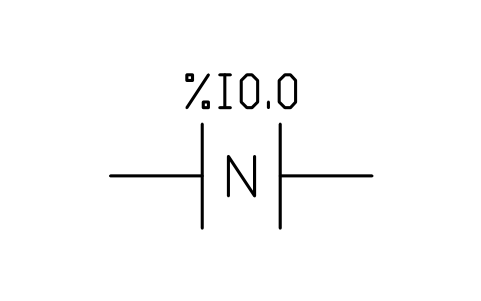
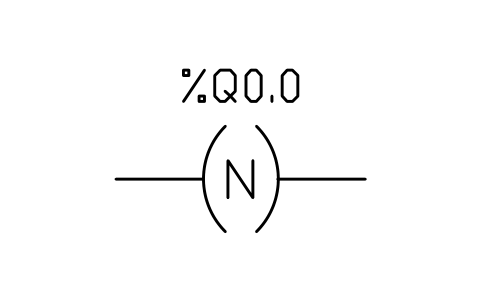
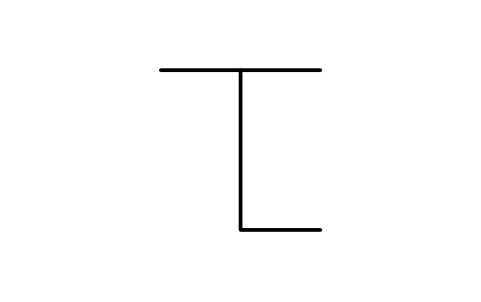
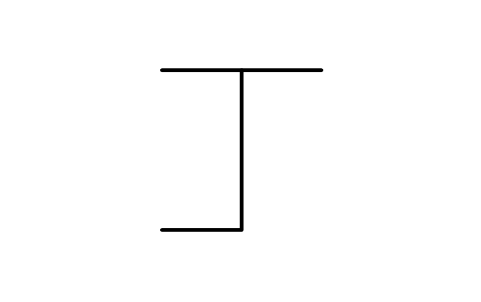
Contact, falling edge (N)
PLC_LD_CONTACT_NÖznitelikler
TAGVARCOMMENTADDRESSREMARKSDESC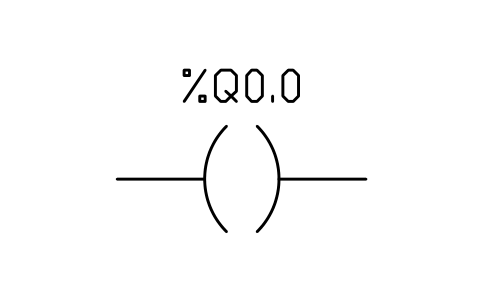
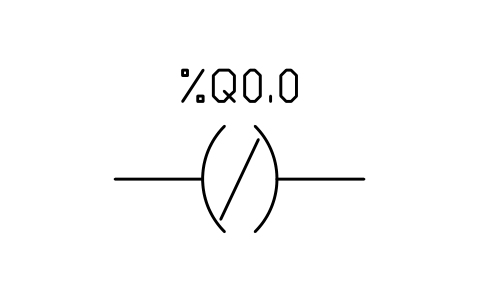
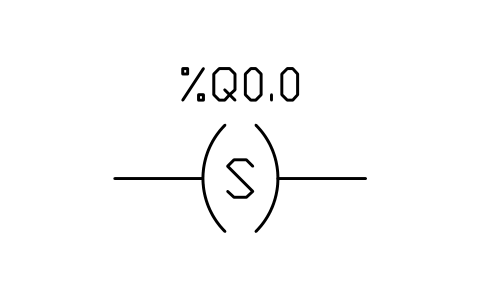
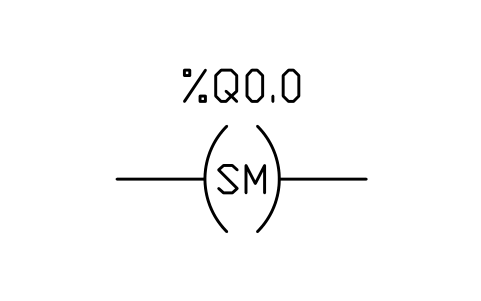
Coil, retentive set (SM)
PLC_LD_COIL_RETAIN_SETÖznitelikler
TAGVARCOMMENTADDRESSREMARKSDESC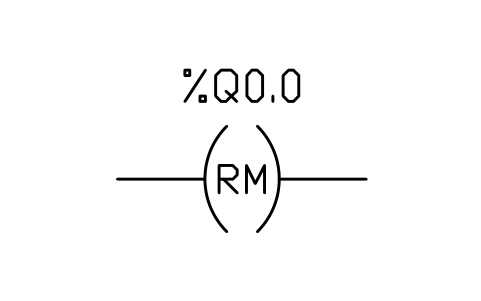
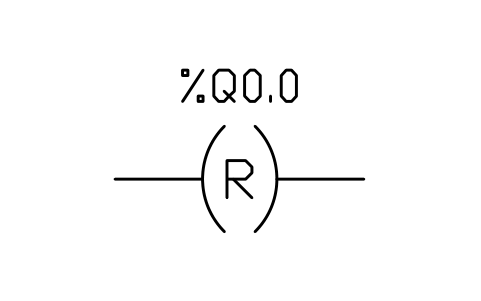
Coil, retentive reset (RM)
PLC_LD_COIL_RETAIN_RESETÖznitelikler
TAGVARCOMMENTADDRESSREMARKSDESC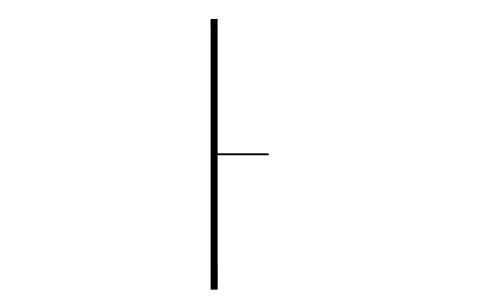
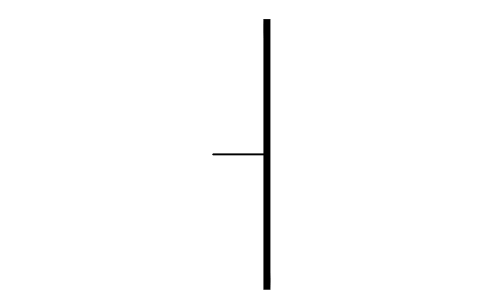
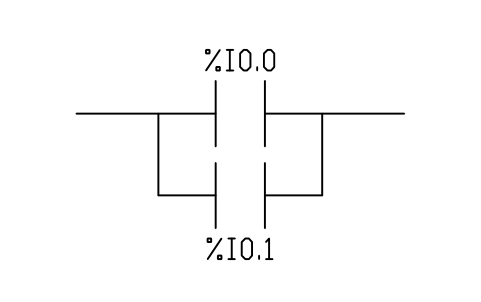
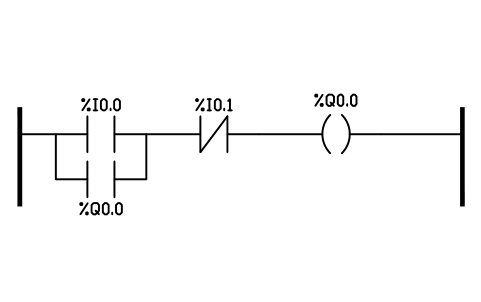
Rung, start / stop with seal-in
PLC_LD_RUNG_SEAL_INÖznitelikler
TAGSTARTSEALSTOPOUTDESC
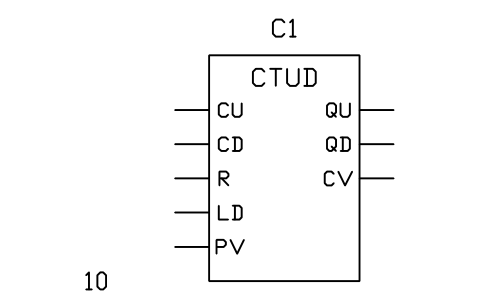
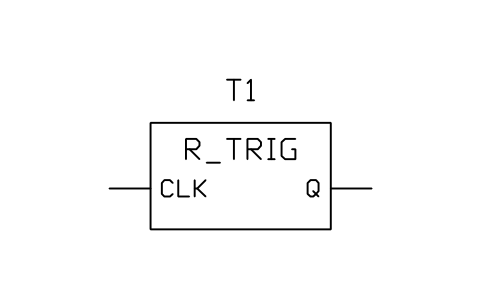
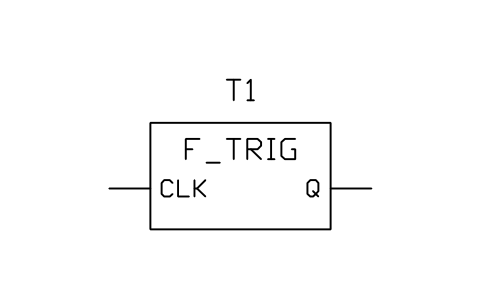
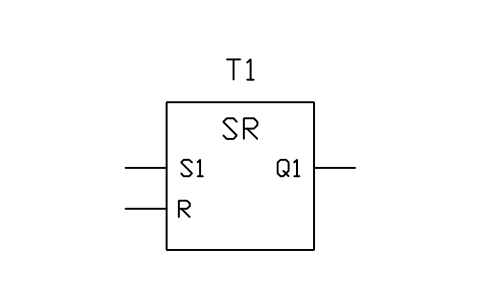
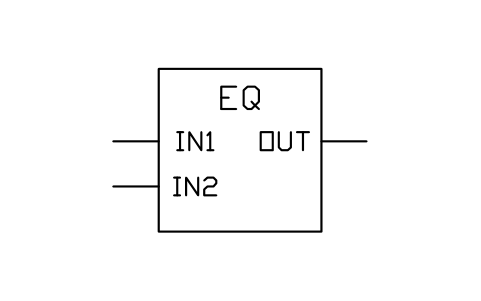
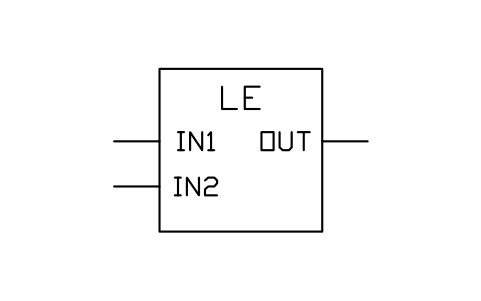
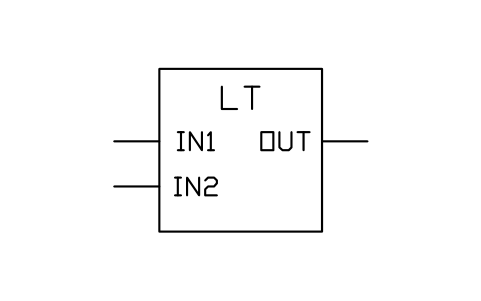
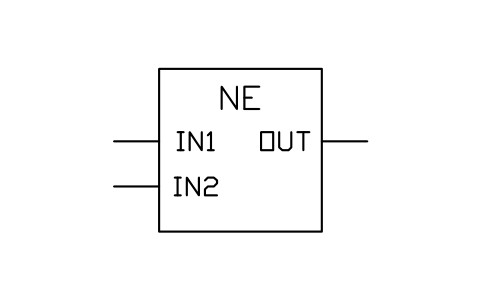
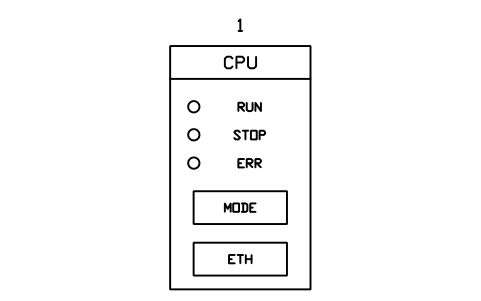
CPU module
PLC_MOD_CPUÖznitelikler
TAGSLOTMODULE_TYPEADDRESS_STARTCHANNELSSIGNALPART_NOMANUFACTURERREMARKSDESC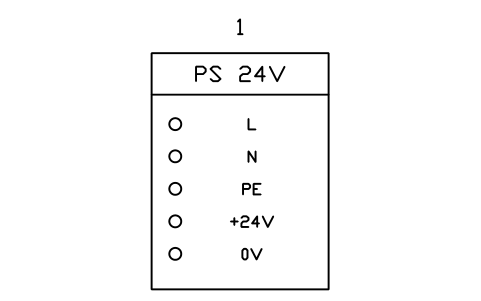
Power supply module, 24 VDC
PLC_MOD_PSUÖznitelikler
TAGSLOTINPUTOUTPUTPART_NOMANUFACTURERREMARKSDESC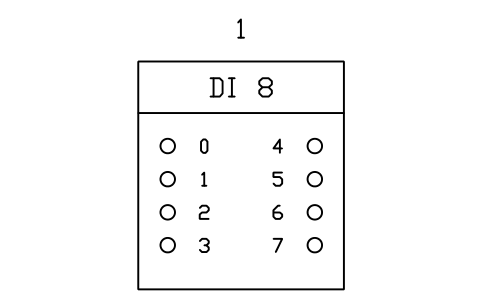
Digital input module, 8 channels
PLC_MOD_DI8Öznitelikler
TAGSLOTMODULE_TYPEADDRESS_STARTCHANNELSSIGNALPART_NOMANUFACTURERREMARKSDESC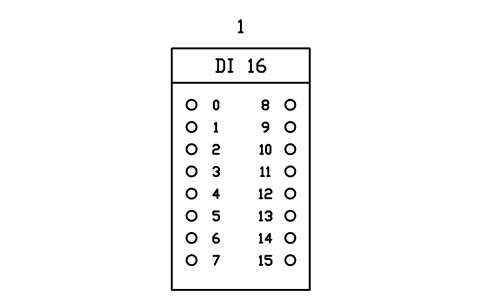
Digital input module, 16 channels
PLC_MOD_DI16Öznitelikler
TAGSLOTMODULE_TYPEADDRESS_STARTCHANNELSSIGNALPART_NOMANUFACTURERREMARKSDESC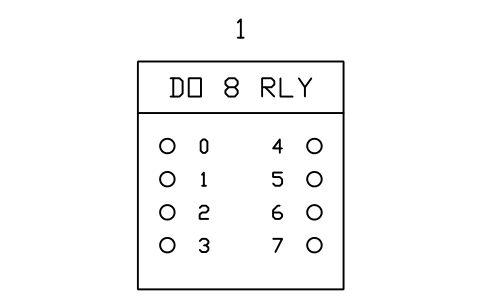
Digital output module, 8 relay outputs
PLC_MOD_DO8_RELAYÖznitelikler
TAGSLOTMODULE_TYPEADDRESS_STARTCHANNELSSIGNALPART_NOMANUFACTURERREMARKSDESC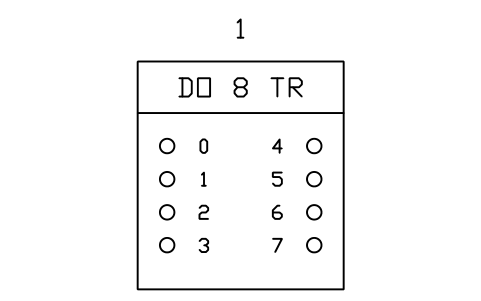
Digital output module, 8 transistor outputs
PLC_MOD_DO8_TRANSISTORÖznitelikler
TAGSLOTMODULE_TYPEADDRESS_STARTCHANNELSSIGNALPART_NOMANUFACTURERREMARKSDESC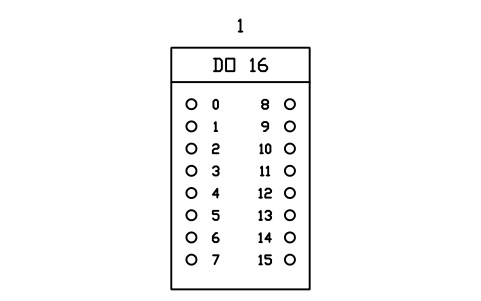
Digital output module, 16 channels
PLC_MOD_DO16Öznitelikler
TAGSLOTMODULE_TYPEADDRESS_STARTCHANNELSSIGNALPART_NOMANUFACTURERREMARKSDESC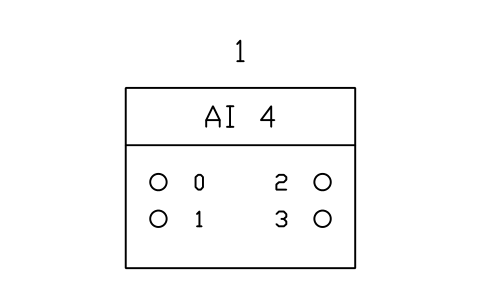
Analog input module, 4 channels (4-20 mA / 0-10 V)
PLC_MOD_AI4Öznitelikler
TAGSLOTMODULE_TYPEADDRESS_STARTCHANNELSSIGNALPART_NOMANUFACTURERREMARKSDESC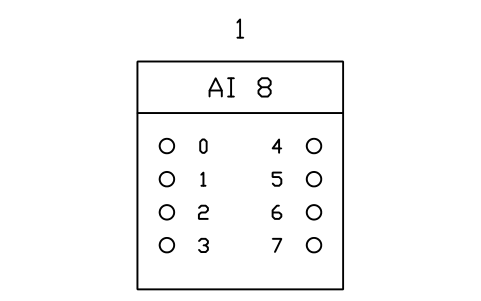
Analog input module, 8 channels
PLC_MOD_AI8Öznitelikler
TAGSLOTMODULE_TYPEADDRESS_STARTCHANNELSSIGNALPART_NOMANUFACTURERREMARKSDESC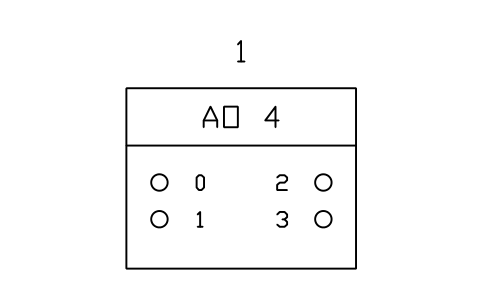
Analog output module, 4 channels
PLC_MOD_AO4Öznitelikler
TAGSLOTMODULE_TYPEADDRESS_STARTCHANNELSSIGNALPART_NOMANUFACTURERREMARKSDESC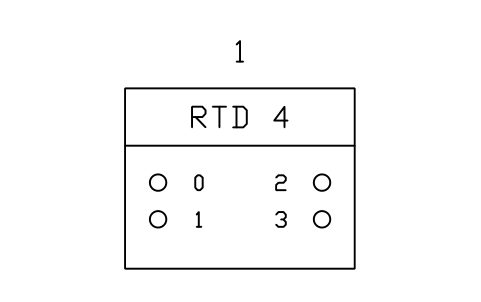
RTD input module, 4 channels (Pt100)
PLC_MOD_RTD4Öznitelikler
TAGSLOTMODULE_TYPEADDRESS_STARTCHANNELSSIGNALPART_NOMANUFACTURERREMARKSDESC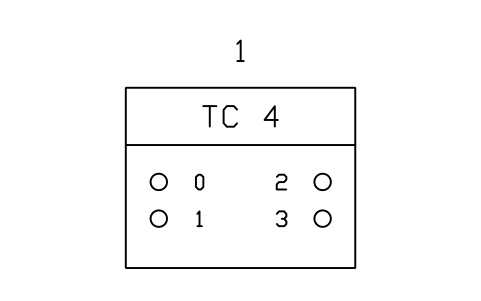
Thermocouple input module, 4 channels
PLC_MOD_TC4Öznitelikler
TAGSLOTMODULE_TYPEADDRESS_STARTCHANNELSSIGNALPART_NOMANUFACTURERREMARKSDESC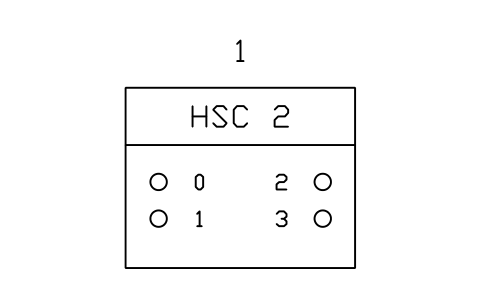
High-speed counter module, 2 channels
PLC_MOD_HSCÖznitelikler
TAGSLOTMODULE_TYPEADDRESS_STARTCHANNELSSIGNALPART_NOMANUFACTURERREMARKSDESC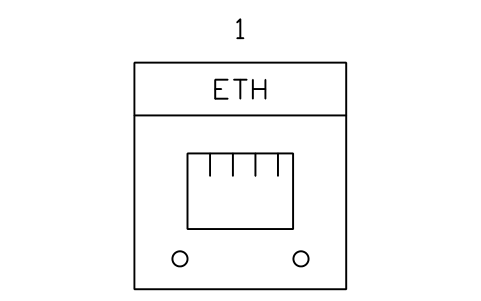
Communication module, Ethernet
PLC_MOD_COMM_ETHÖznitelikler
TAGSLOTMODULE_TYPEADDRESS_STARTCHANNELSSIGNALPART_NOMANUFACTURERREMARKSDESC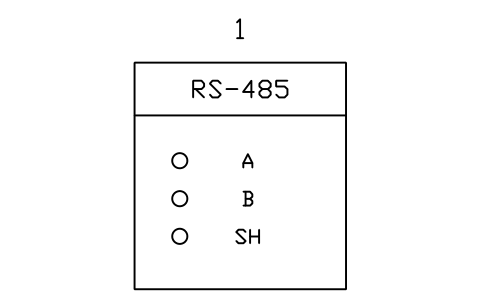
Communication module, serial RS-485
PLC_MOD_COMM_SERIALÖznitelikler
TAGSLOTMODULE_TYPEADDRESS_STARTCHANNELSSIGNALPART_NOMANUFACTURERREMARKSDESC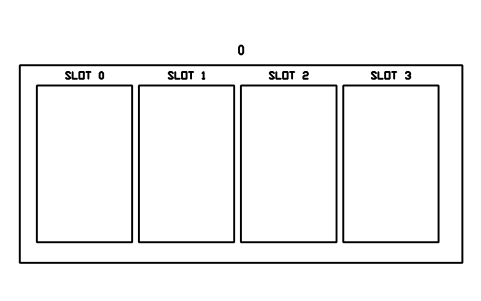
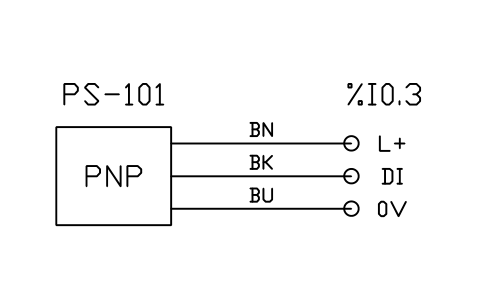
Proximity sensor, 3-wire PNP to input
PLC_FIELD_PROX_PNPÖznitelikler
TAGADDRESSDESCRIPTIONCABLEPART_NOMANUFACTURERREMARKSDESC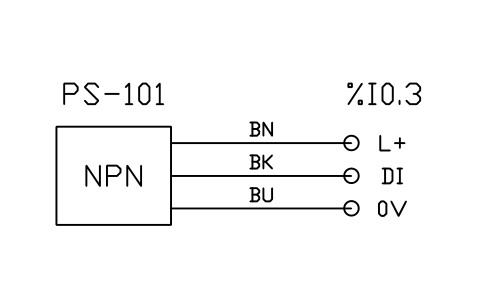
Proximity sensor, 3-wire NPN to input
PLC_FIELD_PROX_NPNÖznitelikler
TAGADDRESSDESCRIPTIONCABLEPART_NOMANUFACTURERREMARKSDESC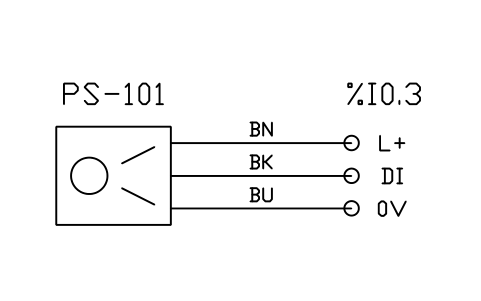
Photoelectric sensor, 3-wire PNP, to input
PLC_FIELD_PHOTO_PNPÖznitelikler
TAGADDRESSDESCRIPTIONCABLEPART_NOMANUFACTURERREMARKSDESC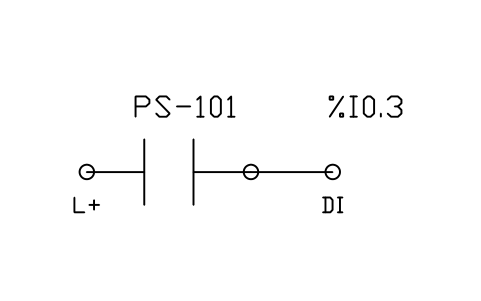
Normally open contact to input
PLC_FIELD_CONTACT_NOÖznitelikler
TAGADDRESSDESCRIPTIONCABLEPART_NOMANUFACTURERREMARKSDESC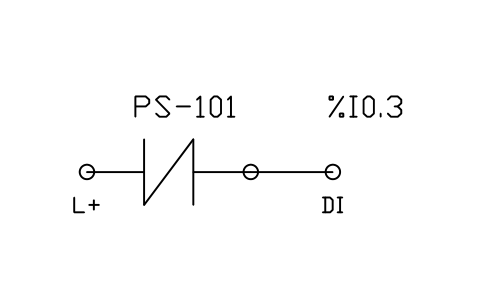
Normally closed contact to input
PLC_FIELD_CONTACT_NCÖznitelikler
TAGADDRESSDESCRIPTIONCABLEPART_NOMANUFACTURERREMARKSDESC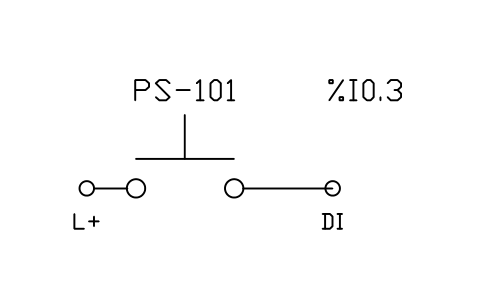
Pushbutton (normally open) to input
PLC_FIELD_PUSHBUTTONÖznitelikler
TAGADDRESSDESCRIPTIONCABLEPART_NOMANUFACTURERREMARKSDESC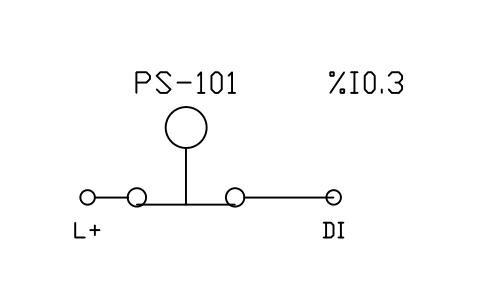
Emergency stop (normally closed) to input
PLC_FIELD_ESTOPÖznitelikler
TAGADDRESSDESCRIPTIONCABLEPART_NOMANUFACTURERREMARKSDESC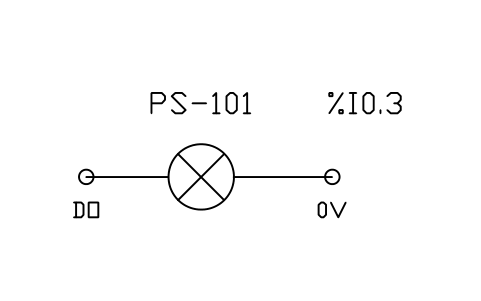
Pilot lamp from output
PLC_FIELD_LAMPÖznitelikler
TAGADDRESSDESCRIPTIONCABLEPART_NOMANUFACTURERREMARKSDESC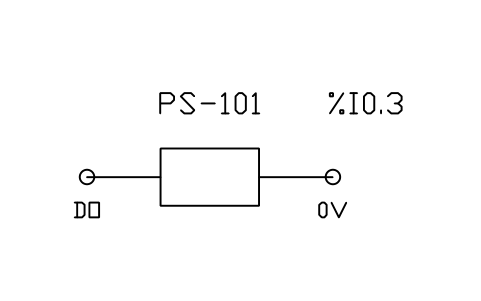
Relay or contactor coil from output
PLC_FIELD_COILÖznitelikler
TAGADDRESSDESCRIPTIONCABLEPART_NOMANUFACTURERREMARKSDESC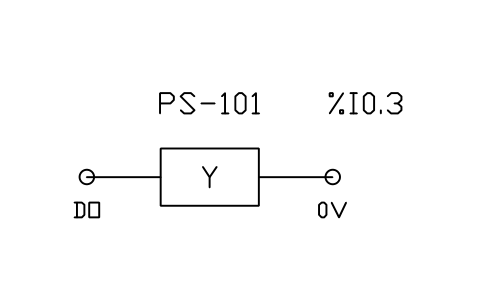
Solenoid valve from output
PLC_FIELD_SOLENOIDÖznitelikler
TAGADDRESSDESCRIPTIONCABLEPART_NOMANUFACTURERREMARKSDESC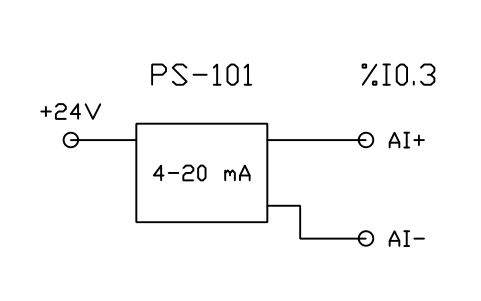
Transmitter, 2-wire 4-20 mA loop to analog input
PLC_FIELD_4_20MA_2WIREÖznitelikler
TAGADDRESSDESCRIPTIONCABLEPART_NOMANUFACTURERREMARKSDESC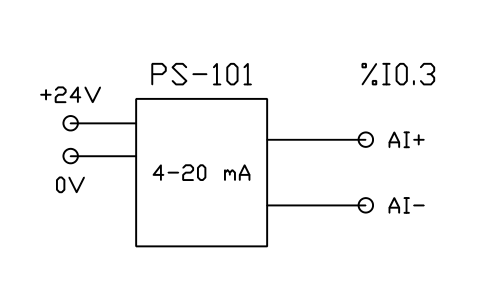
Transmitter, 4-wire 4-20 mA output to analog input
PLC_FIELD_4_20MA_4WIREÖznitelikler
TAGADDRESSDESCRIPTIONCABLEPART_NOMANUFACTURERREMARKSDESC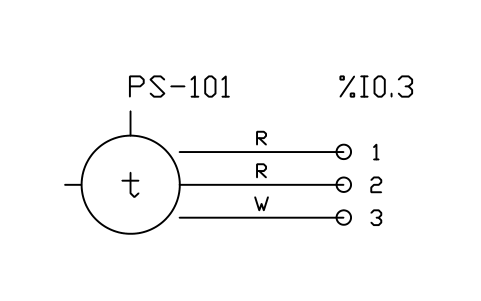
RTD (Pt100), 3-wire, to RTD input
PLC_FIELD_RTD_3WIREÖznitelikler
TAGADDRESSDESCRIPTIONCABLEPART_NOMANUFACTURERREMARKSDESC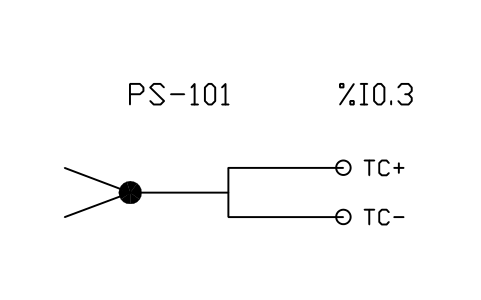
Thermocouple to thermocouple input
PLC_FIELD_THERMOCOUPLEÖznitelikler
TAGADDRESSDESCRIPTIONCABLEPART_NOMANUFACTURERREMARKSDESC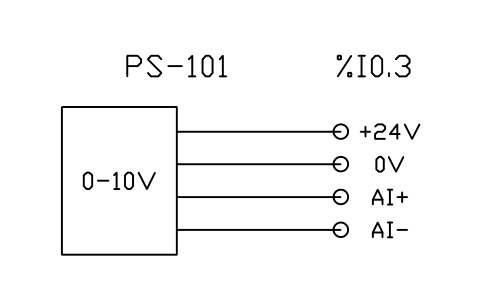
Sensor with 0-10 V output to analog input
PLC_FIELD_0_10VÖznitelikler
TAGADDRESSDESCRIPTIONCABLEPART_NOMANUFACTURERREMARKSDESC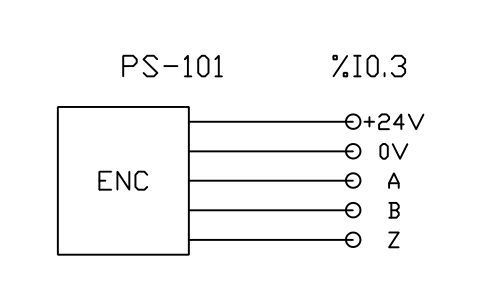
Incremental encoder A, B, Z to counter input
PLC_FIELD_ENCODERÖznitelikler
TAGADDRESSDESCRIPTIONCABLEPART_NOMANUFACTURERREMARKSDESC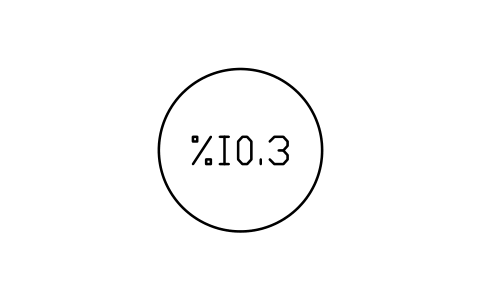
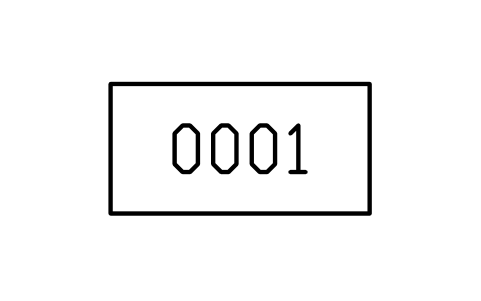
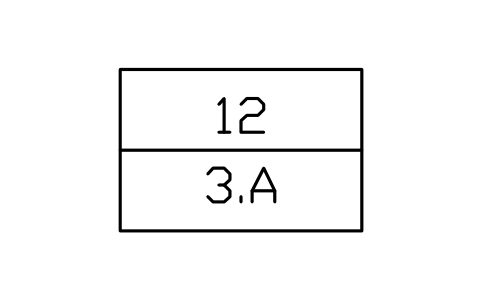
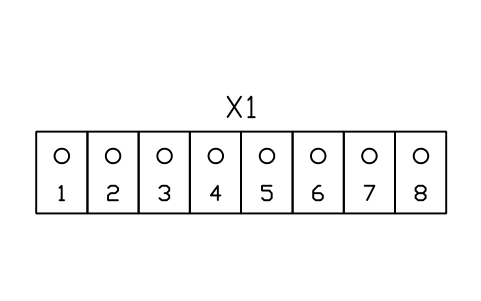
Bir sembol mü eksik? Hangisi olduğunu bize yazın.
Attributes for parts lists
Contacts and coils show their variable or address in a visible attribute (VAR), with COMMENT and ADDRESS as invisible fields. Function blocks have INSTANCE, and PT or PV for timers and counters. Modules have SLOT, MODULE_TYPE, ADDRESS_START, CHANNELS and SIGNAL; field wiring symbols have TAG and ADDRESS; the I/O address, rung number and cross-reference tags carry ADDRESS, RUNG, SHEET and COLUMN.
Export the blocks of all drawings to Excel with BlockSync to build an I/O list or a module list, compare it with the PLC program, and write corrections back in one run, with preview and backup.
How to use the library
- Unzip the file and open the DWG. Copy the symbols you need into your plan, or drag the blocks in from DesignCenter (ADCENTER).
- The blocks are drawn at plotted size in millimetres (text 2.5 mm) on a 5 mm grid. Insert them at scale 1 in a layout, or at the scale of your drawing in model space.
- Ladder contacts, coils and wires are 20 mm long so that they chain without gaps; function blocks have pin stubs on a 5 mm pitch. Modules are inserted at their top left corner, field wiring symbols at the device end.
- Double-click a block (or run EATTEDIT) to enter the variable, address or tag. The field wiring symbols show typical connections: check them against the data sheet of your device.
About IEC 61131-3 and the generic symbols
The ladder contacts, coils and function blocks follow the graphical elements of IEC 61131-3 (Ladder Diagram). The symbols of PLC modules, racks and field wiring are not standardised: every manufacturer draws them differently.
The symbols are our own drawings, not copies of the standard, and the library is not certified against it. The module and wiring symbols are generic; match them to the devices and the drawing standard of your project.
Frequently asked questions
- Do these symbols follow IEC 61131-3?
- The ladder contacts, coils and standard function blocks are drawn after its graphical elements. The library is not certified, and the module and wiring symbols are generic because no standard defines them.
- Which PLC brands can I use them with?
- Any. The ladder elements are brand-neutral, the modules are generic boxes with channels, and you put the manufacturer, part number and address in the attributes.
- Can I use the symbols in commercial projects?
- Yes. They are free to use and modify in your own projects, including commercial ones. They are provided as is, without warranty.
- How do I build an I/O list from the drawings?
- Export the module and field wiring blocks of all drawings to Excel with BlockSync: one row per block with its slot, address, tag and part number. Sort and check the list there, compare it with the PLC program, and write corrections back in one run, with preview and backup.
- Can I change a symbol or add attributes?
- Yes. Open the DWG, edit a block with BEDIT to change it or add attributes, and save. To update drawings that already contain the block, run ATTSYNC or replace the block. Make a backup first: attribute values can be lost if ATTSYNC is used carelessly.
- Where do I find a ready-made set of these symbols for AutoCAD?
- AutoCAD itself ships only a small set of sample blocks, so a full symbol set has to come from a library. Download the ZIP on this page and open the DWG: every symbol is a block. Insert one with INSERT (Blocks palette, Libraries tab, then pick the DWG) or drag it from DesignCenter (ADCENTER). You can also download a single symbol on its own.
Count the symbols and build a parts list
Because ratings and part numbers are attributes, the symbols of a whole project can be counted and listed without opening the drawings. Export the blocks to Excel, total them with a pivot table and write corrections back in one run, with preview and backup.
See how to count blocks with BlockSync