
Contemporary modular home floor plans: sample DWG files with staggered and L-shaped layouts and furniture
Three furnished floor plans built from simple volumes: a house of three 4 m modules staggered along the plot, an L-shaped house whose two arms meet at a living room and a terrace, and a compact loft studio with a chamfered corner. Rooms are furnished from the contemporary modular furniture library with its floating beds, modular sofas, island tables and hinged wardrobes, and every plan carries door and window tags, room tags with areas, dimensions, a room schedule, a door and window schedule, a furniture schedule, notes and a filled-in title block.
Free to use and modify in your own projects, including commercial ones. The ZIP holds the sample drawing, a template, a plot style table and a README; no add-in needed. The data in the drawing is made up, so it is not for design or construction. Provided as is, without warranty. Library terms (CXL-1.0)
This sample uses these resources
The symbols are blocks from our own libraries, with their attributes filled in. The sheet and its title block come from our ISO A3 title block template. Download them to draw your own diagrams.
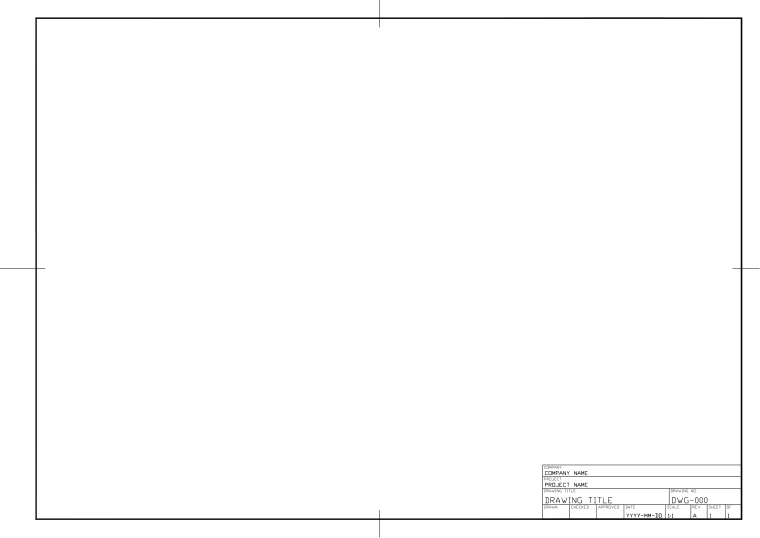 Title block templates (ISO A3 and more)Sheet frame and title block of this sample
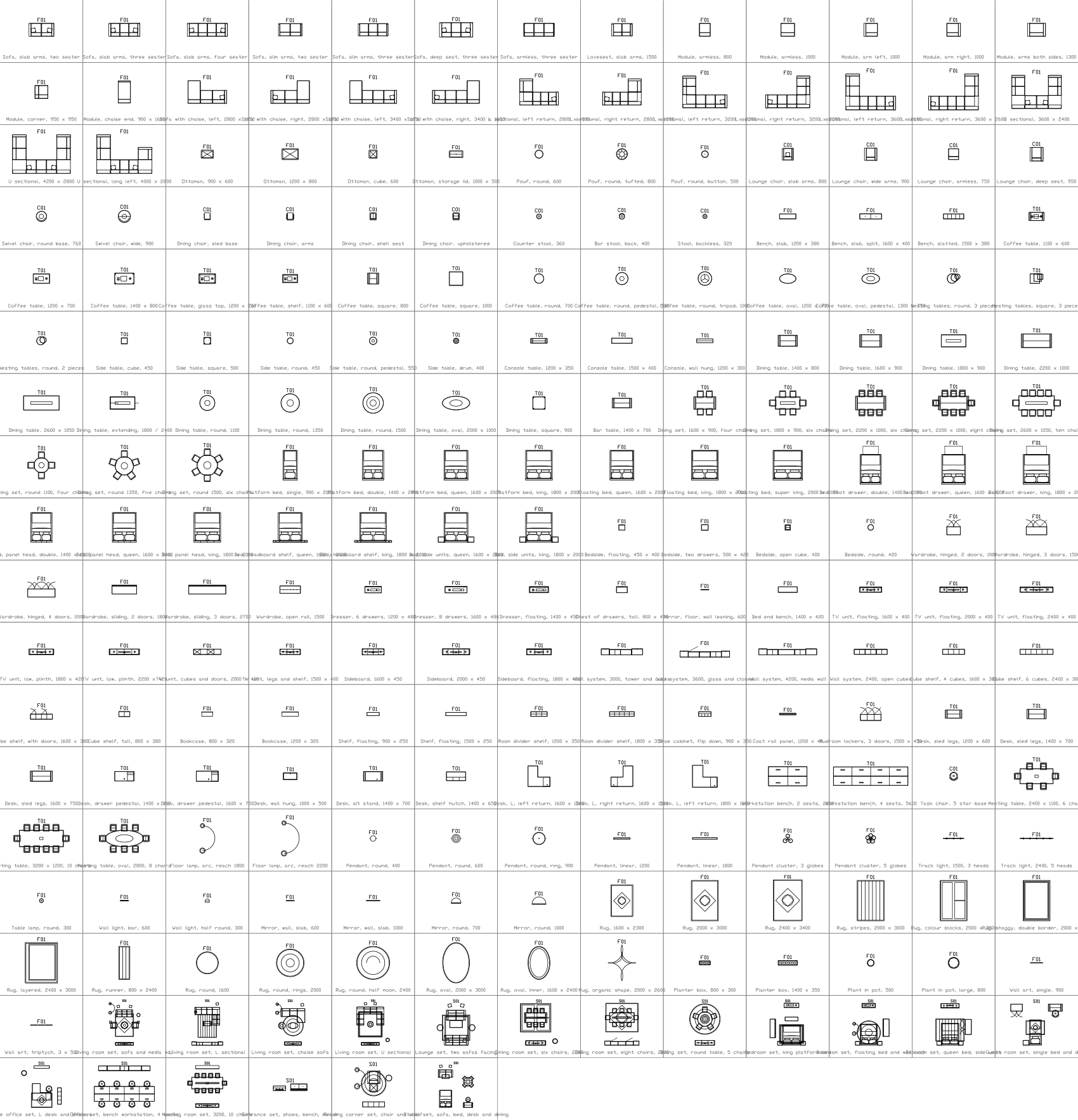 Contemporary modular furniture plan symbols26 of its symbols are used here
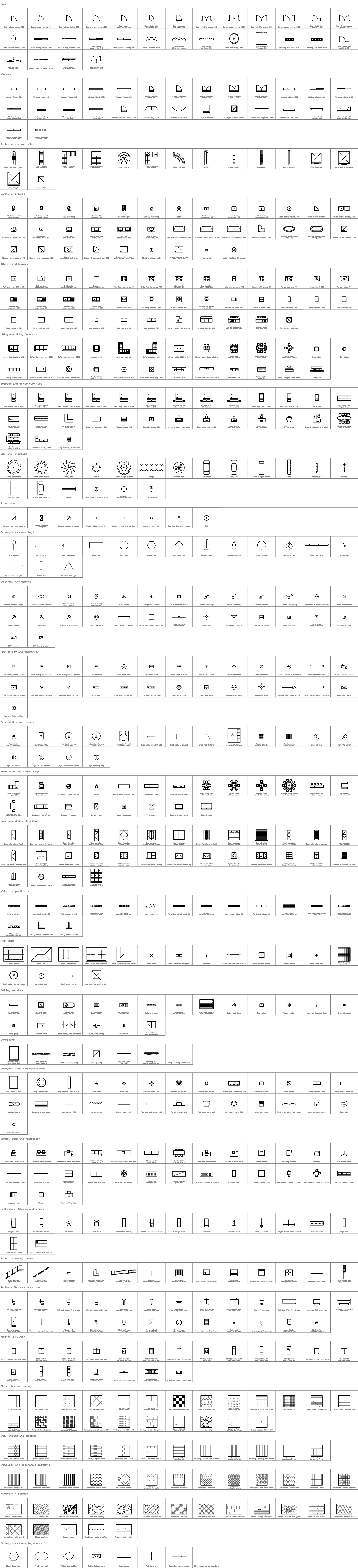 Architectural plan symbols21 of its symbols are used here
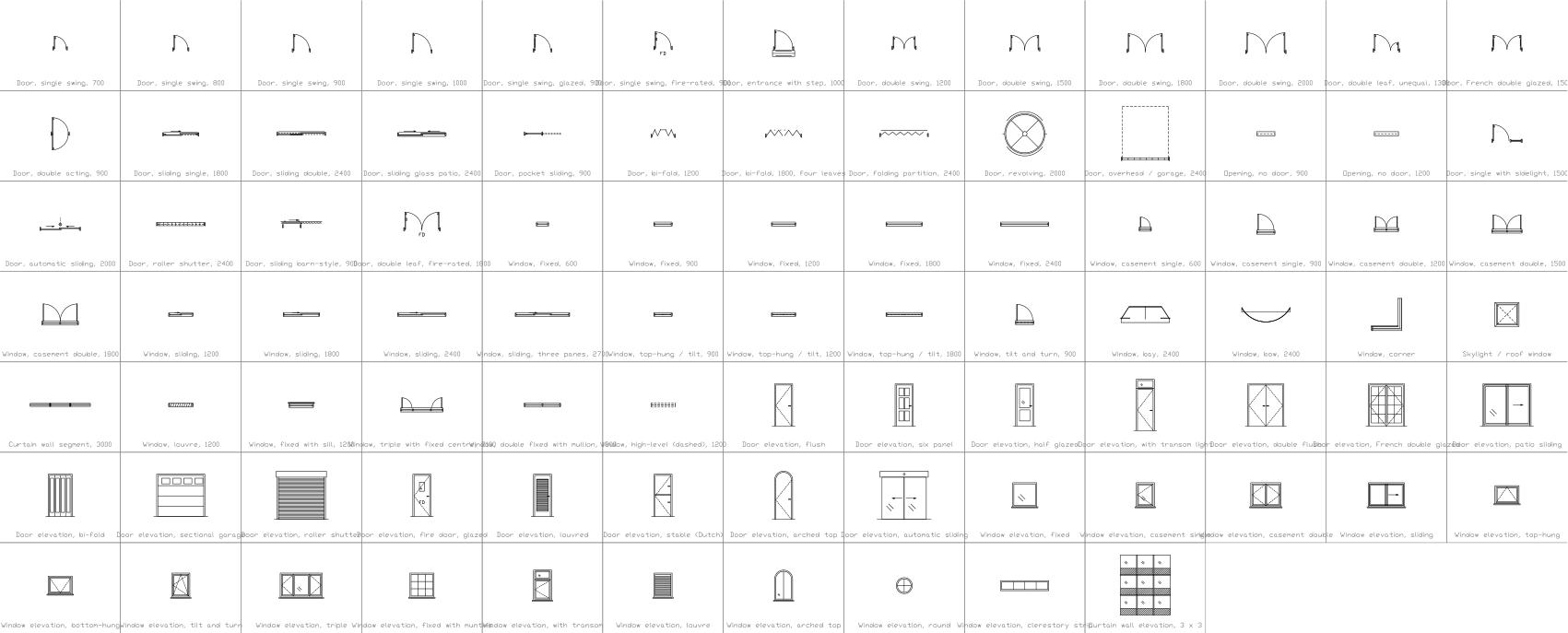 Door and window symbols11 of its symbols are used here
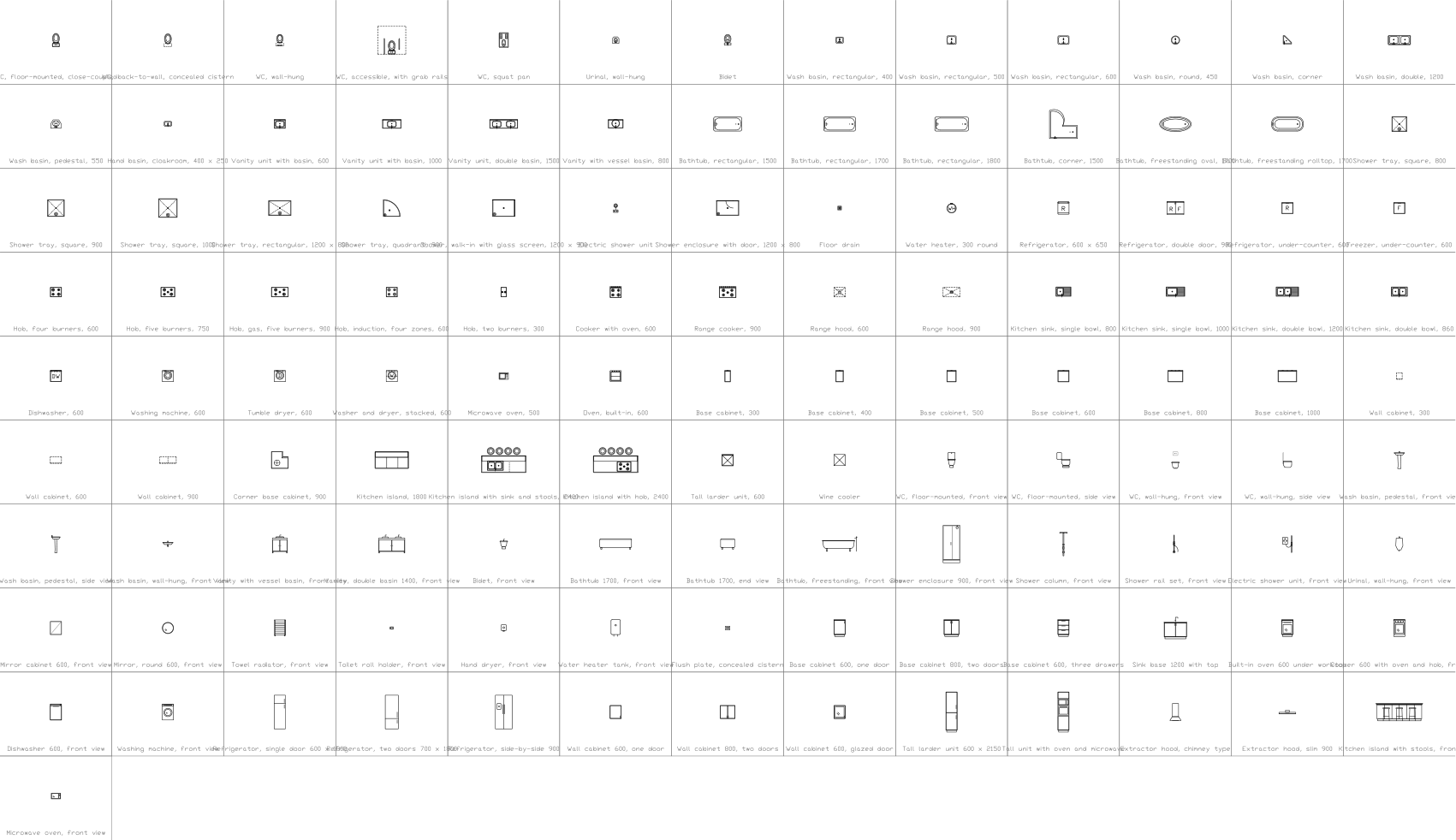 Bathroom and kitchen symbols7 of its symbols are used here
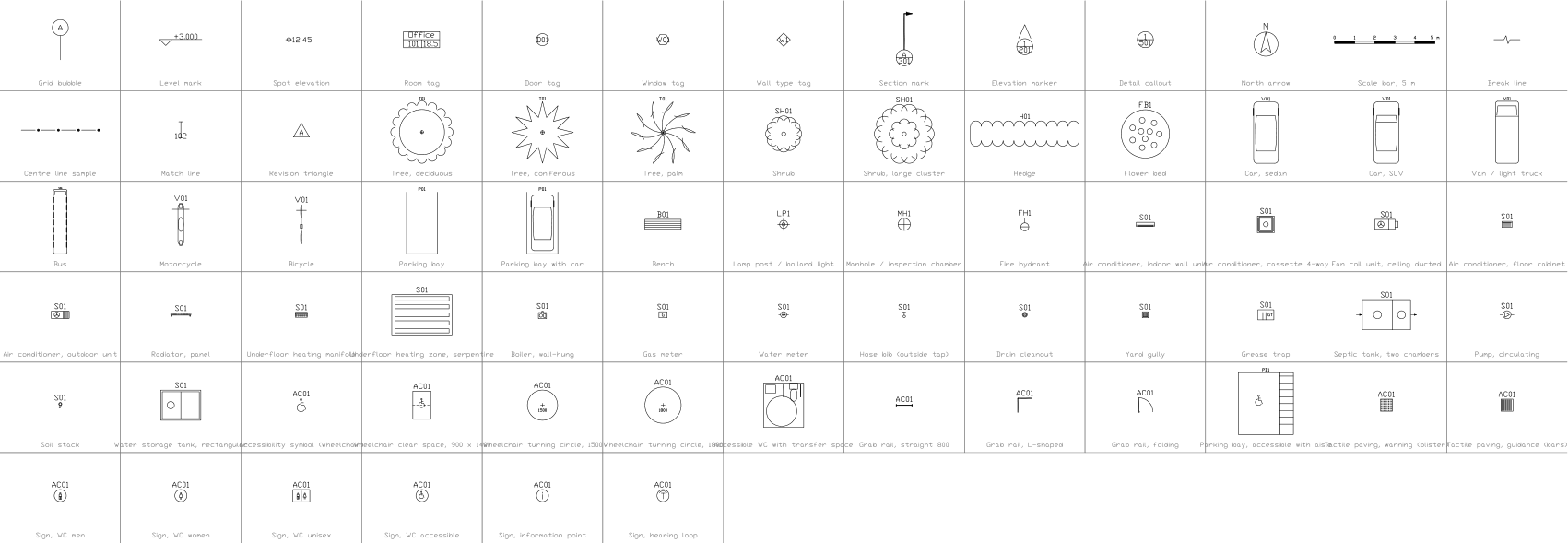 Drawing marks, site, services and accessibility symbols3 of its symbols are used here
What is in the ZIP
- Modular-Staggered-House-Sample.dwg
Sample drawing (DWG, AutoCAD 2018 format) - Modular-L-House-Sample.dwg
Sample drawing (DWG, AutoCAD 2018 format) - Modular-Loft-Studio-Sample.dwg
Sample drawing (DWG, AutoCAD 2018 format) - Architectural-Template-ISO-A3.dwt
Template (DWT) that the drawing was made on - CADXChange-Monochrome.ctb
Plot style table (CTB) that prints every colour black - README.txt
README with the layer list and how to use the files
Every ZIP holds its own drawing together with the template, the plot style table and the README.
The template
The architectural template has 10 layers with colours, line weights and linetypes (walls, floor finishes, hidden elements, column grid, symbols, escape routes, tags, dimensions, text and notes), the text styles ISO-2.5 to ISO-5, the dimension style ISO-25 and an ISO A3 layout with a title block and revision table. The layer names are a common convention, not a standard; rename them to match your company's rules.
Layers defined
Every layer in the template with its colour, line weight and linetype, and how many objects of this sample are on it. Layers the sample does not use are still defined, ready for your own drawing.
| Layer | Colour | Line weight | Linetype | Used for | Staggered modular house | L-shaped modular house | Loft studio with chamfered corner |
|---|---|---|---|---|---|---|---|
| Architectural layers | |||||||
| ARCH-WALL | 7 | 0.50 mm | Continuous | Walls and partitions in plan | 51 | 35 | 21 |
| ARCH-FLOOR | 9 | 0.13 mm | Continuous | Floor finishes, rugs and floor patterns | not used here | not used here | not used here |
| ARCH-HIDDEN | 8 | 0.18 mm | HIDDEN | Elements above or behind the cut plane | not used here | not used here | not used here |
| ARCH-GRID | 1 | 0.13 mm | DASHDOT | Column grid | not used here | not used here | not used here |
| SYMBOL | 7 | 0.25 mm | Continuous | Symbols (the layer the symbol libraries use) | 54 | 54 | 37 |
| ARCH-ESCAPE | 3 | 0.35 mm | DASHED | Escape routes | not used here | not used here | not used here |
| ARCH-TAG | 7 | 0.18 mm | Continuous | Room, door and window tags | not used here | not used here | not used here |
| ARCH-DIM | 3 | 0.18 mm | Continuous | Dimensions | 2 | 2 | 2 |
| ARCH-TEXT | 7 | 0.18 mm | Continuous | General text and tables | 143 | 136 | 102 |
| ARCH-NOTES | 7 | 0.18 mm | Continuous | Notes and legends | 8 | 8 | 8 |
| Sheet and symbol layers | |||||||
| 0 | 7 | default | Continuous | Default layer, keep it empty | not used here | not used here | not used here |
| FRAME | 7 | default | Continuous | Sheet border | 5 | 5 | 5 |
| TITLEBLOCK | 7 | default | Continuous | Title block and revision table | 1 | 1 | 1 |
| VIEWPORT | 8 | default | Continuous | Layout viewport frame (does not plot) | 2 | 2 | 2 |
| DRAWING-AREA | 8 | default | Continuous | Boundary of the model drawing area (does not plot) | 2 | 2 | 2 |
Styles defined
The text styles, the dimension style and the linetypes that the template defines, so you do not have to set them up in each new drawing.
| Kind | Name | Settings |
|---|---|---|
| Text style | ISO | isocp.shx, 15°, variable height |
| Text style | ISO-2.5 | isocp.shx, 15°, 2.5 mm high |
| Text style | ISO-3.5 | isocp.shx, 15°, 3.5 mm high |
| Text style | ISO-5 | isocp.shx, 15°, 5 mm high |
| Text style | TB-en | Arial, used by the title block |
| Dimension style | ISO-25 | Text 2.5 mm, arrows 2.5 mm, extension lines 1.25 mm beyond the dimension line and 0.625 mm from the object, dimension lines 3.75 mm apart, 0 decimals |
| Linetype | Continuous | Solid line |
| Linetype | DASHED | Dashed |
| Linetype | DASHDOT | Dash-dot |
| Linetype | CENTER | Centre line |
| Linetype | PHANTOM | Phantom line |
| Linetype | HIDDEN | Hidden line |
Sheet and drawing setup
How the sheet is set up, so your own drawings print the same way.
- Sheet
- ISO A3 landscape, 420 × 297 mm.
- Layout
- One layout named ISO-A3, plotted at 1:1 on full-bleed A3 media, so the sheet has no printer margin.
- Border
- 20 mm from the left edge (binding side) and 10 mm from the other edges; the drawing area inside is 390 × 277 mm.
- Model space
- Units are millimetres. The drawing area is shown at 1:1, so 1 mm in the drawing is 1 mm on paper.
- Title block
- 160 × 79 mm at the lower right, with a four-line revision table above the company, project, title and approval fields.
- Text size
- 2.5 mm for labels and notes, 3.5 mm and 5 mm for headings.
- Linetype scale
- 1, so dashes are sized for plotting at 1:1.
- Plot style
- None set. Pick the CTB from the ZIP in the page setup for black-and-white plots.
Works with these resources
How to use it
- Open the sample drawing to see how layers, text and the title block are used, or open it in the browser first, nothing to install.
- Start your own drawing from the template (NEW, then pick the DWT file). Copy the CTB file to your plot styles folder if you want black-and-white plots.
- Insert blocks from the symbol library into your drawing. The blocks in the sample are copies; they do not change when a library changes.
- Double-click the title block to fill it in, then export the equipment list with BlockSync.
Frequently asked questions
- Can I use the drawing for a real project?
- As a starting point for layout and layers, yes. The ratings, settings and cable sizes are made up, so the diagram has to be checked and changed for your project before it is used for design or construction.
- Why are the layers coloured?
- Colours and line weights follow the layers: power circuits are red and heavy, control is cyan, signal is green. The plot style table in the ZIP prints everything black and keeps the line weights, so you can plot in black and white as well.
- Which CAD programs open it?
- The drawing and the template are in AutoCAD 2018 format, which AutoCAD 2018 and later open, and so do other CAD programs that read this format. The browser viewer needs nothing installed.