
Free AutoCAD art deco furniture blocks (DWG): sofas, chairs, tables, beds, cabinets, bar, lighting, rugs and room sets
Art deco furniture plan symbols: 165 ready-made AutoCAD blocks (DWG), free to download and use in your own projects, as a ZIP or one symbol at a time.
165 art deco furniture symbols for AutoCAD in plan view at real size in millimetres: sofas for two to four with stepped arms and a channel-tufted back, with fan arms or with chevron seats, curved crescent sofas, round-back settees, chaises longues with a curved head, a daybed, benches and round, fluted and sunburst ottomans, barrel club chairs, tub chairs, armchairs with stepped arms and fan or channel backs, dining chairs with channel, chevron, round-inlay and shell backs, bar and vanity stools, round coffee tables with a sunburst veneer or a mirrored top, stepped coffee tables with a fan or chevron inlay, oval and nesting tables, side tables, consoles and a demi-lune console, a leather-top desk, dining tables from 1400 to 2800 with four to ten chairs, oval and round dining tables with pedestals and sets of four to eight chairs, a bistro table, beds from single to king with stepped, fan, channel-tufted or curved headboards, bedsides, waterfall dressers and chests, mirrored wardrobes, a bed end bench, folding screens, sideboards and TV units with fan or chevron fronts, glass display cabinets with fan crowns, ziggurat shelves, bookcases, a radiogram, a tall case clock, a coat stand and a fluted pedestal, bar carts and cabinets, curved bar counters with stools, kidney vanity tables, a cocktail tray and drinks trolley, sunburst, stepped and round wall mirrors, sunburst and stepped pendants and chandeliers, table lamps, a fan sconce and a torchiere, sunburst, chevron, stepped, oval, round and fan-corner rugs and a runner, palms in urns, urns and a statue on a plinth, pleated curtains with pelmets, plus 15 complete room sets.
Version 1.0 · updated October 29, 2026 · Check out what's changed
Using AutoCAD 2017 or an earlier version? Download the 2010 format
Copyright CADXChange. Use and modify the symbols freely in your own drawings and projects, including commercial ones; credit and a link are needed only when you publish them. Please do not redistribute or resell the library. Each ZIP holds one plain DWG file in AutoCAD 2018 format and a README; no add-in needed. Provided as is, without warranty. Library terms (CXL-1.0)
Related symbol libraries
Works well with these tools
 Putting these symbols into 30 drawings?Replace a changed symbol in every drawing in one run, without opening each file.See BlockCopy
 Need to count these symbols across your drawings?Export every symbol and its attributes from a whole drawing set to Excel, edit the rows and write them back.See BlockSync
 Which drawings use this symbol?Search blocks and text across hundreds of drawings at once, then jump straight to the match.See DwgSearch
All 165 symbols
165 of 165 symbols
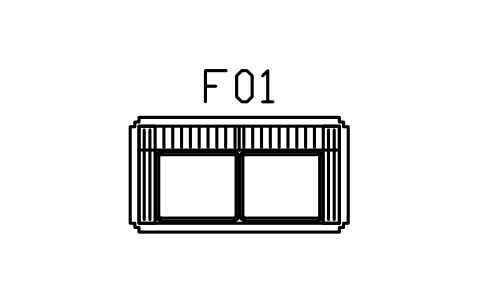
Sofa, channel back, two seater
DEC_SOFA_2Attributes
TAGDESCRIPTIONWIDTH_MMDEPTH_MMHEIGHT_MMMATERIALFINISHQTYMANUFACTURERMODELREMARKSDESC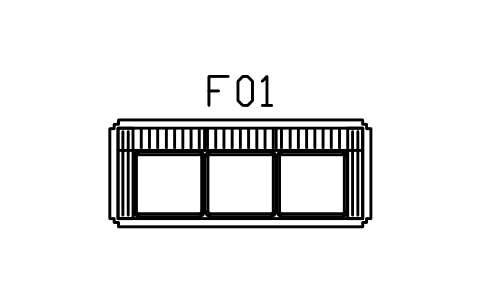
Sofa, channel back, three seater
DEC_SOFA_3Attributes
TAGDESCRIPTIONWIDTH_MMDEPTH_MMHEIGHT_MMMATERIALFINISHQTYMANUFACTURERMODELREMARKSDESC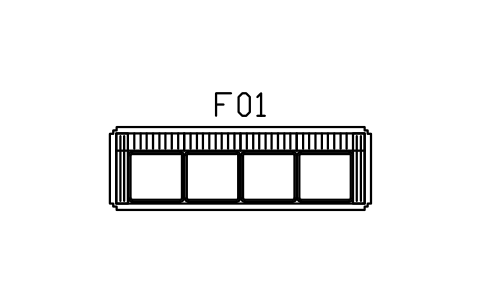
Sofa, channel back, four seater
DEC_SOFA_4Attributes
TAGDESCRIPTIONWIDTH_MMDEPTH_MMHEIGHT_MMMATERIALFINISHQTYMANUFACTURERMODELREMARKSDESC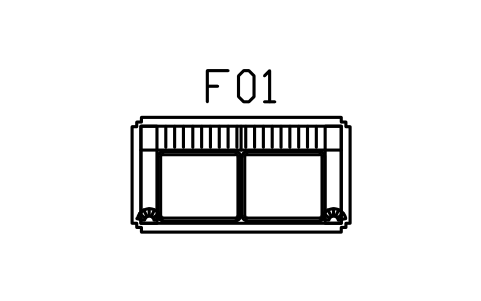
Sofa, fan arms, two seater
DEC_SOFA_FAN_2Attributes
TAGDESCRIPTIONWIDTH_MMDEPTH_MMHEIGHT_MMMATERIALFINISHQTYMANUFACTURERMODELREMARKSDESC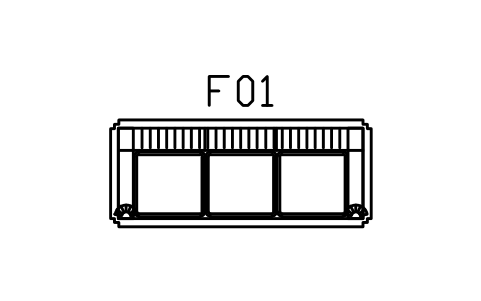
Sofa, fan arms, three seater
DEC_SOFA_FAN_3Attributes
TAGDESCRIPTIONWIDTH_MMDEPTH_MMHEIGHT_MMMATERIALFINISHQTYMANUFACTURERMODELREMARKSDESC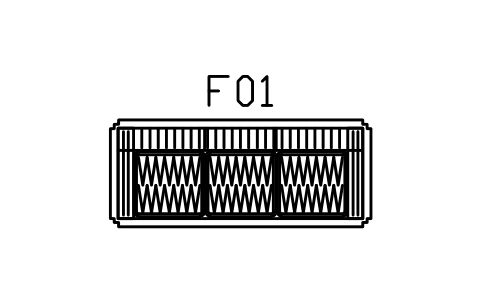
Sofa, chevron seats, three seater
DEC_SOFA_CHEVRON_3Attributes
TAGDESCRIPTIONWIDTH_MMDEPTH_MMHEIGHT_MMMATERIALFINISHQTYMANUFACTURERMODELREMARKSDESC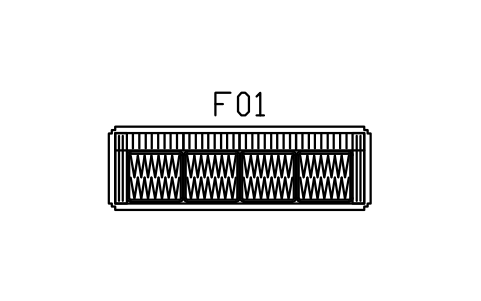
Sofa, chevron seats, four seater
DEC_SOFA_CHEVRON_4Attributes
TAGDESCRIPTIONWIDTH_MMDEPTH_MMHEIGHT_MMMATERIALFINISHQTYMANUFACTURERMODELREMARKSDESC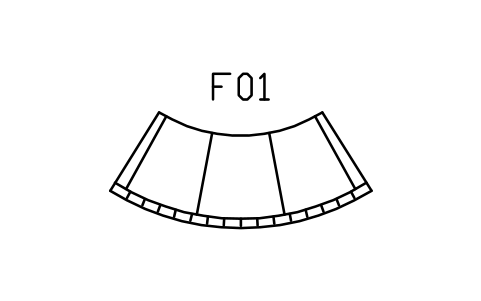
Sofa, curved crescent, 2600
DEC_CRESCENT_2600Attributes
TAGDESCRIPTIONWIDTH_MMDEPTH_MMHEIGHT_MMMATERIALFINISHQTYMANUFACTURERMODELREMARKSDESC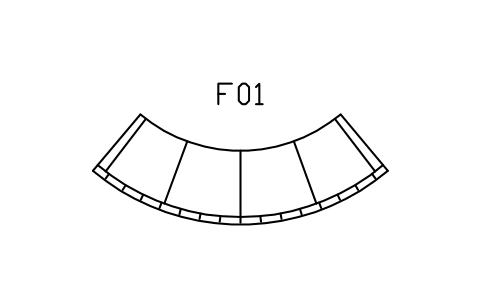
Sofa, curved crescent, 3400
DEC_CRESCENT_3400Attributes
TAGDESCRIPTIONWIDTH_MMDEPTH_MMHEIGHT_MMMATERIALFINISHQTYMANUFACTURERMODELREMARKSDESC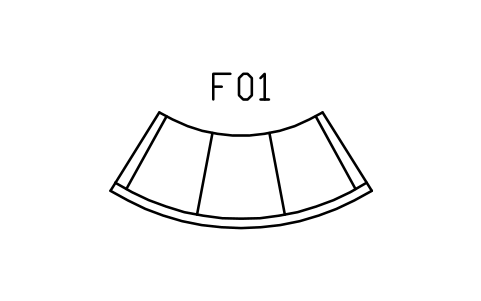
Sofa, curved crescent, plain, 2600
DEC_CRESCENT_PLAINAttributes
TAGDESCRIPTIONWIDTH_MMDEPTH_MMHEIGHT_MMMATERIALFINISHQTYMANUFACTURERMODELREMARKSDESC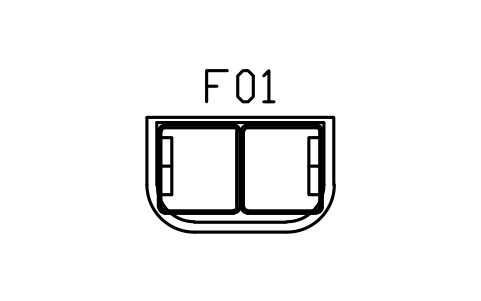
Settee, round back, 1500
DEC_SETTEE_1500Attributes
TAGDESCRIPTIONWIDTH_MMDEPTH_MMHEIGHT_MMMATERIALFINISHQTYMANUFACTURERMODELREMARKSDESC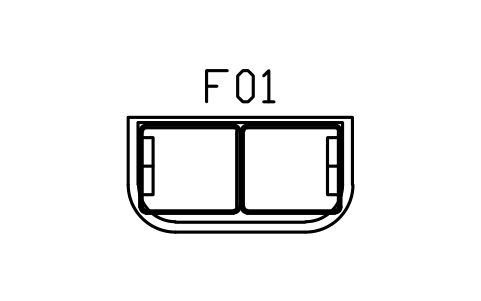
Settee, round back, 1800
DEC_SETTEE_1800Attributes
TAGDESCRIPTIONWIDTH_MMDEPTH_MMHEIGHT_MMMATERIALFINISHQTYMANUFACTURERMODELREMARKSDESC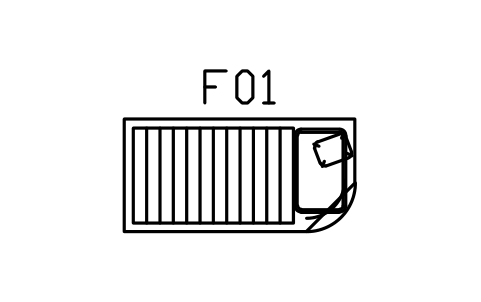
Chaise longue, curved head, 1800
DEC_CHAISE_1800Attributes
TAGDESCRIPTIONWIDTH_MMDEPTH_MMHEIGHT_MMMATERIALFINISHQTYMANUFACTURERMODELREMARKSDESC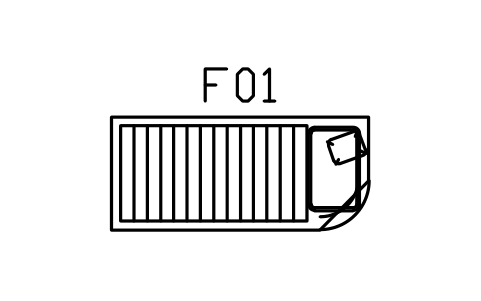
Chaise longue, curved head, 2000
DEC_CHAISE_2000Attributes
TAGDESCRIPTIONWIDTH_MMDEPTH_MMHEIGHT_MMMATERIALFINISHQTYMANUFACTURERMODELREMARKSDESC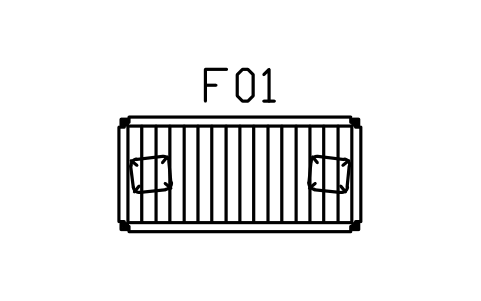
Daybed, stepped ends, 1900 x 900
DEC_DAYBED_1900Attributes
TAGDESCRIPTIONWIDTH_MMDEPTH_MMHEIGHT_MMMATERIALFINISHQTYMANUFACTURERMODELREMARKSDESC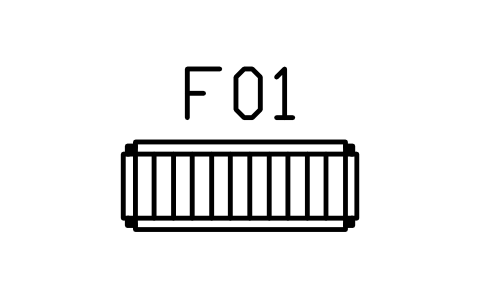
Bench, stepped, channel seat, 1200 x 450
DEC_BENCH_1200Attributes
TAGDESCRIPTIONWIDTH_MMDEPTH_MMHEIGHT_MMMATERIALFINISHQTYMANUFACTURERMODELREMARKSDESC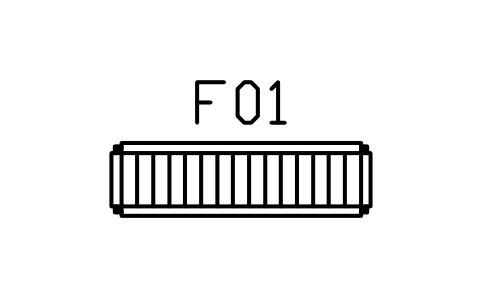
Bench, stepped, channel seat, 1600 x 450
DEC_BENCH_1600Attributes
TAGDESCRIPTIONWIDTH_MMDEPTH_MMHEIGHT_MMMATERIALFINISHQTYMANUFACTURERMODELREMARKSDESC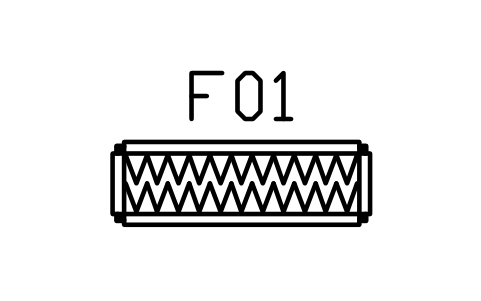
Bench, stepped, chevron seat, 1400 x 450
DEC_BENCH_CHEVRONAttributes
TAGDESCRIPTIONWIDTH_MMDEPTH_MMHEIGHT_MMMATERIALFINISHQTYMANUFACTURERMODELREMARKSDESC
Ottoman, round, fluted, 700
DEC_OTTOMAN_RND_700Attributes
TAGDESCRIPTIONWIDTH_MMDEPTH_MMHEIGHT_MMMATERIALFINISHQTYMANUFACTURERMODELREMARKSDESC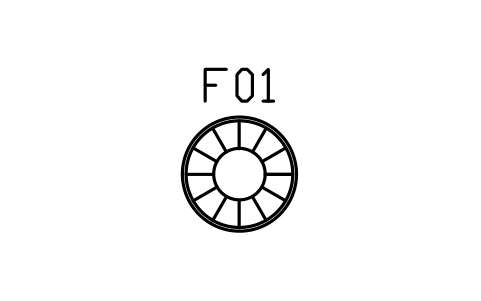
Ottoman, round, sunburst, 900
DEC_OTTOMAN_RND_900Attributes
TAGDESCRIPTIONWIDTH_MMDEPTH_MMHEIGHT_MMMATERIALFINISHQTYMANUFACTURERMODELREMARKSDESC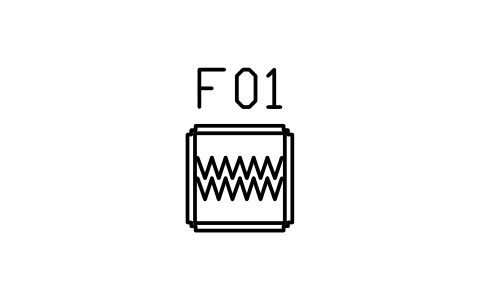
Ottoman, square, stepped, 700
DEC_OTTOMAN_SQAttributes
TAGDESCRIPTIONWIDTH_MMDEPTH_MMHEIGHT_MMMATERIALFINISHQTYMANUFACTURERMODELREMARKSDESC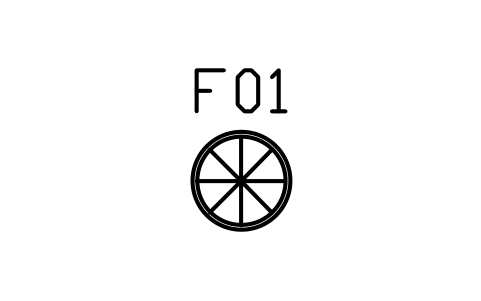
Pouf, round, tufted, 600
DEC_POUF_ROUNDAttributes
TAGDESCRIPTIONWIDTH_MMDEPTH_MMHEIGHT_MMMATERIALFINISHQTYMANUFACTURERMODELREMARKSDESC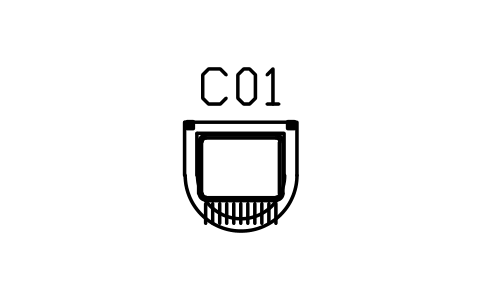
Club chair, barrel, channel back
DEC_CLUB_800Attributes
TAGDESCRIPTIONWIDTH_MMDEPTH_MMHEIGHT_MMMATERIALFINISHQTYMANUFACTURERMODELREMARKSDESC
Club chair, barrel, fan back
DEC_CLUB_FANAttributes
TAGDESCRIPTIONWIDTH_MMDEPTH_MMHEIGHT_MMMATERIALFINISHQTYMANUFACTURERMODELREMARKSDESC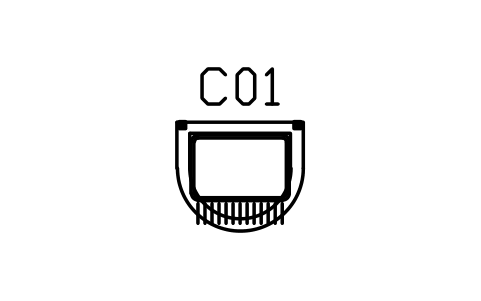
Club chair, barrel, wide, 900
DEC_CLUB_900Attributes
TAGDESCRIPTIONWIDTH_MMDEPTH_MMHEIGHT_MMMATERIALFINISHQTYMANUFACTURERMODELREMARKSDESC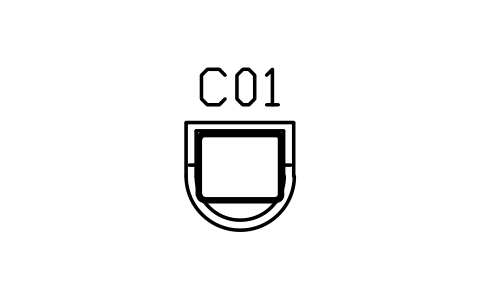
Tub chair, closed back
DEC_TUBAttributes
TAGDESCRIPTIONWIDTH_MMDEPTH_MMHEIGHT_MMMATERIALFINISHQTYMANUFACTURERMODELREMARKSDESC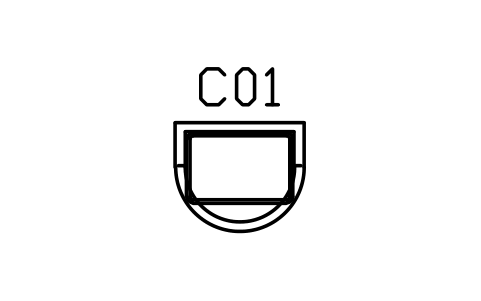
Tub chair, closed back, wide, 900
DEC_TUB_WIDEAttributes
TAGDESCRIPTIONWIDTH_MMDEPTH_MMHEIGHT_MMMATERIALFINISHQTYMANUFACTURERMODELREMARKSDESC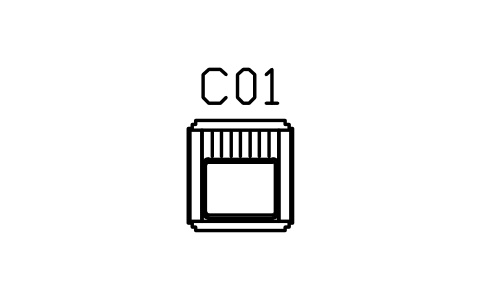
Armchair, stepped arms, channel back
DEC_ARMCHAIR_STEPAttributes
TAGDESCRIPTIONWIDTH_MMDEPTH_MMHEIGHT_MMMATERIALFINISHQTYMANUFACTURERMODELREMARKSDESC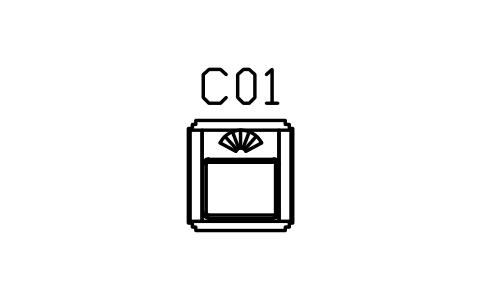
Armchair, stepped arms, fan back
DEC_ARMCHAIR_FANAttributes
TAGDESCRIPTIONWIDTH_MMDEPTH_MMHEIGHT_MMMATERIALFINISHQTYMANUFACTURERMODELREMARKSDESC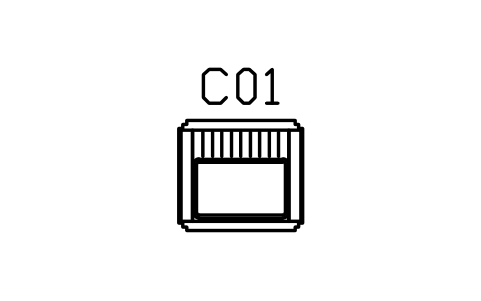
Armchair, stepped arms, wide, 900
DEC_ARMCHAIR_900Attributes
TAGDESCRIPTIONWIDTH_MMDEPTH_MMHEIGHT_MMMATERIALFINISHQTYMANUFACTURERMODELREMARKSDESC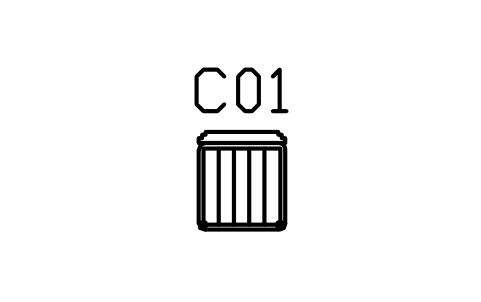
Dining chair, channel seat, stepped back
DEC_CHAIR_CHANNELAttributes
TAGDESCRIPTIONWIDTH_MMDEPTH_MMHEIGHT_MMMATERIALFINISHQTYMANUFACTURERMODELREMARKSDESC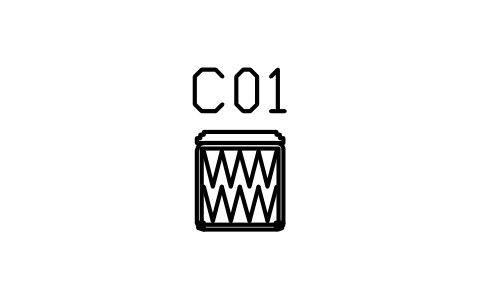
Dining chair, chevron seat, stepped back
DEC_CHAIR_CHEVRONAttributes
TAGDESCRIPTIONWIDTH_MMDEPTH_MMHEIGHT_MMMATERIALFINISHQTYMANUFACTURERMODELREMARKSDESC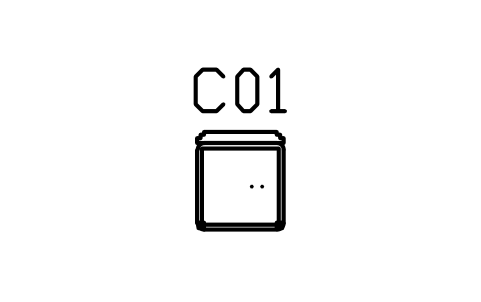
Dining chair, round seat inlay
DEC_CHAIR_ROUNDAttributes
TAGDESCRIPTIONWIDTH_MMDEPTH_MMHEIGHT_MMMATERIALFINISHQTYMANUFACTURERMODELREMARKSDESC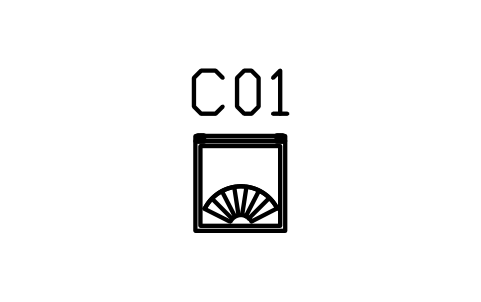
Dining chair, shell back, fan
DEC_CHAIR_SHELLAttributes
TAGDESCRIPTIONWIDTH_MMDEPTH_MMHEIGHT_MMMATERIALFINISHQTYMANUFACTURERMODELREMARKSDESC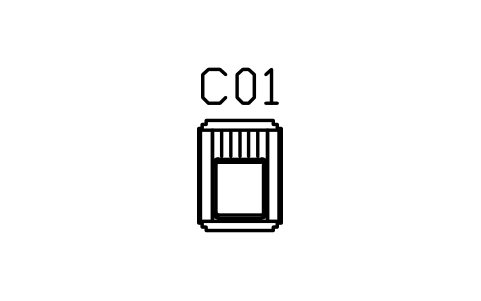
Dining chair with arms, stepped, 600
DEC_CHAIR_ARMSAttributes
TAGDESCRIPTIONWIDTH_MMDEPTH_MMHEIGHT_MMMATERIALFINISHQTYMANUFACTURERMODELREMARKSDESC
Stool, round, fluted, 400
DEC_STOOL_400Attributes
TAGDESCRIPTIONWIDTH_MMDEPTH_MMHEIGHT_MMMATERIALFINISHQTYMANUFACTURERMODELREMARKSDESC
Bar stool, round, 420
DEC_STOOL_BARAttributes
TAGDESCRIPTIONWIDTH_MMDEPTH_MMHEIGHT_MMMATERIALFINISHQTYMANUFACTURERMODELREMARKSDESC
Bar stool, round, curved back
DEC_STOOL_BAR_BACKAttributes
TAGDESCRIPTIONWIDTH_MMDEPTH_MMHEIGHT_MMMATERIALFINISHQTYMANUFACTURERMODELREMARKSDESC
Vanity stool, round, tufted, 450
DEC_VANITY_STOOLAttributes
TAGDESCRIPTIONWIDTH_MMDEPTH_MMHEIGHT_MMMATERIALFINISHQTYMANUFACTURERMODELREMARKSDESC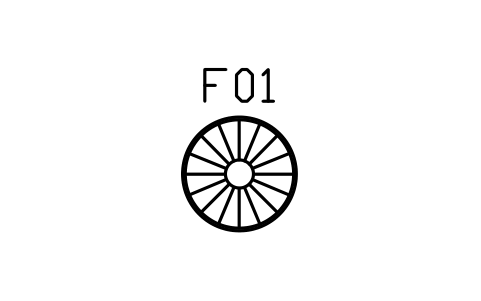
Coffee table, round, sunburst, 900
DEC_COFFEE_ROUND_900Attributes
TAGDESCRIPTIONWIDTH_MMDEPTH_MMHEIGHT_MMMATERIALFINISHQTYMANUFACTURERMODELREMARKSDESC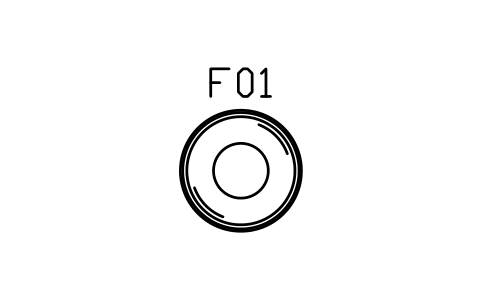
Coffee table, round, mirror, 1100
DEC_COFFEE_ROUND_1100Attributes
TAGDESCRIPTIONWIDTH_MMDEPTH_MMHEIGHT_MMMATERIALFINISHQTYMANUFACTURERMODELREMARKSDESC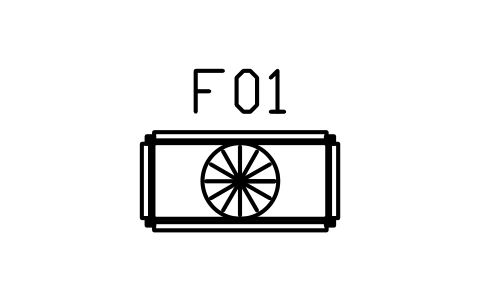
Coffee table, stepped, fan, 1200 x 600
DEC_COFFEE_RECT_1200Attributes
TAGDESCRIPTIONWIDTH_MMDEPTH_MMHEIGHT_MMMATERIALFINISHQTYMANUFACTURERMODELREMARKSDESC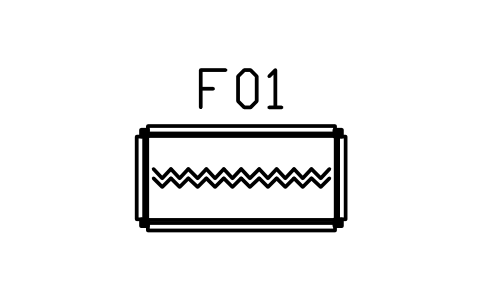
Coffee table, chevron, 1400 x 700
DEC_COFFEE_RECT_1400Attributes
TAGDESCRIPTIONWIDTH_MMDEPTH_MMHEIGHT_MMMATERIALFINISHQTYMANUFACTURERMODELREMARKSDESC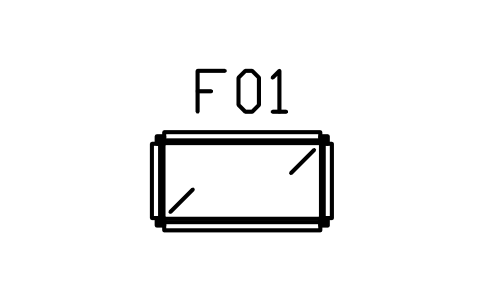
Coffee table, mirror, 1100 x 600
DEC_COFFEE_MIRRORAttributes
TAGDESCRIPTIONWIDTH_MMDEPTH_MMHEIGHT_MMMATERIALFINISHQTYMANUFACTURERMODELREMARKSDESC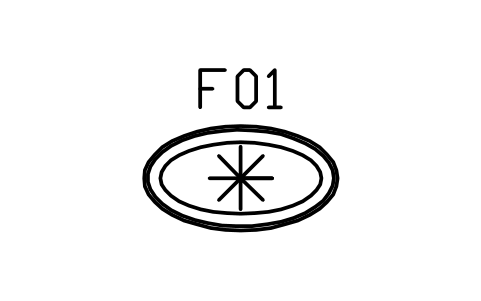
Coffee table, oval, sunburst, 1300 x 700
DEC_COFFEE_OVALAttributes
TAGDESCRIPTIONWIDTH_MMDEPTH_MMHEIGHT_MMMATERIALFINISHQTYMANUFACTURERMODELREMARKSDESC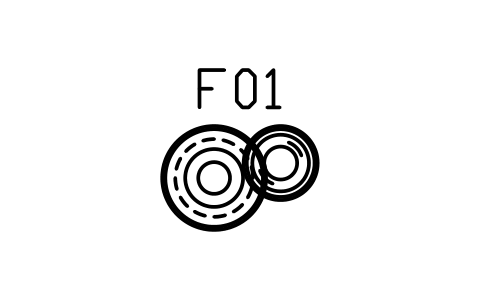
Nesting tables, round pair, 700 / 500
DEC_NEST_ROUNDAttributes
TAGDESCRIPTIONWIDTH_MMDEPTH_MMHEIGHT_MMMATERIALFINISHQTYMANUFACTURERMODELREMARKSDESC
Side table, round, stepped base, 500
DEC_SIDE_ROUND_500Attributes
TAGDESCRIPTIONWIDTH_MMDEPTH_MMHEIGHT_MMMATERIALFINISHQTYMANUFACTURERMODELREMARKSDESC
Side table, drum, sunburst top, 450
DEC_SIDE_DRUMAttributes
TAGDESCRIPTIONWIDTH_MMDEPTH_MMHEIGHT_MMMATERIALFINISHQTYMANUFACTURERMODELREMARKSDESC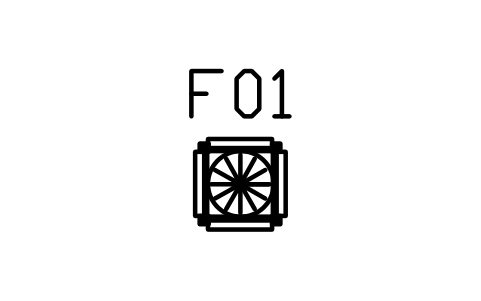
Side table, stepped, 500
DEC_SIDE_SQAttributes
TAGDESCRIPTIONWIDTH_MMDEPTH_MMHEIGHT_MMMATERIALFINISHQTYMANUFACTURERMODELREMARKSDESC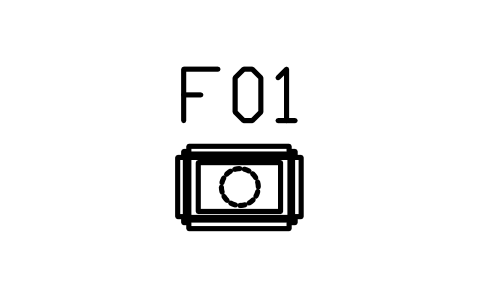
Side table, two tier, stepped, 600 x 400
DEC_SIDE_TIERAttributes
TAGDESCRIPTIONWIDTH_MMDEPTH_MMHEIGHT_MMMATERIALFINISHQTYMANUFACTURERMODELREMARKSDESC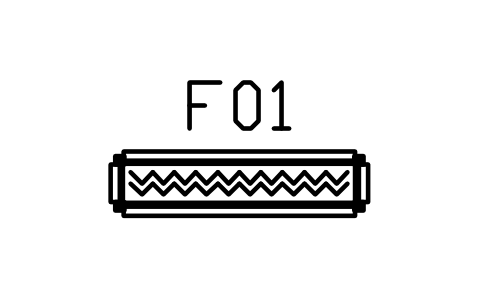
Console table, stepped, 1400 x 350
DEC_CONSOLE_1400Attributes
TAGDESCRIPTIONWIDTH_MMDEPTH_MMHEIGHT_MMMATERIALFINISHQTYMANUFACTURERMODELREMARKSDESC
Console table, demi-lune, 1200 x 450
DEC_CONSOLE_DEMIAttributes
TAGDESCRIPTIONWIDTH_MMDEPTH_MMHEIGHT_MMMATERIALFINISHQTYMANUFACTURERMODELREMARKSDESC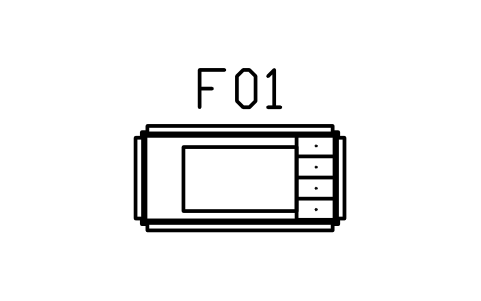
Desk, stepped, leather top, 1400 x 700
DEC_DESK_1400Attributes
TAGDESCRIPTIONWIDTH_MMDEPTH_MMHEIGHT_MMMATERIALFINISHQTYMANUFACTURERMODELREMARKSDESC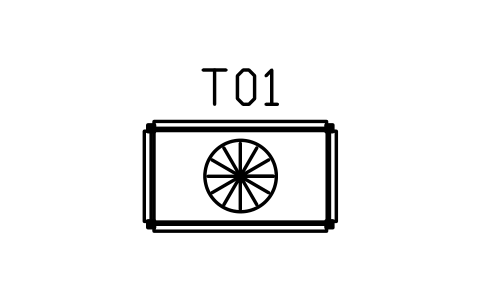
Dining table, stepped, 1400 x 800
DEC_DINING_1400Attributes
TAGDESCRIPTIONWIDTH_MMDEPTH_MMHEIGHT_MMMATERIALFINISHQTYMANUFACTURERMODELREMARKSDESC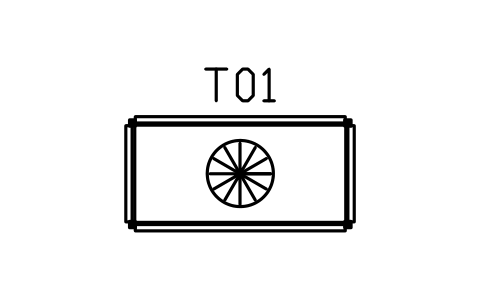
Dining table, stepped, 1800 x 900
DEC_DINING_1800Attributes
TAGDESCRIPTIONWIDTH_MMDEPTH_MMHEIGHT_MMMATERIALFINISHQTYMANUFACTURERMODELREMARKSDESC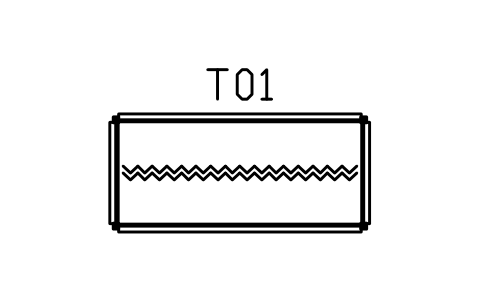
Dining table, stepped, 2200 x 1000
DEC_DINING_2200Attributes
TAGDESCRIPTIONWIDTH_MMDEPTH_MMHEIGHT_MMMATERIALFINISHQTYMANUFACTURERMODELREMARKSDESC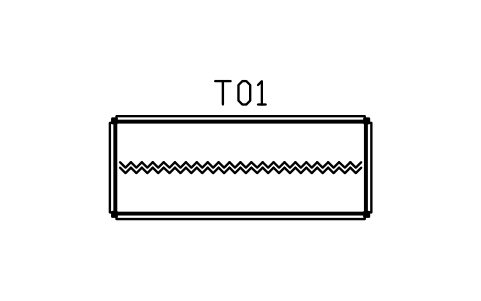
Dining table, stepped, 2800 x 1100
DEC_DINING_2800Attributes
TAGDESCRIPTIONWIDTH_MMDEPTH_MMHEIGHT_MMMATERIALFINISHQTYMANUFACTURERMODELREMARKSDESC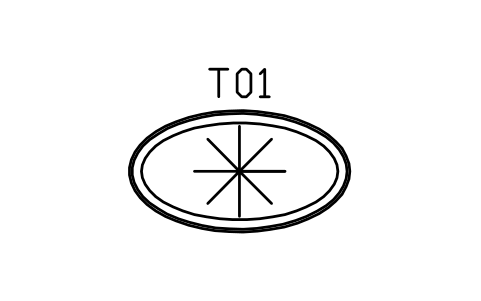
Dining table, oval, 2000 x 1100
DEC_DINING_OVAL_2000Attributes
TAGDESCRIPTIONWIDTH_MMDEPTH_MMHEIGHT_MMMATERIALFINISHQTYMANUFACTURERMODELREMARKSDESC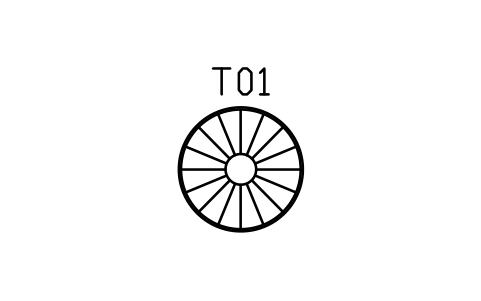
Dining table, round, sunburst, 1200
DEC_DINING_ROUND_1200Attributes
TAGDESCRIPTIONWIDTH_MMDEPTH_MMHEIGHT_MMMATERIALFINISHQTYMANUFACTURERMODELREMARKSDESC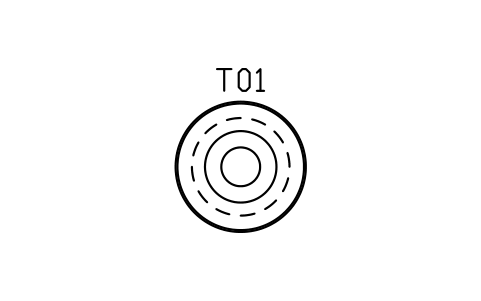
Dining table, round, pedestal, 1500
DEC_DINING_ROUND_1500Attributes
TAGDESCRIPTIONWIDTH_MMDEPTH_MMHEIGHT_MMMATERIALFINISHQTYMANUFACTURERMODELREMARKSDESC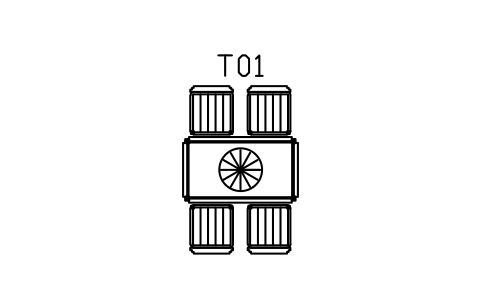
Dining table 1400, four channel chairs
DEC_SET_4Attributes
TAGDESCRIPTIONWIDTH_MMDEPTH_MMHEIGHT_MMMATERIALFINISHQTYMANUFACTURERMODELREMARKSDESC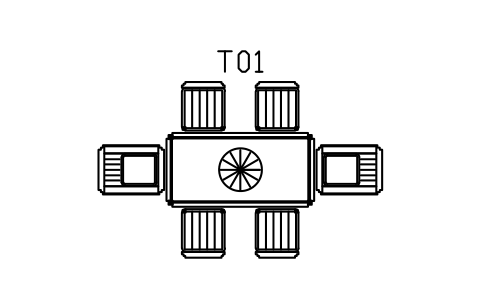
Dining table 1800, six channel chairs
DEC_SET_6Attributes
TAGDESCRIPTIONWIDTH_MMDEPTH_MMHEIGHT_MMMATERIALFINISHQTYMANUFACTURERMODELREMARKSDESC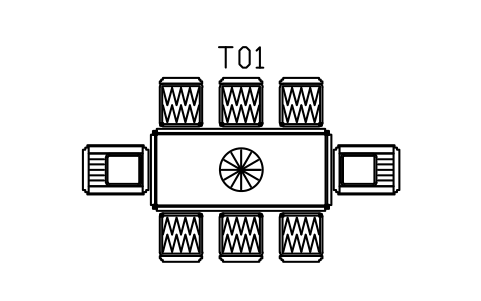
Dining table 2200, eight chevron chairs
DEC_SET_8Attributes
TAGDESCRIPTIONWIDTH_MMDEPTH_MMHEIGHT_MMMATERIALFINISHQTYMANUFACTURERMODELREMARKSDESC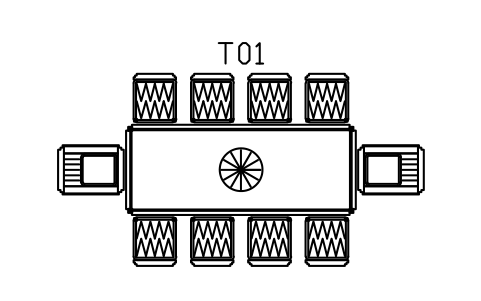
Dining table 2800, ten chevron chairs
DEC_SET_10Attributes
TAGDESCRIPTIONWIDTH_MMDEPTH_MMHEIGHT_MMMATERIALFINISHQTYMANUFACTURERMODELREMARKSDESC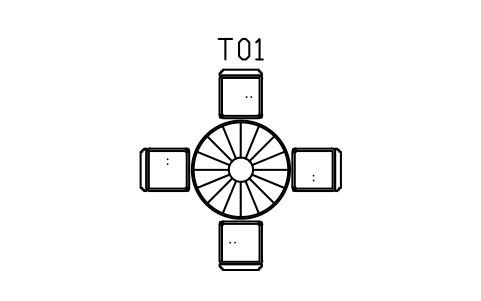
Round table 1200, four chairs
DEC_SET_ROUND_4Attributes
TAGDESCRIPTIONWIDTH_MMDEPTH_MMHEIGHT_MMMATERIALFINISHQTYMANUFACTURERMODELREMARKSDESC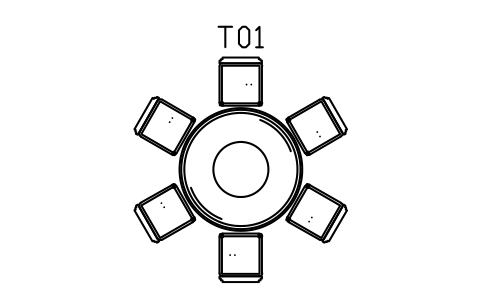
Round table 1500, six chairs
DEC_SET_ROUND_6Attributes
TAGDESCRIPTIONWIDTH_MMDEPTH_MMHEIGHT_MMMATERIALFINISHQTYMANUFACTURERMODELREMARKSDESC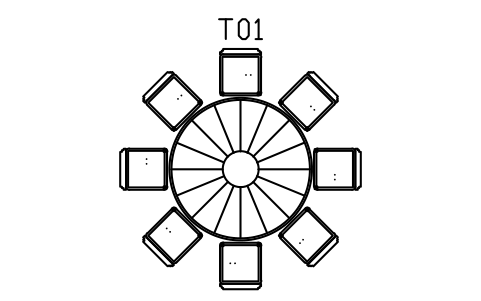
Round table 1800, eight chairs
DEC_SET_ROUND_8Attributes
TAGDESCRIPTIONWIDTH_MMDEPTH_MMHEIGHT_MMMATERIALFINISHQTYMANUFACTURERMODELREMARKSDESC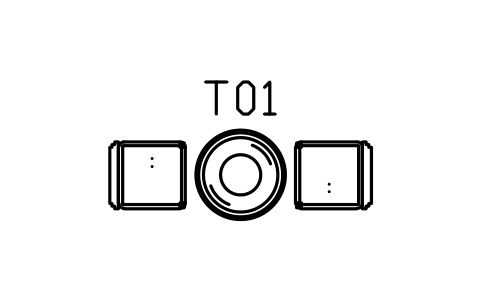
Bistro table 700, two chairs
DEC_BISTRO_700Attributes
TAGDESCRIPTIONWIDTH_MMDEPTH_MMHEIGHT_MMMATERIALFINISHQTYMANUFACTURERMODELREMARKSDESC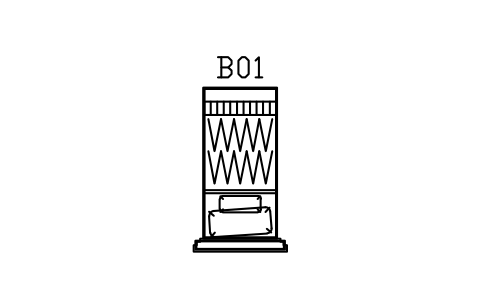
Bed, stepped head, single, 900 x 2000
DEC_BED_900Attributes
TAGDESCRIPTIONWIDTH_MMDEPTH_MMHEIGHT_MMMATERIALFINISHQTYMANUFACTURERMODELREMARKSDESC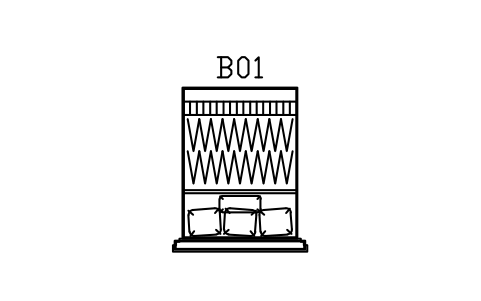
Bed, stepped head, double, 1400 x 2000
DEC_BED_1400Attributes
TAGDESCRIPTIONWIDTH_MMDEPTH_MMHEIGHT_MMMATERIALFINISHQTYMANUFACTURERMODELREMARKSDESC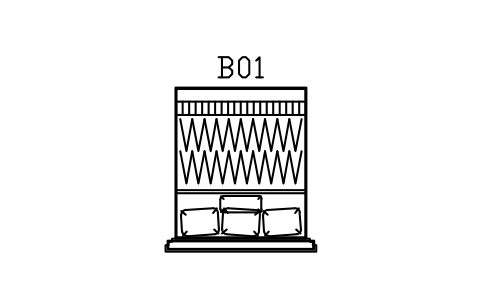
Bed, stepped head, queen, 1600 x 2000
DEC_BED_1600Attributes
TAGDESCRIPTIONWIDTH_MMDEPTH_MMHEIGHT_MMMATERIALFINISHQTYMANUFACTURERMODELREMARKSDESC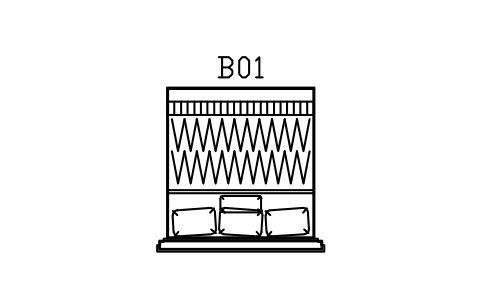
Bed, stepped head, king, 1800 x 2000
DEC_BED_1800Attributes
TAGDESCRIPTIONWIDTH_MMDEPTH_MMHEIGHT_MMMATERIALFINISHQTYMANUFACTURERMODELREMARKSDESC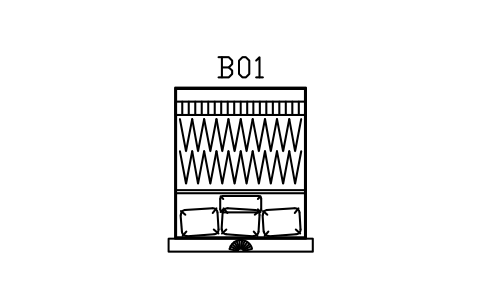
Bed, fan headboard, queen, 1600 x 2000
DEC_BED_FAN_1600Attributes
TAGDESCRIPTIONWIDTH_MMDEPTH_MMHEIGHT_MMMATERIALFINISHQTYMANUFACTURERMODELREMARKSDESC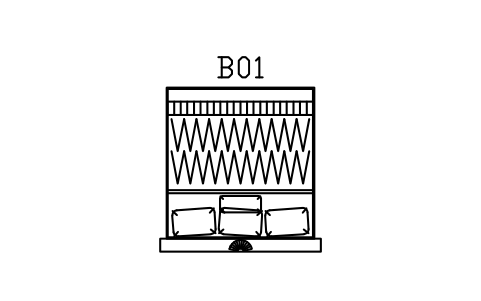
Bed, fan headboard, king, 1800 x 2000
DEC_BED_FAN_1800Attributes
TAGDESCRIPTIONWIDTH_MMDEPTH_MMHEIGHT_MMMATERIALFINISHQTYMANUFACTURERMODELREMARKSDESC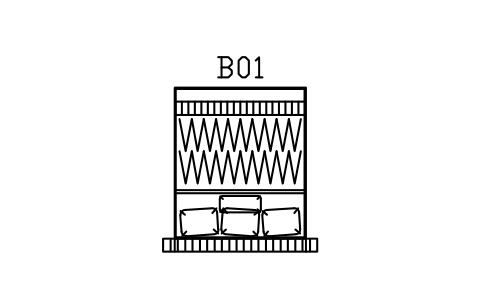
Bed, channel head, queen, 1600 x 2000
DEC_BED_WING_1600Attributes
TAGDESCRIPTIONWIDTH_MMDEPTH_MMHEIGHT_MMMATERIALFINISHQTYMANUFACTURERMODELREMARKSDESC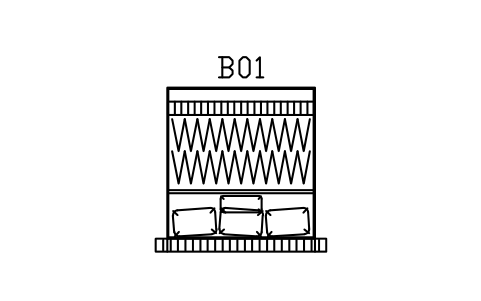
Bed, channel head, king, 1800 x 2000
DEC_BED_WING_1800Attributes
TAGDESCRIPTIONWIDTH_MMDEPTH_MMHEIGHT_MMMATERIALFINISHQTYMANUFACTURERMODELREMARKSDESC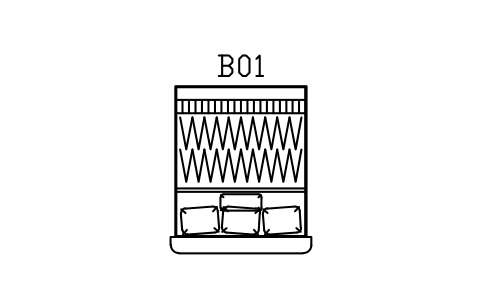
Bed, curved head, queen, 1600 x 2000
DEC_BED_SHELL_1600Attributes
TAGDESCRIPTIONWIDTH_MMDEPTH_MMHEIGHT_MMMATERIALFINISHQTYMANUFACTURERMODELREMARKSDESC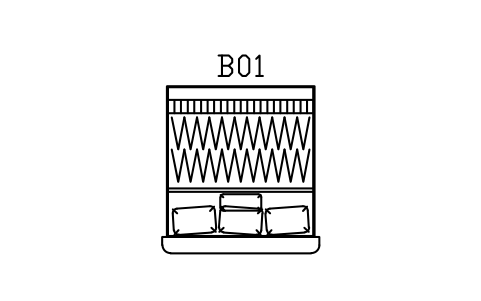
Bed, curved head, king, 1800 x 2000
DEC_BED_SHELL_1800Attributes
TAGDESCRIPTIONWIDTH_MMDEPTH_MMHEIGHT_MMMATERIALFINISHQTYMANUFACTURERMODELREMARKSDESC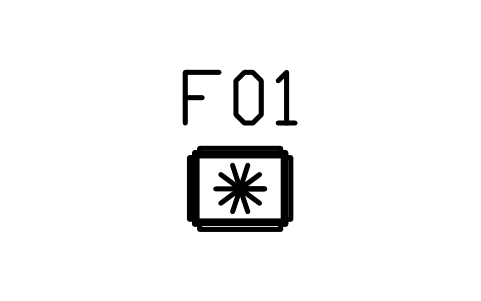
Bedside table, stepped, fan drawer, 500
DEC_NIGHT_STEPAttributes
TAGDESCRIPTIONWIDTH_MMDEPTH_MMHEIGHT_MMMATERIALFINISHQTYMANUFACTURERMODELREMARKSDESC
Bedside table, round drum, 450
DEC_NIGHT_ROUNDAttributes
TAGDESCRIPTIONWIDTH_MMDEPTH_MMHEIGHT_MMMATERIALFINISHQTYMANUFACTURERMODELREMARKSDESC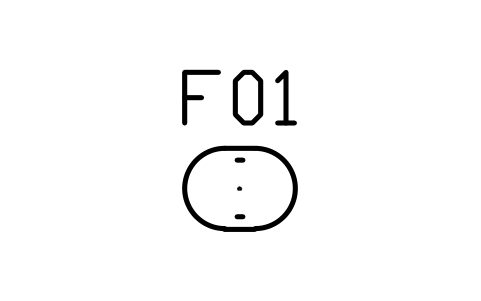
Bedside table, waterfall, 550 x 400
DEC_NIGHT_WATERFALLAttributes
TAGDESCRIPTIONWIDTH_MMDEPTH_MMHEIGHT_MMMATERIALFINISHQTYMANUFACTURERMODELREMARKSDESC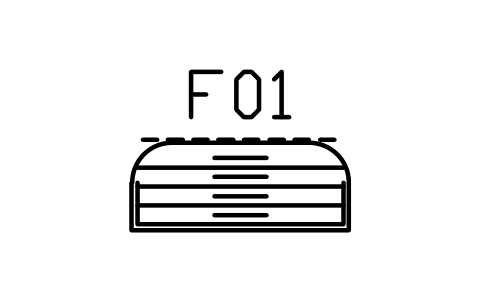
Dresser, waterfall, 1200 x 480
DEC_DRESSER_1200Attributes
TAGDESCRIPTIONWIDTH_MMDEPTH_MMHEIGHT_MMMATERIALFINISHQTYMANUFACTURERMODELREMARKSDESC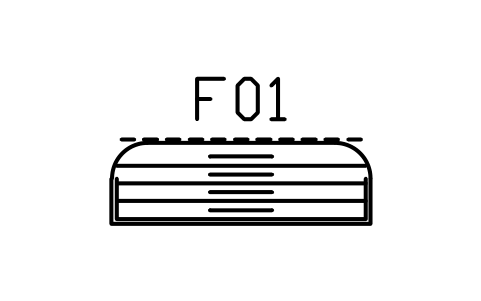
Dresser, waterfall, 1600 x 500
DEC_DRESSER_1600Attributes
TAGDESCRIPTIONWIDTH_MMDEPTH_MMHEIGHT_MMMATERIALFINISHQTYMANUFACTURERMODELREMARKSDESC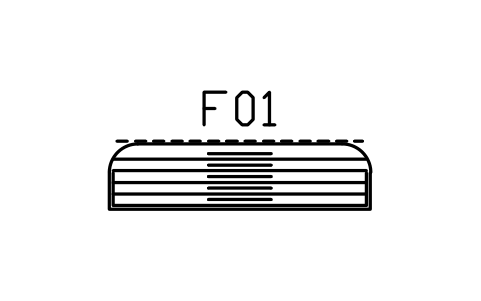
Dresser, waterfall, 2000 x 500
DEC_DRESSER_2000Attributes
TAGDESCRIPTIONWIDTH_MMDEPTH_MMHEIGHT_MMMATERIALFINISHQTYMANUFACTURERMODELREMARKSDESC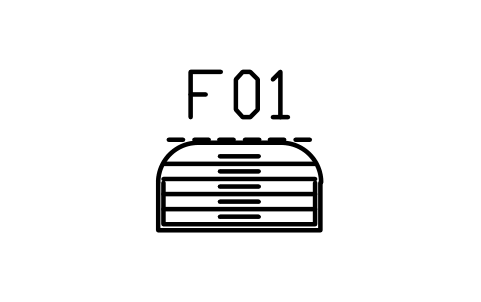
Chest of drawers, waterfall, 900 x 480
DEC_CHEST_900Attributes
TAGDESCRIPTIONWIDTH_MMDEPTH_MMHEIGHT_MMMATERIALFINISHQTYMANUFACTURERMODELREMARKSDESC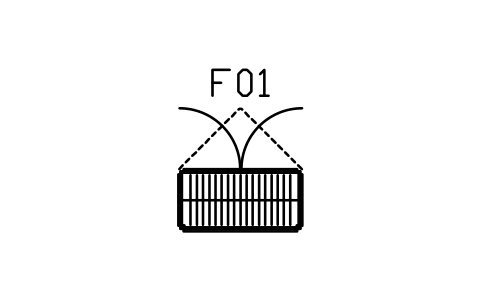
Wardrobe, mirrored doors, 1200 x 600
DEC_WARDROBE_1200Attributes
TAGDESCRIPTIONWIDTH_MMDEPTH_MMHEIGHT_MMMATERIALFINISHQTYMANUFACTURERMODELREMARKSDESC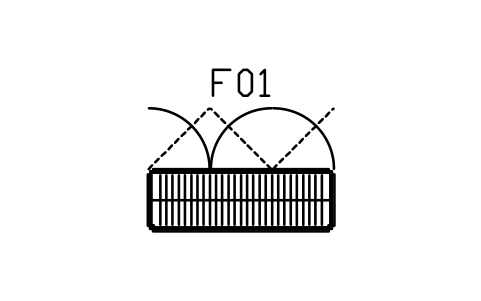
Wardrobe, mirrored doors, 1800 x 600
DEC_WARDROBE_1800Attributes
TAGDESCRIPTIONWIDTH_MMDEPTH_MMHEIGHT_MMMATERIALFINISHQTYMANUFACTURERMODELREMARKSDESC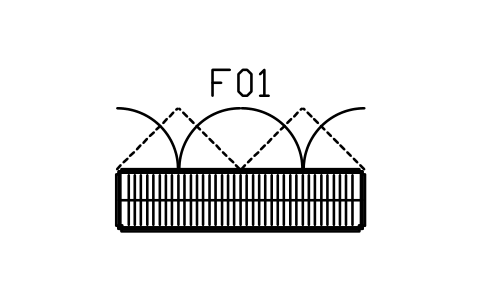
Wardrobe, mirrored doors, 2400 x 600
DEC_WARDROBE_2400Attributes
TAGDESCRIPTIONWIDTH_MMDEPTH_MMHEIGHT_MMMATERIALFINISHQTYMANUFACTURERMODELREMARKSDESC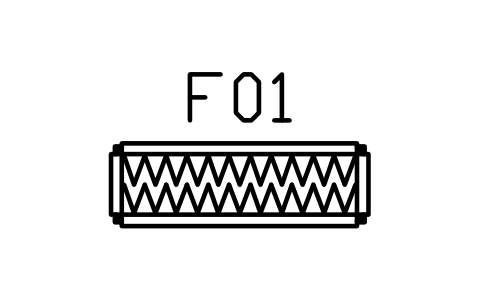
Bed end bench, stepped, 1400 x 450
DEC_BED_BENCHAttributes
TAGDESCRIPTIONWIDTH_MMDEPTH_MMHEIGHT_MMMATERIALFINISHQTYMANUFACTURERMODELREMARKSDESC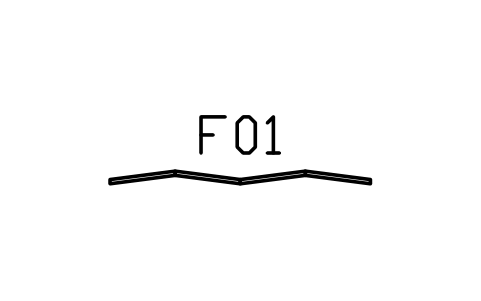
Folding screen, four panels, fan
DEC_SCREEN_4Attributes
TAGDESCRIPTIONWIDTH_MMDEPTH_MMHEIGHT_MMMATERIALFINISHQTYMANUFACTURERMODELREMARKSDESC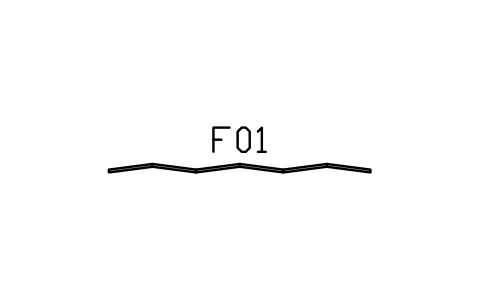
Folding screen, six panels, fan
DEC_SCREEN_6Attributes
TAGDESCRIPTIONWIDTH_MMDEPTH_MMHEIGHT_MMMATERIALFINISHQTYMANUFACTURERMODELREMARKSDESC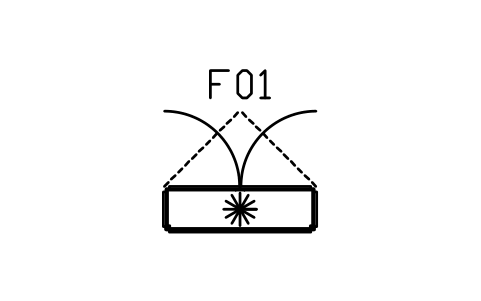
Sideboard, fan front, 1400 x 420
DEC_SIDEBOARD_1400Attributes
TAGDESCRIPTIONWIDTH_MMDEPTH_MMHEIGHT_MMMATERIALFINISHQTYMANUFACTURERMODELREMARKSDESC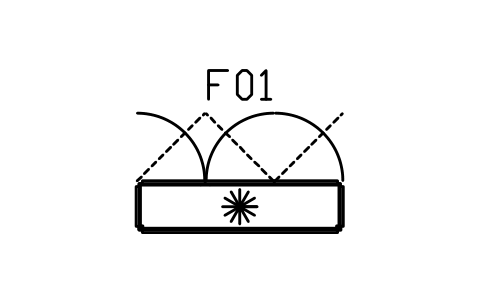
Sideboard, fan front, 1800 x 450
DEC_SIDEBOARD_1800Attributes
TAGDESCRIPTIONWIDTH_MMDEPTH_MMHEIGHT_MMMATERIALFINISHQTYMANUFACTURERMODELREMARKSDESC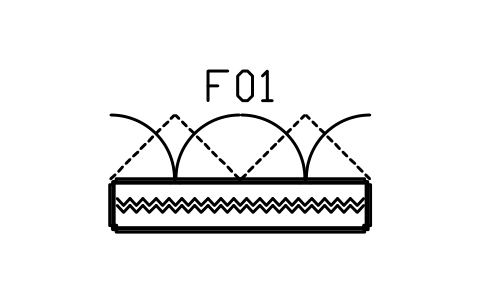
Sideboard, chevron front, 2200 x 450
DEC_SIDEBOARD_2200Attributes
TAGDESCRIPTIONWIDTH_MMDEPTH_MMHEIGHT_MMMATERIALFINISHQTYMANUFACTURERMODELREMARKSDESC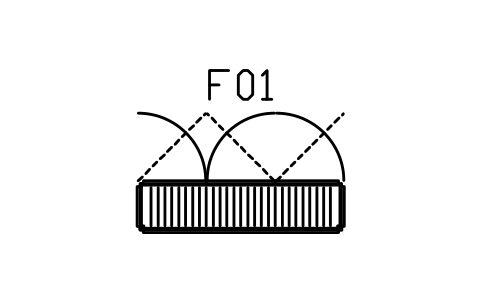
Sideboard, channel doors, 1800 x 450
DEC_SIDEBOARD_CHANNELAttributes
TAGDESCRIPTIONWIDTH_MMDEPTH_MMHEIGHT_MMMATERIALFINISHQTYMANUFACTURERMODELREMARKSDESC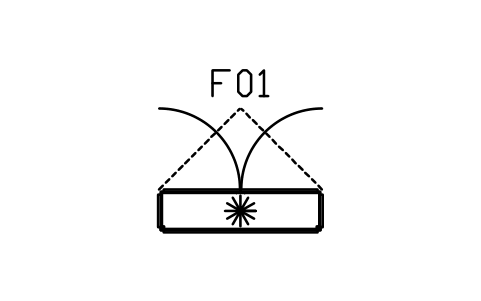
TV unit, fan front, 1600 x 420
DEC_TV_UNIT_1600Attributes
TAGDESCRIPTIONWIDTH_MMDEPTH_MMHEIGHT_MMMATERIALFINISHQTYMANUFACTURERMODELREMARKSDESC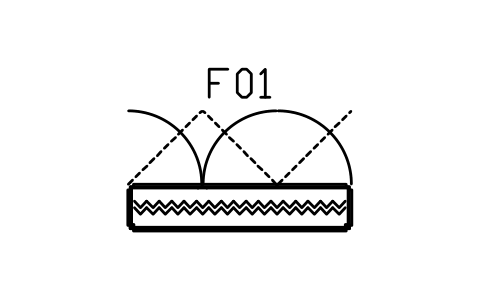
TV unit, chevron front, 2000 x 420
DEC_TV_UNIT_2000Attributes
TAGDESCRIPTIONWIDTH_MMDEPTH_MMHEIGHT_MMMATERIALFINISHQTYMANUFACTURERMODELREMARKSDESC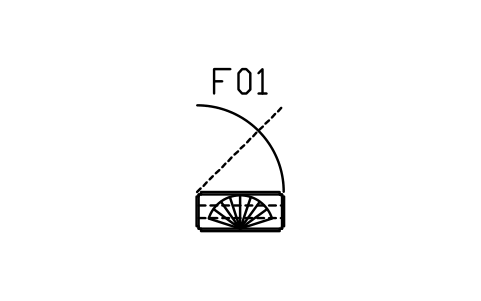
Display cabinet, glass, fan crown, 900
DEC_DISPLAY_900Attributes
TAGDESCRIPTIONWIDTH_MMDEPTH_MMHEIGHT_MMMATERIALFINISHQTYMANUFACTURERMODELREMARKSDESC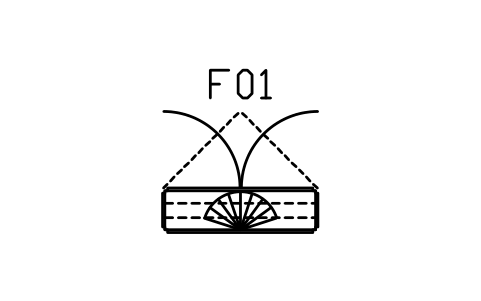
Display cabinet, glass, fan crown, 1400
DEC_DISPLAY_1400Attributes
TAGDESCRIPTIONWIDTH_MMDEPTH_MMHEIGHT_MMMATERIALFINISHQTYMANUFACTURERMODELREMARKSDESC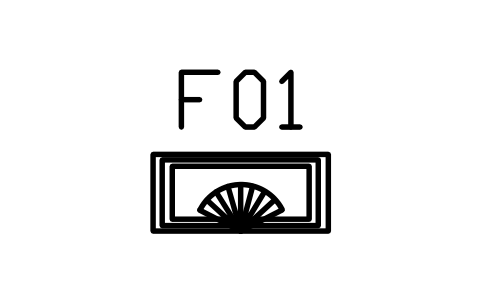
Shelf, ziggurat, 800 x 350
DEC_ZIGGURAT_800Attributes
TAGDESCRIPTIONWIDTH_MMDEPTH_MMHEIGHT_MMMATERIALFINISHQTYMANUFACTURERMODELREMARKSDESC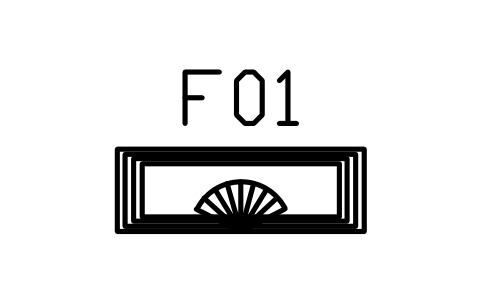
Shelf, ziggurat, 1200 x 400
DEC_ZIGGURAT_1200Attributes
TAGDESCRIPTIONWIDTH_MMDEPTH_MMHEIGHT_MMMATERIALFINISHQTYMANUFACTURERMODELREMARKSDESC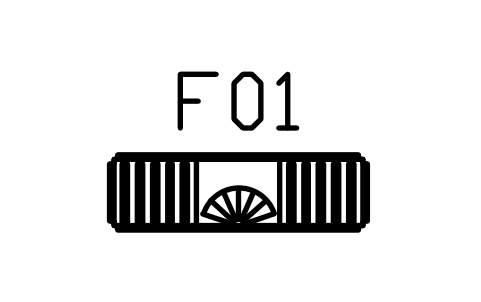
Bookcase, stepped, 1200 x 350
DEC_BOOKCASE_1200Attributes
TAGDESCRIPTIONWIDTH_MMDEPTH_MMHEIGHT_MMMATERIALFINISHQTYMANUFACTURERMODELREMARKSDESC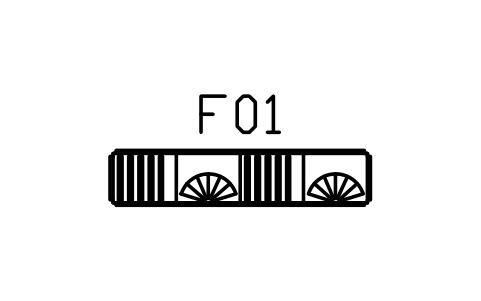
Bookcase, stepped, 1800 x 380
DEC_BOOKCASE_1800Attributes
TAGDESCRIPTIONWIDTH_MMDEPTH_MMHEIGHT_MMMATERIALFINISHQTYMANUFACTURERMODELREMARKSDESC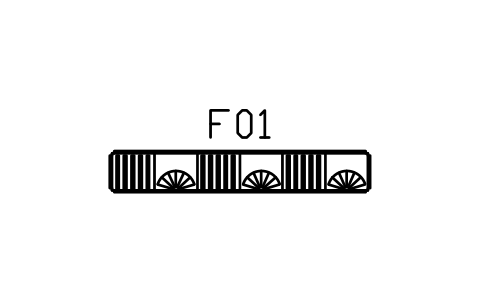
Bookcase, stepped, 2400 x 380
DEC_BOOKCASE_2400Attributes
TAGDESCRIPTIONWIDTH_MMDEPTH_MMHEIGHT_MMMATERIALFINISHQTYMANUFACTURERMODELREMARKSDESC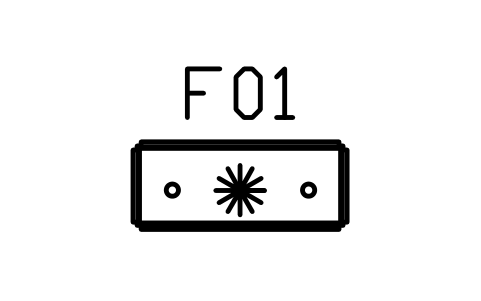
Radiogram cabinet, 1100 x 450
DEC_RADIOGRAMAttributes
TAGDESCRIPTIONWIDTH_MMDEPTH_MMHEIGHT_MMMATERIALFINISHQTYMANUFACTURERMODELREMARKSDESC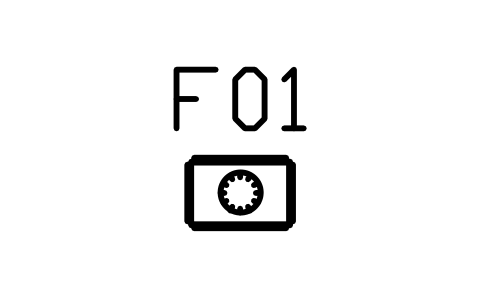
Tall case clock, 450 x 300
DEC_CLOCK_CASEAttributes
TAGDESCRIPTIONWIDTH_MMDEPTH_MMHEIGHT_MMMATERIALFINISHQTYMANUFACTURERMODELREMARKSDESC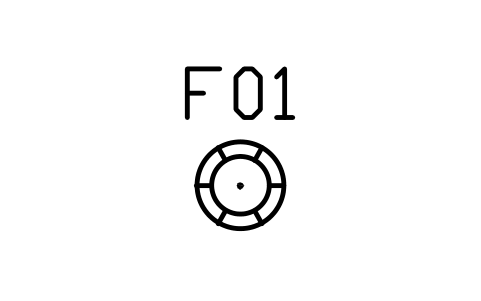
Coat stand, round, 450
DEC_COAT_STANDAttributes
TAGDESCRIPTIONWIDTH_MMDEPTH_MMHEIGHT_MMMATERIALFINISHQTYMANUFACTURERMODELREMARKSDESC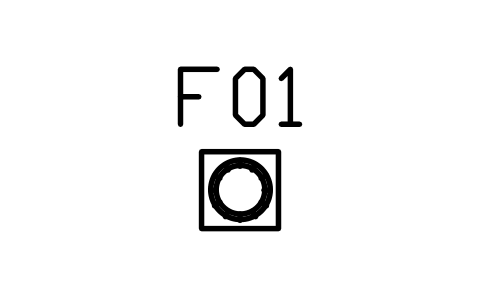
Pedestal, fluted column, 350
DEC_COLUMN_PEDAttributes
TAGDESCRIPTIONWIDTH_MMDEPTH_MMHEIGHT_MMMATERIALFINISHQTYMANUFACTURERMODELREMARKSDESC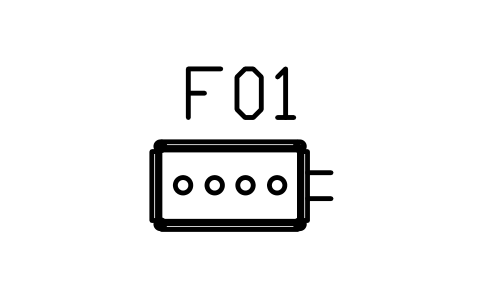
Bar cart, stepped, 800 x 450
DEC_BAR_CARTAttributes
TAGDESCRIPTIONWIDTH_MMDEPTH_MMHEIGHT_MMMATERIALFINISHQTYMANUFACTURERMODELREMARKSDESC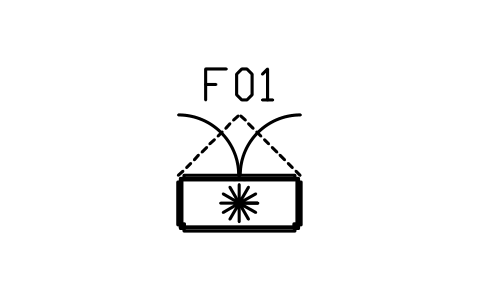
Bar cabinet, fan doors, 1000 x 450
DEC_BAR_CABINETAttributes
TAGDESCRIPTIONWIDTH_MMDEPTH_MMHEIGHT_MMMATERIALFINISHQTYMANUFACTURERMODELREMARKSDESC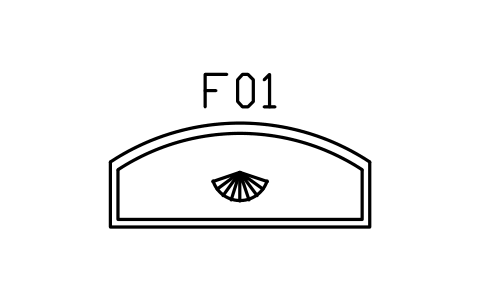
Bar counter, curved, 2000 x 800
DEC_BAR_2000Attributes
TAGDESCRIPTIONWIDTH_MMDEPTH_MMHEIGHT_MMMATERIALFINISHQTYMANUFACTURERMODELREMARKSDESC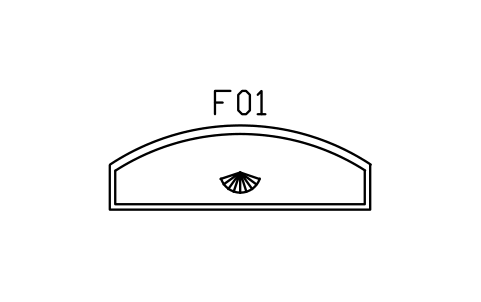
Bar counter, curved, 2800 x 900
DEC_BAR_2800Attributes
TAGDESCRIPTIONWIDTH_MMDEPTH_MMHEIGHT_MMMATERIALFINISHQTYMANUFACTURERMODELREMARKSDESC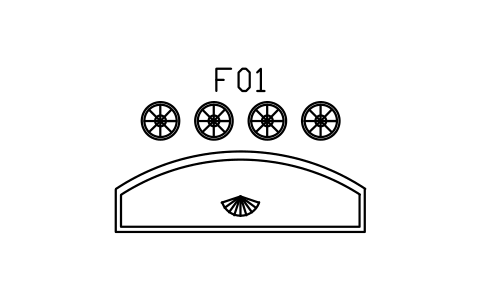
Bar counter 2800, four stools
DEC_BAR_SET_4Attributes
TAGDESCRIPTIONWIDTH_MMDEPTH_MMHEIGHT_MMMATERIALFINISHQTYMANUFACTURERMODELREMARKSDESC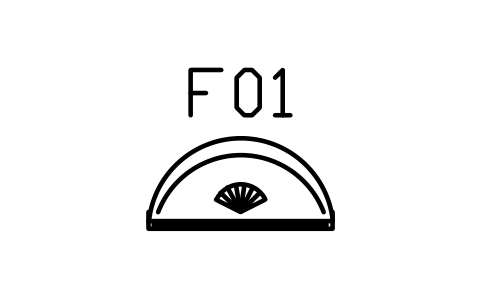
Vanity table, kidney, 1000 x 500
DEC_VANITY_1000Attributes
TAGDESCRIPTIONWIDTH_MMDEPTH_MMHEIGHT_MMMATERIALFINISHQTYMANUFACTURERMODELREMARKSDESC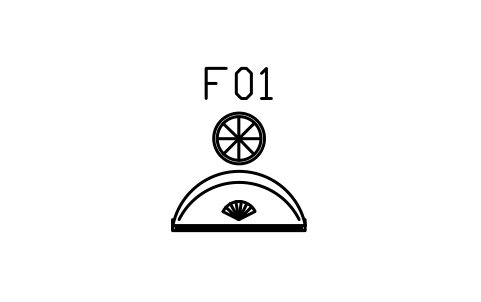
Vanity table with round stool, 1100
DEC_VANITY_SETAttributes
TAGDESCRIPTIONWIDTH_MMDEPTH_MMHEIGHT_MMMATERIALFINISHQTYMANUFACTURERMODELREMARKSDESC
Cocktail tray with shaker and cups, 500
DEC_COCKTAIL_TRAYAttributes
TAGDESCRIPTIONWIDTH_MMDEPTH_MMHEIGHT_MMMATERIALFINISHQTYMANUFACTURERMODELREMARKSDESC
Drinks trolley, round, two tier, 700
DEC_DRINKS_TROLLEYAttributes
TAGDESCRIPTIONWIDTH_MMDEPTH_MMHEIGHT_MMMATERIALFINISHQTYMANUFACTURERMODELREMARKSDESC
Mirror, sunburst, wall, 900
DEC_MIRROR_SUN_900Attributes
TAGDESCRIPTIONWIDTH_MMDEPTH_MMHEIGHT_MMMATERIALFINISHQTYMANUFACTURERMODELREMARKSDESC
Mirror, sunburst, wall, 1200
DEC_MIRROR_SUN_1200Attributes
TAGDESCRIPTIONWIDTH_MMDEPTH_MMHEIGHT_MMMATERIALFINISHQTYMANUFACTURERMODELREMARKSDESC
Mirror, stepped, wall, 1000
DEC_MIRROR_STEP_1000Attributes
TAGDESCRIPTIONWIDTH_MMDEPTH_MMHEIGHT_MMMATERIALFINISHQTYMANUFACTURERMODELREMARKSDESC
Mirror, stepped, wall, 1600
DEC_MIRROR_STEP_1600Attributes
TAGDESCRIPTIONWIDTH_MMDEPTH_MMHEIGHT_MMMATERIALFINISHQTYMANUFACTURERMODELREMARKSDESC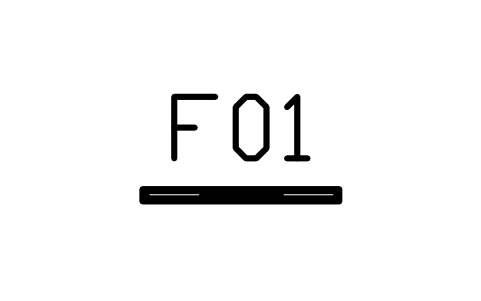
Mirror, round, framed, wall, 800
DEC_MIRROR_ROUND_800Attributes
TAGDESCRIPTIONWIDTH_MMDEPTH_MMHEIGHT_MMMATERIALFINISHQTYMANUFACTURERMODELREMARKSDESC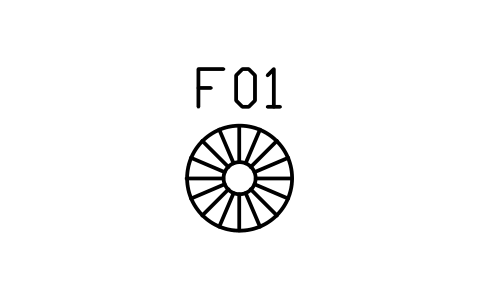
Pendant lamp, sunburst disc, 700
DEC_PENDANT_SUN_700Attributes
TAGDESCRIPTIONWIDTH_MMDEPTH_MMHEIGHT_MMMATERIALFINISHQTYMANUFACTURERMODELREMARKSDESC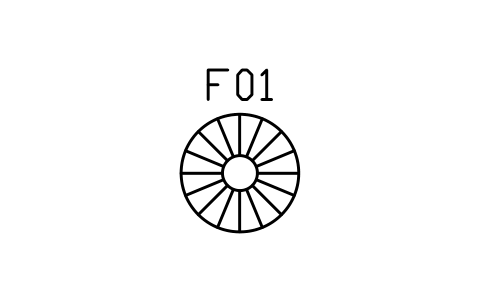
Pendant lamp, sunburst disc, 1000
DEC_PENDANT_SUN_1000Attributes
TAGDESCRIPTIONWIDTH_MMDEPTH_MMHEIGHT_MMMATERIALFINISHQTYMANUFACTURERMODELREMARKSDESC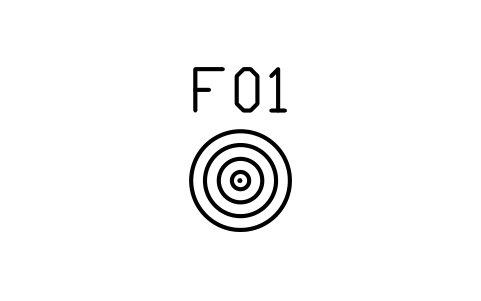
Pendant lamp, stepped tiers, 600
DEC_PENDANT_STEP_600Attributes
TAGDESCRIPTIONWIDTH_MMDEPTH_MMHEIGHT_MMMATERIALFINISHQTYMANUFACTURERMODELREMARKSDESC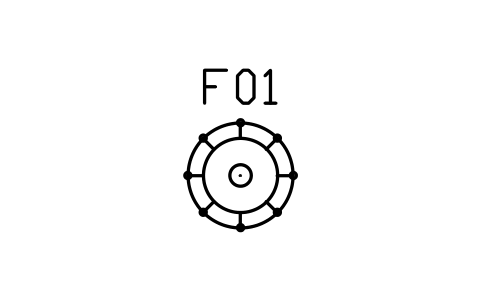
Chandelier, eight arms, 800
DEC_CHANDELIER_800Attributes
TAGDESCRIPTIONWIDTH_MMDEPTH_MMHEIGHT_MMMATERIALFINISHQTYMANUFACTURERMODELREMARKSDESC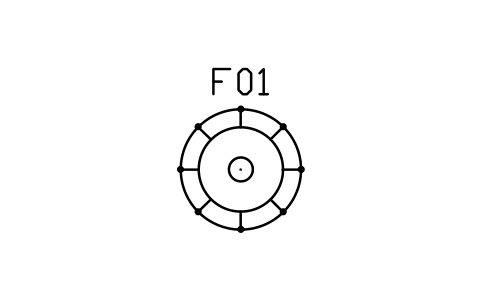
Chandelier, eight arms, 1200
DEC_CHANDELIER_1200Attributes
TAGDESCRIPTIONWIDTH_MMDEPTH_MMHEIGHT_MMMATERIALFINISHQTYMANUFACTURERMODELREMARKSDESC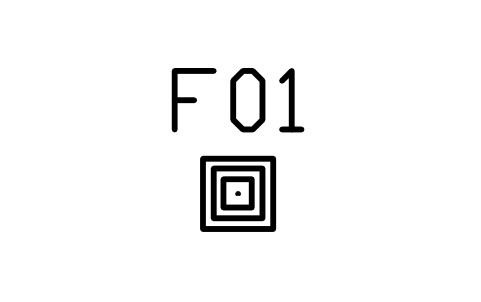
Table lamp, stepped base, 300
DEC_LAMP_STEPAttributes
TAGDESCRIPTIONWIDTH_MMDEPTH_MMHEIGHT_MMMATERIALFINISHQTYMANUFACTURERMODELREMARKSDESC
Table lamp, round base, 300
DEC_LAMP_ROUNDAttributes
TAGDESCRIPTIONWIDTH_MMDEPTH_MMHEIGHT_MMMATERIALFINISHQTYMANUFACTURERMODELREMARKSDESC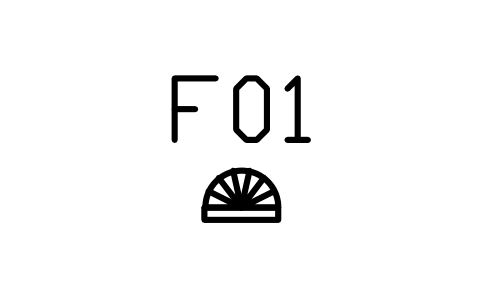
Wall sconce, fan, 300
DEC_SCONCE_FANAttributes
TAGDESCRIPTIONWIDTH_MMDEPTH_MMHEIGHT_MMMATERIALFINISHQTYMANUFACTURERMODELREMARKSDESC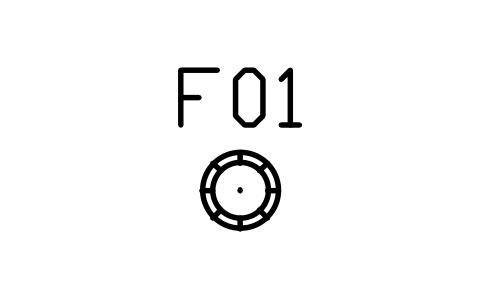
Floor lamp, torchiere, 350
DEC_TORCHIEREAttributes
TAGDESCRIPTIONWIDTH_MMDEPTH_MMHEIGHT_MMMATERIALFINISHQTYMANUFACTURERMODELREMARKSDESC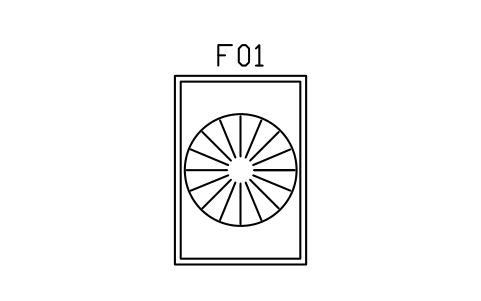
Rug, sunburst, 1600 x 2300
DEC_RUG_SUN_1600Attributes
TAGDESCRIPTIONWIDTH_MMDEPTH_MMHEIGHT_MMMATERIALFINISHQTYMANUFACTURERMODELREMARKSDESC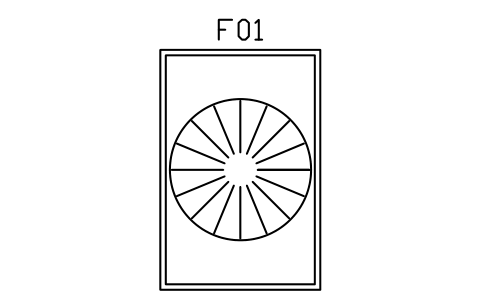
Rug, sunburst, 2000 x 3000
DEC_RUG_SUN_2000Attributes
TAGDESCRIPTIONWIDTH_MMDEPTH_MMHEIGHT_MMMATERIALFINISHQTYMANUFACTURERMODELREMARKSDESC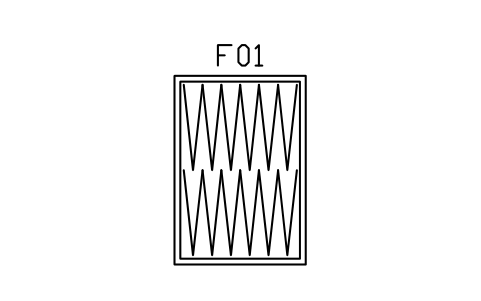
Rug, chevron, 1600 x 2300
DEC_RUG_CHEVRON_1600Attributes
TAGDESCRIPTIONWIDTH_MMDEPTH_MMHEIGHT_MMMATERIALFINISHQTYMANUFACTURERMODELREMARKSDESC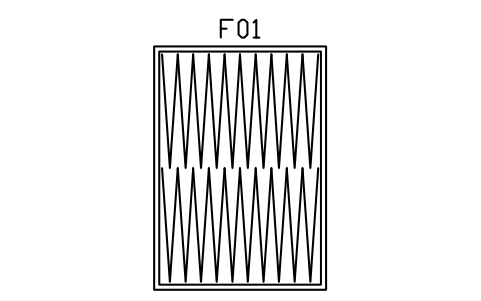
Rug, chevron, 2400 x 3400
DEC_RUG_CHEVRON_2400Attributes
TAGDESCRIPTIONWIDTH_MMDEPTH_MMHEIGHT_MMMATERIALFINISHQTYMANUFACTURERMODELREMARKSDESC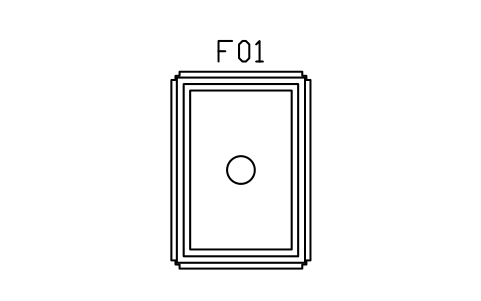
Rug, stepped border, 1700 x 2400
DEC_RUG_STEP_1700Attributes
TAGDESCRIPTIONWIDTH_MMDEPTH_MMHEIGHT_MMMATERIALFINISHQTYMANUFACTURERMODELREMARKSDESC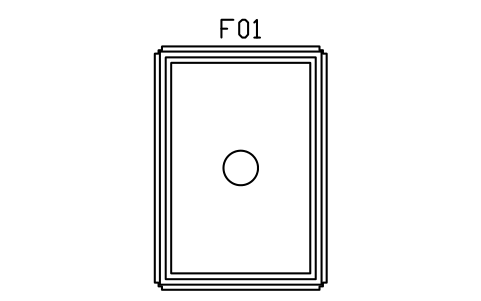
Rug, stepped border, 2400 x 3400
DEC_RUG_STEP_2400Attributes
TAGDESCRIPTIONWIDTH_MMDEPTH_MMHEIGHT_MMMATERIALFINISHQTYMANUFACTURERMODELREMARKSDESC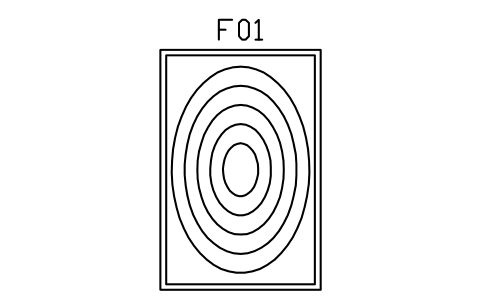
Rug, concentric ovals, 2000 x 3000
DEC_RUG_RINGS_2000Attributes
TAGDESCRIPTIONWIDTH_MMDEPTH_MMHEIGHT_MMMATERIALFINISHQTYMANUFACTURERMODELREMARKSDESC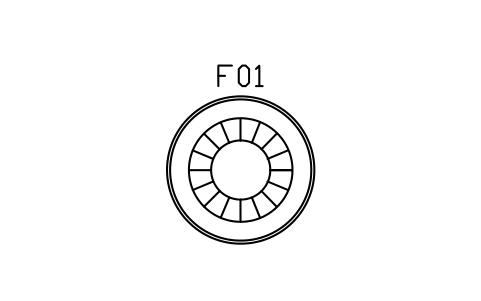
Rug, round, sunburst rings, 1800
DEC_RUG_ROUND_1800Attributes
TAGDESCRIPTIONWIDTH_MMDEPTH_MMHEIGHT_MMMATERIALFINISHQTYMANUFACTURERMODELREMARKSDESC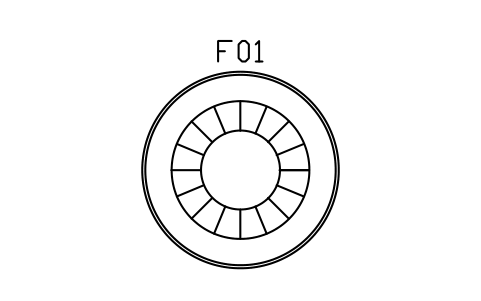
Rug, round, sunburst rings, 2400
DEC_RUG_ROUND_2400Attributes
TAGDESCRIPTIONWIDTH_MMDEPTH_MMHEIGHT_MMMATERIALFINISHQTYMANUFACTURERMODELREMARKSDESC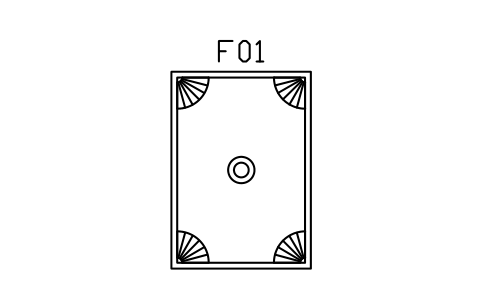
Rug, fan corners, 1700 x 2400
DEC_RUG_FAN_1700Attributes
TAGDESCRIPTIONWIDTH_MMDEPTH_MMHEIGHT_MMMATERIALFINISHQTYMANUFACTURERMODELREMARKSDESC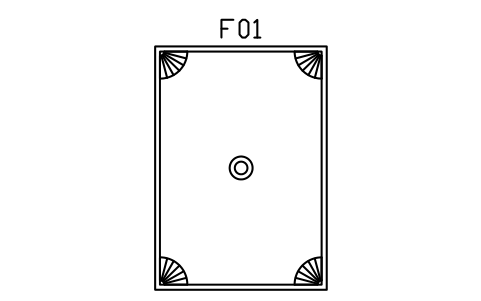
Rug, fan corners, 2400 x 3400
DEC_RUG_FAN_2400Attributes
TAGDESCRIPTIONWIDTH_MMDEPTH_MMHEIGHT_MMMATERIALFINISHQTYMANUFACTURERMODELREMARKSDESC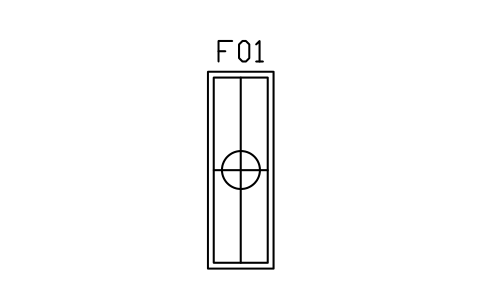
Rug, runner, stepped, 800 x 2400
DEC_RUG_RUNNERAttributes
TAGDESCRIPTIONWIDTH_MMDEPTH_MMHEIGHT_MMMATERIALFINISHQTYMANUFACTURERMODELREMARKSDESC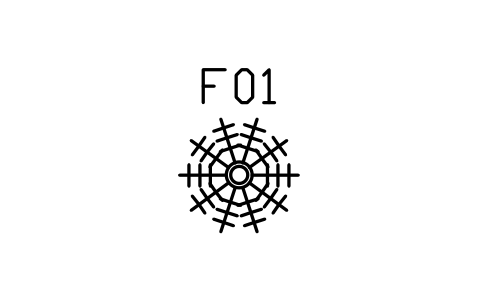
Palm in urn, 900
DEC_PALM_URN_900Attributes
TAGDESCRIPTIONWIDTH_MMDEPTH_MMHEIGHT_MMMATERIALFINISHQTYMANUFACTURERMODELREMARKSDESC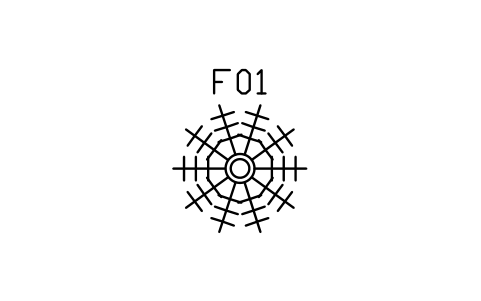
Palm in urn, large, 1400
DEC_PALM_URN_1400Attributes
TAGDESCRIPTIONWIDTH_MMDEPTH_MMHEIGHT_MMMATERIALFINISHQTYMANUFACTURERMODELREMARKSDESC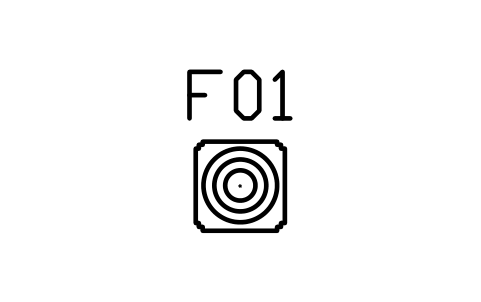
Urn on stepped plinth, 400
DEC_URN_PLINTHAttributes
TAGDESCRIPTIONWIDTH_MMDEPTH_MMHEIGHT_MMMATERIALFINISHQTYMANUFACTURERMODELREMARKSDESC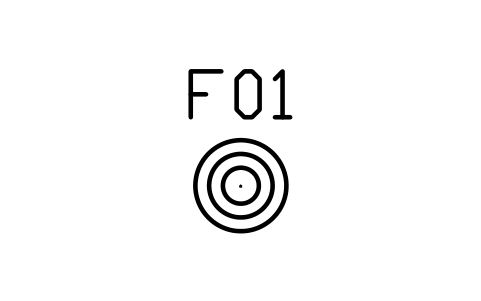
Urn, floor, 500
DEC_URN_FLOORAttributes
TAGDESCRIPTIONWIDTH_MMDEPTH_MMHEIGHT_MMMATERIALFINISHQTYMANUFACTURERMODELREMARKSDESC
Vase, table, 200
DEC_VASE_TABLEAttributes
TAGDESCRIPTIONWIDTH_MMDEPTH_MMHEIGHT_MMMATERIALFINISHQTYMANUFACTURERMODELREMARKSDESC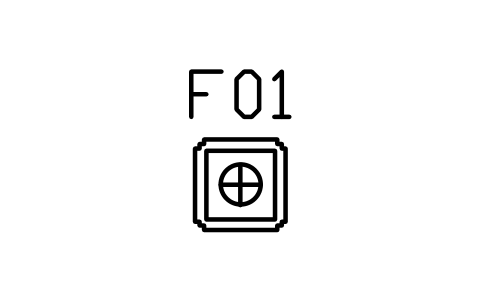
Statue on plinth, 500
DEC_STATUE_PLINTHAttributes
TAGDESCRIPTIONWIDTH_MMDEPTH_MMHEIGHT_MMMATERIALFINISHQTYMANUFACTURERMODELREMARKSDESC
Curtain, pleated, with pelmet, 1800
DEC_CURTAIN_1800Attributes
TAGDESCRIPTIONWIDTH_MMDEPTH_MMHEIGHT_MMMATERIALFINISHQTYMANUFACTURERMODELREMARKSDESC
Curtain, pleated, with pelmet, 2800
DEC_CURTAIN_2800Attributes
TAGDESCRIPTIONWIDTH_MMDEPTH_MMHEIGHT_MMMATERIALFINISHQTYMANUFACTURERMODELREMARKSDESC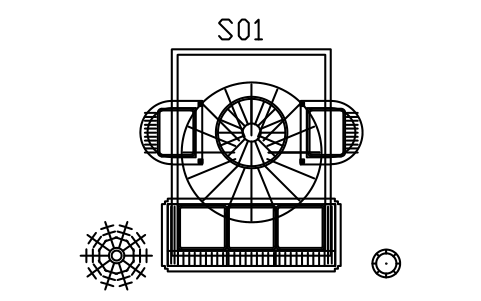
Living room set, small, 3400 x 3600
DEC_SET_LIVING_SMALLAttributes
TAGDESCRIPTIONWIDTH_MMDEPTH_MMHEIGHT_MMMATERIALFINISHQTYMANUFACTURERMODELREMARKSDESC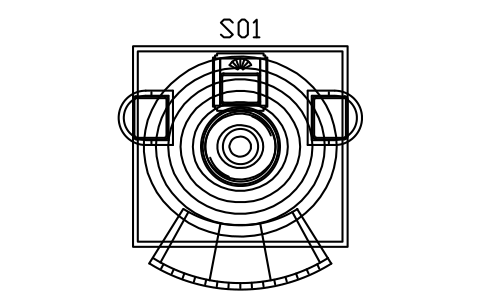
Living set, crescent sofa, 4200 x 4000
DEC_SET_LIVING_CRESCENTAttributes
TAGDESCRIPTIONWIDTH_MMDEPTH_MMHEIGHT_MMMATERIALFINISHQTYMANUFACTURERMODELREMARKSDESC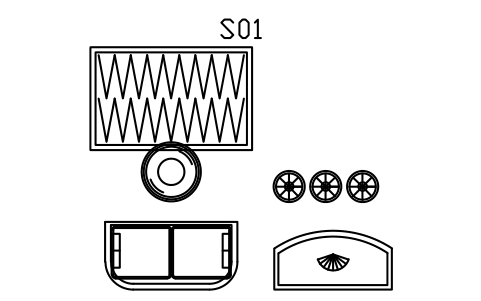
Cocktail lounge set, 4400 x 3400
DEC_SET_LOUNGE_COCKTAILAttributes
TAGDESCRIPTIONWIDTH_MMDEPTH_MMHEIGHT_MMMATERIALFINISHQTYMANUFACTURERMODELREMARKSDESC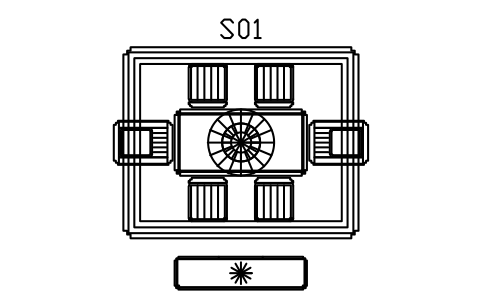
Dining set, six chairs, 3800 x 3400
DEC_SET_DINING_6Attributes
TAGDESCRIPTIONWIDTH_MMDEPTH_MMHEIGHT_MMMATERIALFINISHQTYMANUFACTURERMODELREMARKSDESC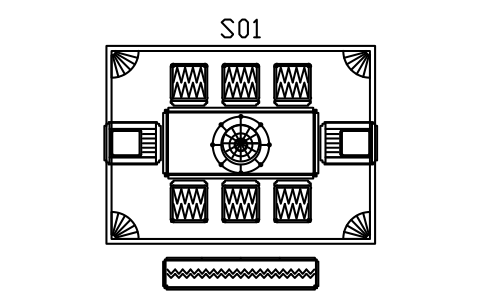
Dining set, eight chairs, 4400 x 3600
DEC_SET_DINING_8Attributes
TAGDESCRIPTIONWIDTH_MMDEPTH_MMHEIGHT_MMMATERIALFINISHQTYMANUFACTURERMODELREMARKSDESC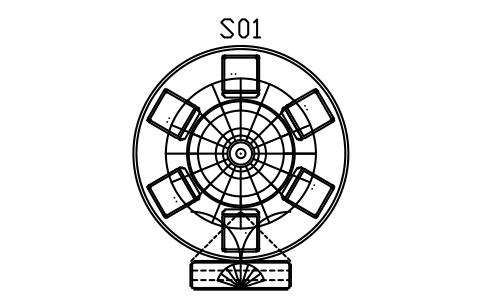
Dining set, round table, 3600 x 3600
DEC_SET_DINING_ROUNDAttributes
TAGDESCRIPTIONWIDTH_MMDEPTH_MMHEIGHT_MMMATERIALFINISHQTYMANUFACTURERMODELREMARKSDESC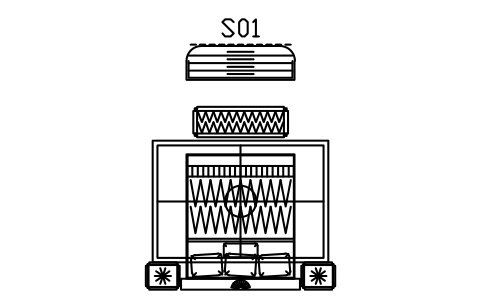
Bedroom set, fan bed, 4000 x 3600
DEC_SET_BEDROOM_DOUBLEAttributes
TAGDESCRIPTIONWIDTH_MMDEPTH_MMHEIGHT_MMMATERIALFINISHQTYMANUFACTURERMODELREMARKSDESC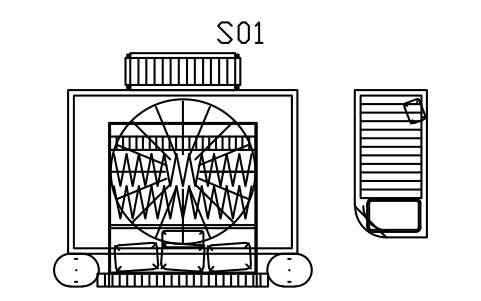
Bedroom set, king bed, 4800 x 3800
DEC_SET_BEDROOM_KINGAttributes
TAGDESCRIPTIONWIDTH_MMDEPTH_MMHEIGHT_MMMATERIALFINISHQTYMANUFACTURERMODELREMARKSDESC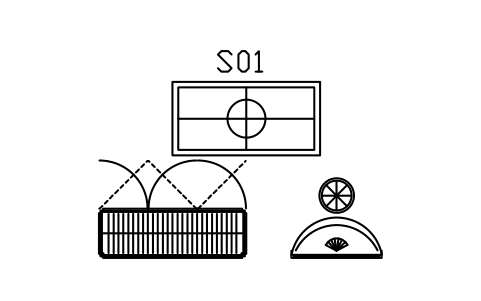
Dressing room set, 3600 x 2600
DEC_SET_DRESSINGAttributes
TAGDESCRIPTIONWIDTH_MMDEPTH_MMHEIGHT_MMMATERIALFINISHQTYMANUFACTURERMODELREMARKSDESC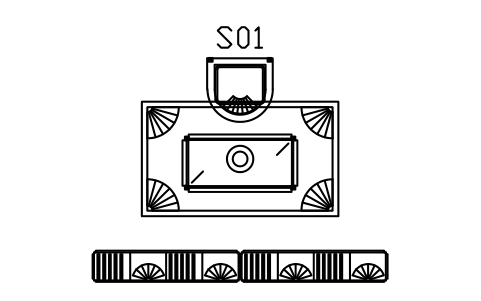
Study set, desk and shelves, 3600 x 3000
DEC_SET_STUDYAttributes
TAGDESCRIPTIONWIDTH_MMDEPTH_MMHEIGHT_MMMATERIALFINISHQTYMANUFACTURERMODELREMARKSDESC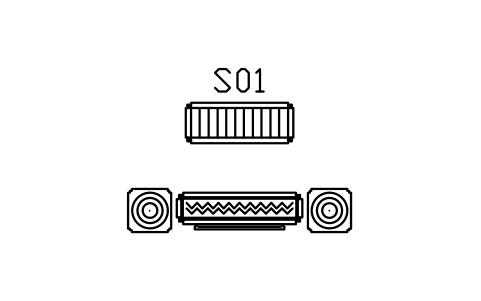
Entrance hall set, 2800 x 1800
DEC_SET_HALLAttributes
TAGDESCRIPTIONWIDTH_MMDEPTH_MMHEIGHT_MMMATERIALFINISHQTYMANUFACTURERMODELREMARKSDESC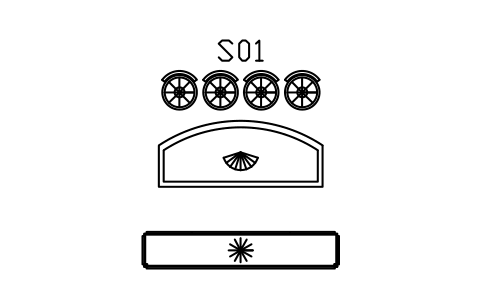
Home bar set, 3600 x 2600
DEC_SET_HOME_BARAttributes
TAGDESCRIPTIONWIDTH_MMDEPTH_MMHEIGHT_MMMATERIALFINISHQTYMANUFACTURERMODELREMARKSDESC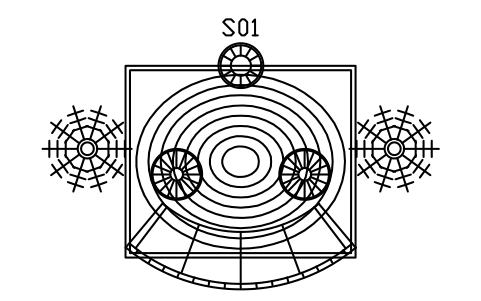
Hotel lounge set, 5200 x 4400
DEC_SET_LOUNGE_BARAttributes
TAGDESCRIPTIONWIDTH_MMDEPTH_MMHEIGHT_MMMATERIALFINISHQTYMANUFACTURERMODELREMARKSDESC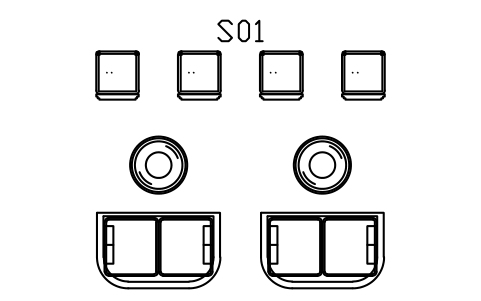
Cafe set, bistro tables, 4000 x 3000
DEC_SET_BISTROAttributes
TAGDESCRIPTIONWIDTH_MMDEPTH_MMHEIGHT_MMMATERIALFINISHQTYMANUFACTURERMODELREMARKSDESC
Missing a symbol? Tell us which one.
Attributes for parts lists
Every block has a visible tag (F01 for a piece of furniture, T01 for a table, C01 for a chair, B01 for a bed, S01 for a room set). The data for a schedule are invisible attributes: DESCRIPTION, WIDTH_MM, DEPTH_MM, HEIGHT_MM, MATERIAL, FINISH and QTY, plus MANUFACTURER and MODEL.
Width, depth and height are prefilled with the size named in the block, so a furniture schedule can be read straight from the drawing. Export the blocks of all drawings to Excel with BlockSync to build a schedule or a quantity list, check it and write the changes back.
How to use the library
- Unzip the file and open the DWG. Copy the symbols you need into your plan, or drag the blocks in from DesignCenter (ADCENTER).
- Insert the blocks at scale 1 in model space; they are drawn at real size in millimetres. The catalog in the file shows them at 1:100.
- A piece is inserted at the centre of its back edge: sofas, cabinets and beds sit with the back or the head against the wall and the front faces into the room. Round tables, stools and rugs are inserted at their centre. A room set is inserted at the centre of the back edge of its main piece. Use ROTATE for other directions and MIRROR for the other hand.
- Every group of pieces also comes as a room set: a block that holds the sofa, club chairs, round table and rug of a living room, a crescent sofa with a mirrored table, a cocktail lounge with a settee and a curved bar, a dining table with its chairs, pendant and sideboard, a bedroom with a fan bed, bedsides and bench, a dressing room, a study, a hall, a home bar, a hotel lounge or a cafe. Insert the set for a quick layout and explode it when you want to move single pieces; the same pieces are in the library on their own. Fans, chevrons, channel tufting and stepped corners are drawn as plan-view detail, and cabinets show their door swing as a dashed leaf and arc so you can see the clearance in front.
About the style
There is no standard for furniture plan symbols. The art deco look is drawn after its common traits: stepped (ziggurat) corners, sunburst and fan motifs, chevrons, channel tufting, curved barrel and crescent sofas, round tables with radiating veneer, double-line inlay borders, waterfall ends and fluted legs.
These symbols are our own drawings after the common design conventions of the style, and the library is not certified against any standard. Check them against your project and change the blocks if yours differ.
What changed in each version
Version 1.0 · October 29, 2026
New symbols (165)
Sofa, channel back, two seater · Sofa, channel back, three seater · Sofa, channel back, four seater · Sofa, fan arms, two seater · Sofa, fan arms, three seater · Sofa, chevron seats, three seater · Sofa, chevron seats, four seater · Sofa, curved crescent, 2600 · Sofa, curved crescent, 3400 · Sofa, curved crescent, plain, 2600 · Settee, round back, 1500 · Settee, round back, 1800 · Chaise longue, curved head, 1800 · Chaise longue, curved head, 2000 · Daybed, stepped ends, 1900 x 900 · Bench, stepped, channel seat, 1200 x 450 · Bench, stepped, channel seat, 1600 x 450 · Bench, stepped, chevron seat, 1400 x 450 · Ottoman, round, fluted, 700 · Ottoman, round, sunburst, 900 · Ottoman, square, stepped, 700 · Pouf, round, tufted, 600 · Club chair, barrel, channel back · Club chair, barrel, fan back · Club chair, barrel, wide, 900 · Tub chair, closed back · Tub chair, closed back, wide, 900 · Armchair, stepped arms, channel back · Armchair, stepped arms, fan back · Armchair, stepped arms, wide, 900 · Dining chair, channel seat, stepped back · Dining chair, chevron seat, stepped back · Dining chair, round seat inlay · Dining chair, shell back, fan · Dining chair with arms, stepped, 600 · Stool, round, fluted, 400 · Bar stool, round, 420 · Bar stool, round, curved back · Vanity stool, round, tufted, 450 · Coffee table, round, sunburst, 900 · 125 more
Frequently asked questions
- Are these symbols to a standard?
- No. Furniture plan symbols have no binding standard, and art deco is a design look, not a rule set. The blocks follow its common traits and can be changed to match your project.
- What are the room sets?
- Ready-made groups of pieces as one block each, for example a living room with sofa, club chairs, round table and sunburst rug, a living room with a crescent sofa, a cocktail lounge with a settee and a curved bar, dining rooms with six or eight chairs or a round table, bedrooms with a fan or channel-tufted bed, a dressing room, a study, an entrance hall, a home bar, a hotel lounge and a cafe. Explode a set to work on single pieces.
- Can I use the symbols in commercial projects?
- Yes. They are free to use and modify in your own projects, including commercial ones. They are provided as is, without warranty. Please do not redistribute or resell the library; see the library terms.
- Can I use these together with the architectural furniture library?
- Yes. They use the same units, the same attributes and the same insertion rule, so the libraries can be used in one plan. This one adds the art deco look; the architectural library has the plain everyday pieces, the doors, the windows and the bathroom and kitchen fittings, and the classic furniture library has the traditional period pieces.
- Can I change a symbol or add attributes?
- Yes. Open the DWG, edit a block with BEDIT to change it or add attributes, and save. To update drawings that already contain the block, run ATTSYNC or replace the block. Make a backup first: attribute values can be lost if ATTSYNC is used carelessly.
- Are the floor, wallpaper and material patterns hatches?
- No, they are blocks made of thin lines. Insert one, scale it to the area you want to show and copy it to cover more (ARRAY), or use it as a legend sample next to your finish schedule. For large areas the hatch patterns of your CAD program are the better choice.
- Should I download this library or one of the smaller topic libraries (furniture, doors and windows, bathroom and kitchen, stairs, walls and roofs)?
- This one has everything in a single file. If you need only one topic, the topic library holds the same blocks in a smaller file, and the furniture library adds front elevations of the furniture.
- Where do I find a ready-made set of these symbols for AutoCAD?
- AutoCAD itself ships only a small set of sample blocks, so a full symbol set has to come from a library. Download the ZIP on this page and open the DWG: every symbol is a block. Insert one with INSERT (Blocks palette, Libraries tab, then pick the DWG) or drag it from DesignCenter (ADCENTER). You can also download a single symbol on its own.
Count the symbols and build a parts list
Because ratings and part numbers are attributes, the symbols of a whole project can be counted and listed without opening the drawings. Export the blocks to Excel, total them with a pivot table and write corrections back in one run, with preview and backup.
See how to count blocks with BlockSync