
ResourcesDWG symbol librariesCommon electrical symbols (IEC 60617)
Symbol elements, links and actuators
Common electrical symbols (IEC 60617): Symbol elements, links and actuators: 90 ready-made AutoCAD blocks (DWG), free to download and use in your own projects, as a ZIP or one symbol at a time.
90 blocks: object, envelope and boundary marks, current and polarity marks, adjustability and variability, motion, effects and radiation, mechanical links, delayed action, detents, brakes and gearing, manual, mechanical, pneumatic, electric and process actuators.
Version 1.1 · updated October 25, 2026 · Check out what's changed
Using AutoCAD 2017 or an earlier version? Download the 2010 format
Free to use and modify in your own projects, including commercial ones. The ZIP holds one plain DWG file in AutoCAD 2018 format and a README; no add-in needed. Provided as is, without warranty.
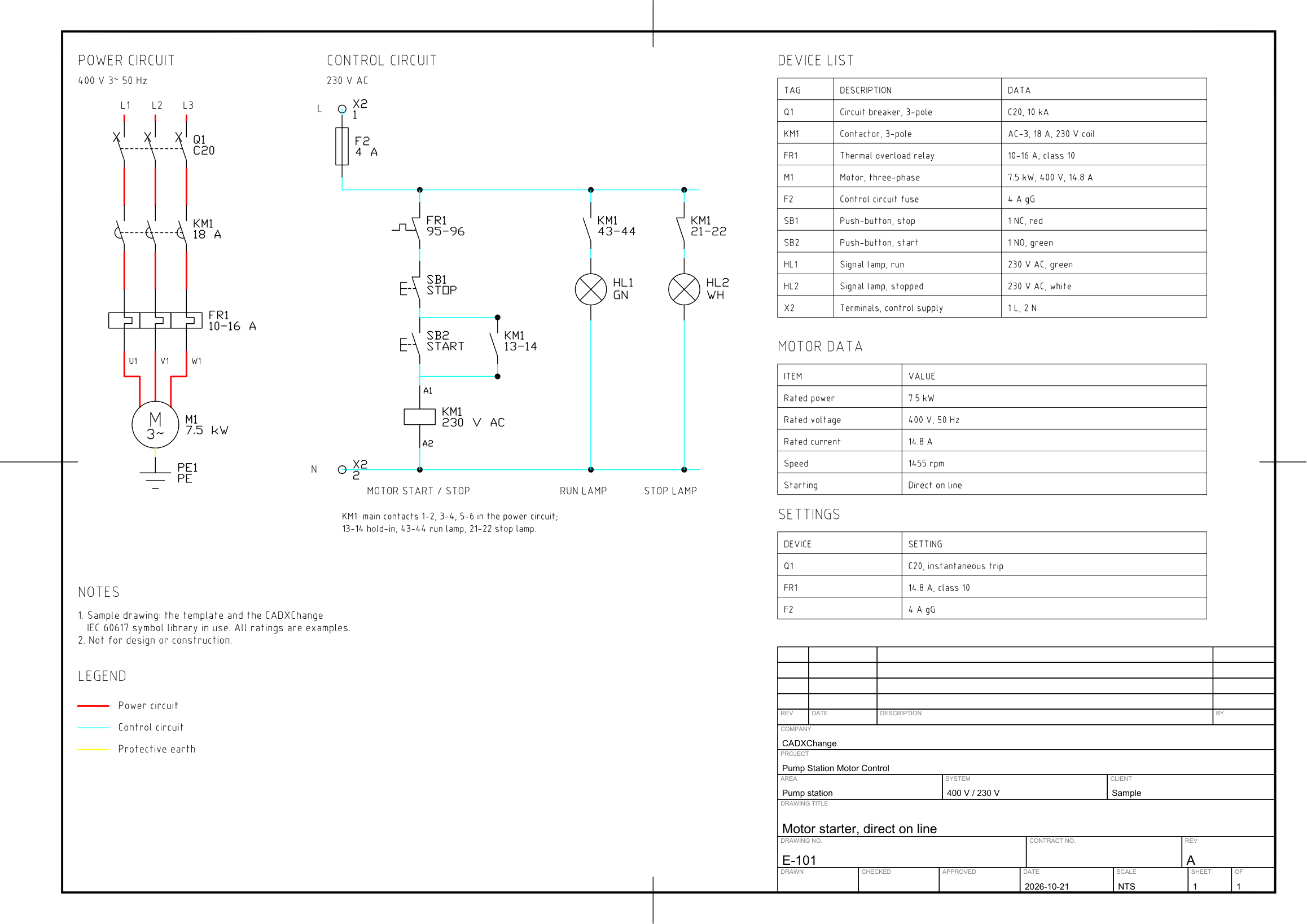
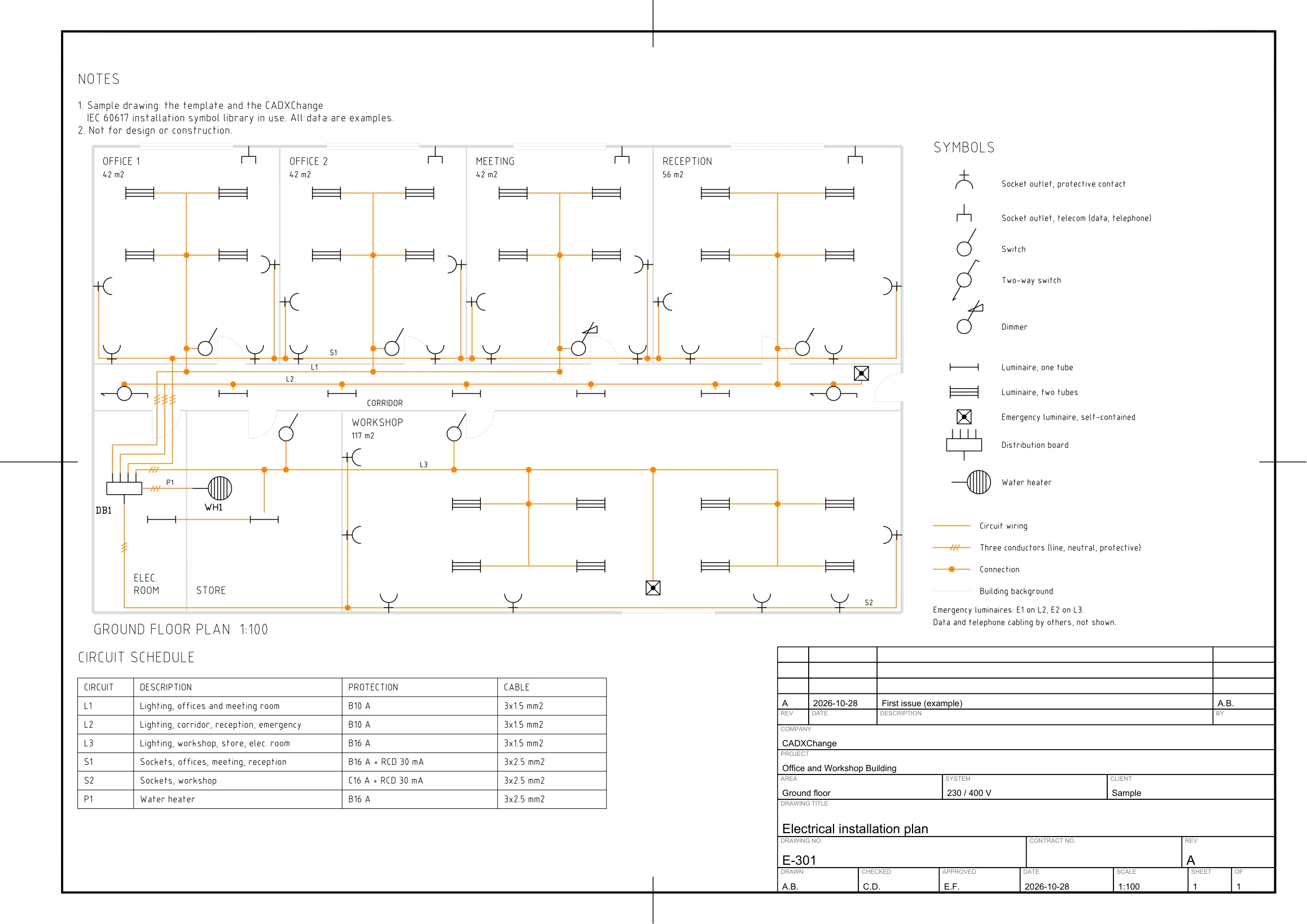
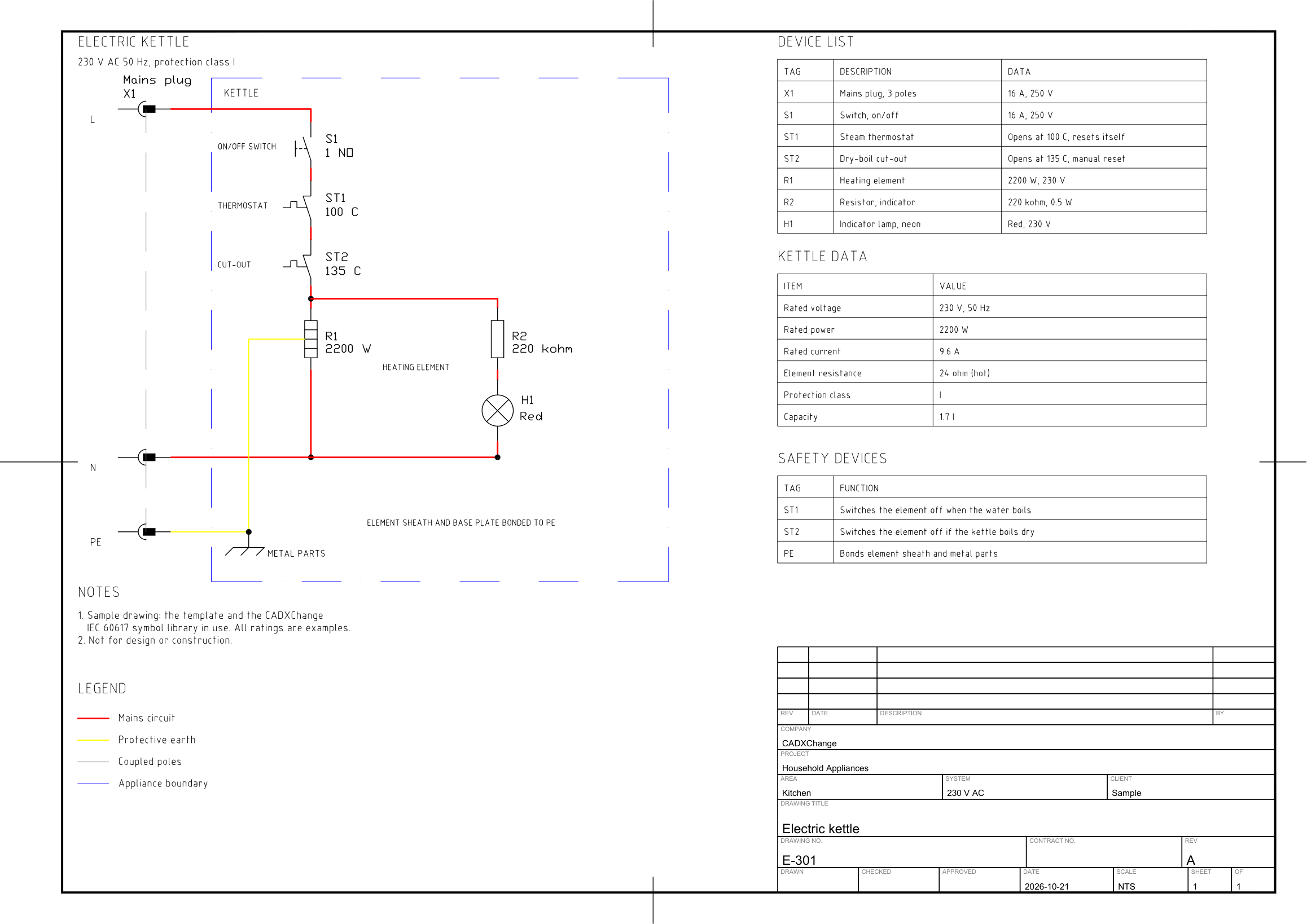
Sample drawings made with this library
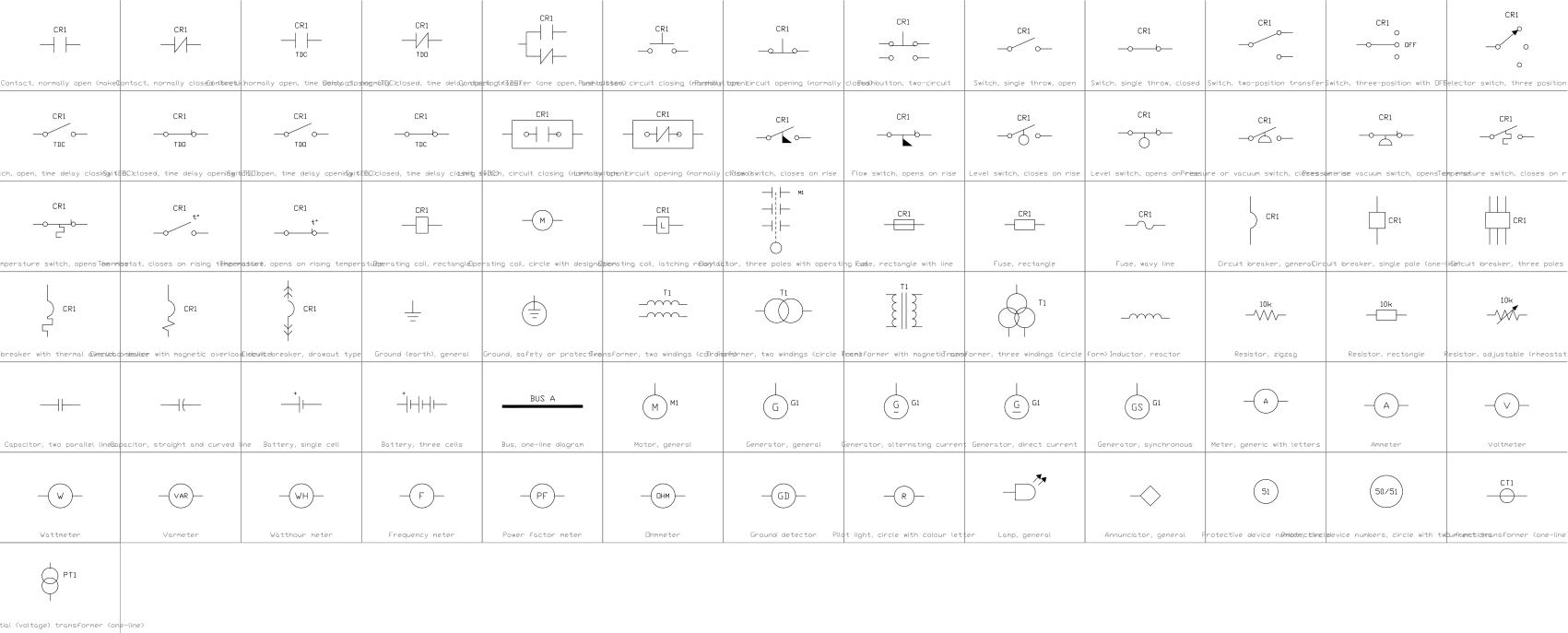
Related symbol libraries
Works well with these tools
 Need to count these symbols across your drawings?Export every symbol and its attributes from a whole drawing set to Excel, edit the rows and write them back.See BlockSync
 Revised a symbol and need to know what changed?Compare two revisions of a drawing set block by block and get a report of what was added, removed or modified.See BlockCompare
 Which drawings use this symbol?Search blocks and text across hundreds of drawings at once, then jump straight to the match.See DwgSearch
All 90 symbols
90 of 90 symbols


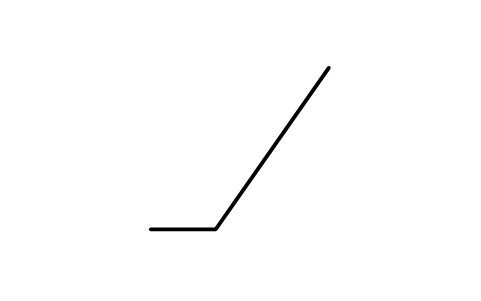




Actuator, manual, general
IEC_ACT_MANUALAttributes
ACTUATORACTUATIONMANUFACTURERMODELREMARKSSTD_CLAUSESTD_REFDESC
Actuator, manual, protected
IEC_ACT_MANUAL_PROTECTEDAttributes
ACTUATORACTUATIONMANUFACTURERMODELREMARKSSTD_CLAUSESTD_REFDESC
Actuator, operated by pulling
IEC_ACT_PULLAttributes
ACTUATORACTUATIONMANUFACTURERMODELREMARKSSTD_CLAUSESTD_REFDESC

Actuator, operated by pushing
IEC_ACT_PUSHAttributes
ACTUATORACTUATIONMANUFACTURERMODELREMARKSSTD_CLAUSESTD_REFDESC
Actuator, proximity effect
IEC_ACT_PROXIMITYAttributes
ACTUATORACTUATIONMANUFACTURERMODELREMARKSSTD_CLAUSESTD_REFDESC
Actuator, touching
IEC_ACT_TOUCHAttributes
ACTUATORACTUATIONMANUFACTURERMODELREMARKSSTD_CLAUSESTD_REFDESC
Actuator, emergency (mushroom)
IEC_ACT_EMERGENCYAttributes
ACTUATORACTUATIONMANUFACTURERMODELREMARKSSTD_CLAUSESTD_REFDESC
Actuator, handwheel
IEC_ACT_HANDWHEELAttributes
ACTUATORACTUATIONMANUFACTURERMODELREMARKSSTD_CLAUSESTD_REFDESC
Actuator, pedal
IEC_ACT_PEDALAttributes
ACTUATORACTUATIONMANUFACTURERMODELREMARKSSTD_CLAUSESTD_REFDESC
Actuator, lever
IEC_ACT_LEVERAttributes
ACTUATORACTUATIONMANUFACTURERMODELREMARKSSTD_CLAUSESTD_REFDESC
Actuator, removable handle
IEC_ACT_REMOVABLE_HANDLEAttributes
ACTUATORACTUATIONMANUFACTURERMODELREMARKSSTD_CLAUSESTD_REFDESC
Actuator, operated by key
IEC_ACT_KEYAttributes
ACTUATORACTUATIONMANUFACTURERMODELREMARKSSTD_CLAUSESTD_REFDESC
Actuator, operated by crank
IEC_ACT_CRANKAttributes
ACTUATORACTUATIONMANUFACTURERMODELREMARKSSTD_CLAUSESTD_REFDESC
Actuator, operated by roller
IEC_ACT_ROLLERAttributes
ACTUATORACTUATIONMANUFACTURERMODELREMARKSSTD_CLAUSESTD_REFDESC
Actuator, operated by cam
IEC_ACT_CAMAttributes
ACTUATORACTUATIONMANUFACTURERMODELREMARKSSTD_CLAUSESTD_REFDESC
Actuator, cam profile
IEC_ACT_CAM_PROFILEAttributes
ACTUATORACTUATIONMANUFACTURERMODELREMARKSSTD_CLAUSESTD_REFDESC
Actuator, cam profile plate
IEC_ACT_PROFILE_PLATEAttributes
ACTUATORACTUATIONMANUFACTURERMODELREMARKSSTD_CLAUSESTD_REFDESC
Actuator, cam and roller
IEC_ACT_CAM_ROLLERAttributes
ACTUATORACTUATIONMANUFACTURERMODELREMARKSSTD_CLAUSESTD_REFDESC
Actuator, stored mechanical energy
IEC_ACT_STORED_ENERGYAttributes
ACTUATORACTUATIONMANUFACTURERMODELREMARKSSTD_CLAUSESTD_REFDESC
Actuator, pneumatic, single action
IEC_ACT_PNEUMATIC_SINGLEAttributes
ACTUATORACTUATIONMANUFACTURERMODELREMARKSSTD_CLAUSESTD_REFDESC
Actuator, pneumatic, double action
IEC_ACT_PNEUMATIC_DOUBLEAttributes
ACTUATORACTUATIONMANUFACTURERMODELREMARKSSTD_CLAUSESTD_REFDESC
Actuator, electromagnetic
IEC_ACT_ELECTROMAGNETICAttributes
ACTUATORACTUATIONMANUFACTURERMODELREMARKSSTD_CLAUSESTD_REFDESC
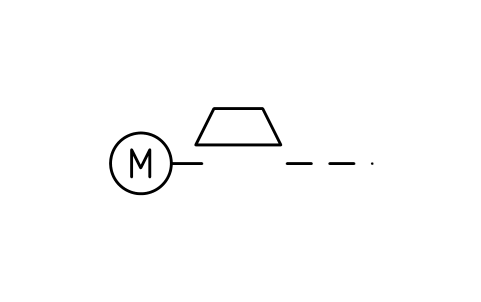
Actuator, electric motor
IEC_ACT_MOTORAttributes
ACTUATORACTUATIONMANUFACTURERMODELREMARKSSTD_CLAUSESTD_REFDESC
Actuator, electric clock
IEC_ACT_CLOCKAttributes
ACTUATORACTUATIONMANUFACTURERMODELREMARKSSTD_CLAUSESTD_REFDESC
Actuator, semiconductor
IEC_ACT_SEMICONDUCTORAttributes
ACTUATORACTUATIONMANUFACTURERMODELREMARKSSTD_CLAUSESTD_REFDESC
Actuator, liquid level
IEC_ACT_LIQUID_LEVELAttributes
ACTUATORACTUATIONMANUFACTURERMODELREMARKSSTD_CLAUSESTD_REFDESC
Actuator, counter
IEC_ACT_COUNTERAttributes
ACTUATORACTUATIONMANUFACTURERMODELREMARKSSTD_CLAUSESTD_REFDESC
Actuator, fluid flow
IEC_ACT_FLUID_FLOWAttributes
ACTUATORACTUATIONMANUFACTURERMODELREMARKSSTD_CLAUSESTD_REFDESC
Actuator, gas flow
IEC_ACT_GAS_FLOWAttributes
ACTUATORACTUATIONMANUFACTURERMODELREMARKSSTD_CLAUSESTD_REFDESC
Actuator, relative humidity
IEC_ACT_HUMIDITYAttributes
ACTUATORACTUATIONMANUFACTURERMODELREMARKSSTD_CLAUSESTD_REFDESC
Missing a symbol? Tell us which one.
Attributes for parts lists
Every block has a visible TAG attribute and the key parameter next to the symbol: the resistance of a resistor, the rated current of a breaker, the type of a transistor, the rated power of a motor. The other parameters (voltage, tolerance, breaking capacity, speed, frequency, contact numbers and so on) are attributes that do not show on the sheet.
Nearly all blocks also have MANUFACTURER and PART_NO, and every block has a DESC attribute holding the name of the symbol. Fill them in with the attribute editor, or export them from many drawings to Excel for a bill of materials and write the changes back with BlockSync. Many symbols also carry the entry number of IEC 60617 (STD_CLAUSE, for example 07-13-06) and the number in the standard's database (STD_REF, for example S00288) as invisible attributes, so a symbol can be found in the standard and listed in a schedule.
How to use the library
- Unzip the file and open the DWG. Copy the symbols you need into your drawing, or drag the blocks in from DesignCenter (ADCENTER).
- Insert a block and snap to the 5 mm grid. The insertion point is terminal 1, so the symbol lands exactly on the end of the wire.
- Fill in the tag, then double-click the block (or run EATTEDIT) to enter the rating, the type and the part number.
- To count symbols or list the attributes of many drawings, export the blocks to Excel with BlockSync and write corrected values back.
What changed in each version
Version 1.1 · October 25, 2026
The dimmer symbol now follows the IEC 60617 drawing: the switch stroke runs through the triangle.