
Free AutoCAD instrumentation symbols (DWG), ISA 5.1 style
Instrumentation symbols (ISA 5.1 style): 133 ready-made AutoCAD blocks (DWG), free to download and use in your own projects, as a ZIP or one symbol at a time.
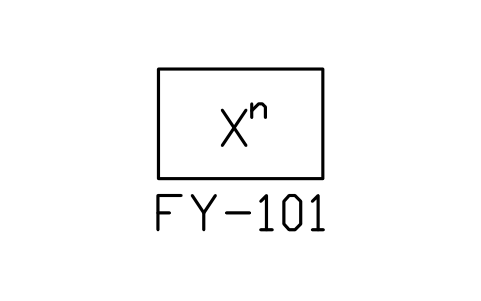
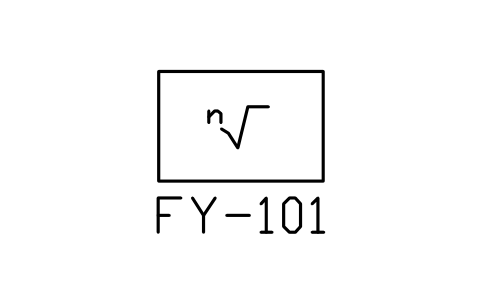
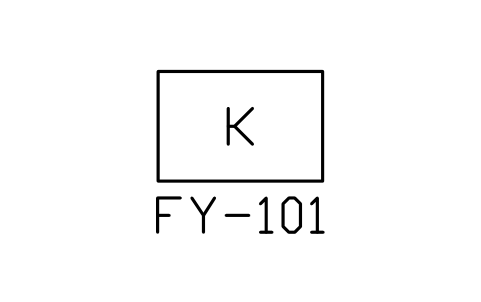
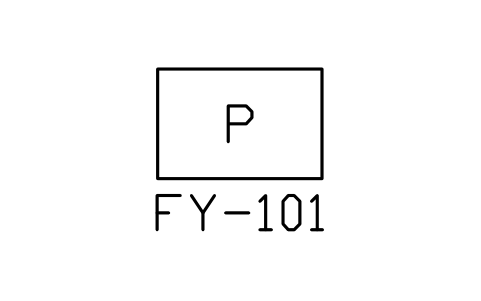
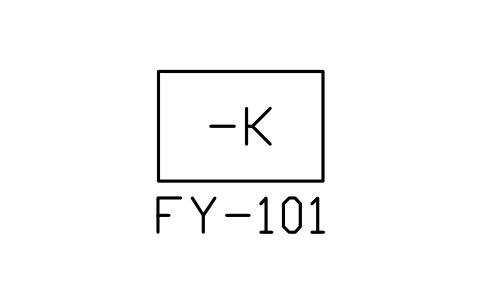
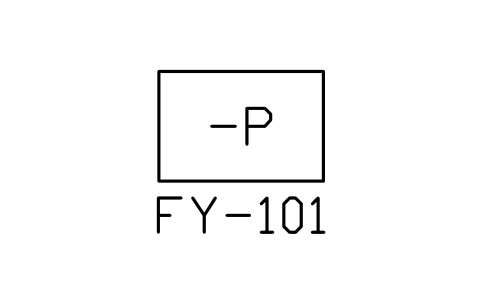
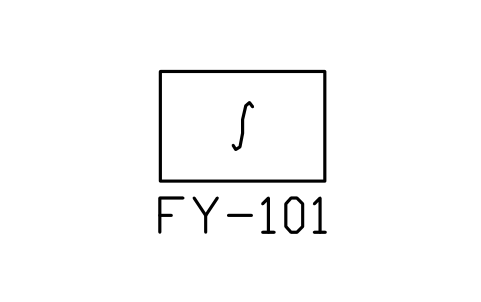
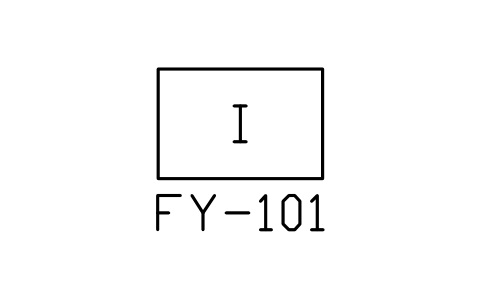
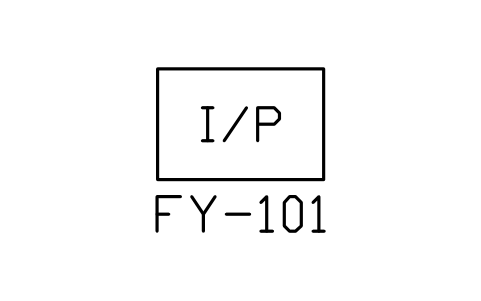
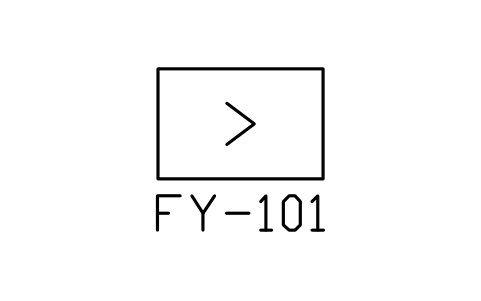
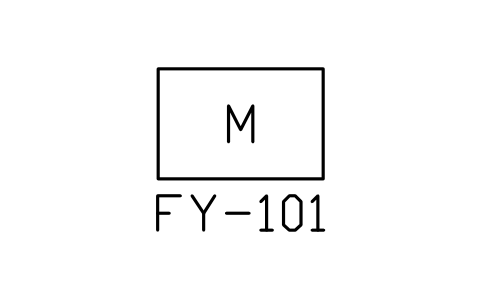
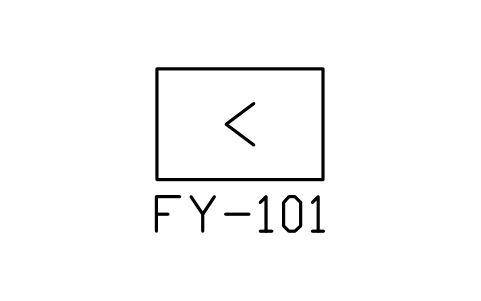
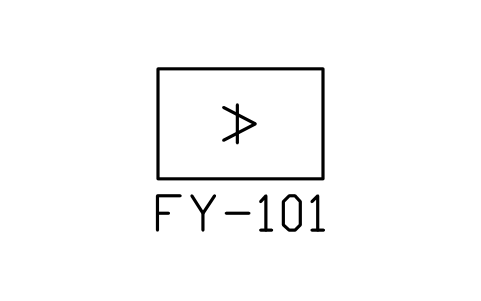
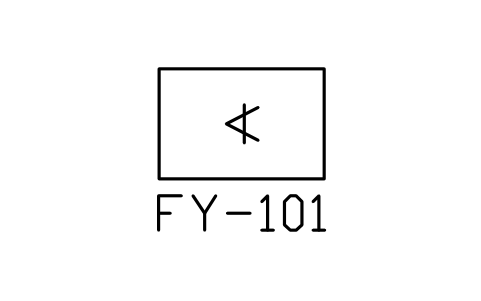
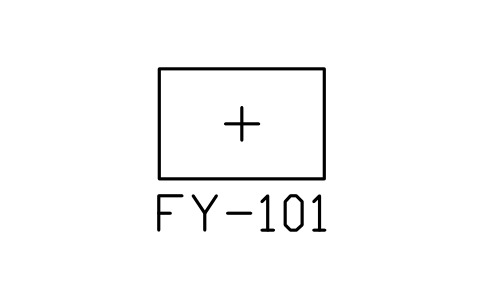
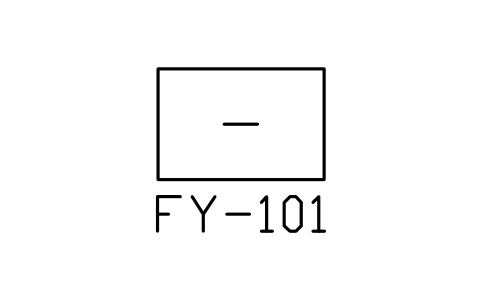
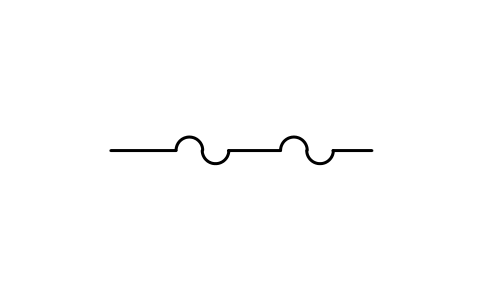
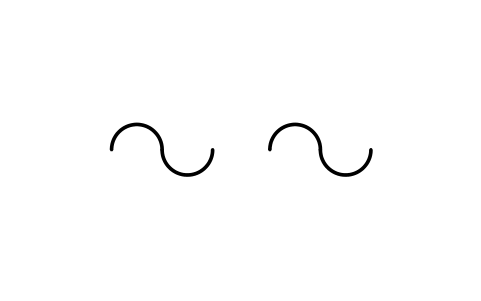
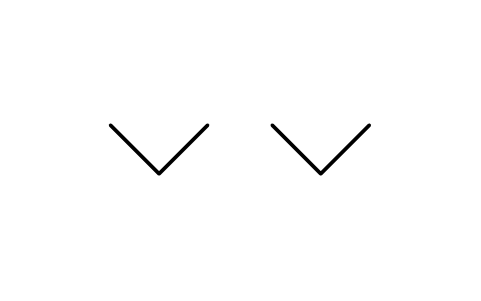
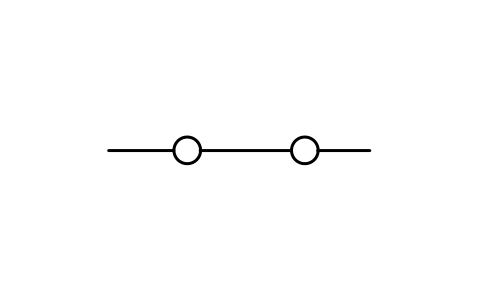
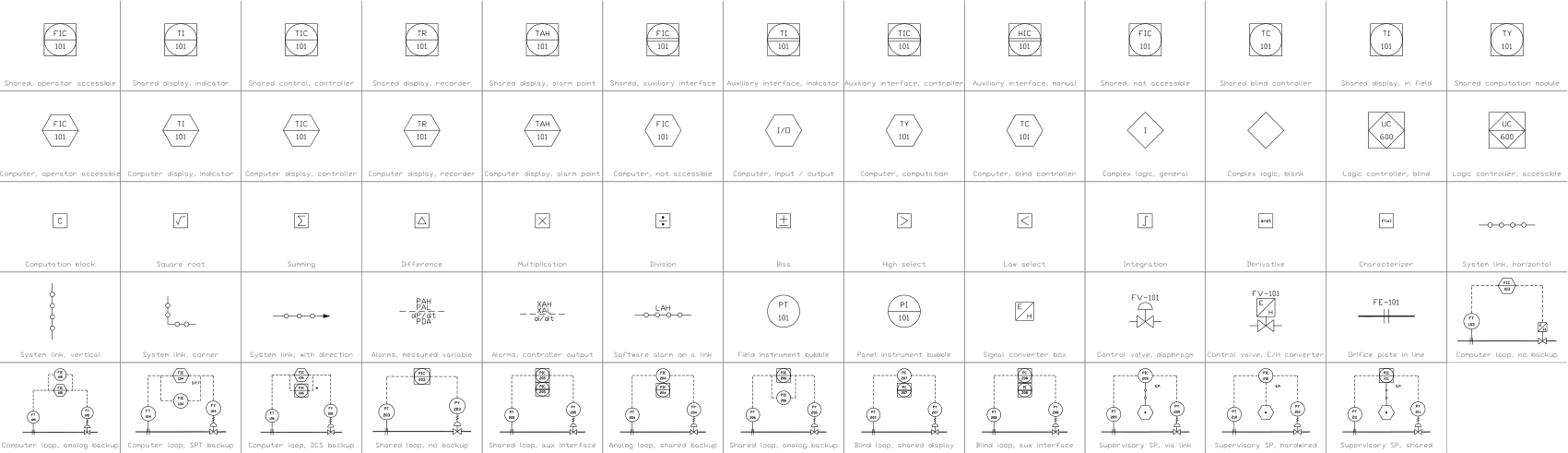
133 symbols for P&ID and loop drawings as ready-to-use AutoCAD blocks, drawn after the symbol tables of ISA 5.1: instrument bubbles for discrete, shared display and control, safety instrumented and computer functions in five mounting locations; transmitters and secondary instruments; instrument connections and signal lines; valve bodies and actuators; and complete control valves. The tag letters, the loop number and the instrument data sit in attributes, so an instrument index can be read straight from the drawings.
Free library: version 1.2, updated November 9, 2026 · Pro library: version 1.0, updated November 9, 2026 · Check out what's changed
ISA 5.1 Pro: 152 more symbols
Beyond the 133 free symbols above, Pro adds five more sections of the standard as AutoCAD blocks: qualifying symbols, fundamental items, transmission path, terminals and connectors, and semiconductor devices. One licence covers every section, and the free library stays free.
Two ways to get Pro
Pro library
$49
- DWG files with all 152 Pro symbols, one ZIP per section
- Plain DWG files, no add-in needed
- Includes the 133 symbols of the free library as a DWG
Pro palette for AutoCAD
$59
- Everything in the library: the DWG files of every Pro section are included
- A palette inside AutoCAD: search by name in 9 languages and place a symbol with one click
- All 285 symbols; 12 of them work for free, so you can try before you buy
- AutoCAD 2021 to 2027 on Windows
What's inside this Pro library
| Section | Symbols | What it covers | File in your download |
|---|---|---|---|
| ISA 5.1 instrumentation Pro symbols | 152 | Primary elements, Accessories, Regulators and safety devices, Functional diagramming symbols, Signal processing blocks, Electrical schematic symbols | ISA51-Instrumentation-Pro-Symbols.zip |
| Total | 152 | ||
- Every symbol is an AutoCAD block, drawn in millimetres at 1:1 and named IEEE_GROUP_NAME; insert it at scale 1.
- Each block has two invisible attributes, DESC (the symbol name) and REMARKS (free text). All geometry is on layer SYMBOL.
- Each DWG has a CATALOG layout with all its symbols on one sheet, ready to plot to PDF, and a README.txt lists every block.
- Plain DWG files in AutoCAD 2018 format, plus a second ZIP per section in AutoCAD 2010 format. No add-in is needed.
- The 133 symbols of the free library come in the same download as their own DWG, so you have the whole set in one place.
Pro library licence
$49
For one person
Education: $24.50
- Pay once
- Includes the free IEEE 315 library
Student or teacher?
Half price ($24.50) for one year with your school e-mail address. Buy again next year to renew.
Sign in with your school e-mail address, we check it, and you pay half price.
Available soonWhat you get
- All 152 symbols of the sections on this page, as AutoCAD blocks in DWG files
- The free IEEE 315 library with its 79 symbols, in the same download
- Every section as a ZIP in AutoCAD 2018 format and in AutoCAD 2010 format
- Sections added later come with the same purchase
- The free IEEE 315 library stays free and unchanged.
- A perpetual licence: pay once, keep the files.
Free · 133 symbols
ISA 5.1 instrumentation Pro symbols · 152
ISA 5.1 instrumentation Pro symbols 152
152 further symbols of this library for Pro, in the same blocks, layers and attributes as the free ones.
152 of 152 symbols
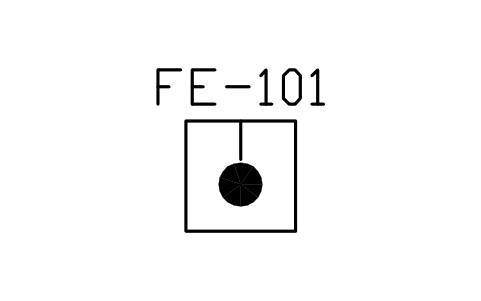
Analysis probe, single
ISA_ELEM_PROBE_SINGLEAttributes
TAGELEMENT_TYPELINE_NOSIZERANGEMANUFACTURERMODELPID_NODESC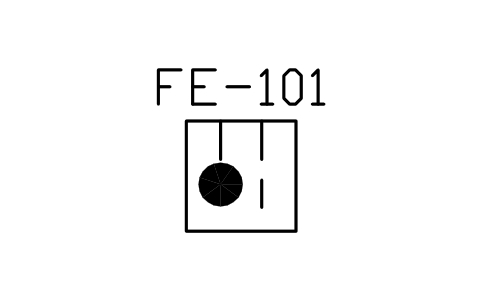
Analysis probe, dual
ISA_ELEM_PROBE_DUALAttributes
TAGELEMENT_TYPELINE_NOSIZERANGEMANUFACTURERMODELPID_NODESC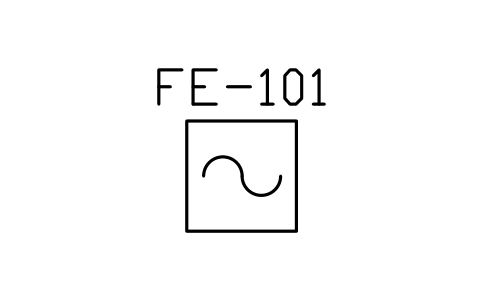
Fiber-optic probe
ISA_ELEM_FIBEROPTICAttributes
TAGELEMENT_TYPELINE_NOSIZERANGEMANUFACTURERMODELPID_NODESC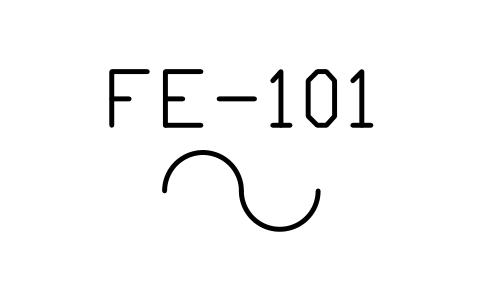
UV / TV flame detector
ISA_ELEM_FLAME_UVAttributes
TAGELEMENT_TYPELINE_NOSIZERANGEMANUFACTURERMODELPID_NODESC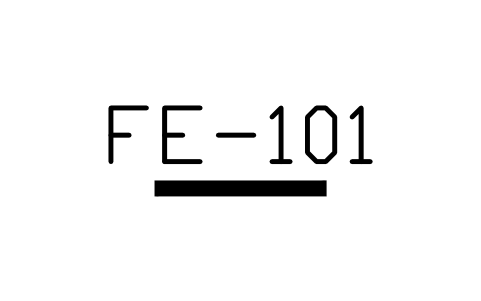
Flame rod detector
ISA_ELEM_FLAME_RODAttributes
TAGELEMENT_TYPELINE_NOSIZERANGEMANUFACTURERMODELPID_NODESC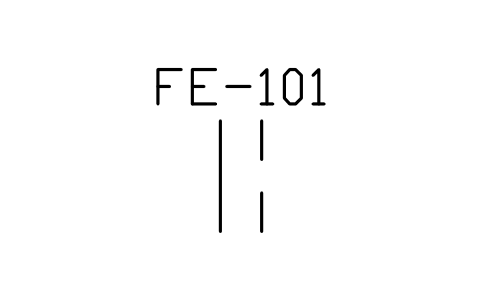
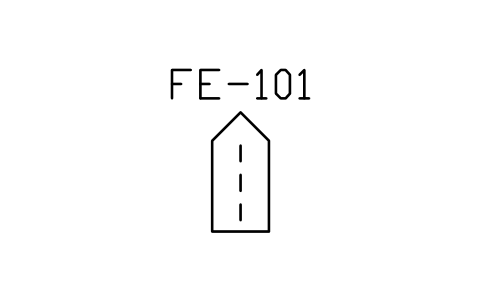
Orifice, quick-change
ISA_ELEM_ORIFICE_QUICKAttributes
TAGELEMENT_TYPELINE_NOSIZERANGEMANUFACTURERMODELPID_NODESC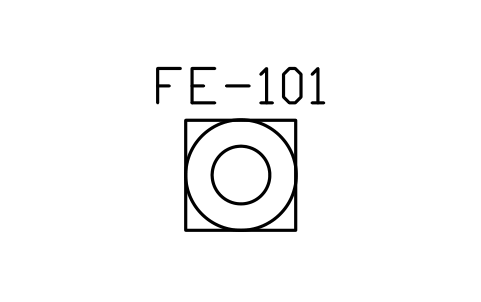
Orifice, concentric
ISA_ELEM_ORIFICE_CONCAttributes
TAGELEMENT_TYPELINE_NOSIZERANGEMANUFACTURERMODELPID_NODESC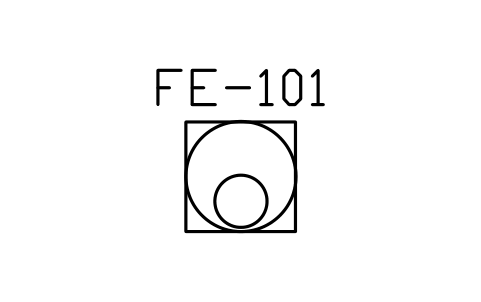
Orifice, eccentric
ISA_ELEM_ORIFICE_ECCAttributes
TAGELEMENT_TYPELINE_NOSIZERANGEMANUFACTURERMODELPID_NODESC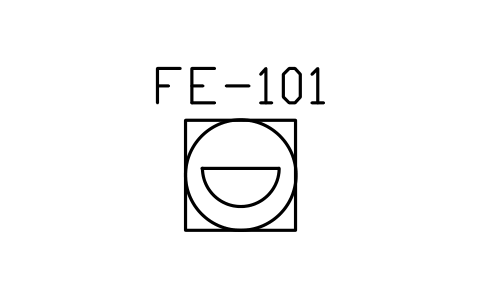
Orifice, quadrant
ISA_ELEM_ORIFICE_QUADAttributes
TAGELEMENT_TYPELINE_NOSIZERANGEMANUFACTURERMODELPID_NODESC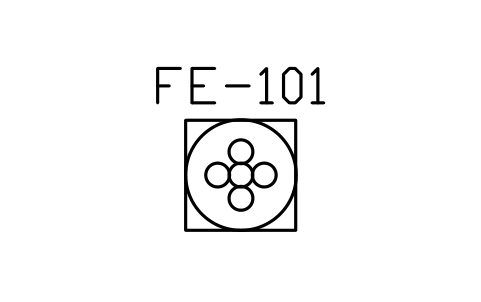
Orifice, multi-hole
ISA_ELEM_ORIFICE_MULTIAttributes
TAGELEMENT_TYPELINE_NOSIZERANGEMANUFACTURERMODELPID_NODESC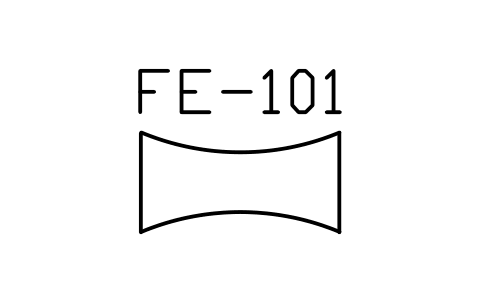
Venturi / nozzle, generic
ISA_ELEM_VENTURIAttributes
TAGELEMENT_TYPELINE_NOSIZERANGEMANUFACTURERMODELPID_NODESC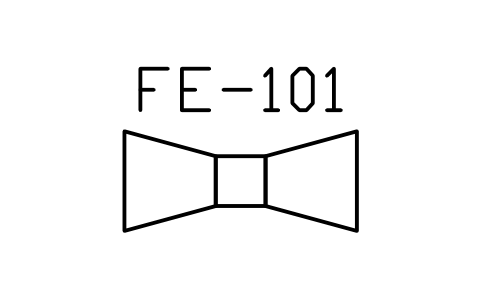
Venturi tube
ISA_ELEM_VENTURI_TUBEAttributes
TAGELEMENT_TYPELINE_NOSIZERANGEMANUFACTURERMODELPID_NODESC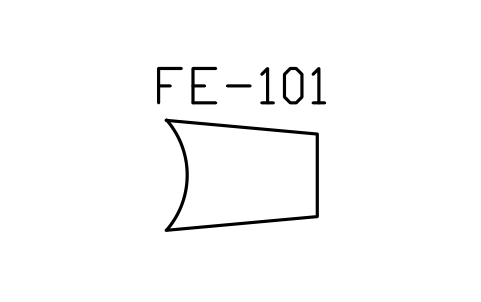
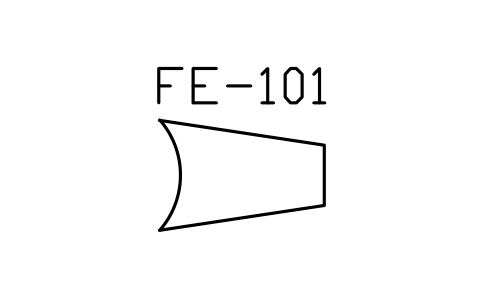
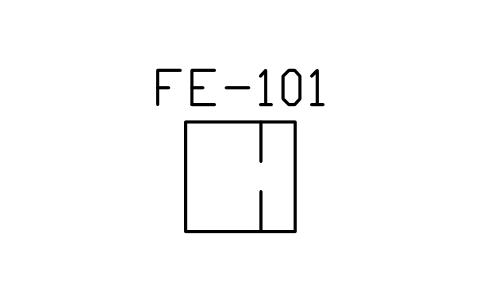
Integral orifice plate
ISA_ELEM_ORIFICE_INTEGRALAttributes
TAGELEMENT_TYPELINE_NOSIZERANGEMANUFACTURERMODELPID_NODESC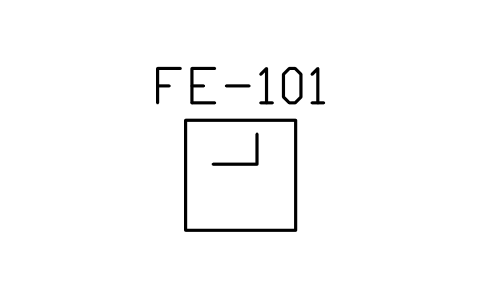
Pitot tube, standard
ISA_ELEM_PITOTAttributes
TAGELEMENT_TYPELINE_NOSIZERANGEMANUFACTURERMODELPID_NODESC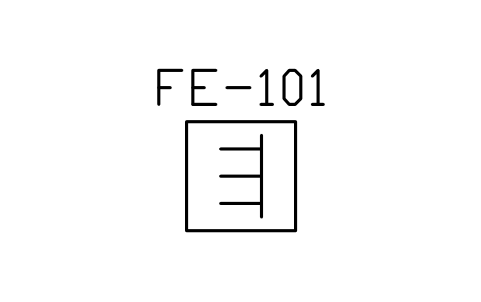
Pitot tube, averaging
ISA_ELEM_PITOT_AVGAttributes
TAGELEMENT_TYPELINE_NOSIZERANGEMANUFACTURERMODELPID_NODESC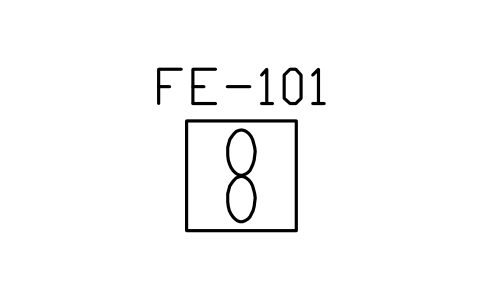
Turbine / propeller meter
ISA_ELEM_TURBINEAttributes
TAGELEMENT_TYPELINE_NOSIZERANGEMANUFACTURERMODELPID_NODESC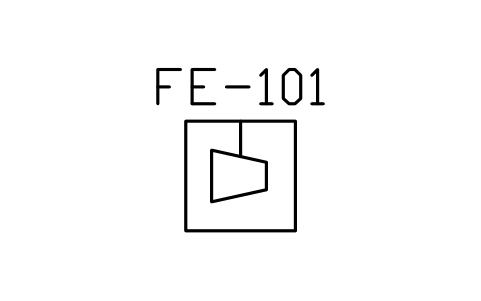
Vortex shedding meter
ISA_ELEM_VORTEXAttributes
TAGELEMENT_TYPELINE_NOSIZERANGEMANUFACTURERMODELPID_NODESC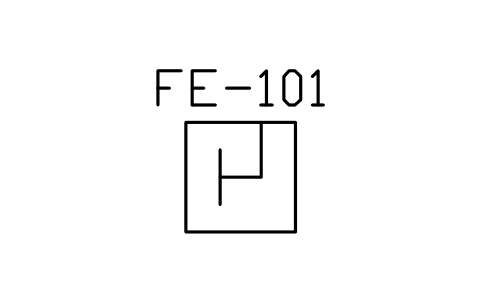
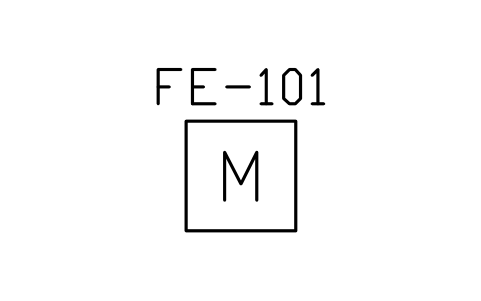
Magnetic meter
ISA_ELEM_MAGNETIC_MAttributes
TAGELEMENT_TYPELINE_NOSIZERANGEMANUFACTURERMODELPID_NODESC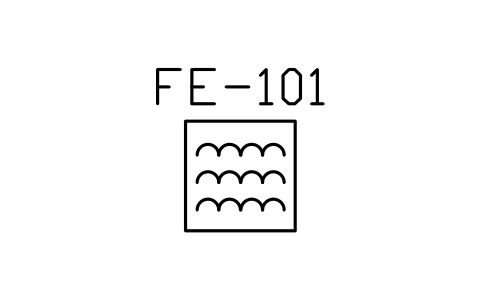
Magnetic meter, coil
ISA_ELEM_MAGNETIC_COILAttributes
TAGELEMENT_TYPELINE_NOSIZERANGEMANUFACTURERMODELPID_NODESC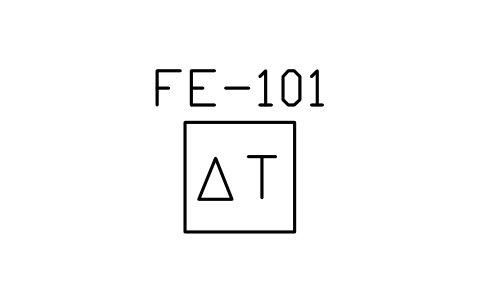
Thermal mass meter, dT
ISA_ELEM_THERMAL_DTAttributes
TAGELEMENT_TYPELINE_NOSIZERANGEMANUFACTURERMODELPID_NODESC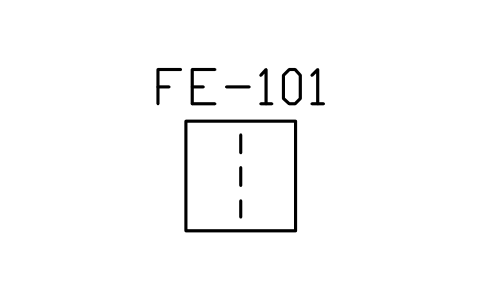
Thermal mass meter, dashed
ISA_ELEM_THERMAL_DASHAttributes
TAGELEMENT_TYPELINE_NOSIZERANGEMANUFACTURERMODELPID_NODESC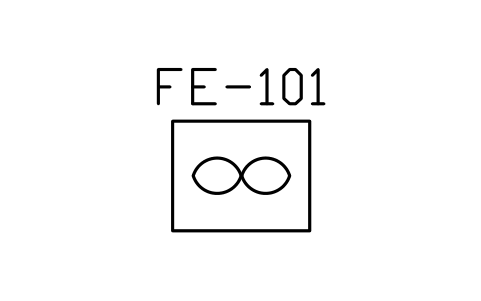
Positive displacement meter
ISA_ELEM_PD_METERAttributes
TAGELEMENT_TYPELINE_NOSIZERANGEMANUFACTURERMODELPID_NODESC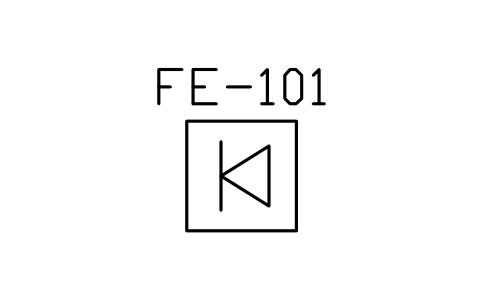
Cone / annular orifice meter
ISA_ELEM_CONEAttributes
TAGELEMENT_TYPELINE_NOSIZERANGEMANUFACTURERMODELPID_NODESC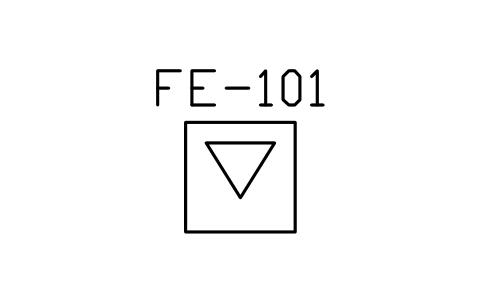
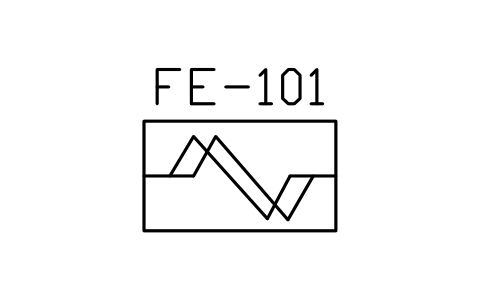
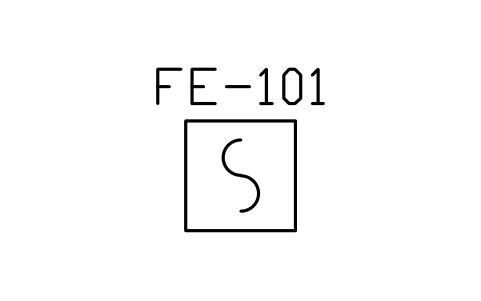
Sonic / ultrasonic meter
ISA_ELEM_SONICAttributes
TAGELEMENT_TYPELINE_NOSIZERANGEMANUFACTURERMODELPID_NODESC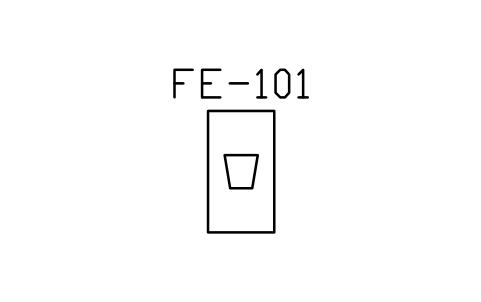
Variable area meter
ISA_ELEM_VARIABLE_AREAAttributes
TAGELEMENT_TYPELINE_NOSIZERANGEMANUFACTURERMODELPID_NODESC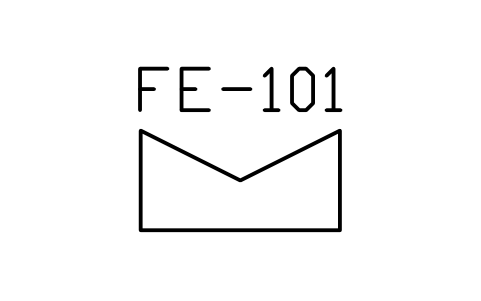
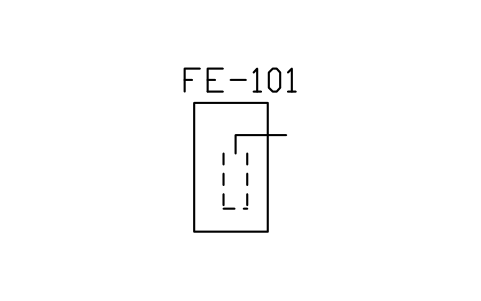
Level displacer in vessel
ISA_ELEM_DISPLACERAttributes
TAGELEMENT_TYPELINE_NOSIZERANGEMANUFACTURERMODELPID_NODESC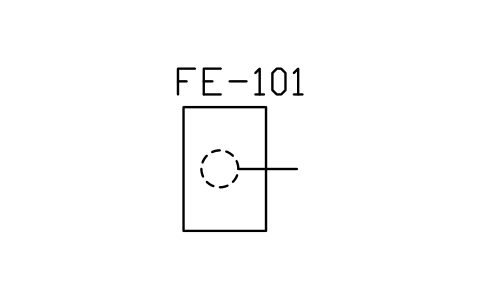
Ball float in vessel
ISA_ELEM_BALL_FLOATAttributes
TAGELEMENT_TYPELINE_NOSIZERANGEMANUFACTURERMODELPID_NODESC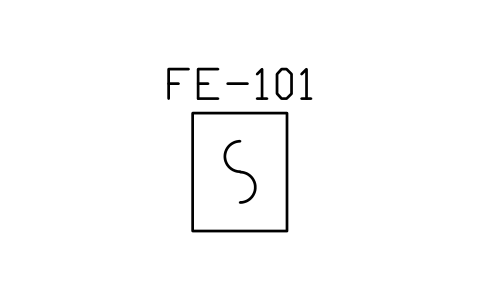
Level, radiation / sonic
ISA_ELEM_LEVEL_SONICAttributes
TAGELEMENT_TYPELINE_NOSIZERANGEMANUFACTURERMODELPID_NODESC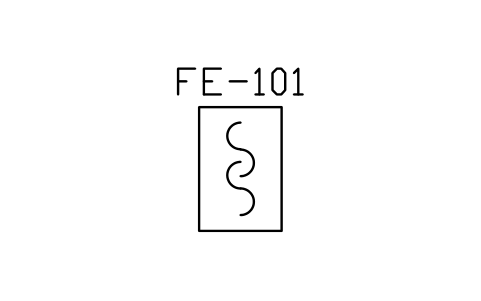
Level, radiation multi-point
ISA_ELEM_LEVEL_RADIATIONAttributes
TAGELEMENT_TYPELINE_NOSIZERANGEMANUFACTURERMODELPID_NODESC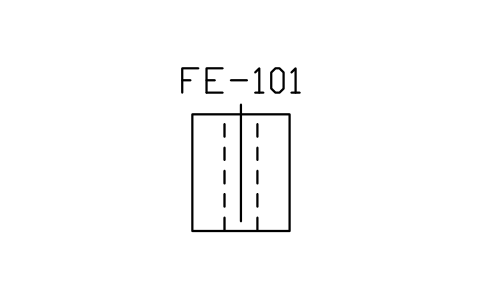
Dip tube / stilling well
ISA_ELEM_DIP_TUBEAttributes
TAGELEMENT_TYPELINE_NOSIZERANGEMANUFACTURERMODELPID_NODESC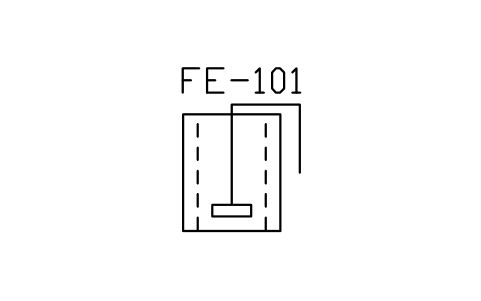
Float with guide wires
ISA_ELEM_FLOAT_GUIDEAttributes
TAGELEMENT_TYPELINE_NOSIZERANGEMANUFACTURERMODELPID_NODESC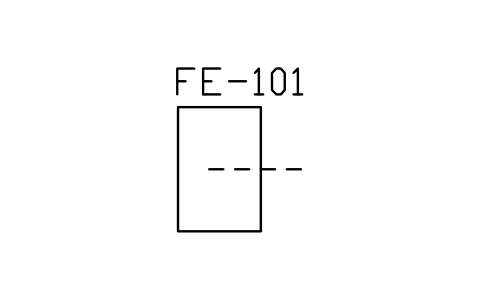
Level insert probe
ISA_ELEM_INSERT_PROBEAttributes
TAGELEMENT_TYPELINE_NOSIZERANGEMANUFACTURERMODELPID_NODESC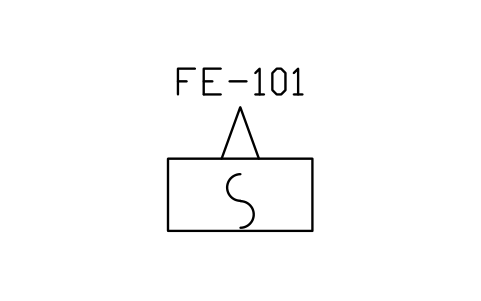
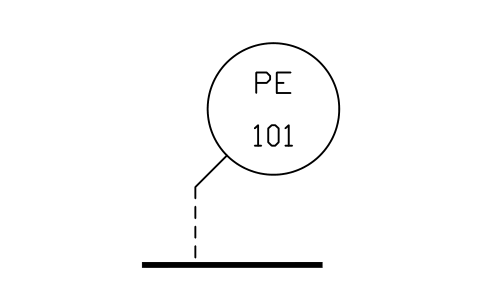
Strain gage element, PE
ISA_ELEM_PE_BUBBLEAttributes
TAG_FUNCLOOP_NOSERVICEAREARANGEUNITSIGNAL_TYPEIO_ADDRESSCABINETPID_NOMANUFACTURERMODELDATASHEET_NODESC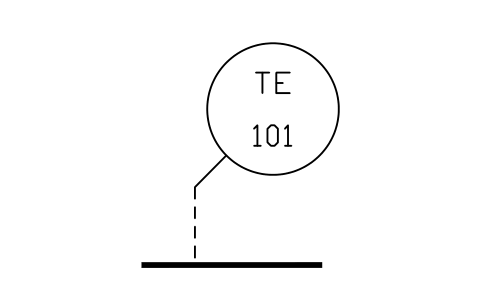
Temperature element, TE
ISA_ELEM_TE_BUBBLEAttributes
TAG_FUNCLOOP_NOSERVICEAREARANGEUNITSIGNAL_TYPEIO_ADDRESSCABINETPID_NOMANUFACTURERMODELDATASHEET_NODESC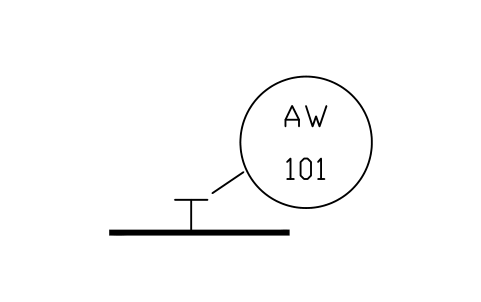
Sample probe, flanged (AW)
ISA_ACC_SAMPLE_PROBEAttributes
TAG_FUNCLOOP_NOSERVICEAREARANGEUNITSIGNAL_TYPEIO_ADDRESSCABINETPID_NOMANUFACTURERMODELDATASHEET_NODESC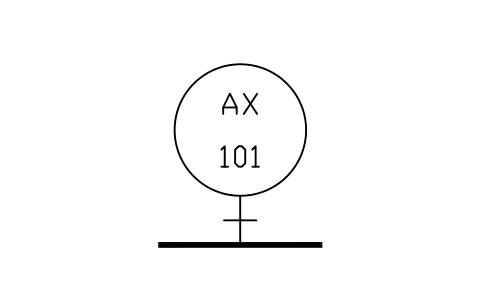
Sample conditioner (AX)
ISA_ACC_CONDITIONERAttributes
TAG_FUNCLOOP_NOSERVICEAREARANGEUNITSIGNAL_TYPEIO_ADDRESSCABINETPID_NOMANUFACTURERMODELDATASHEET_NODESC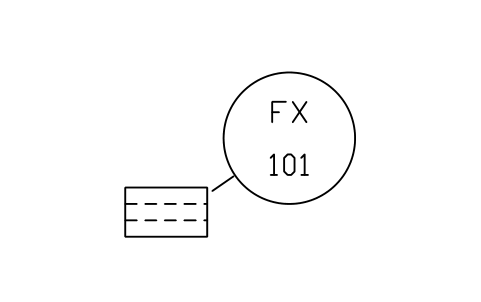
Flow straightener (FX)
ISA_ACC_STRAIGHTENERAttributes
TAG_FUNCLOOP_NOSERVICEAREARANGEUNITSIGNAL_TYPEIO_ADDRESSCABINETPID_NOMANUFACTURERMODELDATASHEET_NODESC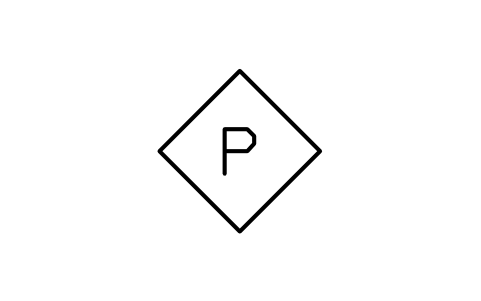
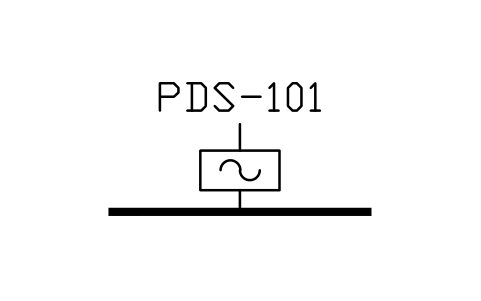
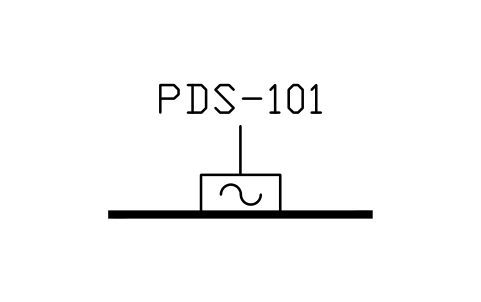
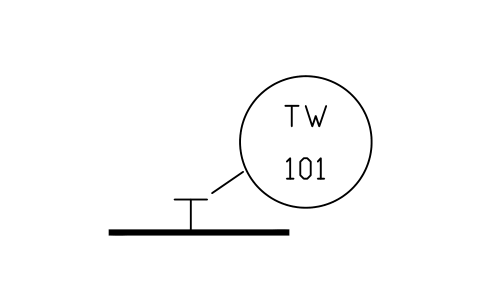
Thermowell, flanged (TW)
ISA_ACC_THERMOWELLAttributes
TAG_FUNCLOOP_NOSERVICEAREARANGEUNITSIGNAL_TYPEIO_ADDRESSCABINETPID_NOMANUFACTURERMODELDATASHEET_NODESC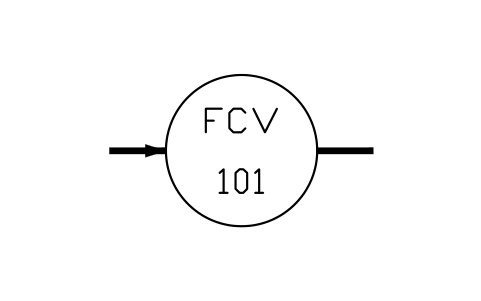
Automatic flow regulator
ISA_REG_FLOWAttributes
TAG_FUNCLOOP_NOSERVICEAREARANGEUNITSIGNAL_TYPEIO_ADDRESSCABINETPID_NOMANUFACTURERMODELDATASHEET_NODESC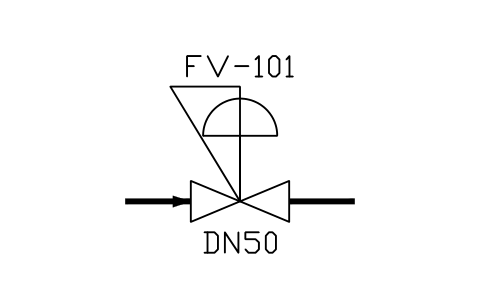
Back-pressure reg., internal
ISA_REG_BACKPRESS_INTAttributes
VALVE_TAGSIZERATINGBODY_MATERIALLINE_NOMANUFACTURERMODELPID_NODESC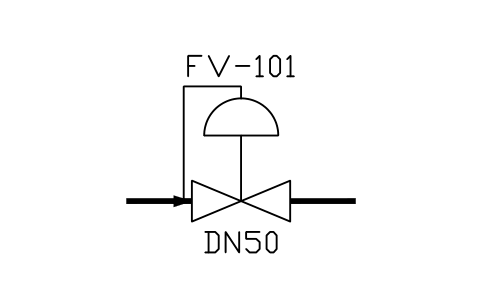
Back-pressure reg., external
ISA_REG_BACKPRESS_EXTAttributes
VALVE_TAGSIZERATINGBODY_MATERIALLINE_NOMANUFACTURERMODELPID_NODESC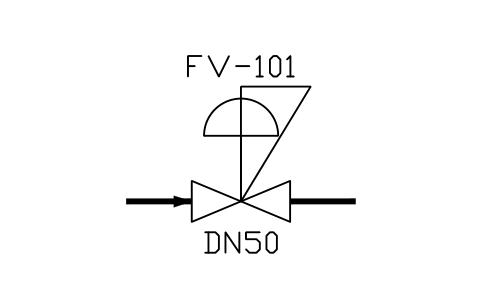
Pressure reducing, internal
ISA_REG_REDUCING_INTAttributes
VALVE_TAGSIZERATINGBODY_MATERIALLINE_NOMANUFACTURERMODELPID_NODESC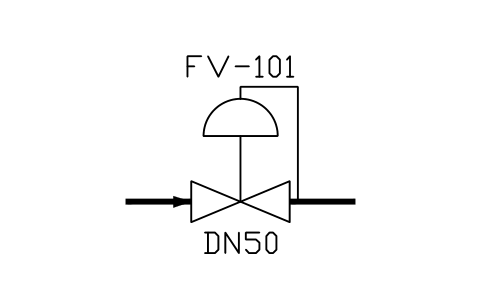
Pressure reducing, external
ISA_REG_REDUCING_EXTAttributes
VALVE_TAGSIZERATINGBODY_MATERIALLINE_NOMANUFACTURERMODELPID_NODESC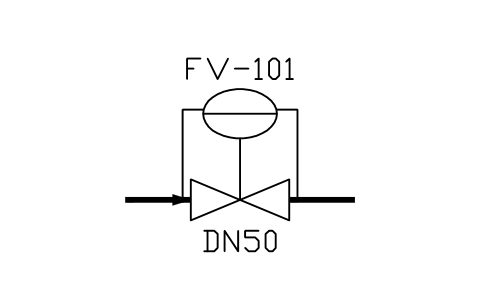
Differential reg., external
ISA_REG_DIFF_EXTAttributes
VALVE_TAGSIZERATINGBODY_MATERIALLINE_NOMANUFACTURERMODELPID_NODESC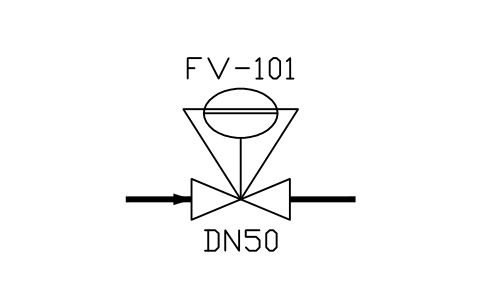
Differential reg., internal
ISA_REG_DIFF_INTAttributes
VALVE_TAGSIZERATINGBODY_MATERIALLINE_NOMANUFACTURERMODELPID_NODESC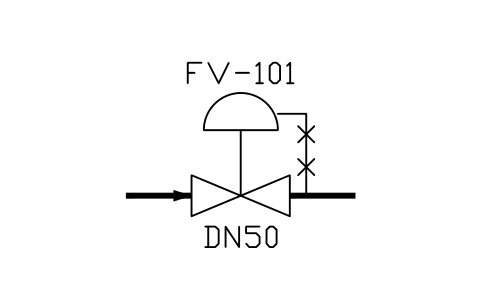
Temperature regulator
ISA_REG_TEMPERATUREAttributes
VALVE_TAGSIZERATINGBODY_MATERIALLINE_NOMANUFACTURERMODELPID_NODESC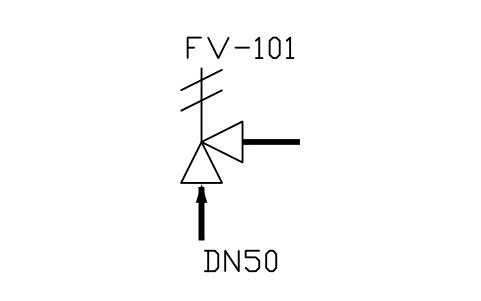
Pressure safety valve
ISA_PSV_PRESSUREAttributes
VALVE_TAGSIZERATINGBODY_MATERIALLINE_NOMANUFACTURERMODELPID_NODESC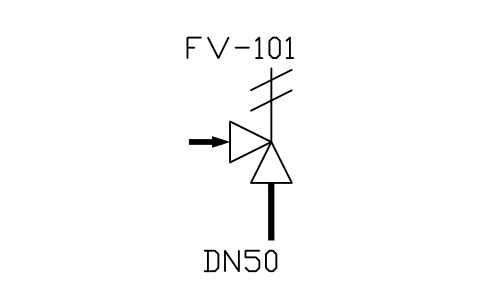
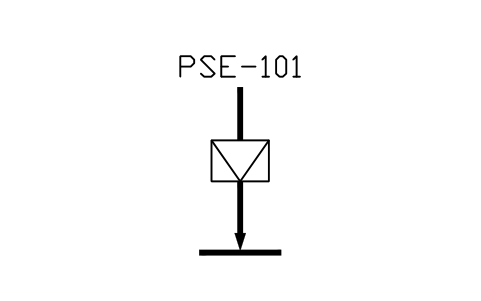
Vacuum safety valve
ISA_PSV_VACUUMAttributes
VALVE_TAGSIZERATINGBODY_MATERIALLINE_NOMANUFACTURERMODELPID_NODESC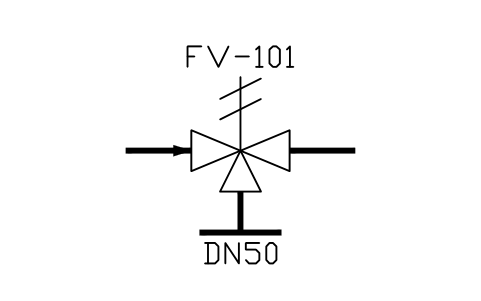
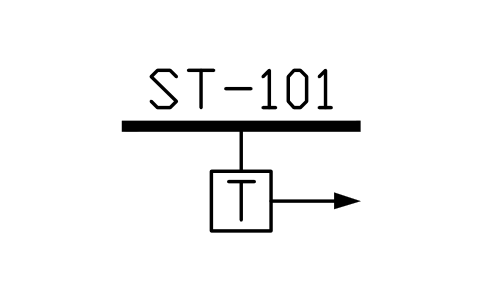
Pressure-vacuum relief valve
ISA_PSV_PRESS_VACAttributes
VALVE_TAGSIZERATINGBODY_MATERIALLINE_NOMANUFACTURERMODELPID_NODESC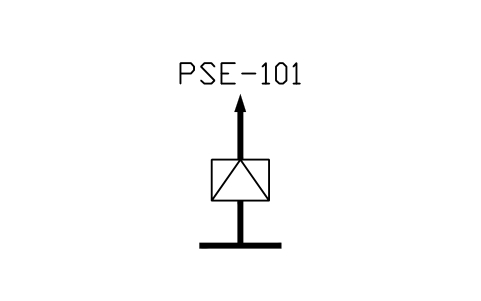
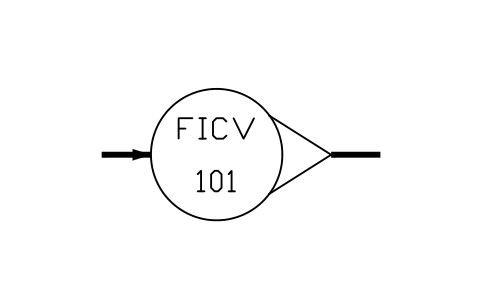
Flowmeter + hand valve, tag
ISA_FLOWMETER_VALVE_TAGAttributes
TAG_FUNCLOOP_NOSERVICEAREARANGEUNITSIGNAL_TYPEIO_ADDRESSCABINETPID_NOMANUFACTURERMODELDATASHEET_NODESC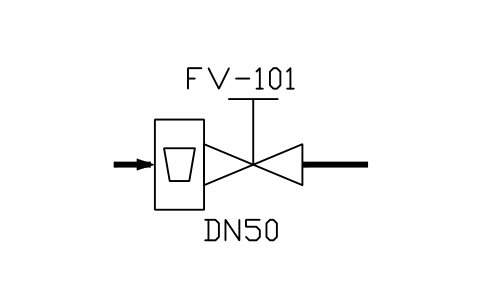
Flowmeter + hand valve, box
ISA_FLOWMETER_VALVE_BOXAttributes
VALVE_TAGSIZERATINGBODY_MATERIALLINE_NOMANUFACTURERMODELPID_NODESC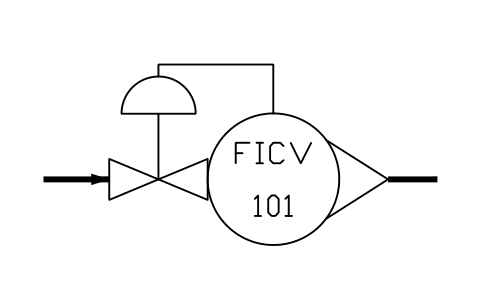
Constant flow regulator
ISA_REG_FLOW_CONSTANTAttributes
TAG_FUNCLOOP_NOSERVICEAREARANGEUNITSIGNAL_TYPEIO_ADDRESSCABINETPID_NOMANUFACTURERMODELDATASHEET_NODESC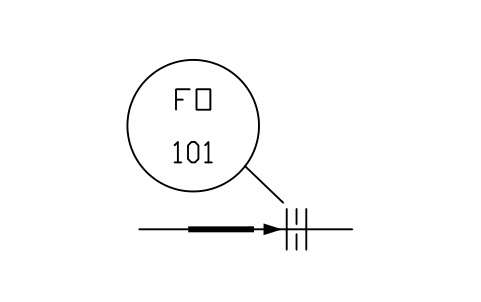
Flow restriction (FO)
ISA_FLOW_RESTRICTIONAttributes
TAG_FUNCLOOP_NOSERVICEAREARANGEUNITSIGNAL_TYPEIO_ADDRESSCABINETPID_NOMANUFACTURERMODELDATASHEET_NODESC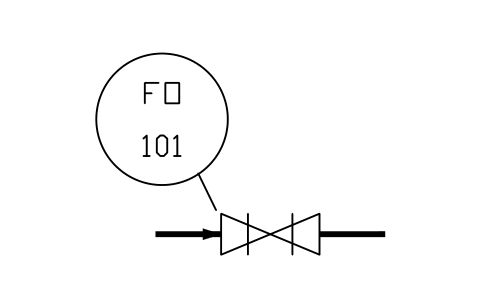
Plug orifice in valve (FO)
ISA_FLOW_RESTRICTION_PLUGAttributes
TAG_FUNCLOOP_NOSERVICEAREARANGEUNITSIGNAL_TYPEIO_ADDRESSCABINETPID_NOMANUFACTURERMODELDATASHEET_NODESC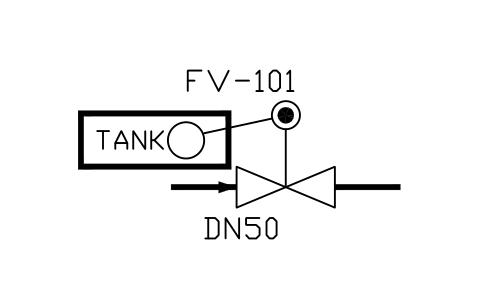
Level regulator, float
ISA_REG_LEVEL_FLOATAttributes
VALVE_TAGSIZERATINGBODY_MATERIALLINE_NOMANUFACTURERMODELPID_NODESC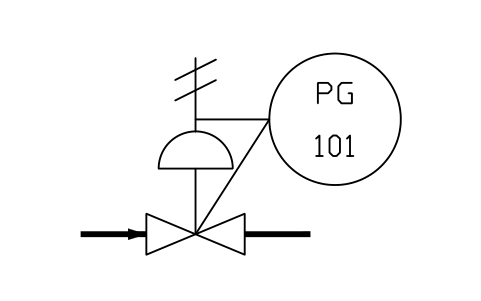
Reducing reg., relief + PG
ISA_REG_REDUCING_RELIEF_PGAttributes
TAG_FUNCLOOP_NOSERVICEAREARANGEUNITSIGNAL_TYPEIO_ADDRESSCABINETPID_NOMANUFACTURERMODELDATASHEET_NODESC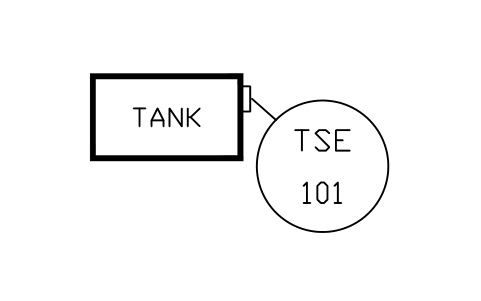
Thermal safety element (TSE)
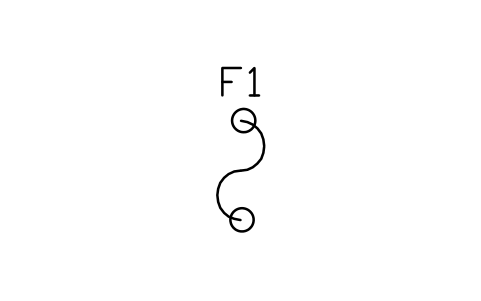
ISA_TSE_FUSIBLEAttributes
TAG_FUNCLOOP_NOSERVICEAREARANGEUNITSIGNAL_TYPEIO_ADDRESSCABINETPID_NOMANUFACTURERMODELDATASHEET_NODESC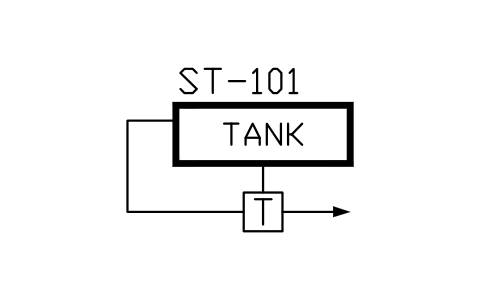
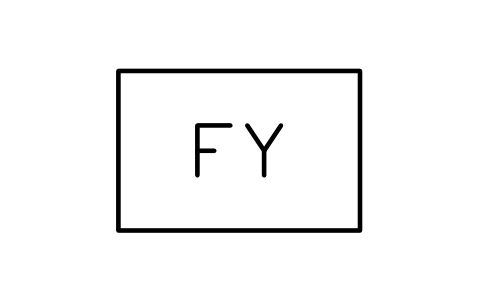

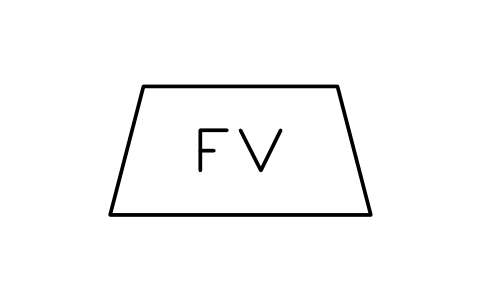
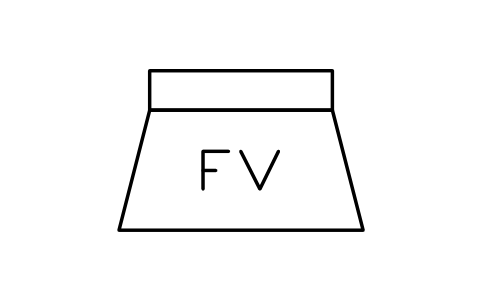
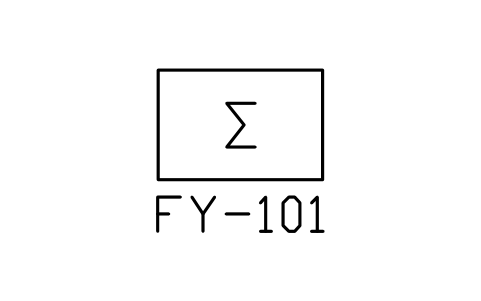
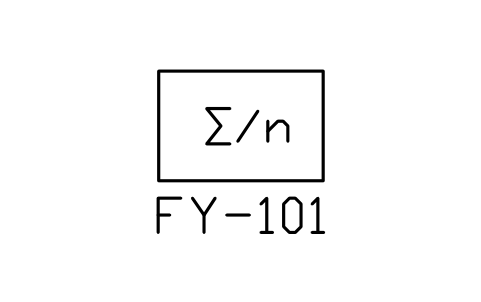
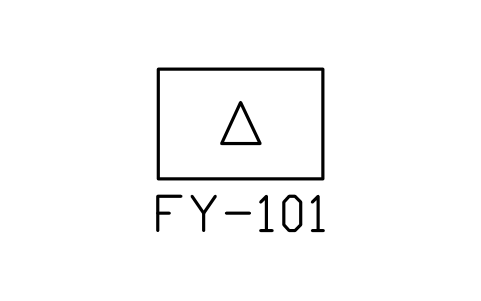
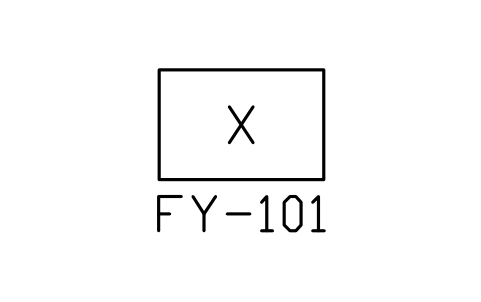
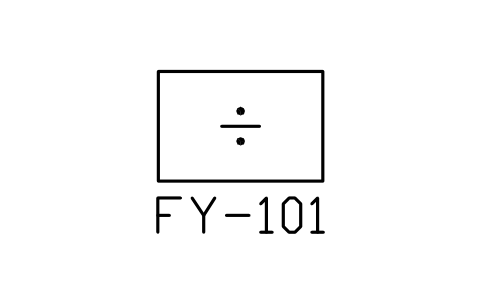
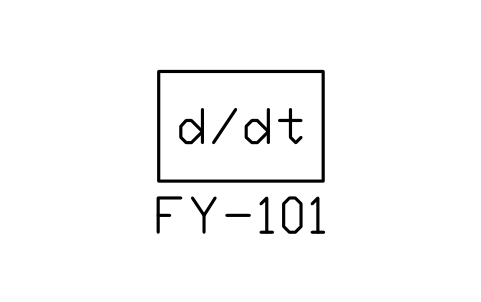
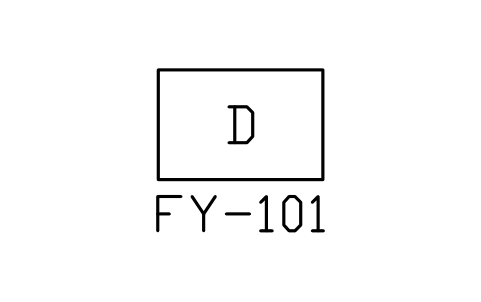
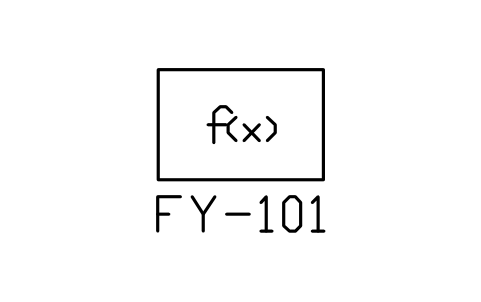
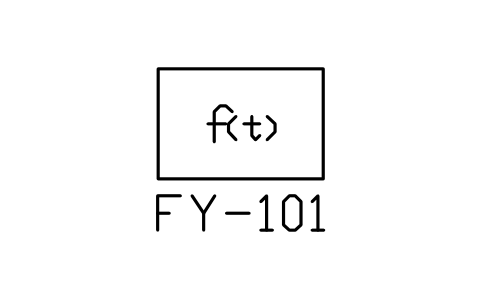
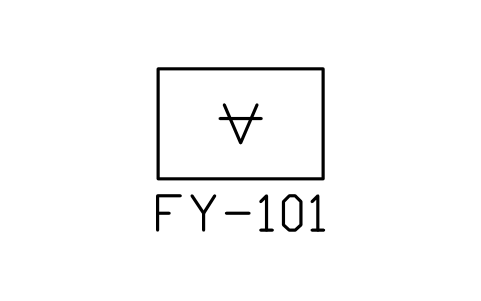
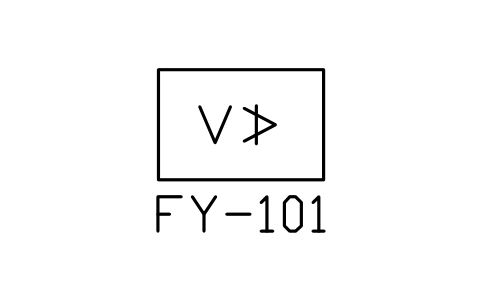
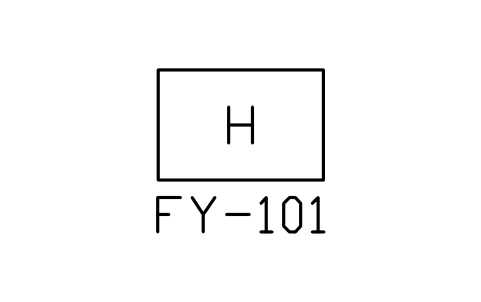
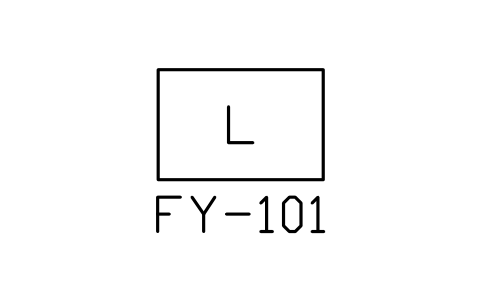
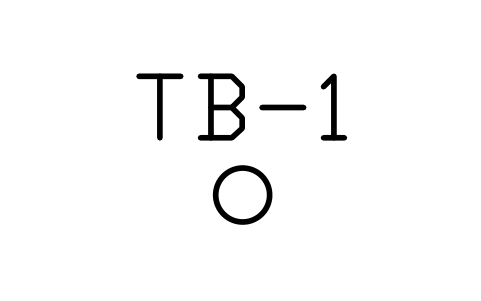
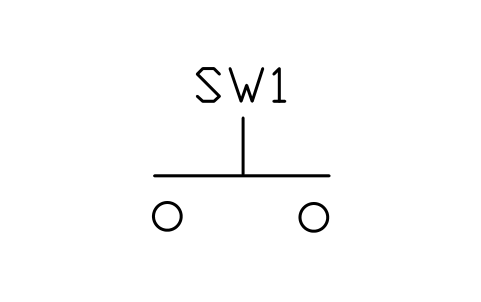
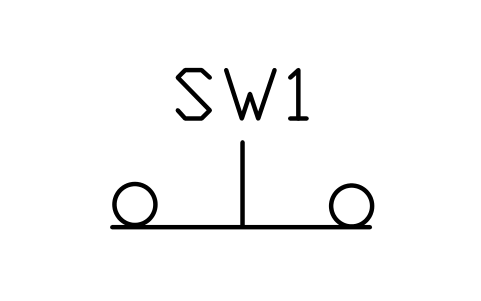
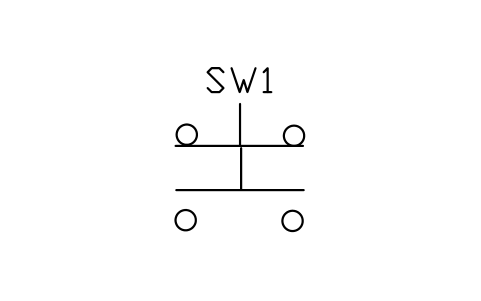
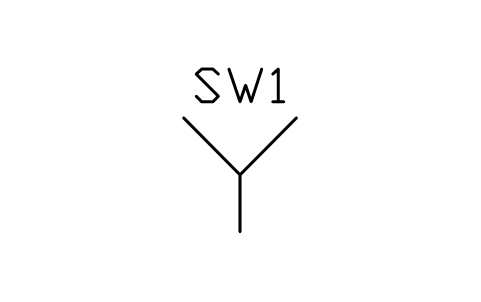
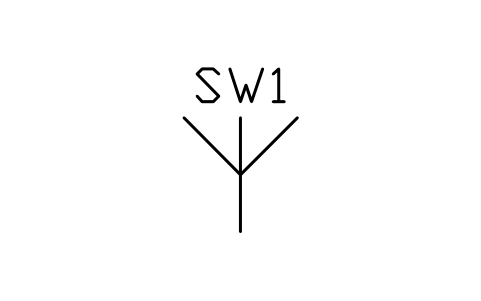
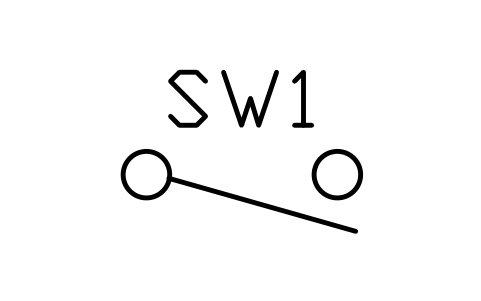
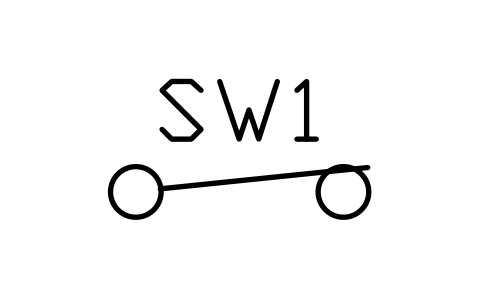
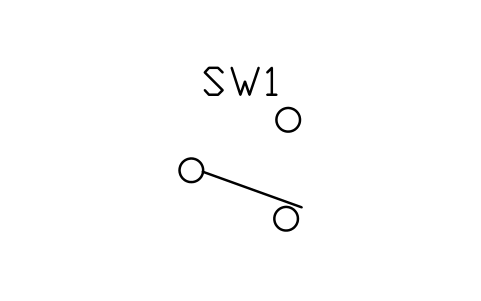
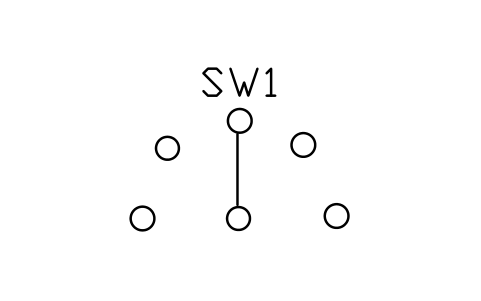
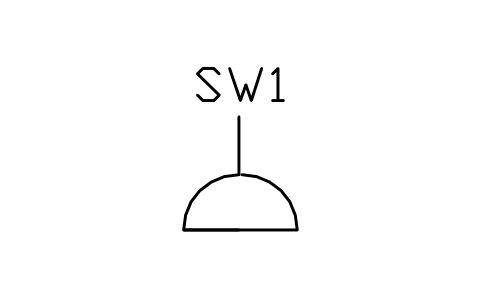
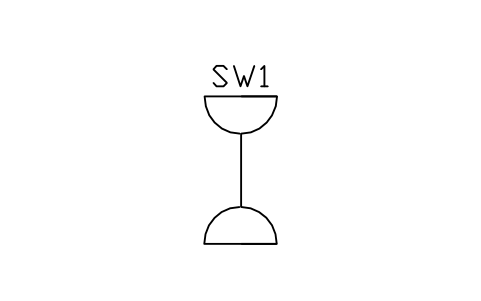
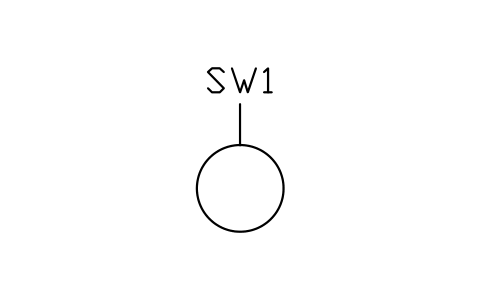
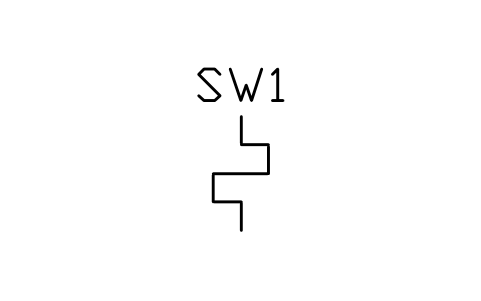
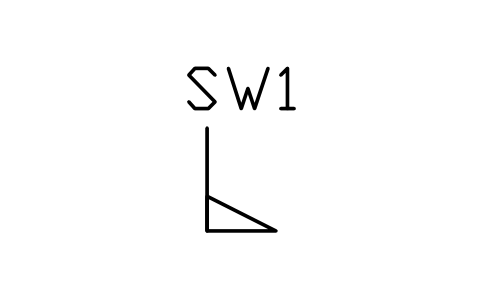
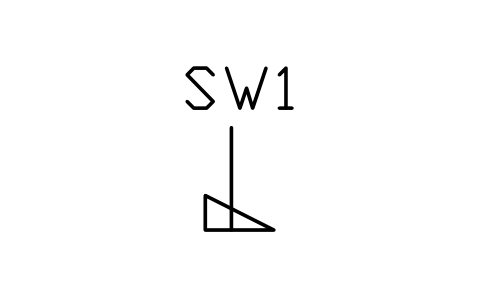
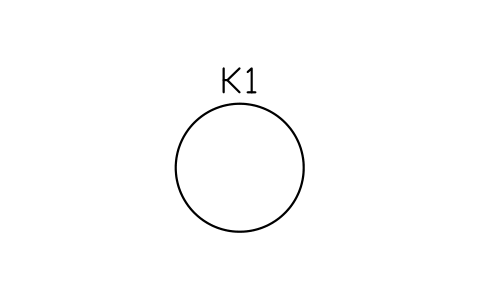
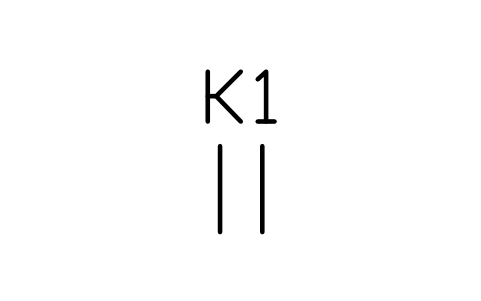
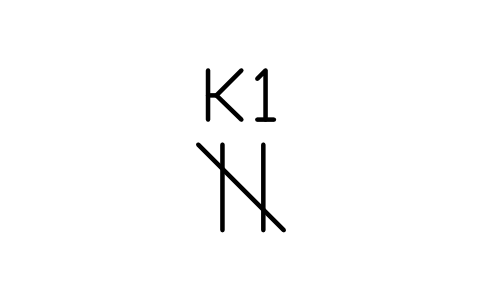
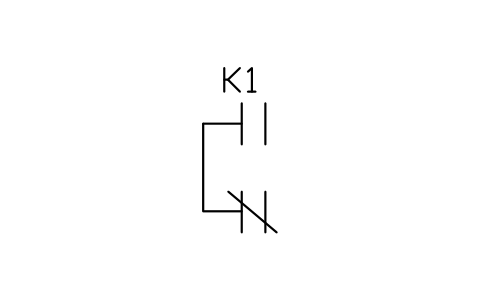
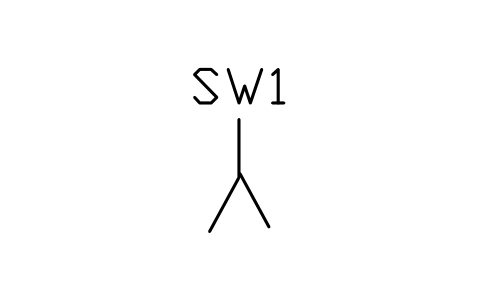
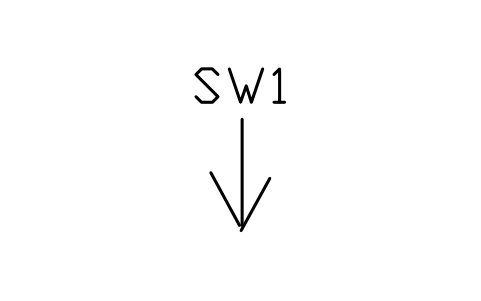
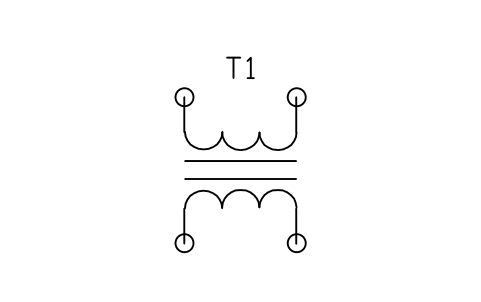
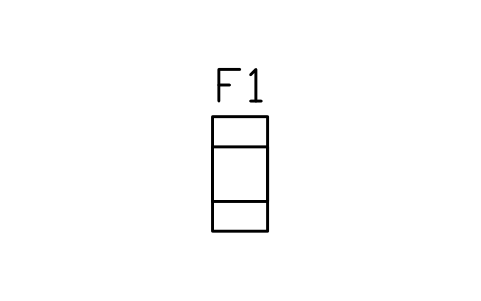
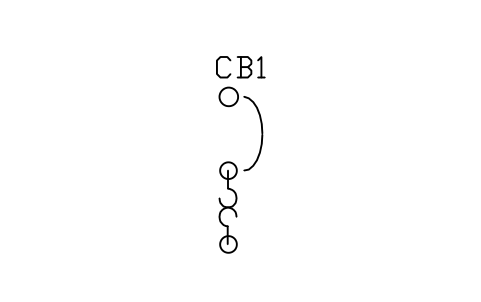
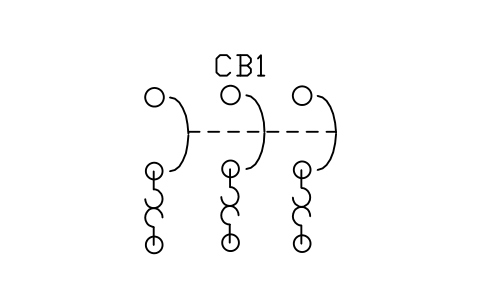
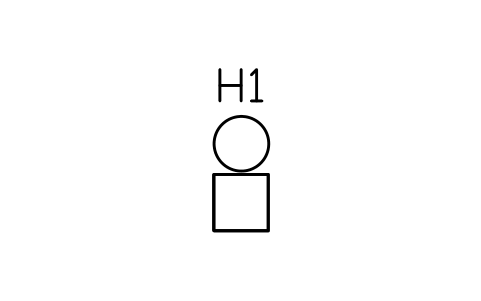
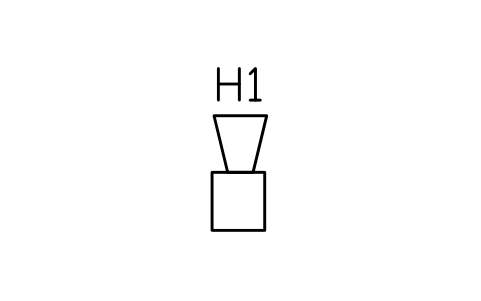
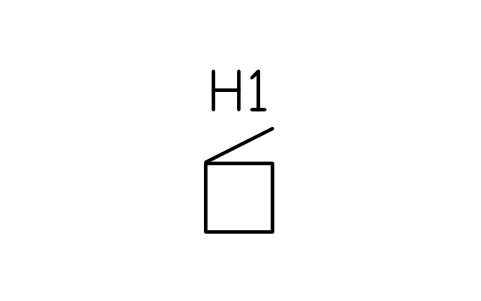
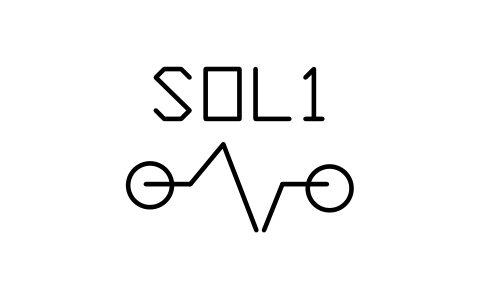
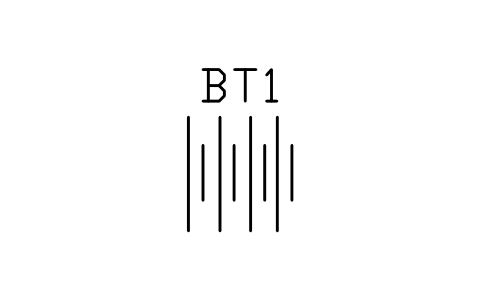
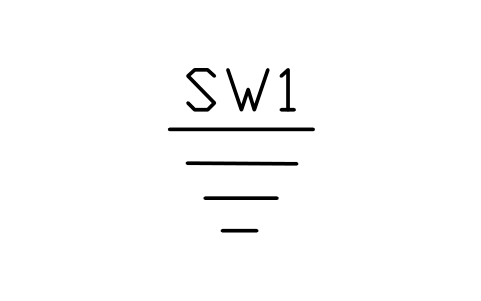
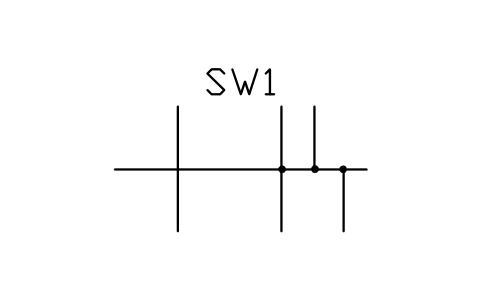
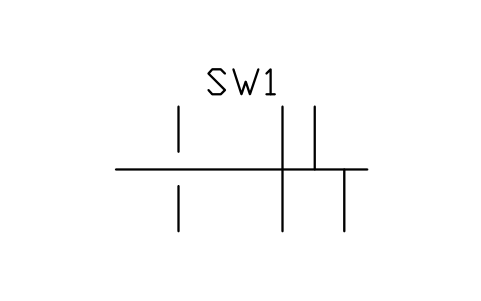
Using AutoCAD 2017 or an earlier version? Download the 2010 format
Copyright CADXChange. Use and modify the symbols freely in your own drawings and projects, including commercial ones; credit and a link are needed only when you publish them. Please do not redistribute or resell the library. Each ZIP holds one plain DWG file in AutoCAD 2018 format and a README; no add-in needed. Provided as is, without warranty. Library terms (CXL-1.0)
All 133 symbols
133 of 133 symbols
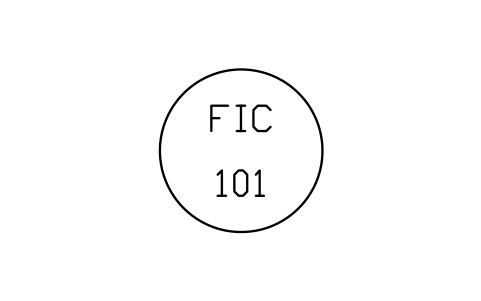
Discrete, field
ISA_DISCRETE_FIELDAttributes
TAG_FUNCLOOP_NOSERVICEAREARANGEUNITSIGNAL_TYPEIO_ADDRESSCABINETPID_NOMANUFACTURERMODELDATASHEET_NODESC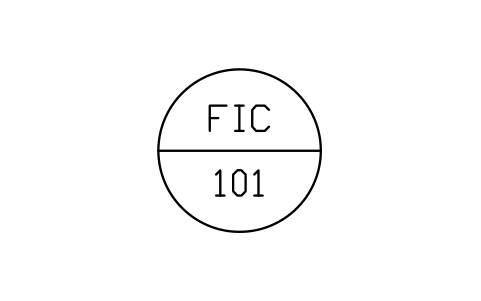
Discrete, main panel
ISA_DISCRETE_MAINAttributes
TAG_FUNCLOOP_NOSERVICEAREARANGEUNITSIGNAL_TYPEIO_ADDRESSCABINETPID_NOMANUFACTURERMODELDATASHEET_NODESC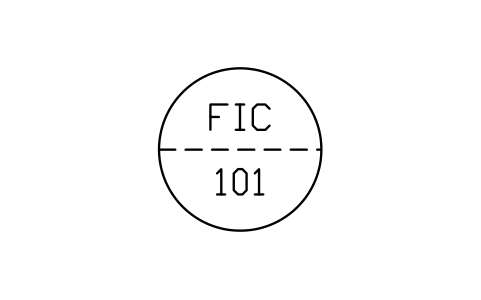
Discrete, main, rear
ISA_DISCRETE_MAIN_REARAttributes
TAG_FUNCLOOP_NOSERVICEAREARANGEUNITSIGNAL_TYPEIO_ADDRESSCABINETPID_NOMANUFACTURERMODELDATASHEET_NODESC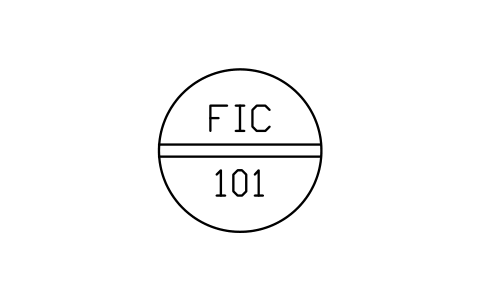
Discrete, aux. panel
ISA_DISCRETE_AUXAttributes
TAG_FUNCLOOP_NOSERVICEAREARANGEUNITSIGNAL_TYPEIO_ADDRESSCABINETPID_NOMANUFACTURERMODELDATASHEET_NODESC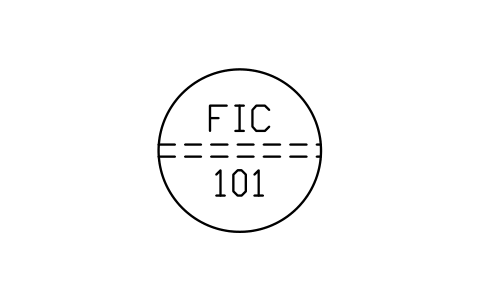
Discrete, aux., rear
ISA_DISCRETE_AUX_REARAttributes
TAG_FUNCLOOP_NOSERVICEAREARANGEUNITSIGNAL_TYPEIO_ADDRESSCABINETPID_NOMANUFACTURERMODELDATASHEET_NODESC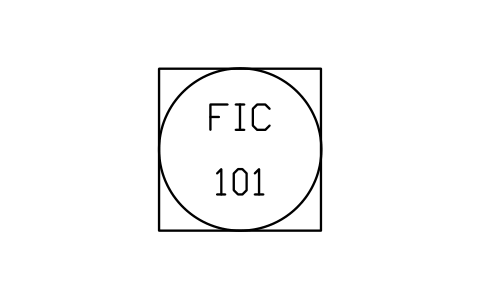
Shared (BPCS), field
ISA_SHARED_FIELDAttributes
TAG_FUNCLOOP_NOSERVICEAREARANGEUNITSIGNAL_TYPEIO_ADDRESSCABINETPID_NOMANUFACTURERMODELDATASHEET_NODESC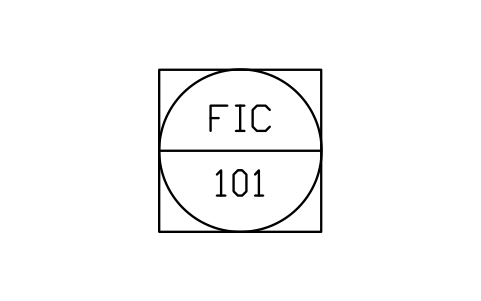
Shared (BPCS), main panel
ISA_SHARED_MAINAttributes
TAG_FUNCLOOP_NOSERVICEAREARANGEUNITSIGNAL_TYPEIO_ADDRESSCABINETPID_NOMANUFACTURERMODELDATASHEET_NODESC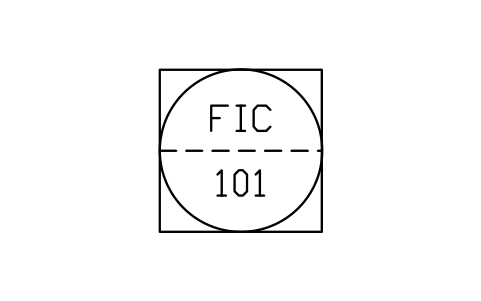
Shared (BPCS), main, rear
ISA_SHARED_MAIN_REARAttributes
TAG_FUNCLOOP_NOSERVICEAREARANGEUNITSIGNAL_TYPEIO_ADDRESSCABINETPID_NOMANUFACTURERMODELDATASHEET_NODESC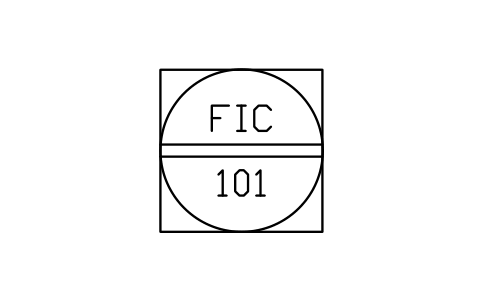
Shared (BPCS), aux. panel
ISA_SHARED_AUXAttributes
TAG_FUNCLOOP_NOSERVICEAREARANGEUNITSIGNAL_TYPEIO_ADDRESSCABINETPID_NOMANUFACTURERMODELDATASHEET_NODESC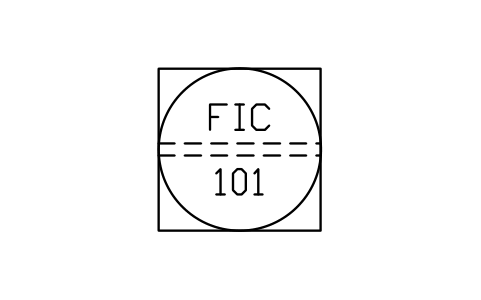
Shared (BPCS), aux., rear
ISA_SHARED_AUX_REARAttributes
TAG_FUNCLOOP_NOSERVICEAREARANGEUNITSIGNAL_TYPEIO_ADDRESSCABINETPID_NOMANUFACTURERMODELDATASHEET_NODESC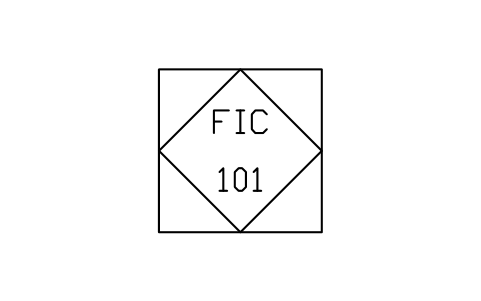
Shared (SIS), field
ISA_SIS_FIELDAttributes
TAG_FUNCLOOP_NOSERVICEAREARANGEUNITSIGNAL_TYPEIO_ADDRESSCABINETPID_NOMANUFACTURERMODELDATASHEET_NODESC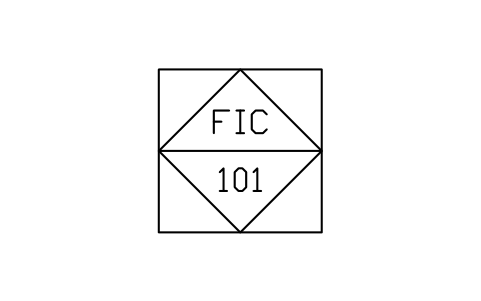
Shared (SIS), main panel
ISA_SIS_MAINAttributes
TAG_FUNCLOOP_NOSERVICEAREARANGEUNITSIGNAL_TYPEIO_ADDRESSCABINETPID_NOMANUFACTURERMODELDATASHEET_NODESC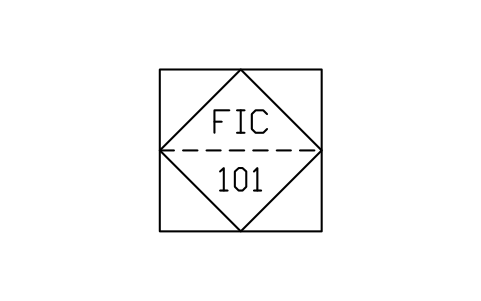
Shared (SIS), main, rear
ISA_SIS_MAIN_REARAttributes
TAG_FUNCLOOP_NOSERVICEAREARANGEUNITSIGNAL_TYPEIO_ADDRESSCABINETPID_NOMANUFACTURERMODELDATASHEET_NODESC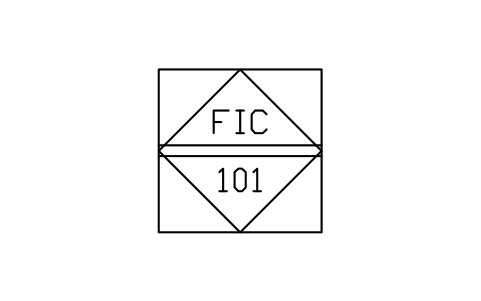
Shared (SIS), aux. panel
ISA_SIS_AUXAttributes
TAG_FUNCLOOP_NOSERVICEAREARANGEUNITSIGNAL_TYPEIO_ADDRESSCABINETPID_NOMANUFACTURERMODELDATASHEET_NODESC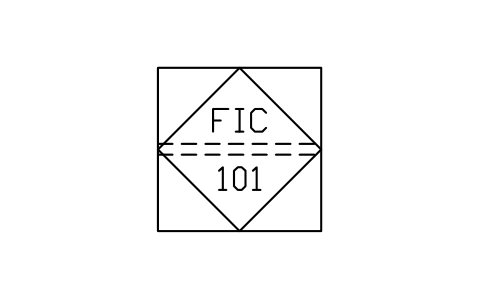
Shared (SIS), aux., rear
ISA_SIS_AUX_REARAttributes
TAG_FUNCLOOP_NOSERVICEAREARANGEUNITSIGNAL_TYPEIO_ADDRESSCABINETPID_NOMANUFACTURERMODELDATASHEET_NODESC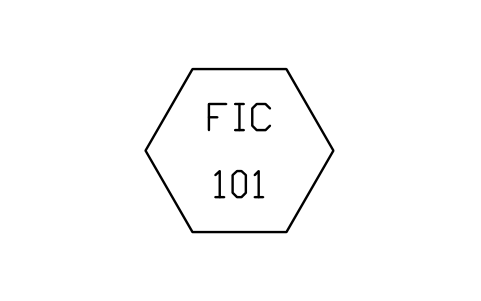
Computer, field
ISA_COMPUTER_FIELDAttributes
TAG_FUNCLOOP_NOSERVICEAREARANGEUNITSIGNAL_TYPEIO_ADDRESSCABINETPID_NOMANUFACTURERMODELDATASHEET_NODESC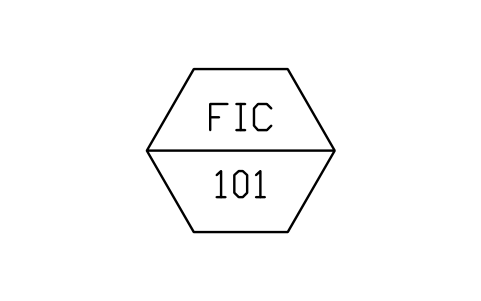
Computer, main panel
ISA_COMPUTER_MAINAttributes
TAG_FUNCLOOP_NOSERVICEAREARANGEUNITSIGNAL_TYPEIO_ADDRESSCABINETPID_NOMANUFACTURERMODELDATASHEET_NODESC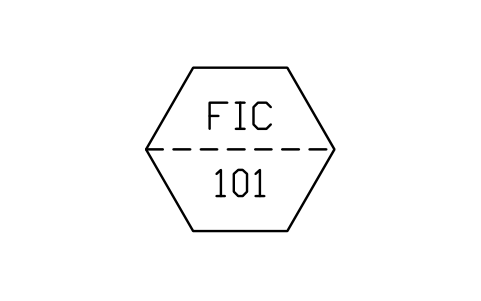
Computer, main, rear
ISA_COMPUTER_MAIN_REARAttributes
TAG_FUNCLOOP_NOSERVICEAREARANGEUNITSIGNAL_TYPEIO_ADDRESSCABINETPID_NOMANUFACTURERMODELDATASHEET_NODESC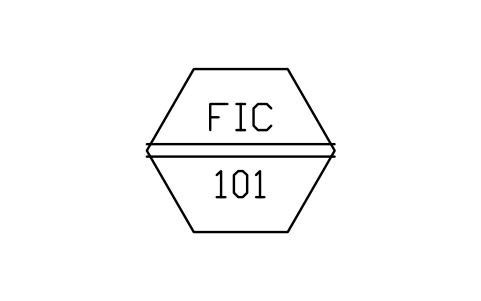
Computer, aux. panel
ISA_COMPUTER_AUXAttributes
TAG_FUNCLOOP_NOSERVICEAREARANGEUNITSIGNAL_TYPEIO_ADDRESSCABINETPID_NOMANUFACTURERMODELDATASHEET_NODESC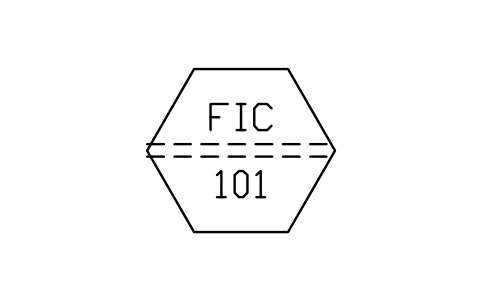
Computer, aux., rear
ISA_COMPUTER_AUX_REARAttributes
TAG_FUNCLOOP_NOSERVICEAREARANGEUNITSIGNAL_TYPEIO_ADDRESSCABINETPID_NOMANUFACTURERMODELDATASHEET_NODESC
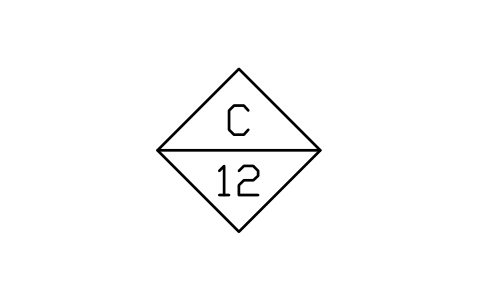
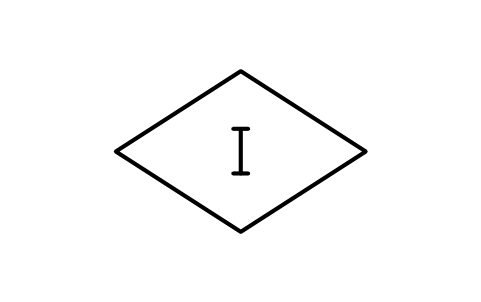
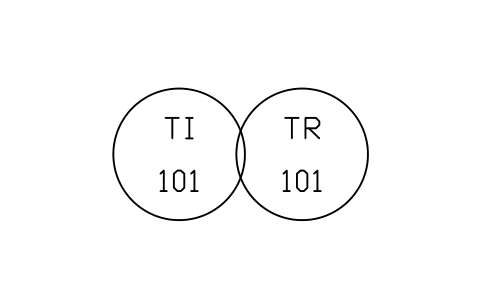
- New in 1.1
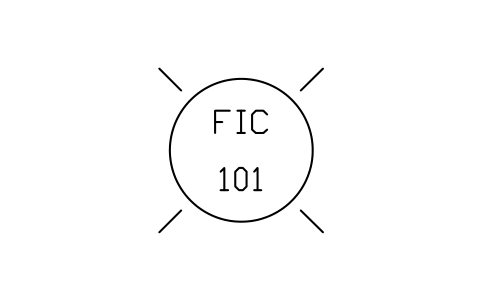
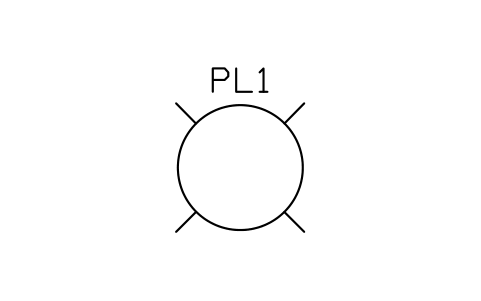
Pilot light
ISA_PILOT_LIGHTAttributes
TAG_FUNCLOOP_NOSERVICEAREARANGEUNITSIGNAL_TYPEIO_ADDRESSCABINETPID_NOMANUFACTURERMODELDATASHEET_NODESC 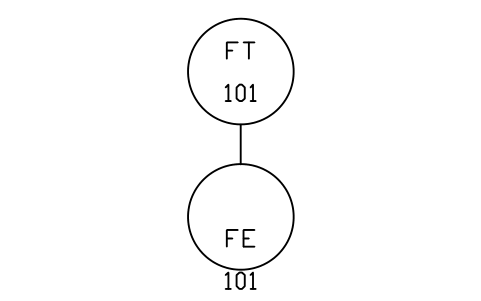
Transmitter + element, close
ISA_XMTR_CLOSE_COUPLEDAttributes
TAG_FUNCLOOP_NOELEMENT_FUNCELEMENT_LOOPSERVICEAREARANGEUNITSIGNAL_TYPEIO_ADDRESSCABINETPID_NOMANUFACTURERMODELDATASHEET_NODESC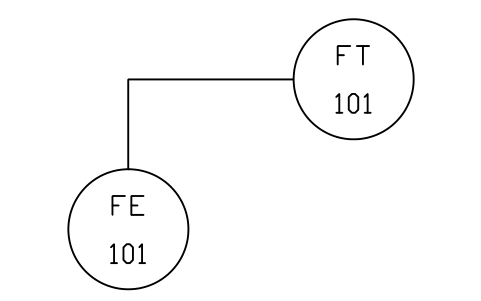
Transmitter + element, remote
ISA_XMTR_REMOTEAttributes
TAG_FUNCLOOP_NOELEMENT_FUNCELEMENT_LOOPSERVICEAREARANGEUNITSIGNAL_TYPEIO_ADDRESSCABINETPID_NOMANUFACTURERMODELDATASHEET_NODESC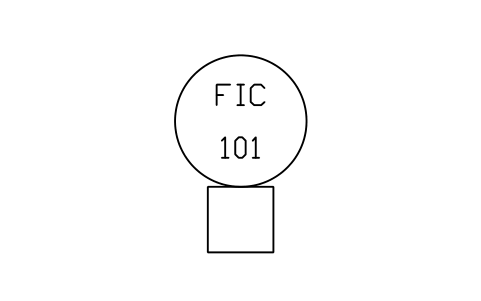
Transmitter, element box
ISA_XMTR_GRAPHIC_INTEGRALAttributes
TAG_FUNCLOOP_NOSERVICEAREARANGEUNITSIGNAL_TYPEIO_ADDRESSCABINETPID_NOMANUFACTURERMODELDATASHEET_NODESC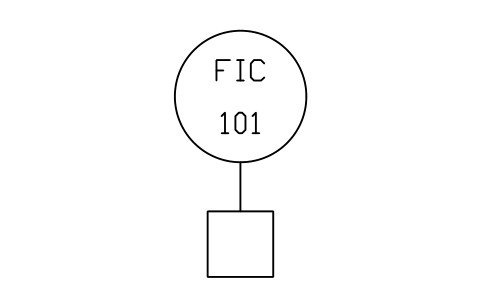
Transmitter, close elem. box
ISA_XMTR_GRAPHIC_CLOSEAttributes
TAG_FUNCLOOP_NOSERVICEAREARANGEUNITSIGNAL_TYPEIO_ADDRESSCABINETPID_NOMANUFACTURERMODELDATASHEET_NODESC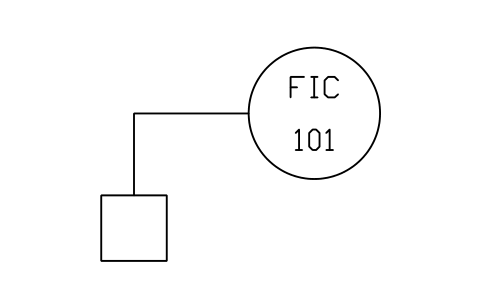
Transmitter, remote elem. box
ISA_XMTR_GRAPHIC_REMOTEAttributes
TAG_FUNCLOOP_NOSERVICEAREARANGEUNITSIGNAL_TYPEIO_ADDRESSCABINETPID_NOMANUFACTURERMODELDATASHEET_NODESC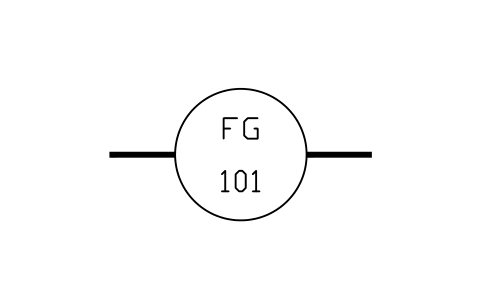
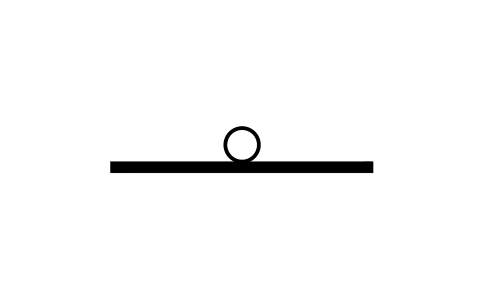
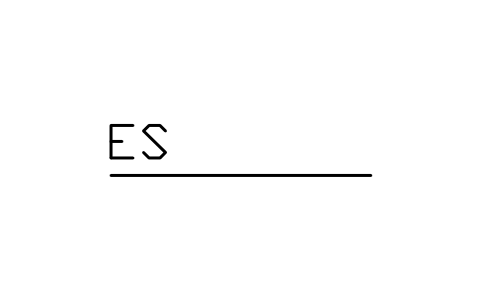
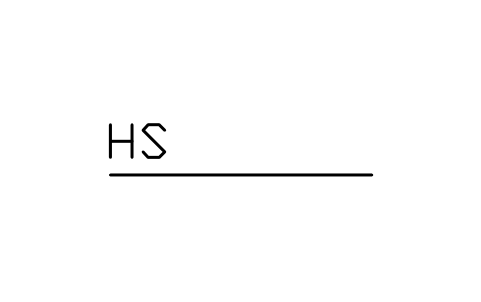
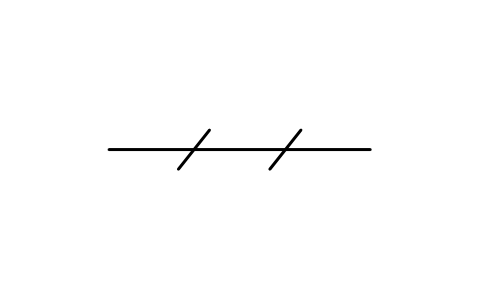
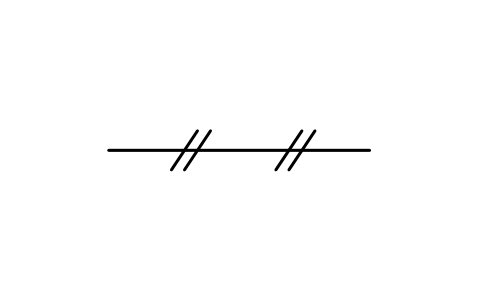
Sight glass, flow (FG)
ISA_SIGHT_GLASSAttributes
TAG_FUNCLOOP_NOSERVICEAREARANGEUNITSIGNAL_TYPEIO_ADDRESSCABINETPID_NOMANUFACTURERMODELDATASHEET_NODESC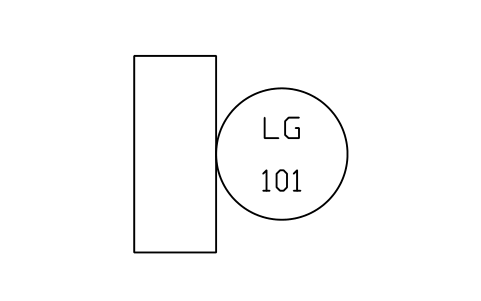
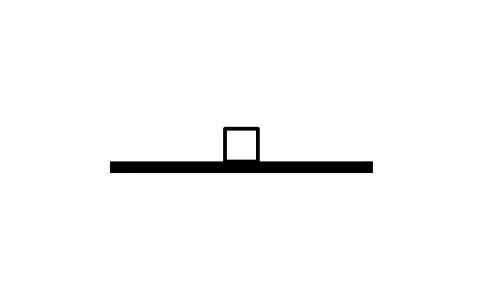
Level gage on vessel (LG)
ISA_GAGE_LEVEL_INTEGRALAttributes
TAG_FUNCLOOP_NOSERVICEAREARANGEUNITSIGNAL_TYPEIO_ADDRESSCABINETPID_NOMANUFACTURERMODELDATASHEET_NODESC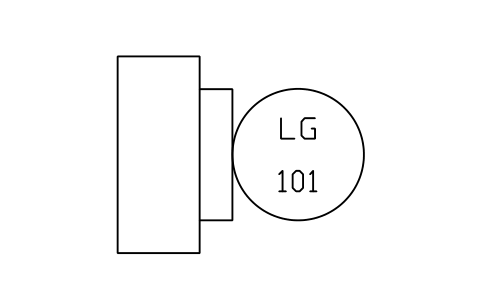
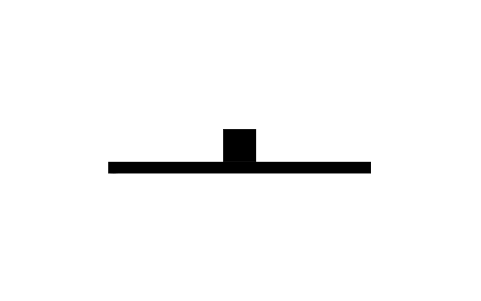
Level gage glass, external
ISA_GAGE_LEVEL_EXTERNALAttributes
TAG_FUNCLOOP_NOSERVICEAREARANGEUNITSIGNAL_TYPEIO_ADDRESSCABINETPID_NOMANUFACTURERMODELDATASHEET_NODESC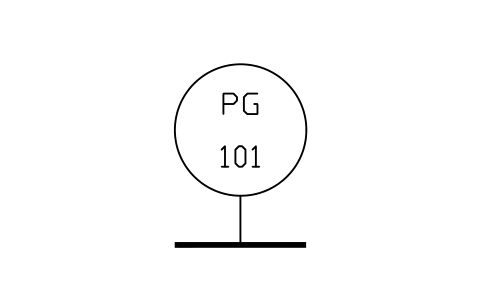
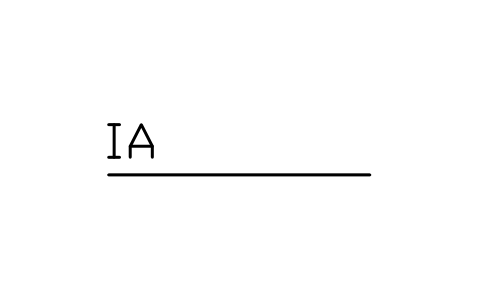
Pressure gage (PG)
ISA_GAGE_PRESSUREAttributes
TAG_FUNCLOOP_NOSERVICEAREARANGEUNITSIGNAL_TYPEIO_ADDRESSCABINETPID_NOMANUFACTURERMODELDATASHEET_NODESC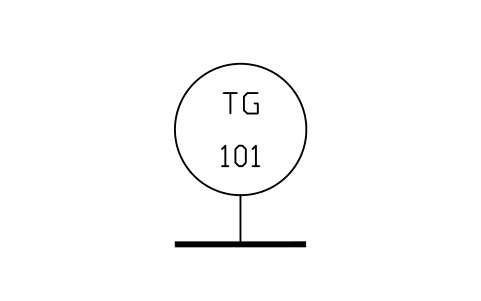
Thermometer (TG)
ISA_GAGE_TEMPERATUREAttributes
TAG_FUNCLOOP_NOSERVICEAREARANGEUNITSIGNAL_TYPEIO_ADDRESSCABINETPID_NOMANUFACTURERMODELDATASHEET_NODESC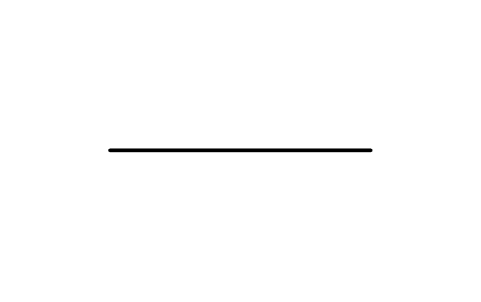
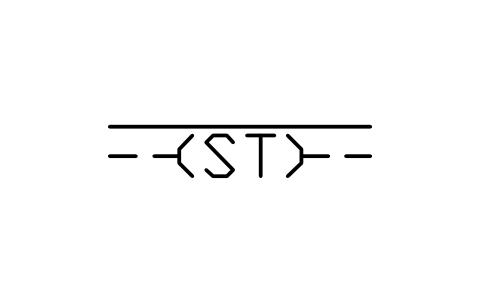
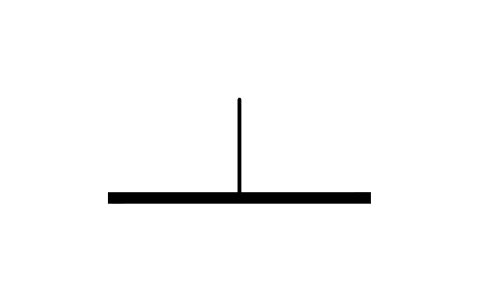
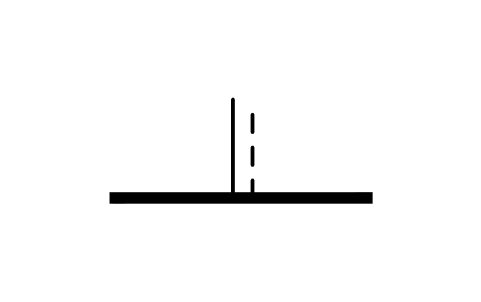
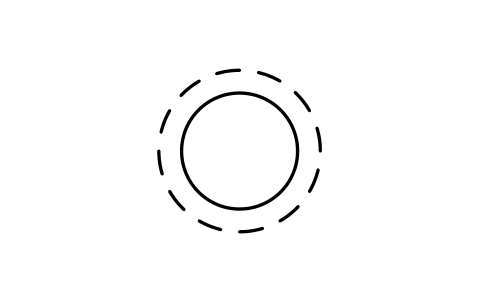
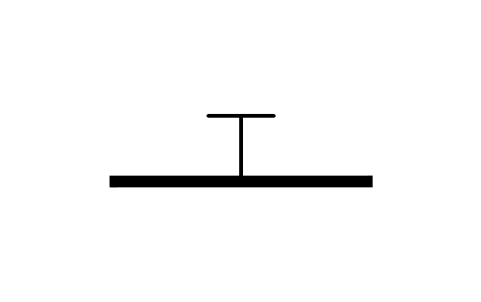
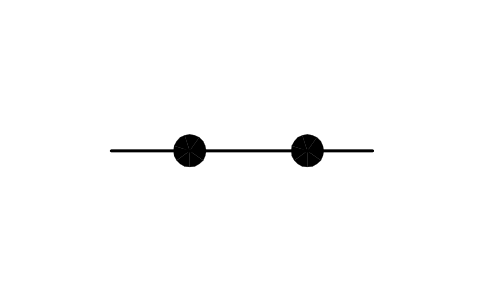
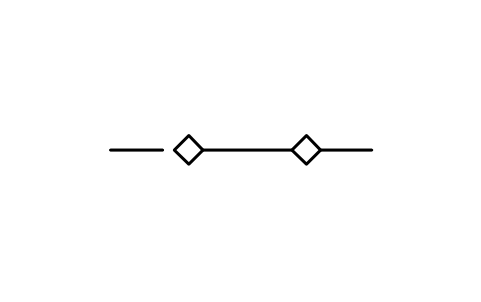
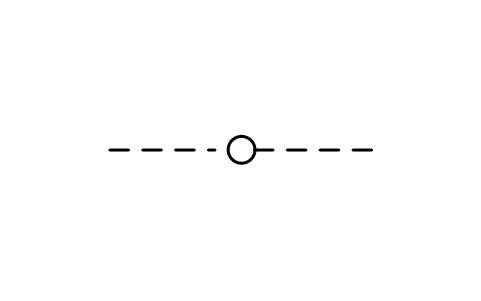
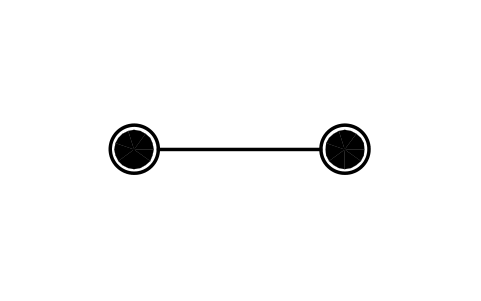
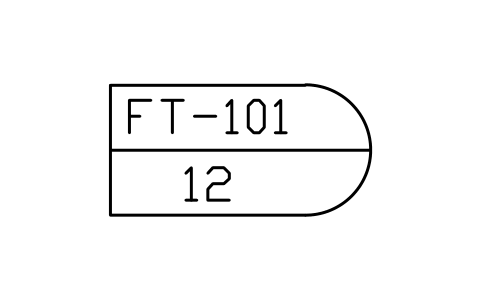
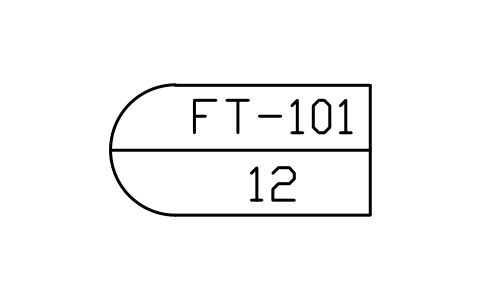
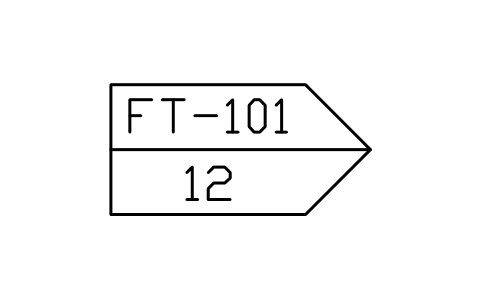
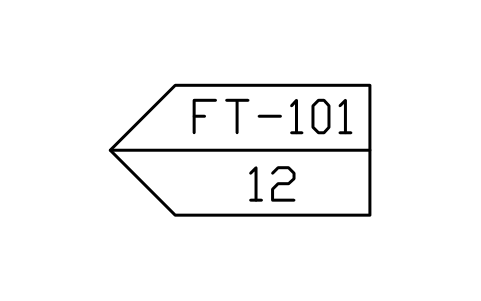
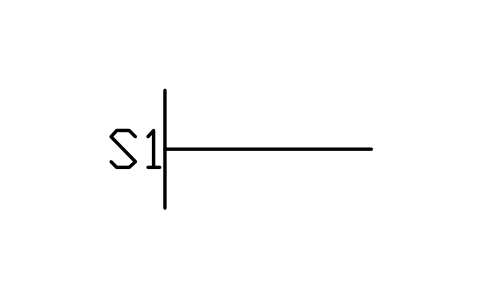
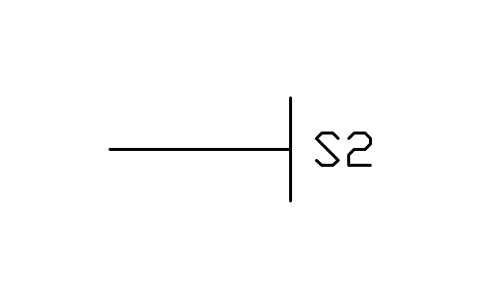
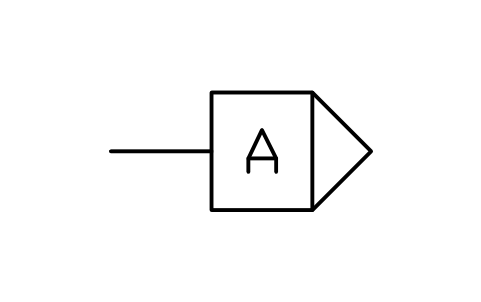
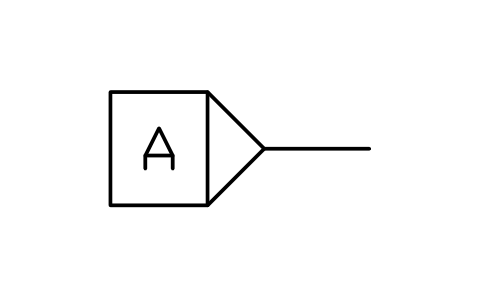
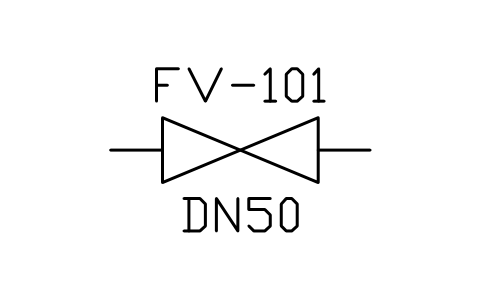
Gate valve / two-way valve
ISA_VALVE_GATEAttributes
VALVE_TAGSIZERATINGBODY_MATERIALLINE_NOMANUFACTURERMODELPID_NODESC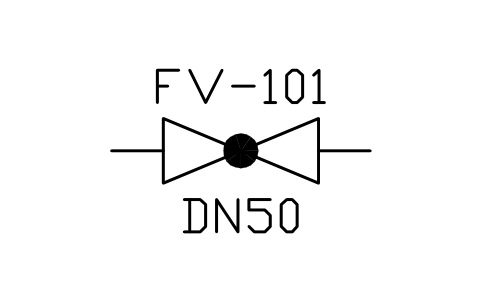
Globe valve
ISA_VALVE_GLOBEAttributes
VALVE_TAGSIZERATINGBODY_MATERIALLINE_NOMANUFACTURERMODELPID_NODESC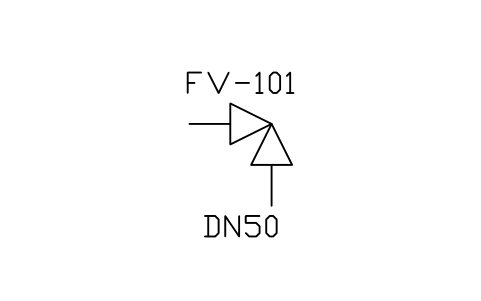
Angle valve
ISA_VALVE_ANGLEAttributes
VALVE_TAGSIZERATINGBODY_MATERIALLINE_NOMANUFACTURERMODELPID_NODESC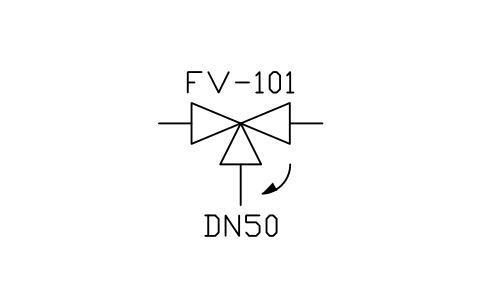
Three-way valve
ISA_VALVE_3WAYAttributes
VALVE_TAGSIZERATINGBODY_MATERIALLINE_NOMANUFACTURERMODELPID_NODESC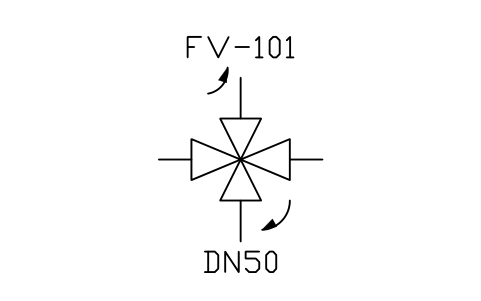
Four-way valve
ISA_VALVE_4WAYAttributes
VALVE_TAGSIZERATINGBODY_MATERIALLINE_NOMANUFACTURERMODELPID_NODESC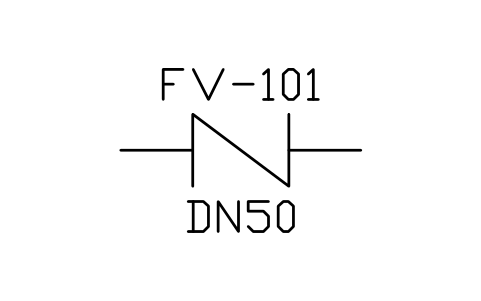
Butterfly valve
ISA_VALVE_BUTTERFLYAttributes
VALVE_TAGSIZERATINGBODY_MATERIALLINE_NOMANUFACTURERMODELPID_NODESC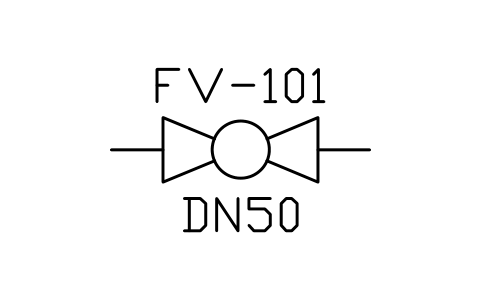
Ball valve
ISA_VALVE_BALLAttributes
VALVE_TAGSIZERATINGBODY_MATERIALLINE_NOMANUFACTURERMODELPID_NODESC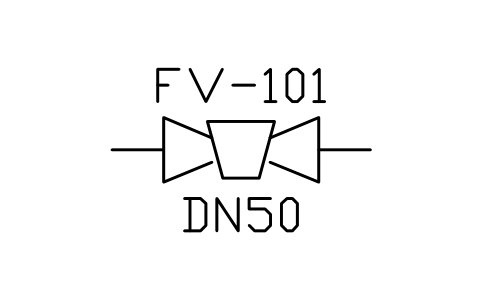
Plug valve
ISA_VALVE_PLUGAttributes
VALVE_TAGSIZERATINGBODY_MATERIALLINE_NOMANUFACTURERMODELPID_NODESC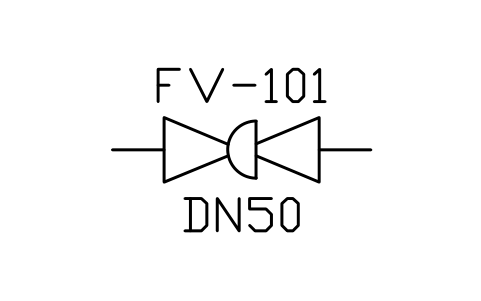
Eccentric rotary disc valve
ISA_VALVE_ECCENTRICAttributes
VALVE_TAGSIZERATINGBODY_MATERIALLINE_NOMANUFACTURERMODELPID_NODESC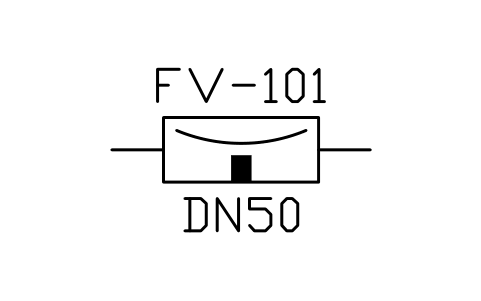
Diaphragm valve
ISA_VALVE_DIAPHRAGM_AAttributes
VALVE_TAGSIZERATINGBODY_MATERIALLINE_NOMANUFACTURERMODELPID_NODESC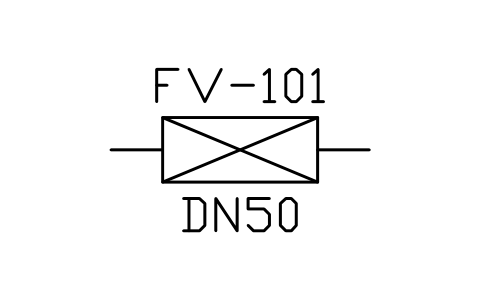
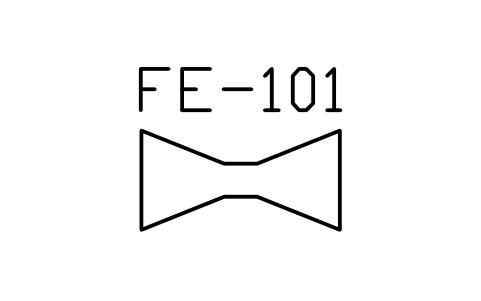
Diaphragm valve, bowtie
ISA_VALVE_DIAPHRAGM_BAttributes
VALVE_TAGSIZERATINGBODY_MATERIALLINE_NOMANUFACTURERMODELPID_NODESC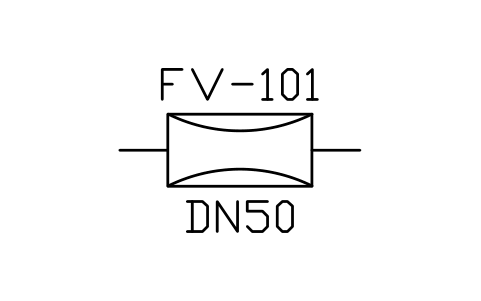
Pinch valve
ISA_VALVE_PINCHAttributes
VALVE_TAGSIZERATINGBODY_MATERIALLINE_NOMANUFACTURERMODELPID_NODESC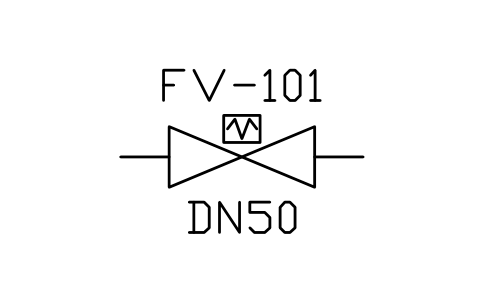
Bellows sealed valve
ISA_VALVE_BELLOWSAttributes
VALVE_TAGSIZERATINGBODY_MATERIALLINE_NOMANUFACTURERMODELPID_NODESC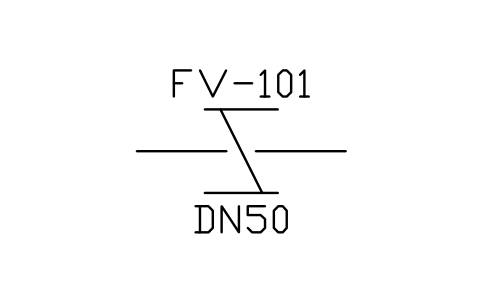
Damper / louver, generic
ISA_DAMPERAttributes
VALVE_TAGSIZERATINGBODY_MATERIALLINE_NOMANUFACTURERMODELPID_NODESC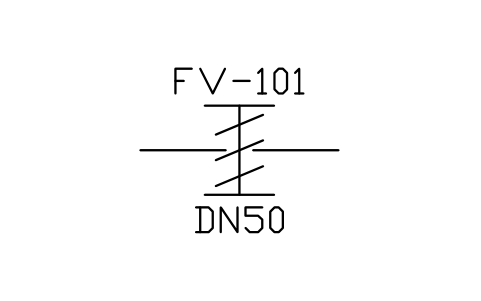
Damper, parallel blade
ISA_DAMPER_PARALLELAttributes
VALVE_TAGSIZERATINGBODY_MATERIALLINE_NOMANUFACTURERMODELPID_NODESC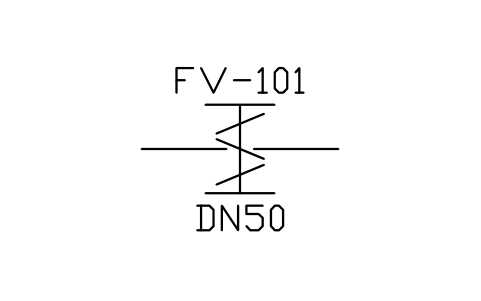
Damper, opposed blade
ISA_DAMPER_OPPOSEDAttributes
VALVE_TAGSIZERATINGBODY_MATERIALLINE_NOMANUFACTURERMODELPID_NODESC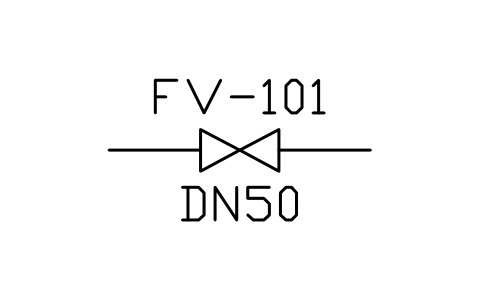
Solenoid valve, 2-way
ISA_VALVE_SOL_2WAYAttributes
VALVE_TAGSIZERATINGBODY_MATERIALLINE_NOMANUFACTURERMODELPID_NODESC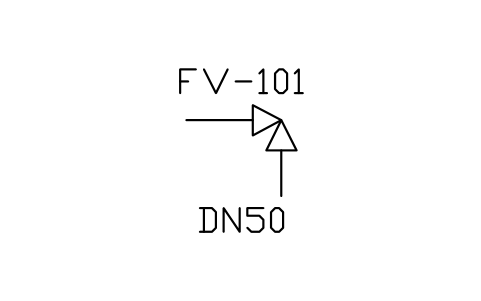
Solenoid valve, angle
ISA_VALVE_SOL_ANGLEAttributes
VALVE_TAGSIZERATINGBODY_MATERIALLINE_NOMANUFACTURERMODELPID_NODESC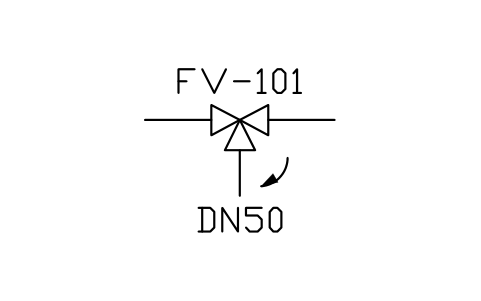
Solenoid valve, 3-way
ISA_VALVE_SOL_3WAYAttributes
VALVE_TAGSIZERATINGBODY_MATERIALLINE_NOMANUFACTURERMODELPID_NODESC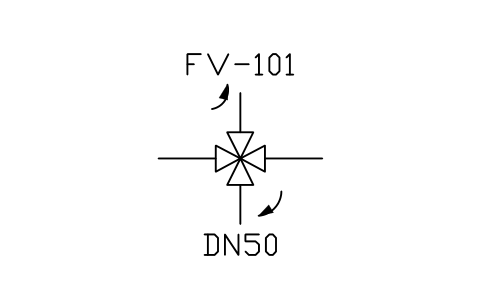
Solenoid valve, 4-way
ISA_VALVE_SOL_4WAYAttributes
VALVE_TAGSIZERATINGBODY_MATERIALLINE_NOMANUFACTURERMODELPID_NODESC- New in 1.1
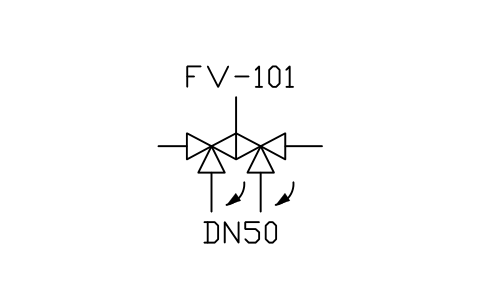
Solenoid valve, 4-way 5-port
ISA_VALVE_SOL_5PORTAttributes
VALVE_TAGSIZERATINGBODY_MATERIALLINE_NOMANUFACTURERMODELPID_NODESC 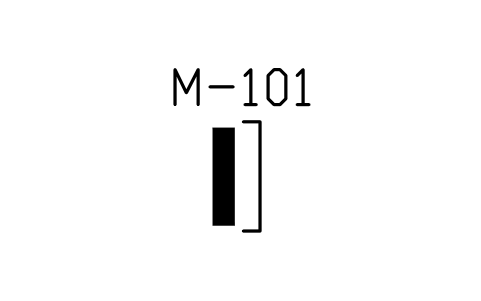
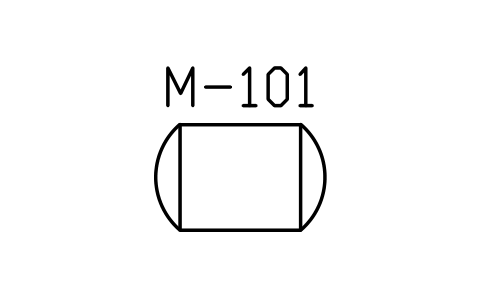
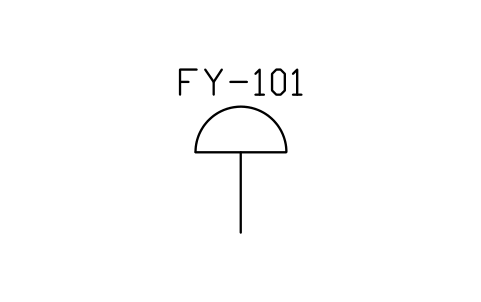
Actuator, spring-diaphragm
ISA_ACT_DIAPHRAGMAttributes
TAGACTUATOR_TYPEFAIL_POSITIONMANUFACTURERMODELPID_NODESC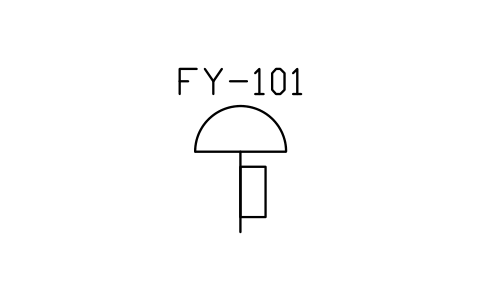
Actuator, diaphragm + pos.
ISA_ACT_DIAPHRAGM_POSAttributes
TAGACTUATOR_TYPEFAIL_POSITIONMANUFACTURERMODELPID_NODESC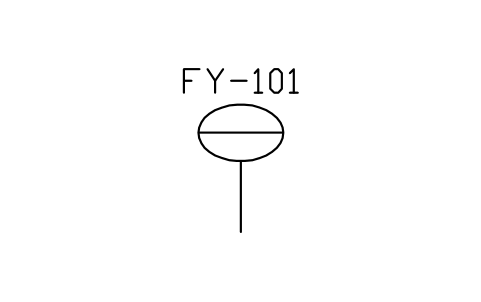
Actuator, pressure-balanced
ISA_ACT_BALANCEDAttributes
TAGACTUATOR_TYPEFAIL_POSITIONMANUFACTURERMODELPID_NODESC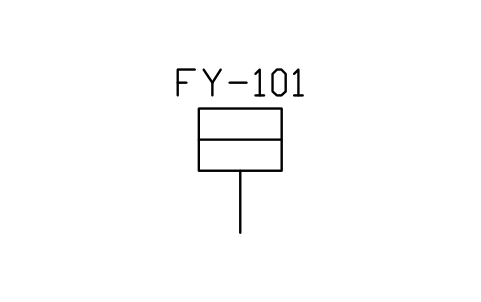
Actuator, linear piston
ISA_ACT_PISTONAttributes
TAGACTUATOR_TYPEFAIL_POSITIONMANUFACTURERMODELPID_NODESC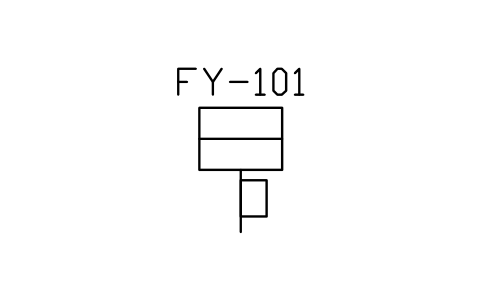
Actuator, piston + positioner
ISA_ACT_PISTON_POSAttributes
TAGACTUATOR_TYPEFAIL_POSITIONMANUFACTURERMODELPID_NODESC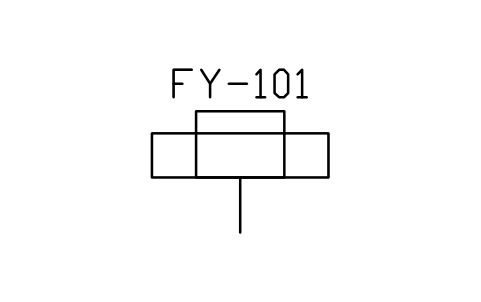
Actuator, rotary piston
ISA_ACT_ROTARYAttributes
TAGACTUATOR_TYPEFAIL_POSITIONMANUFACTURERMODELPID_NODESC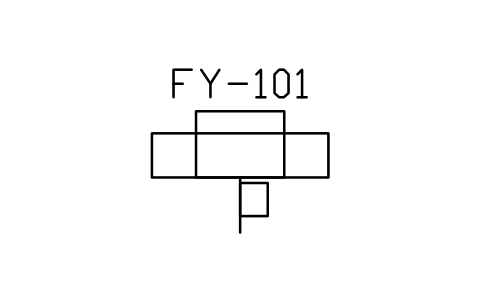
Actuator, rotary + positioner
ISA_ACT_ROTARY_POSAttributes
TAGACTUATOR_TYPEFAIL_POSITIONMANUFACTURERMODELPID_NODESC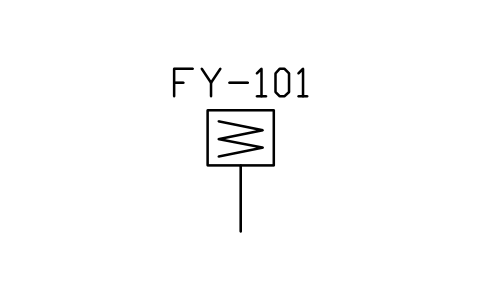
Actuator, bellows spring
ISA_ACT_BELLOWSAttributes
TAGACTUATOR_TYPEFAIL_POSITIONMANUFACTURERMODELPID_NODESC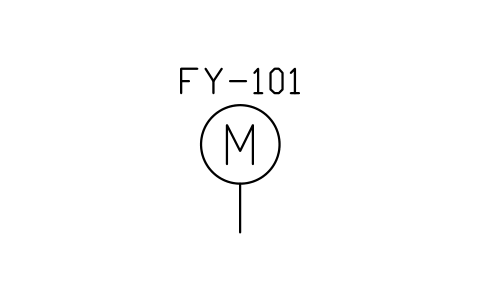
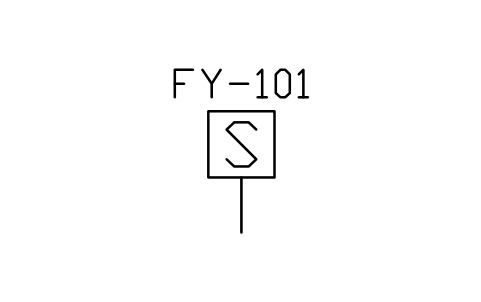
Actuator, solenoid
ISA_ACT_SOLENOIDAttributes
TAGACTUATOR_TYPEFAIL_POSITIONMANUFACTURERMODELPID_NODESC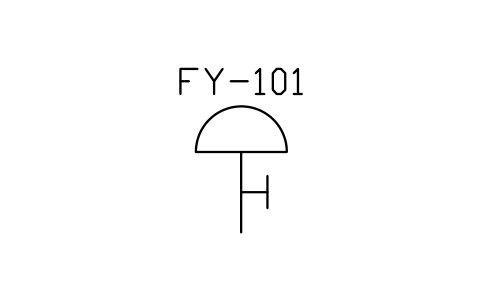
Actuator, side handwheel
ISA_ACT_HAND_SIDEAttributes
TAGACTUATOR_TYPEFAIL_POSITIONMANUFACTURERMODELPID_NODESC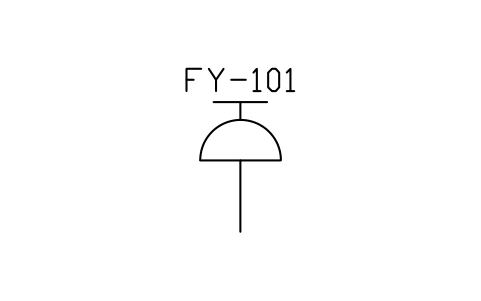
Actuator, top handwheel
ISA_ACT_HAND_TOPAttributes
TAGACTUATOR_TYPEFAIL_POSITIONMANUFACTURERMODELPID_NODESC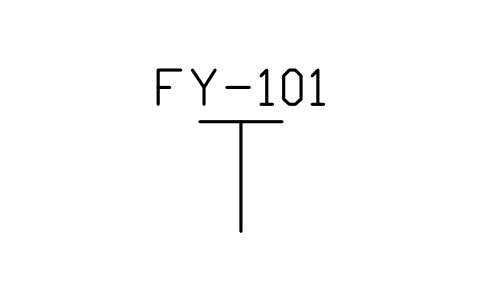
Actuator, manual (hand)
ISA_ACT_MANUALAttributes
TAGACTUATOR_TYPEFAIL_POSITIONMANUFACTURERMODELPID_NODESC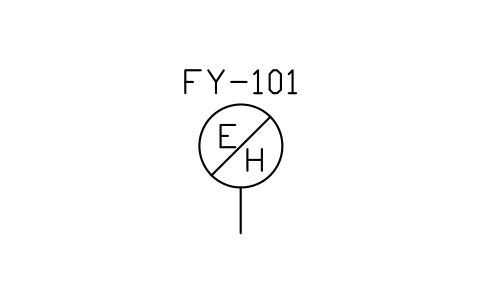
Actuator, electrohydraulic
ISA_ACT_ELECTROHYDRAULICAttributes
TAGACTUATOR_TYPEFAIL_POSITIONMANUFACTURERMODELPID_NODESC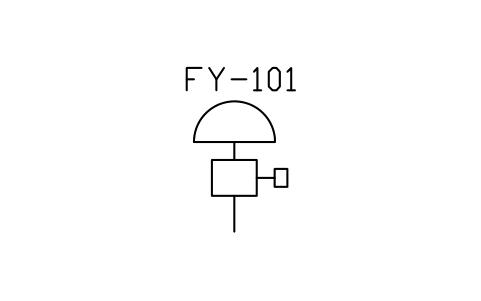
Actuator, PST device, manual
ISA_ACT_PST_MANUALAttributes
TAGACTUATOR_TYPEFAIL_POSITIONMANUFACTURERMODELPID_NODESC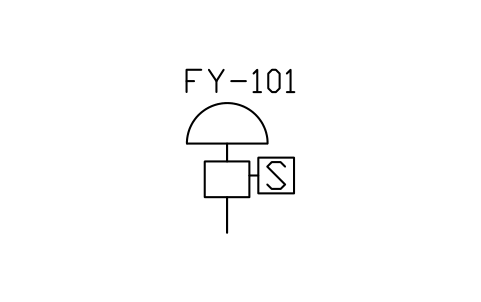
Actuator, PST device, remote
ISA_ACT_PST_REMOTEAttributes
TAGACTUATOR_TYPEFAIL_POSITIONMANUFACTURERMODELPID_NODESC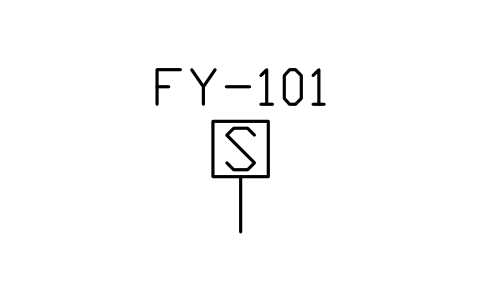
Solenoid, automatic reset
ISA_ACT_SOL_AUTOAttributes
TAGACTUATOR_TYPEFAIL_POSITIONMANUFACTURERMODELPID_NODESC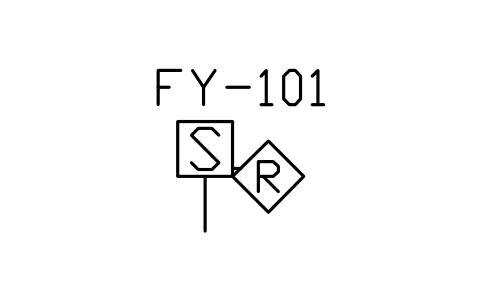
Solenoid, manual reset
ISA_ACT_SOL_LATCHAttributes
TAGACTUATOR_TYPEFAIL_POSITIONMANUFACTURERMODELPID_NODESC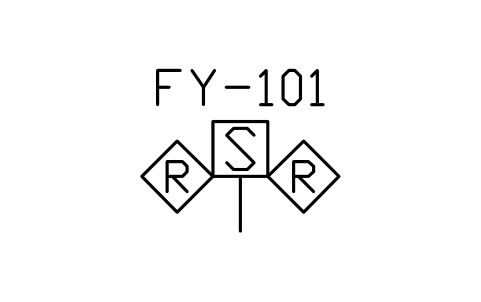
Solenoid, manual+remote reset
ISA_ACT_SOL_LATCH2Attributes
TAGACTUATOR_TYPEFAIL_POSITIONMANUFACTURERMODELPID_NODESC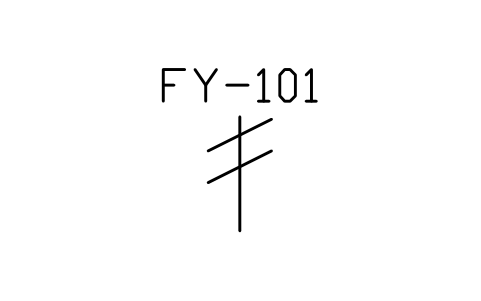
Actuator, spring relief
ISA_ACT_SPRINGAttributes
TAGACTUATOR_TYPEFAIL_POSITIONMANUFACTURERMODELPID_NODESC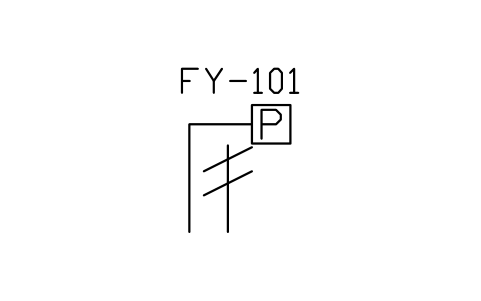
Actuator, pilot relief
ISA_ACT_PILOTAttributes
TAGACTUATOR_TYPEFAIL_POSITIONMANUFACTURERMODELPID_NODESC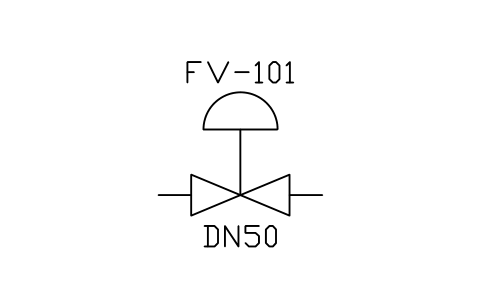
Control valve, diaphragm
ISA_CV_DIAPHRAGMAttributes
VALVE_TAGSIZERATINGBODY_MATERIALLINE_NOFAIL_POSITIONCVACTUATORMANUFACTURERMODELPID_NODESC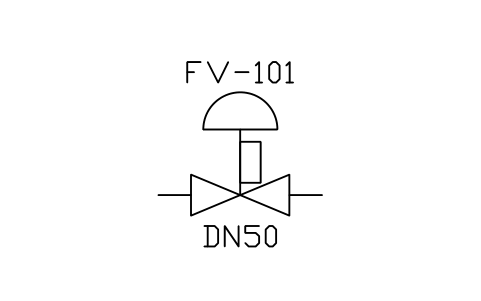
Control valve, diaph. + pos.
ISA_CV_DIAPHRAGM_POSAttributes
VALVE_TAGSIZERATINGBODY_MATERIALLINE_NOFAIL_POSITIONCVACTUATORMANUFACTURERMODELPID_NODESC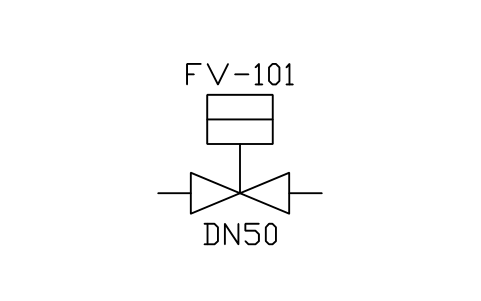
Control valve, piston
ISA_CV_PISTONAttributes
VALVE_TAGSIZERATINGBODY_MATERIALLINE_NOFAIL_POSITIONCVACTUATORMANUFACTURERMODELPID_NODESC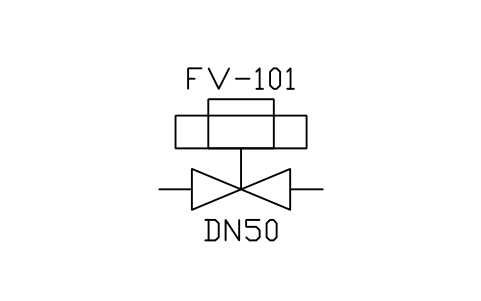
Control valve, rotary piston
ISA_CV_ROTARYAttributes
VALVE_TAGSIZERATINGBODY_MATERIALLINE_NOFAIL_POSITIONCVACTUATORMANUFACTURERMODELPID_NODESC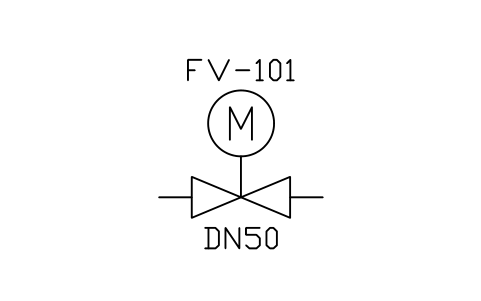
Control valve, motor
ISA_CV_MOTORAttributes
VALVE_TAGSIZERATINGBODY_MATERIALLINE_NOFAIL_POSITIONCVACTUATORMANUFACTURERMODELPID_NODESC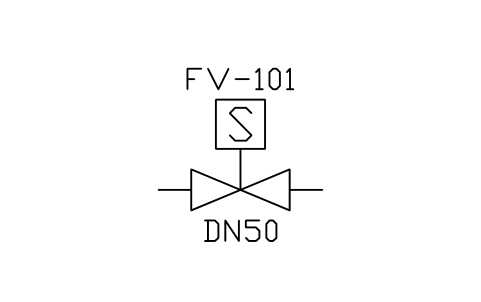
Control valve, solenoid
ISA_CV_SOLENOIDAttributes
VALVE_TAGSIZERATINGBODY_MATERIALLINE_NOFAIL_POSITIONCVACTUATORMANUFACTURERMODELPID_NODESC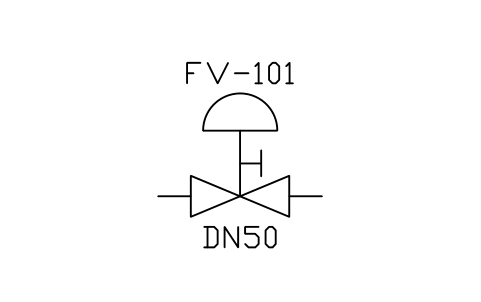
Control valve, side handwheel
ISA_CV_HAND_SIDEAttributes
VALVE_TAGSIZERATINGBODY_MATERIALLINE_NOFAIL_POSITIONCVACTUATORMANUFACTURERMODELPID_NODESC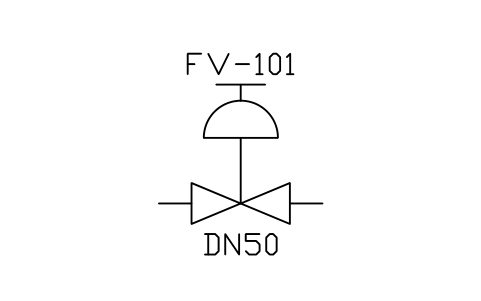
Control valve, top handwheel
ISA_CV_HAND_TOPAttributes
VALVE_TAGSIZERATINGBODY_MATERIALLINE_NOFAIL_POSITIONCVACTUATORMANUFACTURERMODELPID_NODESC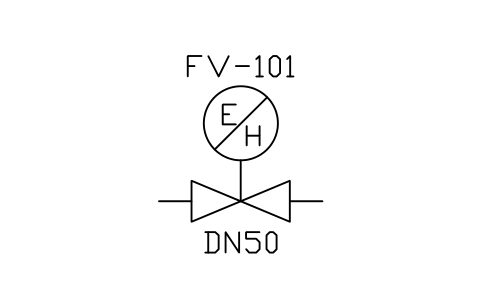
Control valve, electro-hyd.
ISA_CV_ELECTROHYDRAULICAttributes
VALVE_TAGSIZERATINGBODY_MATERIALLINE_NOFAIL_POSITIONCVACTUATORMANUFACTURERMODELPID_NODESC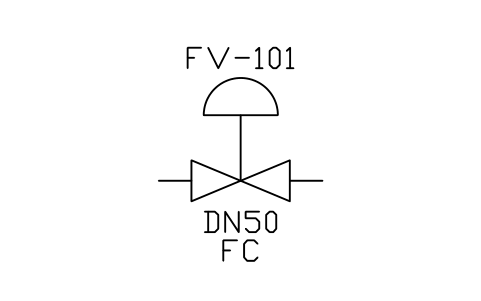
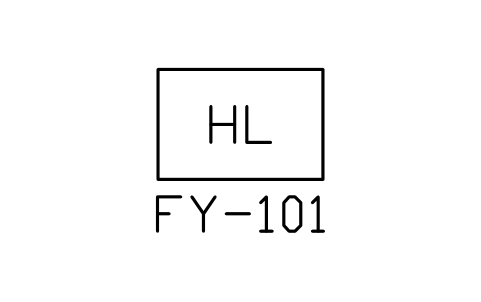
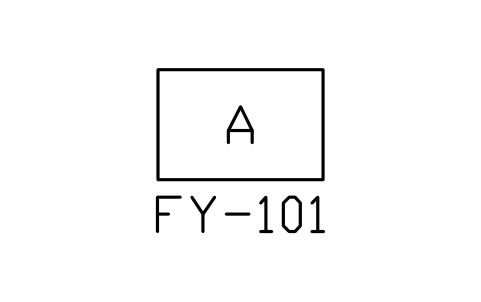
Control valve, fail label (A)
ISA_CV_FAIL_LABELAttributes
VALVE_TAGSIZERATINGBODY_MATERIALLINE_NOFAIL_POSITIONCVACTUATORMANUFACTURERMODELPID_NODESC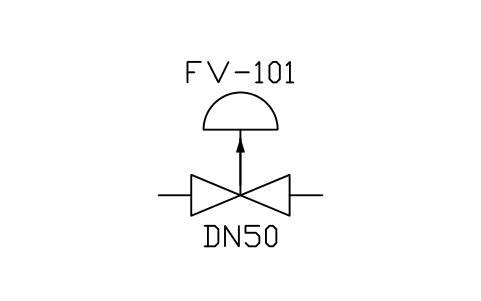
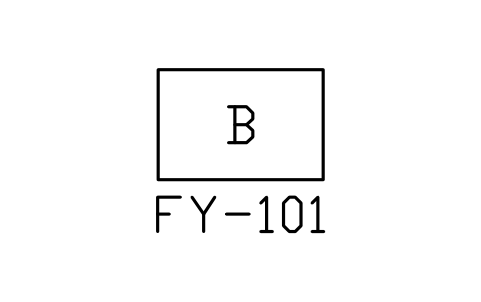
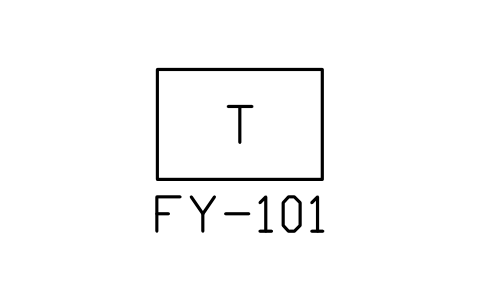
Control valve, fail open (B)
ISA_CV_FOAttributes
VALVE_TAGSIZERATINGBODY_MATERIALLINE_NOFAIL_POSITIONCVACTUATORMANUFACTURERMODELPID_NODESC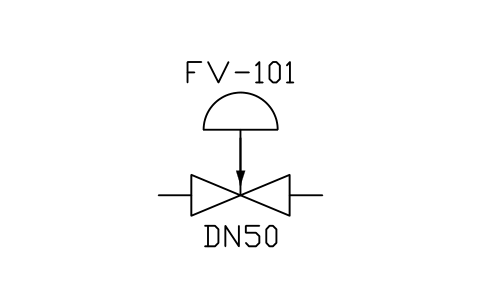
Control valve, fail closed (B)
ISA_CV_FCAttributes
VALVE_TAGSIZERATINGBODY_MATERIALLINE_NOFAIL_POSITIONCVACTUATORMANUFACTURERMODELPID_NODESC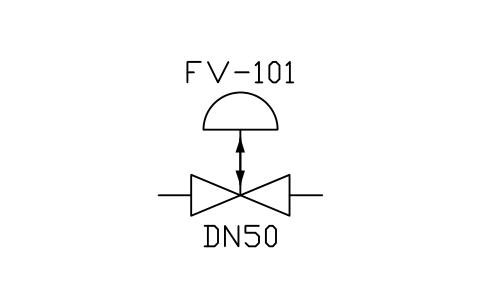
Control valve, fail locked (B)
ISA_CV_FLAttributes
VALVE_TAGSIZERATINGBODY_MATERIALLINE_NOFAIL_POSITIONCVACTUATORMANUFACTURERMODELPID_NODESC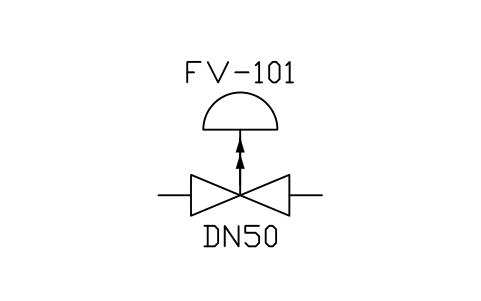
Control valve, FL / drift open (B)
ISA_CV_FL_DOAttributes
VALVE_TAGSIZERATINGBODY_MATERIALLINE_NOFAIL_POSITIONCVACTUATORMANUFACTURERMODELPID_NODESC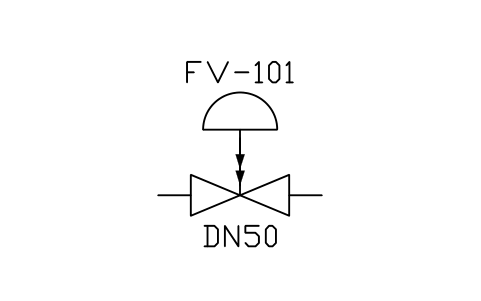
Control valve, FL / drift closed (B)
ISA_CV_FL_DCAttributes
VALVE_TAGSIZERATINGBODY_MATERIALLINE_NOFAIL_POSITIONCVACTUATORMANUFACTURERMODELPID_NODESC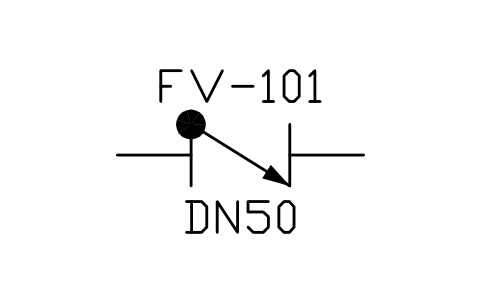
Check valve
ISA_VALVE_CHECKAttributes
VALVE_TAGSIZERATINGBODY_MATERIALLINE_NOMANUFACTURERMODELPID_NODESC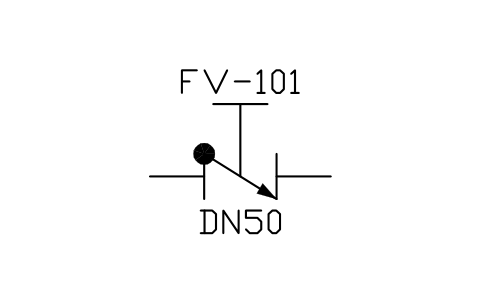
Stop check valve
ISA_VALVE_CHECK_STOPAttributes
VALVE_TAGSIZERATINGBODY_MATERIALLINE_NOMANUFACTURERMODELPID_NODESC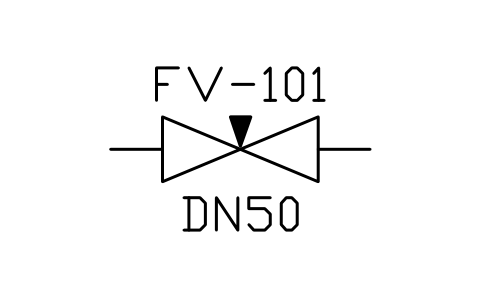
Needle valve
ISA_VALVE_NEEDLEAttributes
VALVE_TAGSIZERATINGBODY_MATERIALLINE_NOMANUFACTURERMODELPID_NODESC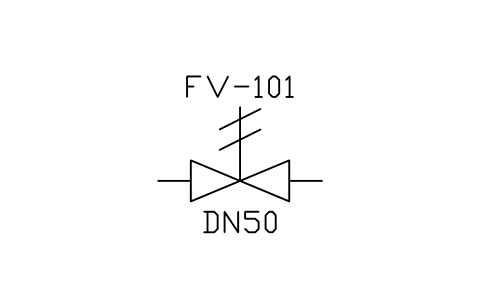
Relief valve, spring loaded
ISA_VALVE_RELIEF_SPRINGAttributes
VALVE_TAGSIZERATINGBODY_MATERIALLINE_NOMANUFACTURERMODELPID_NODESC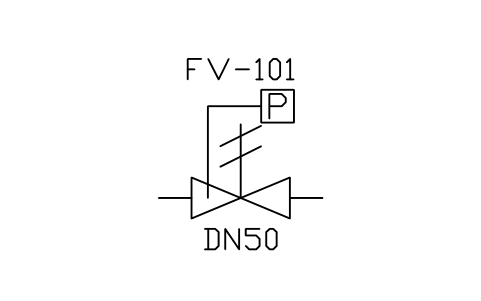
Relief valve, pilot operated
ISA_VALVE_RELIEF_PILOTAttributes
VALVE_TAGSIZERATINGBODY_MATERIALLINE_NOMANUFACTURERMODELPID_NODESC
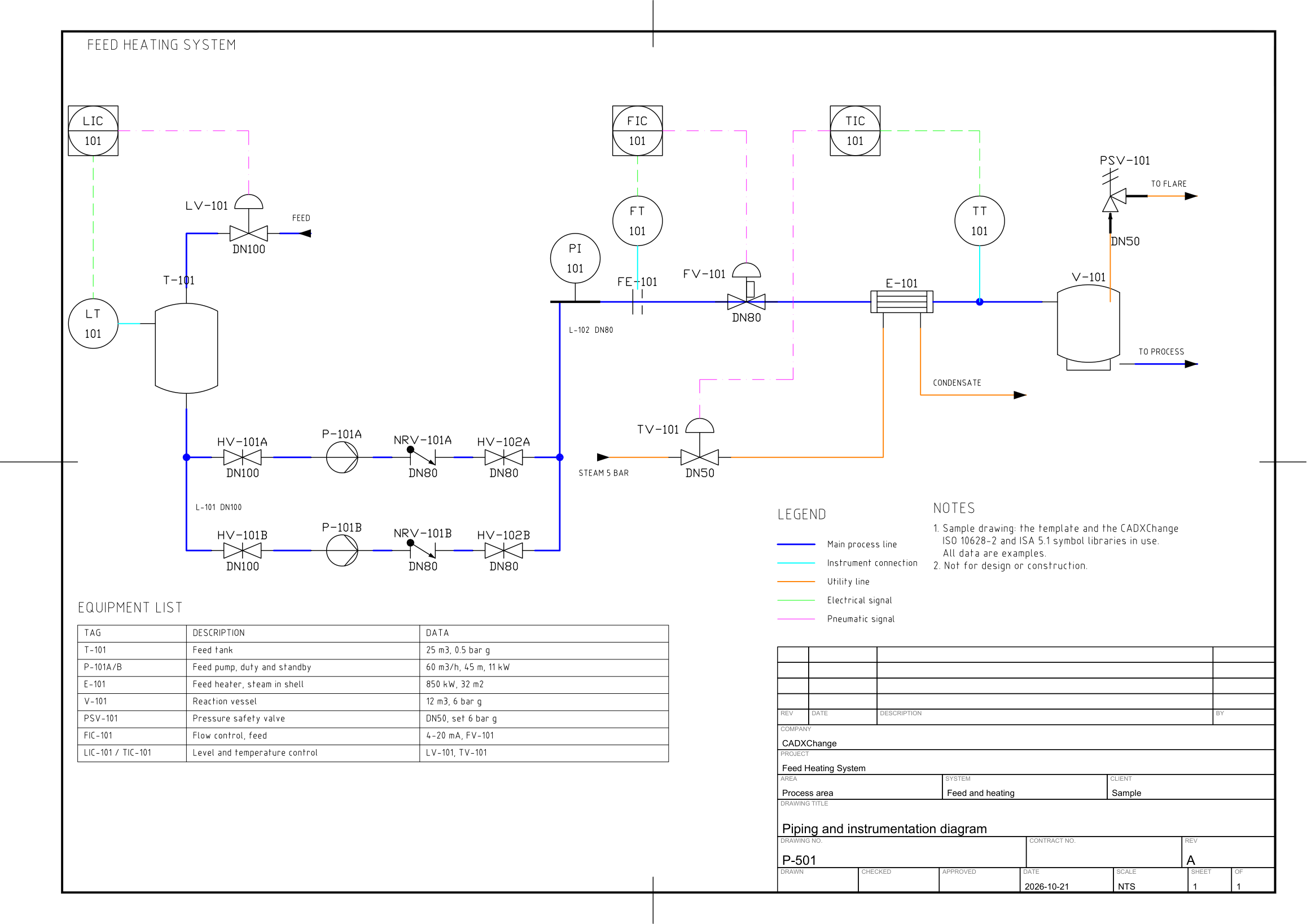
Sample drawings made with this library
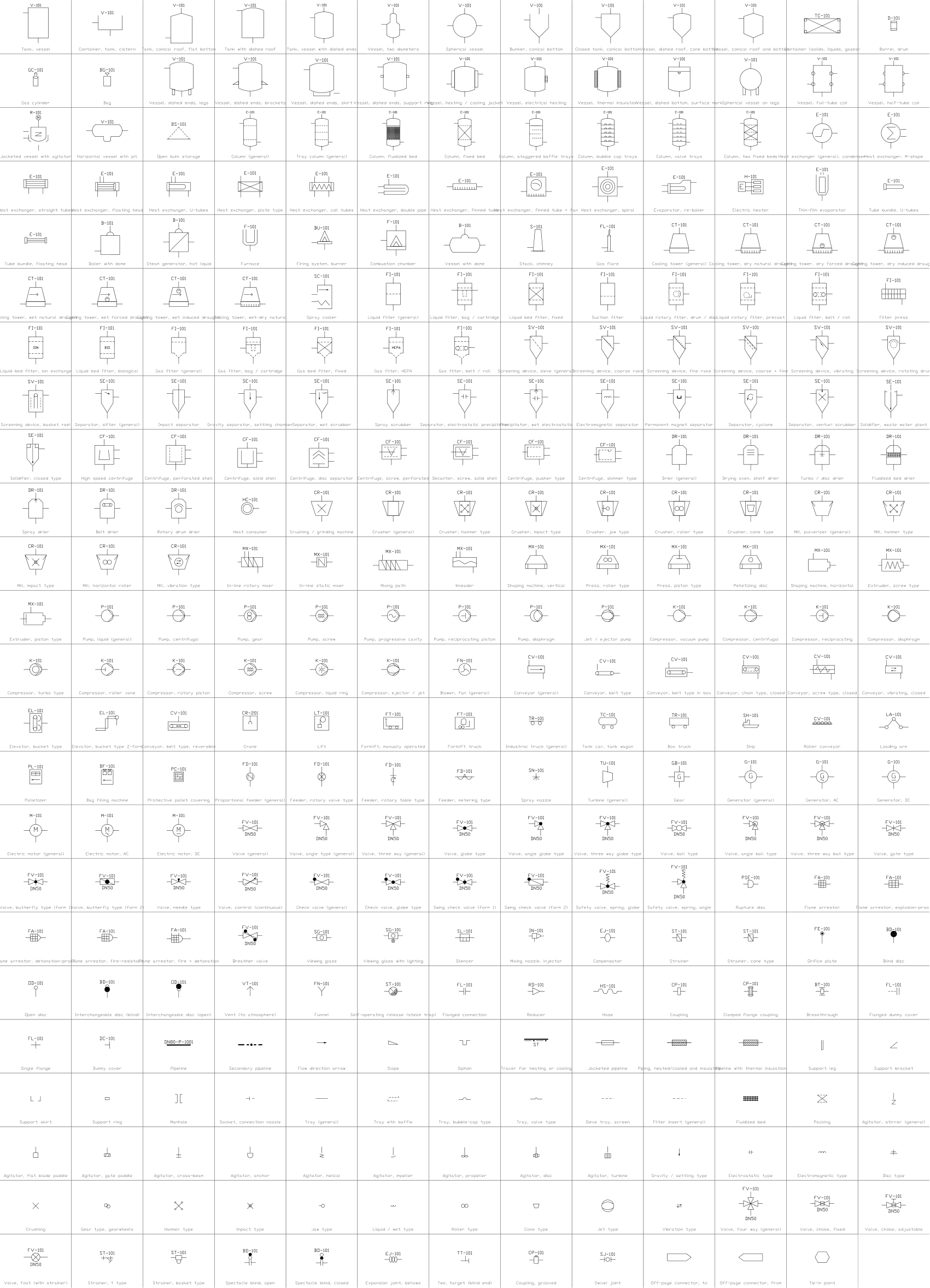
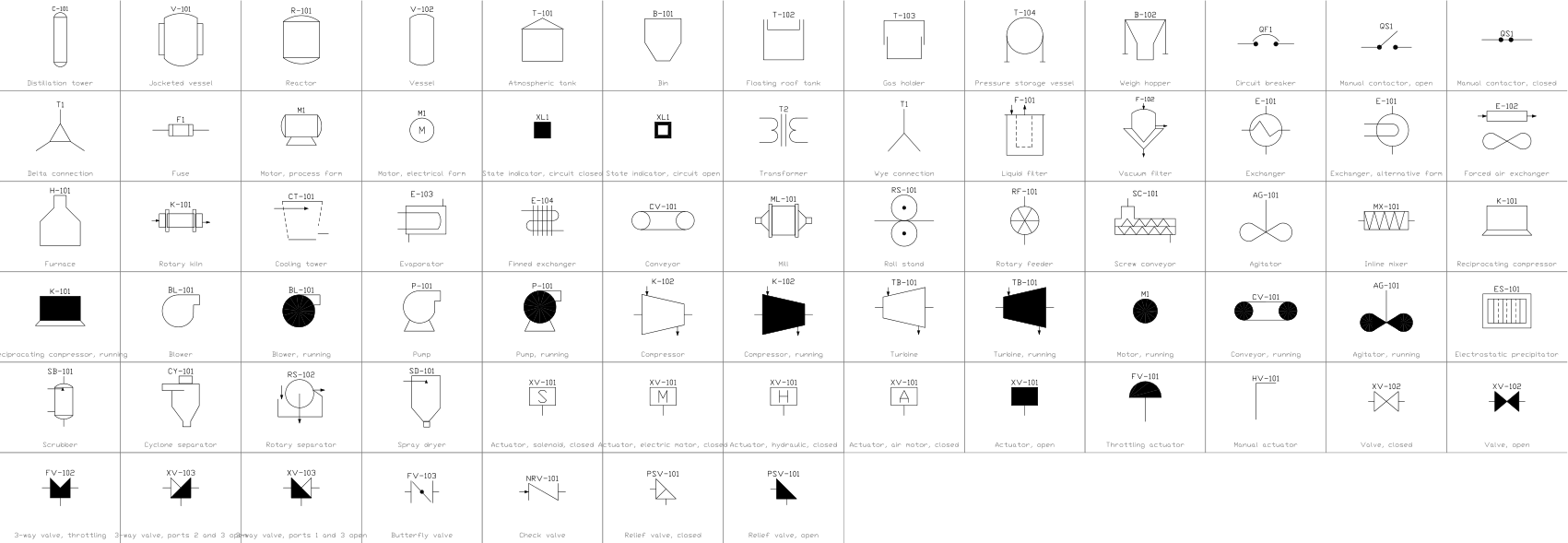
Related symbol libraries
Missing a symbol? Tell us which one.
Attributes for parts lists
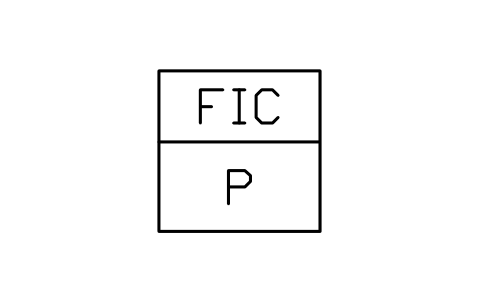
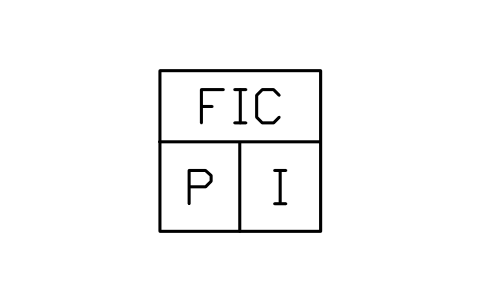
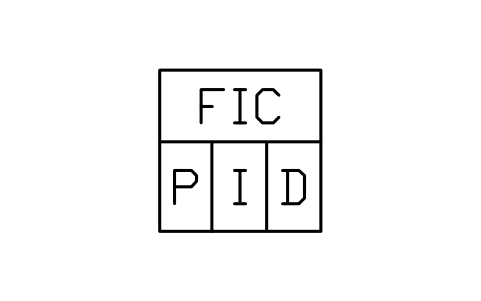
An instrument bubble has two visible attributes inside it: TAG_FUNC for the function letters (for example FIC) and LOOP_NO for the loop number (for example 101). Everything else is an invisible attribute: SERVICE, AREA, RANGE, UNIT, SIGNAL_TYPE, IO_ADDRESS, CABINET, PID_NO, MANUFACTURER, MODEL and DATASHEET_NO.
Valves show VALVE_TAG and SIZE; control valves also carry FAIL_POSITION, CV and ACTUATOR. Actuators show a TAG.
How to use the library
- Unzip the file and open the DWG. Copy the symbols you need into your P&ID, or drag the blocks in from DesignCenter (ADCENTER).
- Bubbles are inserted by their centre. Valve bodies and control valves are inserted at the left pipe connection; both connections are on a 5 mm grid, so a valve drops onto a pipe line drawn on the grid. A separate actuator is inserted at the point on the valve stem.
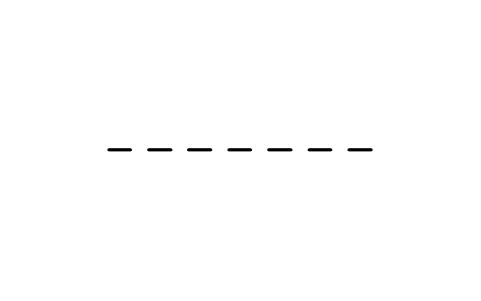
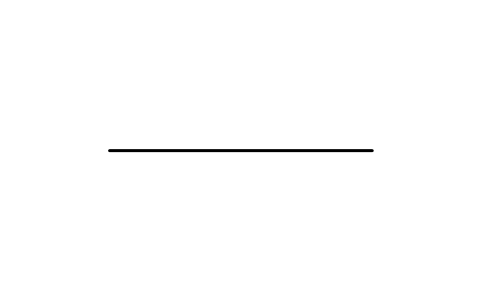
- Pick the bubble that matches the function and the location. The line across the bubble shows where the instrument is: no line for the field, one line for the main panel, two lines for an auxiliary or local panel, and dashed lines for the rear of a panel or a field cabinet.
- Double-click the block (or run EATTEDIT) and fill in the function letters, the loop number and the instrument data.
About ISA 5.1
ISA 5.1 (ANSI/ISA-5.1-2009) is the standard for instrumentation symbols and identification on P&IDs and loop diagrams. In its bubble table a circle is a discrete instrument, a circle in a square is shared display and shared control (the primary choice, the basic process control system such as a DCS or a PLC), a diamond in a square is the alternate choice or a safety instrumented system, and a hexagon is a computer system or software function.
These symbols are our own drawings after the symbol tables of the standard. They are not copied from it, because it is a paid publication, and the library is not certified against it. Company and project standards often differ in details such as the bubble size and the number of location lines; change the blocks if yours do.
What changed in each version
Version 1.2 · November 9, 2026
Removed: 152
Version 1.1 · October 19, 2026
New symbols (89)
Solenoid valve, 4-way 5-port · Pilot light · 87 more
Frequently asked questions
- Are these symbols ISA 5.1 compliant?
- They are drawn after the common ISA 5.1 forms, not checked clause by clause and not certified. The standard is a paid publication that we have not copied. If a client requires strict conformance, compare the shapes with your copy of the standard.
- How do I show that a function runs in the DCS or in the PLC?
- Use the shared display and shared control bubble (a circle inside a square) for a function in the basic process control system, whether that is a DCS or a PLC, a hexagon for a function in computer software and a diamond inside a square for the safety instrumented system. The line across the bubble shows where it is mounted or displayed. PLC I/O modules have no standard drawing: every manufacturer has its own module pictures, so they are not part of this library.
- Does the library contain every symbol of ISA 5.1?
- No. It covers the main symbol tables: bubbles, transmitters, secondary instruments, connections, signal lines, valve bodies, actuators and control valves. Primary elements, regulators, accessories and safety devices, the electrical symbols and the binary logic and function symbols are not in the free library.
- Can I use the symbols in commercial projects?
- Yes. They are free to use and modify in your own projects, including commercial ones. They are provided as is, without warranty. Please do not redistribute or resell the library; see the library terms.
- Can I change the bubble size or add attributes?
- Yes. Open the DWG, edit a block with BEDIT to change it or add attributes, and save. To update drawings that already contain the block, run ATTSYNC or replace the block. Make a backup first: attribute values can be lost if ATTSYNC is used carelessly.
- Where do I find a ready-made set of these symbols for AutoCAD?
- AutoCAD itself ships only a small set of sample blocks, so a full symbol set has to come from a library. Download the ZIP on this page and open the DWG: every symbol is a block. Insert one with INSERT (Blocks palette, Libraries tab, then pick the DWG) or drag it from DesignCenter (ADCENTER). You can also download a single symbol on its own.