
KaynaklarDWG sembol kütüphaneleri
Free AutoCAD busbar trunking, cable TV, airfield light and connector symbols (DWG), IEC 60617 style
Busbar trunking, cable television, airfield lighting and connectors (IEC 60617): 93 ready-made AutoCAD blocks (DWG), free to download and use in your own projects, as a ZIP or one symbol at a time.
93 symbols as ready-to-use AutoCAD blocks, drawn after IEC 60617 (parts 3, 11): line variants (duct, buried joint, gas and oil blocks and valves), weather-proof enclosures, line concentrators, protective anodes, cable television equipment (head end, bridger and trunk amplifiers, splitter, outlets, equalizers, attenuator, line power), the electric lock and intercom, busbar trunking systems (sections, elbows, tees, crosses, expansion and flexible units, feeder units, tap-offs, fire and pressure barriers), aeronautical ground lights and signs, and connector figures (contacts, plugs and sockets, butt connector, junctions, conductor ends). Each block stores the entry number of the standard and the database number in invisible attributes.
Version 1.0 · updated 17 Ekim 2026
Using AutoCAD 2017 or an earlier version? Download the 2010 format
Free to use and modify in your own projects, including commercial ones. The ZIP holds one plain DWG file in AutoCAD 2018 format and a README; no add-in needed. Provided as is, without warranty.
IEC 60617 has several parts. The other libraries of the standard:
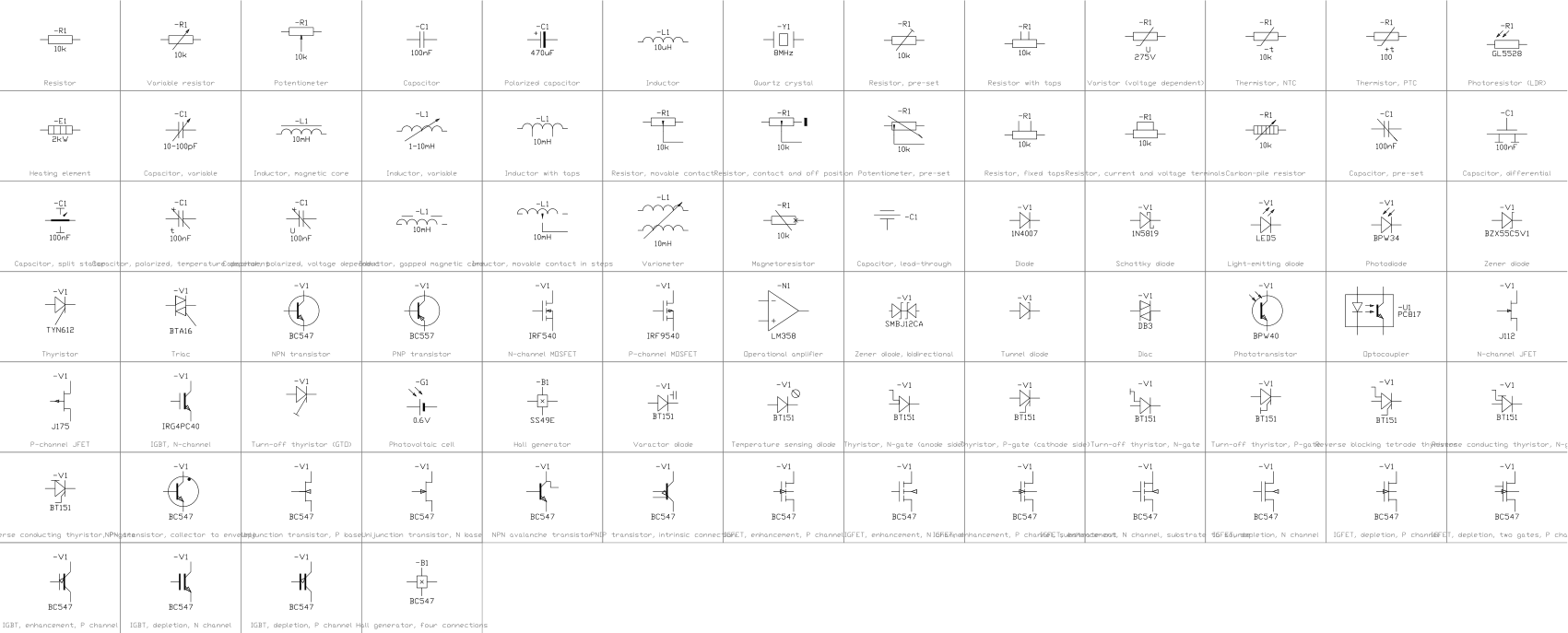
- Common electrical symbols (IEC 60617)
- Power system single-line symbols (IEC 60617)
- Electron tubes, crystals, delay lines (IEC 60617)
- Logic gate symbols (IEC 60617)
- Flip-flops, multiplexers, op amps (IEC 60617)
- Telephone, selectors, sound and recording (IEC 60617)
- Antennas, waveguides, modulation, filters and optical fibre (IEC 60617)
- Relays, protection and switching devices (IEC 60617)
- Machines, transformers, meters and symbol elements (IEC 60617)
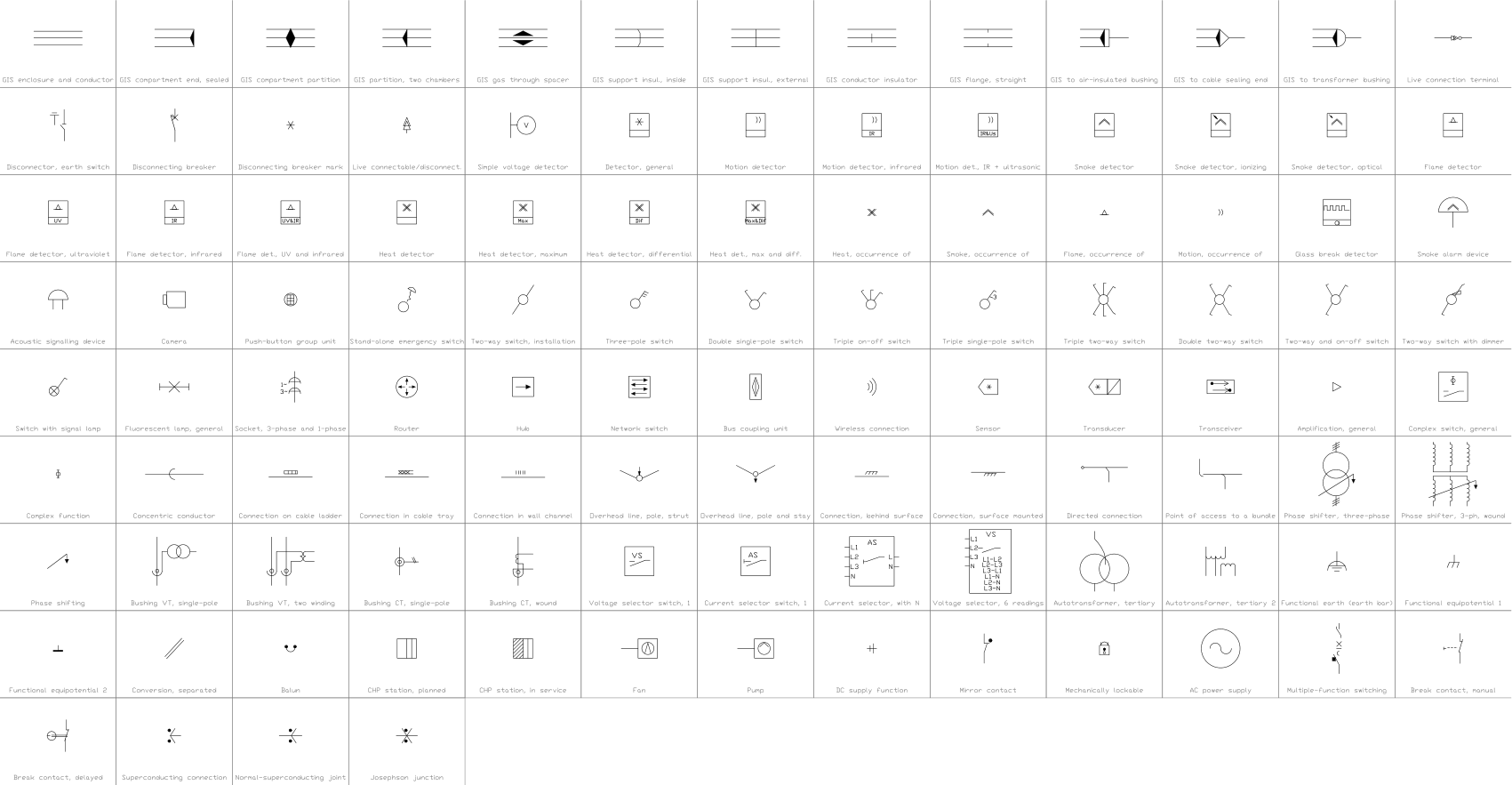
- Gas-insulated switchgear, alarms and installation devices (IEC 60617)
Related symbol libraries
Bu araçlarla iyi çalışır
 Bu sembolleri çizimlerinizde saymanız mı gerekiyor?Bir çizim setindeki tüm sembolleri ve özniteliklerini Excel'e aktarın, satırları düzenleyin ve geri yazın.BlockSync aracını gör
 Bir sembolü revize ettiniz, neyin değiştiğini mi bilmek istiyorsunuz?Bir çizim setinin iki revizyonunu blok blok karşılaştırın; neyin eklendiğini, kaldırıldığını ya da değiştirildiğini gösteren bir rapor alın.BlockCompare aracını gör
 Bu sembolü hangi çizimler kullanıyor?Yüzlerce çizimde blokları ve metinleri aynı anda arayın, sonra doğrudan eşleşmeye gidin.DwgSearch aracını gör
All 93 symbols
93 sembolün 93 tanesi
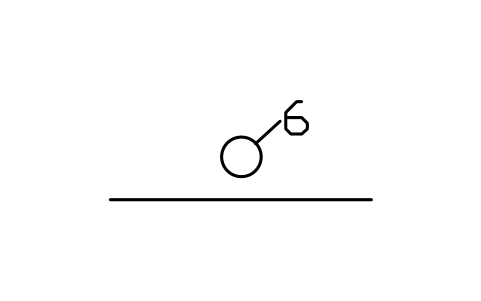
Line in six-way duct
INS_S00411_LINE_IN_SIX_WAY_DUCTÖznitelikler
TAGREMARKSSTD_CLAUSESTD_REFDESC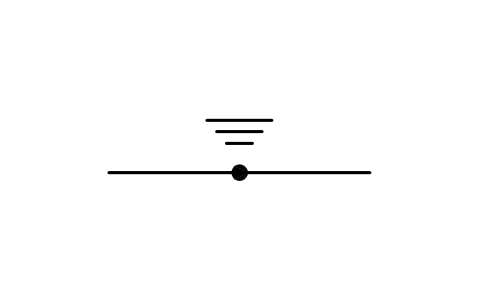
Line with buried joint
INS_S00413_LINE_WITH_BURIED_JOINTÖznitelikler
TAGREMARKSSTD_CLAUSESTD_REFDESC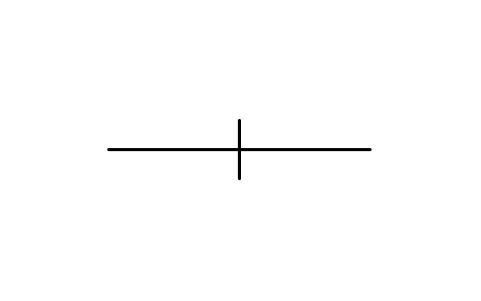
Line with gas or oil block
INS_S00414_LINE_WITH_GAS_OR_OIL_BLOCKÖznitelikler
TAGREMARKSSTD_CLAUSESTD_REFDESC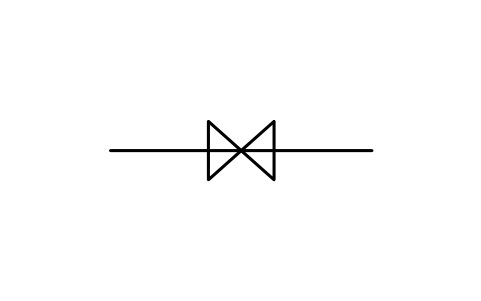
Line, gas or oil stop valve
INS_S00415_LINE_GAS_OR_OIL_STOP_VALVEÖznitelikler
TAGREMARKSSTD_CLAUSESTD_REFDESC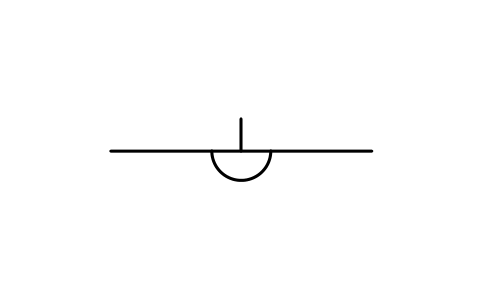
Line, gas or oil by-pass
INS_S00416_LINE_GAS_OR_OIL_BY_PASSÖznitelikler
TAGREMARKSSTD_CLAUSESTD_REFDESC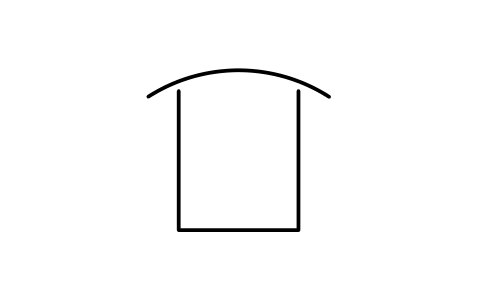
Weather-proof enclosure
INS_S00419_WEATHER_PROOF_ENCLOSUREÖznitelikler
TAGREMARKSSTD_CLAUSESTD_REFDESC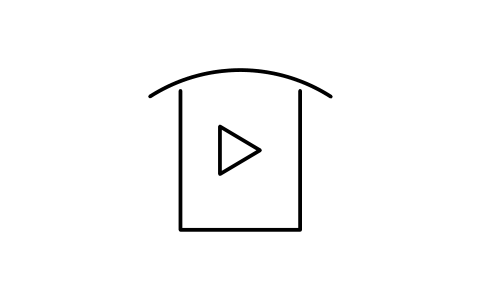
Amplifier in weather-proof
INS_S00420_AMPLIFIER_IN_WEATHER_PROOFÖznitelikler
TAGREMARKSSTD_CLAUSESTD_REFDESC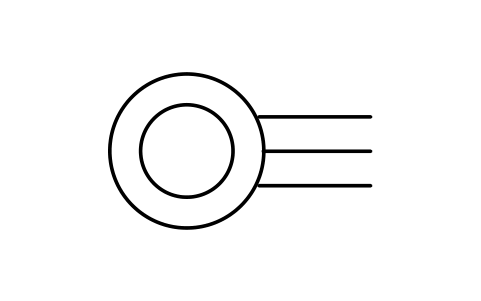
Cross-connection point
INS_S00421_CROSS_CONNECTION_POINTÖznitelikler
TAGREMARKSSTD_CLAUSESTD_REFDESC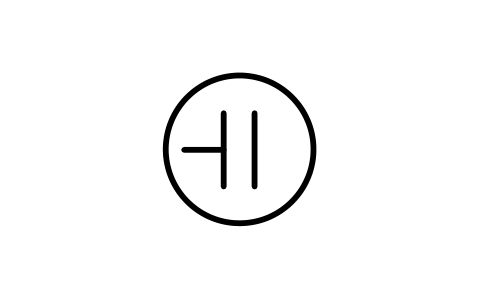
Line concentrator
INS_S00422_LINE_CONCENTRATORÖznitelikler
TAGREMARKSSTD_CLAUSESTD_REFDESC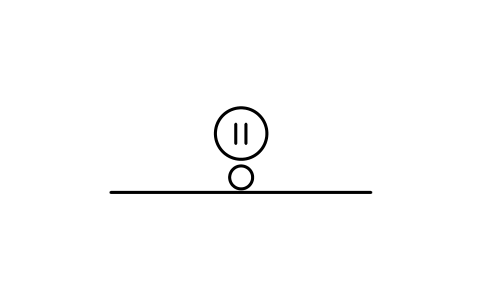
Line concentrator on pole
INS_S00423_LINE_CONCENTRATOR_ON_POLEÖznitelikler
TAGREMARKSSTD_CLAUSESTD_REFDESC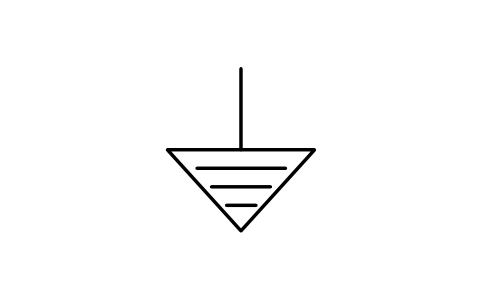
Protective anode
INS_S00426_PROTECTIVE_ANODEÖznitelikler
TAGREMARKSSTD_CLAUSESTD_REFDESC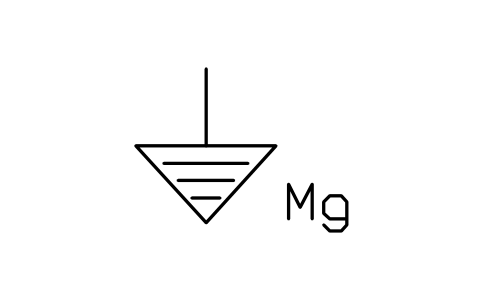
Magnesium protective anode
INS_S00427_MAGNESIUM_PROTECTIVE_ANODEÖznitelikler
TAGREMARKSSTD_CLAUSESTD_REFDESC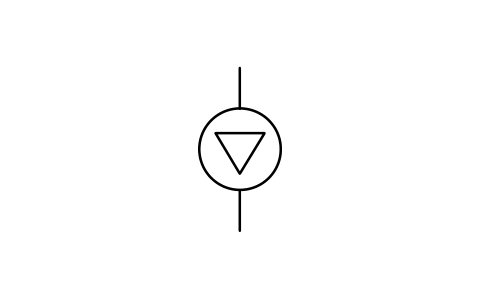
Head end, no local antenna
INS_S00429_HEAD_END_NO_LOCAL_ANTENNAÖznitelikler
TAGREMARKSSTD_CLAUSESTD_REFDESC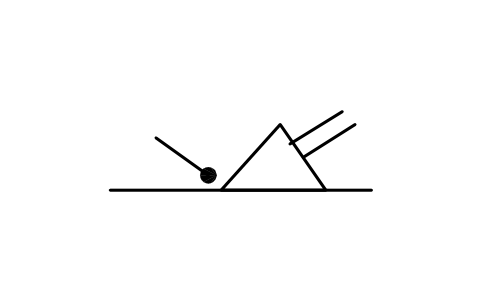
Bridger amplifier
INS_S00430_BRIDGER_AMPLIFIERÖznitelikler
TAGREMARKSSTD_CLAUSESTD_REFDESC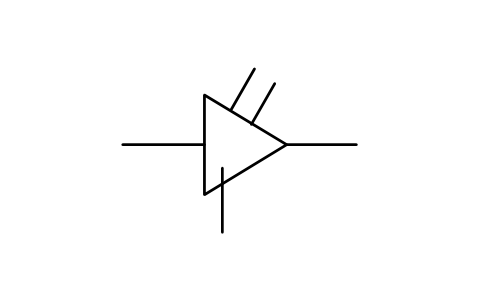
Trunk bridging amplifier
INS_S00431_TRUNK_BRIDGING_AMPLIFIERÖznitelikler
TAGREMARKSSTD_CLAUSESTD_REFDESC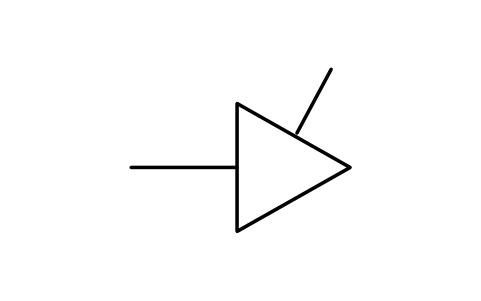
End of amplifier
INS_S00432_END_OF_AMPLIFIERÖznitelikler
TAGREMARKSSTD_CLAUSESTD_REFDESC
Amplifier, return channel
INS_S00433_AMPLIFIER_RETURN_CHANNELÖznitelikler
TAGREMARKSSTD_CLAUSESTD_REFDESC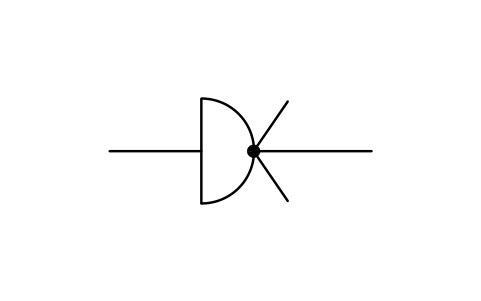
Splitter, three-way
INS_S00435_SPLITTER_THREE_WAYÖznitelikler
TAGREMARKSSTD_CLAUSESTD_REFDESC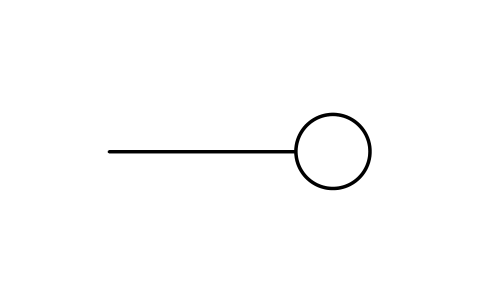
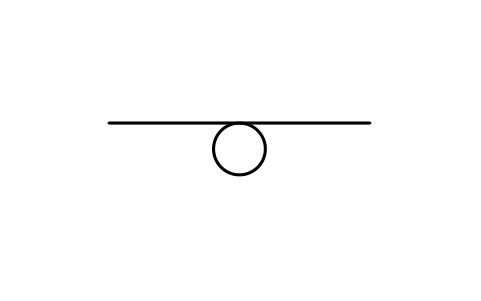
Looped system outlet
INS_S00439_LOOPED_SYSTEM_OUTLETÖznitelikler
TAGREMARKSSTD_CLAUSESTD_REFDESC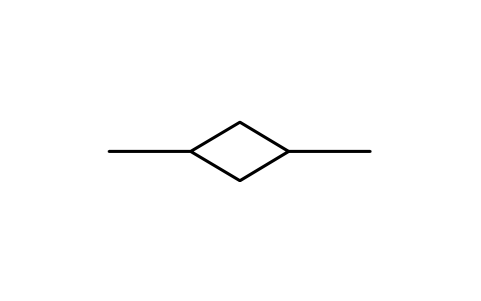
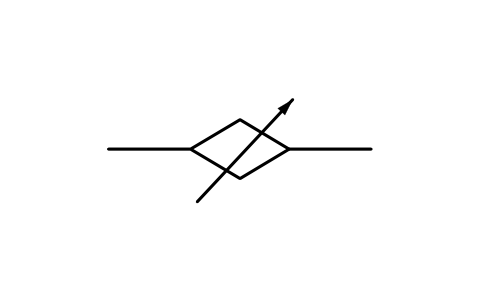
Variable equalizer
INS_S00441_VARIABLE_EQUALIZERÖznitelikler
TAGREMARKSSTD_CLAUSESTD_REFDESC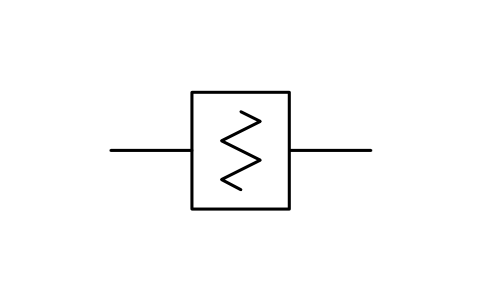
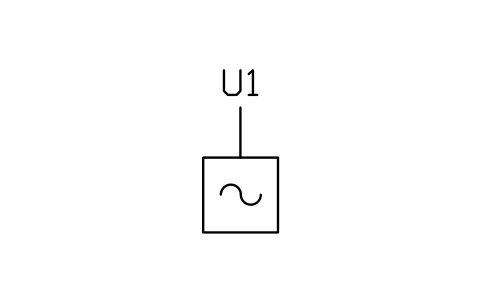
Line power unit
INS_S00443_LINE_POWER_UNITÖznitelikler
TAGRATINGPART_NOMANUFACTURERREMARKSSTD_CLAUSESTD_REFDESC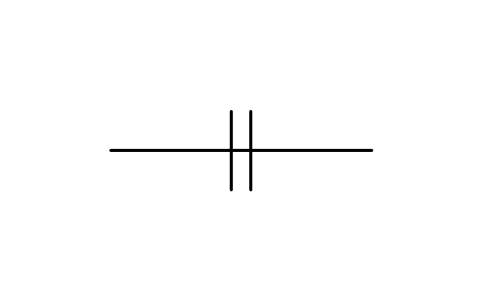
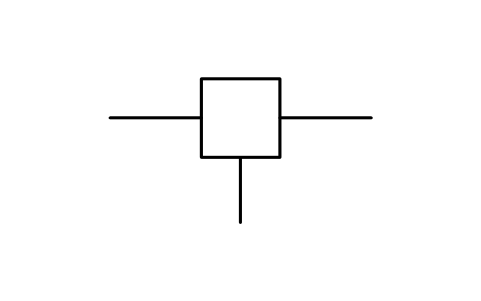
Power feeding injection
INS_S00445_POWER_FEEDING_INJECTIONÖznitelikler
TAGREMARKSSTD_CLAUSESTD_REFDESC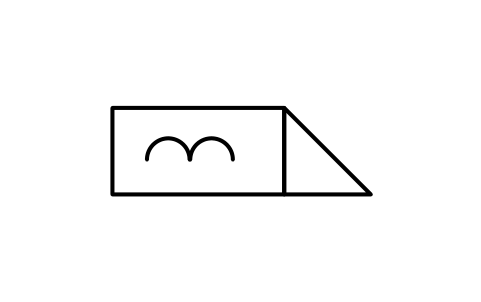
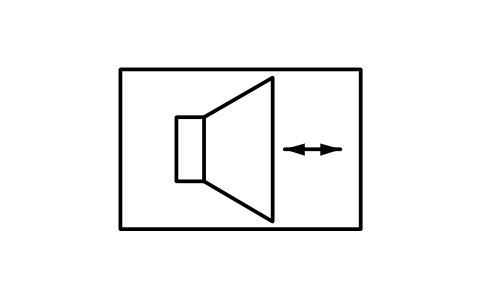
Audio intercom equipment
INS_S00497_AUDIO_INTERCOM_EQUIPMENTÖznitelikler
TAGREMARKSSTD_CLAUSESTD_REFDESC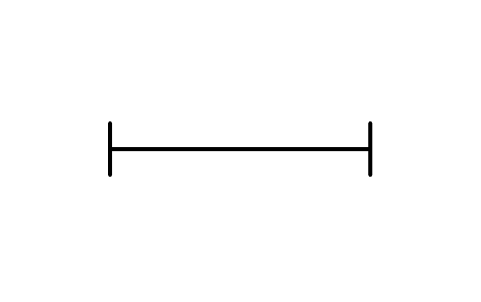
Trunking, straight section
INS_S00498_TRUNKING_STRAIGHT_SECTIONÖznitelikler
TAGREMARKSSTD_CLAUSESTD_REFDESC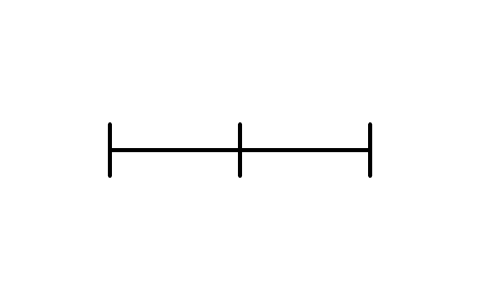
Trunking, assembled section
INS_S00499_TRUNKING_ASSEMBLED_SECTIONÖznitelikler
TAGREMARKSSTD_CLAUSESTD_REFDESC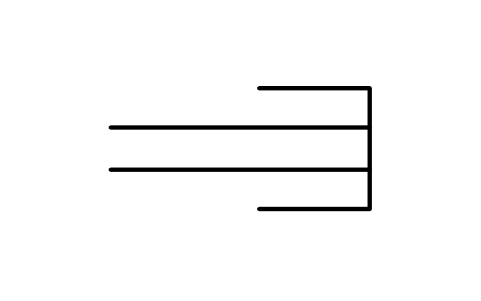
Trunking, end cover
INS_S00500_TRUNKING_END_COVERÖznitelikler
TAGREMARKSSTD_CLAUSESTD_REFDESC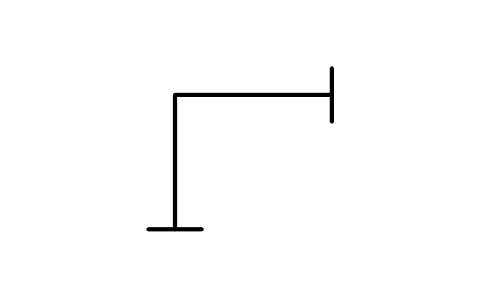
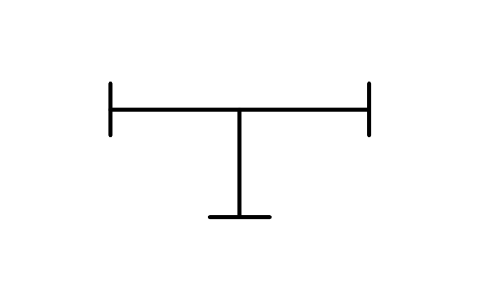
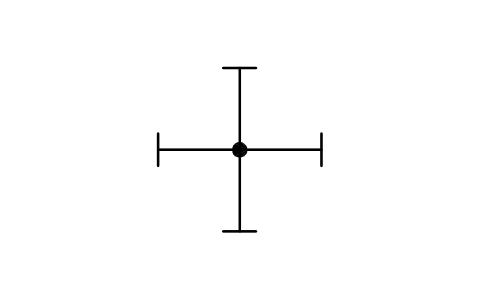
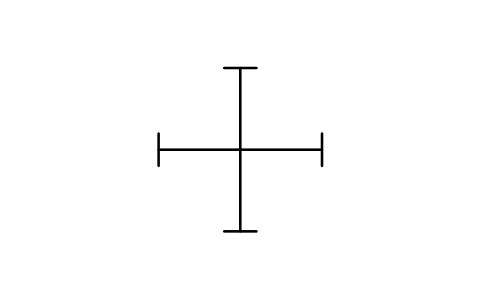
Trunking, crossing, no link
INS_S00504_TRUNKING_CROSSING_NO_LINKÖznitelikler
TAGREMARKSSTD_CLAUSESTD_REFDESC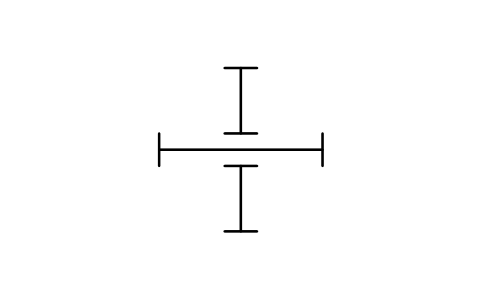
Trunking, independent cross
INS_S00505_TRUNKING_INDEPENDENT_CROSSÖznitelikler
TAGREMARKSSTD_CLAUSESTD_REFDESC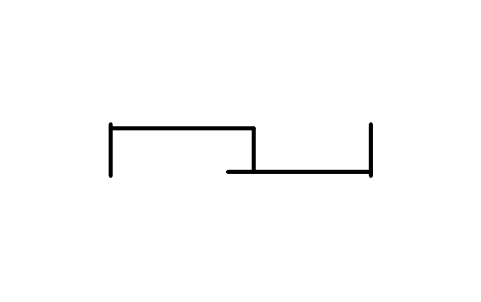
Trunking, adjustable length
INS_S00506_TRUNKING_ADJUSTABLE_LENGTHÖznitelikler
TAGREMARKSSTD_CLAUSESTD_REFDESC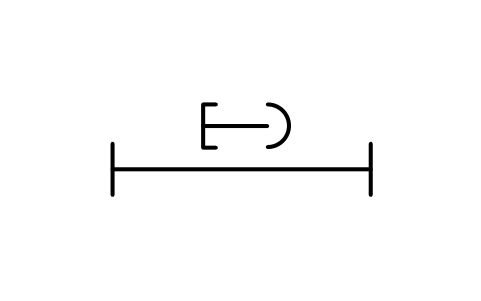
Trunking, anchored section
INS_S00507_TRUNKING_ANCHORED_SECTIONÖznitelikler
TAGREMARKSSTD_CLAUSESTD_REFDESC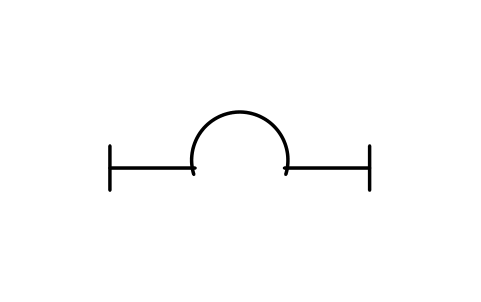
Expansion unit, enclosure
INS_S00508_EXPANSION_UNIT_ENCLOSUREÖznitelikler
TAGREMARKSSTD_CLAUSESTD_REFDESC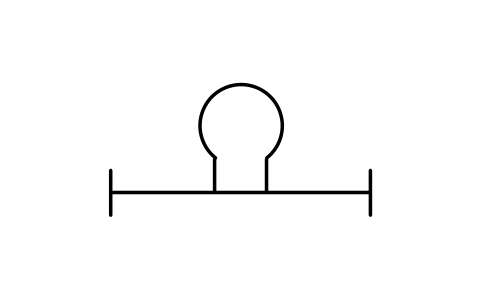
Expansion unit, conductors
INS_S00509_EXPANSION_UNIT_CONDUCTORSÖznitelikler
TAGREMARKSSTD_CLAUSESTD_REFDESC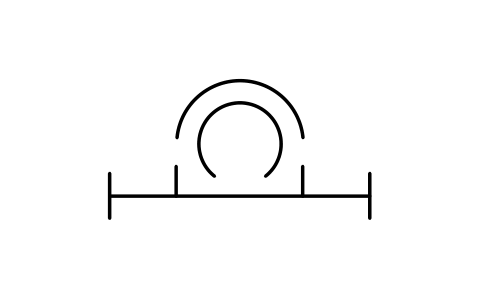
Expansion unit, both
INS_S00510_EXPANSION_UNIT_BOTHÖznitelikler
TAGREMARKSSTD_CLAUSESTD_REFDESC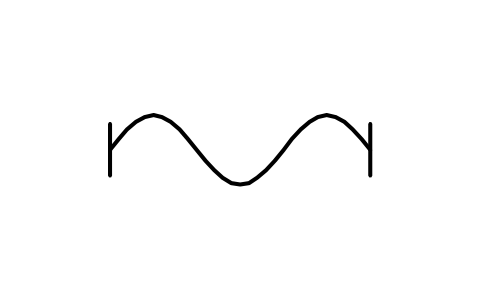
Trunking, flexible unit
INS_S00511_TRUNKING_FLEXIBLE_UNITÖznitelikler
TAGREMARKSSTD_CLAUSESTD_REFDESC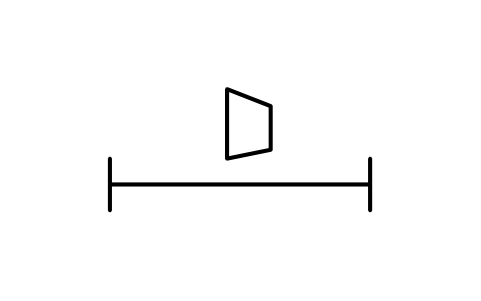
Trunking, reduction unit
INS_S00512_TRUNKING_REDUCTION_UNITÖznitelikler
TAGREMARKSSTD_CLAUSESTD_REFDESC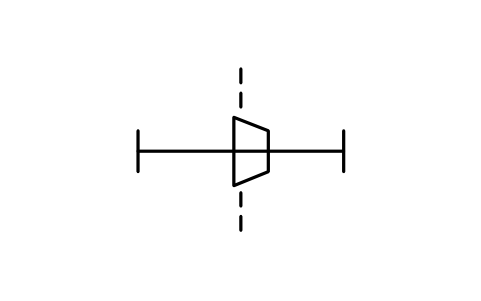
Trunking, pressure barrier
INS_S00513_TRUNKING_PRESSURE_BARRIERÖznitelikler
TAGREMARKSSTD_CLAUSESTD_REFDESC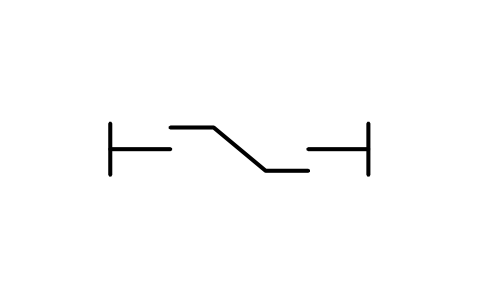
Trunking, phase swap
INS_S00514_TRUNKING_PHASE_SWAPÖznitelikler
TAGREMARKSSTD_CLAUSESTD_REFDESC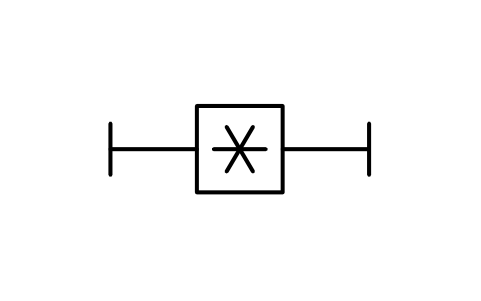
Trunking, equipment box
INS_S00515_TRUNKING_EQUIPMENT_BOXÖznitelikler
TAGREMARKSSTD_CLAUSESTD_REFDESC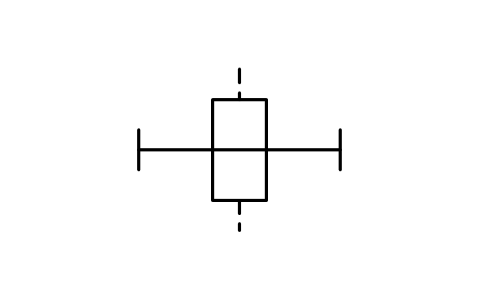
Trunking, fire barrier
INS_S00516_TRUNKING_FIRE_BARRIERÖznitelikler
TAGREMARKSSTD_CLAUSESTD_REFDESC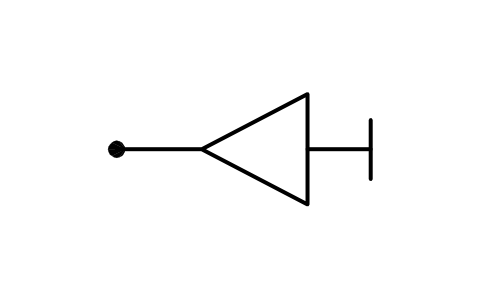
Trunking, end feeder
INS_S00517_TRUNKING_END_FEEDERÖznitelikler
TAGREMARKSSTD_CLAUSESTD_REFDESC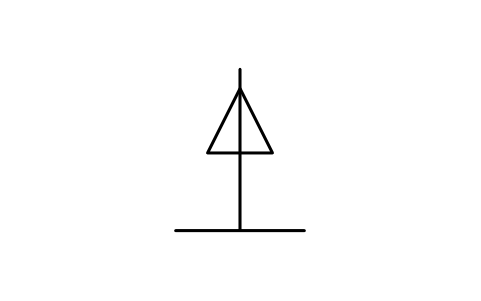
Trunking, central feeder
INS_S00518_TRUNKING_CENTRAL_FEEDERÖznitelikler
TAGREMARKSSTD_CLAUSESTD_REFDESC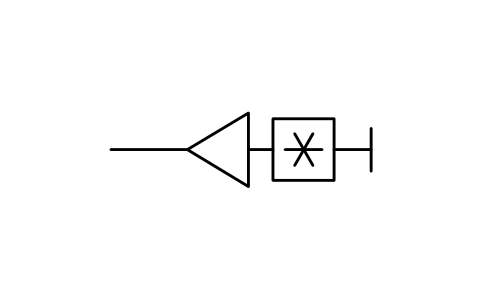
End feeder with box
INS_S00519_END_FEEDER_WITH_BOXÖznitelikler
TAGREMARKSSTD_CLAUSESTD_REFDESC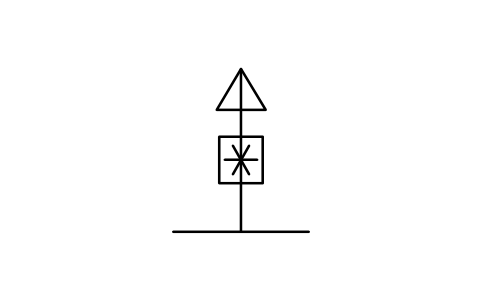
Central feeder with box
INS_S00520_CENTRAL_FEEDER_WITH_BOXÖznitelikler
TAGREMARKSSTD_CLAUSESTD_REFDESC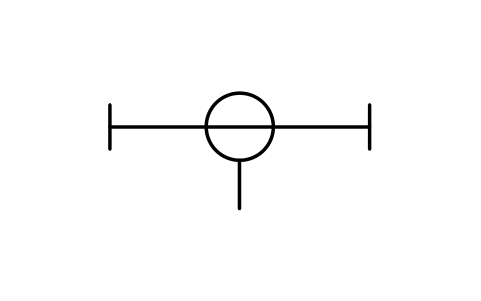
Trunking, fixed tap-off
INS_S00521_TRUNKING_FIXED_TAP_OFFÖznitelikler
TAGREMARKSSTD_CLAUSESTD_REFDESC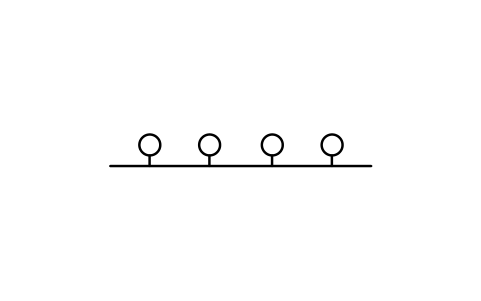
Trunking, several tap-offs
INS_S00522_TRUNKING_SEVERAL_TAP_OFFSÖznitelikler
TAGREMARKSSTD_CLAUSESTD_REFDESC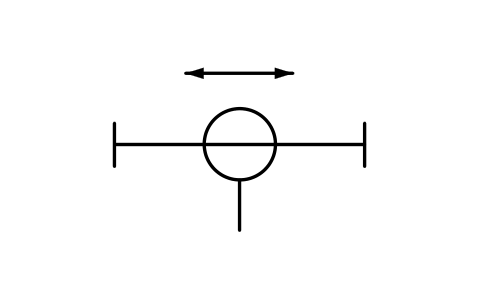
Trunking, movable tap-off
INS_S00523_TRUNKING_MOVABLE_TAP_OFFÖznitelikler
TAGREMARKSSTD_CLAUSESTD_REFDESC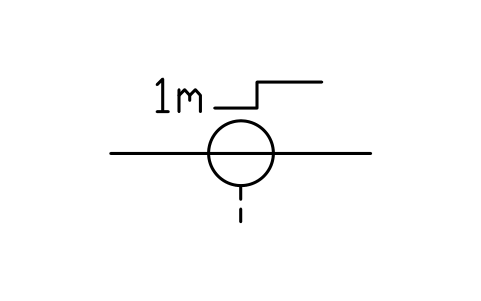
Trunking, tap-off in steps
INS_S00524_TRUNKING_TAP_OFF_IN_STEPSÖznitelikler
TAGREMARKSSTD_CLAUSESTD_REFDESC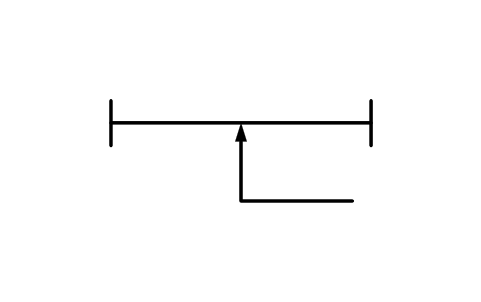
Trunking, contact tap-off
INS_S00525_TRUNKING_CONTACT_TAP_OFFÖznitelikler
TAGREMARKSSTD_CLAUSESTD_REFDESC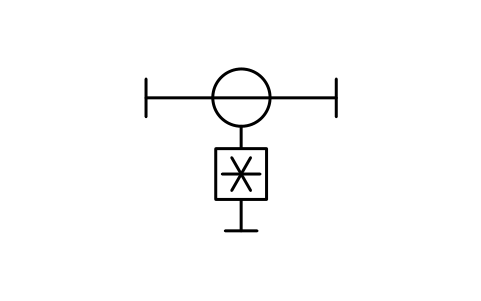
Fixed tap-off with box
INS_S00526_FIXED_TAP_OFF_WITH_BOXÖznitelikler
TAGREMARKSSTD_CLAUSESTD_REFDESC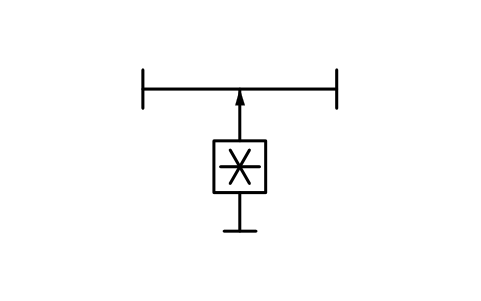
Adjustable tap-off with box
INS_S00527_ADJUSTABLE_TAP_OFF_WITH_BOXÖznitelikler
TAGREMARKSSTD_CLAUSESTD_REFDESC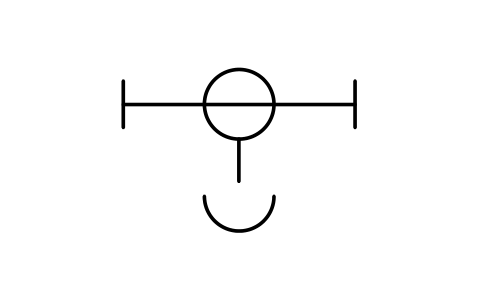
Fixed tap-off with socket
INS_S00528_FIXED_TAP_OFF_WITH_SOCKETÖznitelikler
TAGREMARKSSTD_CLAUSESTD_REFDESC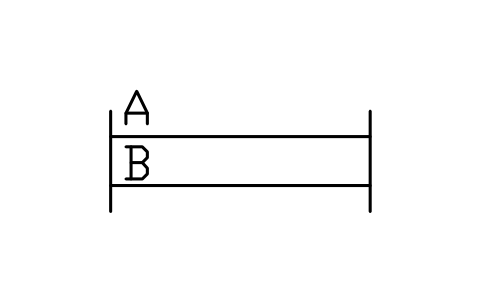
Trunking, two systems
INS_S00529_TRUNKING_TWO_SYSTEMSÖznitelikler
TAGREMARKSSTD_CLAUSESTD_REFDESC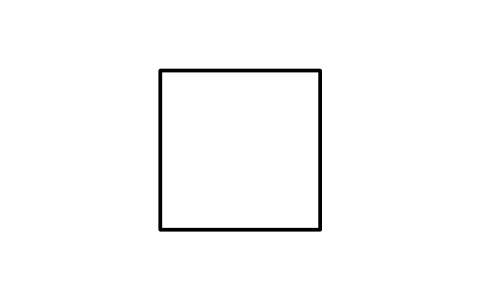
Ground light, elevated
INS_S00533_GROUND_LIGHT_ELEVATEDÖznitelikler
TAGREMARKSSTD_CLAUSESTD_REFDESC
Ground light, surface
INS_S00534_GROUND_LIGHT_SURFACEÖznitelikler
TAGREMARKSSTD_CLAUSESTD_REFDESC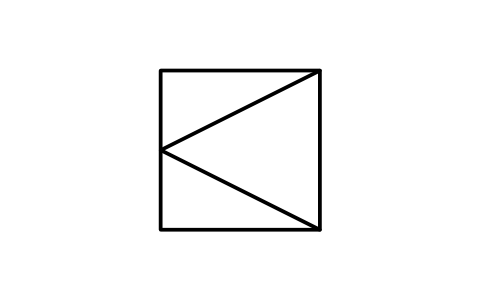
Light, one-way, elevated
INS_S00535_LIGHT_ONE_WAY_ELEVATEDÖznitelikler
TAGREMARKSSTD_CLAUSESTD_REFDESC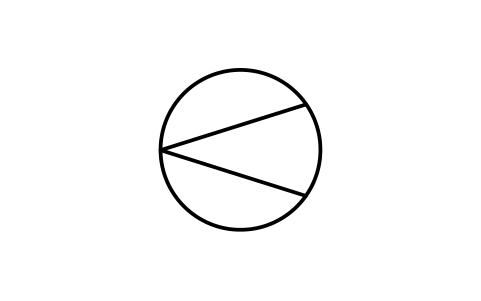
Light, one-way, surface
INS_S00536_LIGHT_ONE_WAY_SURFACEÖznitelikler
TAGREMARKSSTD_CLAUSESTD_REFDESC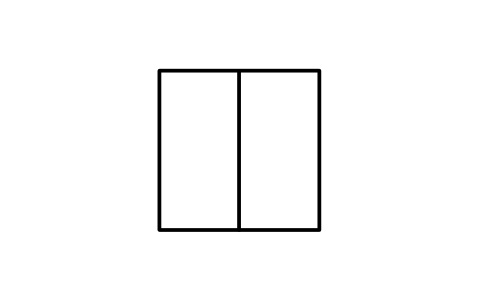
Light, two-way, elevated
INS_S00537_LIGHT_TWO_WAY_ELEVATEDÖznitelikler
TAGREMARKSSTD_CLAUSESTD_REFDESC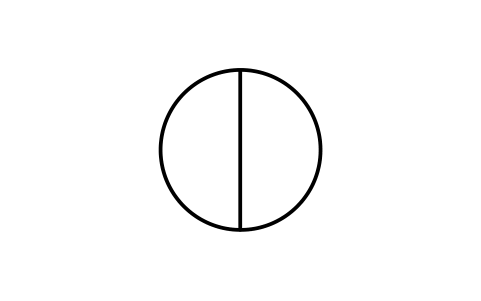
Light, two-way, surface
INS_S00538_LIGHT_TWO_WAY_SURFACEÖznitelikler
TAGREMARKSSTD_CLAUSESTD_REFDESC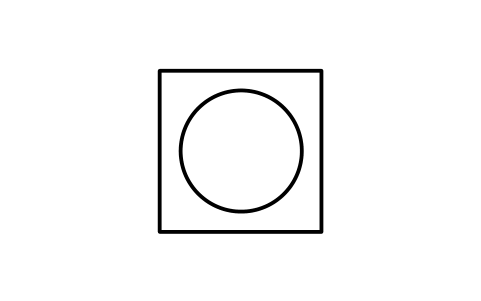
Light, omni, elevated
INS_S00539_LIGHT_OMNI_ELEVATEDÖznitelikler
TAGREMARKSSTD_CLAUSESTD_REFDESC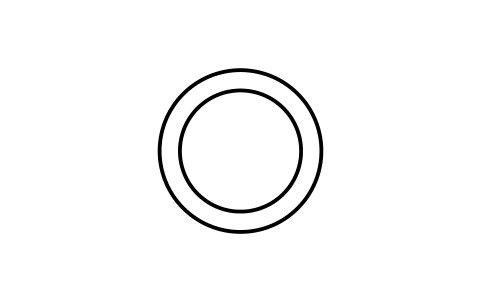
Light, omni, surface
INS_S00540_LIGHT_OMNI_SURFACEÖznitelikler
TAGREMARKSSTD_CLAUSESTD_REFDESC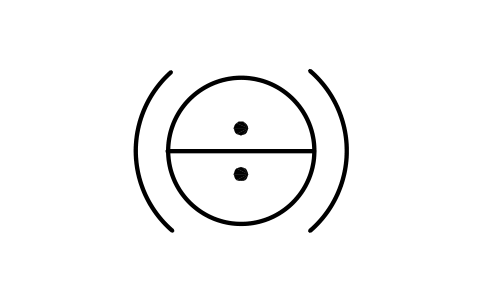
Curve light, two-way
INS_S00541_CURVE_LIGHT_TWO_WAYÖznitelikler
TAGREMARKSSTD_CLAUSESTD_REFDESC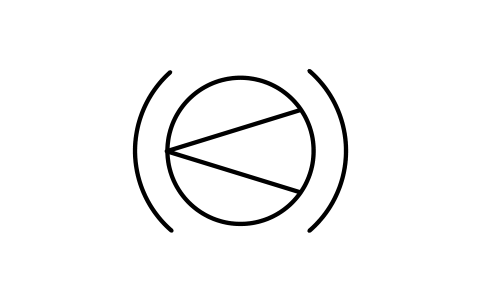
Curve light, one-way
INS_S00542_CURVE_LIGHT_ONE_WAYÖznitelikler
TAGREMARKSSTD_CLAUSESTD_REFDESC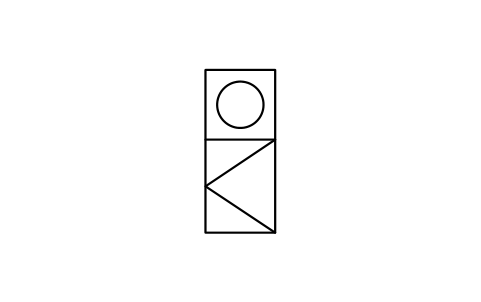
Light, omni on top, one-way
INS_S00543_LIGHT_OMNI_ON_TOP_ONE_WAYÖznitelikler
TAGREMARKSSTD_CLAUSESTD_REFDESC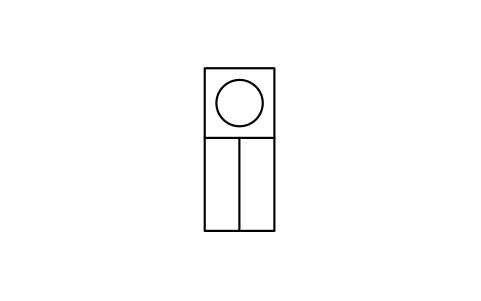
Light, omni on top, two-way
INS_S00544_LIGHT_OMNI_ON_TOP_TWO_WAYÖznitelikler
TAGREMARKSSTD_CLAUSESTD_REFDESC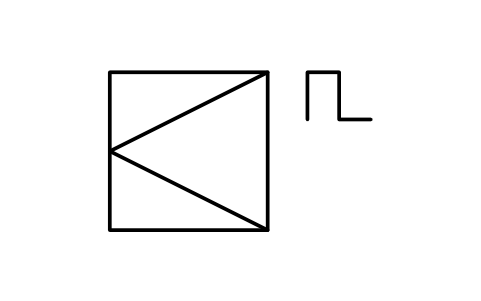
Light, flashing, elevated
INS_S00545_LIGHT_FLASHING_ELEVATEDÖznitelikler
TAGREMARKSSTD_CLAUSESTD_REFDESC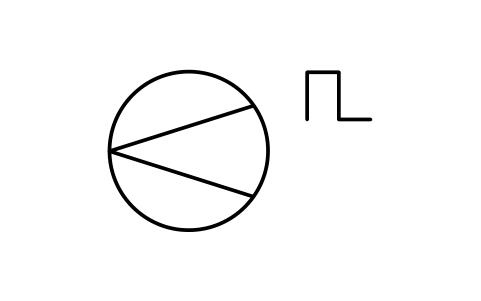
Light, flashing, surface
INS_S00546_LIGHT_FLASHING_SURFACEÖznitelikler
TAGREMARKSSTD_CLAUSESTD_REFDESC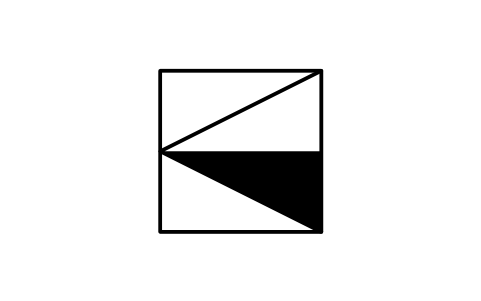
Precision approach indicator
INS_S00547_PRECISION_APPROACH_INDICATORÖznitelikler
TAGREMARKSSTD_CLAUSESTD_REFDESC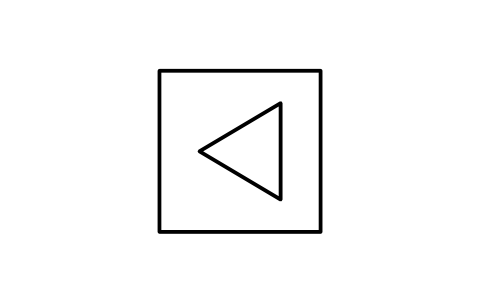
Wind direction indicator
INS_S00548_WIND_DIRECTION_INDICATORÖznitelikler
TAGREMARKSSTD_CLAUSESTD_REFDESC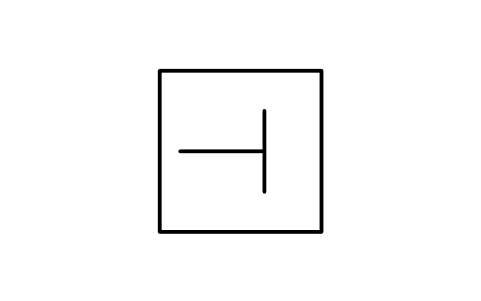
Landing direction indicator
INS_S00549_LANDING_DIRECTION_INDICATORÖznitelikler
TAGREMARKSSTD_CLAUSESTD_REFDESC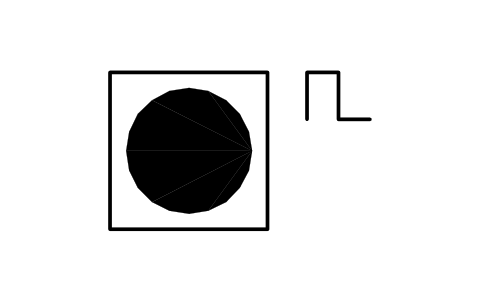
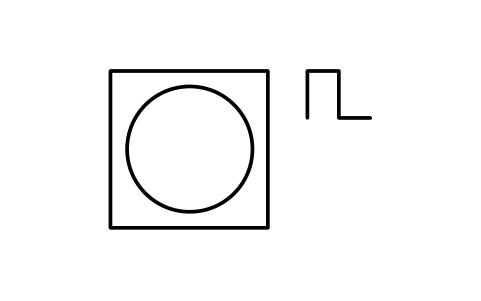
Light, flashing, omni
INS_S00551_LIGHT_FLASHING_OMNIÖznitelikler
TAGREMARKSSTD_CLAUSESTD_REFDESC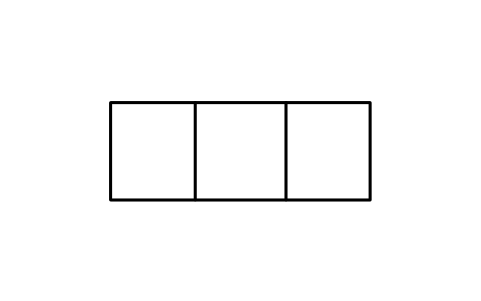
Warning or guidance sign
INS_S00552_WARNING_OR_GUIDANCE_SIGNÖznitelikler
TAGREMARKSSTD_CLAUSESTD_REFDESC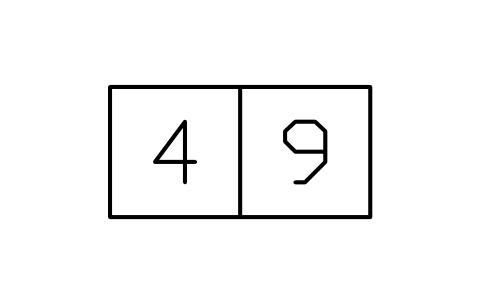
Distance warning sign
INS_S00553_DISTANCE_WARNING_SIGNÖznitelikler
TAGREMARKSSTD_CLAUSESTD_REFDESC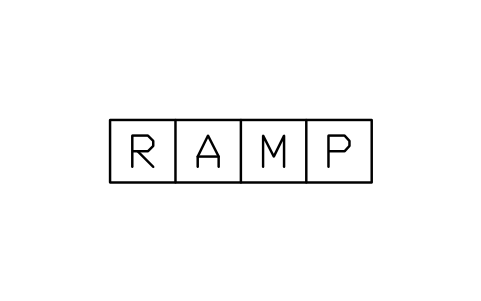
Taxiing guidance sign
INS_S00554_TAXIING_GUIDANCE_SIGNÖznitelikler
TAGREMARKSSTD_CLAUSESTD_REFDESC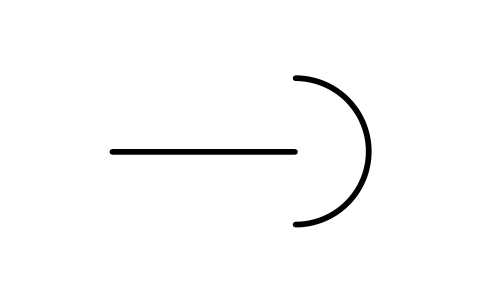
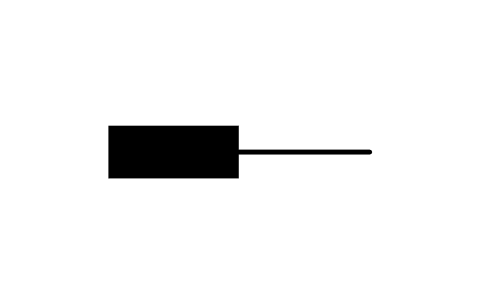
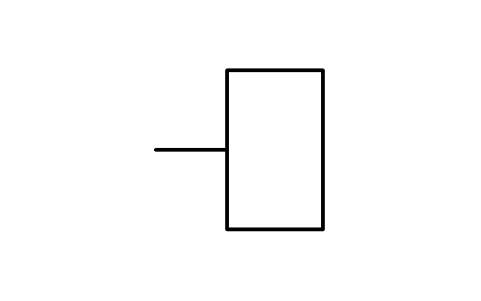
Connector, fixed portion
INS_S00036_CONNECTOR_FIXED_PORTIONÖznitelikler
TAGREMARKSSTD_CLAUSESTD_REFDESC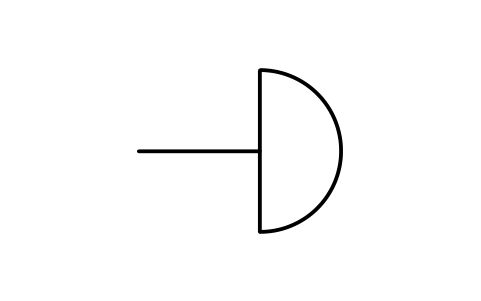
Connector, movable portion
INS_S00037_CONNECTOR_MOVABLE_PORTIONÖznitelikler
TAGREMARKSSTD_CLAUSESTD_REFDESC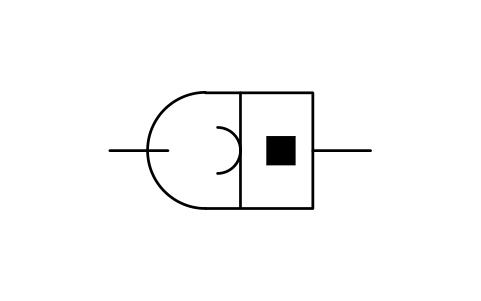
Connector assembly
INS_S00038_CONNECTOR_ASSEMBLYÖznitelikler
TAGREMARKSSTD_CLAUSESTD_REFDESC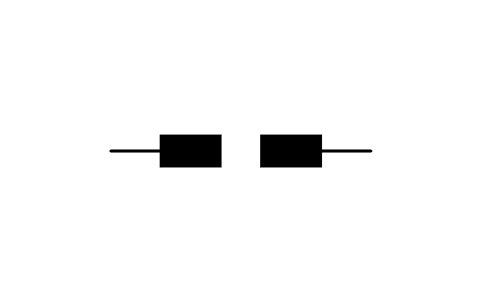
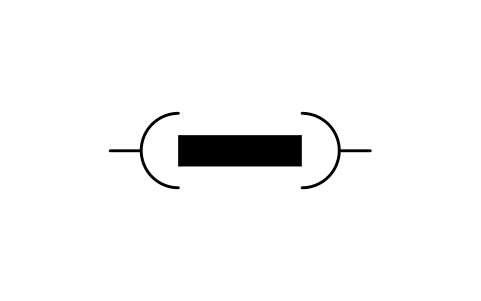
Plug and socket, male-male
INS_S00047_PLUG_AND_SOCKET_MALE_MALEÖznitelikler
TAGREMARKSSTD_CLAUSESTD_REFDESC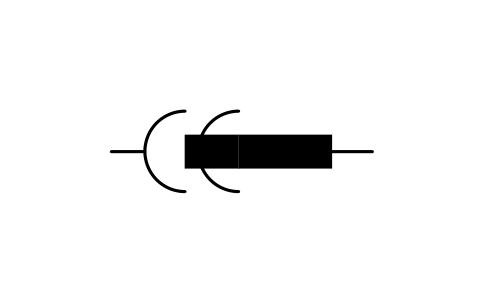
Plug and socket, male-female
INS_S00048_PLUG_AND_SOCKET_MALE_FEMALEÖznitelikler
TAGREMARKSSTD_CLAUSESTD_REFDESC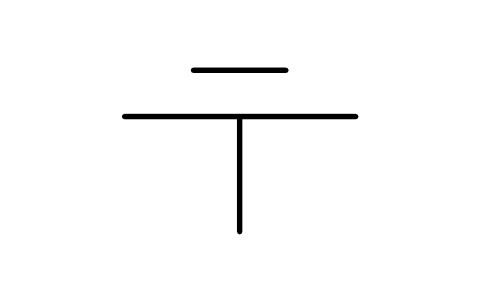
Junction, conductor unbroken
INS_S00029_JUNCTION_CONDUCTOR_UNBROKENÖznitelikler
TAGREMARKSSTD_CLAUSESTD_REFDESC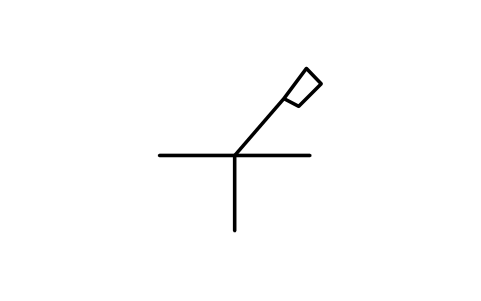
Junction, special tool
INS_S00030_JUNCTION_SPECIAL_TOOLÖznitelikler
TAGREMARKSSTD_CLAUSESTD_REFDESC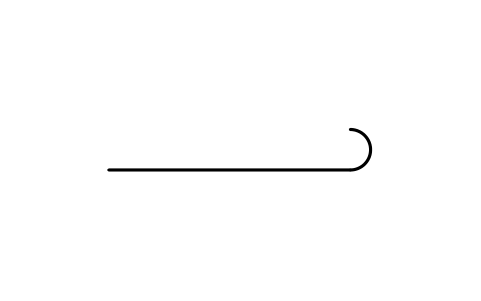
Conductor end, unconnected
INS_S00014_CONDUCTOR_END_UNCONNECTEDÖznitelikler
TAGREMARKSSTD_CLAUSESTD_REFDESC
Bir sembol mü eksik? Hangisi olduğunu bize yazın.
Attributes for parts lists
Devices carry a visible reference such as U1 and invisible attributes: RATING, PART_NO, MANUFACTURER and REMARKS. Marks and small figures have a remarks field only, so they can be combined freely.
Because the data sit in attributes, you can export the devices of a project to Excel with BlockSync, build a list, check it and write the corrections back in one run, with preview and backup.
How to use the library
- Unzip the file and open the DWG. Copy the symbols you need into your plan, or drag the blocks in from DesignCenter (ADCENTER).
- The symbols are drawn at plotted size in millimetres on a 2.5 mm grid, the grid of the standard's pages: a boxed device is about 10 to 20 mm wide, a contact about 15 mm high. Insert them at the scale of your drawing, for example scale 2 on a 1:2 drawing.
- Line equipment and trunking sections start at the left end of the line; boxed units, lights and signs are centred. A trunking section is drawn as bar, line, bar, and feeders and tap-offs are separate blocks, so you can build a run by placing and joining them.
- Variants share the same body and differ by a mark or a detail. Edit the mark to make a variant that is not in the library.
About IEC 60617
IEC 60617 is the international standard for graphical symbols for diagrams, in many parts. This library holds figures of parts 3, 11 that are not in the library “Common electrical symbols (IEC 60617)”, drawn after the standard's database.
These symbols are our own drawings after the figures of the standard. They are not copied from it, and the library is not certified against it. Check them against the standard, your company standard or your customer’s legend before you decide to use a symbol.
Frequently asked questions
- Where are the sockets, switches and luminaires for building plans?
- Socket outlets, switches, lighting outlets and distribution boxes of installation diagrams are in the library “Common electrical symbols (IEC 60617)”, in the section on installation plans. This library adds trunking, cable television, airfield lights and connectors.
- Where are the other IEC 60617 symbols?
- The standard is spread over several libraries on this site: common electrical symbols, power system single-line, semiconductors and tubes, binary logic elements, logic functions and analogue, telephone and sound, telecom transmission, relays and protection, machines and meters, and busbar trunking with cable television. Every library page lists the others.
- Can I use the symbols in commercial projects?
- Yes. They are free to use and modify in your own projects, including commercial ones. They are provided as is, without warranty.
- Can I use the airfield light symbols on an airport plan?
- Yes, they are the standard's figures for ground lights and signs: the square is an elevated light, the circle a surface light, and the lines show the beam direction. Add colours and types in your own legend, as the standard does in its tables.
- Can I change a symbol or add attributes?
- Yes. Open the DWG, edit a block with BEDIT to change it or add attributes, and save. To update drawings that already contain the block, run ATTSYNC or replace the block. Make a backup first: attribute values can be lost if ATTSYNC is used carelessly.
- Where do I find a ready-made set of these symbols for AutoCAD?
- AutoCAD itself ships only a small set of sample blocks, so a full symbol set has to come from a library. Download the ZIP on this page and open the DWG: every symbol is a block. Insert one with INSERT (Blocks palette, Libraries tab, then pick the DWG) or drag it from DesignCenter (ADCENTER). You can also download a single symbol on its own.
Count the symbols and build a parts list
Because ratings and part numbers are attributes, the symbols of a whole project can be counted and listed without opening the drawings. Export the blocks to Excel, total them with a pivot table and write corrections back in one run, with preview and backup.
See how to count blocks with BlockSync